Chaitanya P.
Managing Director"Master the Media with Maestra"
The best side of this product is auto subtitling. And most importantly, it supports multiple languages.
Read full reviewAutomatically produce compliant audio descriptions for video content.







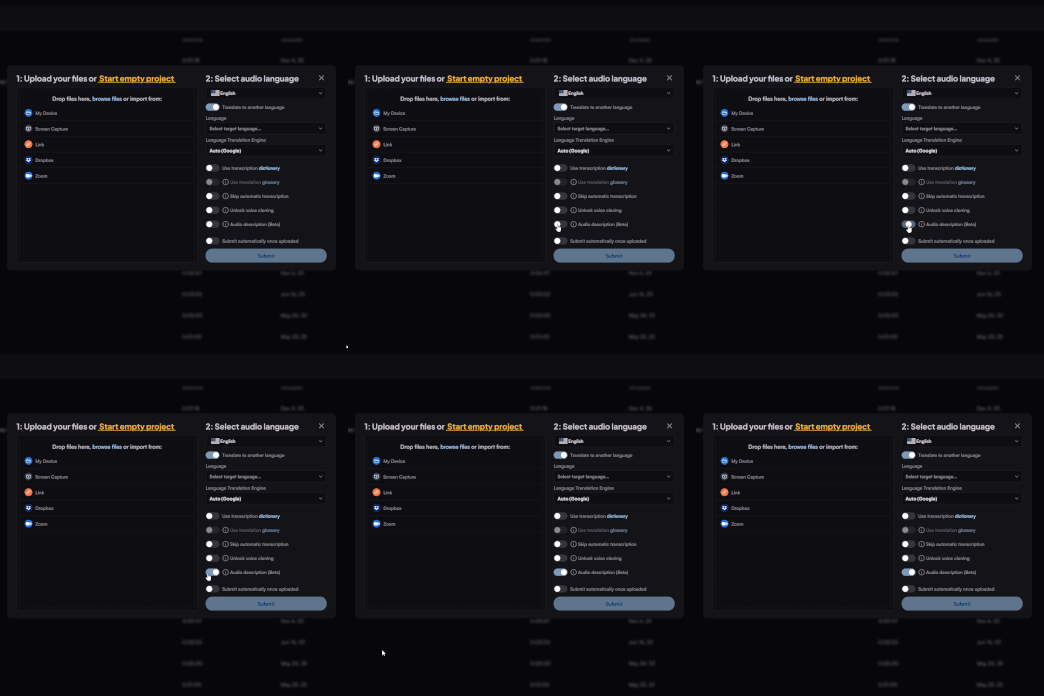
Upload a video file and enable audio description.
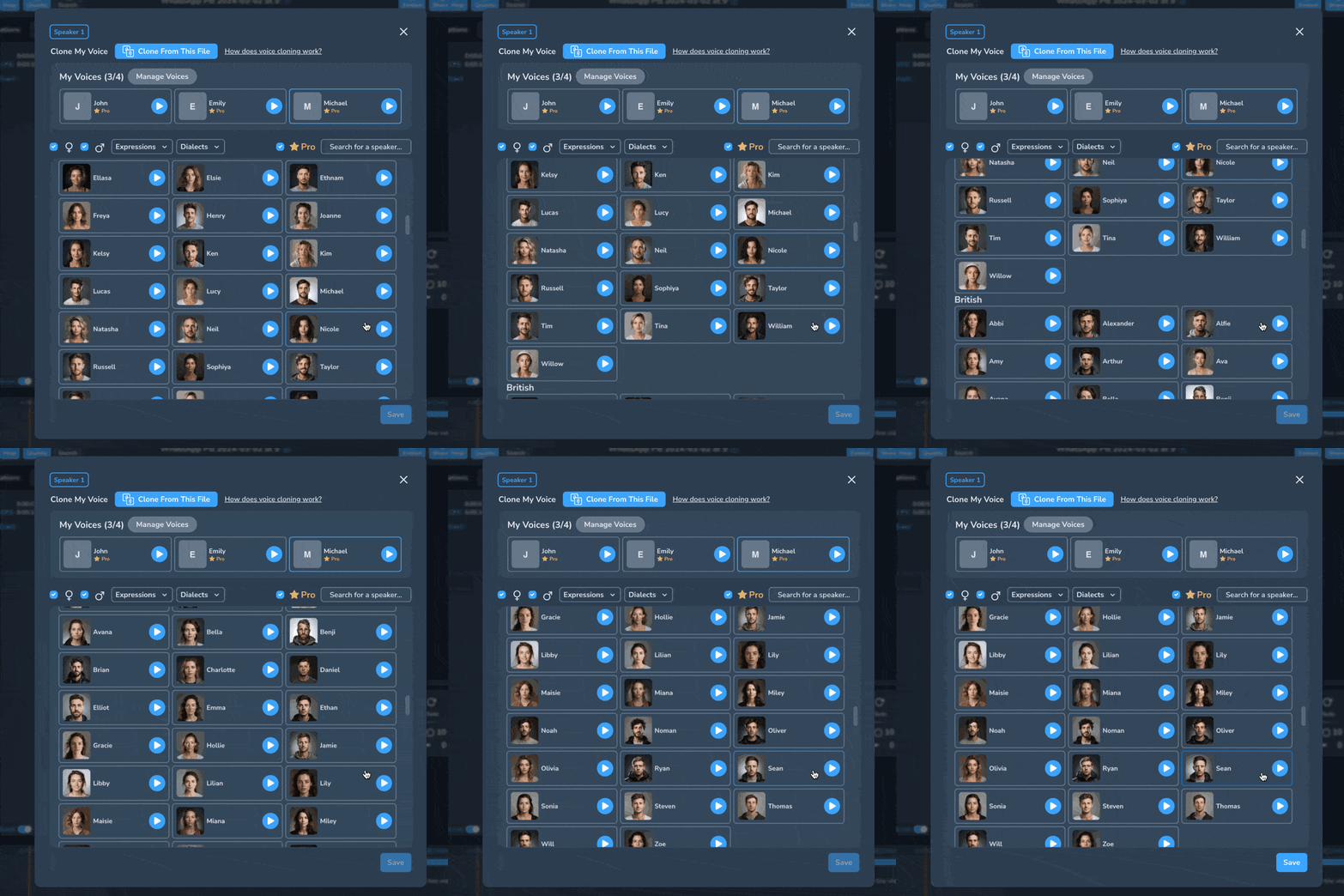
Let realistic AI voices describe what is going on in the video.

Edit the audio description, AI voices and seamlessly share the file. Export in the format you prefer.
Yes, Maestra supports more than 125 languages which is also the case for our AI audio description generator.
It depends on the length of the file but generally it won't take more than a few minutes and you will have the audio descriptions ready.
Yes. You can generate audio descriptions for marketing, promotional, and social media videos to make visual content more accessible and easier to understand for a wider audience.
No. The tool is designed to be user-friendly—simply upload your video and generate audio descriptions without any technical setup or prior experience.
AI-generated audio descriptions are highly accurate for most common visual elements and scenes. For critical or highly detailed content, you can review and edit the output to ensure it meets your specific needs.
Yes. Audio descriptions can be exported as a separate audio file, allowing you to integrate them into your existing video workflow or media player.
Yes. Audio descriptions work alongside captions and subtitles, providing complementary accessibility support for viewers with different needs.
Yes. The tool can handle long-form and complex videos, though reviewing and refining the generated descriptions is recommended for content with dense visuals or fast scene changes.
Yes. You can edit, refine, and customize the generated audio descriptions to adjust wording, timing, or level of detail before exporting.