Chaitanya P.
Managing Director"Master the Media with Maestra"
The best side of this product is auto subtitling. And most importantly, it supports multiple languages.
Read full reviewTranslate any video into 125+ languages with AI dubbing, voice cloning, and lip sync. all in one editor. Rated 4.8/5 on G2.
MP4, MOV, WebM, AVI, MKV, SRT…
Your free trial is used — convert your next file in the Maestra app.
Sign up nowYouTube, Vimeo, Google Drive, or a direct media URL
Your free trial is used — convert your next file in the Maestra app.
Use your microphone
Your free trial is used — convert your next file in the Maestra app.
Trusted by Teams Worldwide
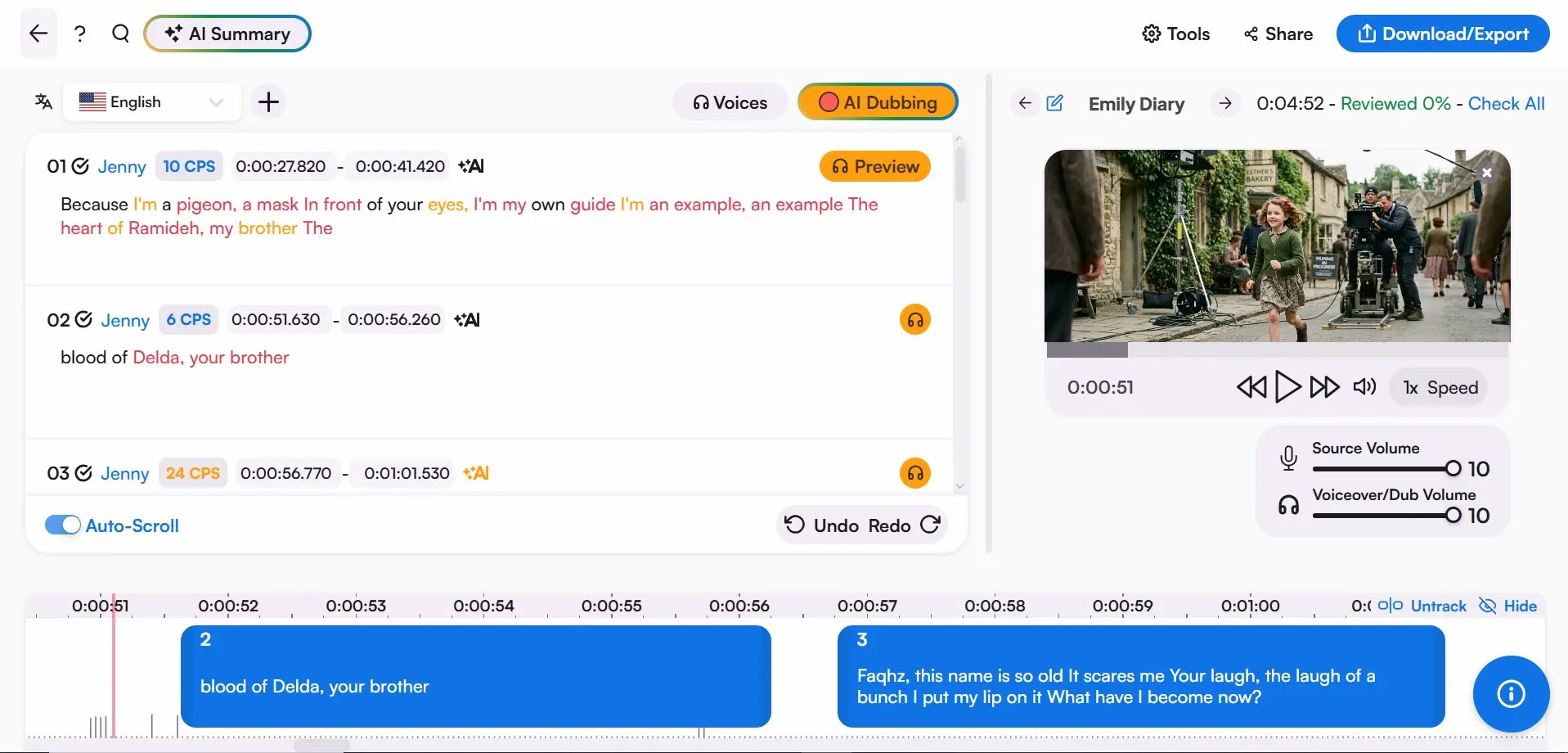
Upload your video. Translated subtitles in 125+ languages come back in minutes. Review, refine, and sync every line using our built-in video translation editor, no timeline software required.
 English
 French
 Arabic
 German
 Spanish
 Japanese

Upload any MP4, MOV, MKV, or AVI file directly into Maestra. Most 10-minute videos are ready to translate in under a minute. No conversion or compression needed before you start.
Select your target language from 125+ options and let Maestra's AI generate translated subtitles, a dubbed voiceover, or both at the same time. Review and fine-tune every line inside the built-in editor before exporting.
Download your translated video as an MP4 with embedded subtitles, dubbed audio, or both. Export subtitle files separately as SRT, VTT, or other formats. Share with collaborators for review directly from Maestra.
From raw footage to a fully localized video, Maestra covers every step in one place.
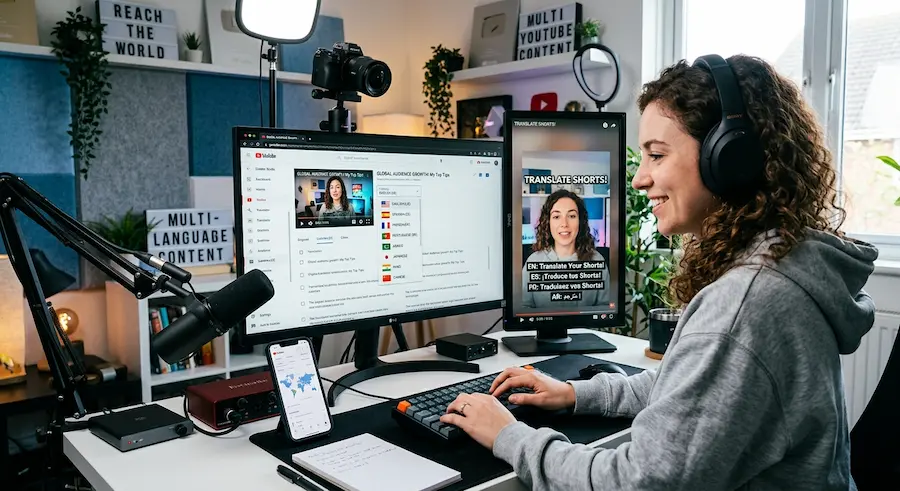

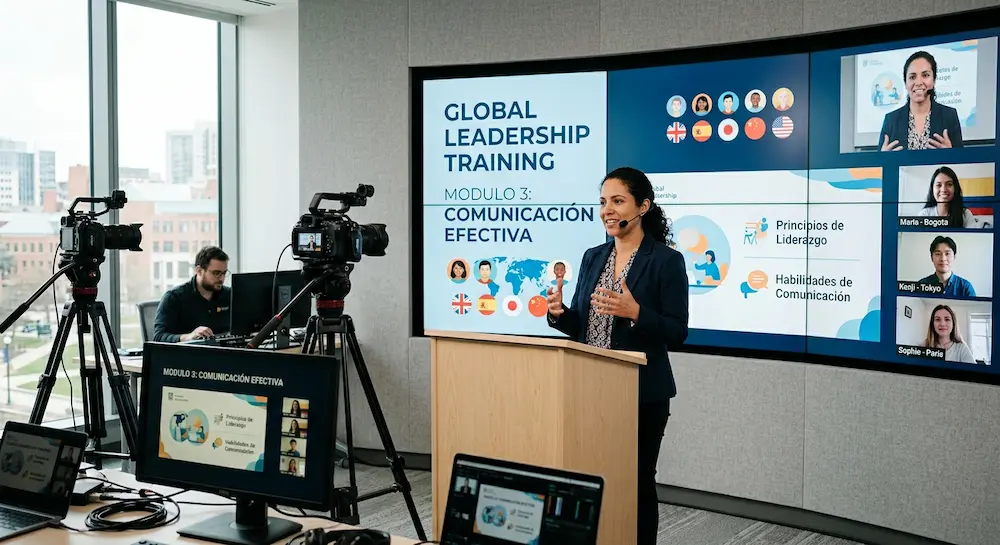
Upload a video to Maestra’s video translator and benefit from video translation for free, no credit card or account required.
All you need to do is upload a video file to Maestra’s video translator and choose the target language, then the video will be translated in your chosen language with subtitles and/or AI voiceovers.
Maestra's AI is trained on real human speech across 125+ languages, producing high accuracy for clear spoken content. Technical jargon, heavy accents, or overlapping speakers may require minor edits, which you can make directly inside the editor before exporting.
Yes. The AI video translator includes a free trial covering subtitles, AI dubbing, and voice cloning across 125+ languages. No credit card required to start translating videos.
After the upload is over, the video will be auto translated into the target language you have chosen.
Yes, the video translator can be used as a YouTube video translator thanks to Maestra’s YouTube integration, allowing you to directly add and edit subtitles to your videos from the video translator.
Yes, you can translate video content in real-time through the live translation extension or the web captioner tool, available in 125+ languages. The live video translation extension has a free trial period of up to 10 minutes.
Yes. Translate the same video into multiple languages from one editor. Switch between language versions without re-uploading.
Maestra supports 125+ languages including Spanish, French, German, Japanese, Portuguese, Arabic, Hindi, and more. Both subtitle translation and AI dubbing are available across the full language list.
Yes. Maestra keeps your original audio intact. You can add translated subtitles without touching the source track, or layer dubbed audio on top while keeping the original available for reference or download.
Most 10-minute videos are processed in under 5 minutes. Processing time depends on file size and the number of languages selected, but Maestra is built to deliver results fast without requiring manual setup.
For most use cases — social media, corporate training, e-learning, and YouTube — yes. Maestra's AI dubbing with voice cloning produces natural-sounding output that works at scale. For broadcast film or legal content requiring certified translation, human review is still recommended.
Yes. You can upload an existing SRT or VTT file and translate it into any of Maestra's 125+ supported languages without re-uploading your video. The translated file is available to download in the same format.