Chaitanya P.
Managing Director"Master the Media with Maestra"
The best side of this product is auto subtitling. And most importantly, it supports multiple languages.
Read full reviewUpload an audio file in English and translate it to Indonesian within seconds.
MP3, WAV, M4A, AAC, FLAC, SRT…
Your free trial is used — convert your next file in the Maestra app.
Sign up nowYouTube, Vimeo, Google Drive, or a direct media URL
Your free trial is used — convert your next file in the Maestra app.
Use your microphone
Your free trial is used — convert your next file in the Maestra app.
Live Translation from spoken audio, transcribed and translated as you speak.


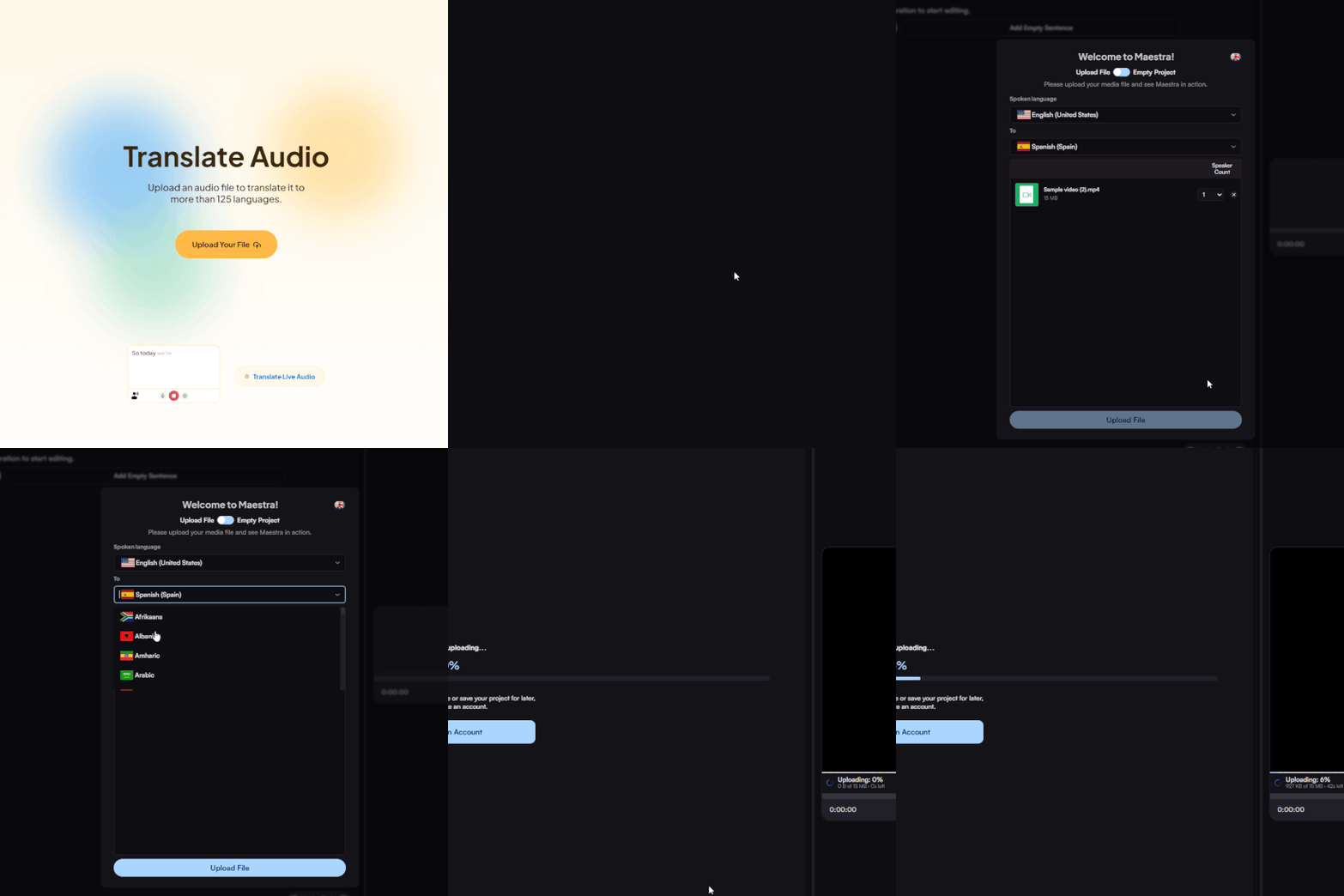
Upload an English audio file from your device, Dropbox, Zoom, or paste a link. Set English as the source language and Indonesian as the target.
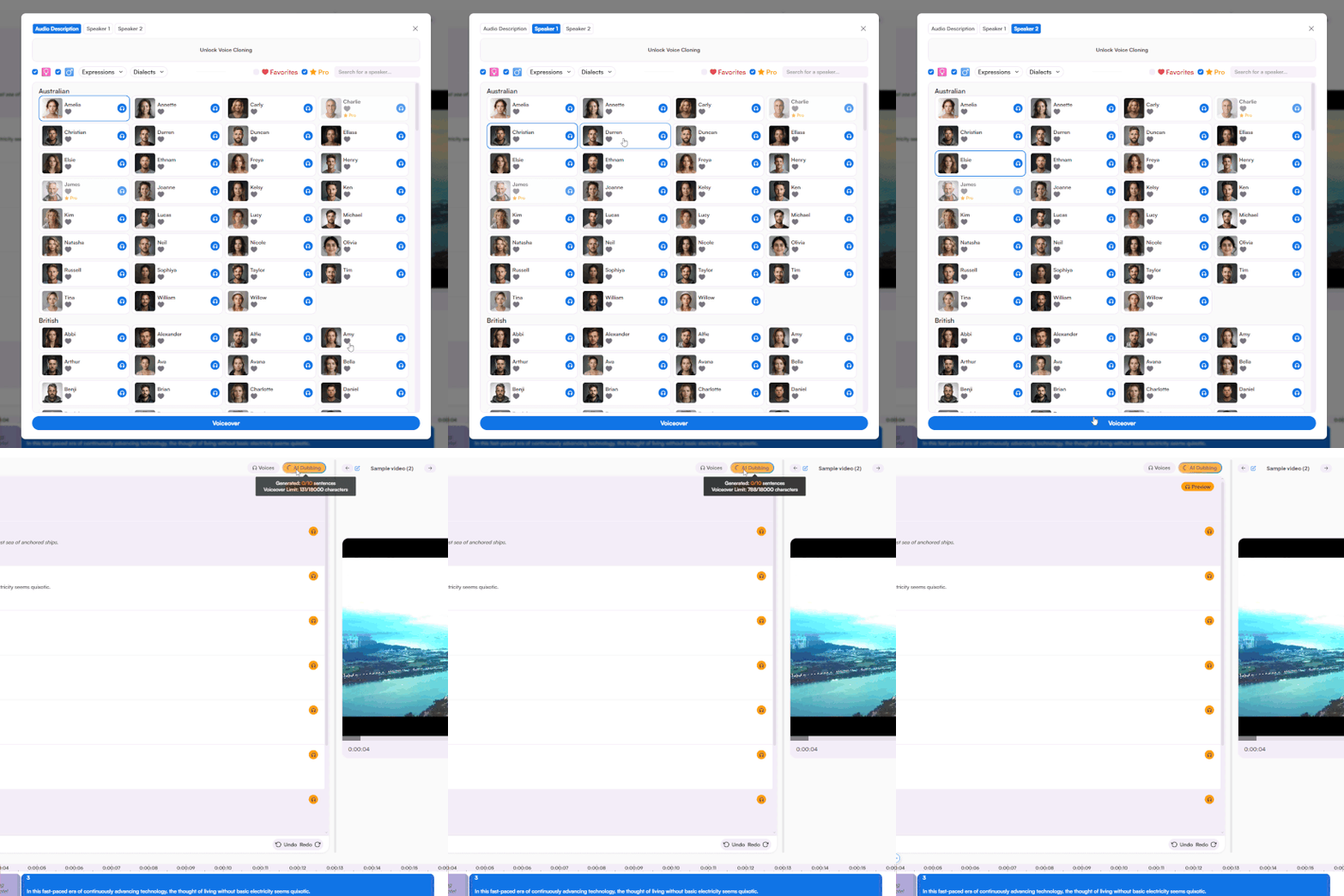
Choose from a rich portfolio of voices and receive the full audio translation to Indonesian within minutes. Fine-tune every aspect of the voiceover with a simple yet advanced voiceover editor.
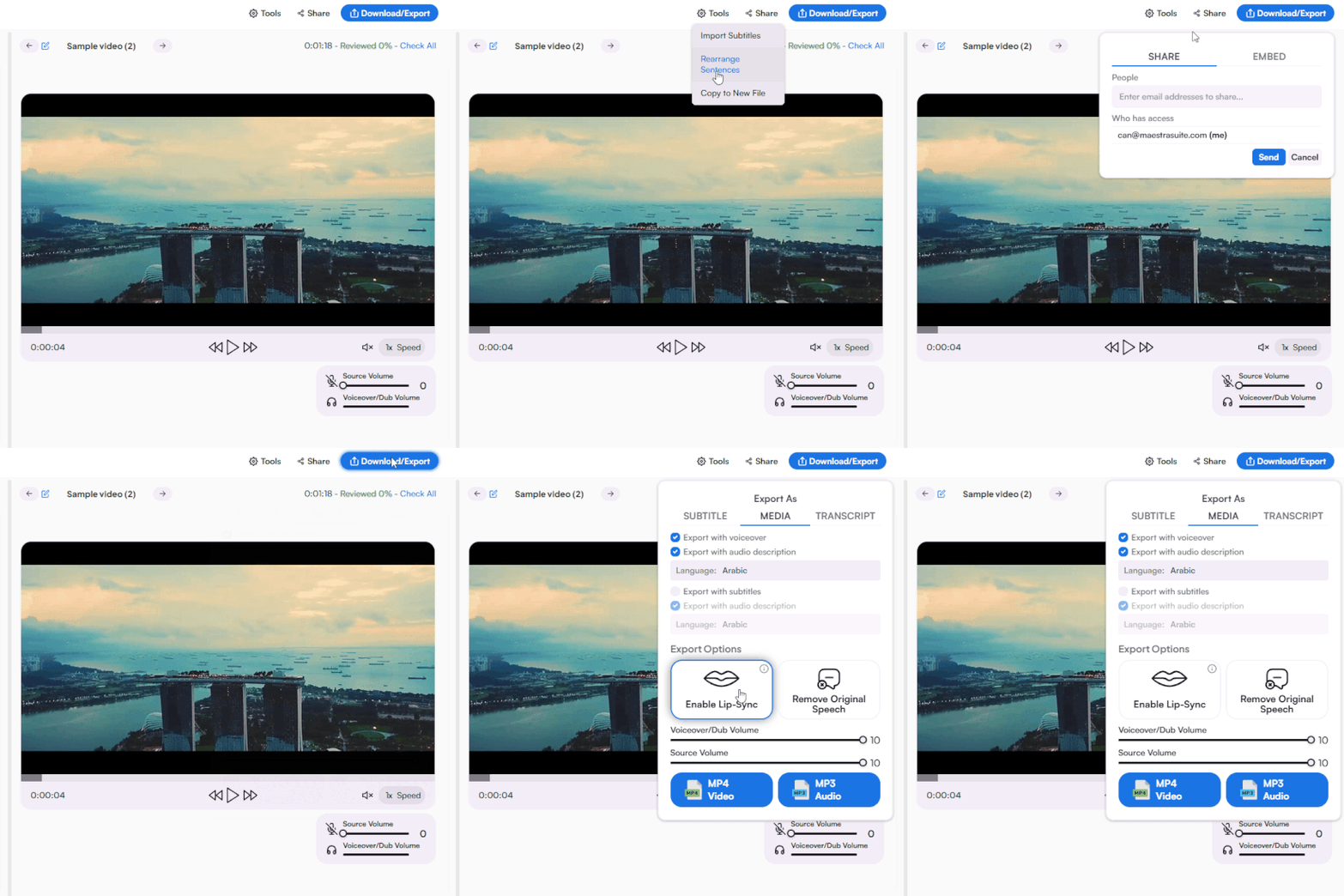
Share to collaborate or export as MP3 or MP4 with Indonesian voiceover, along with the option to export as various subtitle and transcript formats.
Upload your English audio file, set English as the source language and Indonesian as the target, choose an AI voice, and download your translated audio within seconds.
Yes. Use real-time audio translation to convert English voice to Indonesian live during meetings, webinars, and events without any uploads.
Yes. A free trial is available with access to English to Indonesian audio translation, voice cloning, and AI voices. No credit card required.
Yes. Clone the original speaker's voice and regenerate it in Indonesian for consistent delivery. Voice cloning works for both uploaded audio and real-time translation with proper permissions.
Multiple Indonesian AI voices across different genders and styles, trained on native Bahasa Indonesia speech. Preview each voice before generating your translation.
Yes. Every English to Indonesian audio translation generates matching subtitles and transcripts, downloadable in SRT, VTT, DOCX, PDF, and more.
AI translation trained on Bahasa Indonesia delivers accurate pronunciation and natural speech. Edit the output in the editor before exporting to refine any specific phrases.
Yes. Translate, generate subtitles, clone voices, and edit your English to Indonesian audio all from a single interface.