Get Started Free

TikTok Voice Generator

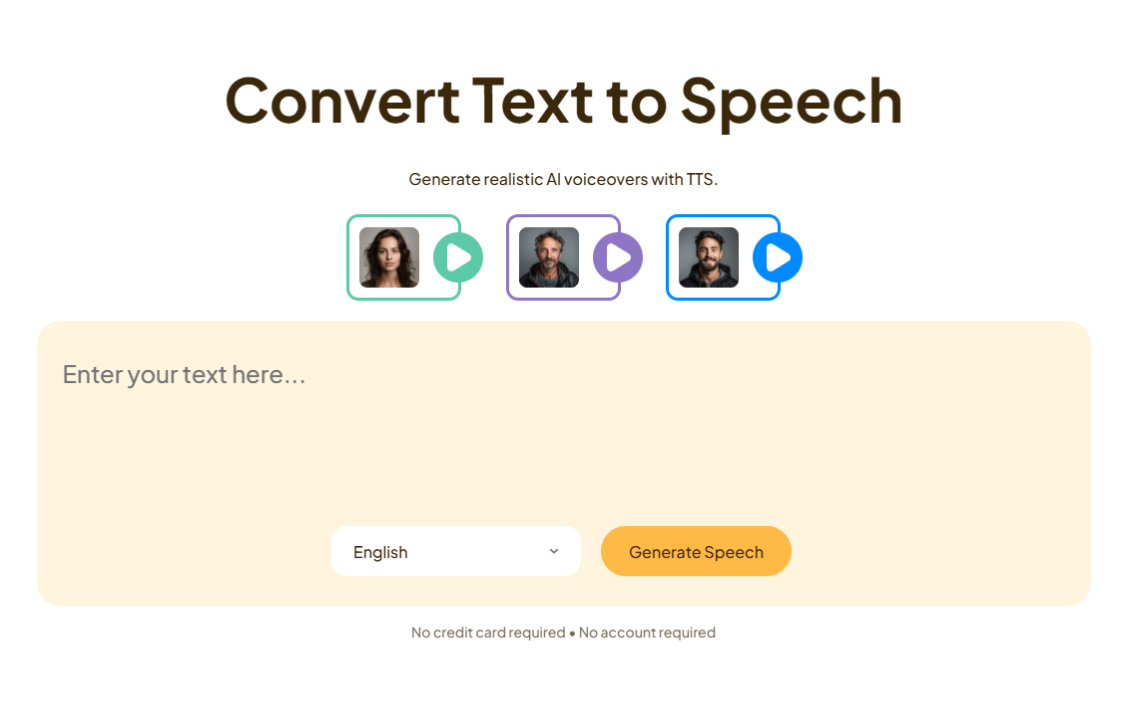
Generate AI voiceovers for TikTok in 130+ languages.

Voice avatar
Voice avatar
Voice avatar
Voice avatar
No credit card required • No account required

How to Generate AI Voices for TikTok

STEP 1

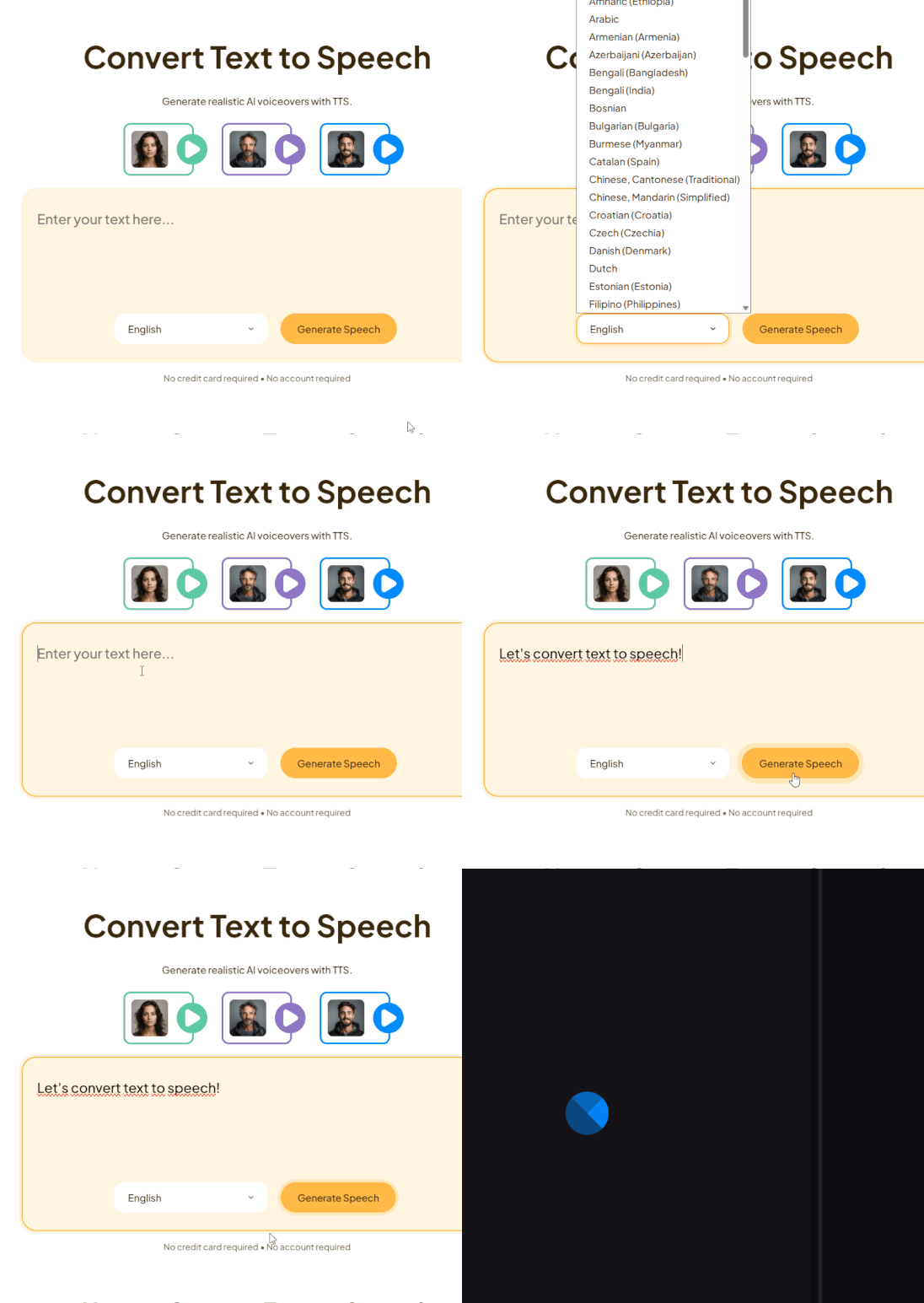
Add Your Script and Choose a Language

Type or paste your script into the text box and select your language from the dropdown.

Text input and language selection
STEP 2

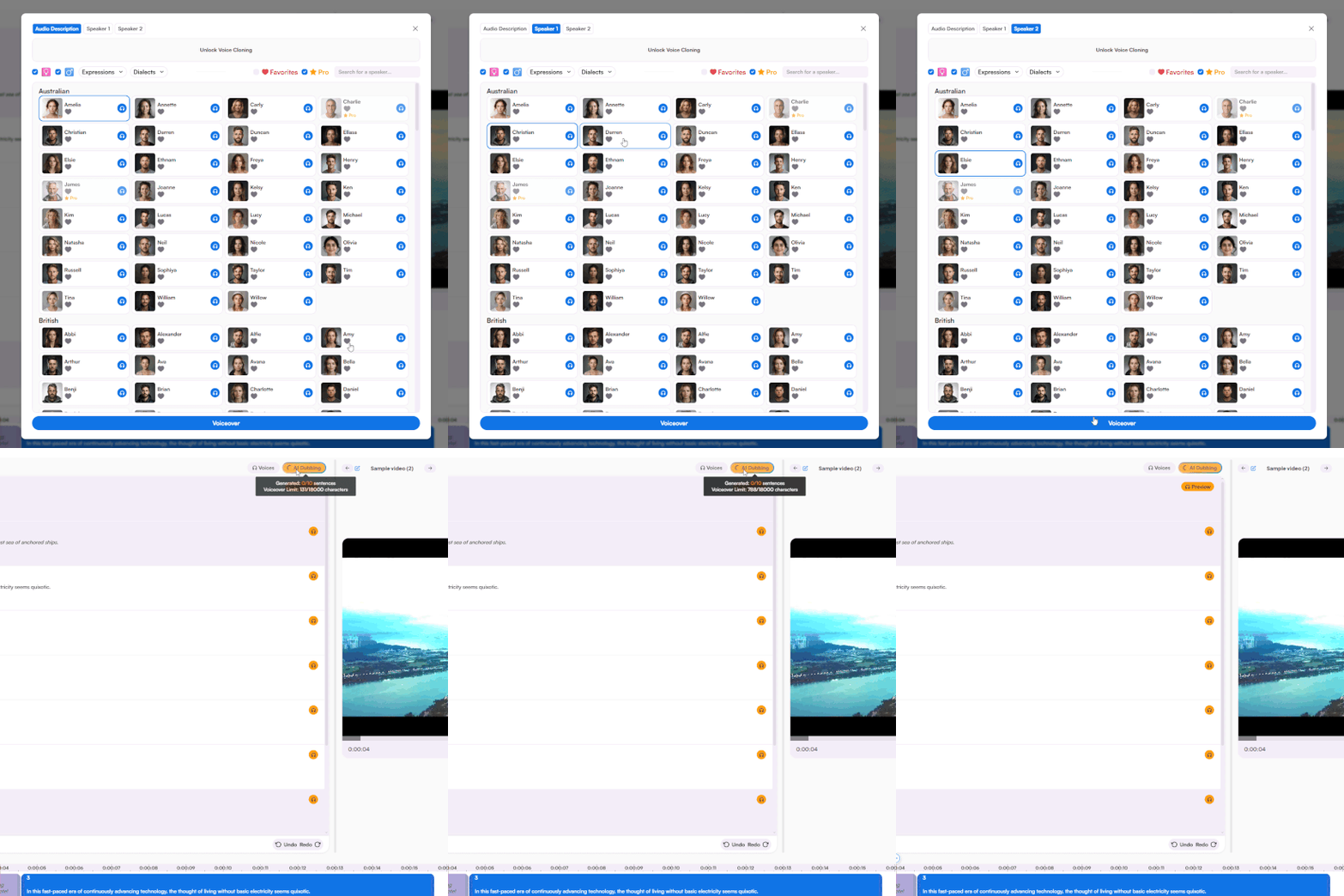
Preview and Select a Voice

Browse the AI voice library, click to hear samples, and pick the voice that fits your content.

AI voice library with preview options
STEP 3

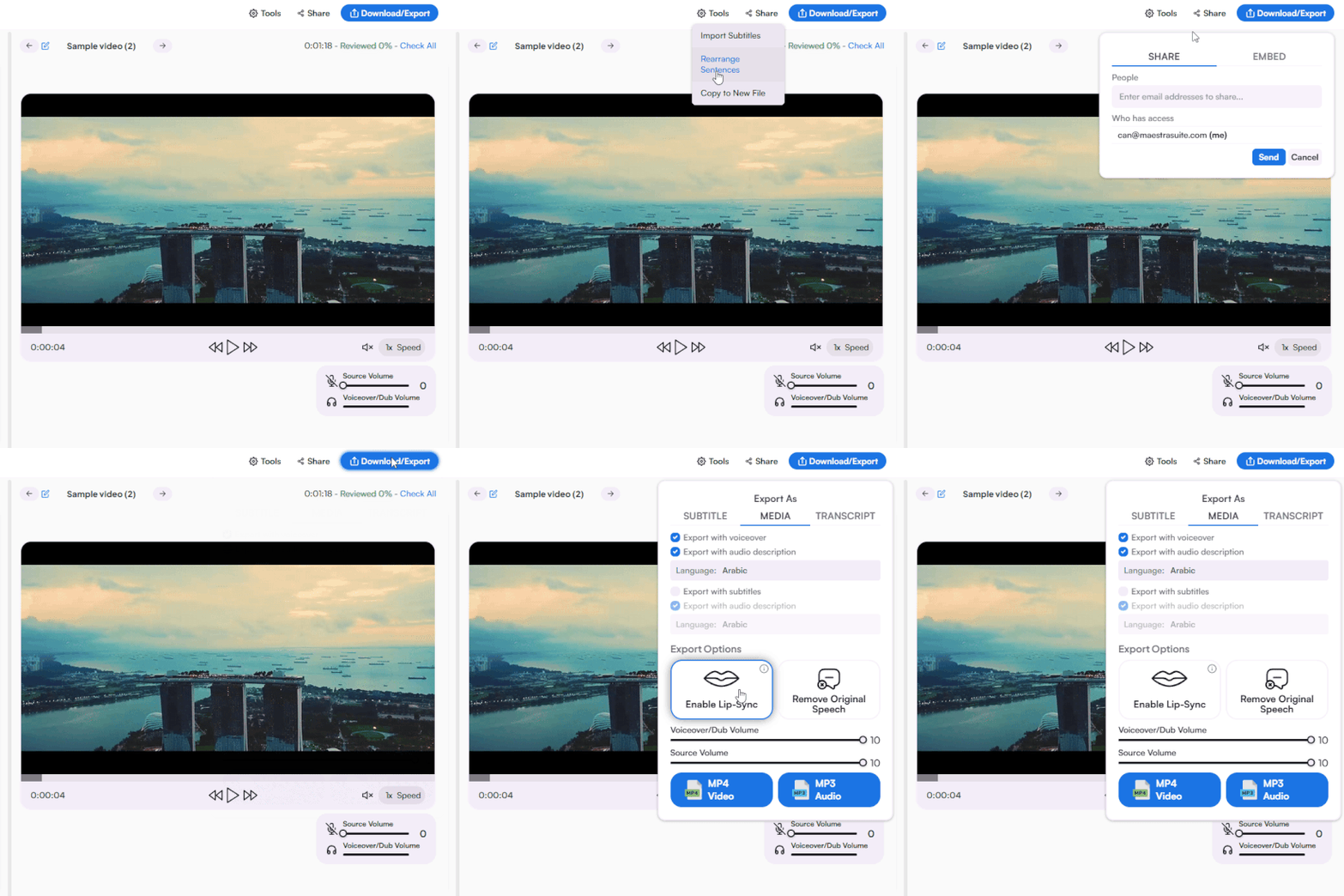
Convert, Fine-Tune, and Download

Click convert to open the editor, adjust speed and tone, translate to more languages, and download your audio file.
Voice editor and export options

TikTok Voice Generator Online

Generate TikTok AI voices directly in your browser. No software to download or install. Access the tool on any device and start converting text to speech instantly.

TikTok Voice Generator Features

Generate AI voices for TikTok content with a full suite of creation and editing tools.

TikTok-Ready AI Voices

Generate voiceovers that match TikTok's fast-paced, engaging style. Choose from a library of AI voices including Adam and other popular styles used across viral content.

TikTok Ads Integration

Push AI voiceovers directly to TikTok Ads. Generate, fine-tune, and deliver ad audio without leaving the platform.

130+ Languages with Accents

Create TikTok voiceovers in 130+ languages with regional accent options. Reach international audiences without recording in multiple languages.

Voice Cloning & Lip Sync

Clone your own voice and sync it to your TikTok videos automatically. Maintain a consistent personal brand at scale. Speaker consent required.

Speed, Tone and Pitch Control

Adjust speech rate, tone, and emphasis directly in the editor. Match the energy of your content whether it's a fast-paced meme or a calm tutorial.

Integrate & Collaborate

Connect with YouTube, TikTok, Zoom, Slack, and Zapier. Collaborate in real-time with your team, access enterprise solutions, or build custom workflows with the API.
Generate AI TikTok Voices Now

Customer Reviews

4.8 out of 5 stars G2

Chaitanya P.

Managing Director

"Master the Media with Maestra"

The best side of this product is auto subtitling. And most importantly, it supports multiple languages.

Read full review

Ricardo Y.

"The All In One 'over the top' turnkey solution for Automatic Transcripts, Subtitles and Voiceovers"

What comes to mind as Maestra being the go-to solution for our company is that it's such a time and money saver.

Read full review

Matthew S.

CSR

"perfect for anything transcript needs"

The best thing about Maestra is how well it creates transcripts. It's so useful for me. It makes my day a lot easier.

Read full review

Mary M.

Program Development

"Maestra 100% worth the investment in captioning your videos"

Ability to share captioning of our videos with multiple volunteer users is getting our captioning done quickly. Saving time and money with good quality captioning and ease of use.

Read full review

Carolina A. H.

Director

"MAESTRA IS THE GO-TO FOR SUBTITLING. LOVE IT!"

Maestra is just amazing! We were able to produce subtitles in multiple languages assisted by their platform. Multiple users were able to work and collaborate thanks to their super user-friendly interface.

Read full review

Janet S.

Enterprise

"Great product and very easy to use."

Maestra was intuitive to use and created a fairly accurate transcript in the first upload. It is easy to make corrections and ensure accuracy.

Read full review

FAQ

How do I generate a TikTok AI voice?

Type or paste your script into the text box, select a language, pick an AI voice, and click convert. Download your audio file from the editor.

What is the TikTok AI voice called?

The most recognized TikTok AI voice is called Adam. Maestra offers an Adam voice alongside a full library of AI voices for TikTok content.

Can I generate a TikTok voice for free?

Yes. Try the TikTok voice generator for free with access to multiple AI voices and languages. No credit card required.

What languages does the TikTok voice generator support?

The TikTok voice generator supports 130+ languages with regional accent options for localized content creation.

Can I use TikTok AI voices for TikTok Ads?

Yes. Generate voiceovers and push them directly to TikTok Ads from the editor without additional tools.

Can I clone my own voice for TikTok content?

Yes. Use voice cloning to create a digital version of your own voice for TikTok videos. Speaker consent is required for all voice cloning.

What is a TikTok voice generator?

A TikTok voice generator is an AI tool that converts written text into speech for use in TikTok videos. It produces voiceovers in a range of voice styles and languages without recording equipment.

Can I use TikTok AI voiceovers commercially?

Yes. All AI voices are fully licensed for commercial use including TikTok Ads, branded content, and sponsored videos.