Chaitanya P.
Managing Director"Master the Media with Maestra"
The best side of this product is auto subtitling. And most importantly, it supports multiple languages.
Read full reviewUpload any voicemail and read it as text in seconds.
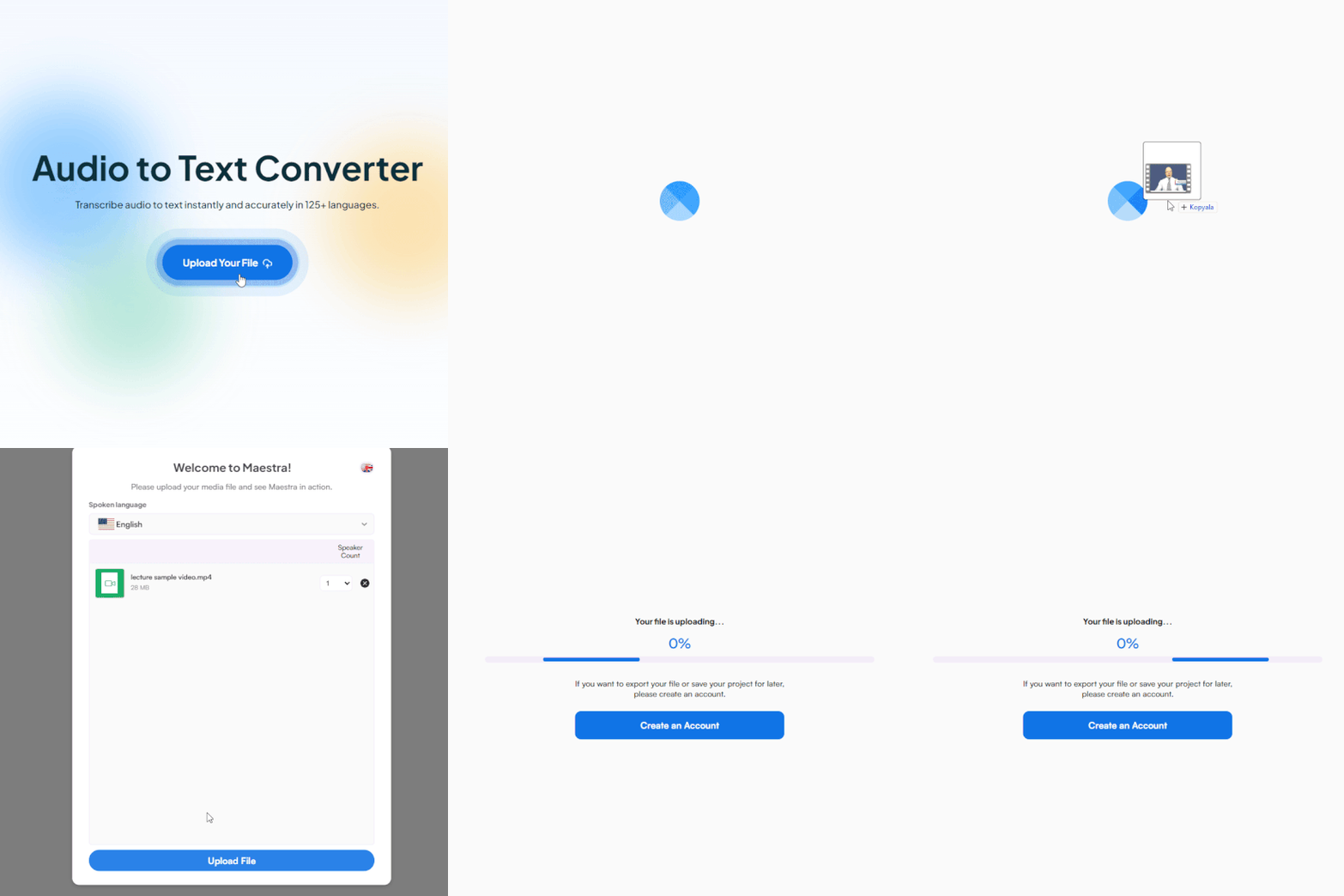
Accurate voicemail transcription in 125+ languages.







Save the voicemail from your phone, upload it, and read the message in seconds.

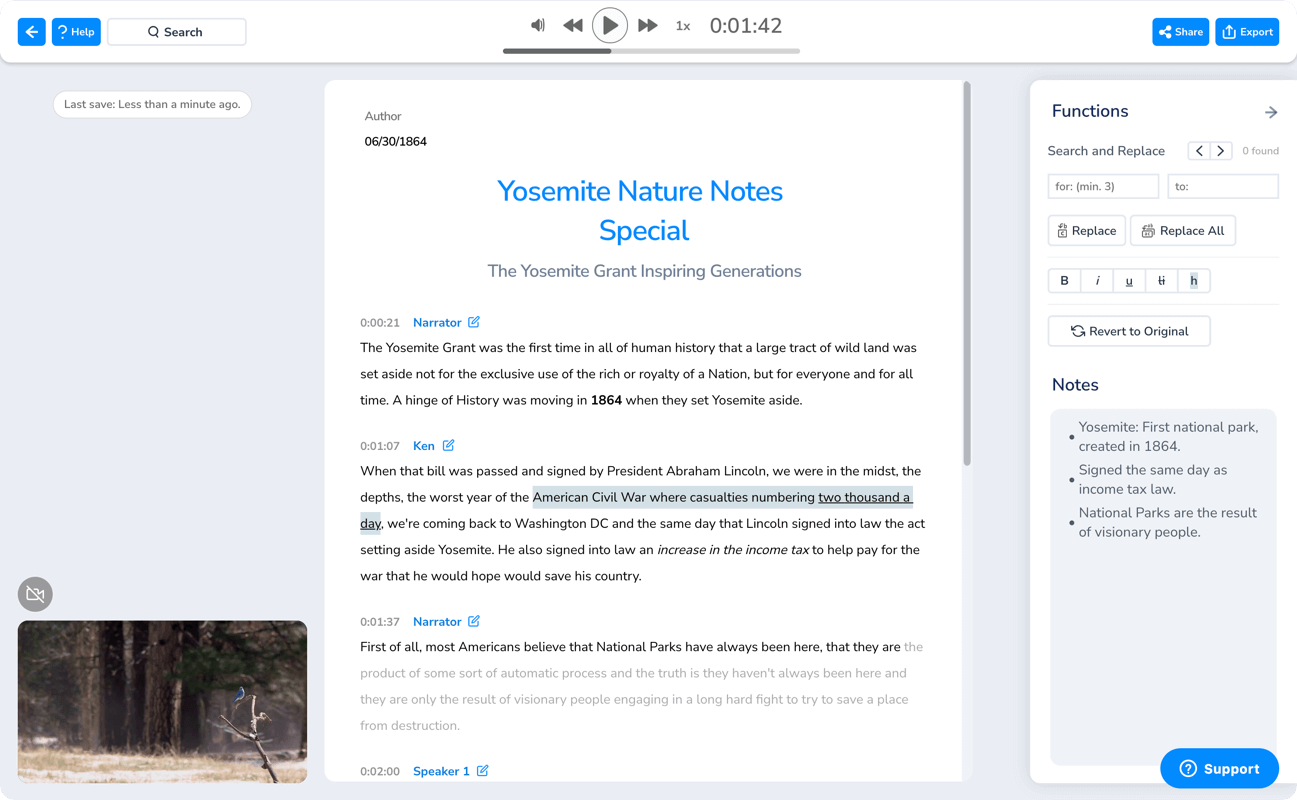
Add the saved voicemail file and pick its language from 125+ options.
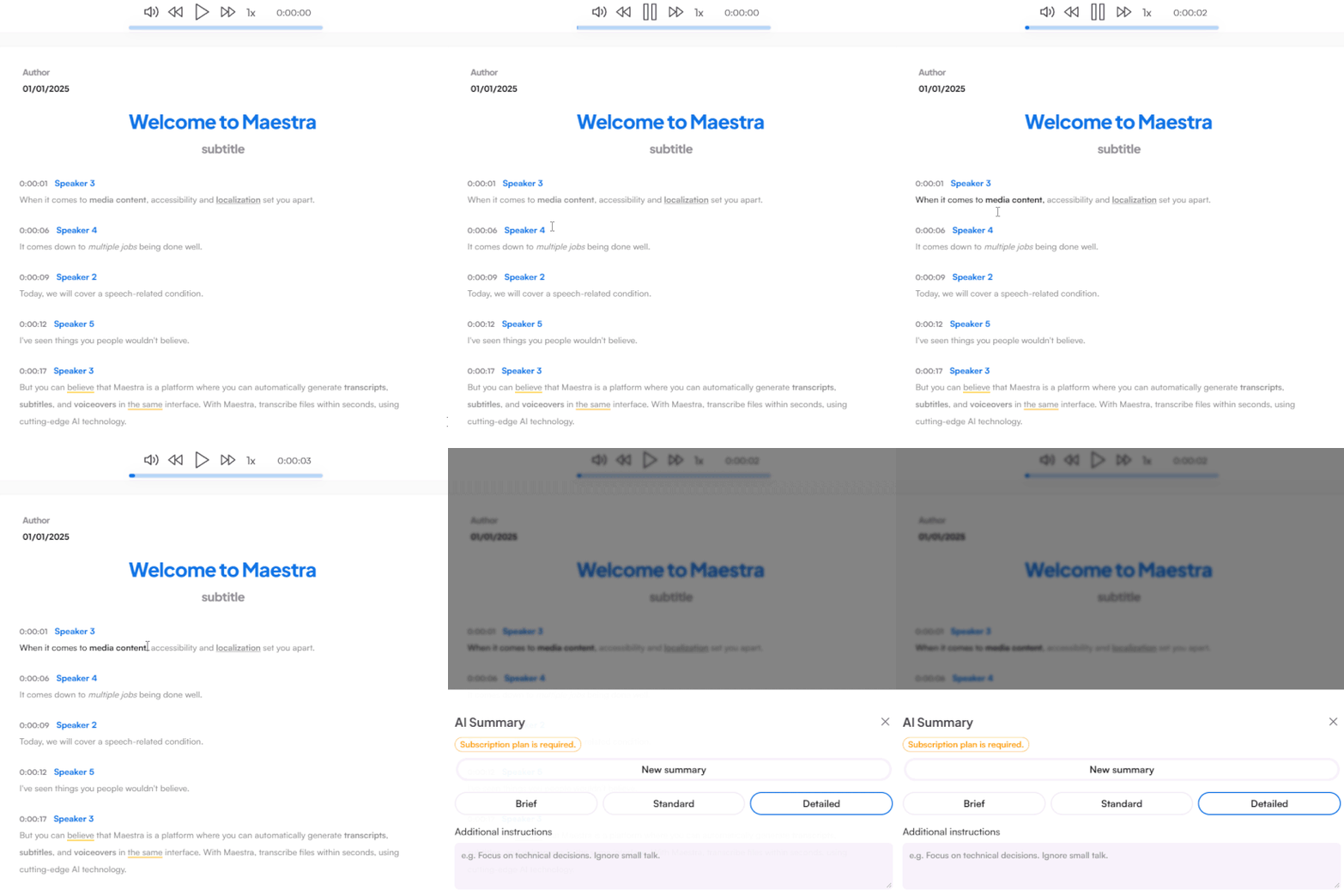
Maestra turns the message into accurate text in seconds, ready to review, edit or summarize.
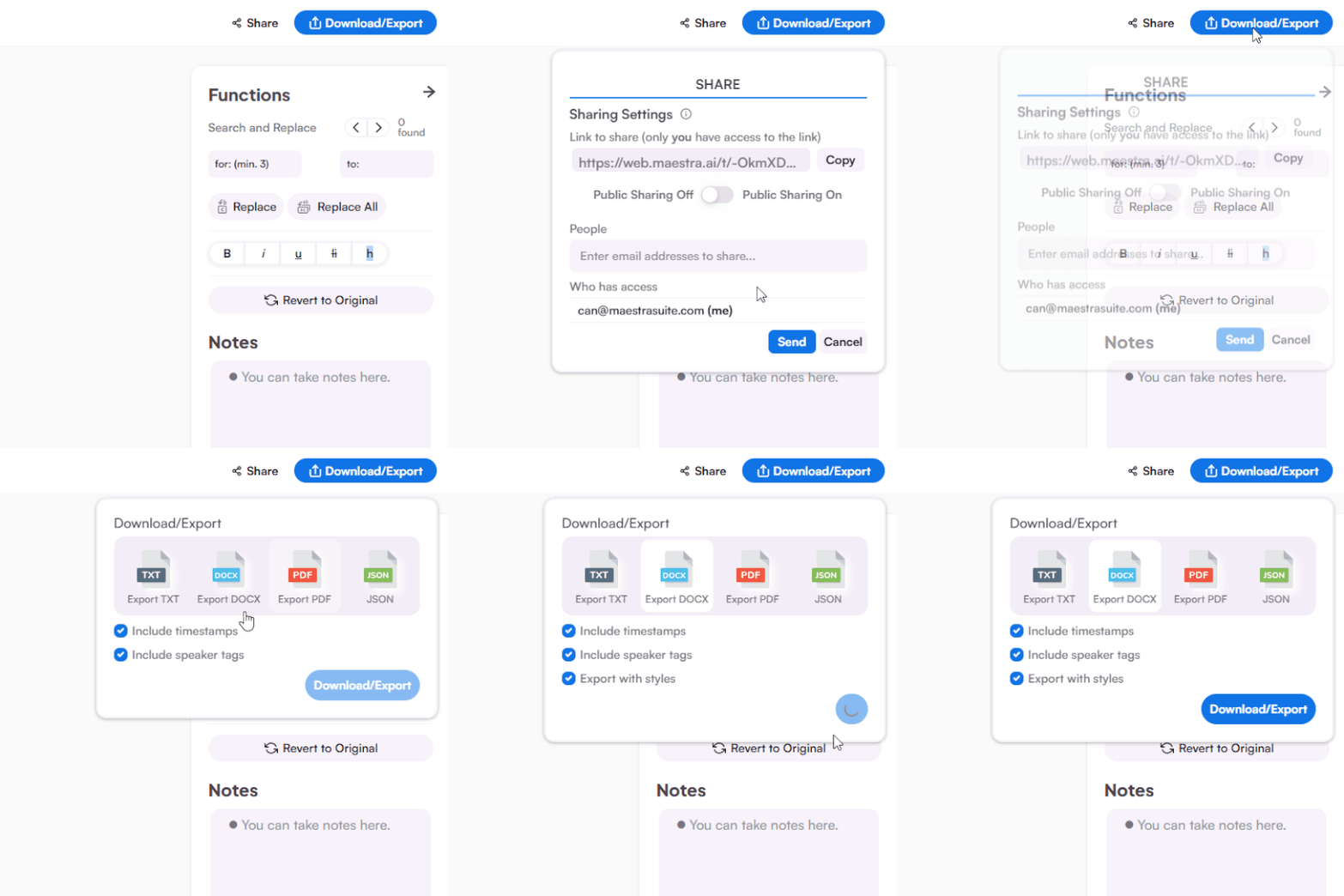
Share with others to collaborate and download as DOCX, PDF, TXT, or JSON.
Read, translate, and share your messages anywhere, no extra app needed.
Save the voicemail as an audio file, upload it to Maestra, and the transcription appears in seconds. You can then edit, translate, or share the text.
Open your visual voicemail or carrier app, download the message as an audio file, then upload it here. The transcript is ready moments later.
Open the Phone app, tap the voicemail, then tap the share icon and choose Save to Files. Upload that file to Maestra to read it as text.
You can transcribe voicemails with Maestra's free trial, no credit card or account required.
Voicemails are often noisy and quick, so Maestra uses AI speech models built for real-world audio. You can fix any misheard names in the editor afterward.
You can. Transcribe the message first, then run it through Maestra's translation tools to get it in 125+ languages, useful for messages from abroad.
Common audio and video formats all work, including the files iPhone and Android voicemail apps export.
Any recording you can upload can be transcribed, whether it arrived today or years ago.
Everything runs in your browser on phone or desktop. There is nothing to download or install.
Many teams transcribe client voicemails to log requests, share messages, and search past calls as text.