Chaitanya P.
Managing Director"Master the Media with Maestra"
The best side of this product is auto subtitling. And most importantly, it supports multiple languages.
Read full reviewType your text, pick an Irish voice, and get natural Irish accent speech in seconds.










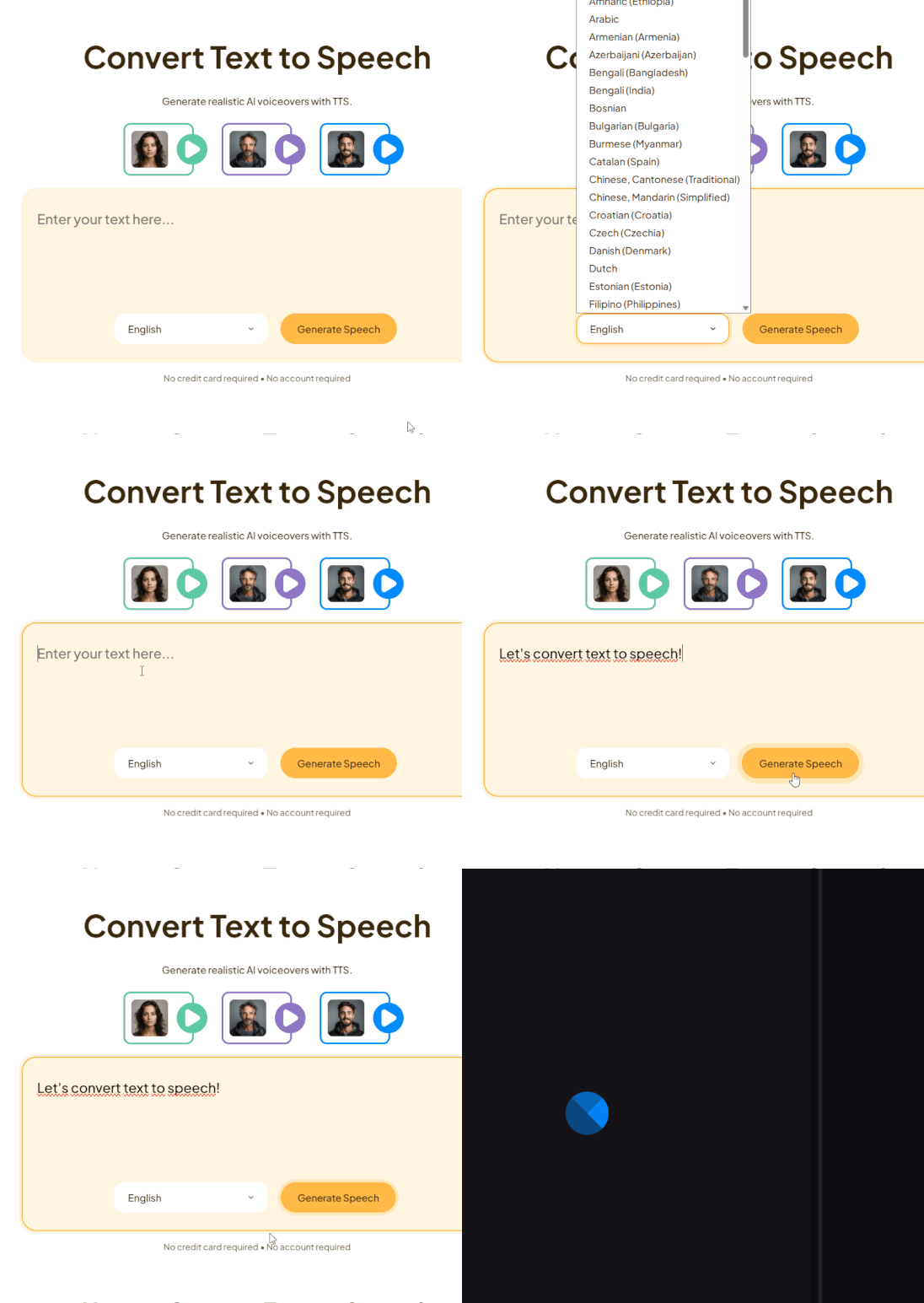
Type the text or upload a file, then choose English to see Irish as a dialect option.
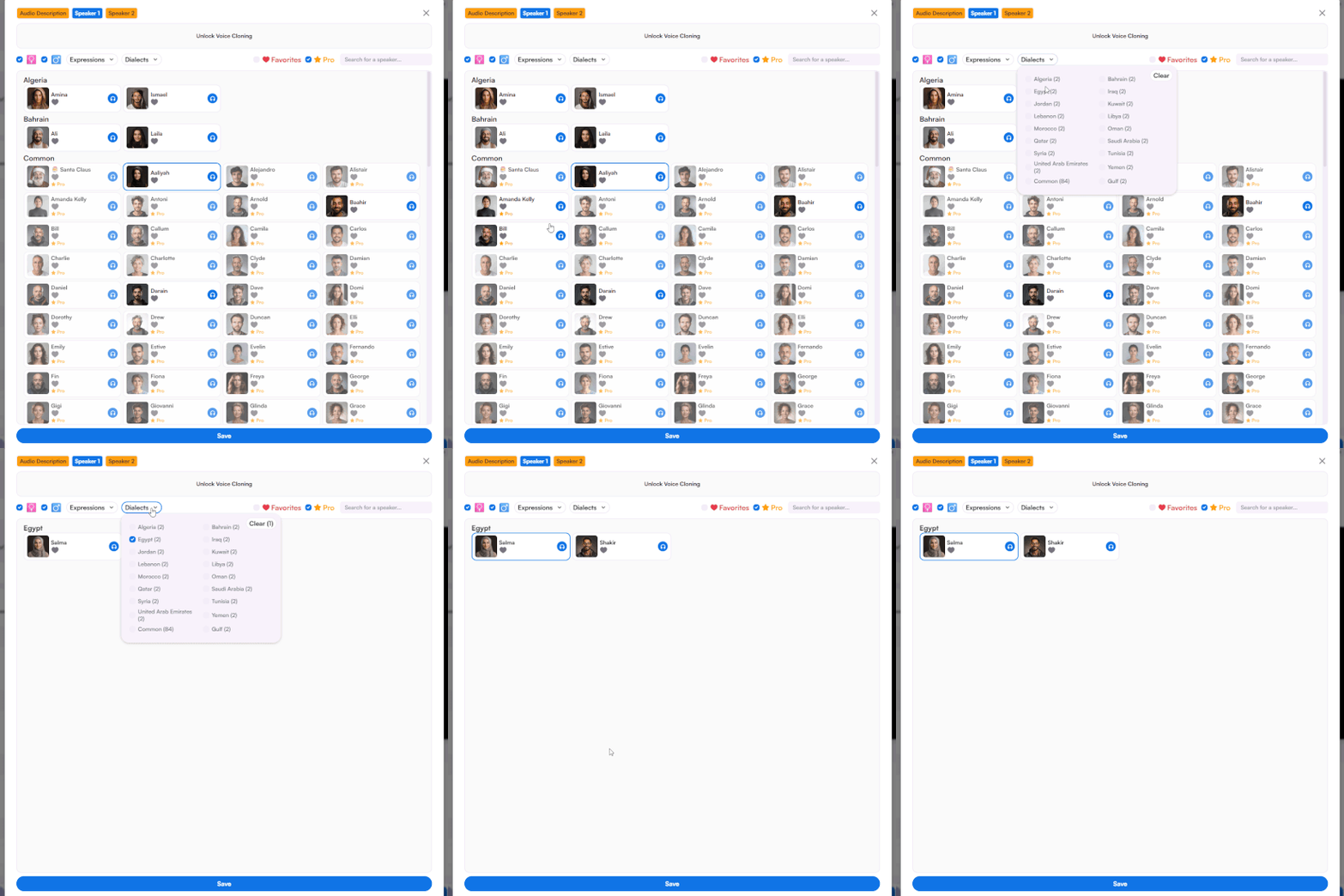
Select "Irish" amongst various dialect options for English, then choose an AI voice.
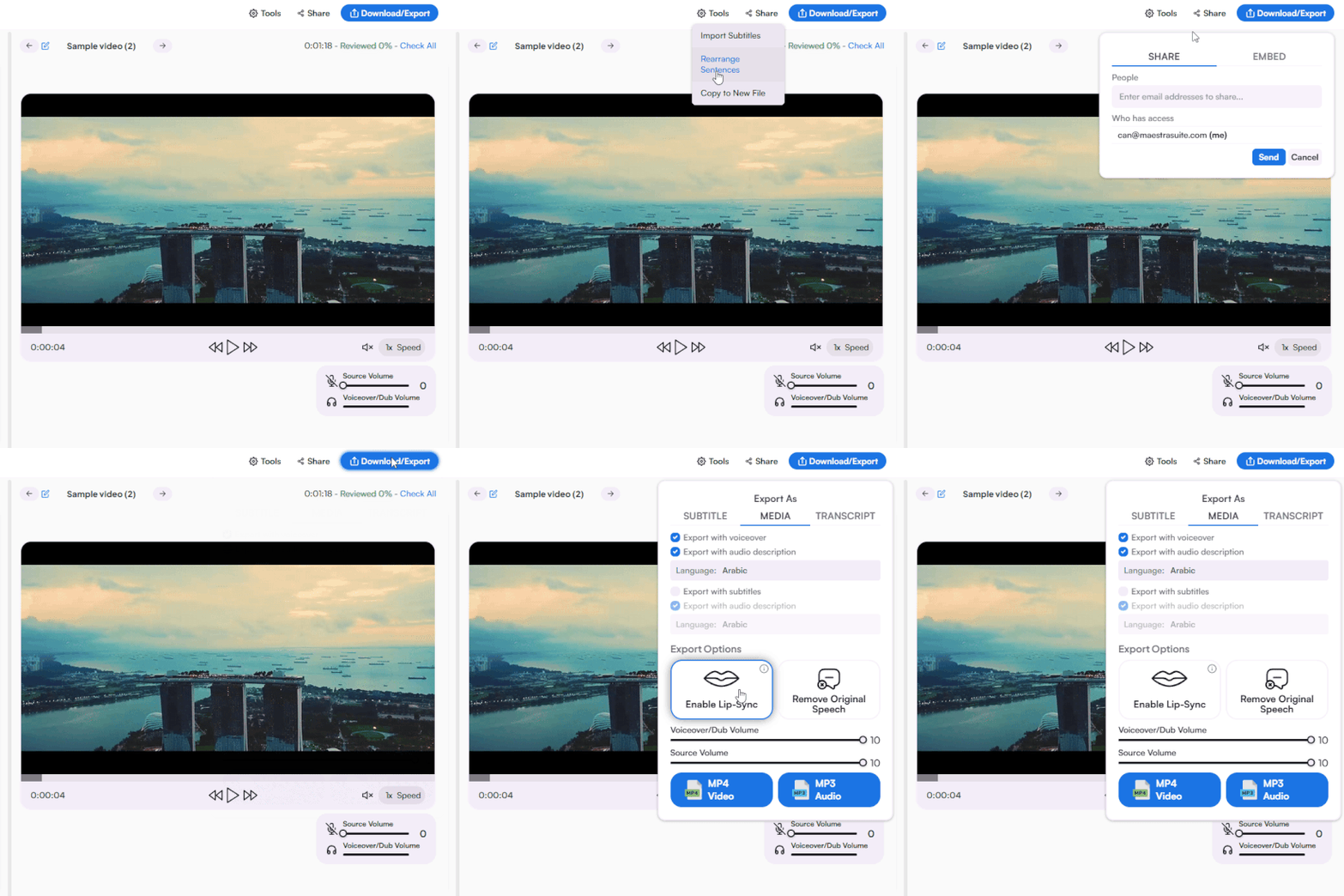
Polish the AI-generated speech, translate to more languages, add subtitles, share to collaborate, or download in the format you prefer.


Cost-Effective

Versatile Export

Culturally Familiar



Maestra offers one of the most realistic Irish accent generators with multiple Irish English voice options and an intuitive editor for creating voiceovers, audiobooks, and localized content.
Yes. Paste any English text and Maestra will generate speech with a natural Irish accent, turning your content into authentic Irish-accented English.
Maestra's Irish accent voice generator produces natural-sounding voiceovers with authentic Irish pronunciation. Choose from multiple voices and adjust tone, speed, and emphasis to match your project.
Maestra offers a free trial for its Irish accent text to speech tool. Try multiple Irish English voices with no account required.
Select English as your language in Maestra's editor, choose the Irish dialect, pick a voice, and convert your text to speech in seconds.
Irish English has distinct pronunciation, rhythm, and intonation compared to British English. Maestra's Irish voice generator is trained on Irish speech patterns to ensure authentic results.
Yes. Maestra's Irish English TTS voices are fully licensed for commercial use including ads, e-learning, product videos, and customer-facing content.
Yes. Maestra's Irish text to speech converts any written text into natural Irish-accented speech with multiple voice options and editing tools built in.