Get Started Free

TikTok Transcript Generator

Paste a TikTok link and get an accurate transcript in seconds, in 125+ languages, ready to edit, translate, and export.

Upload your file

MP4, MOV, AVI, MP3, WAV, M4A…

Paste a link

YouTube, Vimeo, or a direct media URL

Record audio

Use your microphone

0:00 / 0:00
You've used your free trial for this tool. Continue in the app to do more.
Get a TikTok Transcript
  • No credit card required
  • Try for free

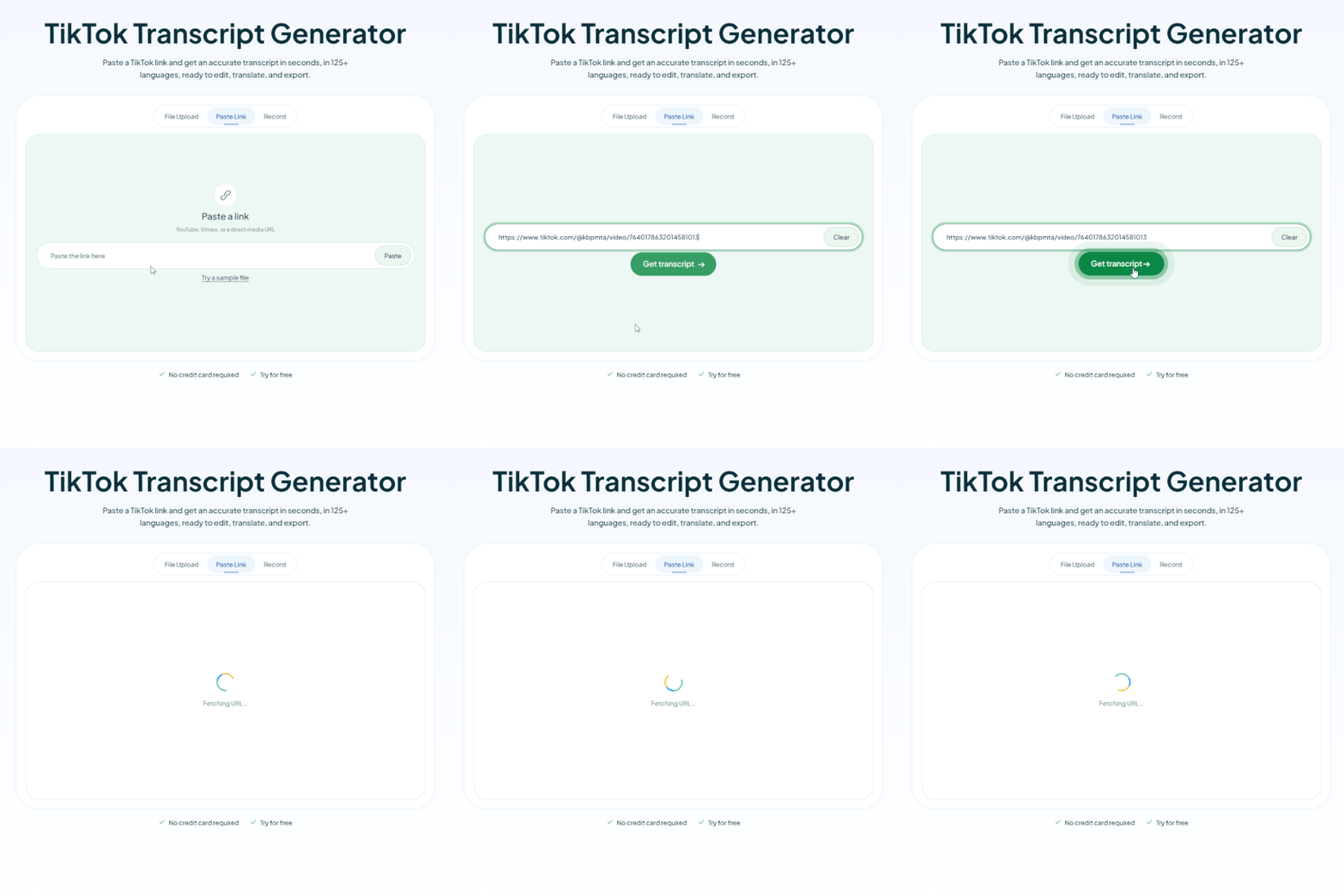
How to Get a TikTok Transcript

01

Paste the Link or Upload the Video

Copy the video link from the TikTok app, or upload the video file directly, no download needed either way.

02

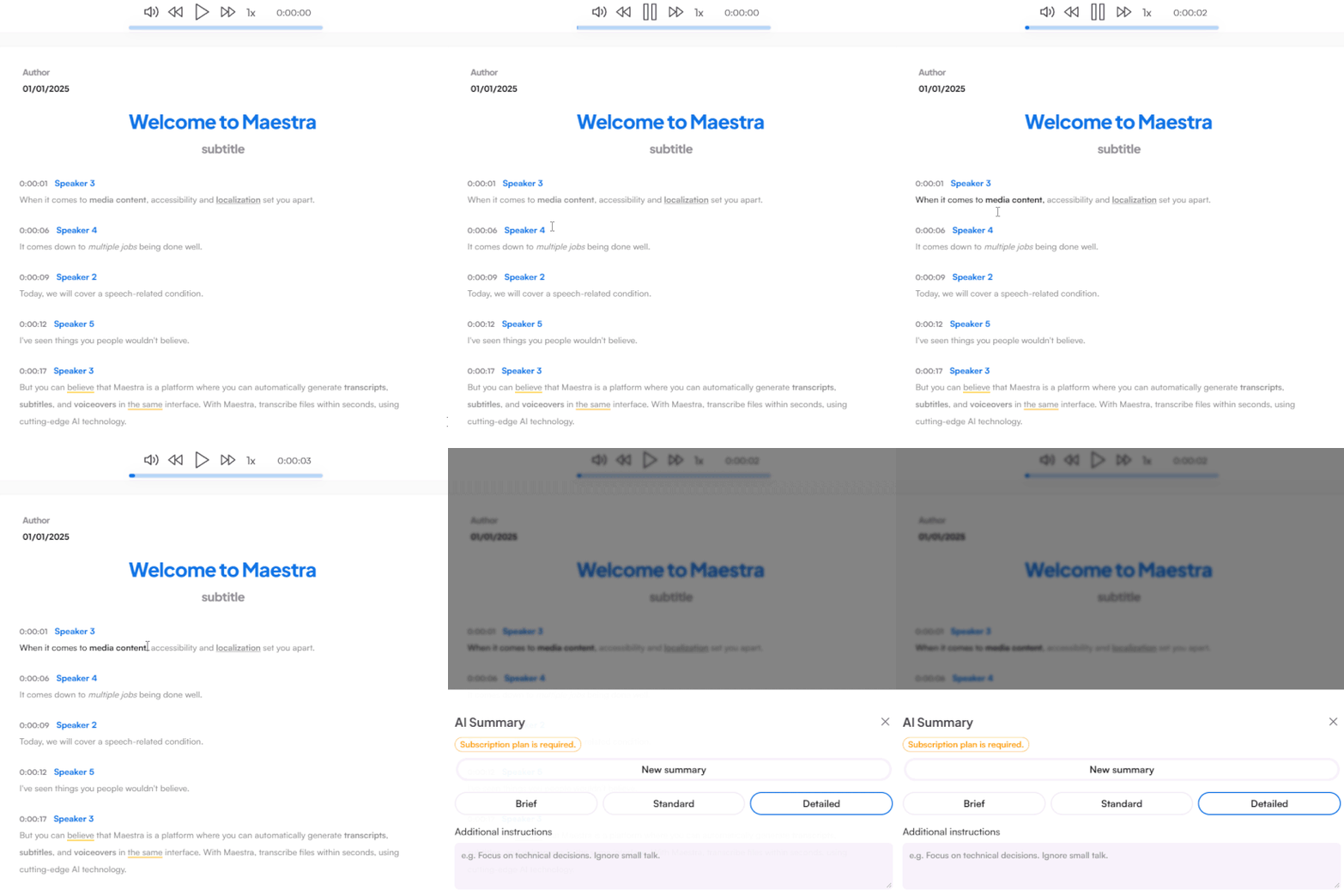
Generate the Transcript

Your TikTok transcript is ready in seconds with timestamps and speaker labels. Review it, tidy up any names, and polish right in the editor.

03

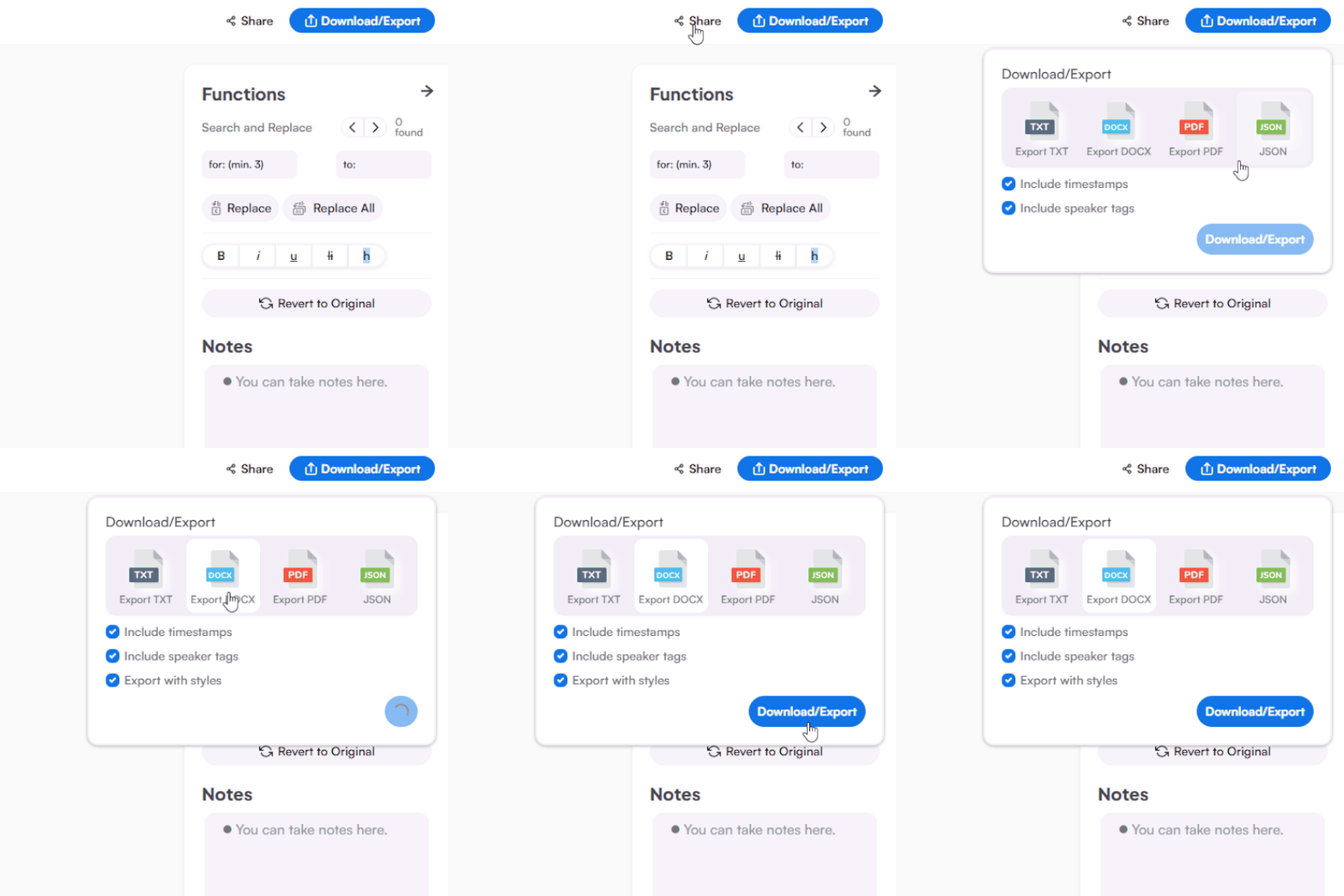
Copy, Export or Share

Copy the text straight out, summarize it or download as DOCX, PDF, TXT, or JSON.

Get the TikTok Video Transcript in Seconds

Whether it's your video or one you can't stop rewatching, turn it into text you can use.
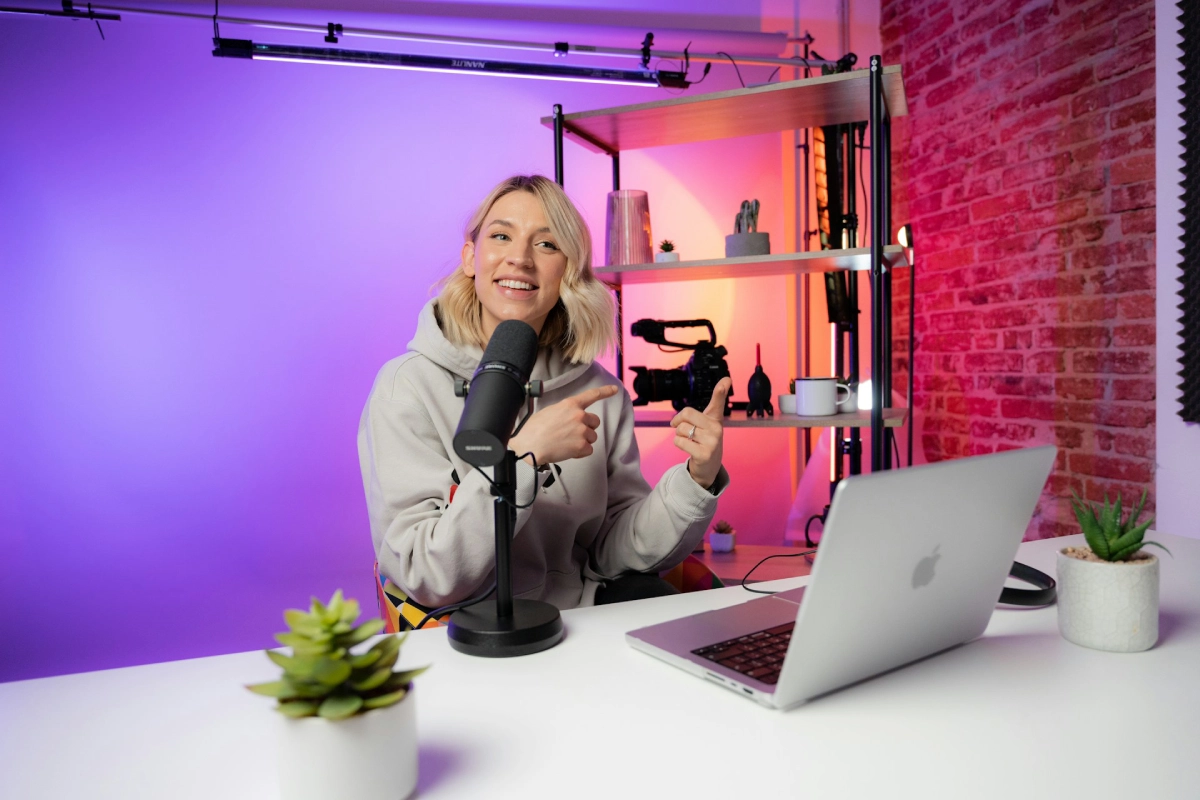
Transcribe TikTok videos to repurpose them.

Turn your videos into captions, blog posts, and scripts, or study what makes viral hooks work, word for word.
Repurpose contentStudy viral hooks Captions and scriptsExport to DOCX, PDF, TXT
A content creator filming

Save the recipe, quote, or tip as text.

Get a TikTok to text version of any video, searchable, translatable, and easier to follow than a replay loop.
TikTok to textTranslate to 125+ languages Read instead of rewatchCopy and share
People watching content on a phone

More Than TikTok Transcription

A transcript is just the start. Edit it, translate it, and turn it into your next piece of content.

TikTok Video to Text in Seconds

Short videos transcribe almost instantly, paste, read, done.

Works in 125+ Languages

Transcribe TikToks in any language, from any corner of your feed.

Translate Any TikTok

Turn a foreign-language video into text you can read, using Maestra's translation tools.

From Transcript to Content

Edit the text in the editor and export it as captions, scripts, or posts in DOCX, PDF, or TXT.
Get a TikTok Transcript

Customer Reviews

4.8 out of 5 stars G2

Chaitanya P.

Managing Director

"Master the Media with Maestra"

The best side of this product is auto subtitling. And most importantly, it supports multiple languages.

Read full review

Ricardo Y.

"The All In One 'over the top' turnkey solution for Automatic Transcripts, Subtitles and Voiceovers"

What comes to mind as Maestra being the go-to solution for our company is that it's such a time and money saver.

Read full review

Matthew S.

CSR

"perfect for anything transcript needs"

The best thing about Maestra is how well it creates transcripts. It's so useful for me. It makes my day a lot easier.

Read full review

Mary M.

Program Development

"Maestra 100% worth the investment in captioning your videos"

Ability to share captioning of our videos with multiple volunteer users is getting our captioning done quickly. Saving time and money with good quality captioning and ease of use.

Read full review

Carolina A. H.

Director

"MAESTRA IS THE GO-TO FOR SUBTITLING. LOVE IT!"

Maestra is just amazing! We were able to produce subtitles in multiple languages assisted by their platform. Multiple users were able to work and collaborate thanks to their super user-friendly interface.

Read full review

Janet S.

Enterprise

"Great product and very easy to use."

Maestra was intuitive to use and created a fairly accurate transcript in the first upload. It is easy to make corrections and ensure accuracy.

Read full review

FAQs

How do I get a transcript of a TikTok video?

Paste the video link into Maestra or upload the file, and the transcript appears in seconds. You can edit it, translate it, or export it as text.

Is the TikTok transcript generator free?

Short videos fit comfortably in the free trial, no credit card or account needed, so a typical TikTok transcribes free.

Can I transcribe someone else's TikTok video?

Any public video works. Creators use it to study viral hooks, and viewers use it to save recipes, tips, and quotes as text.

Does it extract the captions from the video?

Maestra transcribes the spoken audio itself, which is more complete than on-screen captions, every word, even the ones never captioned.

Doesn't TikTok already show captions?

In-app captions exist, but you can't search, edit, copy, or translate them. A real transcript is yours to use anywhere.

What languages does it support?

Videos can be transcribed in 125+ languages, and the transcript can then be translated with Maestra's translation tools.

Do Reels and Shorts work too?

The same tool transcribes Instagram Reels and YouTube Shorts, any short-form video becomes text.