Chaitanya P.
Managing Director"Master the Media with Maestra"
The best side of this product is auto subtitling. And most importantly, it supports multiple languages.
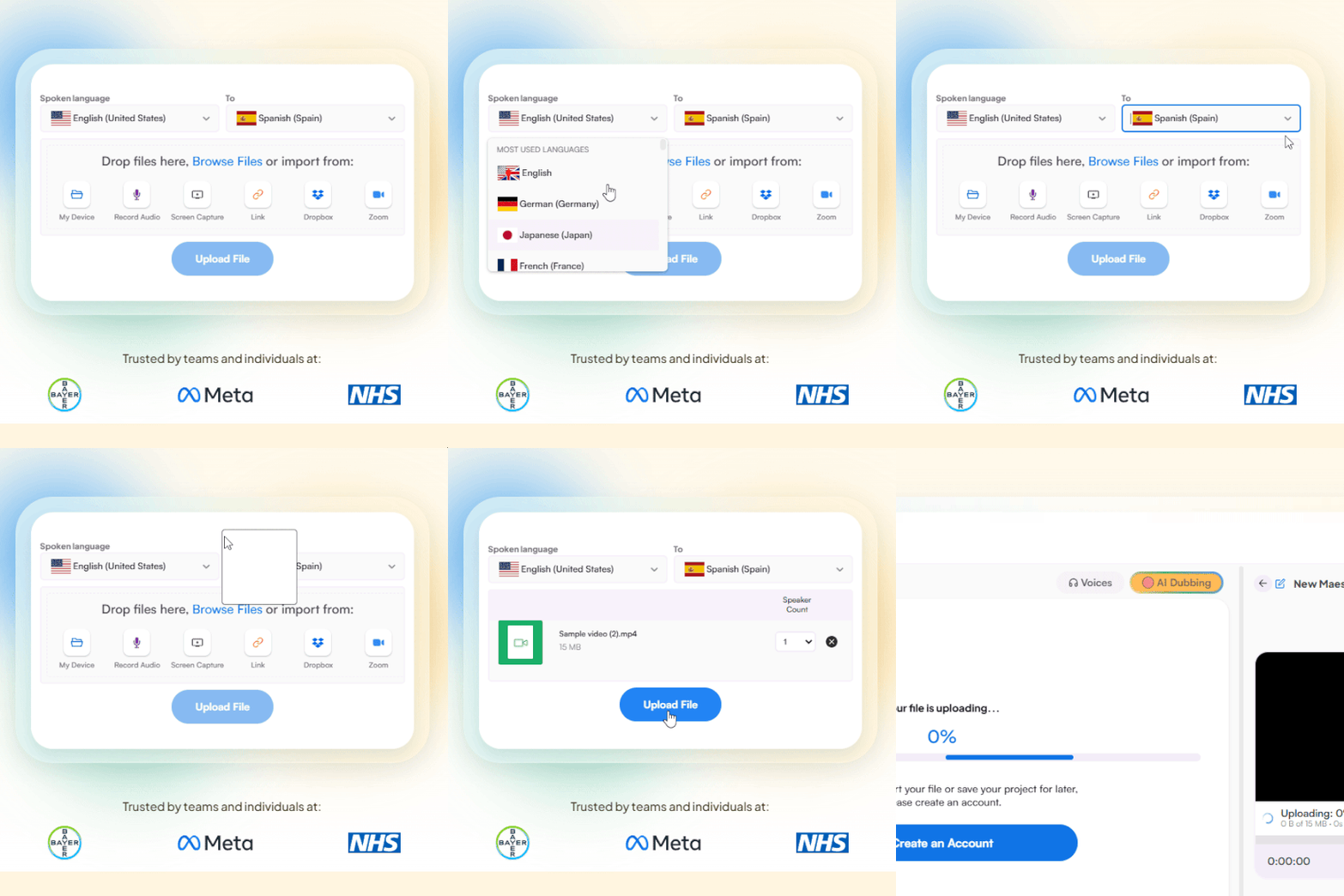
Read full reviewUpload a video in English and translate it to Hindi within seconds.
MP4, MOV, WebM, AVI, MKV, SRT…
Sign up to export the translated file.
Sign up nowYouTube, Vimeo, Google Drive, or a direct media URL
Sign up to export the translated file.
Use your microphone
Sign up to export the translated file.
 English
 French
 Arabic
 German
 Spanish
 Japanese

Upload an English video file from your device, Dropbox, Zoom, or paste a link. Set English as the source language and Hindi as the target.
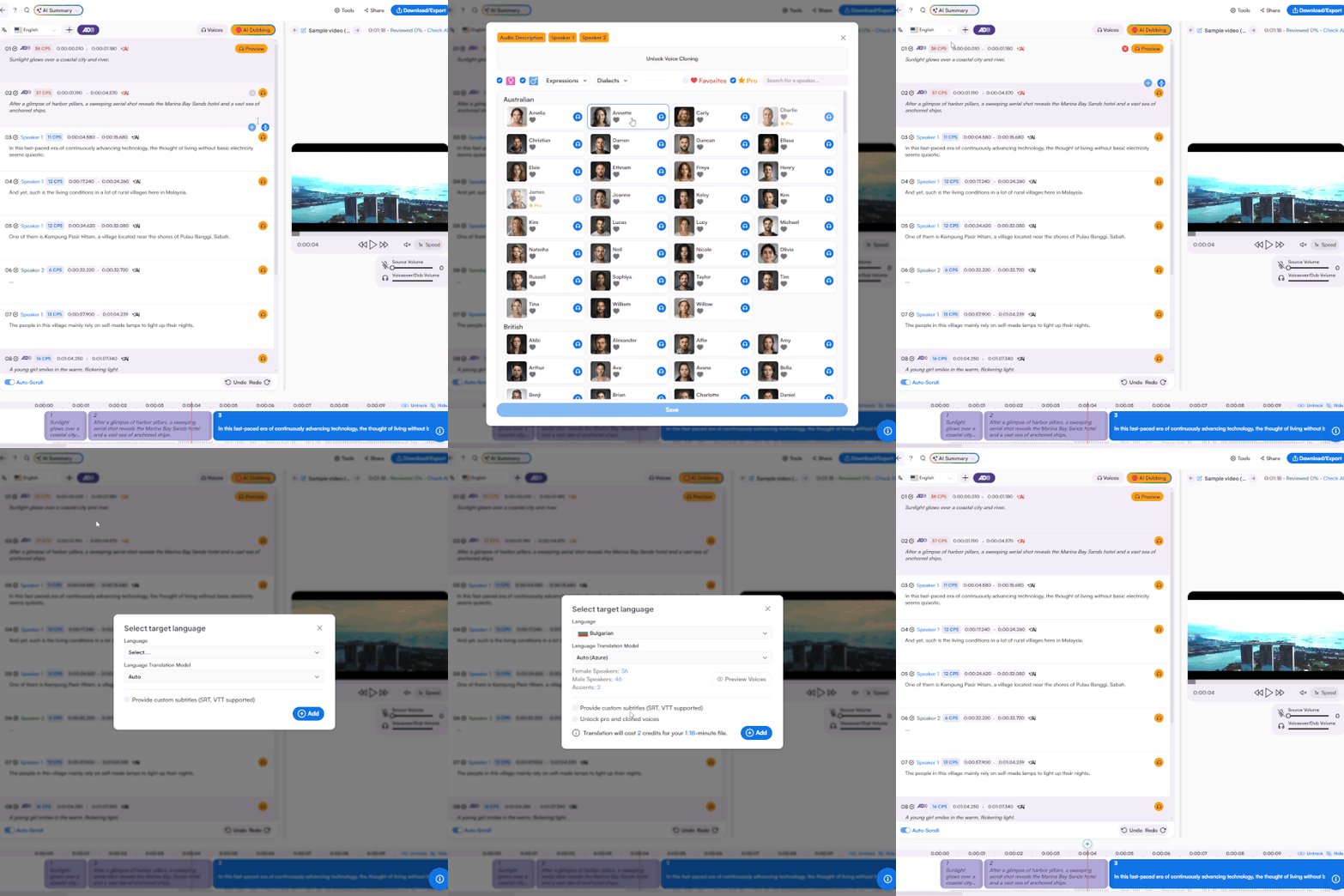
Get your English to Hindi video translation with subtitles or AI dubbing. Add more languages and refine the translation in the same interface.
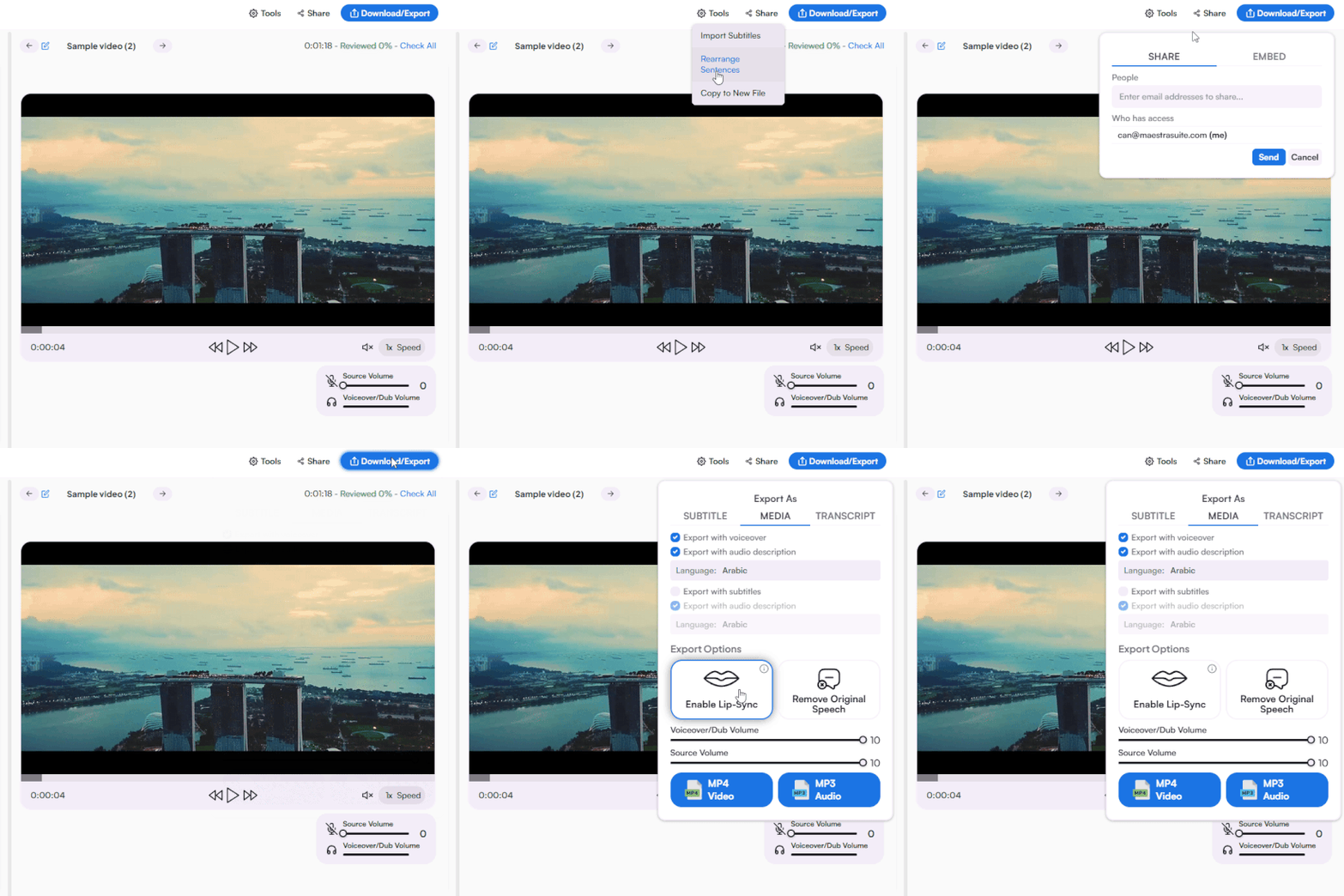
Export as MP4 with subtitles, voiceover, or both. Download subtitle files separately in SRT, VTT, and other formats. Share with collaborators for review.
Upload your English video, set English as the source and Hindi as the target, choose subtitles or AI dubbing, and download your translated video in seconds.
Yes. Generate Hindi subtitles in Devanagari script for any English video. Pair with AI dubbing for full accessibility across Hindi-speaking audiences.
Yes. Upload your English YouTube video, dub it in Hindi with AI voices, and manage YouTube subtitles directly from the platform without switching tools.
Yes. Start with a free trial that includes subtitles, AI dubbing, and voice cloning. No credit card required.
Anyone can translate English videos to Hindi using Maestra for free, no credit card or account required.
The AI is trained on Hindi grammar, vocabulary, and natural speech patterns to deliver accurate translations. Edit the output directly in the editor before exporting.
Yes. Translate your English video into Hindi and other Indian languages from the same editor. Manage every version without re-uploading.