Top 8 Vozo AI Alternatives for Video Translation
If you are reading this, you are weighing your options against Vozo AI. It is a capable video localization tool, but its points-based pricing, per-minute caps on lip sync and visual translation, and video-only focus lead some teams to look elsewhere. As AI localization matures, there are more strong video translation tools than ever, so let's run through the 8 best Vozo AI alternatives to help you choose.
To pick these alternatives, we compared each tool on language coverage, dubbing and lip-sync quality, how transparent and predictable the pricing is, and verified user ratings on G2, Capterra, and Trustpilot. The goal is to match each tool to a real use case, not just list the most popular names.






What is Vozo AI?
Vozo AI is a video localization platform that translates, dubs, and subtitles videos in up to 165 languages. Its standouts are LipREAL lip sync, voice cloning, and visual translation that rewrites on-screen text. It is a strong tool for realistic dubbed videos, but it is not the right fit for every workflow.
Why are people looking for Vozo AI alternatives?
The main sticking point is Vozo's AI pricing, which is hard to predict at scale, and per-minute caps on lip sync and visual translation even on paid plans. Other common reasons are:
- Lip-sync generation can be slow on longer clips
- The free tier is limited and watermarked
- Some features are English-only
- It is built to localize finished video, not to transcribe or edit subtitles as standalone work
Comparison Table of Top 8 Vozo AI Alternatives
| Tool | Pricing | Strengths | Best for | Weaknesses | Rating |
| Maestra AI | Free trial, then subscription or pay-as-you-go | 125+ languages, transcription + subtitle editor + dubbing + voice cloning in one workspace, real-time transcription | Overall | Built for localization, not a timeline video editor | ⭐⭐⭐⭐⭐ 4.7 (G2) |
| Rask AI | Paid, from ~$50/mo | Fast bulk dubbing, 130+ languages, lip sync | Bulk dubbing | Trustpilot 2.3; cost and support complaints | ⭐⭐⭐⭐⭐ 4.7 (G2) |
| HeyGen | Free plan, paid from ~$29/mo | 1,000+ AI avatars, translation in 175+ languages | Avatars | Billing/support friction (Trustpilot 2.3) | ⭐⭐⭐⭐⭐ 4.8 (G2) |
| ElevenLabs | Free plan, paid from ~$5/mo | Best-in-class voice realism, dubbing studio | Realistic voices | No real video editing or subtitle workspace | ⭐⭐⭐⭐⭐ 4.6 (G2) |
| Synthesia | Free plan, paid from ~$18/mo | Polished avatar videos, 140+ languages, dubbing | Avatar videos | Avatar-first; less suited to raw footage | ⭐⭐⭐⭐⭐ 4.7 (G2) |
| Dubverse | Free tier, paid from ~$15/mo | Quick dubbing, 60+ languages, easy editor | Quick dubbing | Smaller language set; lip sync not 100% | ⭐⭐⭐⭐ 4.6 (G2) |
| Descript | Free plan, paid from ~$12/mo | Transcript-based editing, overdub, screen recording | Transcript editing | ~20 languages; not built for mass dubbing | ⭐⭐⭐⭐ 4.6 (G2) |
| Kapwing | Free plan, paid from ~$16/mo | Collaborative browser editor, subtitles, translation | Social clips | Lighter localization depth | ⭐⭐⭐⭐ 4.4 (Capterra) |
Ratings and pricing are accurate as of June 2026 and may change. Check each provider's site for the latest.
Review: Best Vozo AI Alternatives
1. Maestra AI
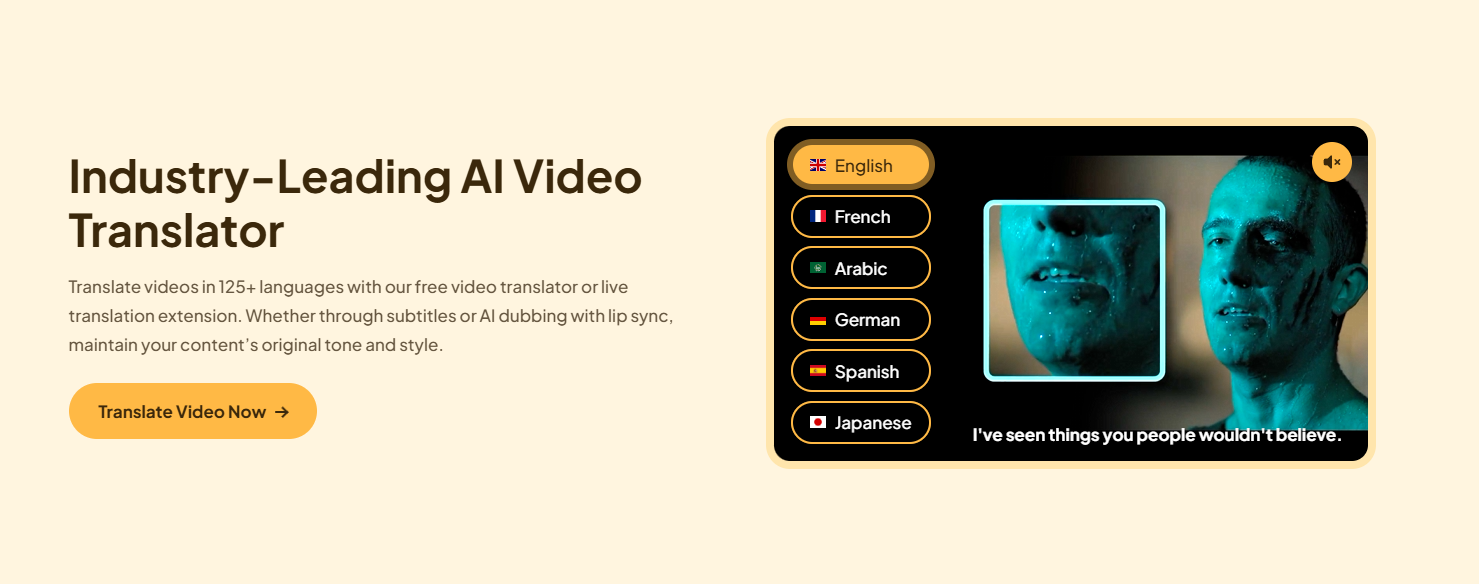
Maestra AI is an all-in-one video translator with subtitling and dubbing in 125+ languages. Where Vozo is built mainly to localize finished video, Maestra gives you the full workflow in one workspace: accurate AI transcription, a built-in subtitle editor, AI voiceover and dubbing, and voice cloning. You can transcribe a recording, refine the captions, translate them, and generate a dubbed voiceover without switching tools, which is exactly the kind of end-to-end control Vozo's points system can make hard to plan around.
Key Features:
- 125+ languages for dubbing, subtitles, and translation
- Live subtitling and dubbing
- Voice cloning, lip sync and premium AI voices
- Team collaboration, plus YouTube, Zoom, and OBS integrations
Pros
- One workspace for transcription, subtitles, and dubbing
- Clean, beginner-friendly interface
- Predictable plans with a pay-as-you-go option
Cons
- Focused on localization rather than full timeline video editing
- Limited free trial
Pricing: Free trial available; then a subscription plan that starts from $12/month.
What reviewers say: Rated 4.7 on G2 (62 reviews, 85% five-star). Users repeatedly highlight transcription accuracy and time saved across languages; the most common ask is broader plan flexibility on smaller budgets.
2. Rask AI
Rask AI is built for fast, high-volume video translation and dubbing across 130+ languages, including bulk uploads and lip sync. It overlaps closely with Vozo on dubbing and voice cloning, making it a natural alternative when speed and scale matter more than a deep editing suite.
Key Features:
- Video translation and dubbing in 130+ languages
- Lip sync and voice cloning
- Bulk processing for large libraries
Pros
- Quick turnaround at volume
- Broad language coverage
- Simple, creator-friendly flow
Cons
- No full transcription/subtitle editing workspace
- Higher tiers get expensive
Pricing: Paid plans, typically from around $60/month by usage.
What reviewers say: 4.7 on G2 (270 reviews) for ease of use and translation quality, but it sits at 2.3 "Poor" on Trustpilot, where pricing and customer support are the recurring complaints. Worth weighing if support matters to you.
3. HeyGen
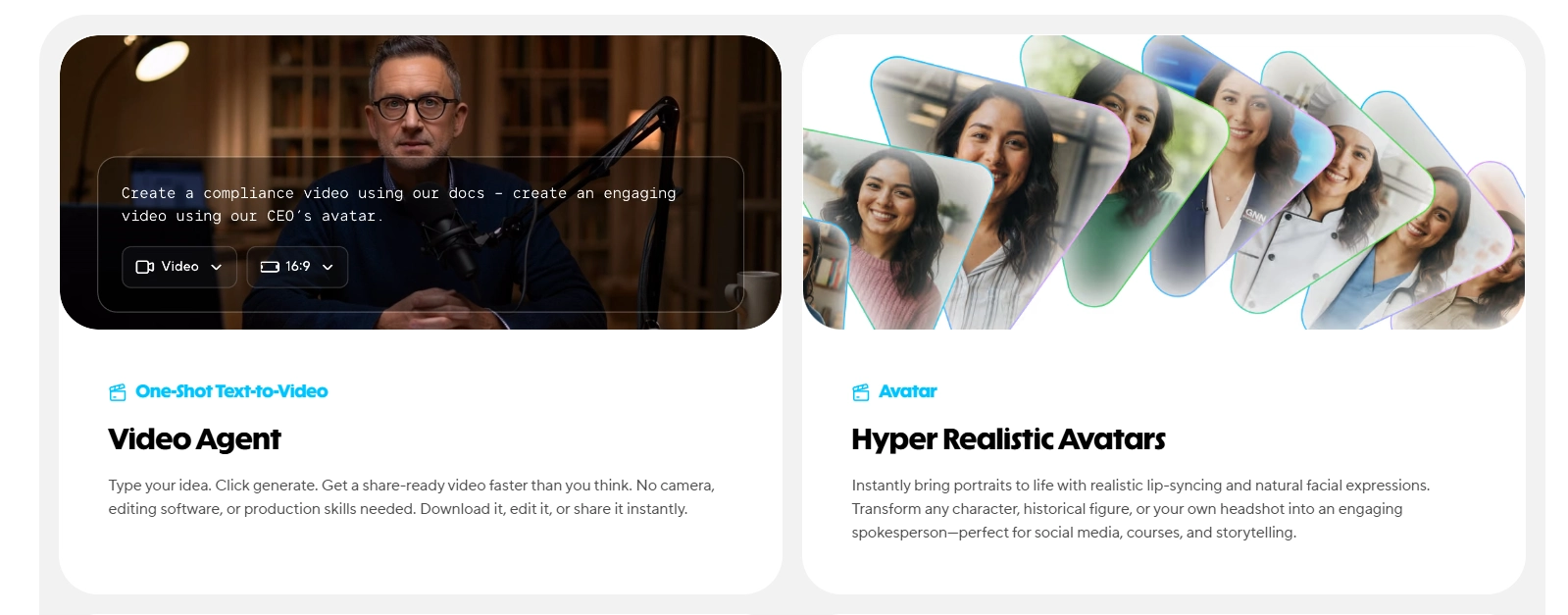
HeyGen is best known for AI avatars that turn text or audio into talking-head videos, and it also offers video translation in 175+ languages with lip sync. Where Vozo translates and dubs your existing footage, HeyGen shines when you want to generate presenter-style video for explainers, sales, or training.
- Key Features:
- 1,000+ lifelike AI avatars
- Video translation in 175+ languages
- Natural voices and gestures
Pros
- Excellent avatar quality
- Strong language coverage
- Fast generation
Cons
- Avatar-led, less ideal for localizing raw footage
- Billing and support friction reported
Pricing: Free plan with watermark; paid from around $29/month.
What reviewers say: One of the highest-rated tools here at 4.8 on G2 (1,589 reviews) and 4.7 on Capterra, praised for avatar realism and speed. Note its Trustpilot score sits near 2.3, with billing confusion the main theme.
4. ElevenLabs
ElevenLabs leads the category on voice realism, with expressive, natural speech and a dubbing studio that translates audio and video. If your priority is how the dubbed voice sounds, it is hard to beat, though it is more of a voice platform than a full video tool.
Key Features:
- Industry-leading AI voice quality
- Voice cloning from short samples
- Dubbing studio and developer APIs
Pros
- Exceptional, natural voices
- Great for audiobooks, podcasts, and dubbing
Cons
- No video editing or subtitle workspace
- Costs climb with heavy use
Pricing: Free plan; paid from around $6/month.
What reviewers say: 4.6 on G2 (584 reviews) and 4.8 on Capterra, with voice quality the standout praise and pricing at scale the main caveat.
5. Synthesia
Synthesia creates AI avatar videos in 140+ languages and offers dubbing for existing video. Like HeyGen, it leans toward generated presenter content, which makes it a favorite for corporate training and L&D rather than localizing raw footage.
Key Features:
- AI avatars and templates
- 140+ languages
- Dubbing and screen recording
Pros
- Polished, on-brand output
- Strong for training and explainer video
Cons
- Avatar-first workflow
- Less control over real footage
- Pricing: Free plan; paid from around $18/month.
- What reviewers say: 4.7 on G2 from 2,375 reviews (one of the largest review bases in this list) and 314 on Capterra, consistently praised for ease of use and output quality.
6. Dubverse
Dubverse is a dubbing-first platform with subtitles and AI voices across 60+ languages. It is a lighter, quicker option than Vozo for straightforward dubbing, with an easy editor for adjusting script and timing.
Key Features:
- AI dubbing in 60+ languages — Maestra adds real-time dubbing for live streams and events.
- Auto subtitles and script editor
- Automatic sync with video
Pros
- Fast and easy to use
- Free tier for casual users
Cons
- Smaller language set than Vozo
- Lip sync and voice naturalness vary
Pricing: Free tier; paid from around $18/month.
What reviewers say: 4.6 on G2 (19 reviews). Reviewers like the subtitle speed and multilingual support; the recurring note is that AI voices and lip sync are not always perfectly natural.
7. Descript
Descript edits video and audio by editing the transcript, plus screen recording, Overdub, and filler-word removal. It is an editing-first alternative: not built for large-scale multilingual dubbing like Vozo, but excellent if your real need is fast, transcript-based editing with light translation.
Key Features:
- Transcript-based video/audio editing
- Overdub and screen recording
- Integrated transcription
Pros
- Uniquely fast editing workflow
- Great for podcasts and tutorials
Cons
- Around 20 languages only
- Not a mass-dubbing tool
Pricing: Free plan; paid from around $16/month.
What reviewers say: 4.6 on G2 (865 reviews), with the transcript-based editing model the most-loved feature and language coverage the main limitation.
8. Kapwing
Kapwing is a browser-based, collaborative video editor with subtitling and translation. It suits teams that want to caption, resize, and lightly localize social clips together, rather than produce broadcast-quality dubs.
Key Features:
- Collaborative online editor
- Subtitles and translation
- Templates for social formats
Pros
- Real-time team collaboration
- No install, works in-browser
Cons
- Lighter localization depth
- Watermark on the free plan
Pricing: Free plan; paid from around $16/month.
What reviewers say: 4.4 on Capterra (207 reviews), praised for collaboration and ease of use, with depth of features the trade-off versus specialized dubbing tools.
Why Should You Look for Vozo AI Alternatives?

The right alternative depends on what you are actually trying to do, not on which tool has the longest feature list. Vozo bundles translation, dubbing, lip sync, and on-screen text into one product, but if you only need one of those jobs done really well, a focused tool usually does it better and cheaper.
A few quick ways to choose:
- You want one workspace for transcription, subtitles, and dubbing: Maestra keeps the whole localization workflow in one place, so you are not stitching tools together.
- You need to dub a large library fast: Rask AI is built for speed and bulk uploads.
- Voice quality is everything: ElevenLabs is hard to beat on realism.
- You want a presenter on screen without filming: HeyGen or Synthesia generate avatar video.
- You mostly edit and caption short social clips with a team: Kapwing or Descript fit that lighter, collaborative workflow.
If your work runs beyond dubbing finished video, into transcribing source recordings, editing captions, or delivering subtitles as standalone files, a broader platform like Maestra tends to map to the way you actually work. Start with the free trials, run the same clip through two or three, and pick the one whose output and pricing fit your real volume.
FAQs About Vozo AI & Alternatives
What is the best Vozo AI alternative?
It depends on your goal. Maestra is the strongest pick if you want translation and dubbing inside a full transcription and subtitling workspace, Rask AI for fast bulk dubbing, ElevenLabs for the most natural voices, and HeyGen or Synthesia for avatar-led video.
Is there a free Vozo AI alternative?
Yes. Maestra offers a free trial, and HeyGen, ElevenLabs, Synthesia, Dubverse, Descript, and Kapwing all have free plans with usage limits, so you can test translation and dubbing before paying.
Why do people look for alternatives to Vozo AI?
The most common reasons are the points-based pricing that is hard to predict at scale, per-minute caps on lip sync and visual translation even on paid plans, slower processing on longer videos, a limited free tier, and the fact that Vozo focuses on localizing video rather than broader transcription and subtitle editing.
Which Vozo alternative supports the most languages?
HeyGen (175+) leads on raw count, followed by Synthesia (140+), Rask AI (130+), and Maestra (125+), all broad enough for most localization needs.
How much does Vozo AI cost?
Vozo's paid plans start at $29/month for the Creator plan (150 AI points), with Studio at $99/month and custom Studio XL, XXL, and Enterprise tiers above that. There is a free plan with 20 points and a watermark. Because it meters usage in AI points, your real cost depends on how much dubbing, lip sync, and visual translation you run each month.
Is Vozo AI safe and legit?
Yes, Vozo is a legitimate, widely used platform with positive ratings on G2 and Product Hunt and reviews on Trustpilot. As with any cloud tool, check the data and privacy terms if you handle sensitive footage. Maestra, by comparison, is used by enterprise teams and offers data-handling commitments on its business plans.
What is the best AI alternative for lip sync specifically?
Vozo's LipREAL is a key selling point, and the closest lip-sync-capable alternatives are Maestra AI, HeyGen, Rask AI, and Synthesia (on avatar and translated footage). If lip sync is non-negotiable, test those first, since lip-sync realism still varies by tool and by source video.
What are AI points in Vozo, and why do they run out so fast?
Vozo meters usage in AI points, and each job (dubbing, lip sync, visual translation) spends points based on the tool and video length. Lip sync and visual translation burn through them quickest, which is why heavier users feel capped. If predictable, usage-based or flat pricing matters to you, tools like Maestra are easier to plan around.
Is Maestra a good alternative to Vozo AI?
Yes, especially if your work goes beyond dubbing finished video. Maestra combines transcription, a subtitle editor, dubbing, and voice cloning in 125+ languages in one workspace, with predictable pricing from $12/month. Vozo is stronger for in-frame text translation and its LipREAL lip sync, so the better choice depends on which job you do most.
Can alternatives translate on-screen text like Vozo's Visual Translation?
This is one of Vozo's more unique features. Most alternatives focus on spoken audio, subtitles, and dubbing rather than detecting and rewriting text baked into the video frame. If translating on-screen graphics is essential, confirm it on each tool before switching.
