Chaitanya P.
Managing Director"Master the Media with Maestra"
The best side of this product is auto subtitling. And most importantly, it supports multiple languages.
Read full reviewIntegrate OBS with Maestra to effortlessly caption & translate livestreams.







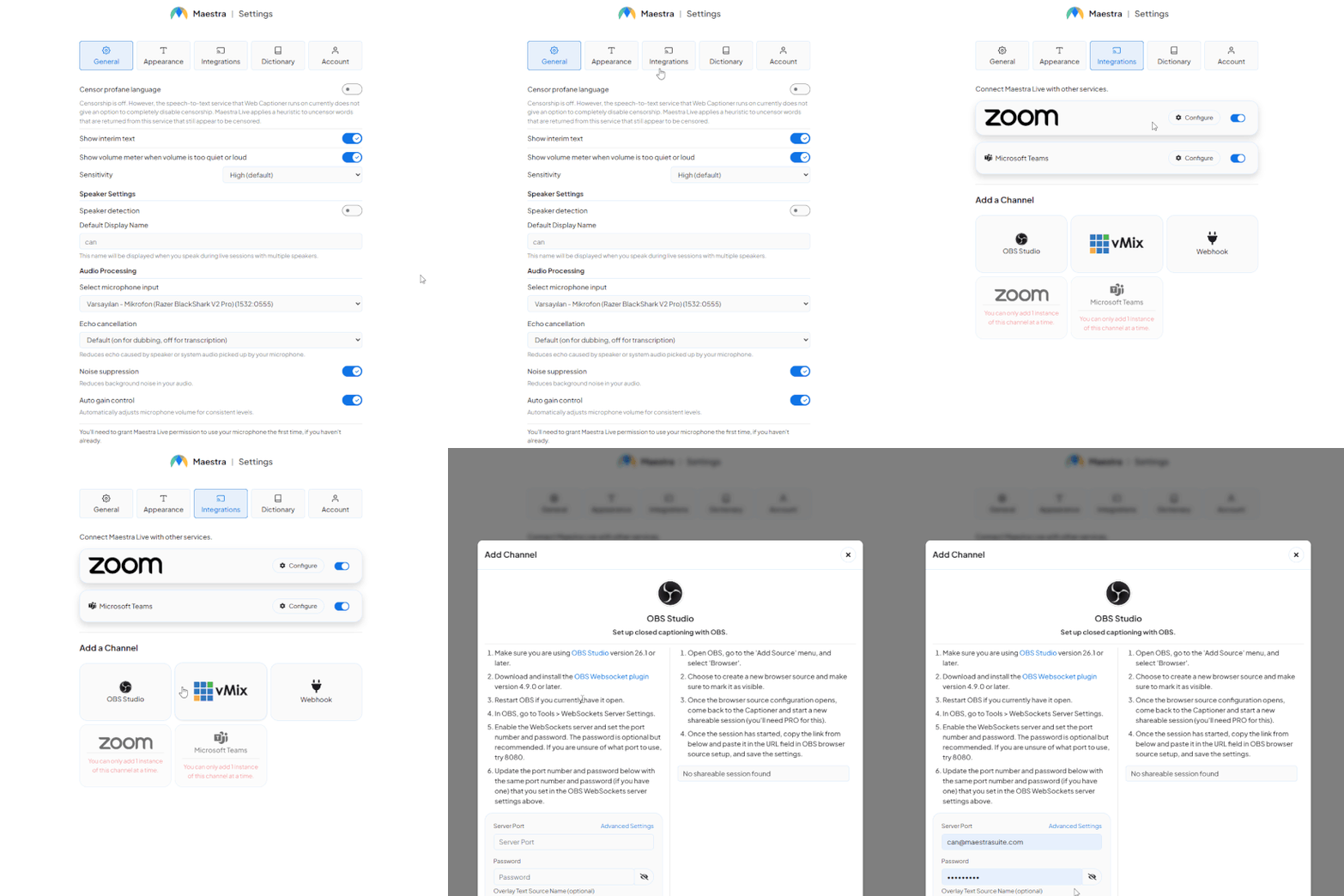
Enable the Pro version and head to the integrations tab.
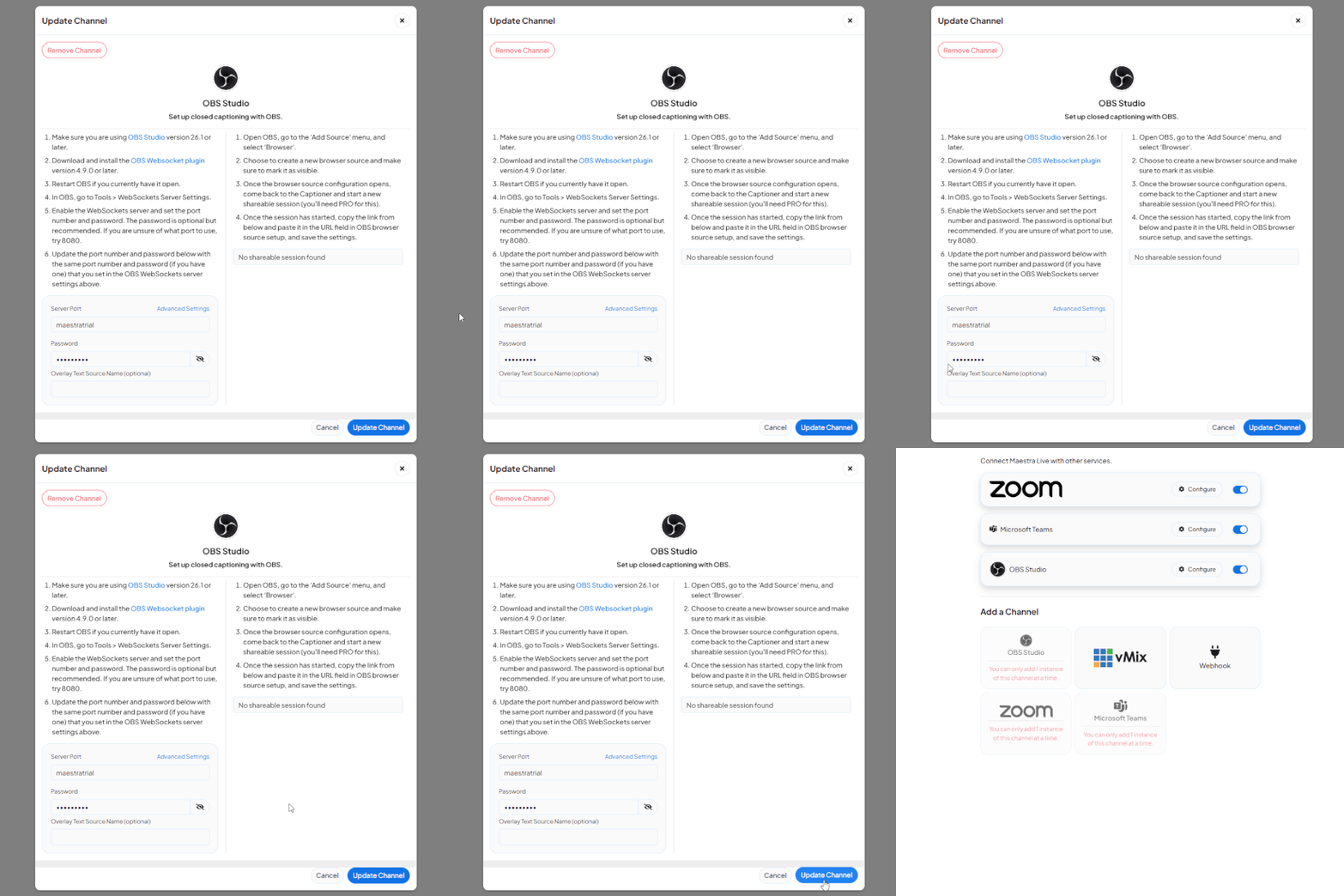
Follow the detailed instructions to connect your Maestra sessions with OBS and click "Update Channel".
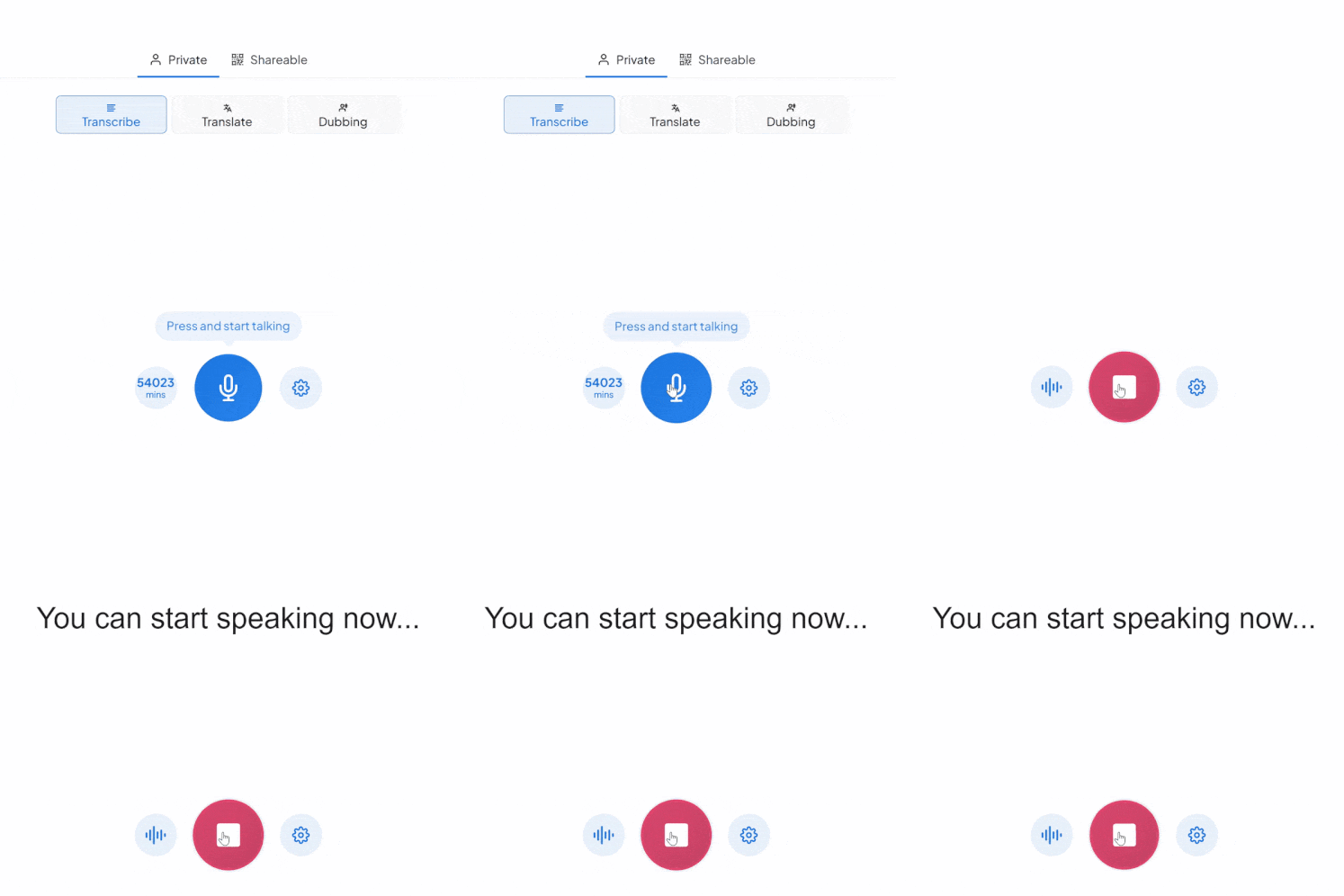
Start the session and the captions will display on your livestream through the OBS integration.
Connect OBS to the live captioning tool and generate real-time captions and translations directly on your stream. No complex setup required.
No. Captions appear directly on the stream. Viewers don't need to download or install anything.
125+ languages are supported for live captioning and translation on your streams.
Yes. Captions are generated and translated in real-time as you speak, with minimal delay.
Yes. A free trial is available to test the OBS live captioning and translation features before subscribing.
Yes, the integration works for large-scale virtual events. It is designed to support international audiences and can handle high participant volumes without additional technical complexity.
Yes, after the session you can download both the original transcript and the translated versions. These can be used for documentation, subtitles, compliance records, or repurposed into written content.
Yes, all audio processing follows strict data security standards. The platform is designed for professional and enterprise environments, ensuring that meeting data is handled securely and responsibly.
Yes. Enterprise solutions are available with team collaboration features, custom workflows, and dedicated support for professional streaming operations.