Chaitanya P.
Managing Director"Master the Media with Maestra"
The best side of this product is auto subtitling. And most importantly, it supports multiple languages.
Read full reviewUpload an audio file in English and translate it to Arabic within seconds.
MP3, WAV, M4A, AAC, FLAC, SRT…
Your free trial is used — convert your next file in the Maestra app.
Sign up nowYouTube, Vimeo, Google Drive, or a direct media URL
Your free trial is used — convert your next file in the Maestra app.
Use your microphone
Your free trial is used — convert your next file in the Maestra app.
Live Translation from spoken audio, transcribed and translated as you speak.
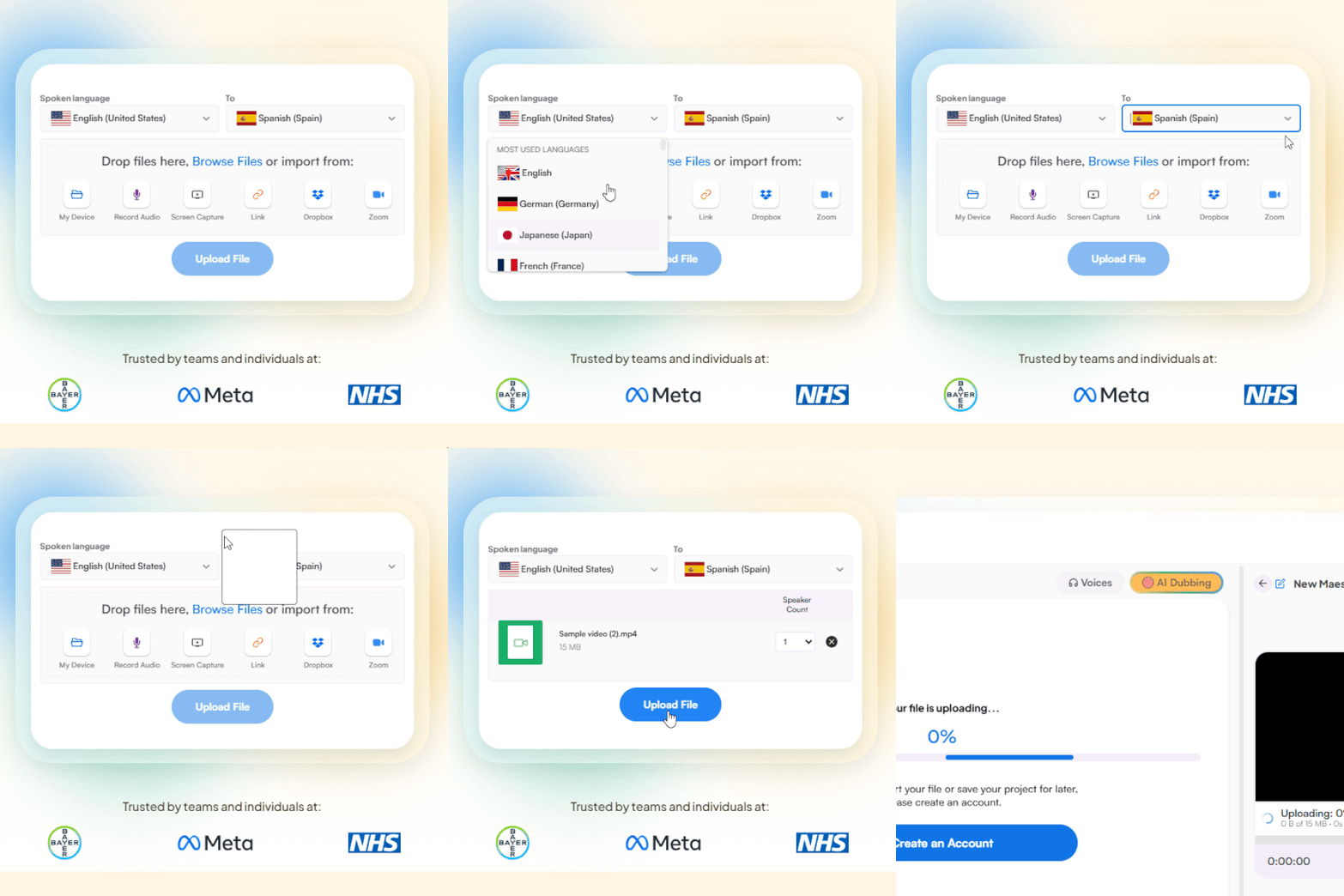
Upload an English audio file from your device, Dropbox, Zoom, or paste a link. Set English as the source language and Arabic as the target.
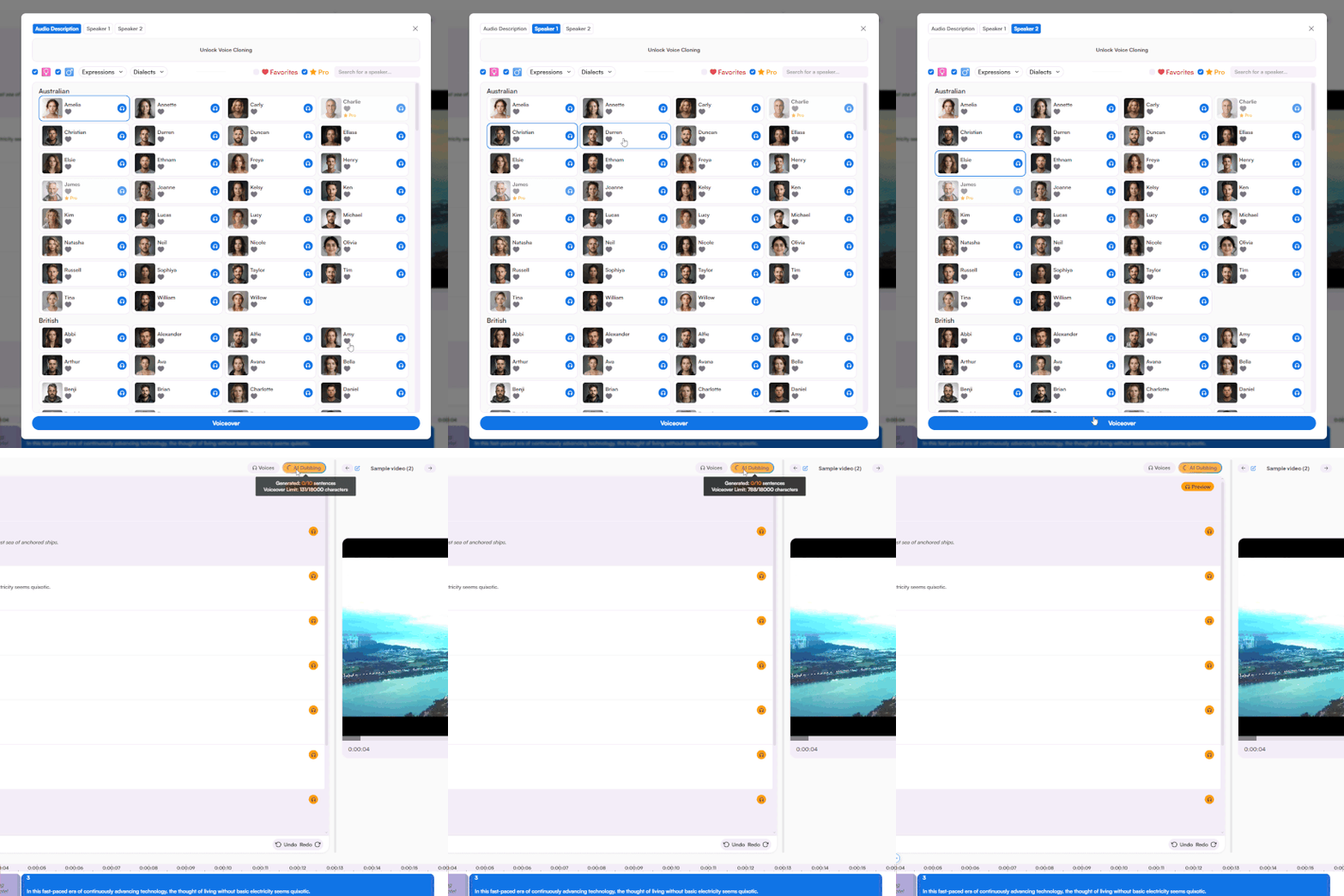
Choose from a rich portfolio of voices and receive the full audio translation to Arabic within minutes. Fine-tune every aspect of the voiceover with a simple yet advanced voiceover editor.
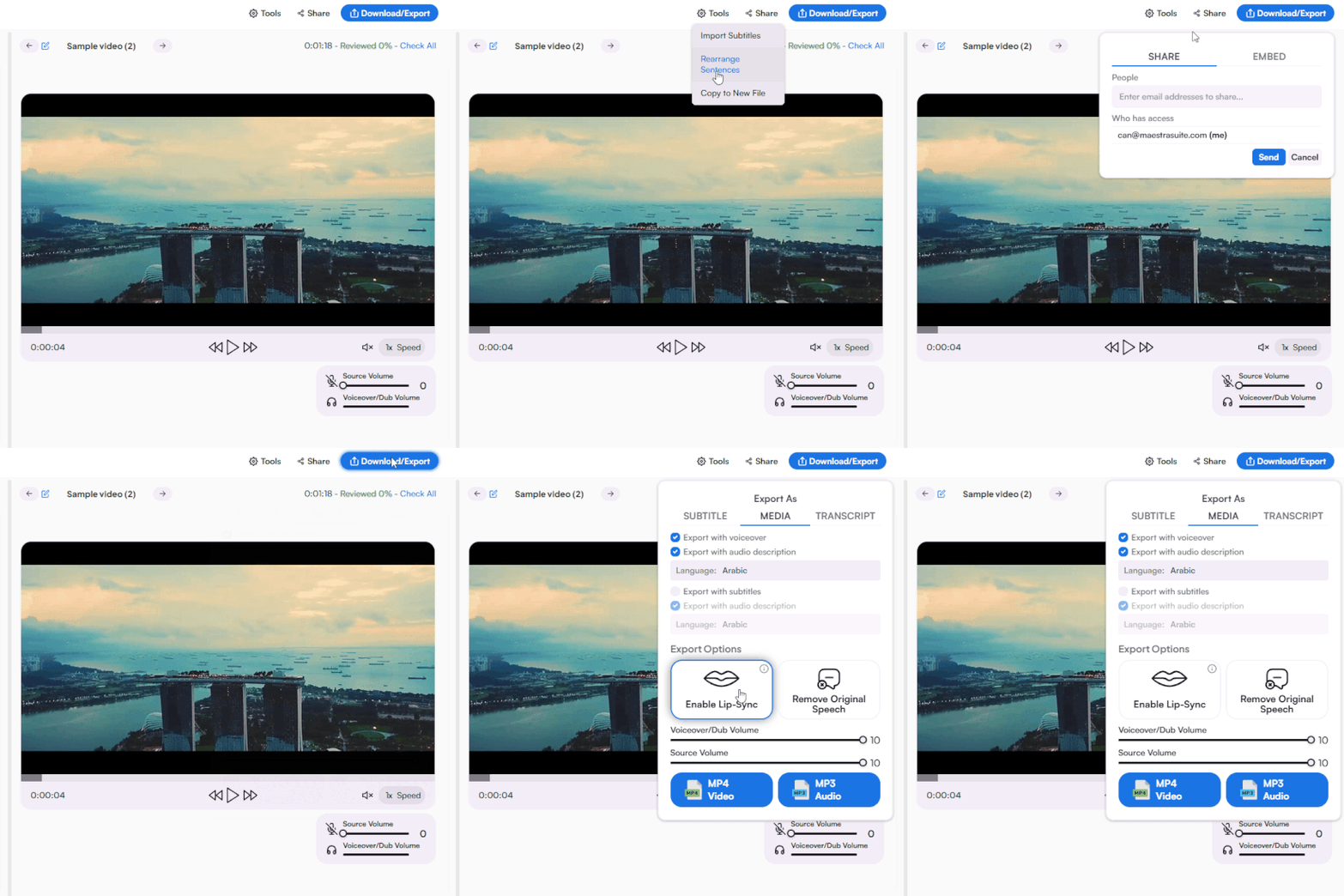
Share to collaborate or export as MP3 or MP4 with Arabic voiceover, along with the option to export as various subtitle and transcript formats.
.webp)

Upload your English audio file from your device, Dropbox, Zoom, or paste a link. Set English as the source and Arabic as the target, choose an AI voice and dialect, and download your translated audio within seconds. The English to Arabic audio translator runs directly in your browser without installation.
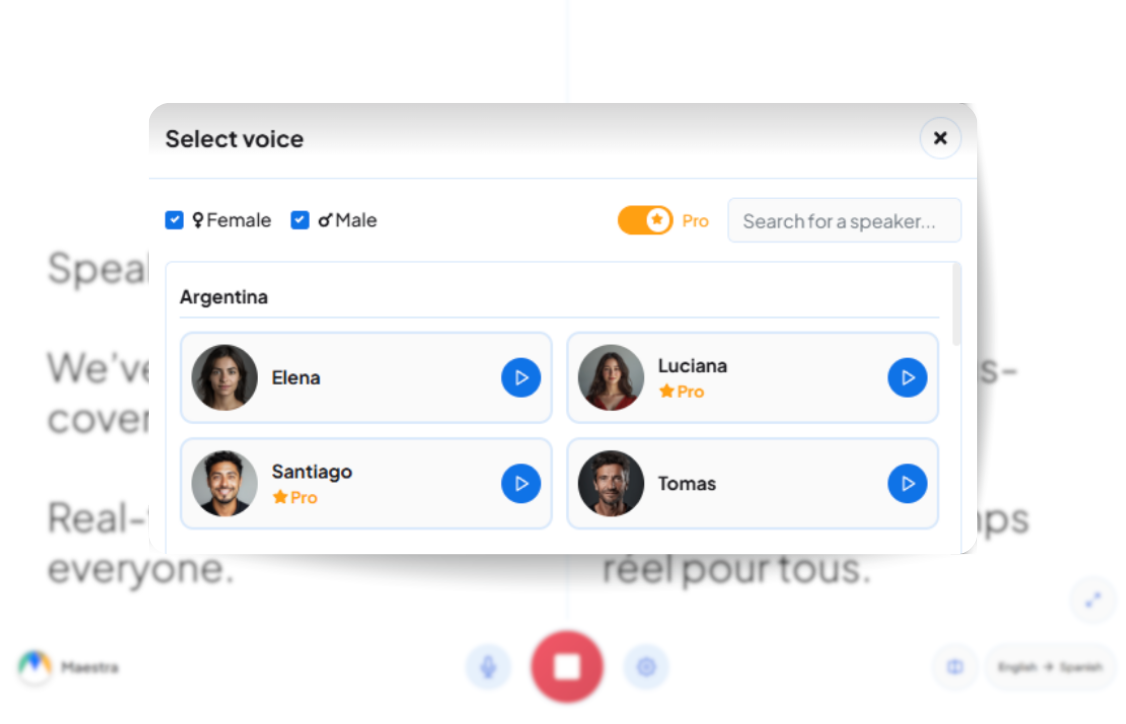
Yes. Real-time audio translation converts English voice to Arabic live during meetings, conferences, webinars, and events. Translation happens as the conversation flows, with no uploads or waiting required. Both uploaded English audio and live English voice translation are supported across all 15+ Arabic dialects.
Modern Standard Arabic plus 15+ regional dialects including Egyptian, Gulf, Saudi, Kuwaiti, Lebanese, Syrian, Jordanian, Moroccan, Iraqi, and more. Each dialect comes with multiple AI voices across genders and styles. Pick the variant that matches your target audience anywhere from Cairo to Dubai to Riyadh.
Yes. A free trial is available with full access to English to Arabic audio translation, voice cloning, real-time translation, and 15+ Arabic dialects. No credit card or account required to start.
Every English to Arabic audio translation generates a matching transcript and subtitle file. Download transcripts in TXT, DOCX, PDF, or JSON, or export Arabic subtitles in SRT, VTT, and other formats with proper right-to-left rendering.
AI translation trained on English and Arabic speech patterns delivers accurate pronunciation, pacing, and culturally appropriate phrasing across 15+ dialects. Edit any phrase or refine pronunciation directly in the browser-based editor before exporting.
Yes. Translate the same English audio into multiple Arabic dialects from a single editor. Switch between Egyptian, Gulf, Lebanese, Moroccan, and other regional variants without re-uploading.
Yes. Modern Standard Arabic is fully supported alongside 15+ regional dialects. Use MSA for formal content, news, corporate communications, or pan-Arab audiences, and switch to regional dialects for localized reach.
Most English to Arabic audio translations finish in seconds to minutes depending on file length. Voice cloning and real-time translation work without delay, while uploaded files process based on duration with no manual setup required.