Chaitanya P.
Managing Director"Master the Media with Maestra"
The best side of this product is auto subtitling. And most importantly, it supports multiple languages.
Read full reviewUpload an audio file in Portuguese and translate it to English in minutes.
MP3, WAV, M4A, AAC, FLAC, SRT…
Your free trial is used — convert your next file in the Maestra app.
Sign up nowYouTube, Vimeo, Google Drive, or a direct media URL
Your free trial is used — convert your next file in the Maestra app.
Use your microphone
Your free trial is used — convert your next file in the Maestra app.
Live Translation from spoken audio, transcribed and translated as you speak.
.webp)

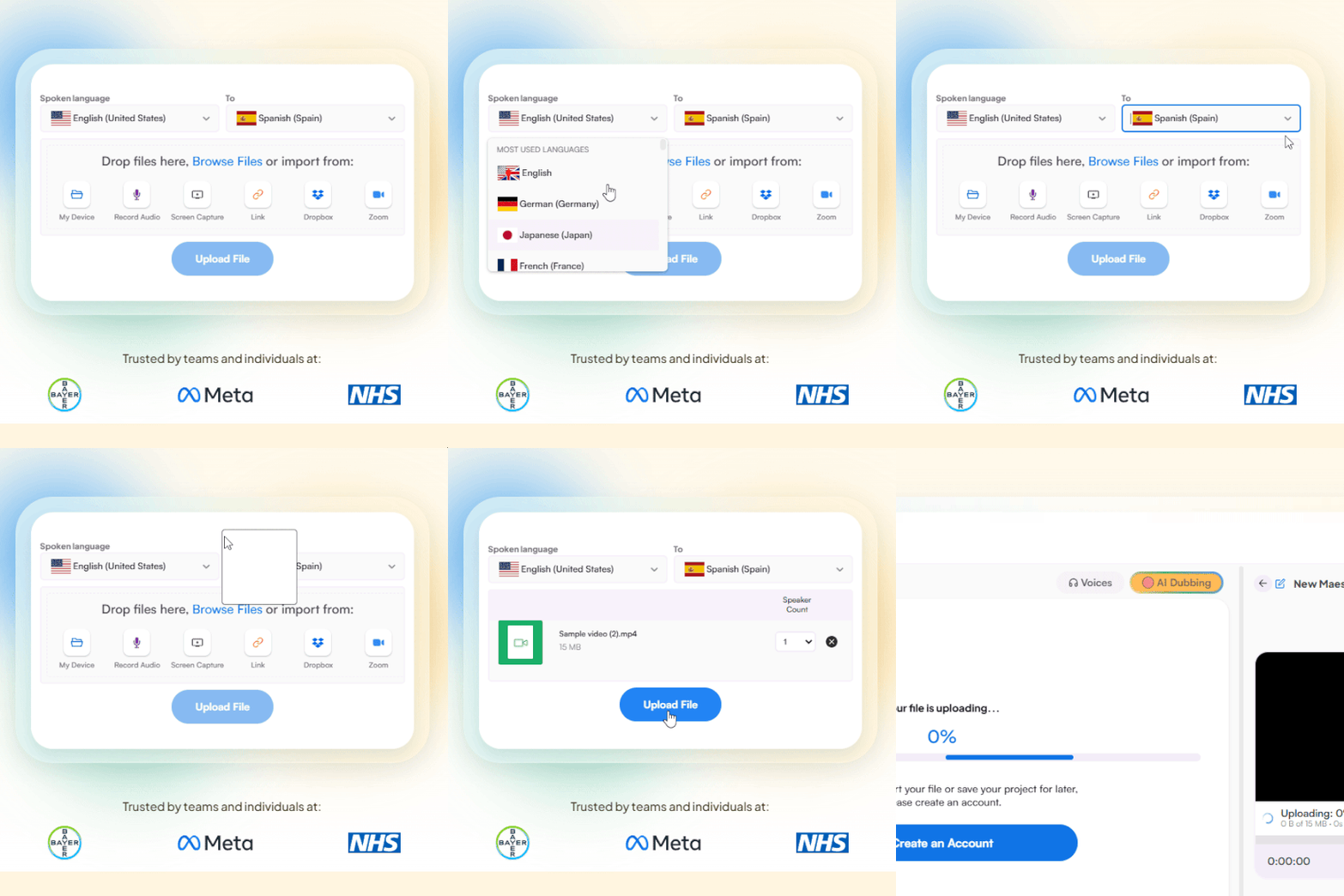
Upload an audio file from your device or import it from another platform. Set Portuguese as the source and English as the target language.
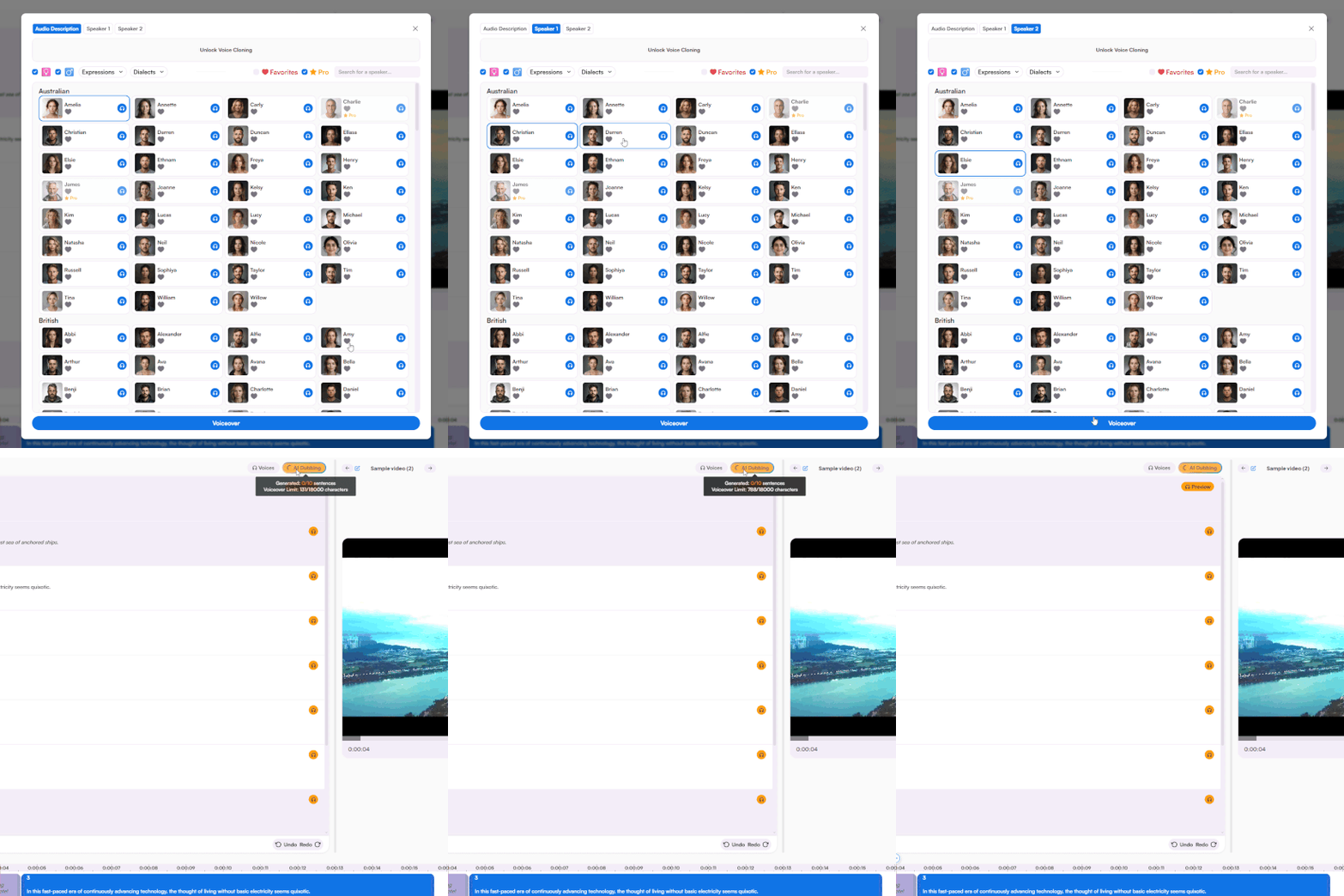
Generate the English translation using a wide selection of AI voices in various accents, or clone your own voice for a more personal result.
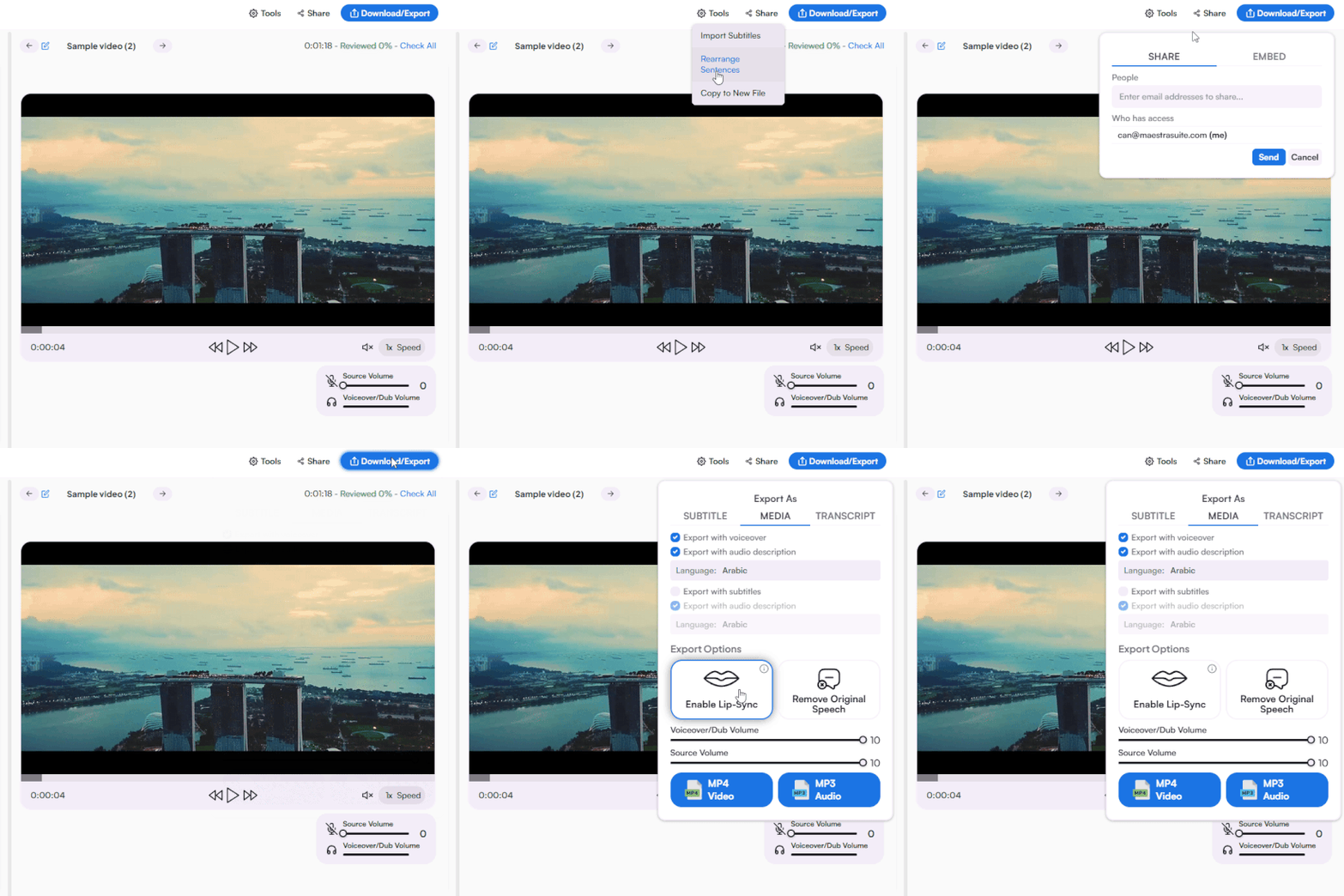
Export the English translation as MP3 or MP4, include subtitles and a transcript if needed, and share the result with others in one click.
Yes, the audio translator is free to try with no credit card or sign-up required. Test the English voices, accuracy, and editing features to see if they fit your needs. If you decide to upgrade, there are paid plans designed for individuals, teams, and businesses of any size.
Upload your Portuguese audio file or paste a link from another platform, then select Portuguese as the source and English as the target language. Choose an AI voice or clone your own to generate the English audio. When the translation is ready, preview the result, make any edits you need, and download the final file.
Yes, the tool supports both Brazilian and European Portuguese audio translation to English. Just select Portuguese as the source language, and the AI will automatically handle the regional variety. This makes it ideal for creators and teams working across Brazil, Portugal, and Portuguese-speaking communities worldwide.
Yes, you can upload several Portuguese audio files at once and translate them all to English in a single batch. It's a great fit for creators and teams working through large content libraries. Each translated file is delivered separately, ready to preview, edit, and download.
Translating audio files takes just a few minutes for most recordings. Short clips finish almost instantly, while longer audio or video files take a bit more time. You can preview the result and download the English audio as soon as it's ready.
The Portuguese to English audio translator is powered by advanced AI models like DeepL, OpenAI, and Gemini for the most accurate results. The output preserves meaning, tone, and natural phrasing rather than translating word for word. For even better accuracy, you can add technical terms and brand names to your custom dictionary for consistent translation across projects.
Yes, the tool can detect and separate multiple speakers within the same audio or video file. Each speaker can be matched with a different AI voice for clearer dialogue. That makes it a great fit for interviews and podcasts with several participants.
Yes, Maestra offers a wide library of AI voices in English across regional accents, including American, British, Australian, Indian, Irish, and more. You can also pick from different tones and genders to match your audience. For a fully personalized result, you can clone your own voice and use it in the translation.
Yes, simply update the English text in the editor and the audio refreshes automatically. There's also an AI rewriting feature to polish phrasing in a single click. No re-uploading required.
Yes, every translation comes with a full translated transcript in English, complete with timestamps. You can download it as a separate file to improve accessibility, boost SEO, or repurpose your content. Additionally, both Portuguese and English subtitles can also be exported in formats like SRT, VTT, SBV, and more.
You can download your translation as MP3 or MP4, depending on whether you need audio only or audio with video. Subtitles are available as separate files or embedded directly into your video. Transcripts can be downloaded in file formats like DOCX, PDF, TXT, and JSON.
Yes, every uploaded file is encrypted in transit and at rest to keep your content protected. Your files are never shared with third parties or used to train AI models. For full details, you can check Maestra's privacy policy.
Yes, the Portuguese to English audio translator runs on both mobile and desktop with the same feature set. Start a translation on your phone and continue on your desktop, or the other way around. Projects sync across devices automatically.
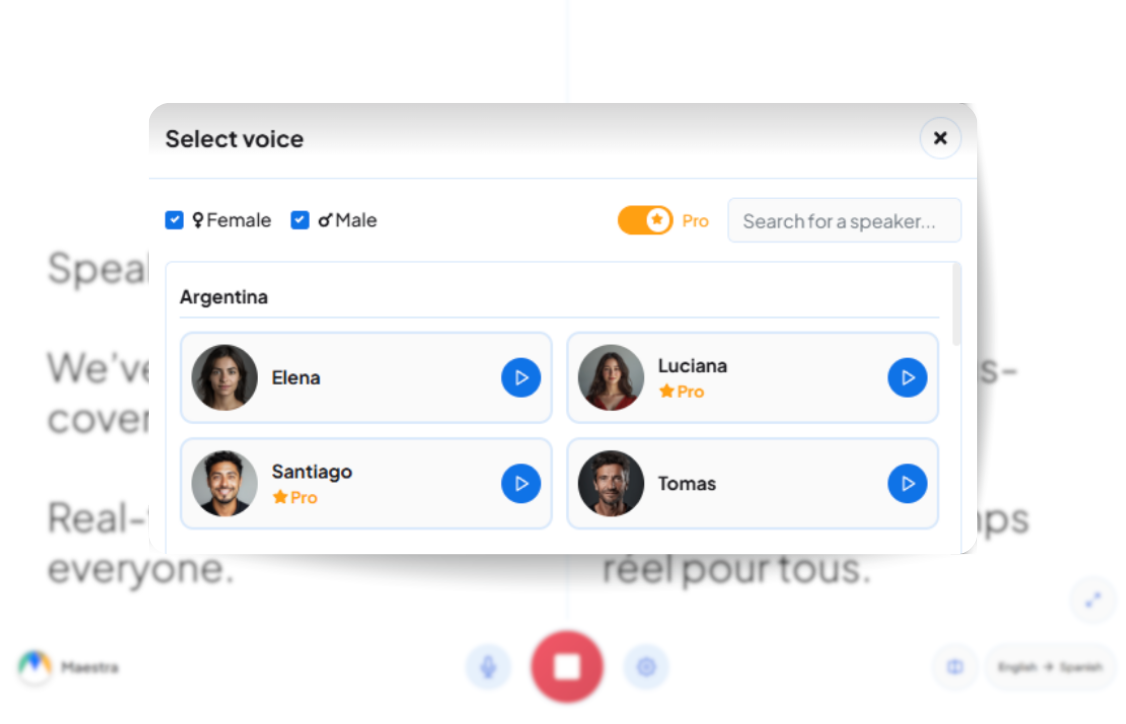
Yes, with Maestra's live voice translator, you can convert Portuguese speech into English instantly across meetings, webinars, events, and everyday conversations. You'll get instant English dubbing and synced captions as you and participants speak. The tool is available on both mobile and desktop.
Yes, you can translate Portuguese audio into 125+ languages within the same project, such as Spanish, French, German, Japanese, and more. Each version uses the same source file. It's the easiest way to bring your content to a global audience in just a few clicks.