AI Speech to Speech Translator
Speak French but be heard in the language you prefer using Maestra's French voice translator. Maintain your tone by using real-time voice cloning and make your voice heard in multiple languages.
Translate French speech in real time.







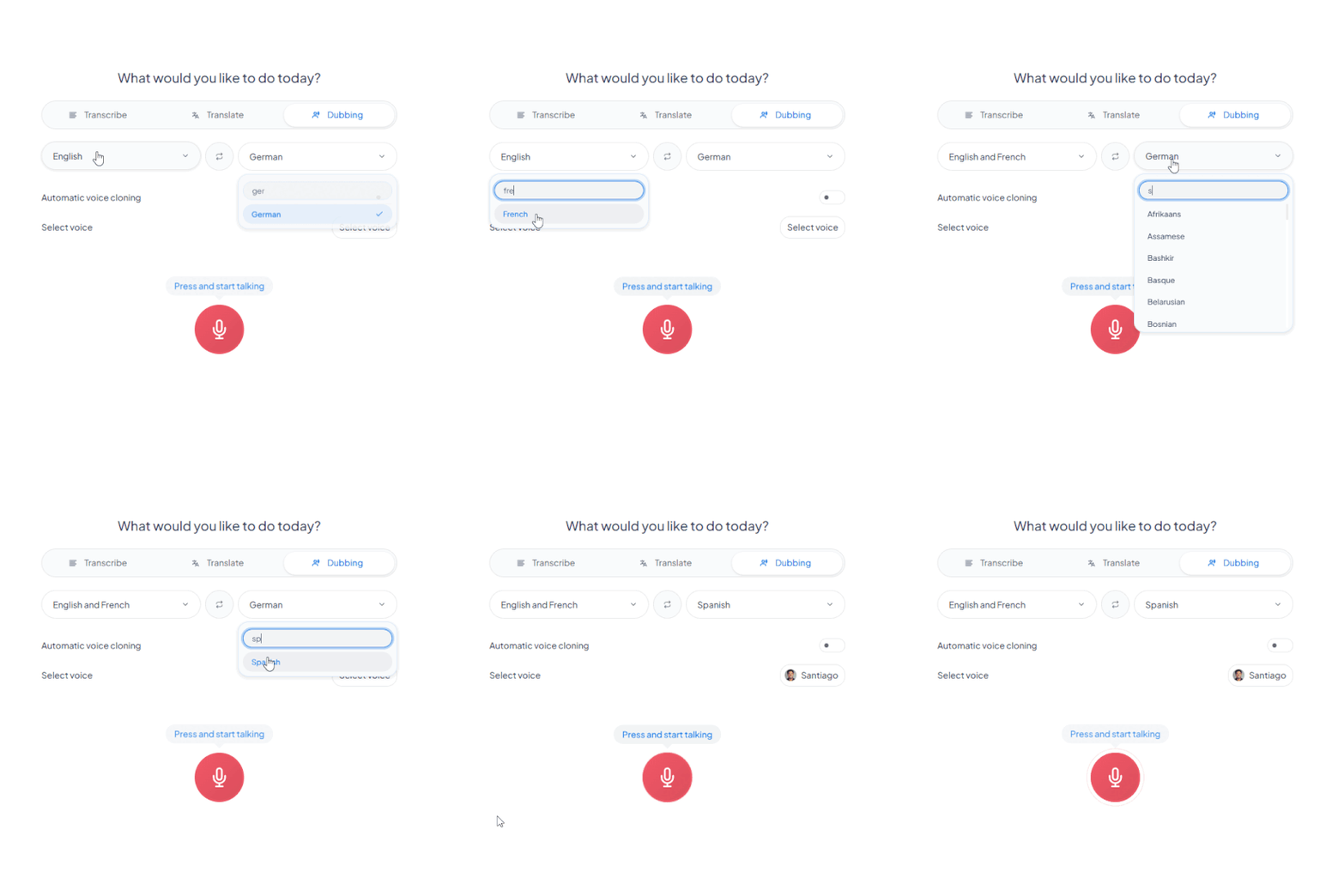
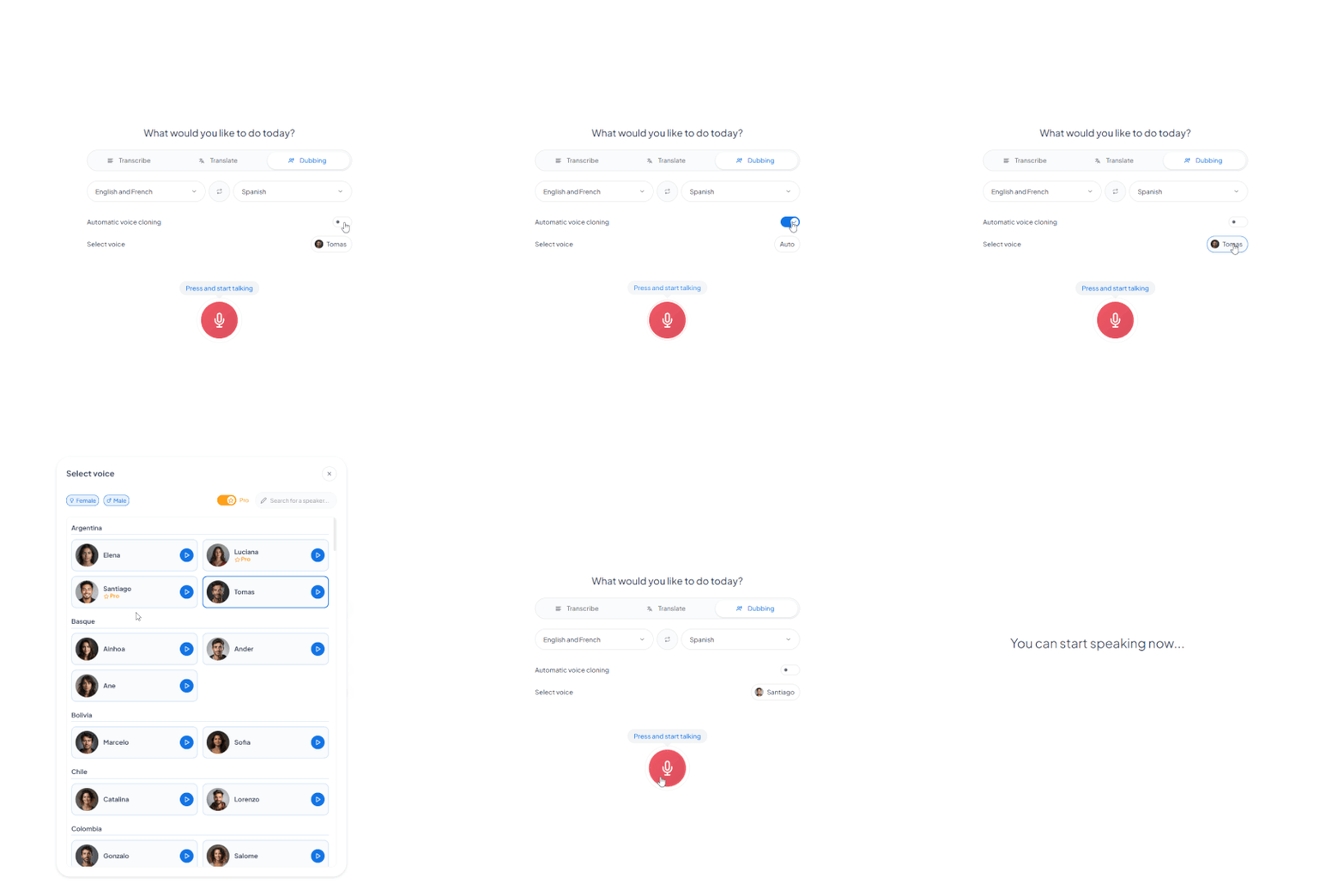
Select the spoken language(s) and the translation language in the dubbing tab.
Enable voice cloning or browse our diverse French AI voice library.
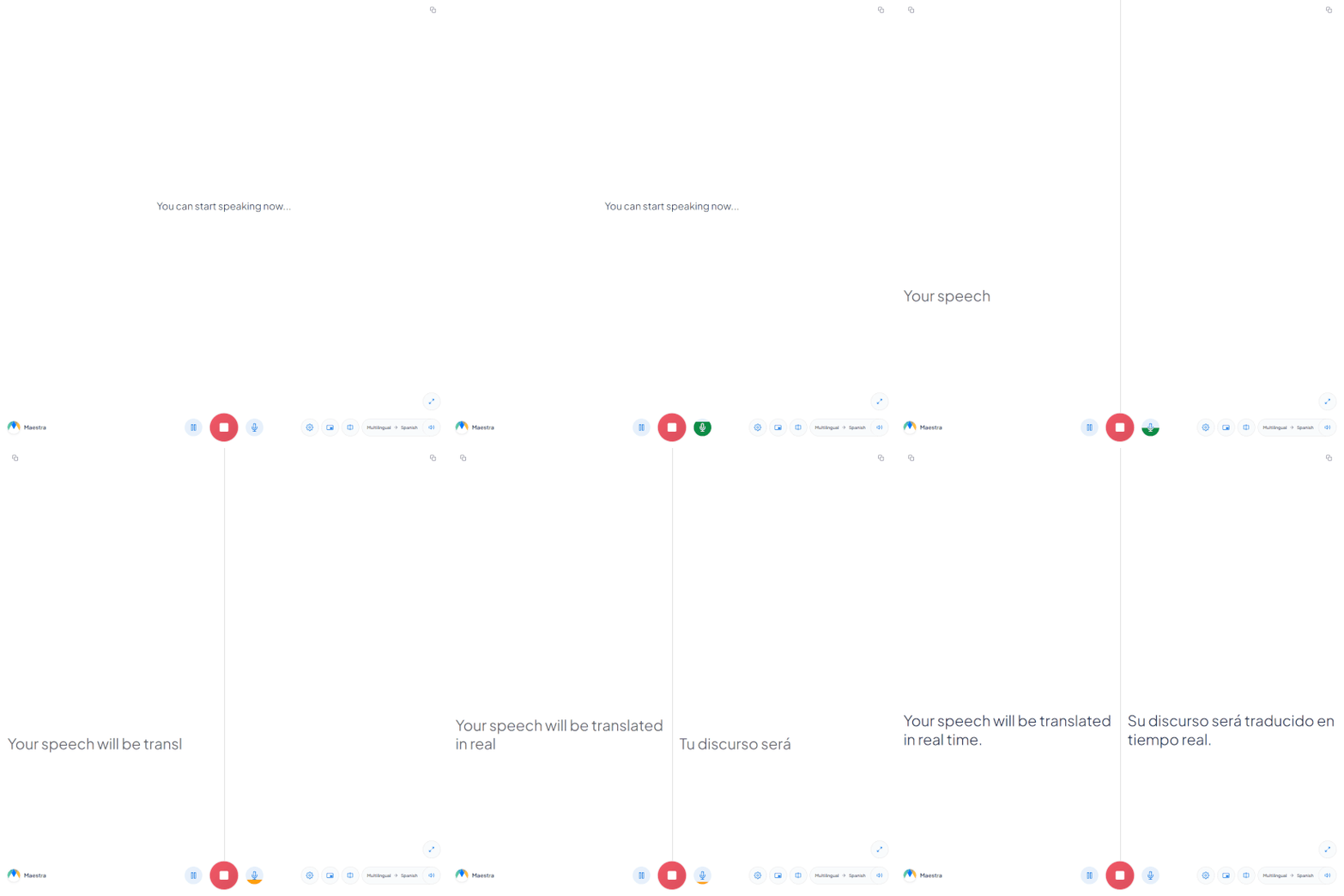
Start speaking, and your French speech will be translated in real time with simultaneous captions. Customize the app’s appearance, then save the session for archiving, editing, or further translation.
.jpg)
Online & Secure
Integrate
Repurpose
Access Maestra Live, choose French as the original language and enable translation plus live dubbing. Then, when the sessions starts, your voice will instantly be translated to the translated language and captions will be displayed simultaneously.
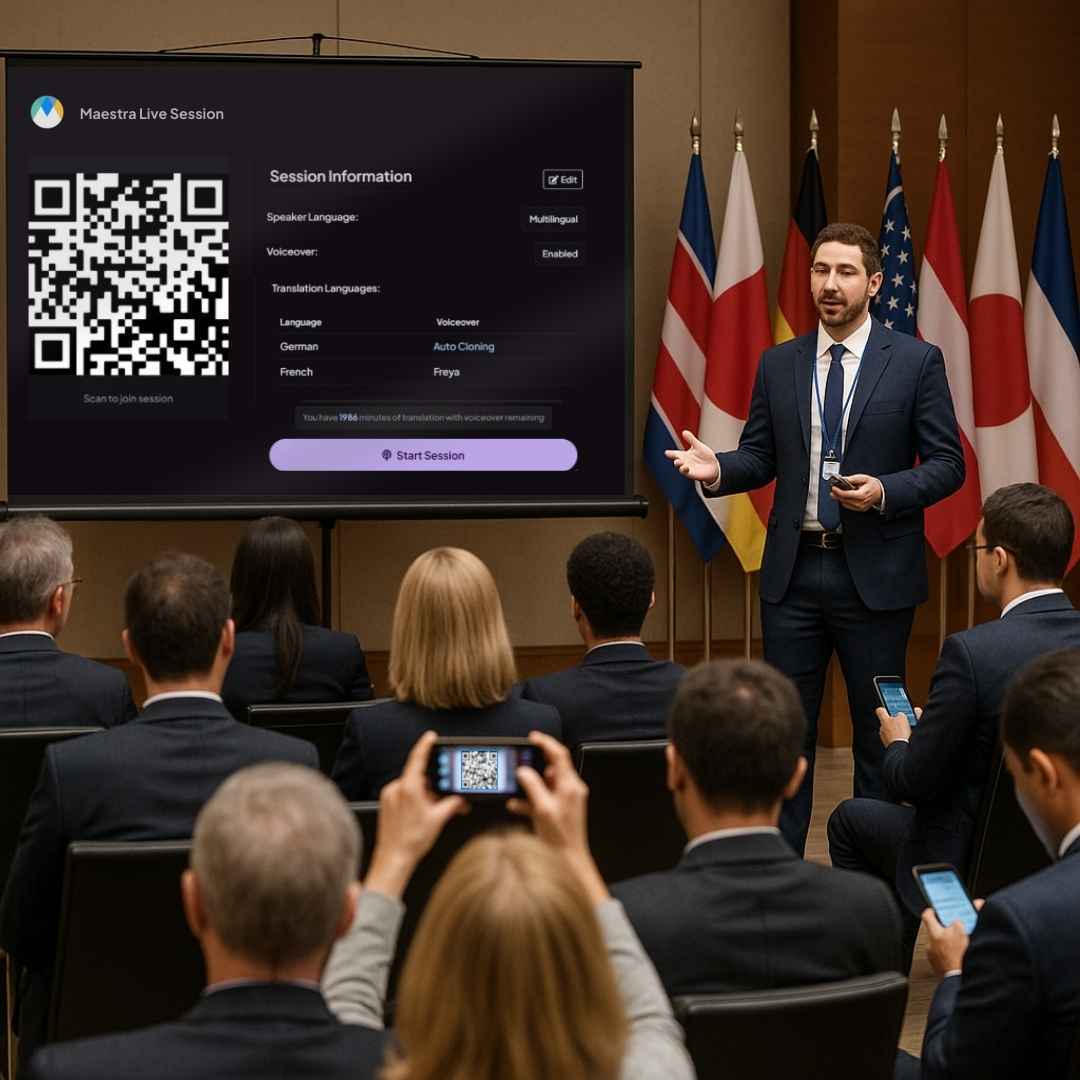
When you are creating a translation session, you can choose multiple translation languages. And when someone joins the session, they can choose from those languages, allowing them to listen to the voice translation and view the captions in their preferred languaged.
After you enable voice cloning and start the session, it will take a few seconds for the software to start cloning your voice and after a short while the live voice translation will be almost indistinguishable to your voice, in another language.
More than 125 languages are supported and over 30 for real time voice cloning. You can translate French to English voice, or more languages to create a truly multilingual environment.
Yes, each feature of Maestra Live has a free trial for you to try and see how AI-driven real time localization can bridge the gap between people who speak different languages. Use Maestra's French voice translator and virtually speak in any language you want for free!
Your sessions will be saved under the real time tab on your Maestra dashboard, where you can convert them to subtitles, voiceovers or edit them further.