Chaitanya P.
Managing Director"Master the Media with Maestra"
The best side of this product is auto subtitling. And most importantly, it supports multiple languages.
Read full reviewAutomatically transcribe Japanese audio to text online in minutes.
MP3, WAV, M4A, AAC, FLAC, OGG…
Sign up to export the transcript.
Sign up nowYouTube, Vimeo, Google Drive, or a direct media URL
Sign up to export the transcript.
Use your microphone
Sign up to export the transcript.
Our Live Transcribe tool captures speech in real time, no upload required.
Your file transcribed successfully. Sign up to download.This is just a sampleYour file was transcribed successfully.No speech was found in your file.The result came up empty again.
Your 1-minute transcription trial has ended. Sign up to export the transcript.
Your transcript is ready to preview.
Sign up to download or export your file.
Try it with your own file. Upload one here, or continue in the Maestra app.
This is a 1-minute preview. Sign up to download or export your transcript.

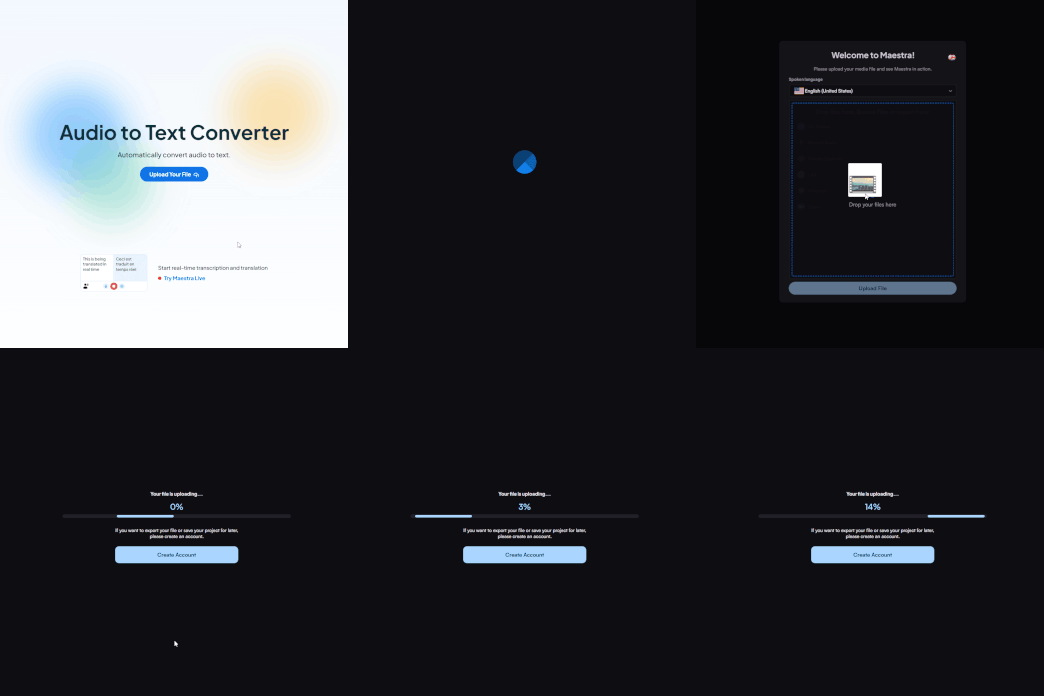
Upload an audio file and choose Japanese as the original language to start the transcription.
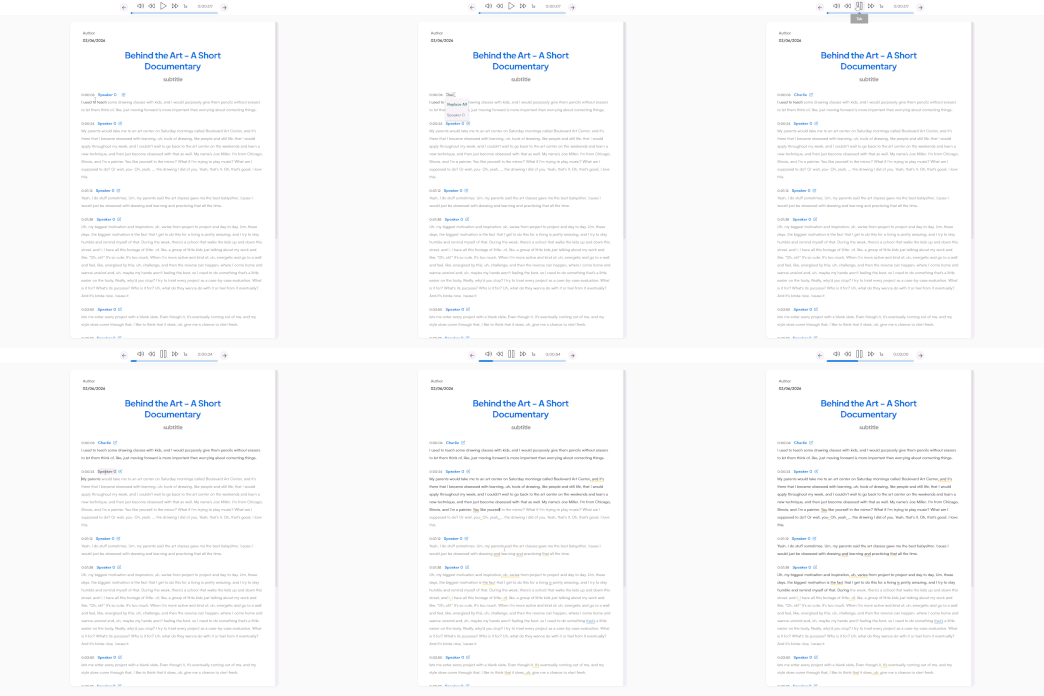
Receive the transcription within seconds and edit to your preference.
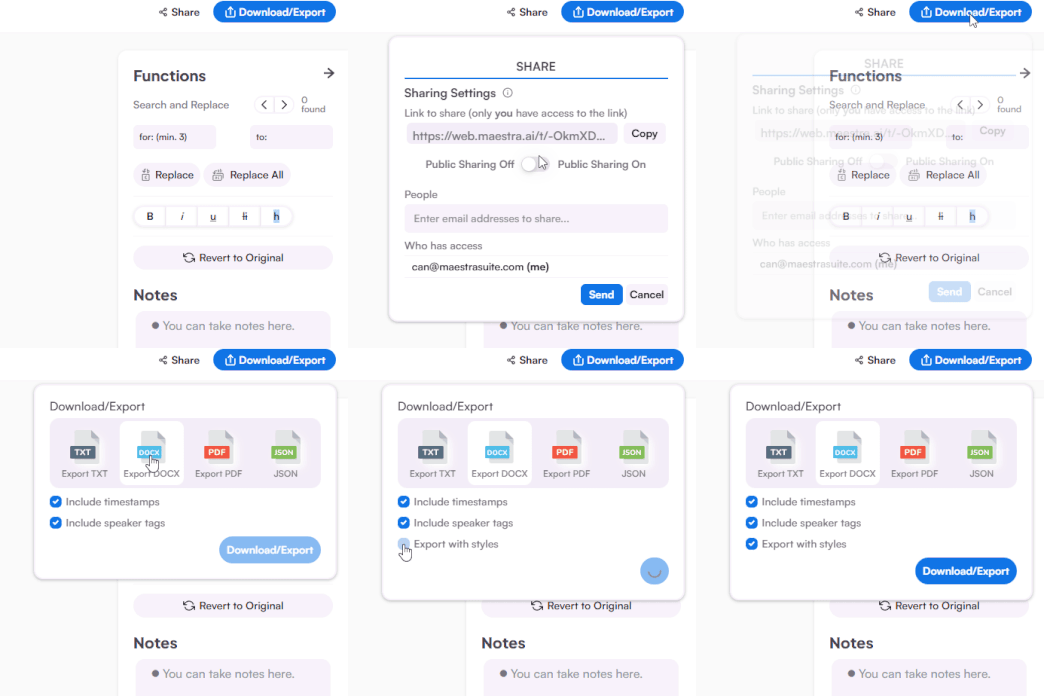
Share to collaborate or download the Japanese transcript as DOCX, PDF, TXT, or JSON.
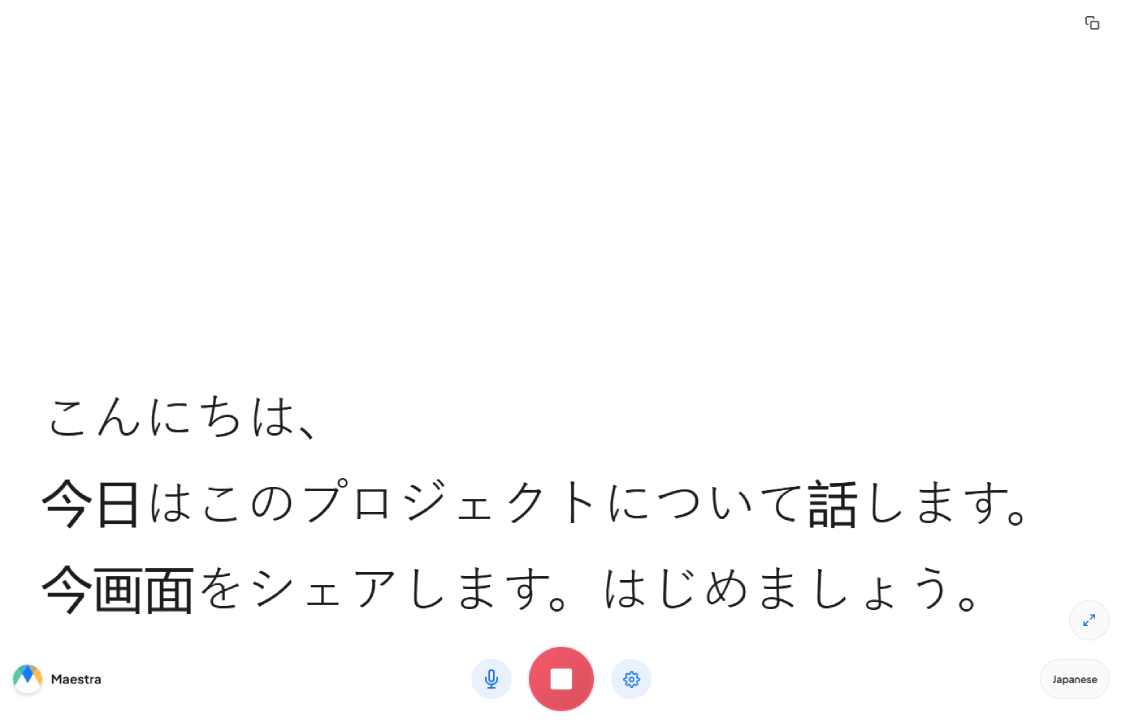
Yes, you can transcribe Japanese speech to text in real-time, completely free. With the pro version, you access higher accuracy, live translation and session sharing.
Maestra's Japanese audio to text converter uses the best available AI transcription technology, ensuring great accuracy when transcribing audio. With disruptions such as overlapping speech and bad audio quality, minor inaccuracies may occur.
Upload a Japanese audio file to Maestra’s transcription tool, choose “Japanese” as the original languague. Within seconds, the Japanese audi file will be transcribed to text with incredible accuracy.
Yes, anyone can try transcribing audio files with Maestra for free. Upload any audio file in 125+ languages including Japanese and it will automatically be transcribed within seconds. Also, Maestra Live is free to use for anyone looking to transcribe live Japanese audio.
Yes, you can easily convert transcripts to subtitles or voiceovers, then translate them into as many languages as you wish.
Transcription duration depends on the length of the audio; however, even longer files are transcribed within a few minutes with high accuracy. And with an intuitive transcript editor, the required proofreading time is minimal.
Absolutely, live Japanese transcripts can be saved to your Maestra dashboard where you can edit, translate, repurpose and more.