Chaitanya P.
Managing Director"Master the Media with Maestra"
The best side of this product is auto subtitling. And most importantly, it supports multiple languages.
Read full reviewGenerate a Russian voice over for any video with AI dubbing.
MP4, MOV, AVI, MP3, WAV, SRT…
Sign up to export your dubbed file.
Sign up nowYouTube, Vimeo, Google Drive, or a direct media URL
Sign up to export your dubbed file.
Use your microphone
Sign up to export your dubbed file.
Live translation from spoken audio, transcribed and translated as you speak.
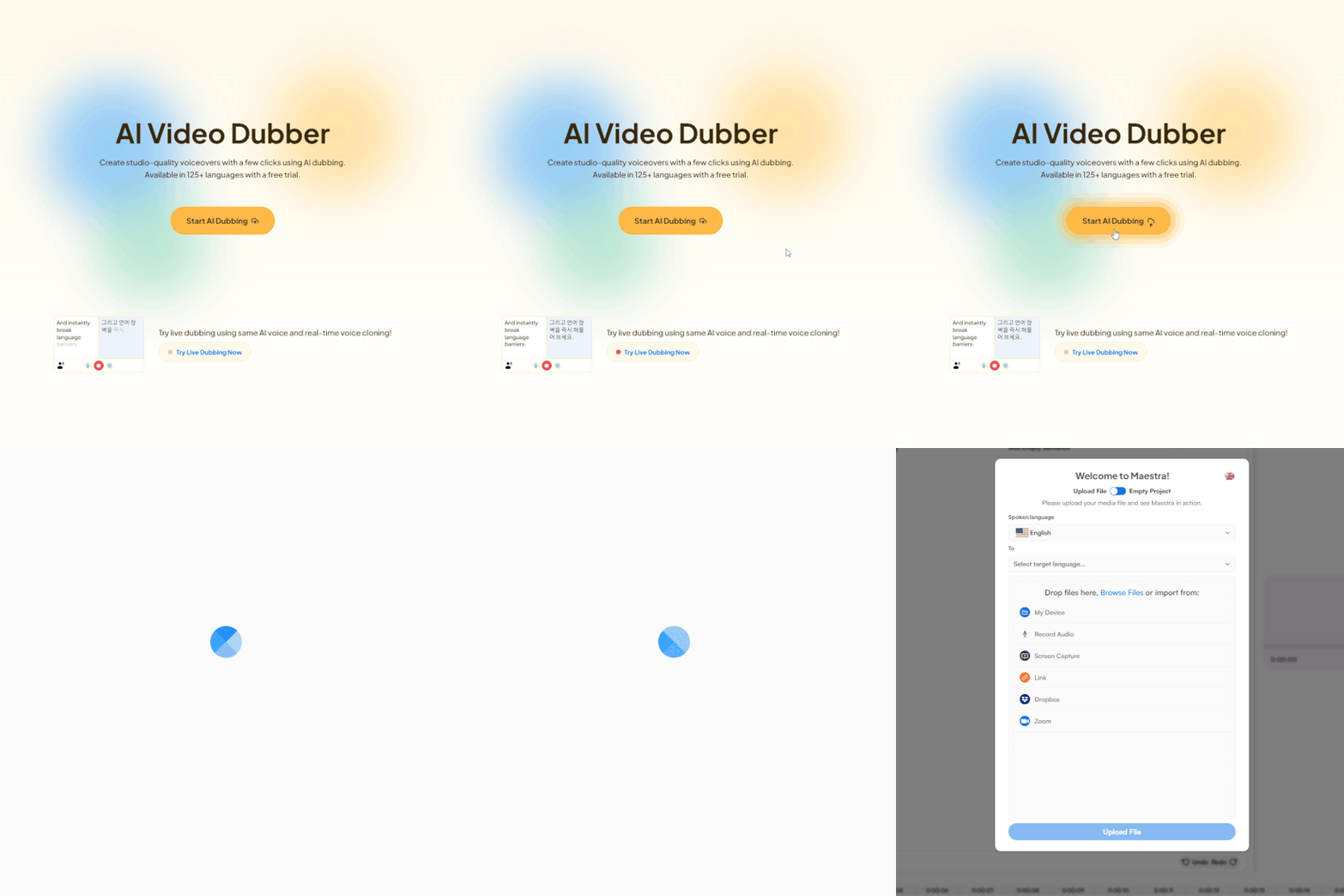
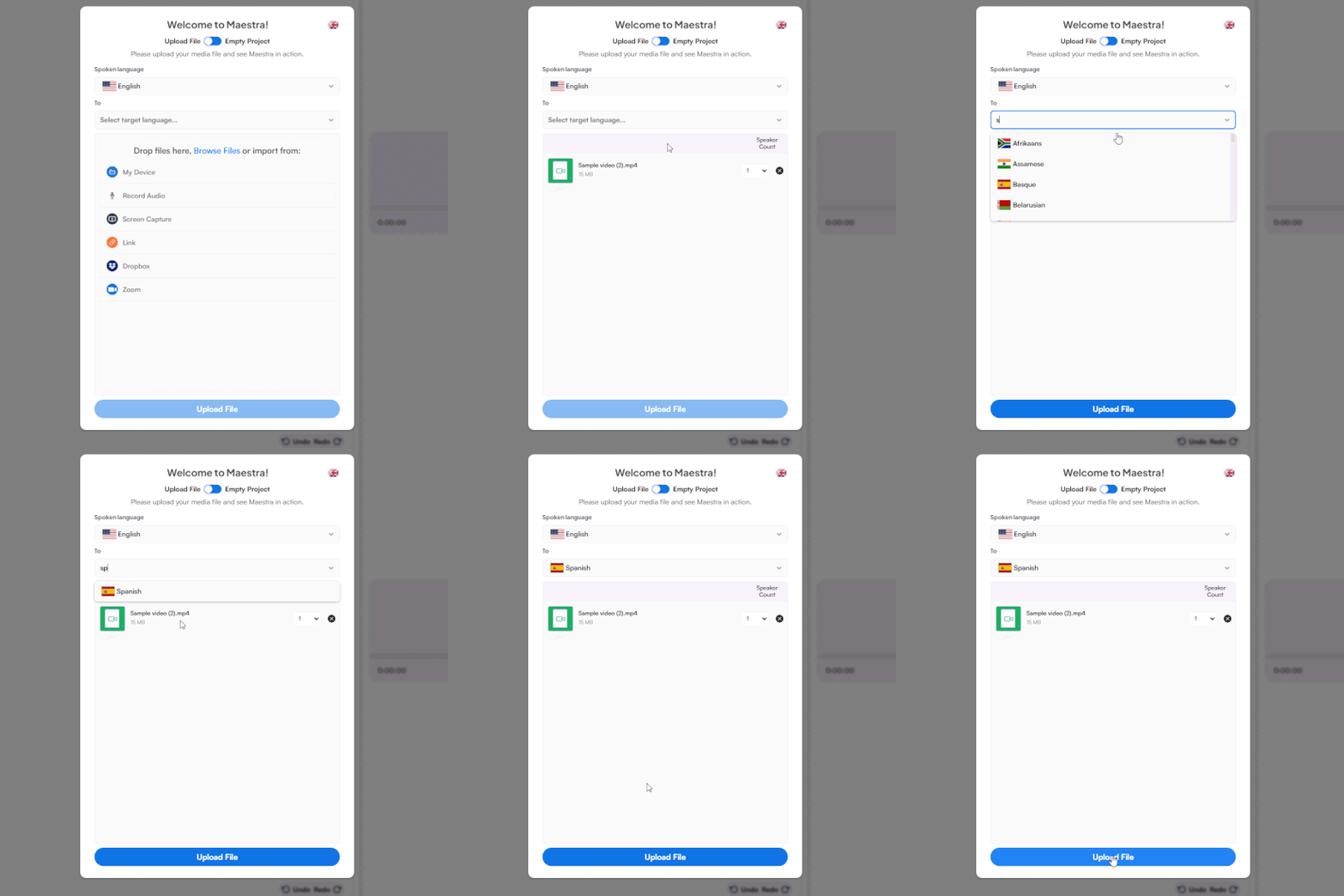
Upload a video file from your device, record directly, or paste a link.
Choose the original language and set Russian as your target language.
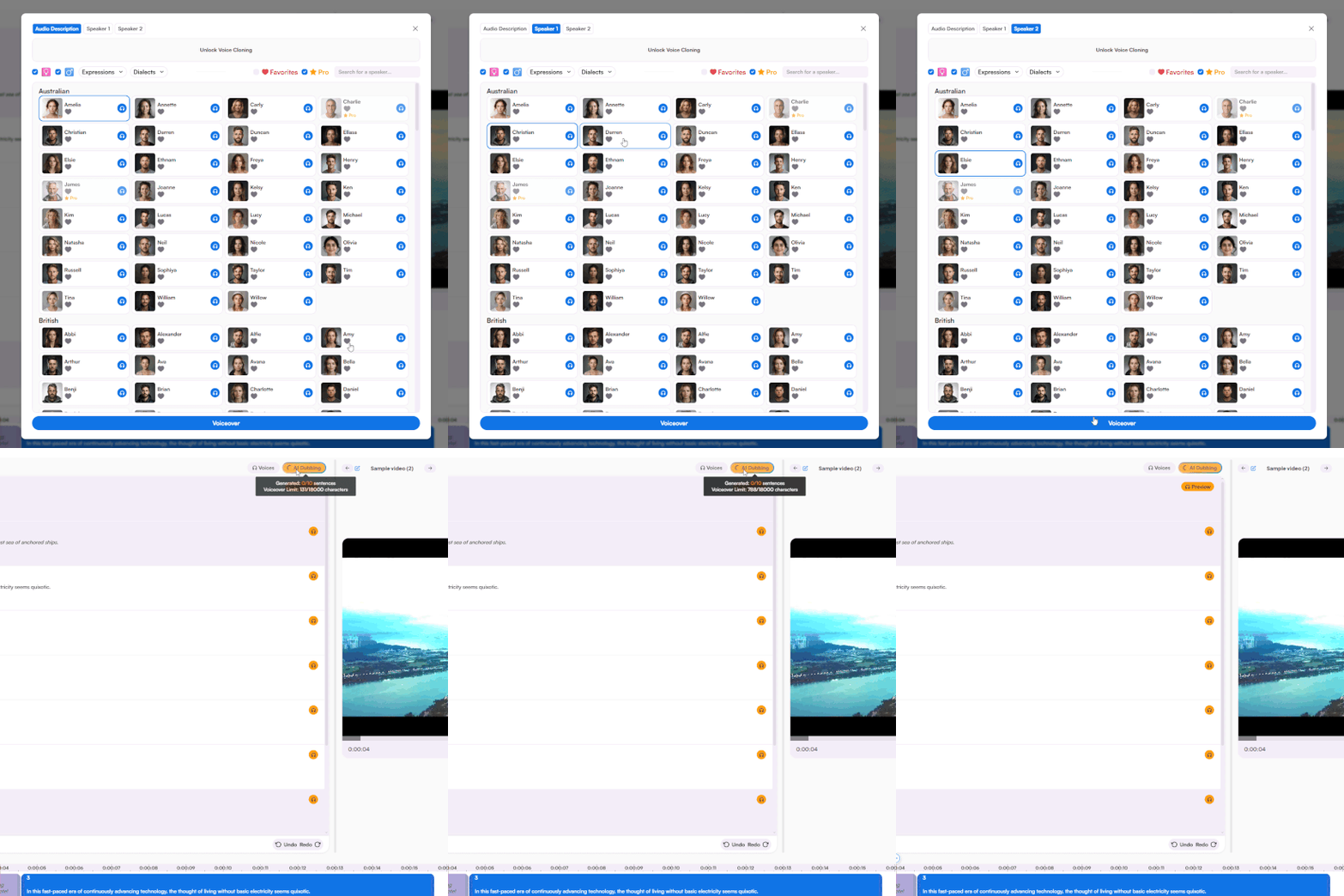
Pick from a selection of Russian AI voices, fine-tune pacing and emotional delivery in the editor, then export your dubbed content.
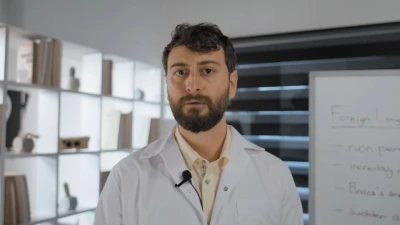
Listen to realistic voice cloning and AI voice samples before you generate. Available in 30+ languages.

 English
 French
 Arabic
 German
 Spanish
 Japanese

Generate studio-quality Russian voice-overs with a few clicks and reach Russian audiences around the world.
Yes. You can test the Russian voice over generator on a portion of your video to preview the AI voices, accuracy, and output quality. To unlock full access, you can browse plans on Maestra's Pricing page.
Start by uploading a video file or pasting a link. Choose the source language from 125+ options and set the target language as Russian. After Maestra processes the video, choose a Russian AI voice for each speaker, synthesize the voiceover, and refine the output in the editor before downloading.
Most files are processed within minutes depending on length. Voice synthesis takes a few more minutes once you've assigned voices. This is dramatically faster than coordinating with Russian voice over talent, which can stretch into days or weeks.
The Russian voice over generator uses state-of-the-art speech synthesis for output that closely resembles native speakers. You can edit any line manually in the built-in editor or utilize the AI rewriting feature to refine wording with a single click.
Yes. Maestra's AI voice cloning technology captures the original speaker's vocal identity and reproduces it in Russian, so the dub sounds like the same person. This is a great way to maintain a consistent voice and style across multiple languages.
Yes. The AI lip sync feature aligns the Russian voice over with the speaker's mouth movements on screen. Toggle it on when you export the final video: great for presentations, explainer videos, and any content that includes on-camera narration.
Yes. All Russian AI voices on Maestra are licensed for commercial use, including advertisements, branded content, training materials, product demos, and customer-facing videos.
Yes. You can set the playback speed in the editor to speed up or slow down the pacing for better clarity. You can also change the characters per second for exact timing control.
Yes. You can enable subtitles at export and they'll be added in sync with the Russian dubbed audio. They can also be downloaded as standalone SRT, VTT, or other subtitle files.
Yes. Just upload the file or paste a link and select Russian as the target language. Maestra handles the transcription and translation, then generates a Russian voice over for each character with selectable emotions and speaking styles.
Maestra works with MP4, MP3, WAV, MOV, and many other file types. You can export dubbed Russian content as MP4 or MP3 and download subtitles separately in SRT, VTT, or other formats. See the Supported Formats page for all options.
Yes. You can download the dubbed Russian audio as a standalone MP3 file. This is ideal for podcasts, audiobooks, or any other audio-only applications.
Yes. Maestra encrypts all uploads in transit and at rest. Your files are never shared with third parties or used for model training. View Maestra's Privacy Policy for complete details.
Yes. Maestra includes a standalone Russian text to speech tool that converts any written script into spoken Russian. Simply paste your text into the Russian tool and generate the audio without uploading a video. Just like the Russian voice over generator, it's free to try with no sign-up required.