Get Started Free

AI Lip Sync Generator

Sync any speaker's lips to a new voiceover in 125+ languages.
EnglishEnglish
FrenchFrench
ArabicArabic
GermanGerman
SpanishSpanish
JapaneseJapanese

Trusted by Teams Worldwide

125+
Languages Supported
4.8/5
Rated on G2
10M+
Minutes of Video Translated
2K+
Enterprise Customers

How to Create AI Lip Sync Videos Online

1

Upload Your Video

Upload an MP4, MOV, MKV, or AVI file directly into Maestra and pick your target language from 125+ options. No file prep needed.

2

Generate or Clone Voices

Choose an AI voice from Maestra's library or clone the original speaker's voice. Pick the accent and expression so the delivery matches the performance on screen.

3

Enable Lip Sync and Export

Fine-tune anything you want in the editor, then switch on lip sync in the export tab. Maestra aligns the lip movements and returns a finished video in minutes.

Sync Realistic AI Voices

Generate lifelike voiceovers in 125+ languages with accent and emotion options, then sync the lips to match.

Kore
Kore
Achird
Achird
Charon
Charon
Zephyr
Zephyr
Kore
Storyteller
[Mysterious] The old library held secrets that no one had dared to uncover for centuries. [Whispering] In the darkest corner, a single book began to glow. [Excited] Suddenly, the pages started turning all by themselves!
Achird
Tech Innovator
[Authoritative] Our new AI platform completely reimagines data processing. [Confident] It’s faster, more secure, and incredibly intuitive. [Friendly] Let’s take a quick look at how it can transform your daily workflow.
Charon
Gym Coach
[Energetic] Welcome back! Today we are pushing past our limits and building real strength. [Breathless] Keep breathing, keep your focus, and [Powerful] give me everything you’ve got for these last ten seconds!
Zephyr
Travel Guide
[Calm] Close your eyes and let go of any tension in your shoulders. [Slow] Inhale deeply through your nose... and let it out. [Soft] Perfection isn't the goal here; just being present is enough.
See all supported voices
Start Lip Syncing

Clone and Synchronize Voices

Regenerate any speaker in 29 languages and pair it with lip sync.

Original Voice
Play different variants
Cloned Voice
Clone Voices with AI

Everything You Need to Lip Sync Videos

Everything between the upload and fully synced video, handled in one tool.

Built-In Editor

Adjust the script, voiceover, and timing side by side in one editor. Preview each line before you export, and translate to 125+ languages without re-uploading your video.

Download with Subtitles

Add subtitles to the video you just synced so viewers can read along or watch with sound off. Export as MP4, or grab the subtitle file as SRT, VTT, and more.

Enterprise and API

Sync video at scale with team collaboration, API access, and native integrations with YouTube, TikTok, Zoom, Slack, and Zapier.

Secure by Default

Your content stays protected end to end, with encryption, strict access controls, and deletion on request at any time.
Lip Sync Video Now

Who Can Use Maestra's AI Lip Sync Feature

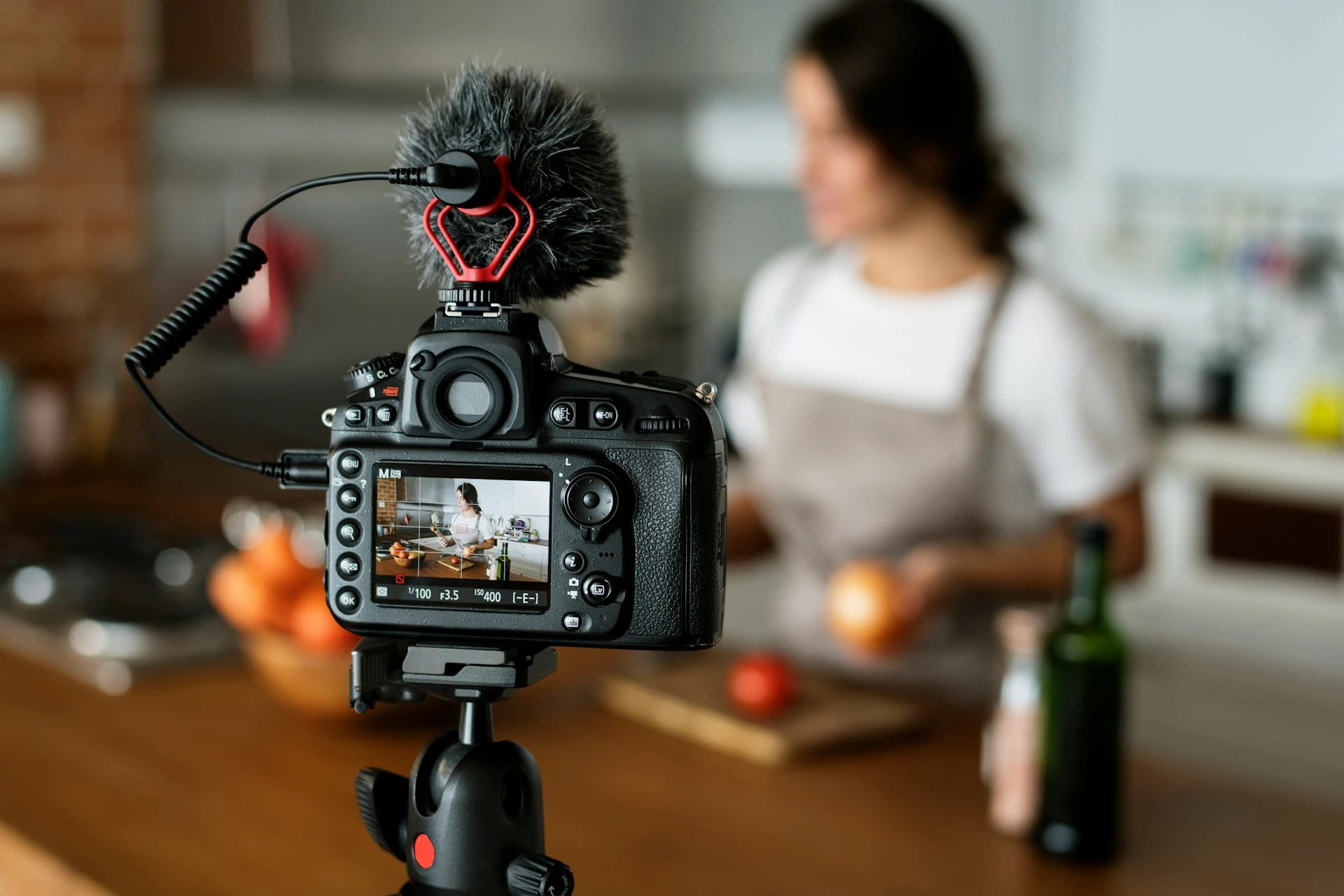
Camera on a tripod filming a woman preparing food in a kitchen.

YouTubers & Videocasters

Run your channel in more languages without re-filming, whether you're posting full episodes, Shorts, or a video podcast.
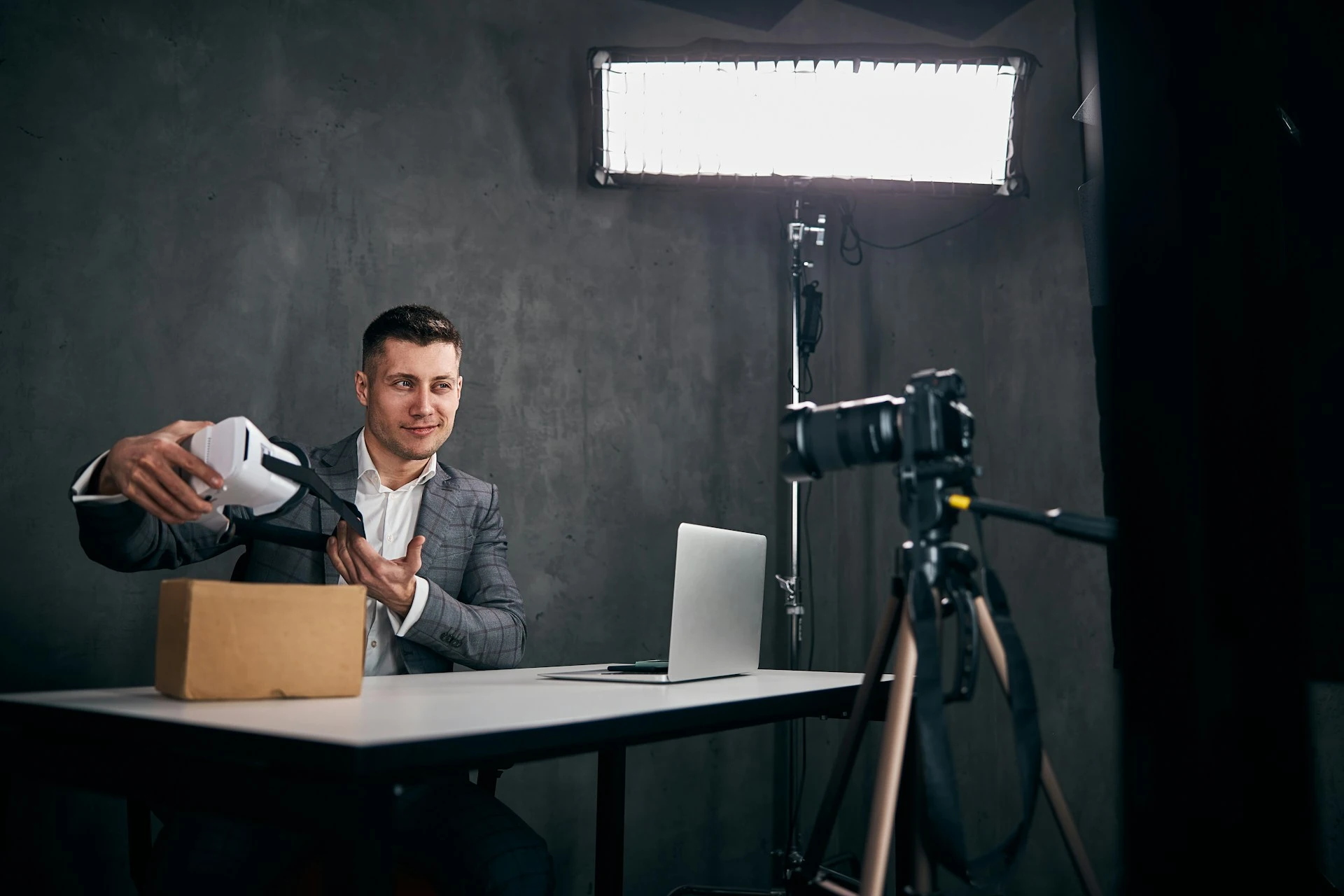
Man presenting a VR headset to a camera on a tripod during a video shoot.

Marketers

Localize ads, demos, and explainer videos with realistic lip syncing, keeping the same on-camera talent in every market.
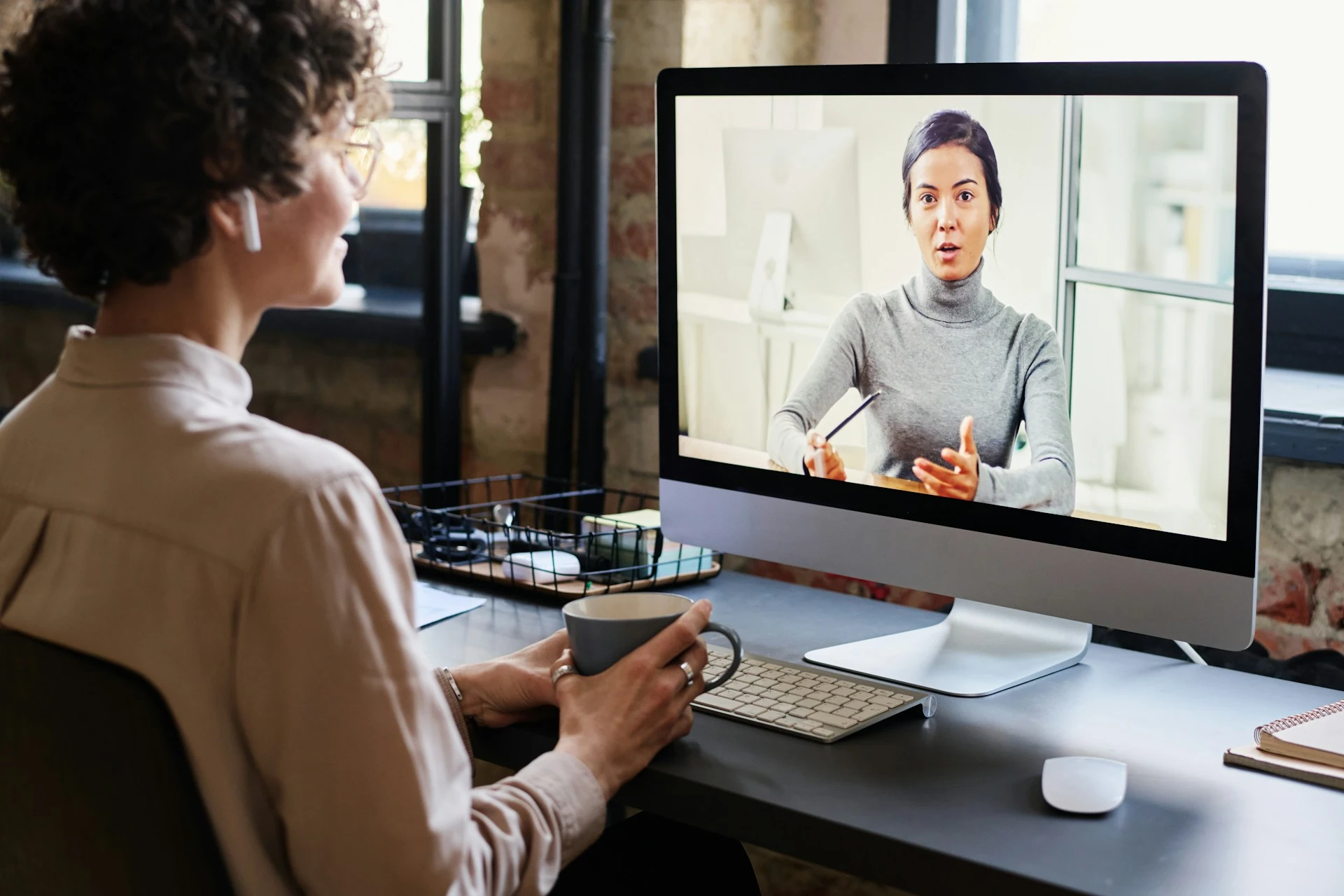
Person attending an online lecture on a computer screen during a video call.

Course Creators

Deliver lectures and tutorials in any language with seamless lip sync, without re-recording your course library.
Camera on a tripod recording a woman giving a thumbs-up.

HR & Training Teams

Record once and deliver training videos in every language your teams speak, from onboarding to annual refreshers.

Hear It From Maestra Users

4.8 out of 5 starsG2

Chaitanya P.

Managing Director

"Master the Media with Maestra"

The best side of this product is auto subtitling. And most importantly, it supports multiple languages.

Read full review

Ricardo Y.

"The All In One 'over the top' turnkey solution for Automatic Transcripts, Subtitles and Voiceovers"

What comes to mind as Maestra being the go-to solution for our company is that it's such a time and money saver.

Read full review

Matthew S.

CSR

"perfect for anything transcript needs"

The best thing about Maestra is how well it creates transcripts. It's so useful for me. It makes my day a lot easier.

Read full review

Mary M.

Program Development

"Maestra 100% worth the investment in captioning your videos"

Ability to share captioning of our videos with multiple volunteer users is getting our captioning done quickly. Saving time and money with good quality captioning and ease of use.

Read full review

Carolina A. H.

Director

"MAESTRA IS THE GO-TO FOR SUBTITLING. LOVE IT!"

Maestra is just amazing! We were able to produce subtitles in multiple languages assisted by their platform. Multiple users were able to work and collaborate thanks to their super user-friendly interface.

Read full review

Janet S.

Enterprise

"Great product and very easy to use."

Maestra was intuitive to use and created a fairly accurate transcript in the first upload. It is easy to make corrections and ensure accuracy.

Read full review

FAQs on AI Lip Sync Generator

What is AI lip sync and how does it work?

AI lip sync uses artificial intelligence to reshape a speaker's mouth movements so they match a new audio track. The technology analyzes the facial movements in your original video, then regenerates the mouth area frame by frame to align with the new speech. The result is a dubbed video where the lips match what viewers hear.

How can I lip sync a video online?

Upload your video file to Maestra, generate a voiceover in your target language, then switch on lip sync in the export tab. The synced video is ready to download in a click. No installs and no video editing software needed.

Can I lip sync a video in my own voice?

Yes. You can regenerate your own voice with AI voice cloning, then use that cloned voice as the audio track for lip synchronization. Voice cloning is available in 29 languages, so you can speak in markets you've never recorded in while keeping your own sound.

Does AI lip sync work on real human videos or AI-generated avatars?

Both. Maestra syncs real human videos and AI-generated avatars alike: anything with a visible face and a clear view of the mouth. You can bring in an avatar video made elsewhere and sync it to a Maestra voiceover in any of 125+ languages.

How many languages does AI lip sync support?

Lip synchronization works with voiceovers in 125+ languages, with multilingual support covering all major world languages. Voice cloning covers 29 of them, so you can keep your own voice across a wide range of markets.

What video files can I upload for lip syncing?

Maestra accepts MP4, MOV, MKV, AVI, and more. Both short clips and long-form video content work, as long as the speaker's face is visible and the speech is audible. No conversion needed before you upload.

What makes lip sync results look best?

Clear, well-lit footage where the speaker faces the camera gives the most natural results. Heavy motion blur, extreme angles, or a partially covered mouth make the mouth movements harder to track, so a cleaner source clip is worth using where you have one.

How long does lip sync processing take?

Lip sync is applied at export rather than while you edit, so a lip-synced download takes longer than a standard one. Exact time depends on the length and resolution of your video file, but most exports finish in minutes.

Does lip sync change facial expressions?

No. AI lip sync only adjusts the mouth movements needed to match the new audio. The speaker's facial expressions, head motion, and everything else in the frame stay exactly as you filmed them, which is what keeps the result looking like real people rather than animation.

Is there a free AI lip sync tool?

Video translation and dubbing are free to try without an account. To apply lip sync and export your synced video, you need to sign up for a Maestra account. Lip sync is available on paid plans, so you can test the voiceover quality first and upgrade when you're ready to sync.

Can I make lip synced videos in multiple languages at once?

Yes. You can translate and sync the same video into several languages from one editor, without re-uploading your file each time. Switch between language versions, adjust each voiceover, then export your lip synced videos separately for each market.

Is my video content secure when I use AI lip sync?

Yes. Your files are encrypted in transit and stored under strict access controls, and you can request deletion at any time. See Maestra's privacy policy for full details.