10 Best Translator Apps for iPhone: Free & Paid Recommendations
Over the past few years, translation technology on iPhone has moved beyond basic phrase translation to AI-powered, real-time multilingual communication. Apple’s ecosystem now offers built-in tools that cover everyday needs. At the same time, third-party apps have pushed the boundaries with live speech interpretation and advanced language modeling.
For this guide, I've tested the best translator apps for iPhone across different contexts including everyday and travel scenarios, meetings, and business communication. My main criteria were translation accuracy, latency during live conversations, language coverage, offline reliability, and overall usability under real-world conditions.
⭐ Key takeaway: No single app dominates every category. The right choice depends on how you plan to use the app.
Here are the best iPhone translation apps that stand out for different reasons:




Before comparing dedicated apps, let's first examine Apple's built-in translation capabilities. For basic and even intermediate use, this native experience covers more than most people realize.
iPhone Translation Features: From the Translate App to Live Translation
If you’re using an iPhone running iOS 14 or later, you already have Apple’s Translate app built in. It covers core translation needs: text, voice, camera, conversation mode, and offline use.
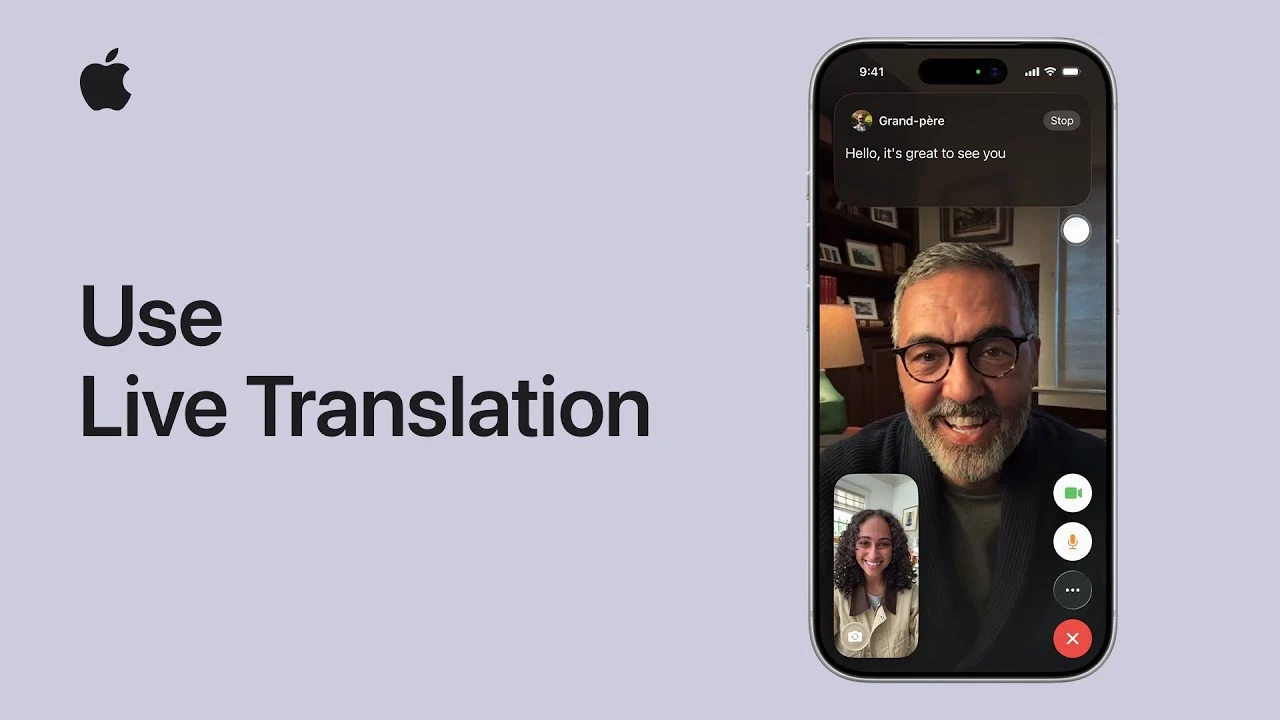
On newer supported models running the latest iOS version with Apple Intelligence enabled, translation expands beyond the app itself. Live Translation works directly inside Messages, FaceTime, and even phone calls.
Here's what you get.
Live Translation (iOS 26 and Apple Intelligence)
On iPhone 15 Pro and newer supported models running iOS 26, Live Translation enables real-time translation across system apps.
You can:
- Automatically translate incoming and outgoing messages in Messages
- View live translated captions in FaceTime
- Translate spoken conversations during regular phone calls
This is a big leap beyond typing or speaking short phrases in the standard Translate app.
For those moments when a language barrier gets in the way, Live Translation can help users communicate across languages when messaging or speaking.
Text Translation
You can type or paste text directly into the Translate app and receive an instant translation.
You can also select text inside most apps (Safari, Mail, Notes, etc.), tap Translate, and view the result without switching apps. This system-level integration is one of Apple’s strongest advantages.
Voice Translation
The app supports speech input. Speak into your iPhone, and it will transcribe and translate your words. You can then play the translated audio aloud, which is pretty useful in travel or quick in-person interactions.
💡 Tip: On iPhone 15 Pro models and later, you can assign the Action Button to Translate. Press and hold it to instantly start a voice translation session without opening the app first.
Conversation Mode
Conversation mode splits the screen between two languages so two people can speak back and forth. When automatic detection is enabled, the app identifies the active speaker and displays translations in real time.
Just keep in mind that it's built for short, face-to-face exchanges, not long or highly technical discussions.
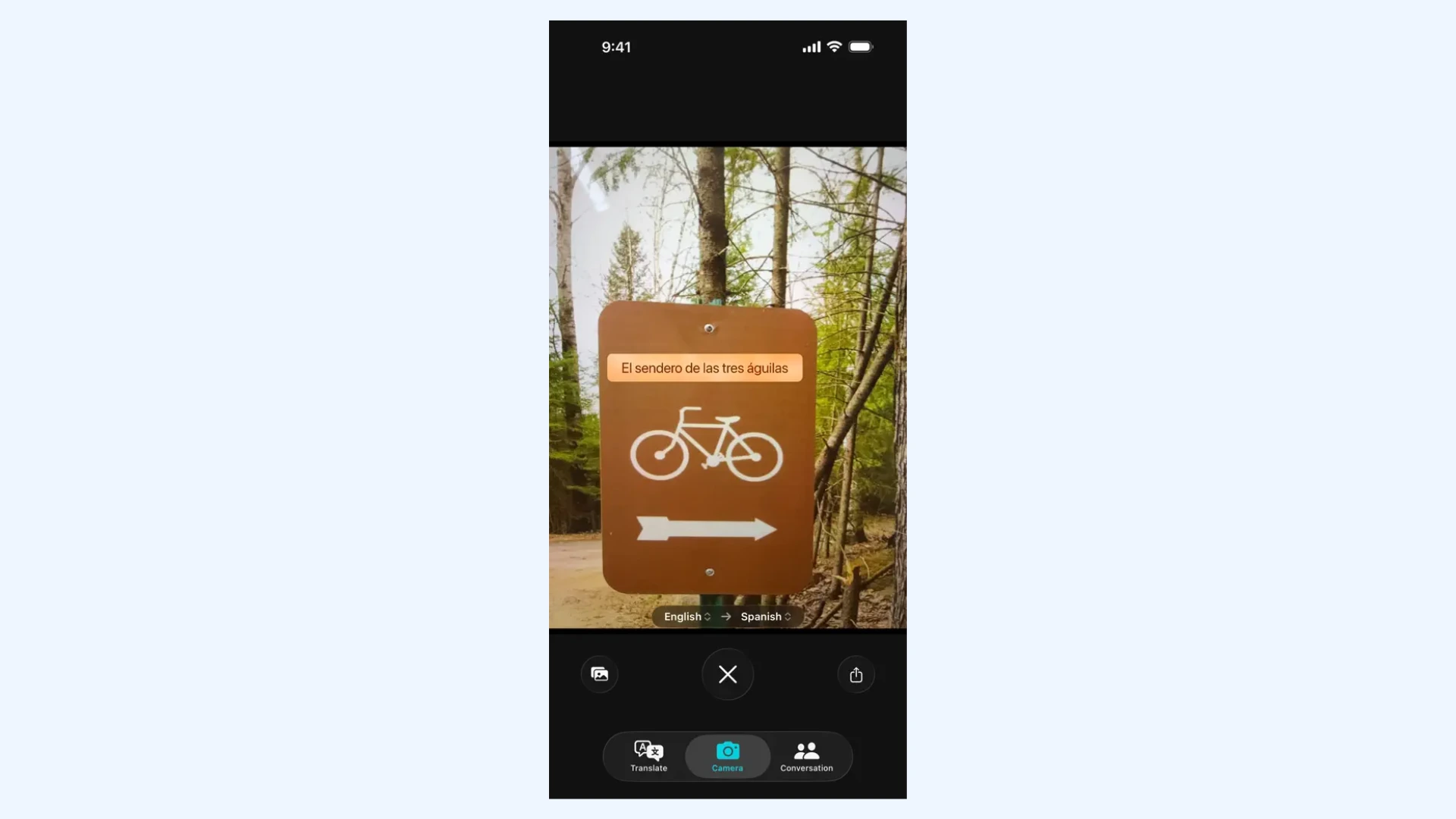
Camera Translation
Additionally, you can point your camera at printed text (menus, signs, labels), and your iPhone will detect and translate it in real time. This works well for simple, high-contrast text without complex formatting.
Although it's practical for travel and quick reading, it's not intended for scanning full documents or dense text blocks.
Offline Translation
Finally, you can download language packs and translate without an internet connection. This is especially useful when traveling with limited data access.
Both the source and target languages must be downloaded in advance for offline translation to work properly.
Pros & Cons of Apple's Built-In Translation Capabilities
At this point, this built-in experience feels complete for basic needs. I’ve used Apple’s Translate app while traveling, in quick conversations, and for translating short text. For lightweight, everyday use, it does its job reliably.
But after using it in more demanding situations, the gap between "good enough" and "truly global" becomes more apparent. On one hand, the benefits are undeniable:
- Preinstalled on iPhone: No extra downloads or setup required.
- Completely free: No subscriptions, ads, or premium paywalls.
- Clean, distraction-free interface: A minimal UI that focuses on the task at hand.
- System-wide integration: The ability to translate text inside other apps without leaving them.
- Smooth ecosystem support: Deep integration with the Action button, AirPods Live Translation, and core iOS apps.
Meanwhile, there are also significant limitations, which led me to look for other translator apps for iPhone:
- Limited language coverage: Supports far fewer languages than competitors like Google Translate.
- Regional dialect gaps: Often lacks nuance for specific regions (e.g., Brazilian vs. European Portuguese).
- No multi-language pairing: Only manages one language pair at a time, which limits flexibility if you work in multilingual environments and need to toggle between three or more languages quickly.
- No document or file translation: Cannot upload or scan full PDFs and Word docs while keeping formatting.
- Hardware restrictions: Live Translation requires newer iPhone models and the latest iOS versions.
⭐ Key takeaway: If your needs are simple, you can stay inside Apple's ecosystem comfortably. However, if you need broader language coverage or professional features, a dedicated app makes more sense.
Best Translator Apps for iPhone: Tested and Compared
Now let's compare the best translator apps for iPhone side by side before analyzing each one in detail. This table highlights the essentials at a glance.
| App | Best For | Supported Languages | Free Trial/Version |
| Maestra | Real-time speech-to-speech translation | 125+ | ✅ |
| Google Translate | Broad everyday use across many language pairs | 130+ | ✅ (fully free) |
| DeepL Translate | High-quality translated text that sounds natural and professional | 100+ | ✅ |
| Microsoft Translator | Group conversations across multiple devices | 100+ | ✅ (fully free) |
| iTranslate | Travel-friendly translation and Apple Watch integration | 100+ | ✅ |
| Reverso | Understanding language nuance and improving phrasing | 17 | ✅ |
| Papago | Accurate Korean, Japanese, and Chinese translation | 14 | ✅ (fully free) |
| Speak & Translate | Fast, hands-free spoken exchanges | 100+ | ✅ |
| Translate Now | Access to rare and less common languages | 320+ | ✅ |
| Lingvanex | Private, offline translation of very large files | 100+ | ✅ |
1. Maestra: Best for All-in-One Live Voice-to-Voice Translation
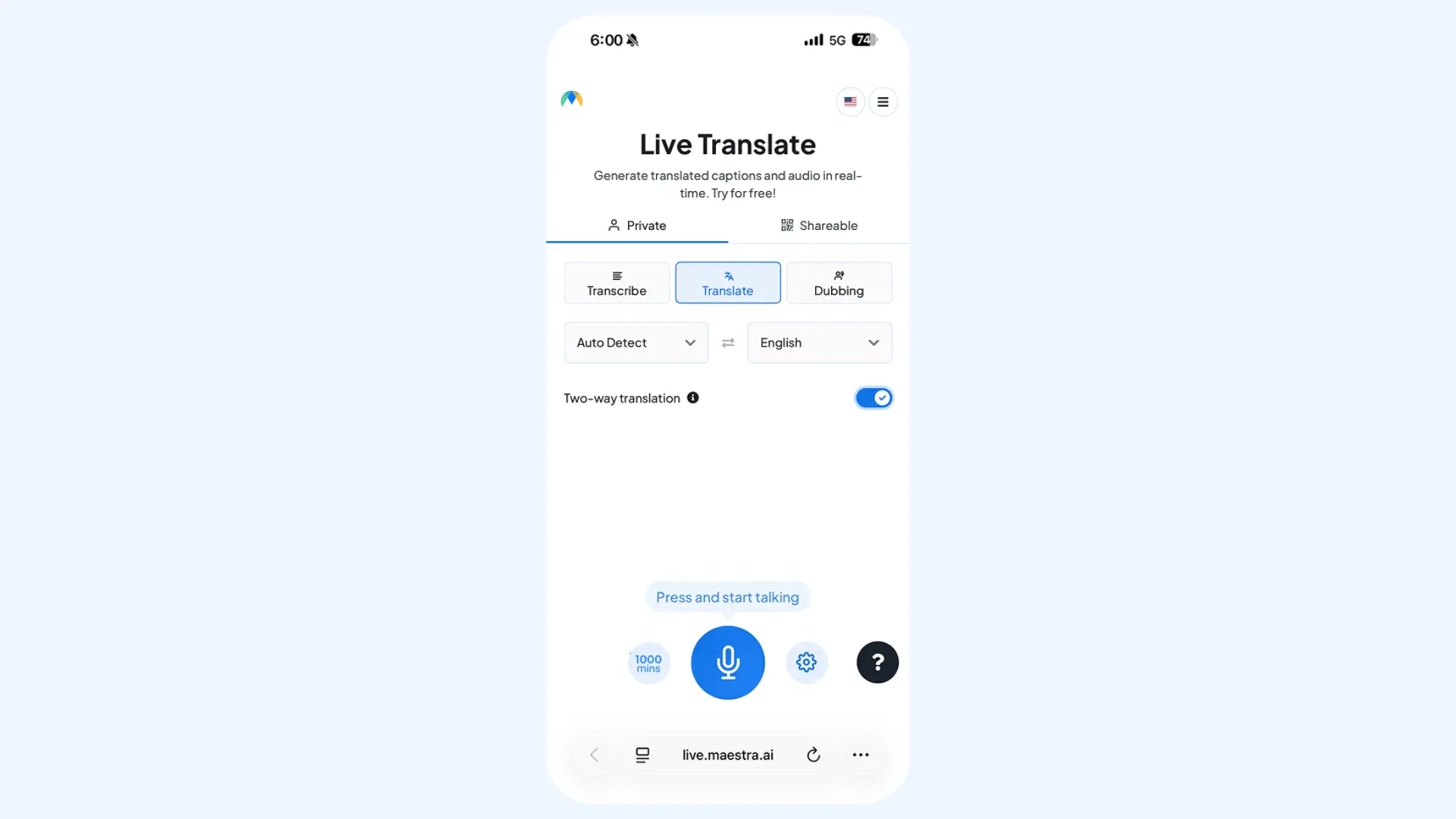
Maestra approaches live translation differently. Instead of requiring a dedicated iOS app, it runs directly in your iPhone's browser. This means no installation and no storage usage.
The instant voice translator acts as a real-time interpreter. It captures speech, and immediately translates it into the target language with voice output while also displaying live captions for added clarity. I find it particularly effective for a variety of situations including daily conversations, multilingual meetings, and live events.
Key features:
- Real-time speech-to-speech translation in 125+ languages with optional AI voice cloning
- Split-screen layout for bilingual conversations
- Multiple source and target languages within the same session
- Instant session sharing via link or QR code
- Live captions alongside spoken output
Pros
- High accuracy powered by advanced AI engines like DeepL, OpenAI, and Gemini
- Clean, distraction-free interface
- Encrypted sessions with fewer system-level permissions than most iPhone apps
Cons
- Requires stable internet connection (no offline mode)
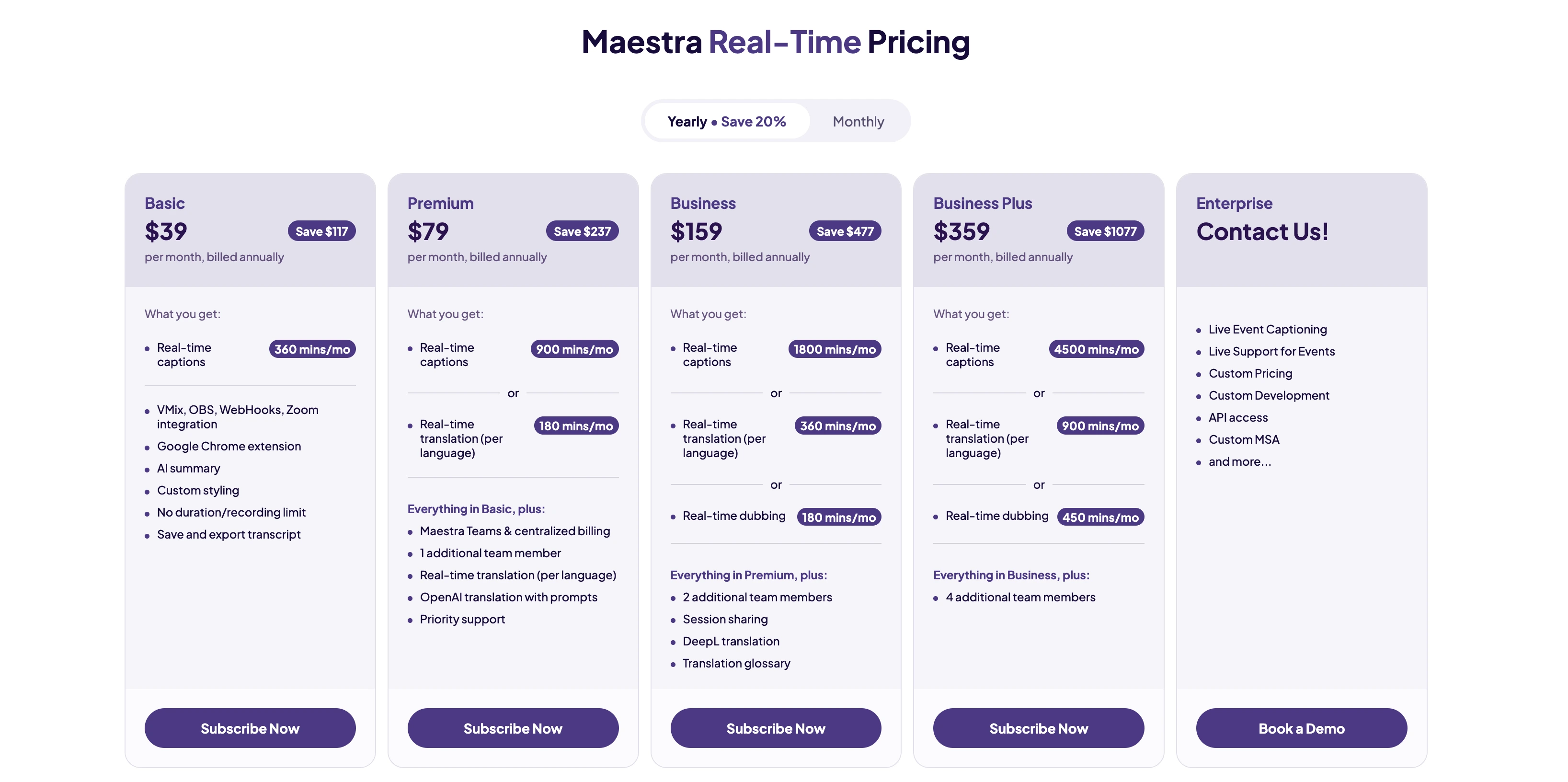
- Advanced features available on higher-tier plans
Pricing:Free trial available.
Translate Live Conversations on Your iPhone
2. Google Translate: Best for Everyday Translation and Maximum Language Coverage
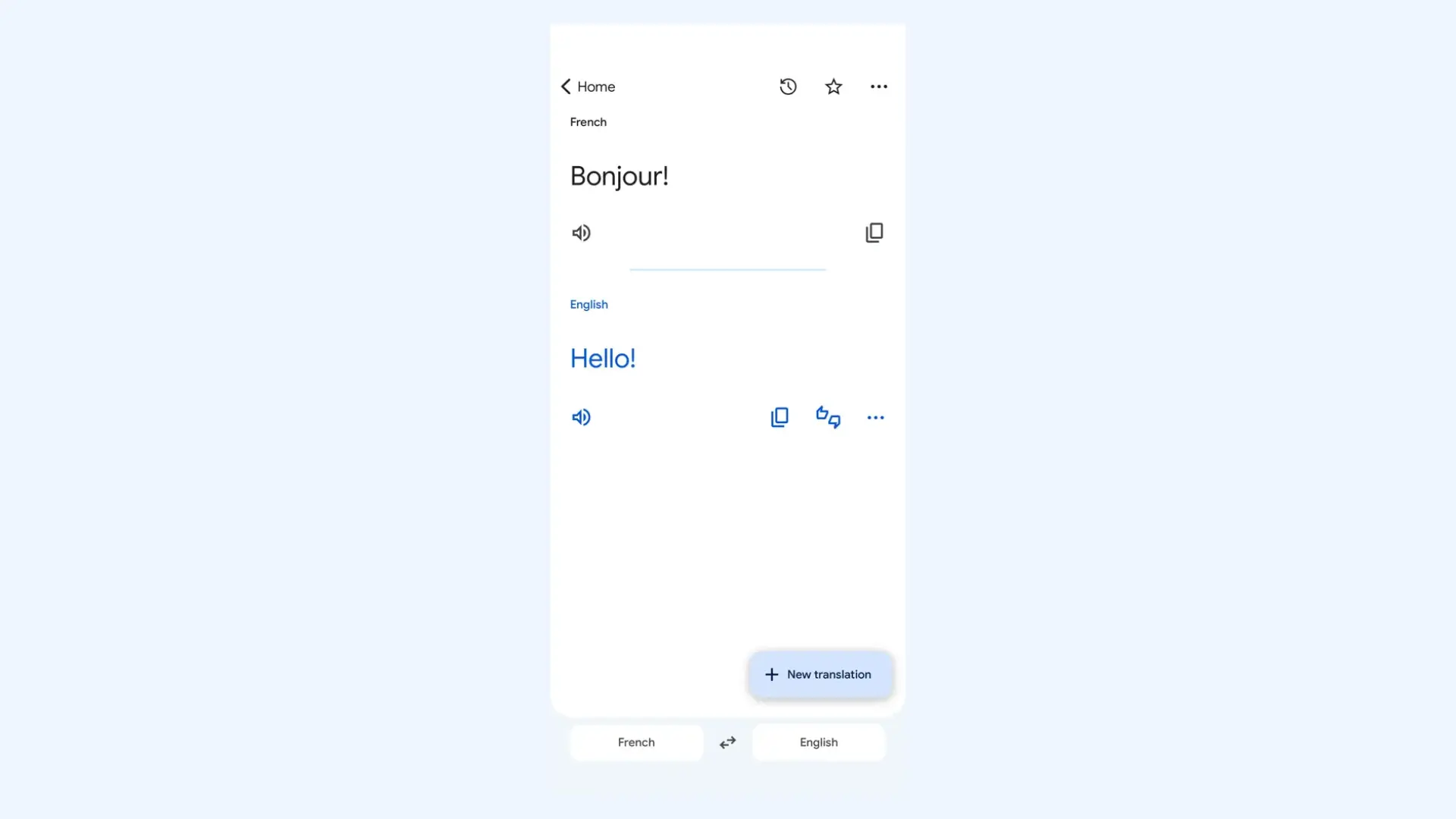
Google Translate is the most widely used translation app on iPhone, and for good reason. On iOS, it’s fast, stable, and feature-rich without feeling overloaded.
The tool is especially strong if you need broad language support or frequently switch between different language pairs throughout the day. While it doesn’t integrate into iOS at the system level the way Apple’s built-in Translate does, it compensates with its scale and consistent performance.
Key features:
- Text translation in 100+ languages
- Conversation mode with real-time bilingual interface
- Camera translation (live and photo import)
- Voice input and audio playback
- Handwriting input supported
Pros
- Massive language coverage (one of the largest available on mobile)
- Strong performance for menus, signs, and printed materials
- Completely free with no hidden subscriptions or locked core features
Cons
- Context accuracy can feel literal with complex or formal text
- Some features like saved phrasebooks require a Google account for syncing
Pricing: Free.
3. DeepL Translate: Best for High-Accuracy Text and Document Translation
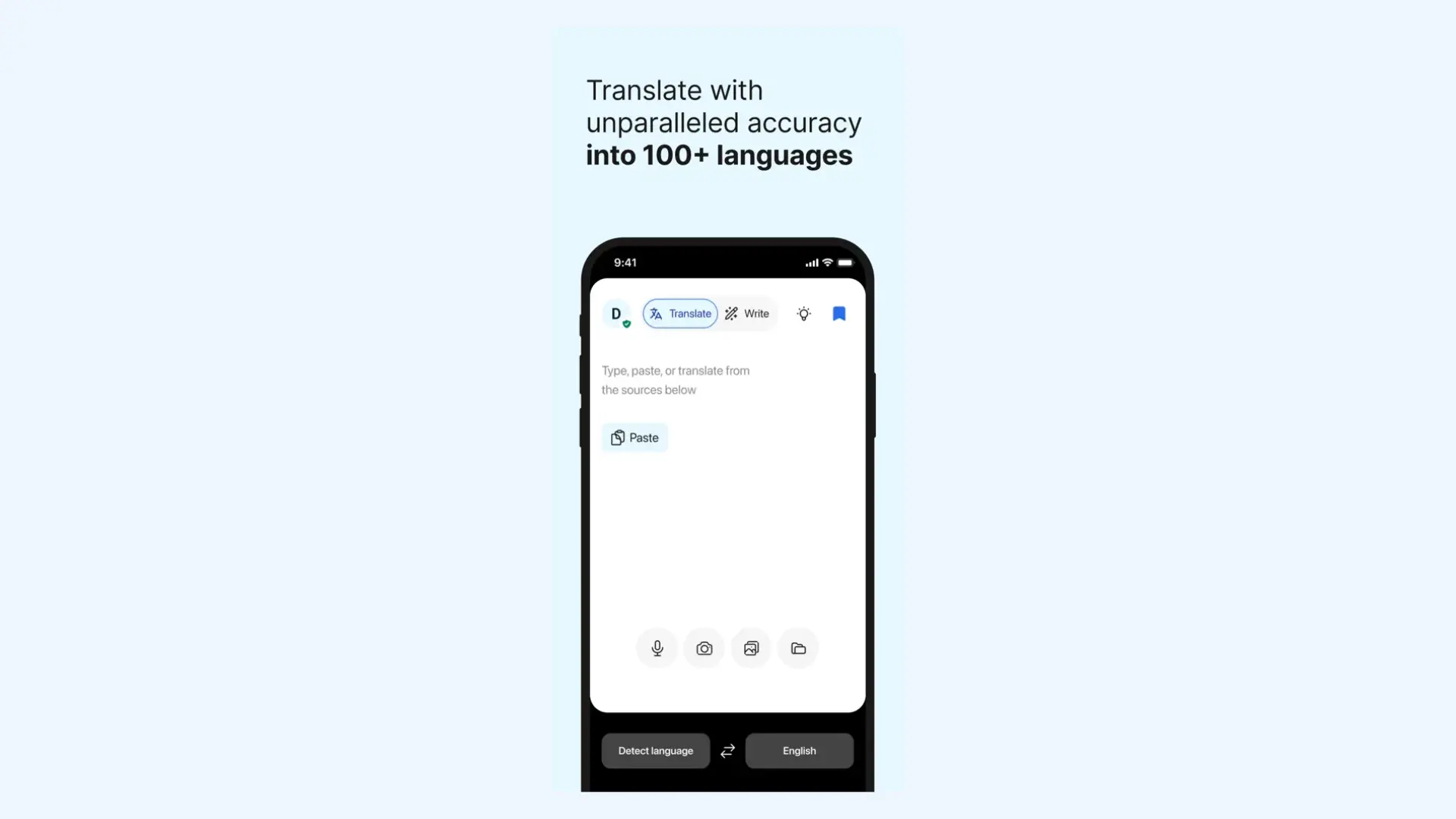
DeepL Translate has built its reputation on translation quality rather than feature volume. On iPhone, the app is focused, minimal, and clearly designed for users who care more about linguistic precision than camera tricks or extra input modes.
If I’m translating emails, academic material, or longer-form text, DeepL consistently produces more natural results than broader, general-purpose tools. The sentence structure feels less mechanical and closer to how a native speaker would actually write.
Key features:
- Text translation in 100+ languages
- Alternative translation suggestions for words and phrases
- Tone adjustment (formal/informal) for supported languages
- Document translation (PDF, Word, PowerPoint)
- AI-powered writing suggestions and style refinement (DeepL Write integration)
Pros
- Strong performance with longer paragraphs and structured text
- Better handling of grammar in European languages
- Suitable for business and academic use
Cons
- Unlimited document translation requires a Pro plan
- Fewer input modes (more text-focused than voice or camera-focused)
Pricing:Free version available. DeepL Pro subscriptions start at $8.74 per month, with higher tiers for teams and businesses.
4. Microsoft Translator: Best for Group Conversations and Cross-Device Use
Microsoft Translator is often overlooked on iPhone, but it’s one of the more practical options if you work across teams or devices. It's less about polished UI and more about functionality, especially for live, multi-person conversations.
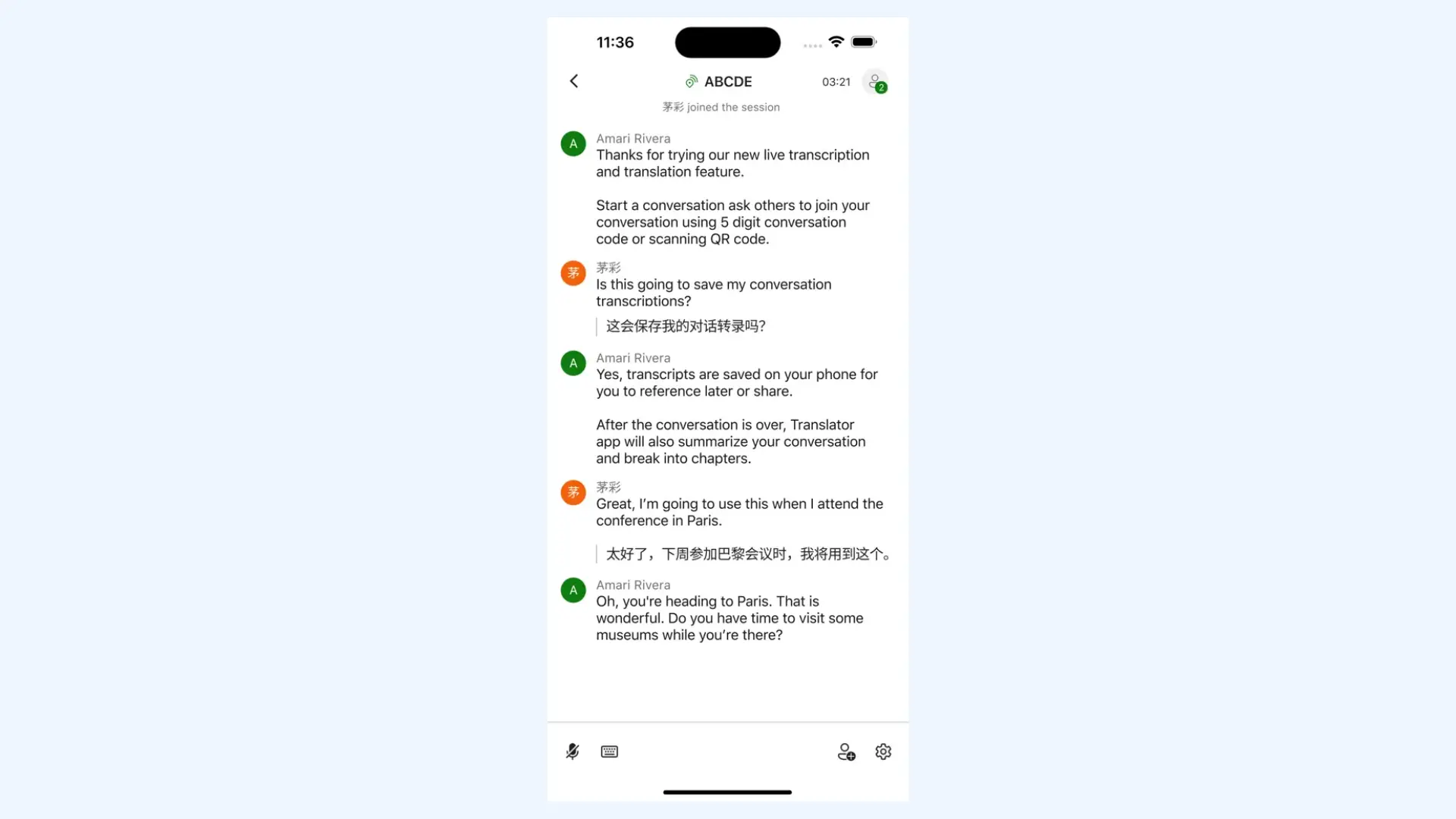
If you’re in meetings, classrooms, or collaborative environments where multiple people speak different languages, Microsoft’s group conversation mode is where it stands out.
Key features:
- Text translation in 100+ languages
- Voice translation and speech playback
- Multi-device conversation mode
- Split-screen conversation view
- Camera translation with auto-detection
Pros
- Good integration with Microsoft ecosystem (Teams, Office)
- Free with no premium paywalls
- Stable performance for voice translation
Cons
- Translation quality can vary depending on language pair
- Interface feels more functional than modern
Pricing: Free.
5. iTranslate: Best for Travel Features and Apple Watch Integration
iTranslate is one of the oldest and most polished translation apps on the App Store. It’s designed for users who want a smooth, high-end experience and deep integration with their other Apple devices.
If you're an active Apple Watch user like me, iTranslate is arguably the best choice on this list. It puts quick translations on your wrist in a way that feels more native than any of its competitors.
Key features:
- Text translation in 100+ languages
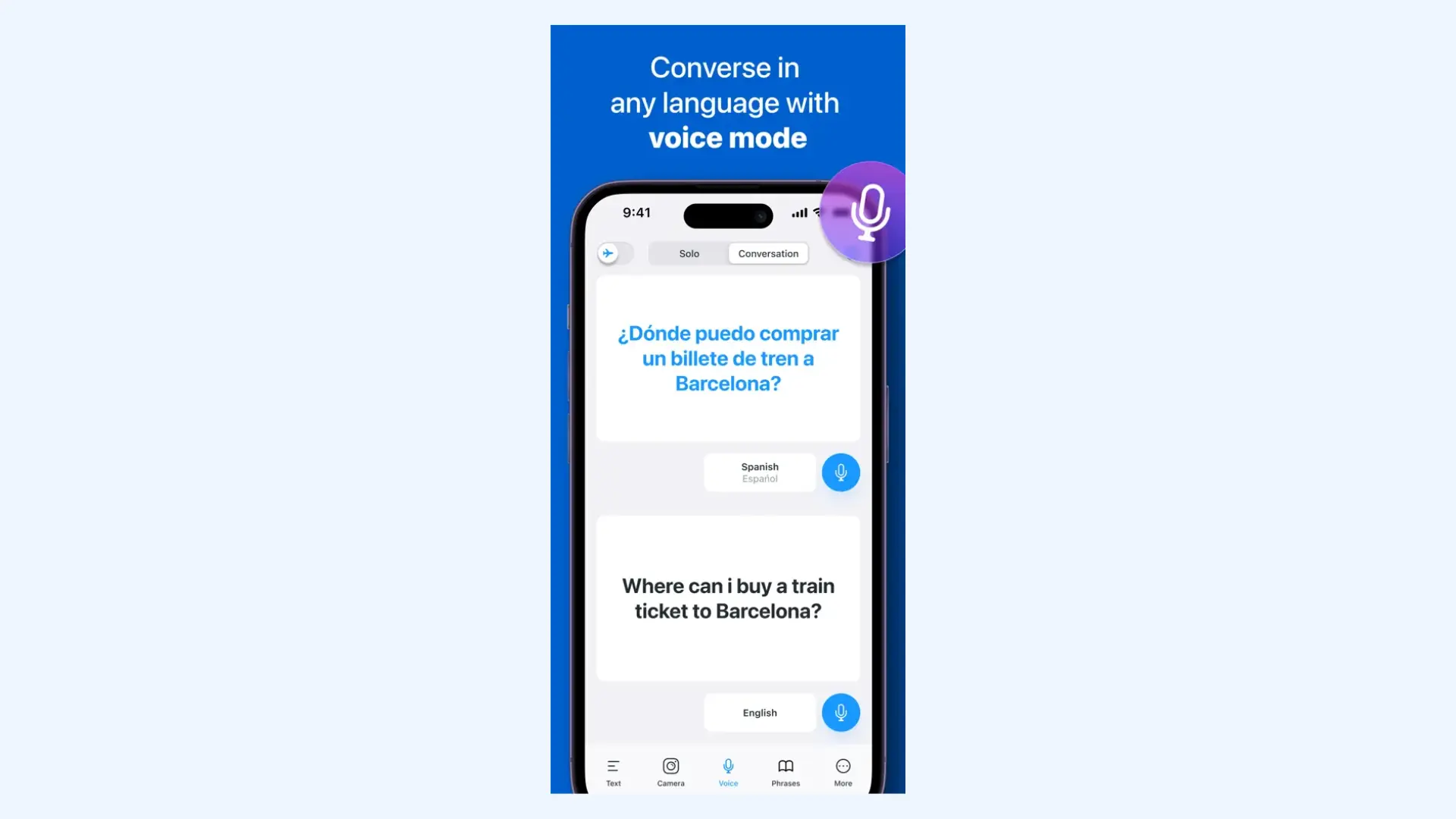
- Voice-to-voice conversation mode
- Camera translation for signs and printed text
- Apple Watch app for quick voice translations on your wrist
- Comprehensive travel tools including phrasebooks and verb conjugation
Pros
- Particularly convenient for Apple Watch users
- Smooth voice recognition for short travel exchanges
- Clean onboarding and easy setup
Cons
- Most "pro" features (like camera and voice translation) are locked behind a monthly fee
- Less flexible for users managing multiple language pairs
Pricing: Free version available. iTranslate Pro starts at $7.99/month.
6. Reverso: Best for Contextual Language Learning and Nuance
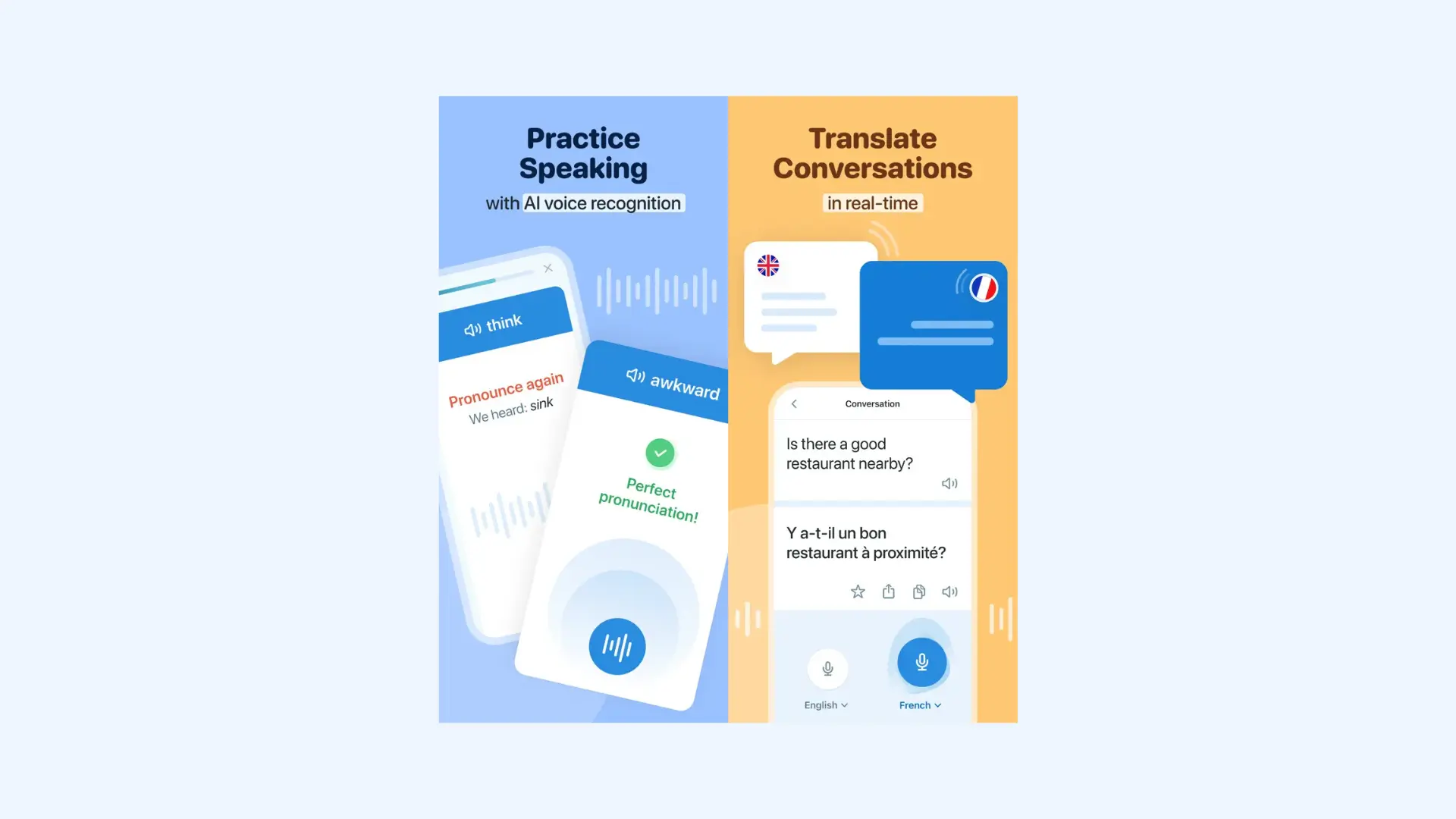
Reverso is unique because it doesn't just give you a direct translation; it shows you how words are used in real-life situations. The app pulls from millions of indexed documents (like movie subtitles and official records) to provide examples of how a phrase actually sounds in conversation.
If you're a language learner or someone who needs to ensure their message doesn't sound robotic, Reverso is an invaluable companion.
Key features:
- Text translation across major European and widely spoken languages
- Context-based example sentences drawn from real-world sources
- Synonyms and alternative phrasing suggestions
- Built-in grammar and conjugation tools
- Audio pronunciation for words and phrases
Pros
- Search history with saved examples for review
- High accuracy for European languages
- Good balance between translation and learning without feeling overwhelming
Cons
- Smaller language library compared to Google Translate or Microsoft Translator
- Ads in the free version may disrupt the user experience
Pricing: Free version available. Premium version is $4.99/month.
7. Papago: Best for East Asian Languages (Korean, Chinese, Japanese)
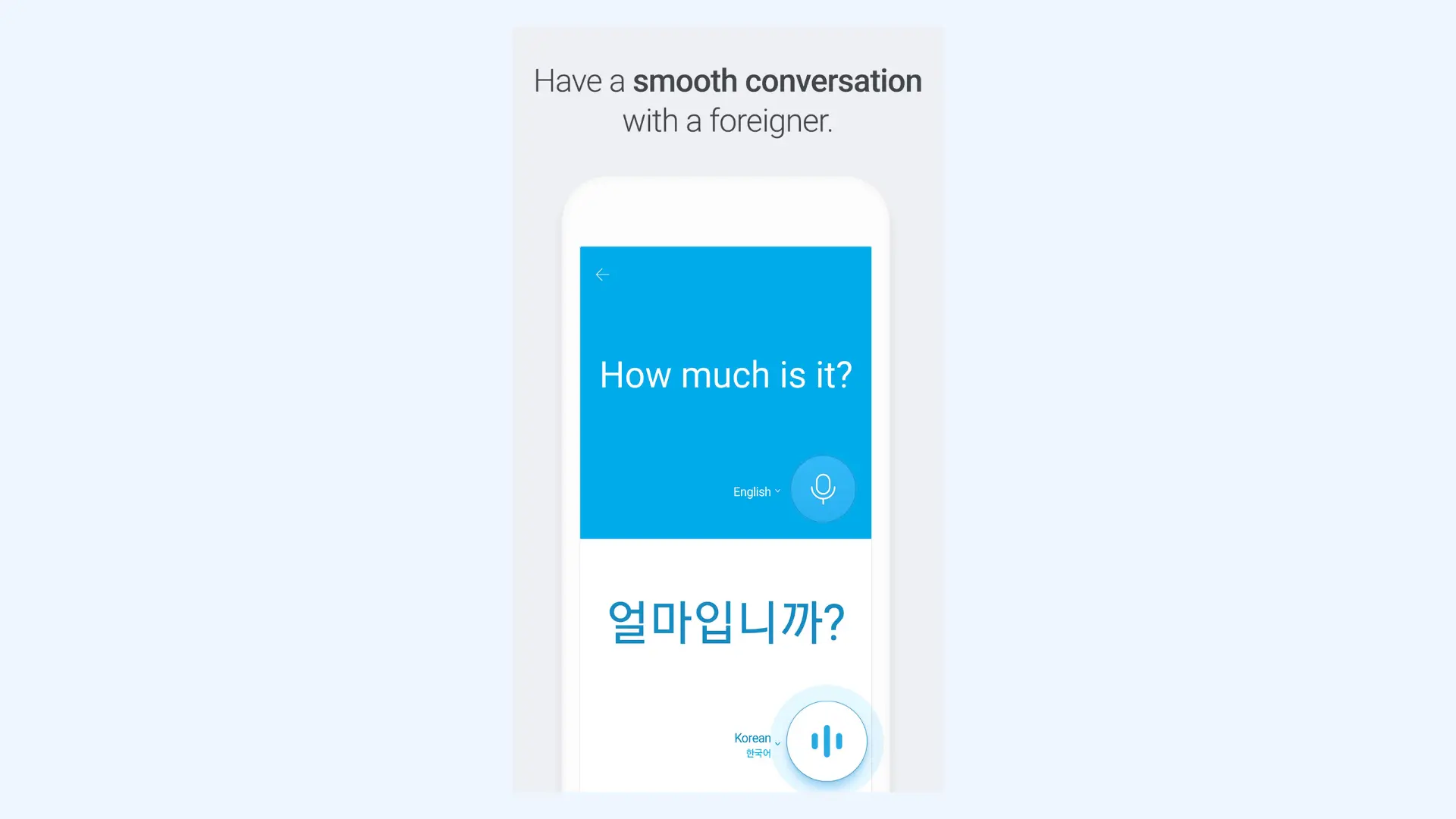
If your primary need involves traveling to or working in East Asia, Papago is the tool to go. Developed by Naver (the "Google of South Korea"), it utilizes specialized neural machine translation that understands the unique honorifics, context, and grammar structures of Asian languages far better than Western-developed apps.
It is my go-to recommendation for anyone visiting Korea or Japan because it handles local nuances (like distinguishing between formal and informal speech) with incredible accuracy.
Key features:
- Text translation in 15+ languages, with a focus on Korean, Japanese, and Chinese
- Real-time conversation mode
- Handwriting input for Chinese and Japanese characters
- Camera translation for signs, menus, and printed materials
- Offline translation packs for supported languages
Pros
- Unmatched accuracy in Asian languages
- Clean, user-friendly design
- Strong contextual awareness for culturally specific phrases
Cons
- Limited language coverage compared to Google Translate
- Smaller global ecosystem and fewer cross-device integrations
Pricing: Free.
8. Speak & Translate: Best for Rapid Voice-to-Voice Exchanges
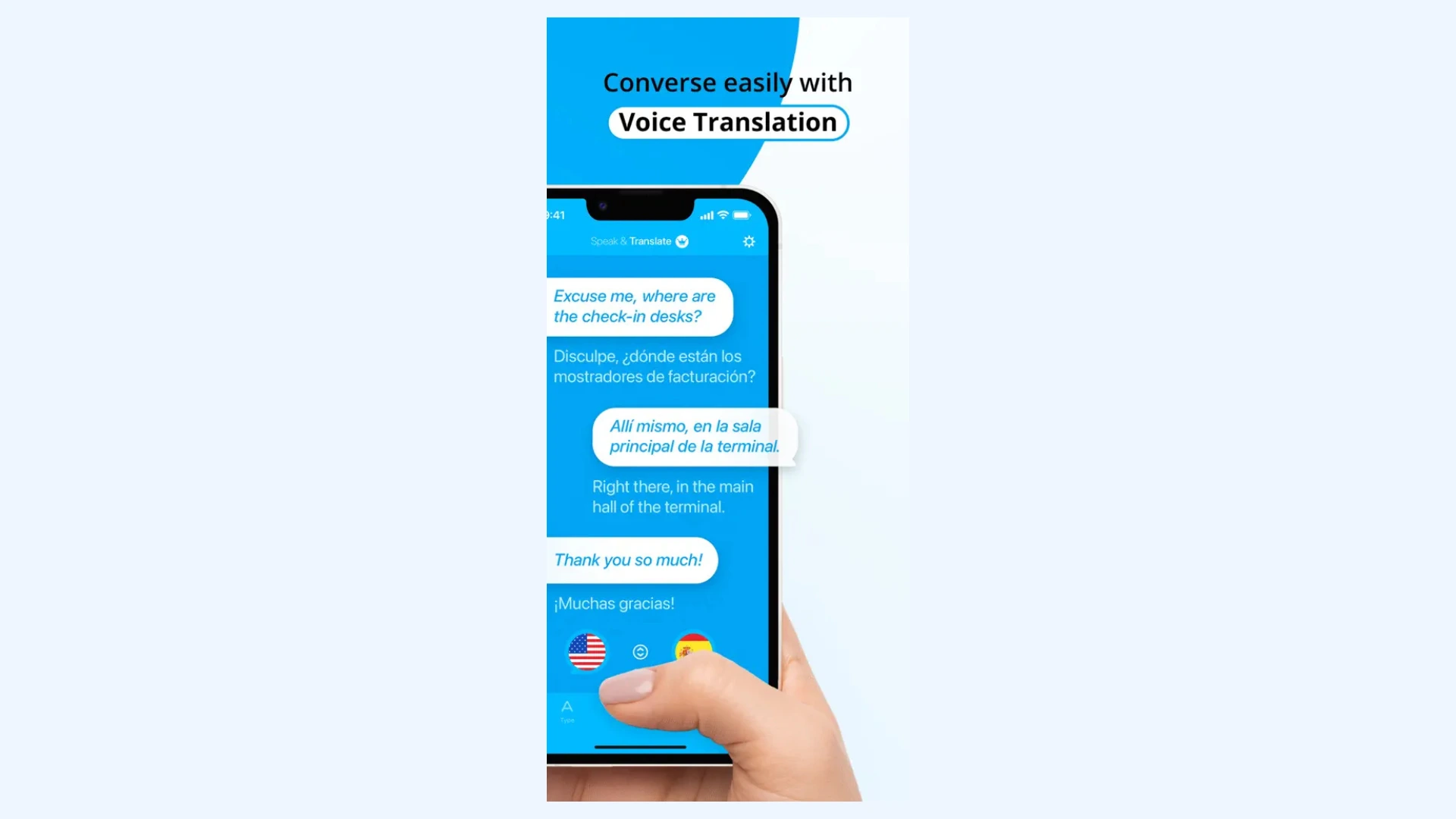
If your priority is keeping a conversation flowing without constantly tapping buttons, Speak & Translate is a powerful iPhone app. It is designed specifically as a "voice-first" interpreter.
The tool feels more like a walkie-talkie for translation. In 2026, it remains a favorite for people who need to hold quick, hands-free conversations in busy environments, like a market or a work site.
Key features:
- Advanced voice-to-voice translation with automatic language detection
- Real-time speech recognition with fast audio playback
- Split-screen conversation view for face-to-face exchanges
- Apple Watch support for quick voice translations
- Offline voice translation (Pro subscription required)
Pros
- Designed for minimal screen interaction during dialogue
- Strong speech recognition even in noisy environments
- Practical for travel, job sites, and customer-facing roles
Cons
- Restricted free daily usage
- Free tier includes noticeable ads
Pricing: Free version available. Premium subscriptions generally start around $5.99/month, though they often offer weekly or yearly plans.
9. Translate Now: Best for Extensive Language Support and Accessibility
Translate Now is a great app for users who need to communicate in less common languages or dialects. While many iPhone translation apps support around 100 languages, Translate Now pushes that number further, positioning itself as one of the broader-coverage options on the App Store.
In practice, this makes a difference if you’re traveling beyond major tourist hubs or working with regional language variants that aren’t always prioritized by mainstream apps.
Key features:
- Support for 320+ languages
- Two-way voice translation with speech playback
- Camera translation for printed text
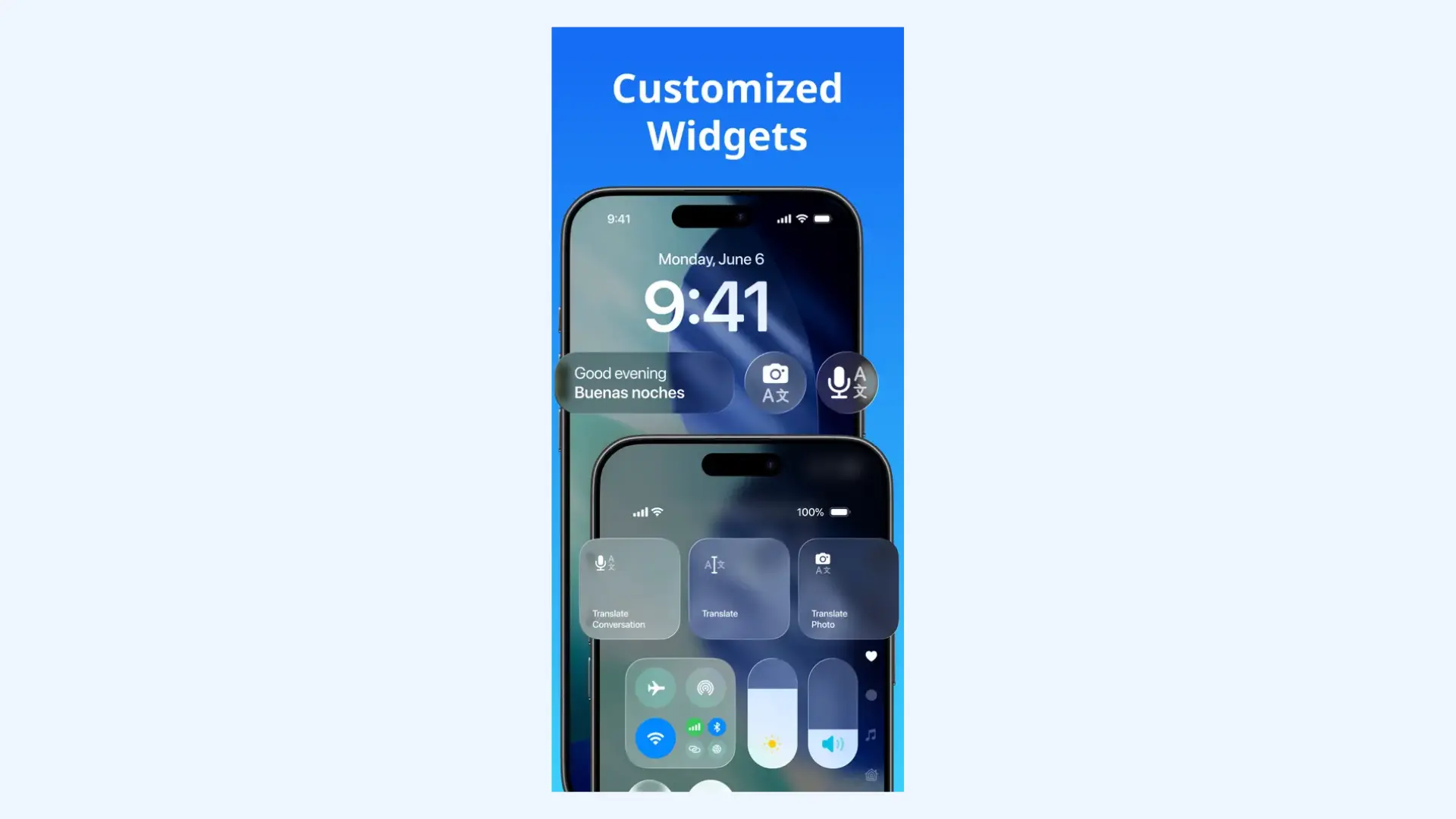
- Home screen widgets for quick access
- AI dictionary and grammar assistant
Pros
- Unbeatable language variety
- Good balance between voice and text features
- Accessible design for casual users
Cons
- Unlocking full 320+ languages requires a Pro plan
- Free version is limited in daily usage
Pricing: Free version available. Pro subscriptions start at $9.99/week or around $69.99/year.
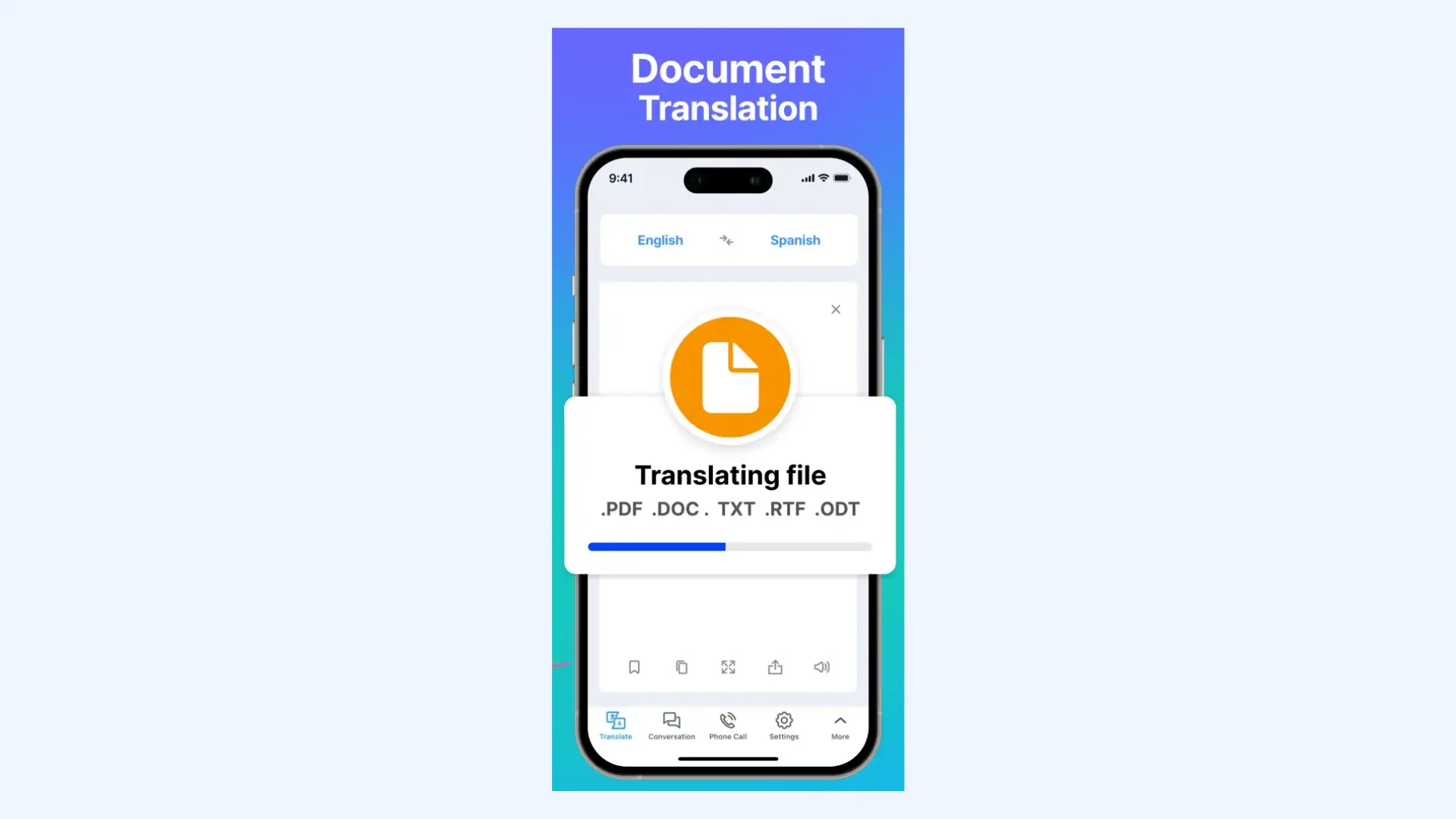
10. Lingvanex: Best for Large Document Translation and Offline Privacy
Unlike most iPhone translator apps that are primarily built for quick phrases and short exchanges, Lingvanex leans toward heavy-duty usage. It supports offline translation across many language pairs, which makes it appealing in environments where privacy, data control, or connectivity are concerns.
If your priority is translating long documents locally on your device, Lingvanex fills a different niche than travel-focused tools.
Key features:
- Large file translation (up to 500MB in size)
- Text translation in 100+ languages
- Offline translation in 45+ languages
- Website translation in the app or Safari browser extension
- Apple AirPods and Apple Watch integrations
Pros
- Handles larger file sizes than typical mobile apps
- Local processing helps keep sensitive content off external servers
- Reliable offline performance across many supported languages
Cons
- Many advanced features require a paid plan
- The UI can feel a bit more complex compared to the minimal designs of Apple Translate or DeepL
Pricing: Free version available. Pro subscriptions start at $4.99.
How to Pick the Best iPhone Translation App for You
At this point, the differences should be clear. Not all translator apps are trying to solve the same problem.
The right choice depends on how you actually plan to use the app. Here's how I would break it down:
If You Mostly Travel
You want speed, camera translation, and strong voice recognition.
Look for:
- Reliable offline mode for when data is limited
- Fast and accurate camera translation for menus and signage
- Smooth voice conversation mode for short, in-person exchanges
Best fits: Google Translate, Papago (for East Asia), or Speak & Translate.
If You Work Across Multiple Languages
Flexibility and scale are your must-haves if you're constantly switching between regions and languages.
Look for:
- Extensive language support across diverse regions
- Quick toggling between language pairs without resetting sessions
- Stable performance across both text and voice modes
Best fits: Google Translate or Translate Now.
According to Sonix, 500 million people use Google Translate daily, with over 70% of European language professionals incorporating machine translation into their workflows.[1]
This implies that machine translation is no longer experimental or niche, but a mainstream tool relied upon at both consumer and professional levels.

If Precision and Tone Matter
For emails, academic writing, or professional communication, nuance becomes critical.
Look for:
- Context-aware phrasing suggestions
- Tone adjustment capabilities (formal vs. informal)
- Consistent grammar handling in longer paragraphs
Best fit: DeepL.
If You Need Real-Time Conversations
Live meetings, interviews, and events require minimal delay and high clarity.
Look for:
- Real-time speech-to-speech translation
- Live captions to reduce misunderstandings
- Easy session sharing for remote or hybrid participants
Best fits: Maestra and Microsoft Translator.
According to industry research on the real-time translation market, 75% of international business deals are affected by communication barriers, and organizations that use multilingual meeting solutions report 40% faster decision-making processes. [2]
These figures show us why real-time translation is becoming a business necessity rather than an optional add-on.
If You're Learning a New Language
Trying to get better at a language means going beyond direct translations.
Look for:
- Real-world example sentences
- Synonyms and alternative phrasing
- Built-in grammar and conjugation tools
Best fit: Reverso.
If Privacy or Offline Access in Non-Negotiable
Certain use cases require tight control over data.
Look for:
- Strong offline translation capabilities
- On-device or locally processed translation options
- Minimal dependency on constant internet access
Best fit: Lingvanex.
Final Verdict: What is the best translation app for iPhone?
If you only need basic translation, Apple's built-in tools are often sufficient. But once your needs expand (more languages, real-time meetings, or professional communication), dedicated apps clearly outperform the native experience.
Beyond your primary purpose, your decision should also come down to accuracy, speed, privacy, and usability. The smallest differences in these areas become especially important if translation is part of your routine communication.
Can an iPhone translate speech in real time?
Yes. On supported iPhone models running iOS 26 with Apple Intelligence enabled, Live Translation allows real-time speech translation inside Phone, FaceTime, and Messages. Separately, the built-in Translate app includes a Face to Face mode for in-person bilingual conversations. On compatible devices, the experience can also extend to AirPods for more natural live communication.
Which iPhone translation app works offline?
Several iPhone translation apps offer offline support. Google Translate is one of the most reliable with downloadable language packs that work without an internet connection. For heavier use or long documents, Lingvanex offers extended offline capabilities, though some features may require a subscription.
Are iPhone translation apps safe to use?
Most reputable iPhone translation apps are safe to use, but privacy depends on how the app processes your data. Apple’s built-in Translate app emphasizes on-device processing, which limits how much information is sent to external servers. Many third-party apps rely on cloud-based processing, so it’s important to review their privacy policies before using them for sensitive content.
What is the best live translation app for iPhone?
This depends on your primary use case. For real-time, high-accuracy voice conversations, Maestra stands out with its browser-based live translation app and shareable sessions. Google Translate is a solid all-around choice. Speak & Translate is also suited for rapid, practical exchanges.
What is the most accurate translation app for iPhone?
If accuracy in written and professional content is your priority, DeepL is widely regarded as the best choice on iPhone. It delivers more fluent and contextually appropriate translations than many other apps, especially for longer text. If you need spoken accuracy instead of text, Maestra's live voice translator delivers reliable results.
What is the best free translation app for iPhone?
For most iPhone users, Google Translate is the best free translation app because it offers broad language coverage and solid performance across text, voice, and image inputs without requiring a subscription. Papago is a strong free alternative if you primarily need Korean, Japanese, or Chinese translation. Microsoft Translator is also completely free and works well for voice conversations and multi-device group sessions.