Live Translation Devices vs Apps: Which One Does Your Event Need?
- Do you need a translation device or app for your event?
- Translation Devices and Apps Compared
- Earbuds and handheld translators: where do they work?
- How does phone-based live translation work for many attendees?
- How does cost per attendee compare between live translation apps and devices?
- Translation devices vs apps: which to use for tours, trade shows and conferences?
- Final verdict: should you choose a translation device or app?
- FAQ on Live Translation Devices vs Apps for Events
For live event translation, choose a device or app based on the format. Earbuds and handhelds can be practical for booth conversations, while event apps distribute translations to attendees’ phones. Compare language support, connectivity and total cost. Some events benefit from both.
This guide covers:
- What live translation devices and apps each do well
- Where earbuds and handheld devices fit at an event
- How phone-based translation apps serve a whole room
- What each costs per attendee
- Which to pick for tours, trade shows and conferences
Do you need a translation device or app for your event?
Both devices and apps can support two-person conversations. Devices can be practical for quick booth exchanges, while event translation apps let groups follow a speaker on their own phones. Choose based on how people will use translation.
Devices give you equipment dedicated to the task. Compatible earbuds let two speakers hear translations without repeatedly checking a screen. A handheld offers a shared microphone and display, so neither person needs to use their own phone. Some models include mobile data or offline language packs; many earbuds still require a phone app.
Apps cover both conversations and presentations, depending on their features. Two people can read translations on one screen, while an event app lets attendees join a shared session by link or QR code. Using attendees’ phones reduces equipment handouts, though audio listeners need headphones.
Translation Devices and Apps Compared
| Devices (earbuds, handhelds) | Apps (phone-based) | |
| Best for | Two-way conversations | Conversations or audience sessions, depending on the app |
| Equipment needed | Translator; some models also need a phone | Phone; headphones for private listening |
| Cost depends on | Device quantity, model and data charges | Plan, features and audience capacity |
| Setup | Charge, select languages and pair if required | Open the app or join an event session |
| Works offline | Some models and language pairs | Some conversation apps; shared live sessions generally need internet |
| Practical advantage | Dedicated controls or hands-free listening | Uses phones attendees already carry |
Earbuds and handheld translators: where do they work?
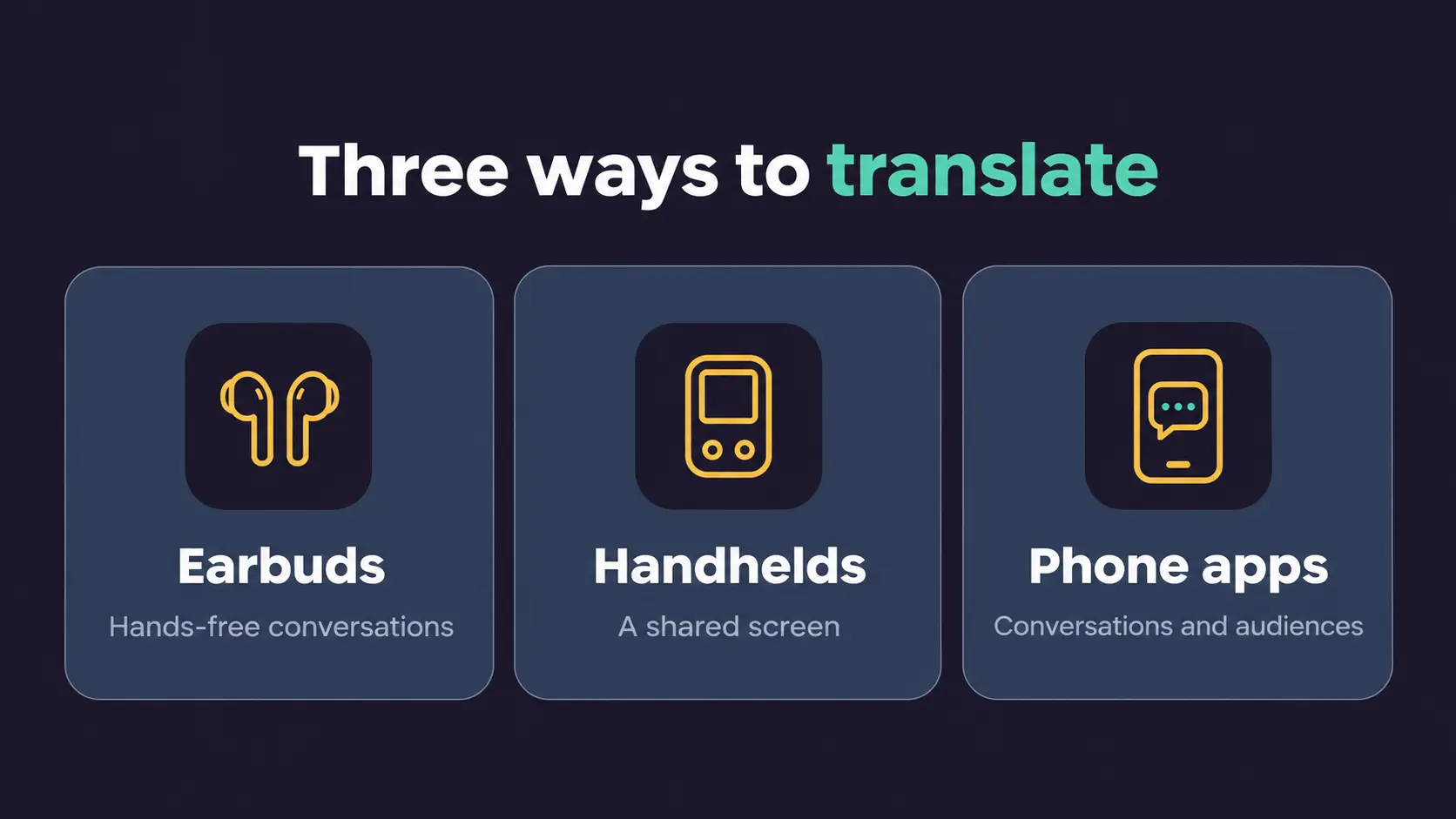
Earbuds and handheld translators are practical for short, two-way conversations at event booths.
Translator earbuds typically connect through a phone app. In supported conversation modes, each person wears one earbud and hears translated speech. Timekettle’s W4 Pro supports 54 languages, 108 accents and 25 offline language pairs. Battery life reaches 6 hours of translation per charge, or 20 hours with the case.
Vasco’s Translator E1 supports 51 languages and hands-free translation without tapping. Both earbuds fit the right ear, so each speaker wears one.
Handheld translators skip the phone. Pocketalk devices support 92+ languages and include mobile data for use where cellular coverage is available. Prices start at $199.
Vasco’s Translator Q1 supports voice translation in 95 languages, with lifetime translation data in nearly 200 countries. Offline use requires downloading supported language pairs beforehand. Both speakers can read translations on its screen when the hall gets noisy.
How does phone-based live translation work for many attendees?
Phone-based apps turn every attendee’s own device into a receiver, so organizers don’t need to hand out separate translation equipment.
The flow is simple. The organizer starts a session in a browser and connects the room’s audio. Attendees scan a QR code or open a link, pick an enabled language, and read captions or listen to an AI voice. Maestra Live works this way; choose a plan that supports your audience size and required languages.
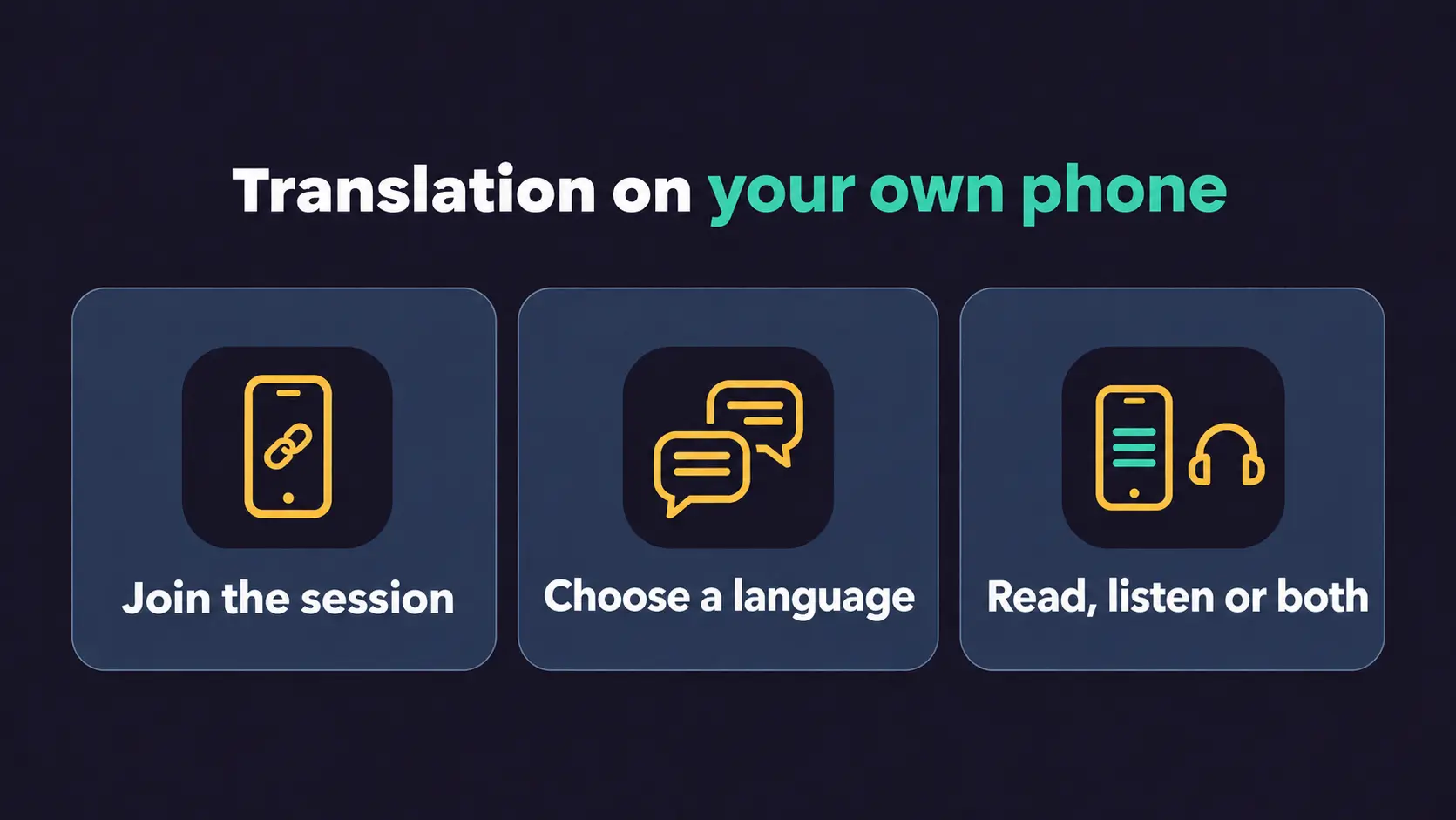
This can be practical when the audience is multilingual. Attendees select from the languages enabled for the session on their own phones. Organizers can distribute translations without handing out a dedicated translation device to each listener.
The trade-off is connectivity. Every listener needs Wi-Fi or mobile data, so test coverage in the actual room. Attendees who want audio translation should bring headphones or use ones provided by the organizer.
How does cost per attendee compare between live translation apps and devices?
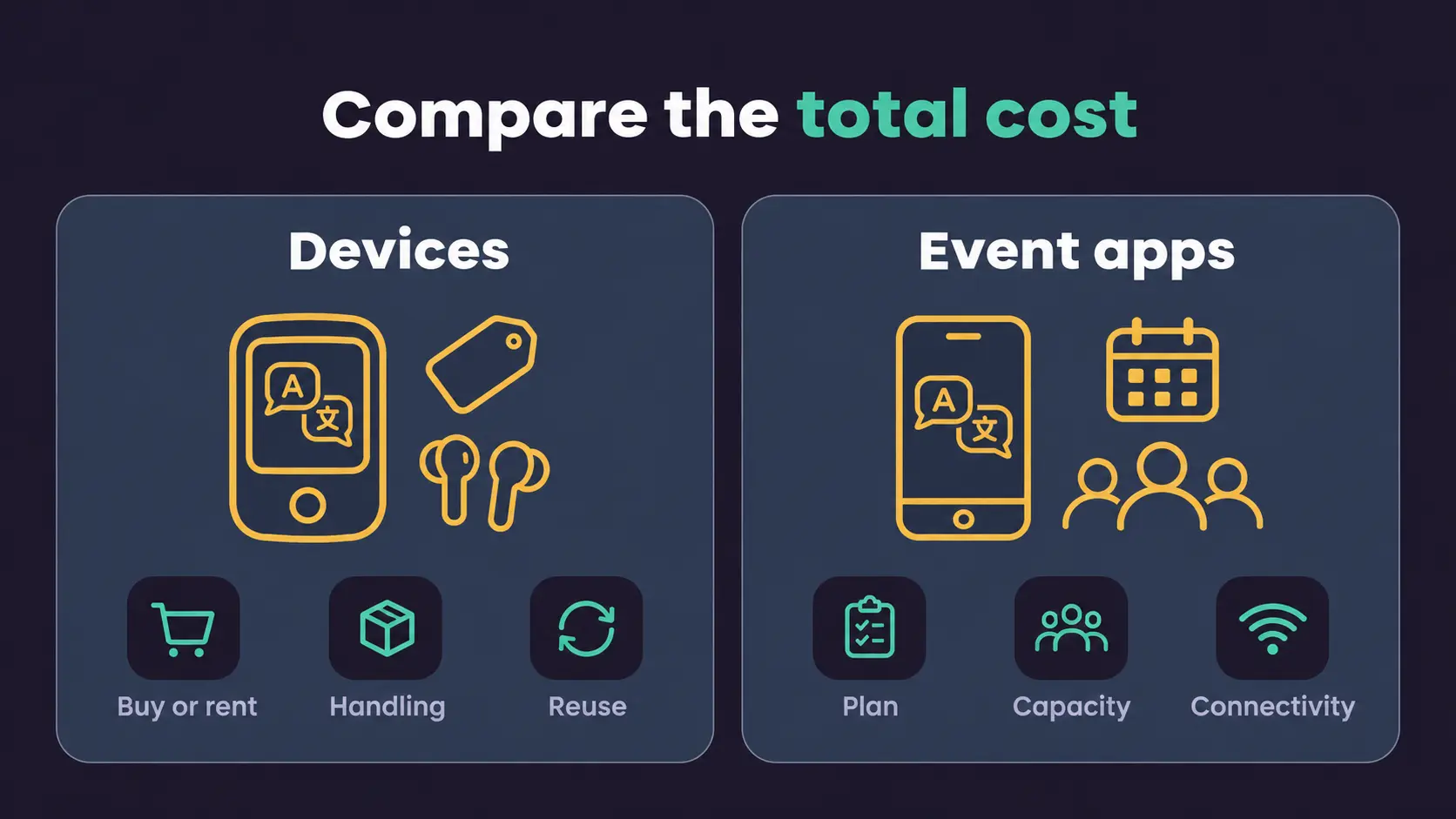
Compare costs for the same task: a two-person conversation or a shared audience session. Hardware costs depend on equipment quantity; app costs depend on features and capacity.
Regular prices are $449 for Timekettle’s W4 Pro earbuds and $549 for Vasco’s Q1 handheld.
Maestra Live’s Events plan starts at $799 daily, with 3 rooms, up to 100 viewers each, 5 languages per session and unlimited rehearsals. Confirm pricing if one room needs more than 100 viewers.
For conversations, Maestra Live's Personal plan costs $19 monthly or $180 annually, with unlimited sessions, each up to 15 minutes.
| Cost factor | Devices | Event translation apps |
| Pricing basis | Purchase or rental of the equipment needed | Plan or event package with capacity and feature limits |
| What to confirm | Equipment quantity, supported setup, data and rental charges | Rooms, viewers per room, languages and event duration |
| Additional costs | Delivery, charging, cleaning and distribution | Connectivity, compatible headphones and any setup costs |
| Repeat events | Purchased equipment can be reused | Compare recurring subscriptions with day-based packages |
Translation devices vs apps: which to use for tours, trade shows and conferences?
Match the tool to how people are grouped, not the venue’s size.
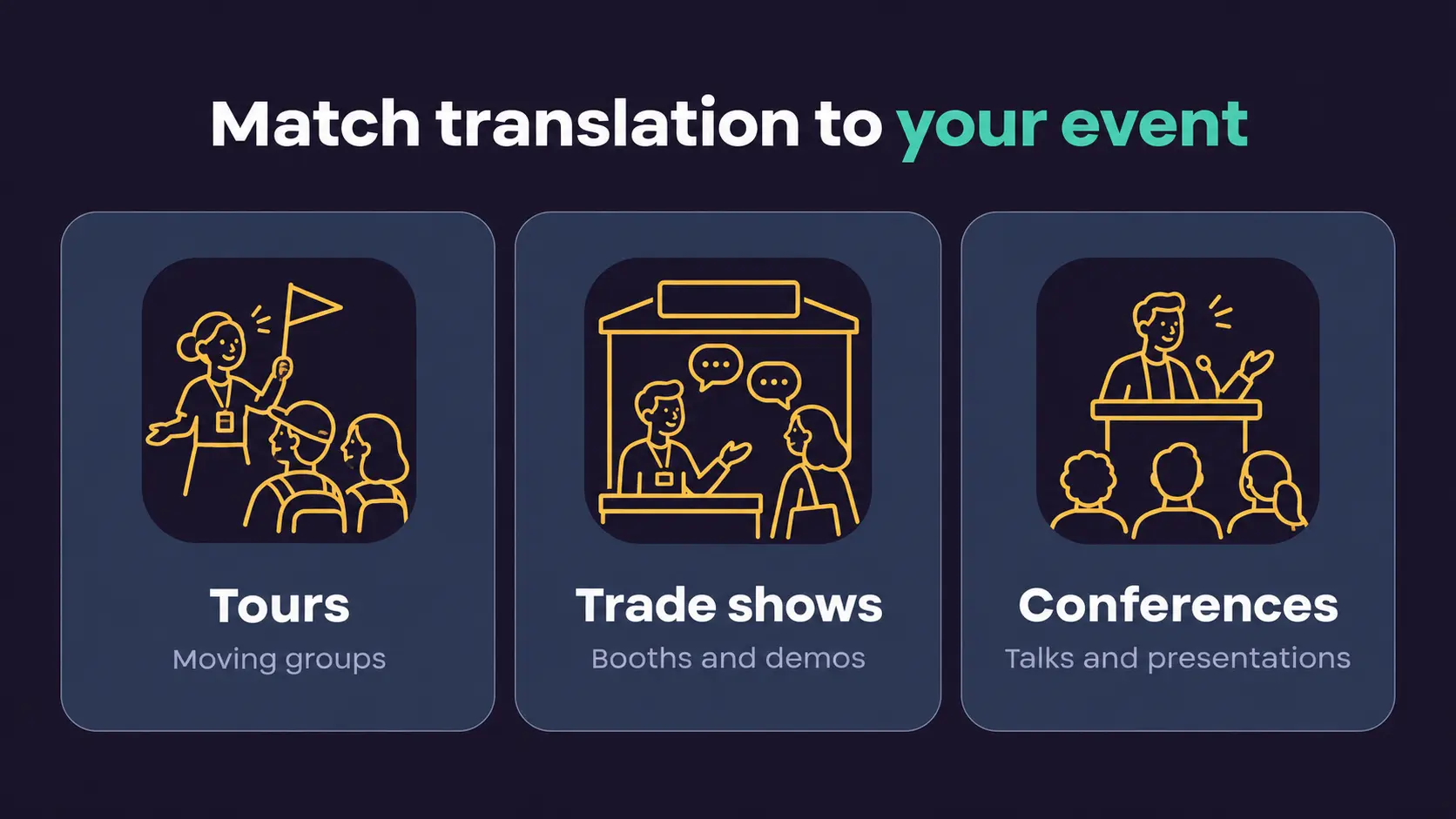
Guided tours put one guide in front of a moving group. Phone-based translation can work well when connectivity is reliable along the route. Attendees follow on their phones with headphones. Handheld receivers may also be practical, so test both options.
Trade shows may benefit from both. Earbuds or handhelds suit booth conversations; shared event apps suit stage demos. Display a joining link or QR code at the stand. For confidential discussions, check how the tool processes and stores speech.
Conference translation is typically one-to-many. Connect the room’s audio to a shared session, and let attendees select an enabled language. Check audience capacity and language limits beforehand.
🌟 Whichever you choose, rehearse with the actual audio setup, check batteries and test connectivity where attendees will use translation.
Final verdict: should you choose a translation device or app?
Choose an event app for shared audience sessions, and consider devices for individual conversations.
Apps cover more situations, from booth conversations to full conference rooms, depending on the tool and plan. Attendees use phones they already carry, reducing the need to buy or distribute devices. Pricing depends on features and audience limits, so compare the plan’s total cost with buying or renting hardware.
Devices still have a clear job. Earbuds suit hands-free conversations, and handhelds with mobile data or supported offline language pairs can work without venue Wi-Fi. If your event involves frequent one-to-one talks, reusable equipment may be practical. Compare the purchase cost with how often you expect to use it.
An event can use both: a device at the booth for individual conversations, and an app for talks, demos and sessions where a group needs to follow the speaker.
Running a one-to-many event?
FAQ on Live Translation Devices vs Apps for Events
Both can be useful. Earbuds or a handheld translator suit one-to-one conversations at the booth. An event translation app suits stage demos and theatre sessions, where attendees follow on their own phones. Choose based on whether you need to translate individual conversations, presentations, or both.
Not by themselves. Earbuds such as Timekettle W4 Pro offer a listening mode that translates speech captured by the wearer’s phone. This helps an individual follow a talk, but doesn’t distribute translation to the whole room. For audience-wide translation, look for a shared event session with enough capacity for your attendees and languages.
Some do. Handheld translators like Timekettle T1 offer offline language packs, which help when internet access is unavailable. Some conversation apps also support offline translation, but shared live event sessions generally need Wi-Fi or mobile data. Check support for your language pair and test connectivity before the event.
For spoken translation, attendees should use headphones so they can listen without disturbing others. Those following live captions can simply read their phone screen. Tell attendees what to bring in the event email, and keep a few spare headphones available, checking compatibility with different phones.
Test the app with your event’s audio setup and target languages. Check Wi-Fi where attendees will sit, and make sure the joining link or QR code is easy to find. Run a short rehearsal to check that captions are readable and translated speech is clear.