Get Started Free

Google Meet Transcription

Upload any Google Meet recording and get an accurate transcript with speaker labels in 125+ languages.

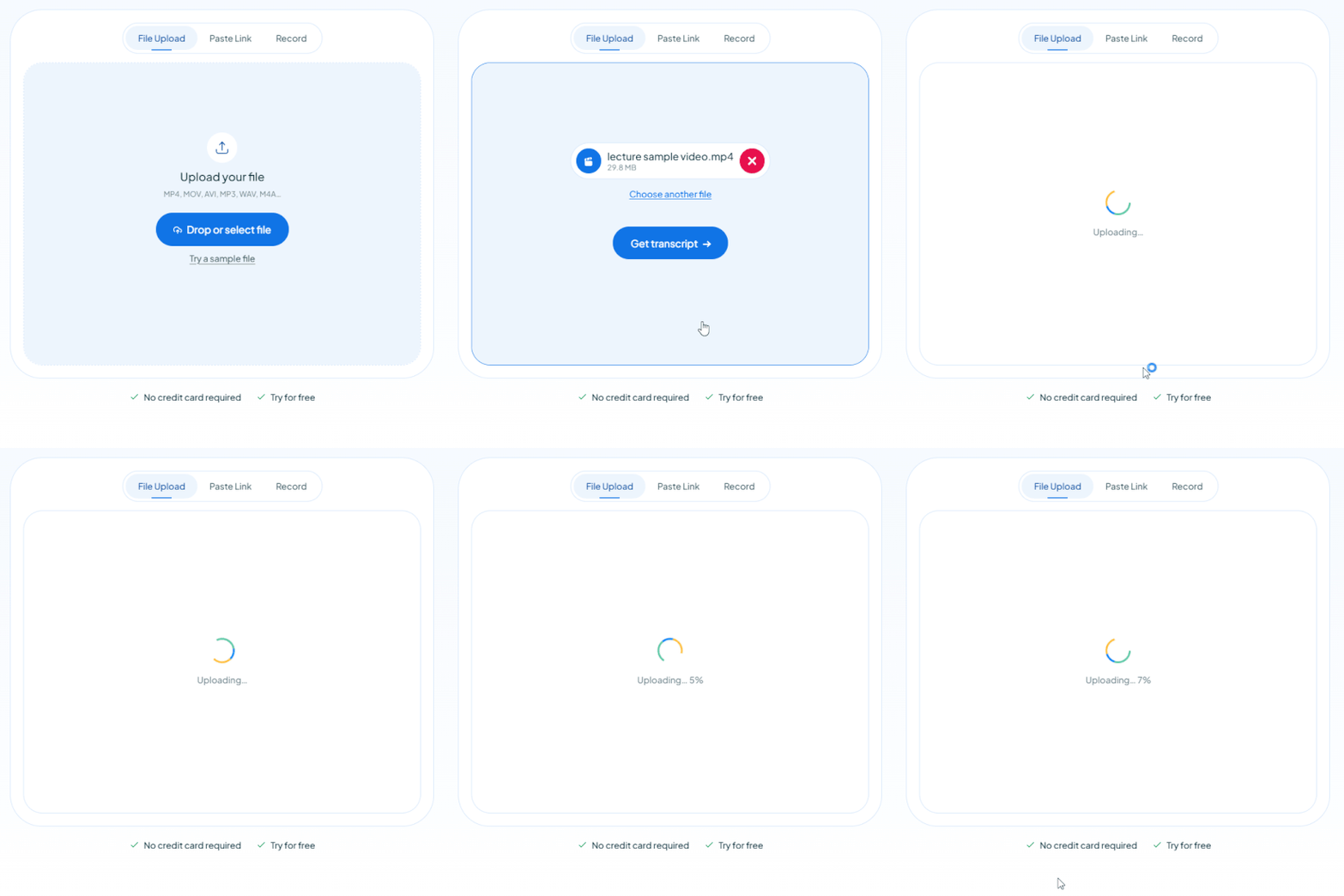
Upload your file
That was your free trial!

MP4, MOV, AVI, MP3, WAV, M4A…

Your free trial is used — convert your next file in the Maestra app.

Continue in the App
Paste a link
That was your free trial!

YouTube, Vimeo, Google Drive, or a direct media URL

Your free trial is used — convert your next file in the Maestra app.

Continue in the App
Record audio
That was your free trial!

Use your microphone

Your free trial is used — convert your next file in the Maestra app.

0:00 / 0:00
Continue in the App
  • Fast & Accurate
  • No sign-up
  • No credit card required
  • Free to try
  • Your result is saved
  • Full-length exports
  • No credit card required
HP
Walmart
Bayer
Meta
NHS
Dell
Deloitte
HP
Walmart
Bayer
Meta
NHS
Dell
Deloitte

Transcribe Google Meet, Recorded or Live

Skip the paid Workspace tier and the browser extensions. Upload a recording or capture the call live, then read it back as clean, editable text.
Already recorded it? Drop it in.

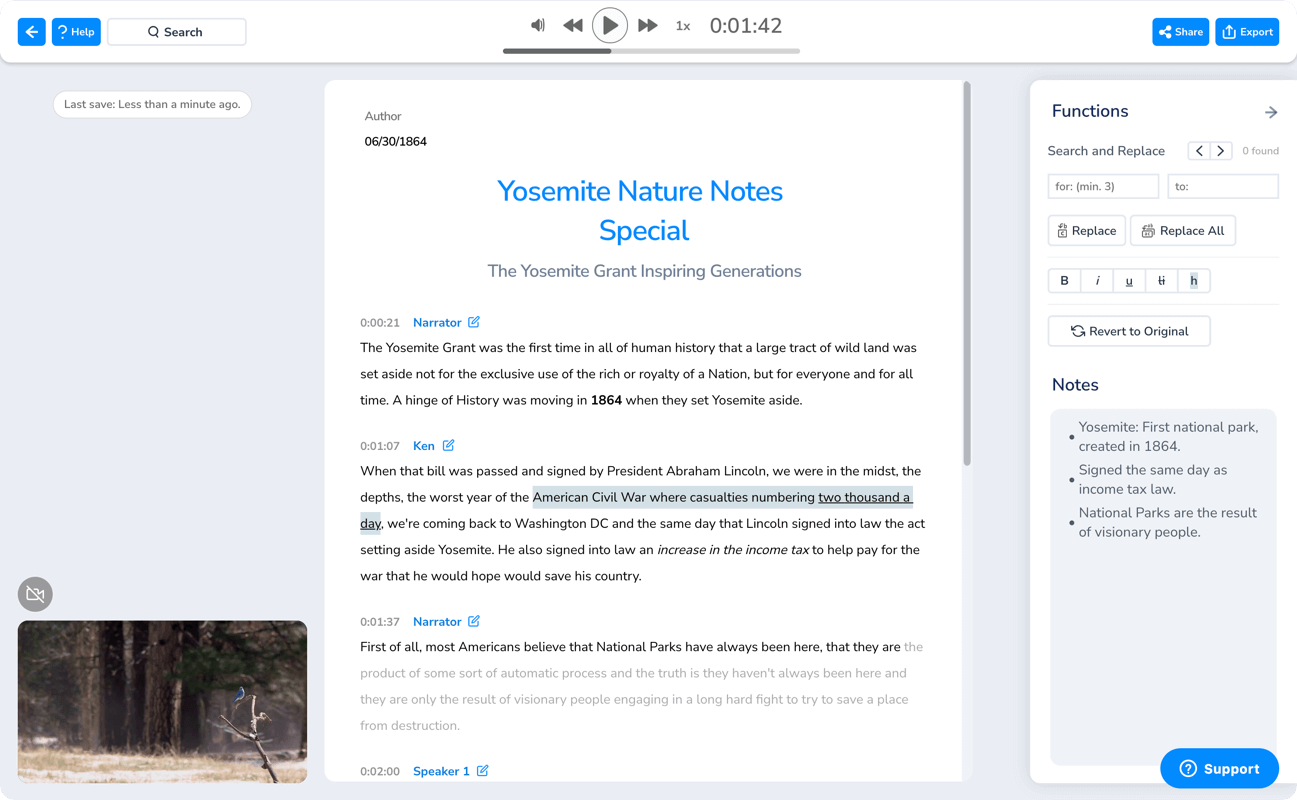
Upload a Google Meet recording from any account, free or Workspace, and get a transcript with speakers labeled and timestamped. Nothing to enable before the call.
Any Google accountSpeaker labels 125+ languagesNo extension needed
Transcript editor

Caption the call in real time.

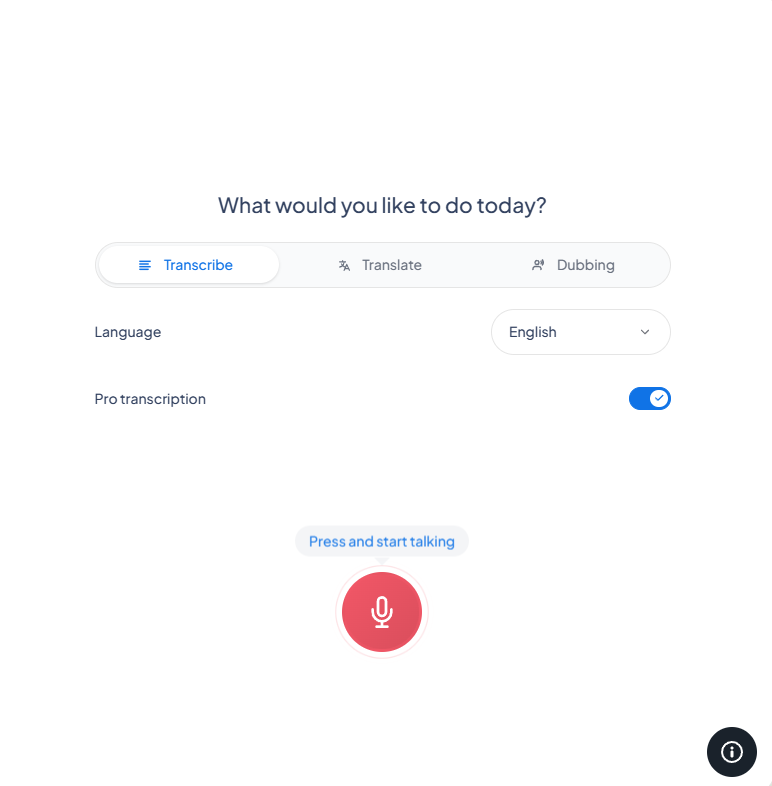
Open Maestra Live in a tab and transcribe the meeting as people speak, with no bot sitting in your participant list.
Real-time textFree to use No pre-setupSave and edit after No bot joins
Live transcription tool

How to Transcribe a Google Meet

01

Add the Recording

Drop in the Google Meet recording, paste a link, or start a live session, then pick from 125+ languages.

02

Get the Google Meet Transcript

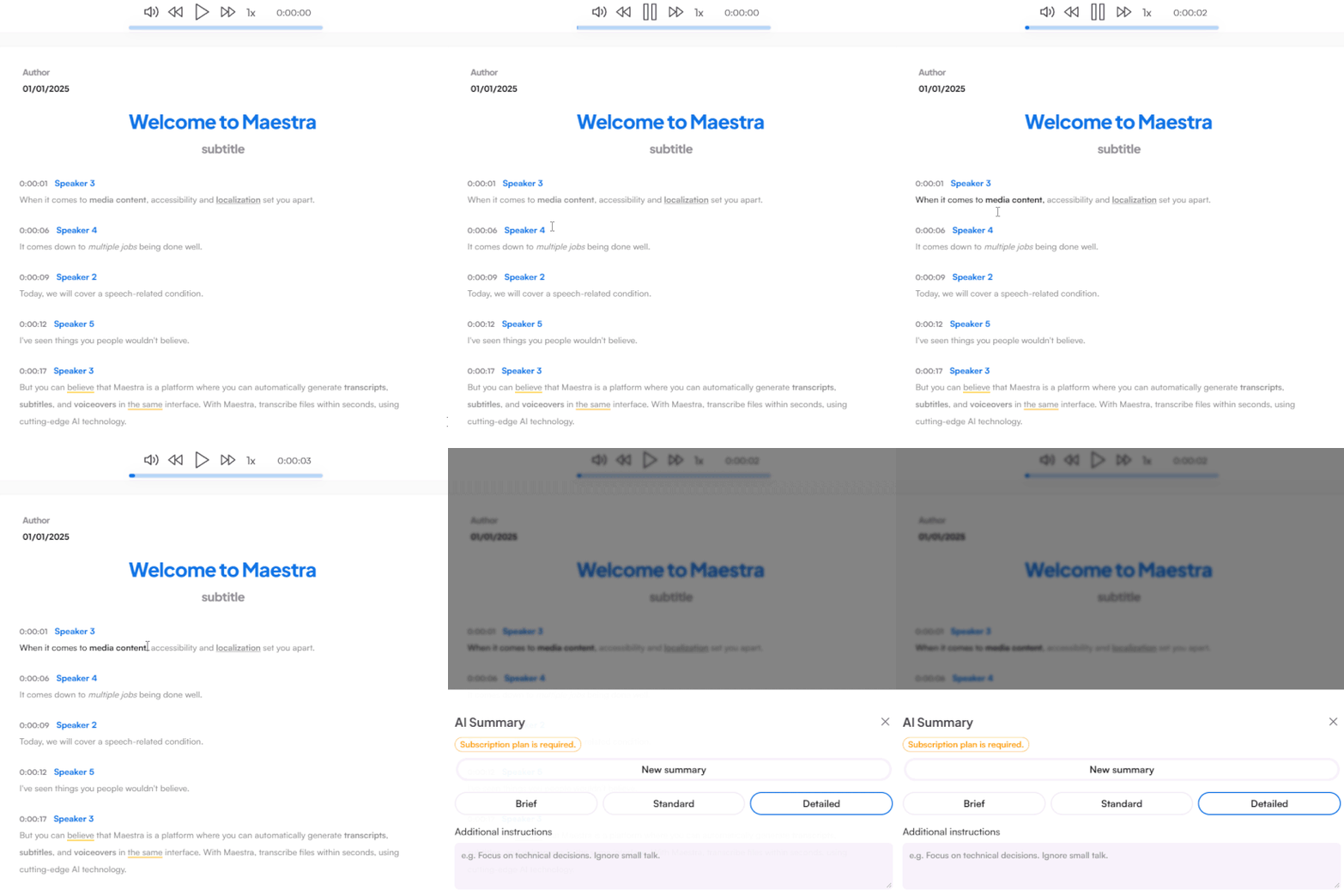
In minutes you get a Google Meet transcript with each speaker labeled and every line timestamped. Tidy it up, summarize it, or search it in the editor.

03

Share and Export

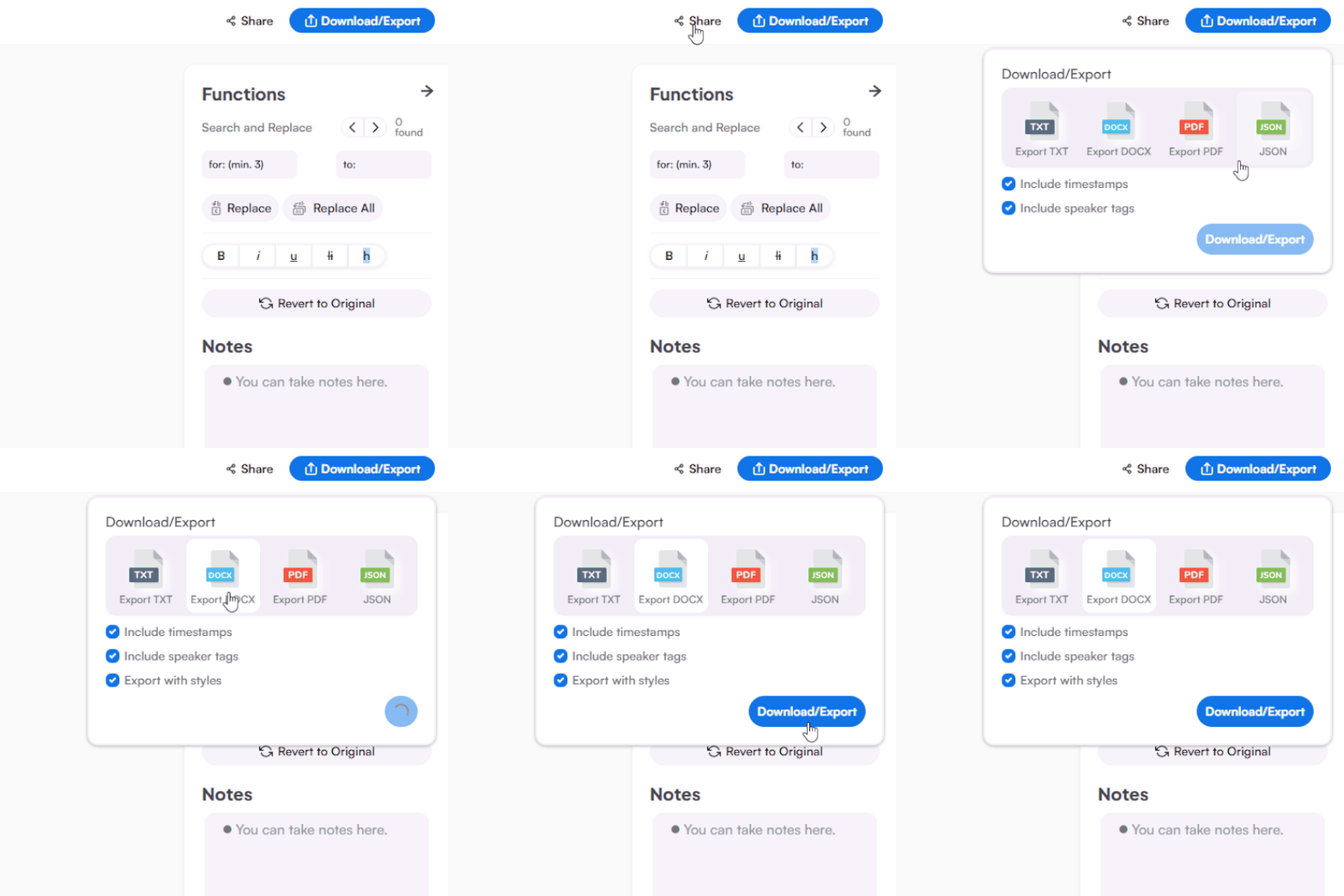
Share the transcript with your team, or download it as DOCX, PDF, TXT, or JSON for your meeting minutes.

Smarter Google Meet Transcription

Get more than transcripts with Maestra's AI-powered Google Meet transcription tool.

Speaker Labels

Every participant is labeled automatically, so decisions and action items stay attributable.

Collaboration

Utilize Maestra's extensive collaboration features to work with your team on Meet transcripts.

Nothing to Install

Transcribe Google Meet with no browser extension, just upload and go or transcribe live.

Edit and Reuse Freely

Rename speakers, fix names, and reshape the text into notes or summaries in the editor.
Transcribe a Google Meet

Customer Reviews

4.8 out of 5 stars G2

Chaitanya P.

Managing Director

"Master the Media with Maestra"

The best side of this product is auto subtitling. And most importantly, it supports multiple languages.

Read full review

Ricardo Y.

"The All In One 'over the top' turnkey solution for Automatic Transcripts, Subtitles and Voiceovers"

What comes to mind as Maestra being the go-to solution for our company is that it's such a time and money saver.

Read full review

Matthew S.

CSR

"perfect for anything transcript needs"

The best thing about Maestra is how well it creates transcripts. It's so useful for me. It makes my day a lot easier.

Read full review

Mary M.

Program Development

"Maestra 100% worth the investment in captioning your videos"

Ability to share captioning of our videos with multiple volunteer users is getting our captioning done quickly. Saving time and money with good quality captioning and ease of use.

Read full review

Carolina A. H.

Director

"MAESTRA IS THE GO-TO FOR SUBTITLING. LOVE IT!"

Maestra is just amazing! We were able to produce subtitles in multiple languages assisted by their platform. Multiple users were able to work and collaborate thanks to their super user-friendly interface.

Read full review

Janet S.

Enterprise

"Great product and very easy to use."

Maestra was intuitive to use and created a fairly accurate transcript in the first upload. It is easy to make corrections and ensure accuracy.

Read full review

Google Meet Transcription FAQs

Common questions about transcribing Google Meet, from recordings to live calls.

Does Google Meet have transcription?

It does, but only on paid Google Workspace tiers, and the host has to turn it on before the meeting starts. Maestra transcribes any Google Meet recording afterward, on any account. For enabling Meet's own transcription, see our Google Meet transcription guide.

How do I transcribe a Google Meet call?

Upload the recording, choose the language, and the transcript is ready in minutes with speakers labeled. From there you can edit, search, or summarize it.


Is Google Meet transcription free?

You can try Maestra on a short sample for free. Transcribing full-length Google Meet recordings runs on a paid plan, and live transcription with Maestra Live is free to use.

Can I transcribe a Google Meet recording after the call?

Yes. Upload any past Google Meet recording and get a full transcript, even if transcription was never switched on during the meeting.

How accurate is it to transcribe Google Meet recordings?

Accurate enough for records and notes, and a custom dictionary plus the editor let you lock in names, acronyms, and terms.

Can it label speakers in a Google Meet call?

Speakers are separated and labeled automatically, so the transcript stays readable even on busy calls.

Do I need a Chrome extension?

No. Unlike many Meet tools, Maestra works from the recording (or the live app), so there's nothing to install in your browser.

Is my Google Meet data kept private?

Your recordings and transcripts stay yours, processed securely, and you can delete them from your account anytime.


