Chaitanya P.
Managing Director"Master the Media with Maestra"
The best side of this product is auto subtitling. And most importantly, it supports multiple languages.
Read full reviewTranscribe interviews in minutes with speaker identification and timestamps.
MP3, WAV, M4A, AAC, FLAC, OGG…
Sign up to export the transcript.
Sign up nowYouTube, Vimeo, Google Drive, or a direct media URL
Sign up to export the transcript.
Use your microphone
Sign up to export the transcript.
Transcribe an in-person or remote interview live, with no file to upload afterward.
Your file transcribed successfully. Sign up to download.This is just a sampleYour file was transcribed successfully.No speech was found in your file.The result came up empty again.
Your 1-minute transcription trial has ended. Sign up to export the transcript.
Your transcript is ready to preview.
Sign up to download or export your file.
Try it with your own file. Upload one here, or continue in the Maestra app.
This is a 1-minute preview. Sign up to download or export your transcript.







Trusted by Teams Worldwide
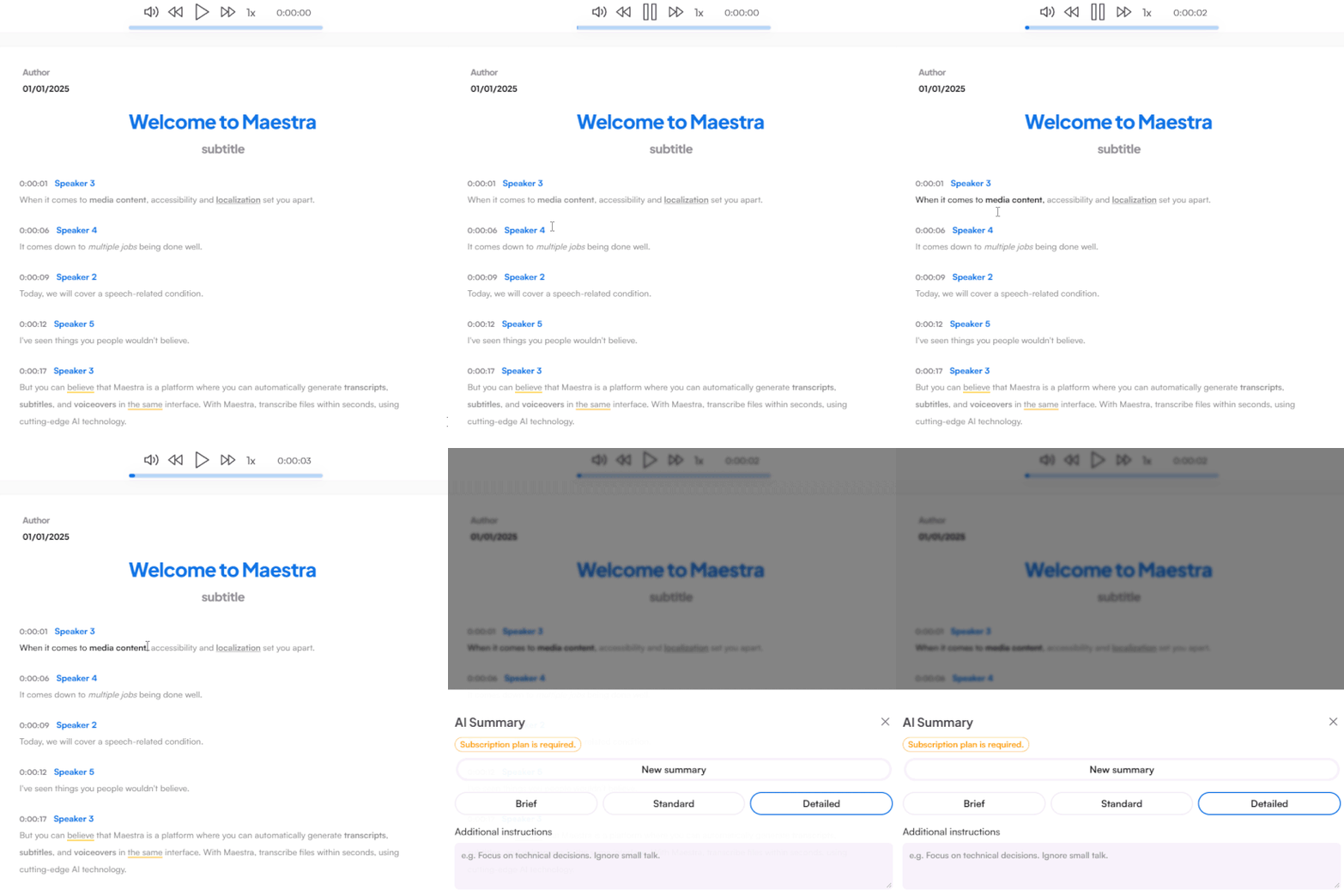
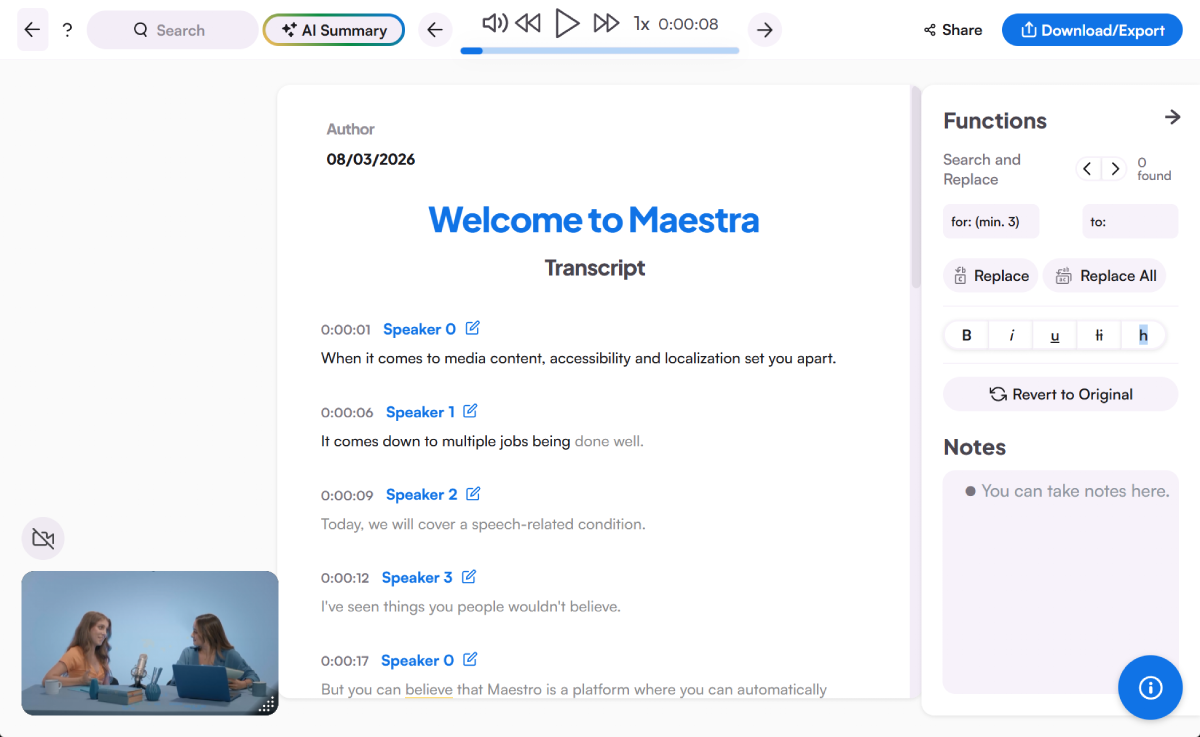
Get accurate text in minutes with speakers separated and lines timestamped. Edit and highlight quotes right in the editor.
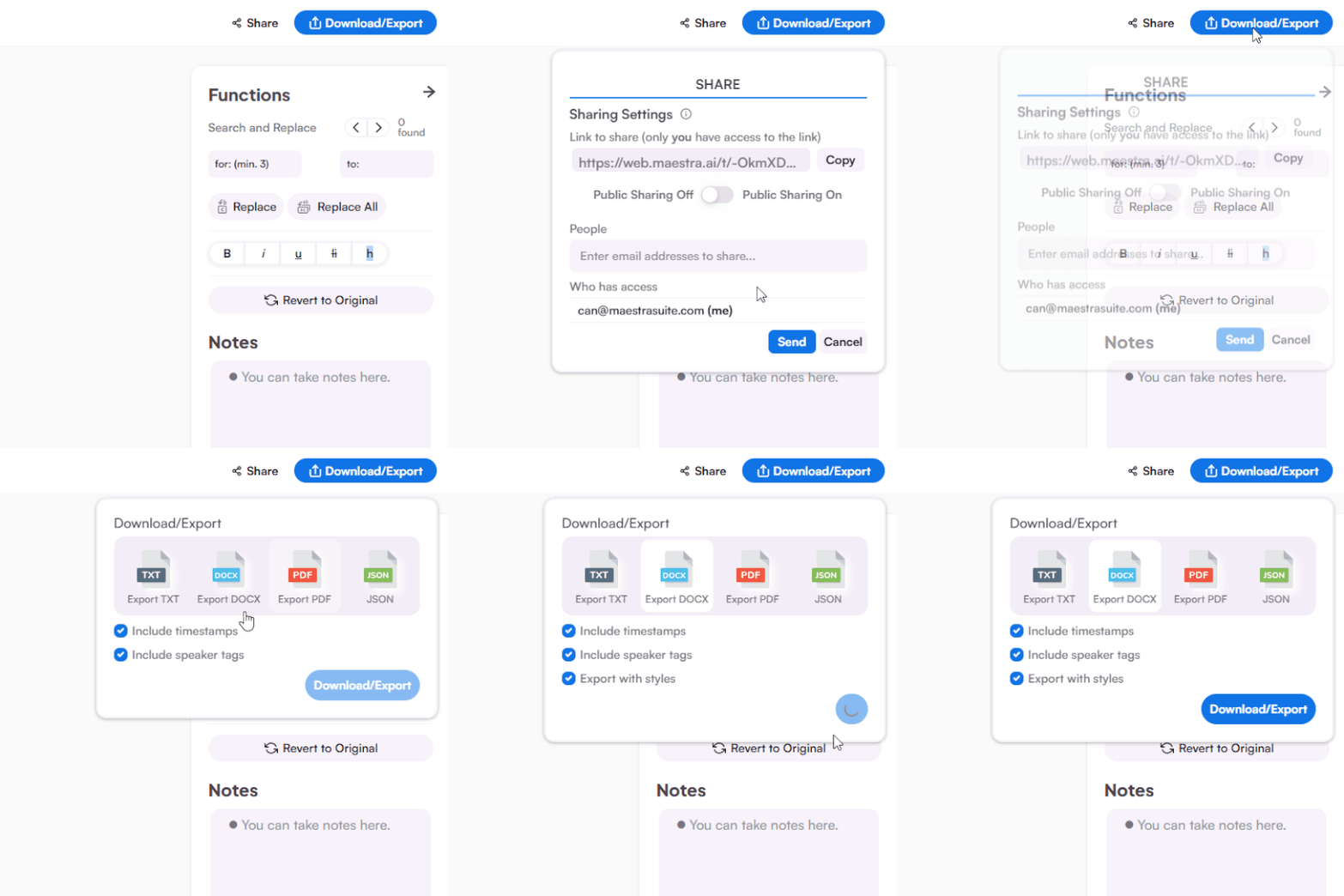
Share the interview transcript to collaborate, and export as DOCX, PDF, TXT, or JSON.
Search for a word to jump to that moment in the audio, rename each speaker, or fix a misheard name across the whole file in one pass. Summarize with AI, keep notes in the sidebar, then share with your team or download as TXT, DOCX, PDF, or JSON.
From newsroom deadlines to hiring pipelines, transcribe interviews the way your work demands.
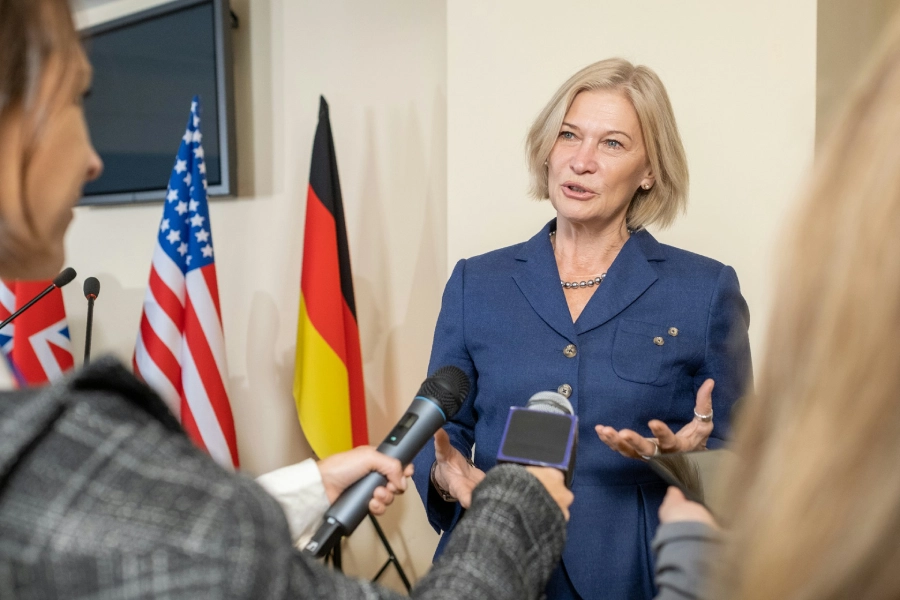

Speaker labels, timestamps, and clean exports, everything an interview transcript actually needs.
How do I transcribe an interview?
The best tool depends on your workflow, but look for speaker separation, timestamps, editing, and export options. Maestra covers all four in 125+ languages, with a free trial to test it on a real interview.
Maestra's free trial lets you transcribe an interview without a credit card or account, so you can check the accuracy before committing.
Automatic speaker detection separates and labels each voice, so who asked and who answered stays clear even in panel interviews.
Accuracy stays high on clear recordings, and technical terms or names can be fixed quickly in the editor. Good audio in, reliable transcript out.
Recorded meetings work like any other file. Upload the Zoom or Teams recording and get a labeled transcript of the whole conversation.
The transcript captures what was said word for word, and you can edit it into a cleaner read for publishing if you prefer.
Many researchers do. For qualitative and academic workflows, see Maestra's academic transcription services.