Chaitanya P.
Managing Director"Master the Media with Maestra"
The best side of this product is auto subtitling. And most importantly, it supports multiple languages.
Read full reviewGenerate an Afrikaans voice over for any video with AI dubbing.
MP4, MOV, AVI, MP3, WAV, SRT…
Sign up to export your dubbed file.
Sign up nowYouTube, Vimeo, Google Drive, or a direct media URL
Sign up to export your dubbed file.
Use your microphone
Sign up to export your dubbed file.
Live translation from spoken audio, transcribed and translated as you speak.
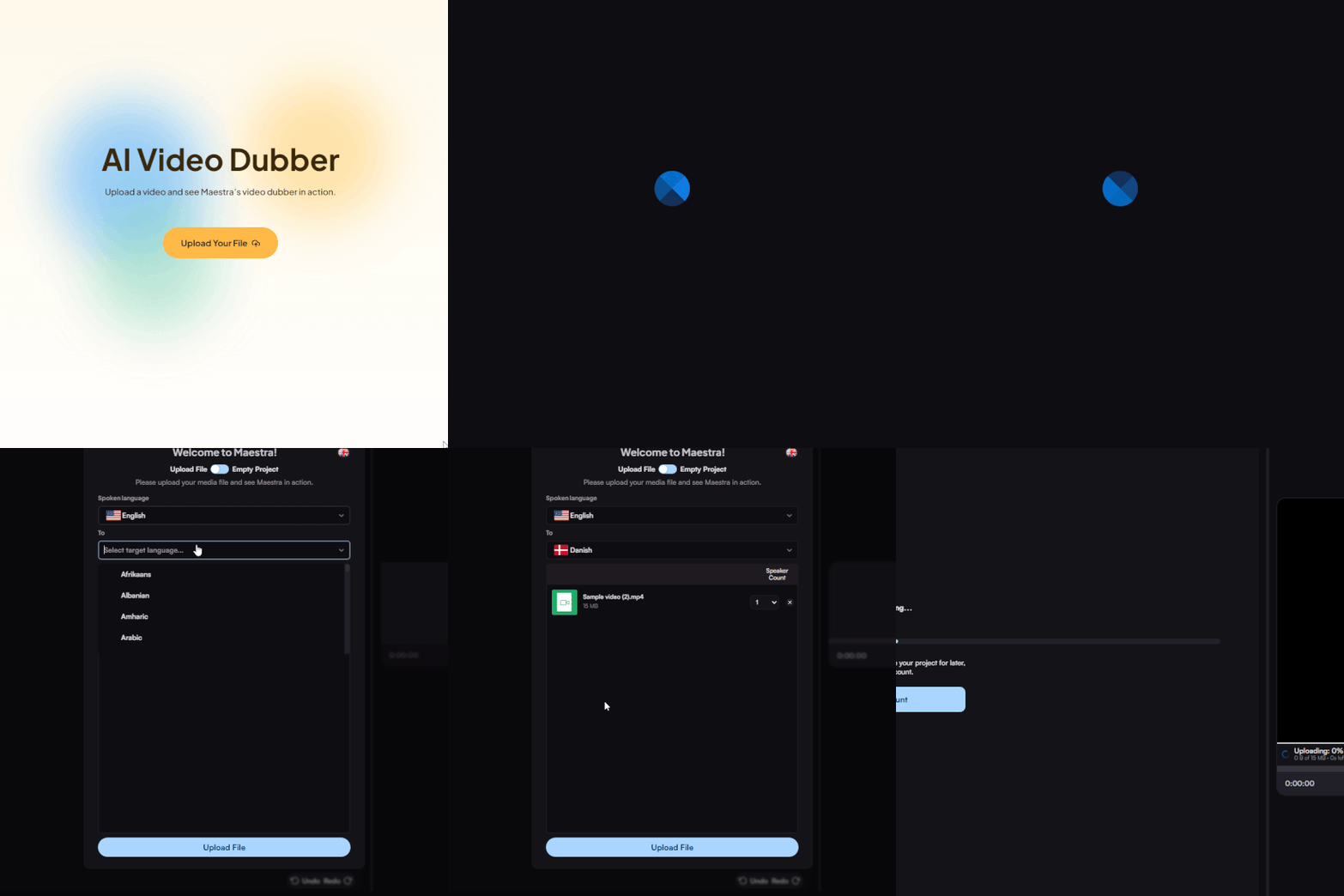
Upload a video file from your device or paste a link from YouTube or another platform. Choose your source language and set Afrikaans as the target.
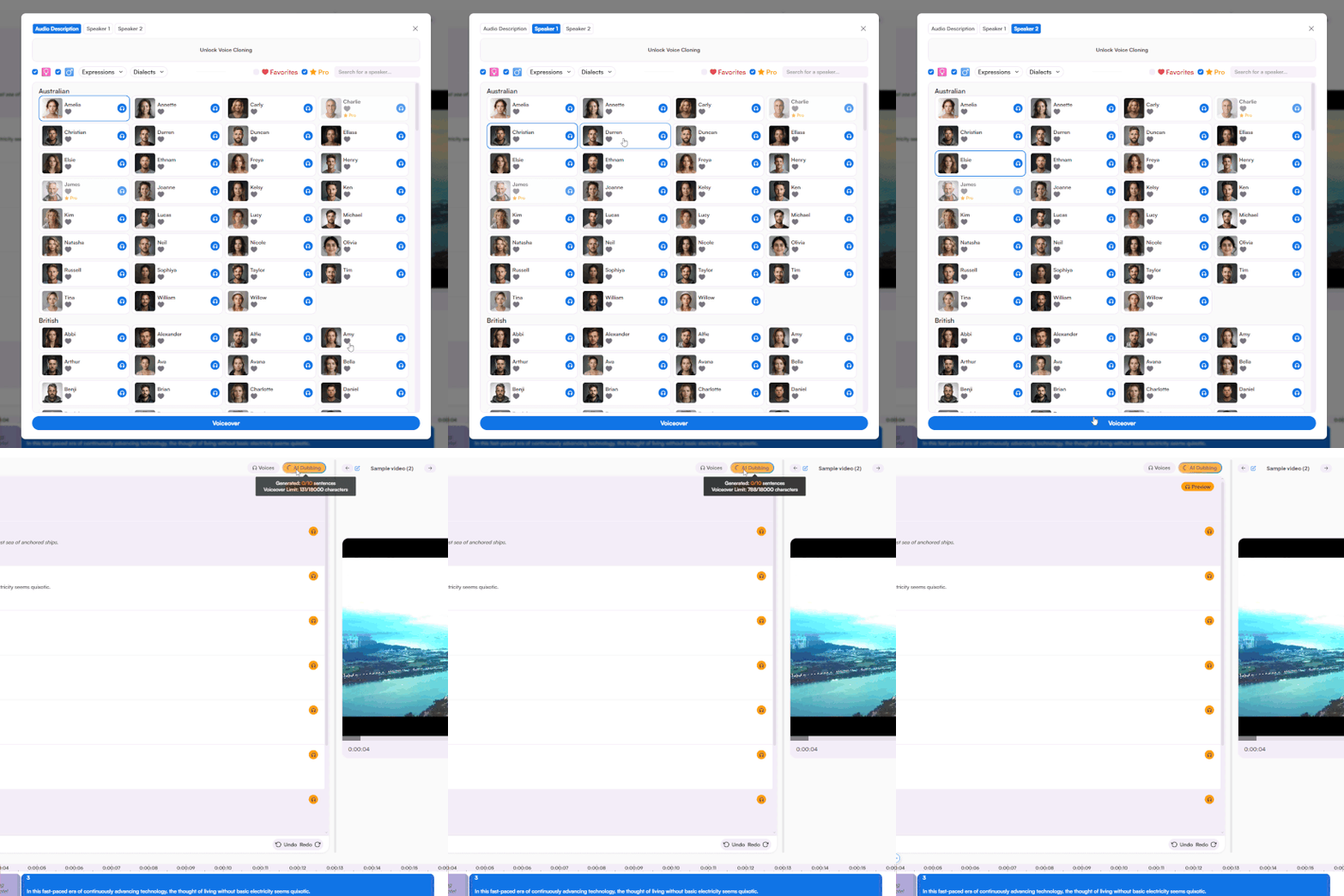
Choose an Afrikaans AI voice for each speaker, generate the voiceover, then fine-tune anything you need in the editor.
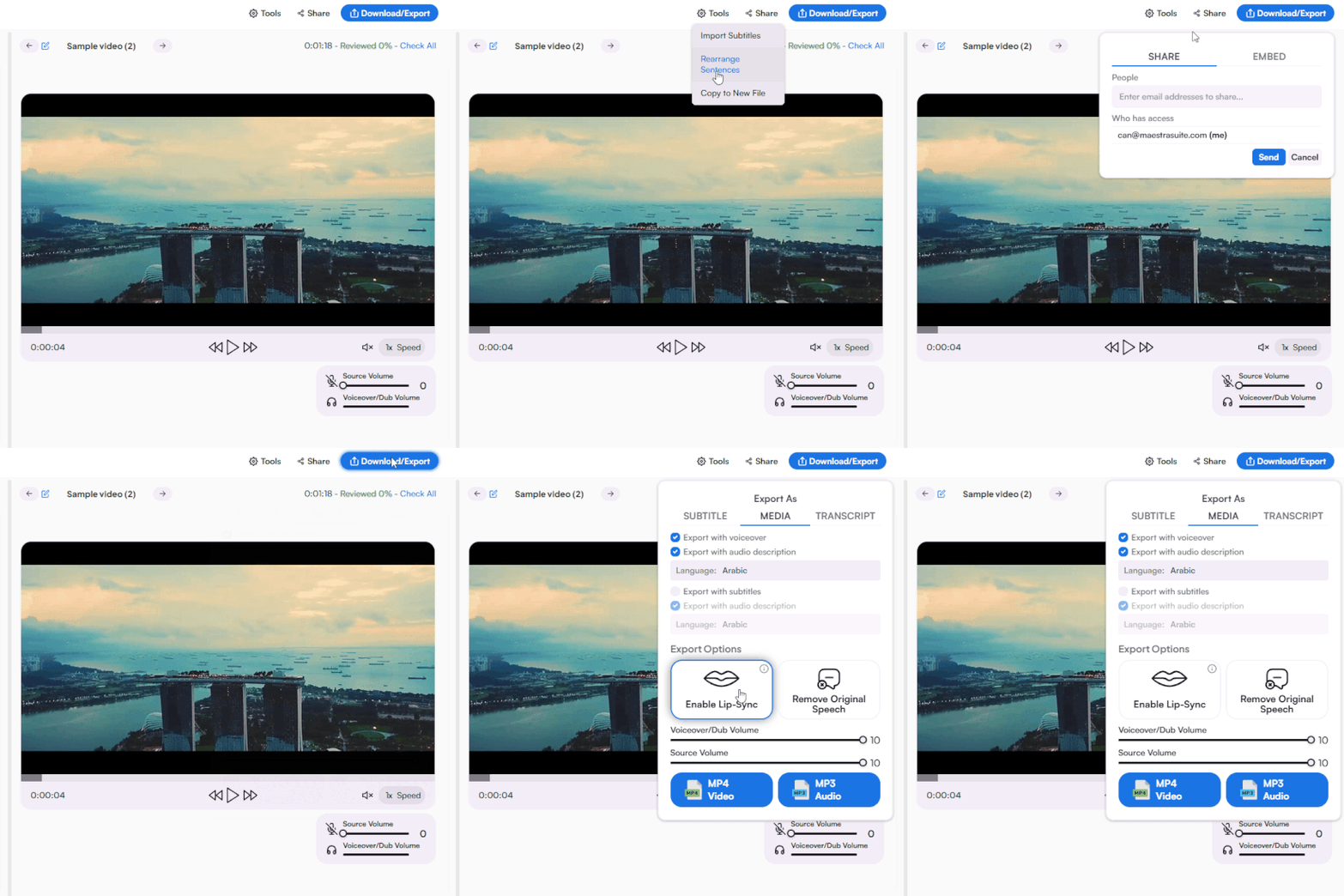
Download the dubbed video as MP4, export Afrikaans subtitles in your preferred format, or share the project with your team for review.


Yes. You can generate an Afrikaans voiceover for a portion of your video to evaluate the AI voices, accuracy, and export quality. For full access, you can check available plans on Maestra's Pricing page.
Upload your video or paste a link and set Afrikaans as the target language. Once Maestra transcribes and translates the dialogue, you can assign an Afrikaans AI voice to each speaker and generate the dub. Refine any line in the editor and export when ready.
Yes. Just paste the YouTube link directly, no need to download the video first. Once the Afrikaans dub is ready, you can publish directly to YouTube or export the video or audio file in MP4 or MP3 format.
Most videos are processed and dubbed in minutes. Longer files take a little more time, but the turnaround is considerably faster than working with Afrikaans voice actors, which typically involves casting, scheduling, and post-production.
Maestra uses advanced speech synthesis to generate Afrikaans speech that captures the right rhythm and pronunciation, closely resembling native speakers. You can edit the words in the text editor, change the delivery style, or use the AI rewriting feature to refine the translation before downloading the final audio.
Yes. Maestra's AI lip sync feature matches the Afrikaans audio to the speaker's on-screen mouth movements. This is especially useful if your video features a presenter, instructor, or anyone speaking directly to the camera.
Yes. All Afrikaans AI voices on Maestra are licensed for commercial use, covering advertising, e-learning, brand films, and online content of any kind. You can share your dubbed videos with viewers in South Africa and Afrikaans-speaking audiences around the world without licensing concerns.
Yes. You can adjust speed in the editor with a single click, and set characters per second for more precise timing control over individual lines.
Yes. Just enable subtitles during export and they'll align automatically with the Afrikaans dubbed audio. You can also export them as a standalone SRT, VTT, or SBV file if needed.
Maestra supports MP4, MP3, WAV, MOV, and many more. You can export your dubbed Afrikaans video or audio as MP4 or MP3, and download subtitles in SRT, VTT, or other formats. For a full list of file formats, you can visit Maestra's Supported Formats page.
Yes. You can export the dubbed Afrikaans audio as a standalone MP3, which can be useful for voiceover reels, narration tracks, audio guides, podcasts, or any audio-only workflow.
Yes. Files are encrypted in transit and at rest and never shared with third parties or used to train AI models. For full details, you can see Maestra's Privacy Policy.
Yes. If you don't have a video file, Maestra's Afrikaans text to speech tool lets you paste a script and create audio in spoken Afrikaans directly. No upload needed.
Yes. Maestra supports 125+ languages so you can create voiceovers in Zulu, Swahili, and more from the same source file. You can dub the same recording into multiple languages at once without leaving the project.
Maestra combines AI translation, natural-sounding Afrikaans male and female voices, lip sync, and subtitle generation in one platform. There's no need to switch between tools at different stages. From upload to finished Afrikaans dub, the entire workflow runs in one place.