Best Language Translation Software With Voice Over
There are two things people usually mean when looking for language translation software with voice over.
The first is video dubbing software. Second is live voice translation one.
All tools on this list handle both.
Before we get into the reviews. Let's have a look at the criteria I used to determine the first software from last.
What Makes a Good Language Translation Software
1. Accuracy.
Does the translation preserve meaning?
2. Language coverage.
Does it support the language you are looking for?
3. Use case fit.
Is it built for video dubbing, live meetings, eLearning, or training, or all of it?
4. Output flexibility.
Does it export a dubbed MP4 or SRT file? Can it stream live? Does it integrate with your online learning platform?
5. Storage
Where do your translated files stay after translation? And how long are they kept?
Expert Tip: Not all voice-over translation software works the same way for live and recorded content. So, if you'll run both, choose a software that does it on one platform.
Best Language Translation Software With Voice-Over (Top 5 Software in 2026)
A brief overview:
| Language Translation Software | Best For | Languages | Voice-over type | Free Plan |
| Maestra | Video dubbing, live meeting translation, eLearning | 125+ | AI dubbed video + live voice | ✅ |
| HeyGen | Video dubbing, online courses | 175+ | AI dubbed video + lip sync | ✅ |
| Murf AI | eLearning, training voiceover | 33 | AI voiceover (translation on Enterprise) | ✅ |
| Microsoft Translator | Live meetings, Teams, enterprise | 70+ | Live voice translation | ✅ |
| Wordly | Events, conferences, churches, training | 50+ | Live voice translation | ❌ |
1. Maestra: Best overall language translation software with voice over
Maestra covers a full voice-over translation pipeline. Video dubbing, live meetings - you name it.
What made it earn first place is the number of languages it covers.
Plus, the AI cross-referenced outputs feature makes live conversations hit the accuracy criteria.
Key features:
- OpenAI + DeepL cross-checks translations before output
- AI dubbed video with natural-sounding voices
- Live voice translation for meetings and events
- Supports SRT, dubbed MP4, and live stream output formats
- Cloud storage with file management across projects
Pros
- The only tool on this list that handles both video dubbing and live voice translation in one place
- 125+ languages makes it viable for nearly any global audience
Cons
- Browser-based - no desktop app yet.
- Overkill for creators who only need basic captions
Pricing:
- Free plan available.
- Paid plans start at $6/hour.
- See more on pricing.
.webp)
Translate Audio and Video With Voice Over in 125+ Languages
2. HeyGen - Best for video dubbing and online courses
HeyGen is an AI video platform built around one thing.
Making a dubbed video look & sound like it was recorded in the intended language.
Key features:
- AI lip sync that matches the voice to the speaker's mouth movements
- 175+ languages with natural-sounding AI voices
- Video translation with voice cloning
- Built-in video editor for post-translation fixes
- Integrations with major video and eLearning platforms
Pros
- Lip sync quality is the best on this list
- Voice cloning makes dubbed content feel personal and consistent across a series
Cons
- Built for recorded video only - no live voice translation
- Credit-based pricing can get expensive at scale
Pricing:
- Free plan available (3 videos/month, watermarked).
- Creator plan from $29/month or $24/month billed annually.
3. Murf.ai - Best voice over translation software for eLearning and training
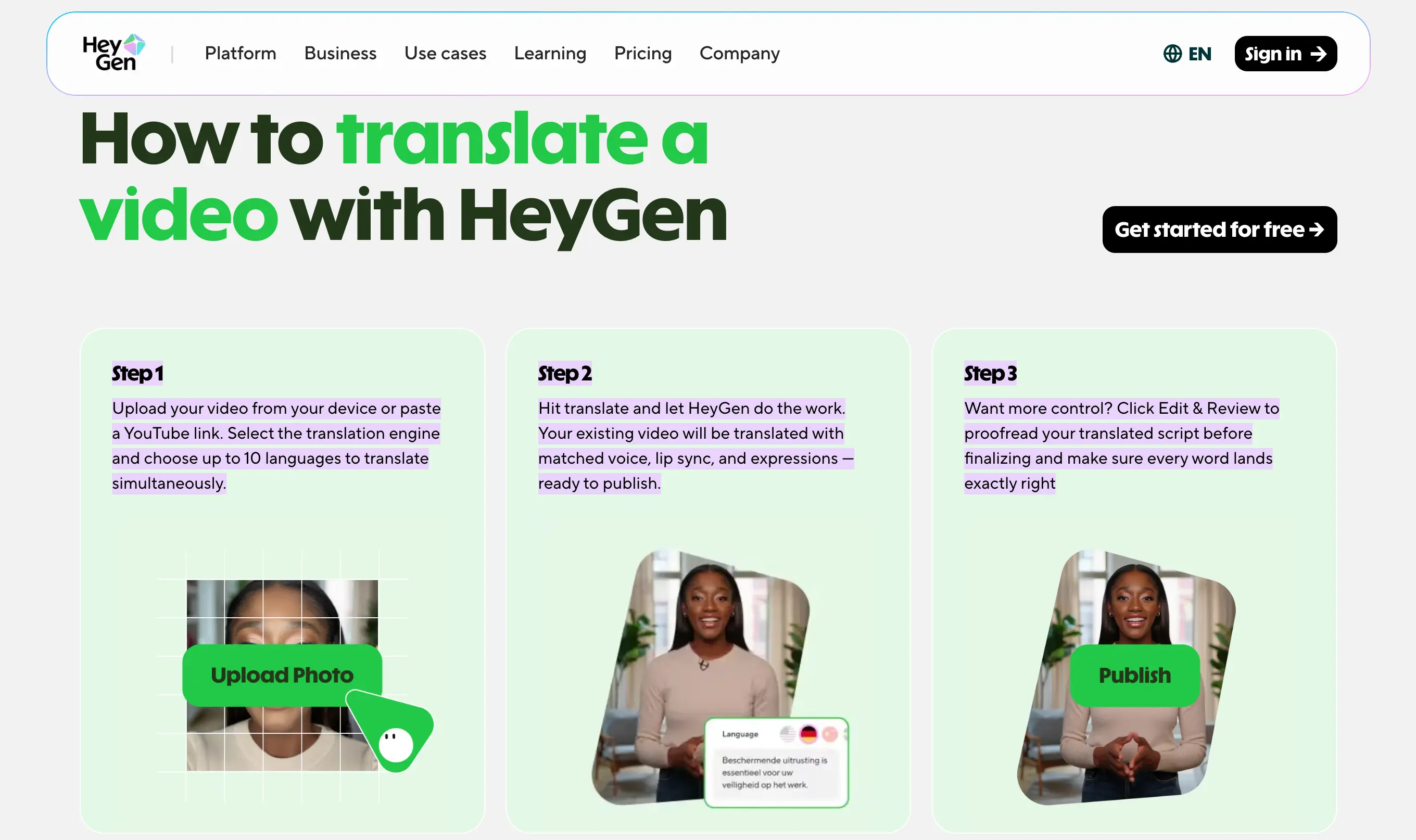
Murf AI is a voiceover studio built for content creators and L&D teams.
It is mostly useful for professional-grade audio in multiple languages. - Without a recording booth.
Key features:
- 200+ AI voices across 35+ languages with accent and tone control
- Dedicated dubbing product covering 44 languages
- Voice over sync with slides, videos, and eLearning modules
- PowerPoint and Google Slides integration for training content workflows
Pros
- Voice quality and control is best in class for eLearning and online education production
- Compliance certifications make it a safe choice for regulated industries like healthcare and government
Cons
- Translation is locked to higher-tier plans - not accessible on entry level
- No live voice translation - strictly a recorded content tool
Pricing:
- Free plan available (10 minutes, no downloads).
- Creator plan from $19/month billed annually.
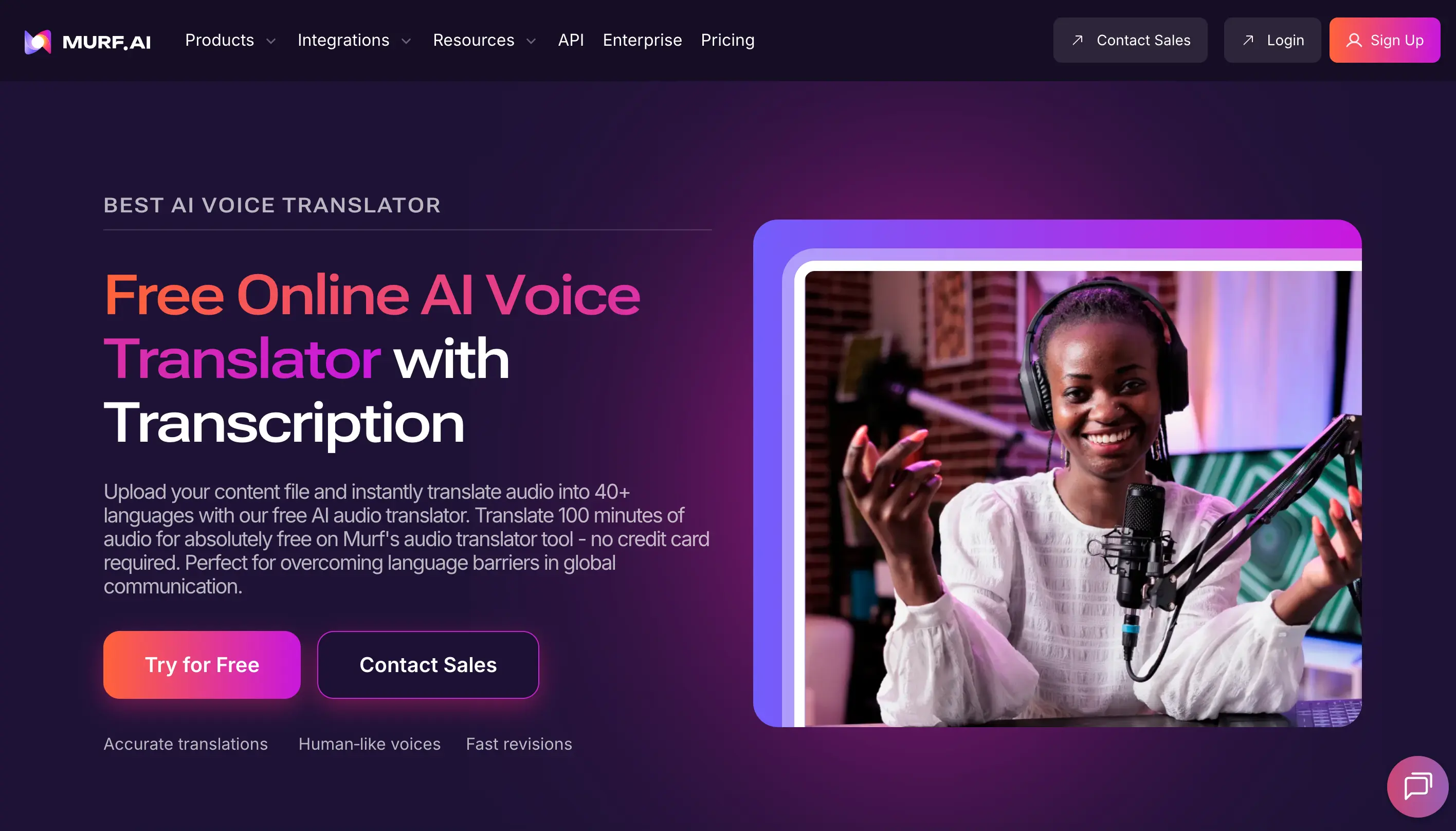
70% of Fortune 500 companies localize their eLearning modules for international teams.
4. Microsoft Translator- Best for live meetings and enterprise training
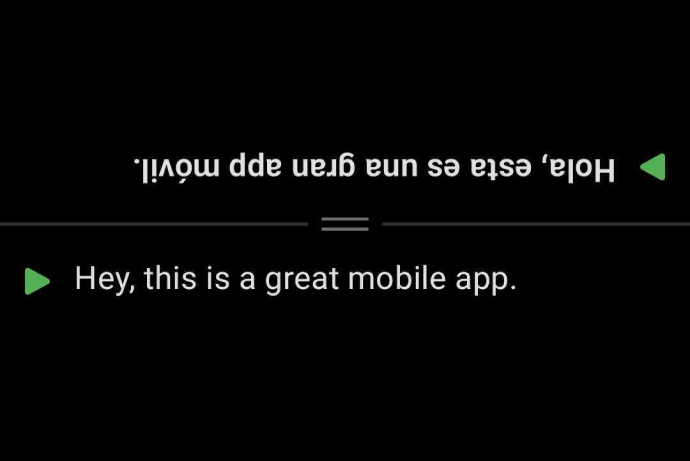
Microsoft Translator is a live voice translation tool built for the workplace.
Whether it's a meeting, presentation, or multilingual training session - This software is built around scale.
It is most useful when there are multiple participants.
Key features:
- Real-time voice translation in 70+ languages
- Native integration with Microsoft Teams, PowerPoint, and Edge
- Multi-device conversation mode - up to 100 participants translating at once
- Offline mode available for select languages
- Enterprise-grade security: SOC 2, HIPAA, GDPR, FedRAMP compliant
Pros
- Teams integration makes it the easiest voice over translation software for training and business meetings already running on Microsoft infrastructure
- Offline mode is a practical advantage for travel and low-connectivity environments
Cons
- No video dubbing - strictly a live translation tool
- Voice naturalness lags behind dedicated dubbing tools on this list
Pricing:
- Free app available.
- API pricing starts at $10 per 1 million characters via Azure.
- Free tier includes up to 2 million characters/month.
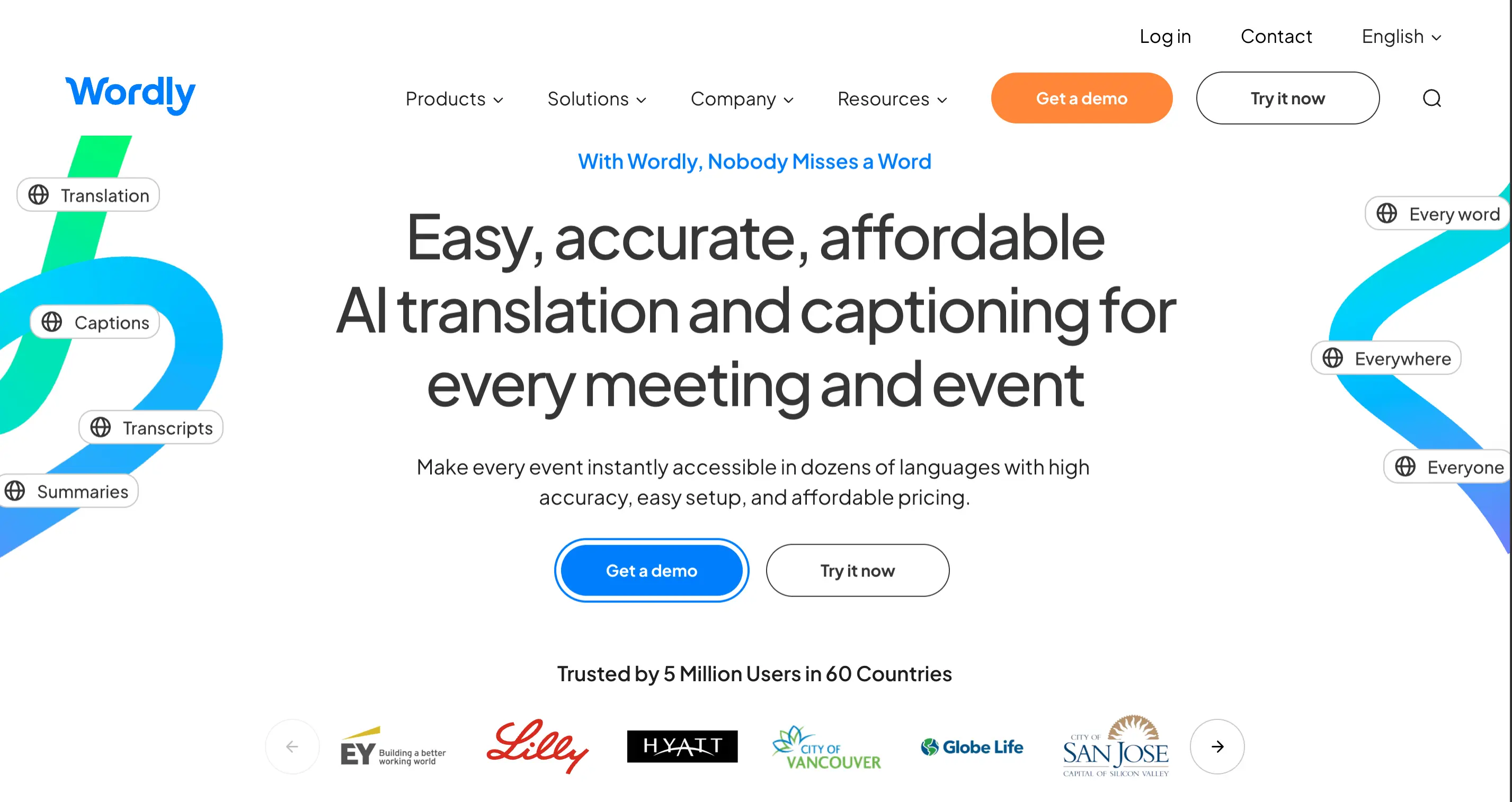
5. Wordly- Best language translation for events, conferences, and churches
Wordly is a live voice translation platform built specifically for large-scale gatherings.
Namely - any event where a room full of people speak different languages.
Key features:
- Real-time audio translation and captions into 60+ languages
- Attendees access via QR code or link
- Works with Zoom, Teams, Google Meet, Webex, and in-person events
- Transcripts and AI-generated summaries after every session
- Used across tech, healthcare, government, and education sectors
Pros
- The easiest setup on this list - attendees scan a QR code and pick their language, nothing else
- Covers churches, city councils, NGOs, and multilingual training events that other tools overlook
Cons
- Pricing is usage-based and requires contacting sales for a quote — not ideal for individuals or small teams
- No video dubbing capability
Pricing:
- Usage-based.
- Starter package from 10 hours of live translation.
- Volume and non-profit discounts available.
- Free trial available.
The Best Language Translation Software With Voice-Over For Your Use Case
1. Voice over translation software for eLearning
The right voice-over translation software for eLearning will revoice your content in the target language.
For this particular function, I found Maestra and Murf AI to be the strongest options.
2. Voice over translation software for training
Voice over translation software for training makes it possible to rebuild your content from scratch.
Maestra works for both recorded and live training.
But if you want a software that is already on Teams, go for Microsoft Translator instead.
3. Voice over translation software for online learning
Your students are not all in the same country.
The language your course was recorded in should not be the reason someone drops out.
For pre-recorded courses, HeyGen and Maestra both produce dubbed videos that hold up on any LMS.
For live online education, Maestra & Wordly handle real-time voice translation.
Every participant follows in their own language.
4. Language translation with voice over for meetings and events
Language translation with voice over for meetings delivers in seconds.
Attendees hear the speaker in their own language through their phone or laptop, live.
Microsoft Translator is the strongest choice for Teams-based meetings.
Wordly is built for larger gatherings where dozens of language pairs need to run at once.
5. Translation with voice over for travel and live conversation
Sometimes you are in a country where you do not speak the language, and you need to communicate right away.
Language translation software with voice over handles this too.
You speak. It translates. The other person hears it in their language.
Maestra's mobile app - launching Q2 2026 - is built for exactly this.
Microsoft Translator works offline in select languages, which matters when you are somewhere without a stable connection.
Frequently Asked Questions
What is the best language translation software with voice over?
Maestra is the most complete option - it handles both video dubbing and live voice translation in 125+ languages.
HeyGen is the strongest choice if lip sync quality is your priority.
What is the best voice over translation software for eLearning?
Maestra covers the full pipeline in 125+ languages. Useful for technical or instructional content.
What is the best language translation software with voice over for meetings?
Microsoft Translator for Teams-based meetings.
Wordly for larger conferences and multilingual events, training days where multiple language pairs run simultaneously.
Is there a free language translation software with voice over?
Yes. Maestra, HeyGen, and Murf AI all offer free plans.
Microsoft Translator is free via the app.
Wordly does not have a free plan but offers a free trial.
Can I use voice over translation software for online learning platforms?
Yes. Maestra and HeyGen both export dubbed video that works on any LMS.
7 Top-Rated AI Dubbing Software