10 Best Video Dubbing Software (Free & Paid Options)
AI dubbing represents a fundamental shift in how video content reaches global audiences. If you’re a creator or business trying to share your message across different languages, AI makes that process faster, easier, and far more affordable than traditional dubbing. Instead of hiring multiple voice actors or waiting weeks for localized versions, you can translate and re-voice your videos in minutes with voices that sound clear and authentic.
In this blog, we review the 10 best video dubbing software available today, what each one does well, and how they compare in terms of features and pricing. You'll also find practical tips that will help you produce high-quality multilingual videos, no matter which platform you choose.
Best Video Dubbing Software Powered by AI
First, let's review the essentials: each tool's key strength, how many languages it supports, and what it costs.
| Video Dubbing Software | Key Strength | Supported Languages | Pricing |
| Maestra | All-in-one platform with advanced voice cloning | 125+ | Free trial; subscription plans from $39/month |
| HeyGen | Lip-synced talking head videos and avatars | 175+ | Free plan; subscription plans from $24/month |
| Descript | Video dubbing and editing in one place | 29 | Free plan; subscription plans from $24/month |
| Dubverse | Fast large-scale localization | 72+ | Free trial; subscription plans from $9/month |
| Kapwing | Social-first editing toolkit | 40+ | Free plan; subscription plans from $16/month |
| Canva | For marketers and designers already using Canva | 29 | Free plan; subscription plans from $12.99/month |
| Speechify | Expressive, celebrity-style voices for narration | 60+ | Free plan; subscription plans from $19/month |
| ElevenLabs | Ultra-realistic voice cloning and emotional delivery | 29 | Free plan; subscription plans from $18.33/month |
| LOVO AI | Commercial-style voiceovers and marketing videos | 100+ | Free plan; subscription plans from $24/month |
| Murf AI | API-driven automation for video dubbing | 40+ | Credit-based pay as you go model |
1. Maestra
Standout feature: High-quality voice cloning for accurate and realistic multilingual content.
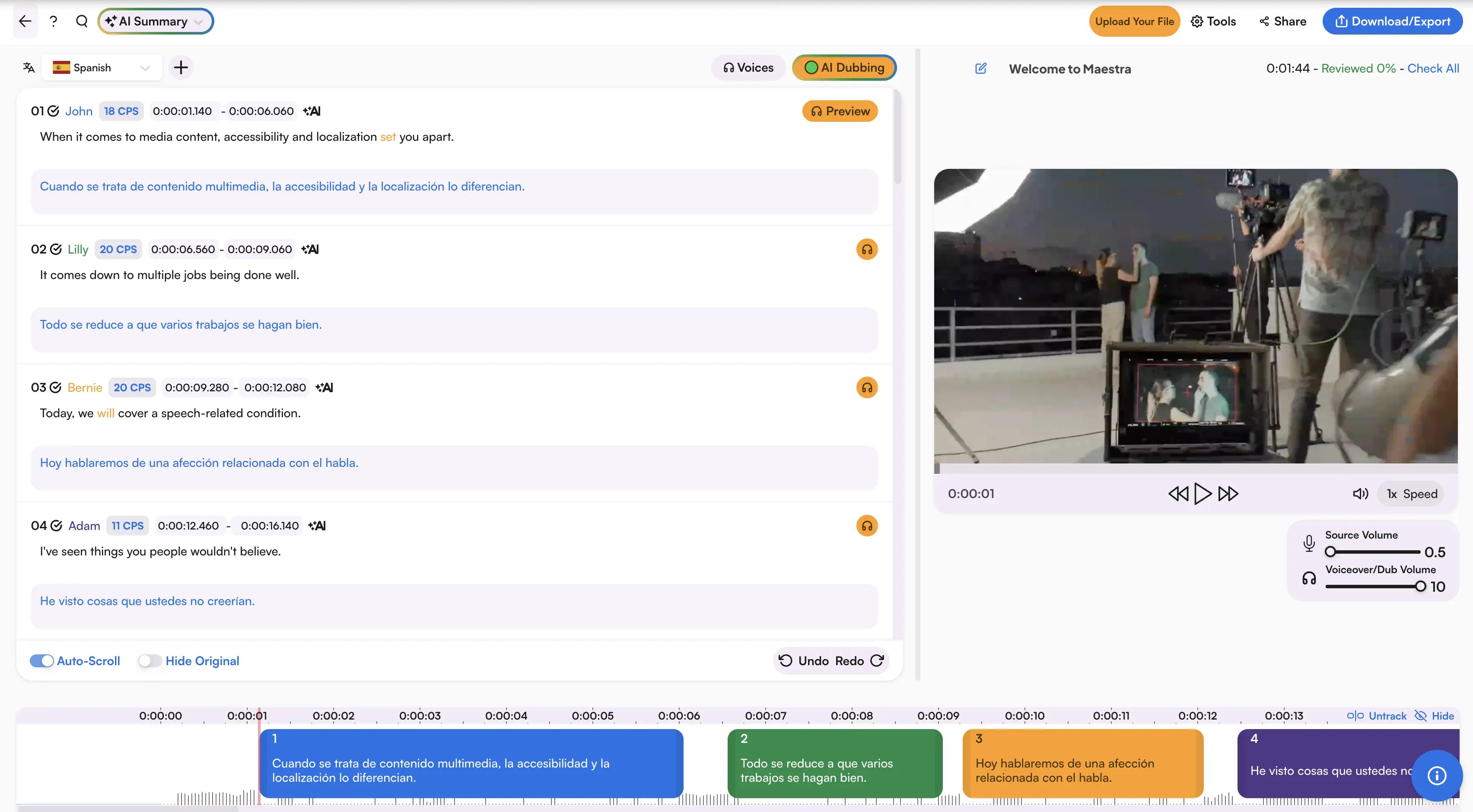
As one of the best AI dubbing tools, Maestra's video dubber brings everything together in one place. In addition to lifelike AI voices with a wide range of expressions and dialects, it also offers voice cloning so every dubbed version sounds like your own voice. The user-friendly editor is fully text-based, so any changes you make to the script are instantly reflected in the dubbing.
Pros
- Wide language coverage with precise lip syncing
- Easy-to-use editor with built-in AI rewriting and summarization tools
- Choice of OpenAI, DeepL, Gemini, or the Standard model for translation
Cons
- Advanced features require higher plans
- Longer videos can take more time to process
Pricing: Free trial available. Basic plan starts at $39/month. See more on pricing.
2. HeyGen
Standout feature: AI-powered multilingual lip syncing.
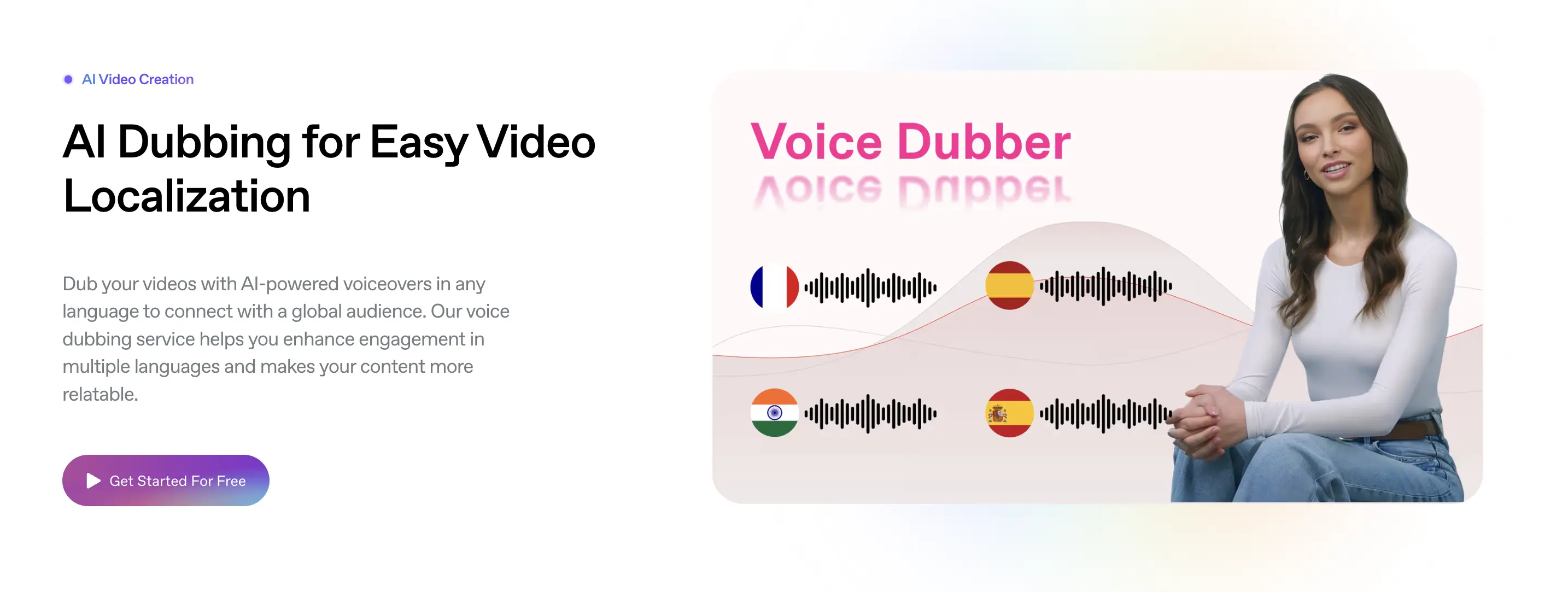
HeyGen is an AI video creation platform that specializes in turning videos into multiple languages with accurate lip sync. It lets you upload any video and automatically translate, re-voice, and sync the speaker’s mouth movements to match the target language. Beyond dubbing, it also offers AI avatars, making it useful for creators who want on-camera content without filming themselves.
Pros
- Easy-to-use interface suitable for non-technical creators
- Supports script-to-video generation without recording anything
- Massive library of stock avatars
Cons
- Occasional lip sync glitches on fast speech or complex expressions
- Not ideal for long-form production workflows
Pricing: Free plan available. Creator plan starts at $24/month. See more on pricing.
3. Descript
Standout feature: "OverDub" text-based editing.
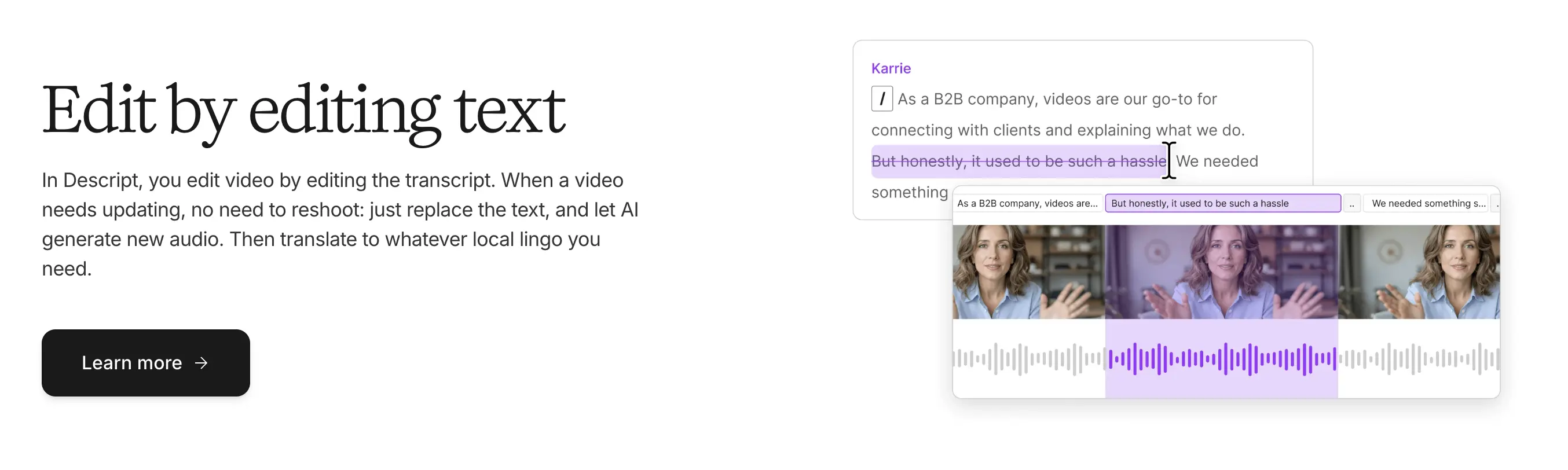
Descript is a full video and audio editor that merges editing tools with advanced AI dubbing, translation, and voice cloning. Its transcript-based workflow lets you edit videos by editing text. The OverDub feature lets you fix audio mistakes or insert new words by simply typing them, eliminating the need for re-recording.
Pros
- Automatic filler word removal
- Studio Sound for improving low-quality audio
- Multiple export options tailored to YouTube and podcast workflows
Cons
- The interface can feel heavy if you only need simple dubbing
- OverDub feature can consume credits quickly on lower tiers
Pricing: Free trial available. Creator plan starts at $24/month. See more on pricing.
4. Dubverse
Standout feature: Fast, automated video localization.
Dubverse is a video localization platform built specifically for translating and dubbing videos at scale. The process is straightforward: upload your video, choose a language, and Dubverse generates a fully dubbed version with timing adjustments handled for you. It’s built for creators and teams who need fast turnaround without sacrificing voice quality.
Pros
- Good processing speed even for longer videos
- Clean interface that’s easy for beginners to navigate
- Strong language coverage with natural-sounding voices
Cons
- Free tier is limited in output length and voice options
- Lip sync quality isn’t as strong as higher-end platforms
Pricing: 2-day free trial available. Pro plan starts at $9/month. See more on pricing.
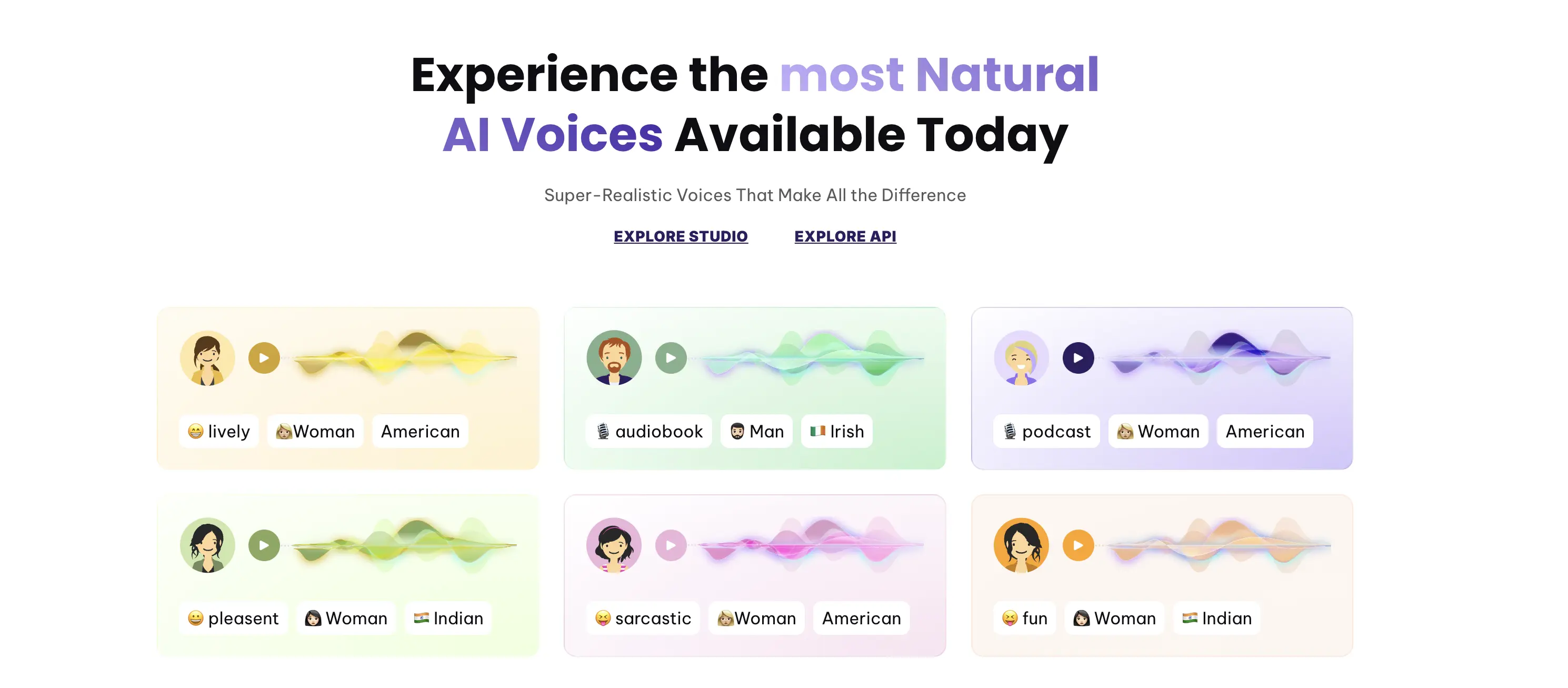
5. Kapwing
Standout feature: Social-media-optimized editor for instant multilingual posts.
Kapwing is a browser-based video editor designed for creators who publish frequently on social platforms. It lets you import a video, translate the audio, and generate dubbed versions that fit perfectly into vertical formats like TikTok, Instagram Reels, and YouTube Shorts. Everything runs online, making it ideal for fast turnaround without heavy software.
Pros
- Auto-resize and smart-crop tools for cross-platform posting
- Built-in subtitle generator for quick captioned social videos
- Library of stock assets, templates, and effects geared toward social trends
Cons
- AI features can consume credits rapidly
- Limited fine-tuning compared to professional editors
Pricing: Free version available. Pro plan starts at $16/month. See more on pricing.
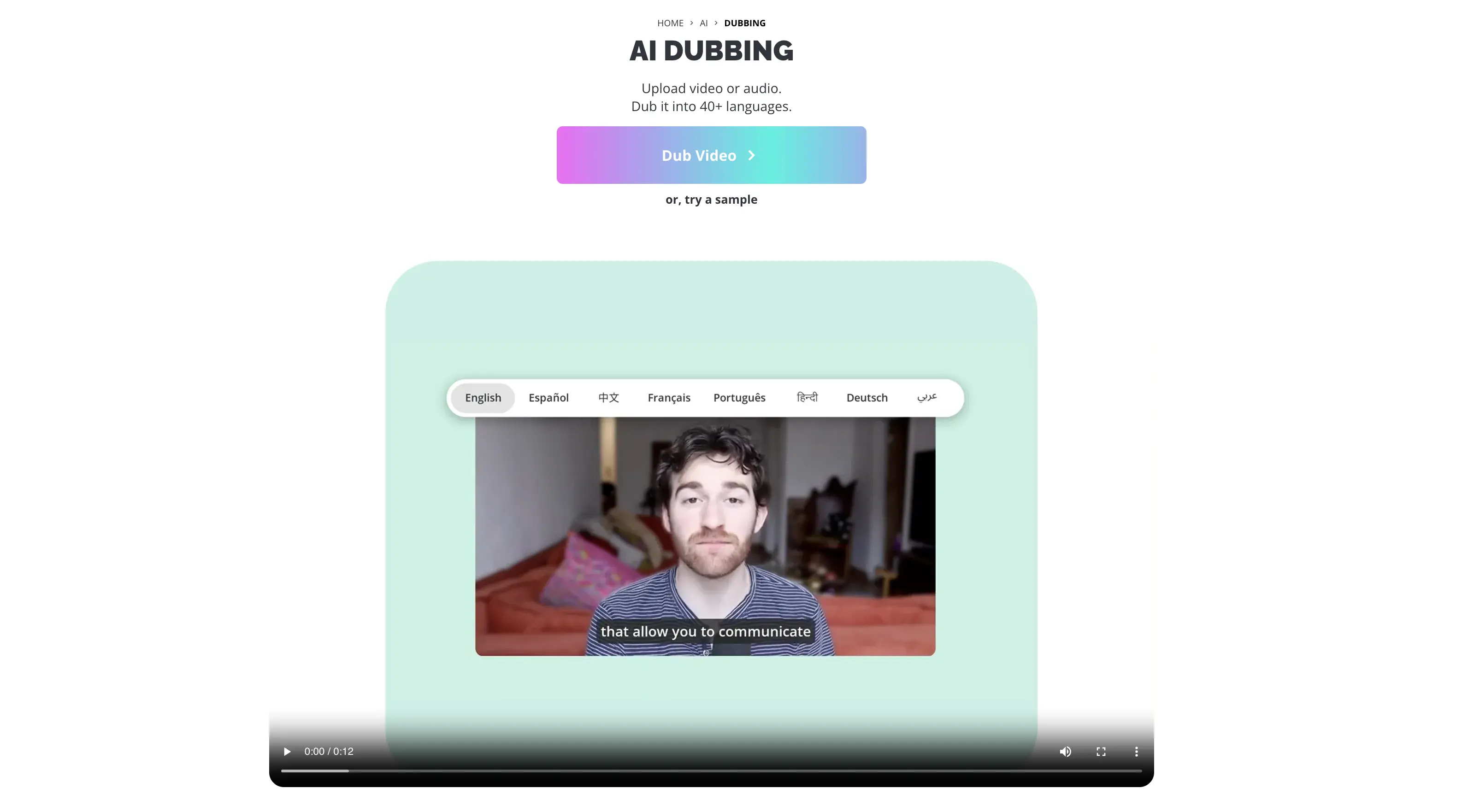
6. Canva
Standout feature: Seamless AI dubbing built into the existing Canva workflow.
Although Canva is a design-first platform, it now integrates powerful AI dubbing software via its "Apps" marketplace (like EasyDubbing). If you already use Canva for social posts, you can dub your video content without leaving the editor. Just open the app sidebar, select your video, and generate a new voiceover in minutes.
Pros
- Huge library of templates ideal for marketing, branding, and social media
- Drag-and-drop workflow
- Works smoothly across devices (web, tablet, and mobile apps)
Cons
- Powered by third-party apps inside Canva
- Not suitable for long-form or complex video productions
Pricing: Free version available. Pro plan starts at $12.99/month. See more on pricing.
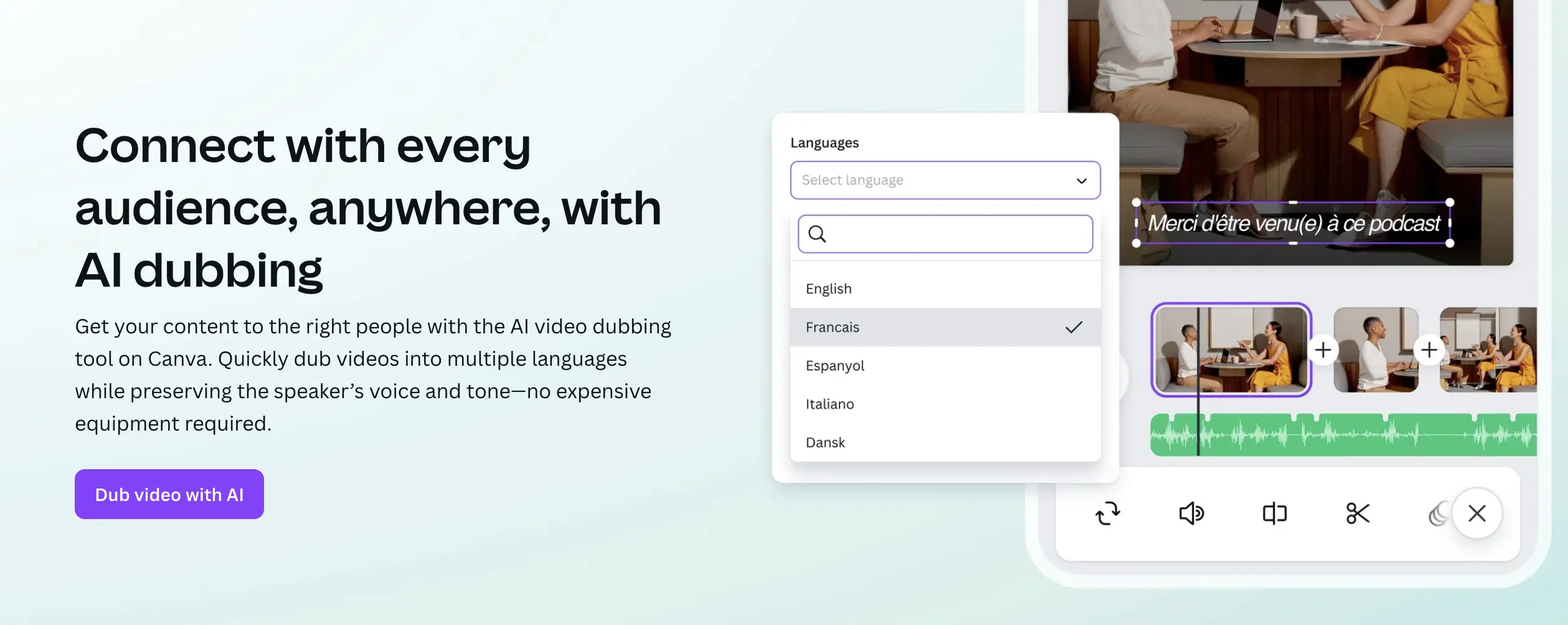
7. Speechify
Standout feature: A large library of celebrity-style voices for AI voiceovers and narration.
Speechify is a text-to-speech and voiceover platform built primarily for converting written content into natural-sounding audio. Its biggest draw is its catalog of expressive, character-like, and celebrity-style voices that creators can use for social videos, explainers, and storytelling. Everything runs from a simple web or mobile interface, so you can produce narration anywhere without specialized equipment.
Pros
- Good option for creators who want personality-driven voiceovers
- Wide range of reading speeds without losing clarity
- Great for e-learning, short-form videos, and accessibility content
Cons
- Lacks advanced video editing or visual timing adjustments for dubbing
- High-quality "Premium" and celebrity voices require paid plans
Pricing: Free plan available. Studio Starter plan is $100 annually or $19 monthly. See more on pricing.
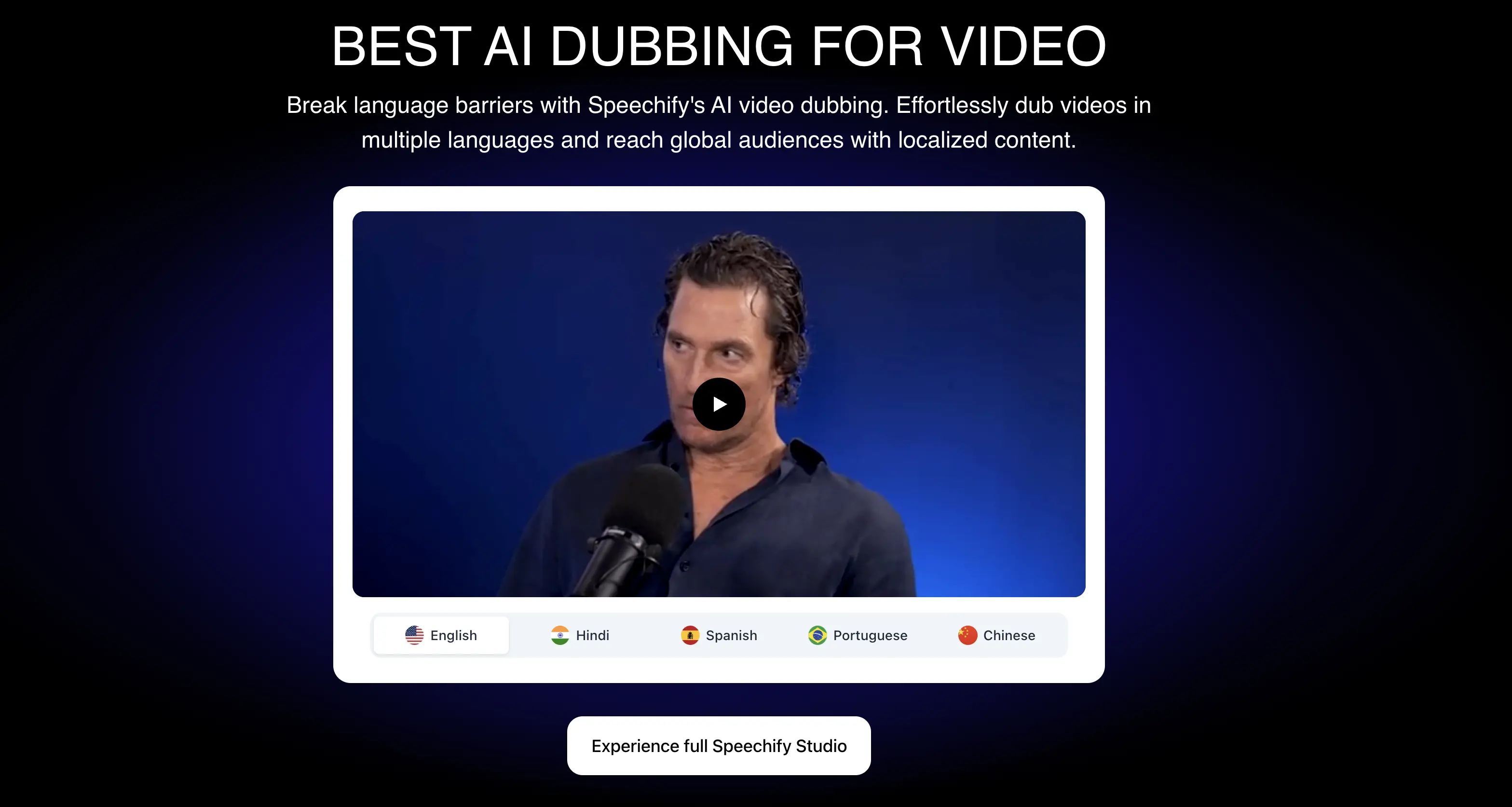
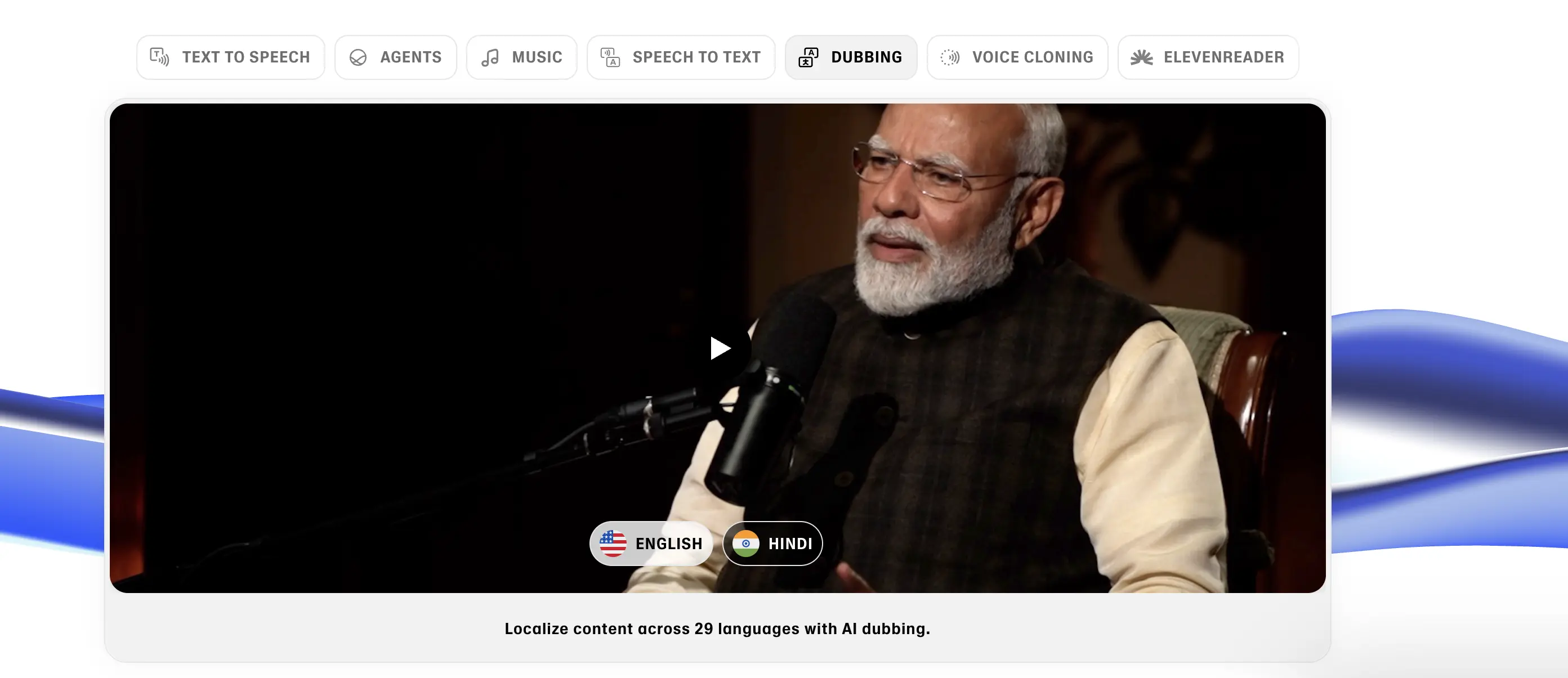
8. ElevenLabs
Standout feature: Advanced emotional modeling that keeps tone, intensity, and delivery intact across languages.
ElevenLabs is an AI voice platform built for creators who need the most natural and expressive audio possible. Instead of generating flat or generic speech, its models replicate subtle vocal details like breathiness, emphasis, pacing, and emotional shifts, which makes translated audio sound like a true performance rather than a machine reading. It’s widely used in film, gaming, and storytelling because it produces voices with depth and character, not just clarity.
Pros
- Highly accurate voice cloning for character and brand consistency
- Granular control over pronunciation, pacing, and inflection
- Frequent model updates that improve voice quality even more
Cons
- Workflow and settings can feel technical for casual creators
- Limited video-focused features since it’s primarily an audio platform
Pricing: Free plan available. Creator plan starts at $18.33/month. See more on pricing.
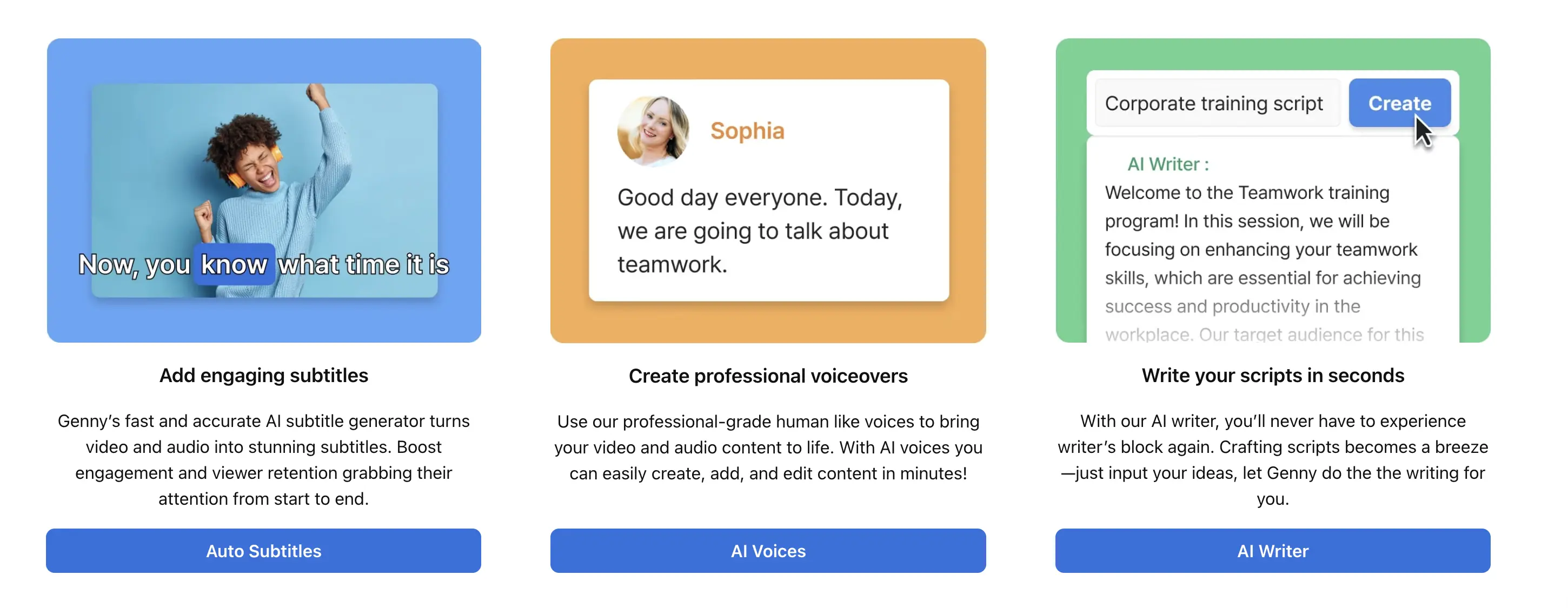
9. LOVO AI
Standout feature: Professional-grade commercial voices built for ads, promos, and branded video content.
LOVO AI is a voice-generation platform designed for creators who need polished, ad-ready voices for dubbed video content. It supports a wide range of languages and styles, making it useful for marketing teams that want to quickly localize product videos, promos, and landing-page explainers without hiring multiple voice actors. Its output is clean and consistent, so dubbed versions maintain the same professional tone as the original content.
Pros
- Supports a variety of energetic, corporate, and conversational styles
- Quick rendering times
- Easy script editing and voice previewing
Cons
- Some voices struggle with highly technical or industry-specific terminology
- No lip sync feature available
Pricing: Free trial available. Pro plan starts at $24/month. See more on pricing.
10. Murf AI
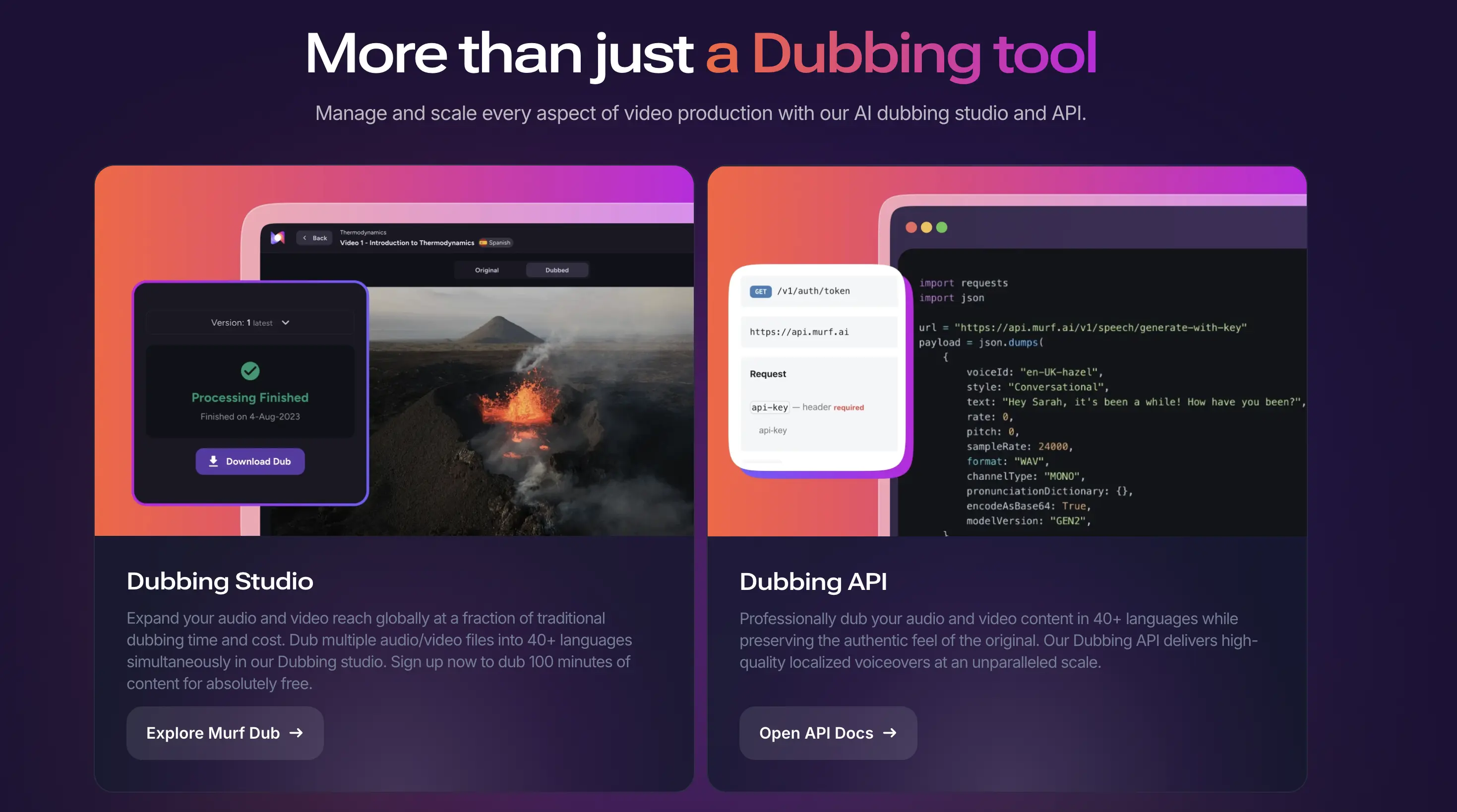
Standout feature: Developer-ready API for generating multilingual voiceovers at scale.
Unlike tools focused on flashy avatars or heavy visual editing, Murf AI leans into clarity, consistency, and workflow reliability. With the API, developers can create voices, generate multilingual versions, and pull the audio into their own tools automatically. This makes Murf AI a practical choice for teams that want to systemize dubbing rather than treat it as a manual creative task.
Pros
- Supports voice customization like emphasis, pauses, and pacing adjustments
- Good selection of calm, instructional voices suited for e-learning modules
- Works well for teams that produce recurring training videos or onboarding content
Cons
- API access and higher usage volumes can increase costs quickly
- Lacks advanced video editing tools
Pricing: Free version available. Dubbing uses a credit-based pay as you go model. See more on pricing.
Tips to Improve Your AI Video Dubbing Results
Creating high-quality dubbed videos requires more than just dropping your footage into an AI tool. Even with today's advanced voice dubbing engines, your results still depend on the practices you'll adopt during this process. You can use the tips below to get consistently better results across every language.
- Always start with clean and clear source audio. Background noise, overlapping voices, and poor recording quality make it harder for AI to separate speech from other sounds, which leads to less accurate dubbing.
- Review the auto-generated transcript before dubbing. AI transcription isn't perfect, and small errors in the text can create awkward or incorrect voiceovers that break the flow of your video.
- Choose voices that match your content's tone and audience. An explainer video needs a different vocal style than a casual vlog, so preview multiple voice options to find the best fit for your message.
- Enable AI lip syncing whenever possible for more natural multilingual videos. Visible mouth movements that match the dubbed audio create a more immersive viewing experience and reduce the disconnect audiences feel when watching translated content.
- Adjust pacing and pauses to match visual cues. Even with automated timing, manual tweaks to speech speed and silence help keep dubbed audio synchronized with on-screen actions and cuts.

- Utilize a custom dictionary for video translation. Industry-specific terms, brand names, and technical jargon can get mistranslated by AI models, so adding these to the tool's custom glossary ensures they're handled correctly.
- Test your dubbed video with native speakers when possible. AI video dubbing can sometimes miss cultural nuances or produce technically correct but unnatural phrasing that native audiences will notice immediately.
- Export in the highest quality your platform supports. Compression during export can degrade AI-generated voices more than natural recordings, so use lossless or high-bitrate formats whenever your workflow allows.
- Organize your assets to speed up batch dubbing workflows. Keeping your video files, scripts, and project settings structured in folders or templates lets you process multiple videos faster and maintain consistency across your dubbed content library.
Conclusion
The language barrier to creating multilingual video content has basically disappeared. AI dubbing tools now make it possible to create multilingual versions of your videos in minutes, not weeks, complete with natural-sounding voices, accurate lip sync, and consistent tone across every language.
Of course, no single platform is the “best” for everyone. Each tool shines in a different area, so the right choice depends on the kind of content you create and how hands-on you want to be. Here’s a quick final breakdown to help you match your needs to the right tool:
- Maestra: Best all-in-one dubbing + translation + lip sync workflow 🌍
- HeyGen: Best for lip-synced talking-head videos and AI avatars 🎥
- Descript: Best for creators who want editing and dubbing in the same place ✂️
- Dubverse: Best for fast, large-scale localization projects ⚡
- Kapwing: Best for social-media creators making multilingual short-form content 📱
- Canva: Best for marketers already designing and editing inside Canva 🎨
- Speechify: Best for expressive, character-like narration 🗣️
- ElevenLabs: Best for ultra-realistic voice cloning and emotional delivery 🎧
- LOVO AI: Best for commercial-style voiceovers and marketing videos 📢
- Murf AI: Best for API-driven automation 🔧
Choose the tool that fits your workflow, follow the best practices we've outlined, and you'll be reaching global audiences faster than you ever thought possible.
Frequently Asked Questions
The best AI dubbing software depends on your needs, whether that's full localization or social-media-ready edits. For example, Maestra excels in all-in-one localization with lip sync and voice cloning, while tools like Descript and Kapwing are better if you already focus on editing or social content. If you prioritize highly realistic narration and developer integrations, “voice-only” platforms like ElevenLabs or Murf AI might fit better.
The best video dubbing software for YouTube depends on how you produce your videos. Maestra is a strong choice if you want one platform that handles AI video translation, dubbing, and subtitles automatically. HeyGen is great if you want lip-synced talking-head content, while Kapwing gives you simple dubbing plus YouTube-ready formats.
AI-powered video dubbing is highly accurate today thanks to advanced AI technology that can analyze speech patterns, tone, and context. The best video dubbing software produces natural-sounding translations and timing, especially for short-form or informational videos. However, accuracy can still vary with complex scripts or technical terminology, so manual review is still recommended.
Yes, many AI video dubbing tools can clone your voice as long as you provide a clean audio sample. The voice cloning feature learns your tone, pacing, and pronunciation so the AI can recreate your original voice in other languages. Once your voice is cloned, the tool can generate new lines or full multilingual dubs that still sound like you.
Using video dubbing software is often faster and more cost-effective than traditional dubbing, especially for large batches of content or multiple language versions. However, traditional dubbing still provides the most nuanced emotional performance when you need high-end, character-driven voice work.
Yes, most AI dubbing software allows commercial use, but licensing terms vary by platform and pricing tier. Always review the terms of service to confirm commercial usage rights, especially for client work, advertising, or content you'll monetize through sponsorships or ad revenue.
Most AI video dubbing software store your files securely and do not use your content to train models without permission, but policies vary by platform. Always review the privacy policy to see how audio, video, and cloned voice data are handled.