10 Best Arabic Translator Apps in 2026
Finding an Arabic translator app that actually works is harder than it should be.
Since Arabic is not one language. It’s technically twenty-two.
More than 420 million people speak Arabic across the Middle East and North Africa. It is the official language in 22 countries.
Yet, anyone looking for the best Arabic translator app faces a dead-end.
So, to put the issue to rest, I tested 10 tools to find out which one is the best Arabic translator app. My criteria covered translation quality, Arabic voice input, dialect handling, offline performance, and how each app handles sustained speech.






Before I move on to the comparison table, I'd like to touch on why Arabic translation might be harder than other languages.
Why Arabic Is Hard to Translate Accurately
Most Arabic translator apps were trained on Standard or Classical Arabic. If you speak or write your dialect into the app, your input is essentially a language the system was never trained on.
Egyptian, Gulf, Levantine, Moroccan Darija - each is different, and all are underrepresented in training data.
And unfortunately, no Arabic translator app handles all of them equally well.
Now that we have clarified this, here's what the data revealed.

Best Arabic Translator Apps, Compared (2026)
Here's a quick overview of every app I tested, so you can find your match before reading the full reviews.
| Arabic Translator App | Free Trial/Version | Languages | Platform | Best For |
| Maestra | ✅ (10 min trial) | 125+ | Web (browser-based) | Live meetings |
| Google Translate | ✅ Fully free | 249+ | Web, iOS, Android | Travel & quick lookups |
| Microsoft Translator | ✅ | 100+ | Web, iOS, Android, Windows | Business conversations |
| iTranslate | ✅ | 100+ | Web, iOS, Android | Casual mobile use |
| DeepL | ✅ | 36 | Web, macOS, Windows, iOS, Android | Formal written translation |
| Reverso | ✅ Fully free | 110+ | Web, iOS, Android | Contextual & written Arabic |
| Apple Translate | ✅ Fully free | 20 | iOS, macOS | Offline iPhone use |
| Speak & Translate | ✅ | 100+ | iOS | iPhone voice translation |
| Yandex Translate | ✅ Fully free | 102 | Web, iOS, Android | Free text & camera translation |
| Papago | ✅ Fully free | 15 | Web, iOS, Android | Multilingual use alongside Arabic |
Tip: If you're traveling to an Arabic-speaking country, download your offline pack before you land. Every app performs worse offline. But no offline pack is worse than no connection at all.
Why Trust Our Recommendations?
This review was put together by a native Arabic speaker who tested all 10 apps across the same conditions.
Test scenarios included:
- Modern Standard Arabic (MSA) text translation
- Dialectal voice input - Egyptian, Gulf, Levantine, Moroccan Darija
- Sustained voice translation past 30 seconds
- Offline mode performance
- Mixed audio (background noise, multiple speakers)
What we didn't measure:
- Marketing claims about language counts
- Subscription tiers above the standard paid plan
- Web-only features for apps marketed as mobile tools
No vendor on this list paid for placement. No app was given a preview or asked to comment on rankings.
Best Arabic Translator Apps in 2026, Reviewed
After testing 10 Arabic translator apps for live voice and dialect accuracy, these are the ones worth using.
1. Maestra: Best Arabic Translator App for Live Translation
Most Arabic translator apps I tested were built for 10-word exchanges. Maestra was different, and that set it apart immediately.
It held stable Arabic output across 45 seconds of continuous speech - the exact point every other app started lagging.
On sustained Arabic translation, nothing else comes close.
.webp)
Key features:
- Live Arabic voice translation and captions in 125+ languages
- Two-way conversation mode with multi-speaker diarization
- Runs entirely in browser. No installation required
- Runs OpenAI and DeepL models simultaneously
- Shareable sessions via link or QR code Integrations: Zoom, Microsoft Teams, OBS, YouTube, Slack
Pros
- Most stable continuous-voice Arabic performance of any tool tested
- Runs multiple AI engines simultaneously (OpenAI, DeepL, Gemini)
- Runs OpenAI and DeepL translation models simultaneously
Cons
- Requires a stable internet connection
- Not designed for offline travel use
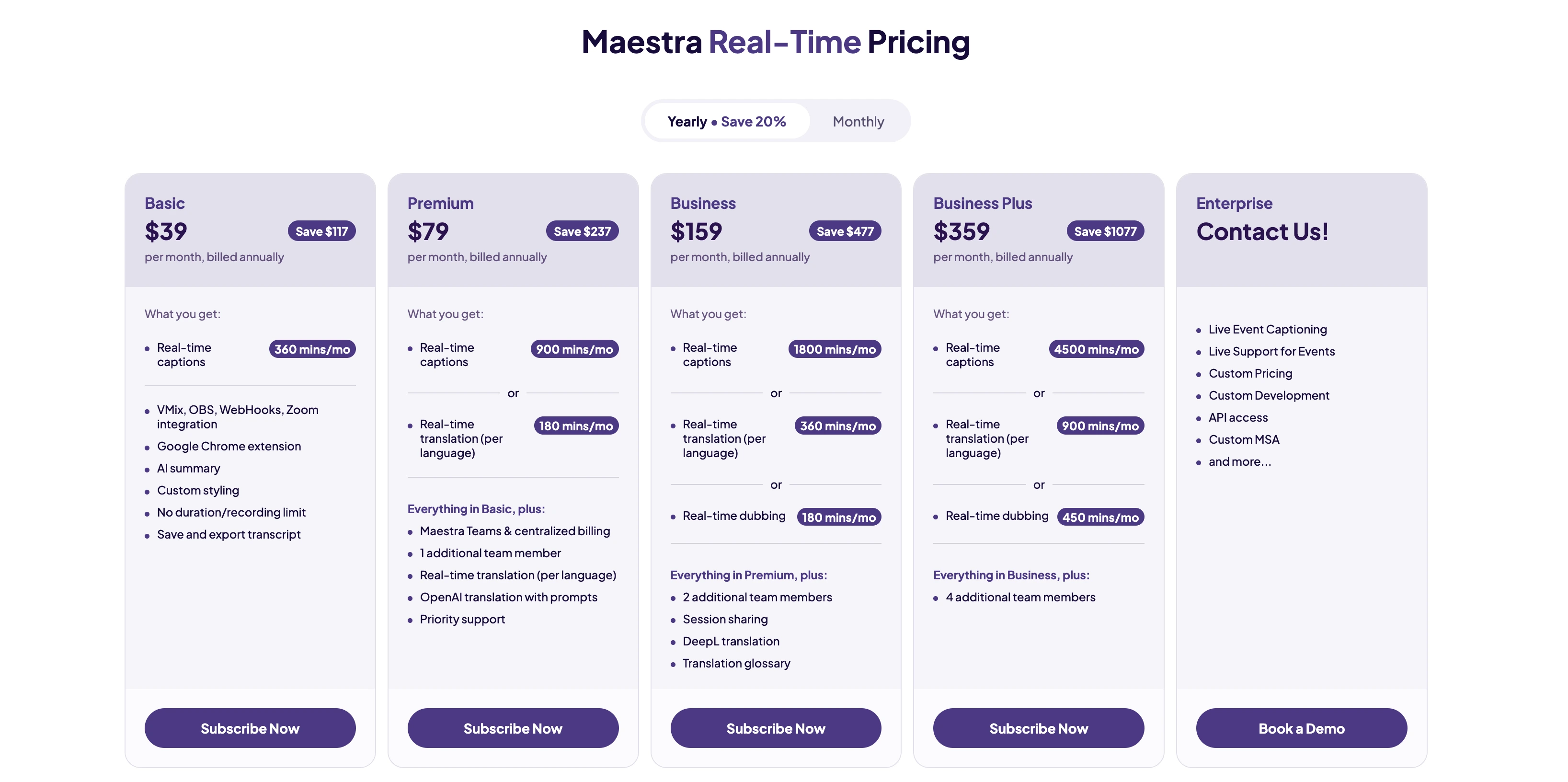
Translate Arabic in Real Time
2. Google Translate: Best Free Arabic Translator App
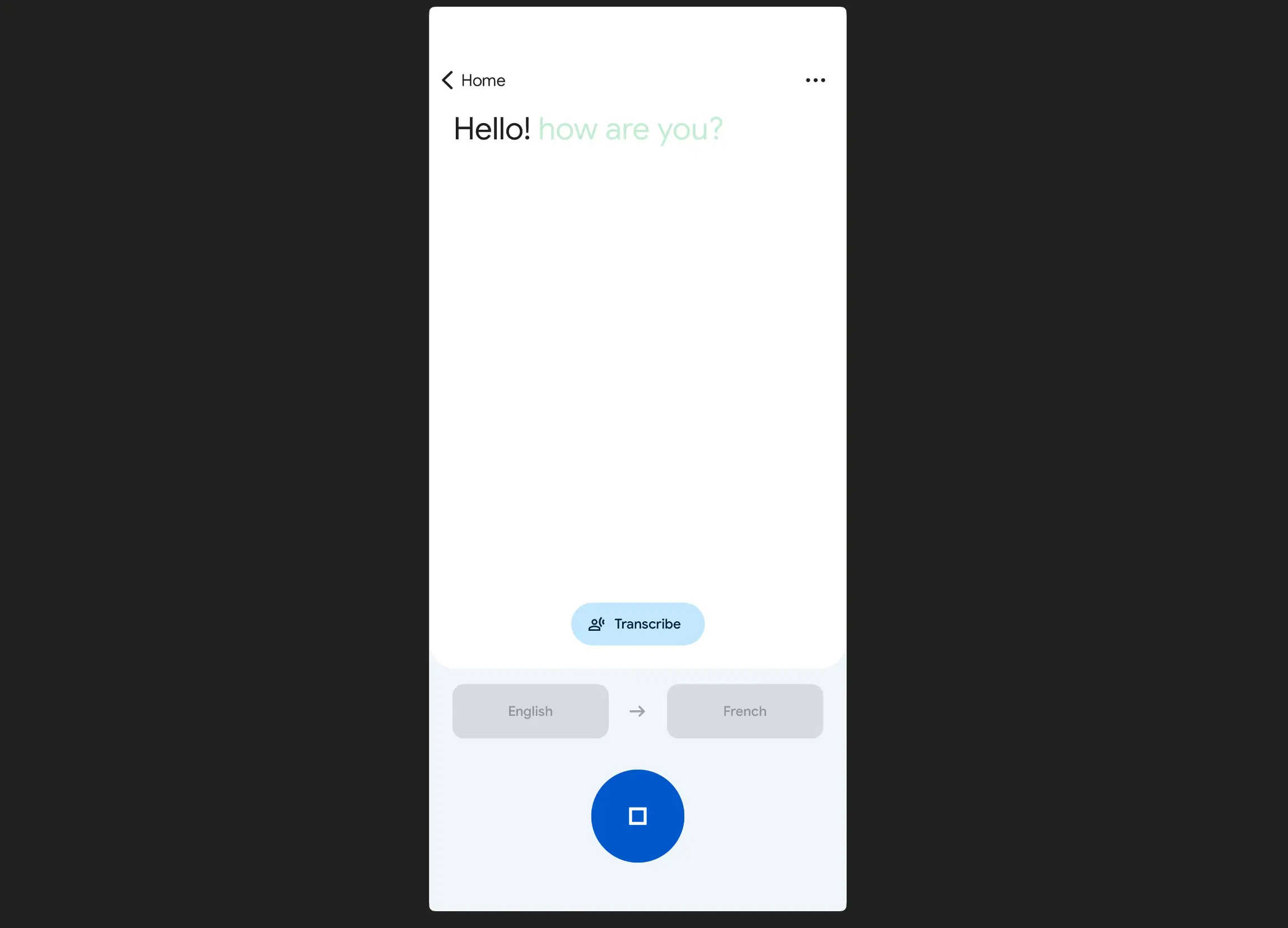
Google Translate was the first tool I reached for. It's completely free, works across text, voice, camera, and handwriting, and supports offline use.
What surprised me during testing was this: Google actually outperformed DeepL on Arabic accuracy benchmarks.
That said, the limits became obvious the moment I moved past short phrases. After about 20 seconds of voice input, latency builds. More critically, dialect Arabic came through as MSA or completely mismatched.
Key features:
- 249+ languages including Arabic
- Offline Arabic via downloadable language pack
- Camera translation for menus, signs, and printed text
- Conversation mode for two-way exchanges
- Voice input with text and audio output
- Handwriting input for Arabic script
- Interactive scenarios to build conversational confidence in a new language
Pros
- Completely free with no limits
- Reliable offline Arabic via downloadable language pack
- Camera translation handles printed Arabic well
Cons
- Dialects defaults toward modern standard Arabic
- Latency increased noticeably in less than a minute in live translation
Pricing: Completely free.
3. Microsoft Translator: Best for Business Arabic
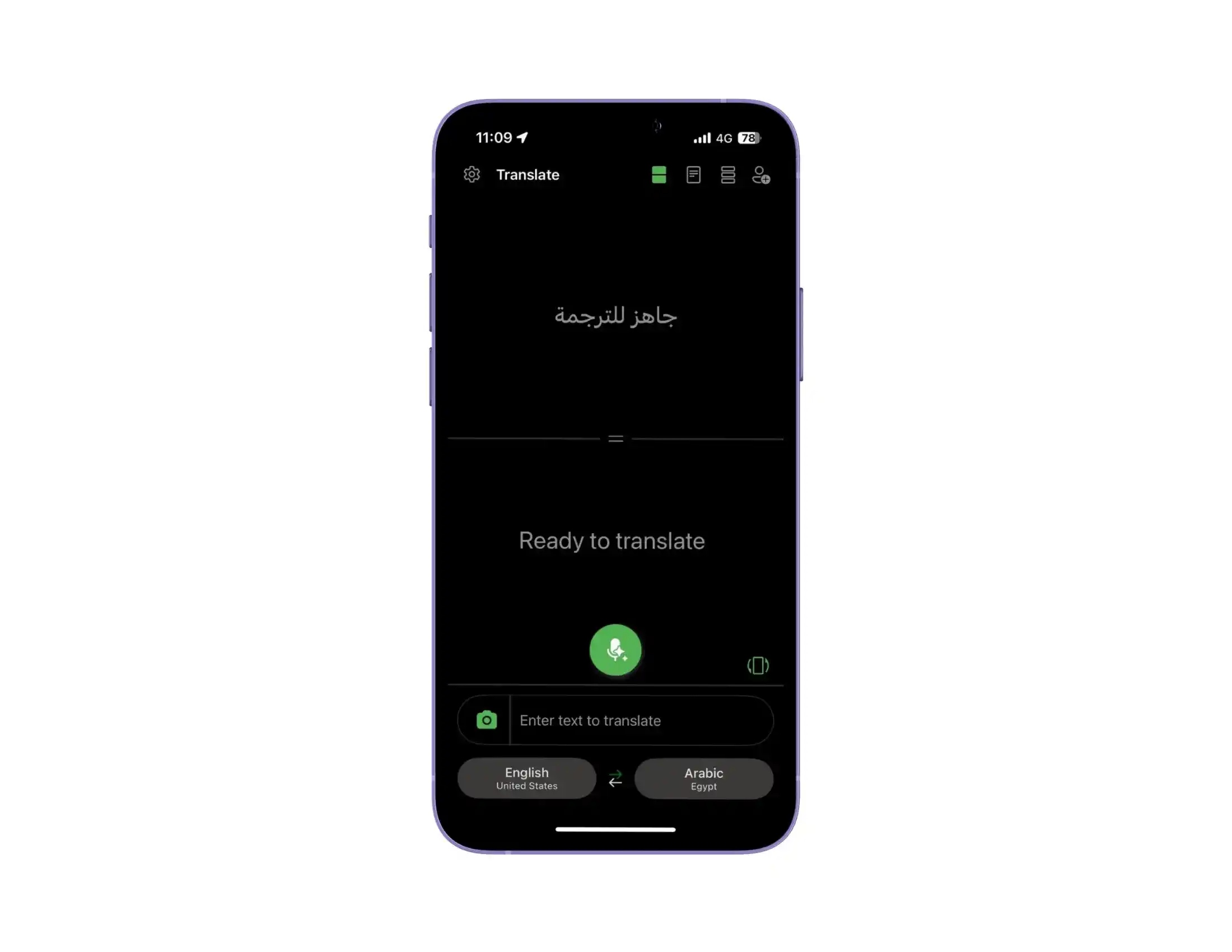
Microsoft Translator sits in a useful middle ground that I found genuinely practical. It supports Arabic text and voice translation, group conversation mode, and offline language packs.
While I found it a bit hard to use, it did handle formal business Arabic better than most apps. Especially inside Microsoft Teams.
Key features:
- Group conversation mode with shareable code
- Offline Arabic via downloadable language packs
- Microsoft 365 and Teams native integration
- Speech-to-text and Arabic voice translation
- Phrasebook for common expressions
Pros
- Better extended dialogue coherence than Google Translate in my testing
- Native Microsoft ecosystem integration
- Clean, ad-free interface
Cons
- Speech recognition regions are limited
- Interface feels more utilitarian than consumer-first apps
Pricing:
- Free for personal use.
- Enterprise features available through Microsoft 365 subscriptions.
4. iTranslate: Best for Casual Mobile Use
iTranslate is built for everyday Arabic translation on mobile. It supports voice, text, and offline mode, and the interface is straightforward.
In my testing, it worked well for short phrases and travel scenarios, but extended voice input reduced accuracy. It’s best suited for casual use rather than sustained conversations.
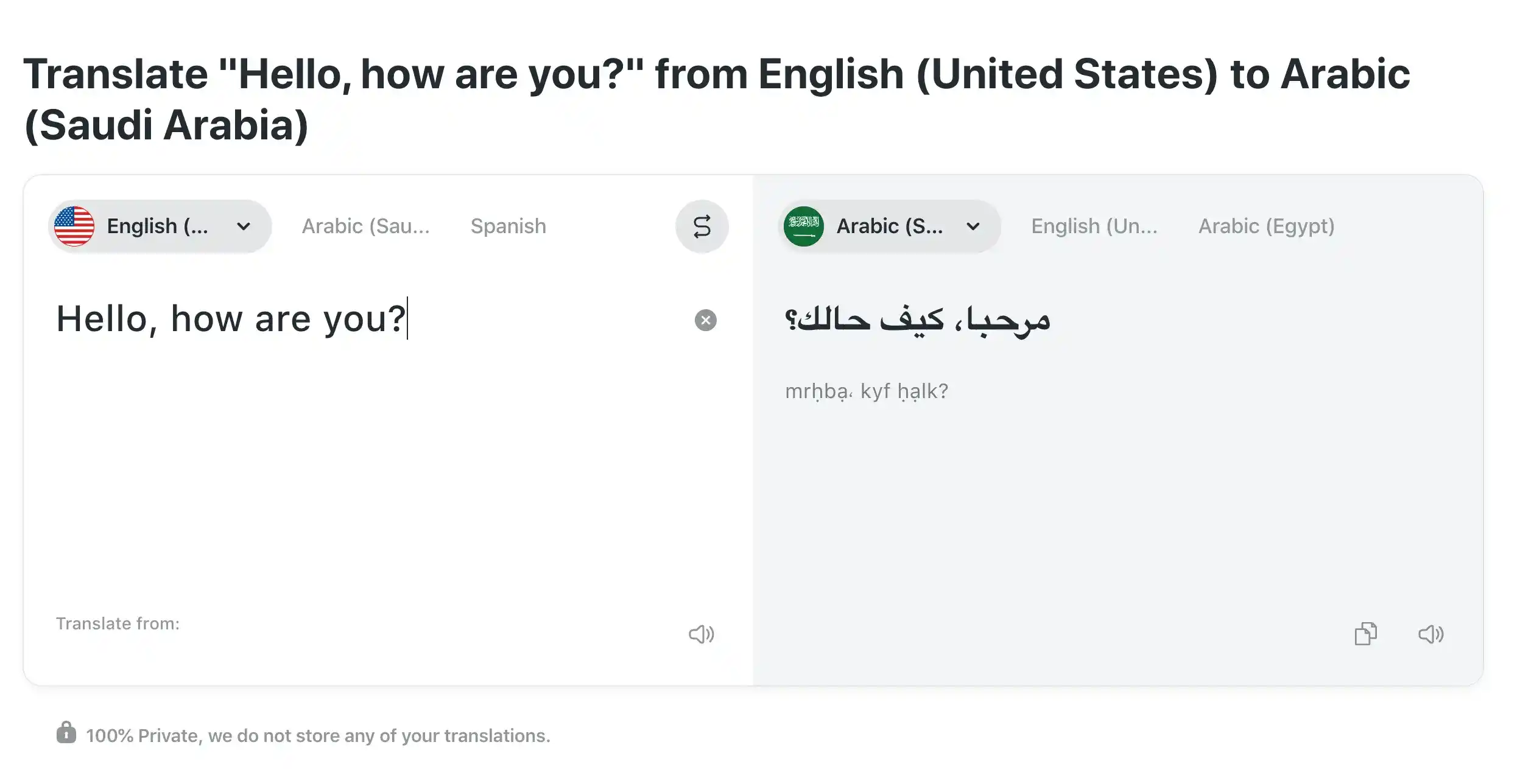
Key features:
- 100+ languages with voice, text, and conversation modes
- Offline translation for 40+ languages (Pro)
- AR camera translation (Pro)
- Verb conjugations and phrasebook
- Keyboard extension for multilingual messaging
Pros
- Natural-sounding formal Arabic text output
- Handled complex sentence structure better than free alternatives
- Strong grammar and formal register preservation
Cons
- Live voice translation is very limited
- No camera or OCR translation
Pricing:
- Free version available.
- iTranslate Pro: $9.99/month or $99.99/year.
5. DeepL: Best for Professional Written Arabic
DeepL stands out for natural-sounding Arabic text translation. It performs best with formal writing, documents, and business communication.
While using the app, MSA output was clean and grammatically consistent. For live voice or dialect-heavy input, it’s not the right tool - but for written Arabic, it’s strong.
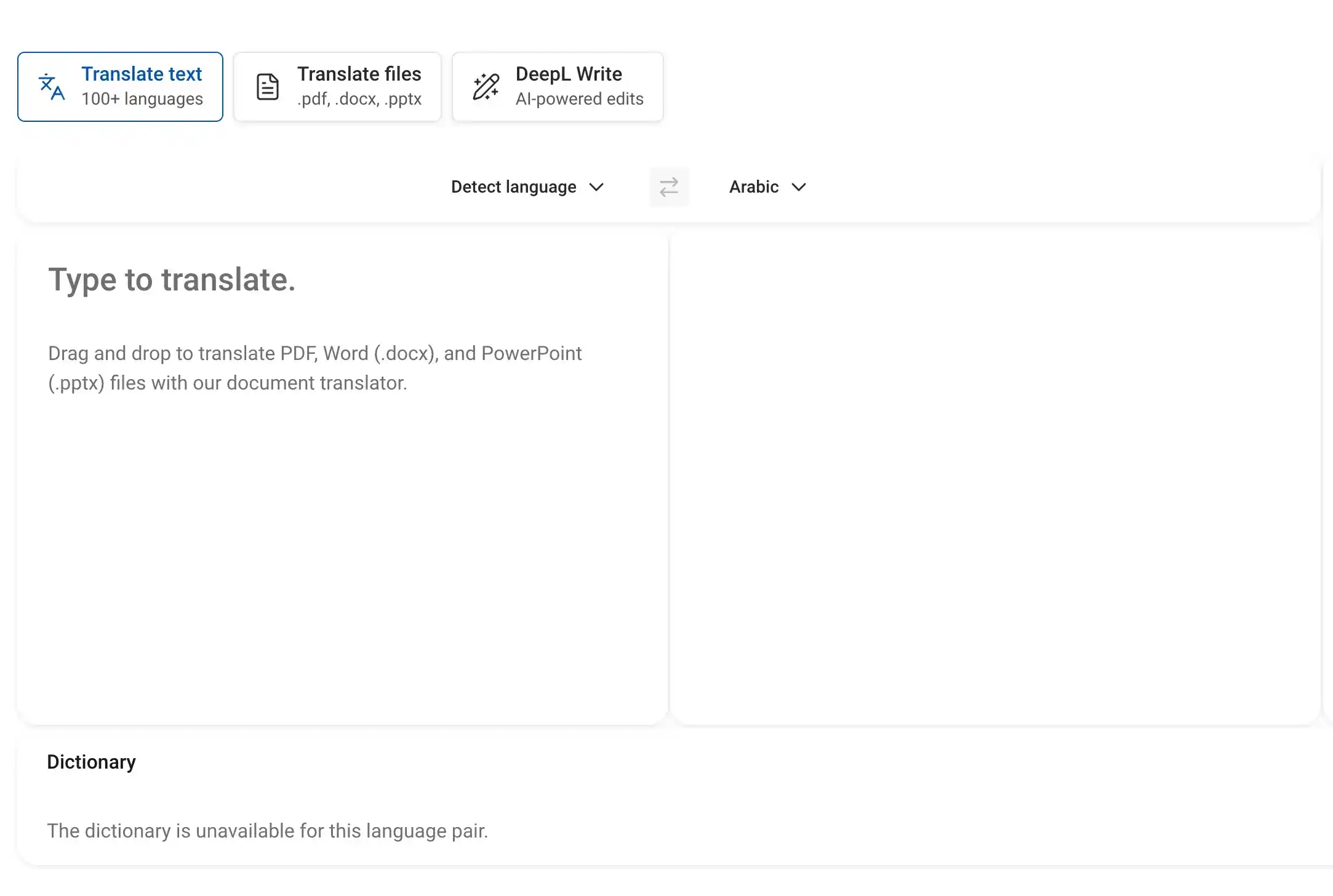
Key features:
- Advanced NMT engine for natural-sounding
- Arabic text output
- Document translation (Pro)
- Tone selection for formal or informal register
- 36 supported languages including Arabic
- Web, macOS, Windows, iOS, Android
Pros
- Natural-sounding formal Arabic text output
- Handles complex sentence structure better than free alternatives
- Strong grammar and formal register preservation
Cons
- Live voice translation is very limited
- No camera or OCR translation
Pricing:
- Free version available (5,000 character limit).
- DeepL Pro from $8.74/month billed annually.
6. Reverso : Best for Contextual Arabic Translation
Most apps give you one flat translation.
Reverso shows you how the word or phrase is actually used in real sentences.
For written Arabic, that makes a difference.
That said, this app is definitely not a voice tool.
Plus dialect handling stays close to MSA.
But for understanding Arabic text naturally - it's a strong free option.
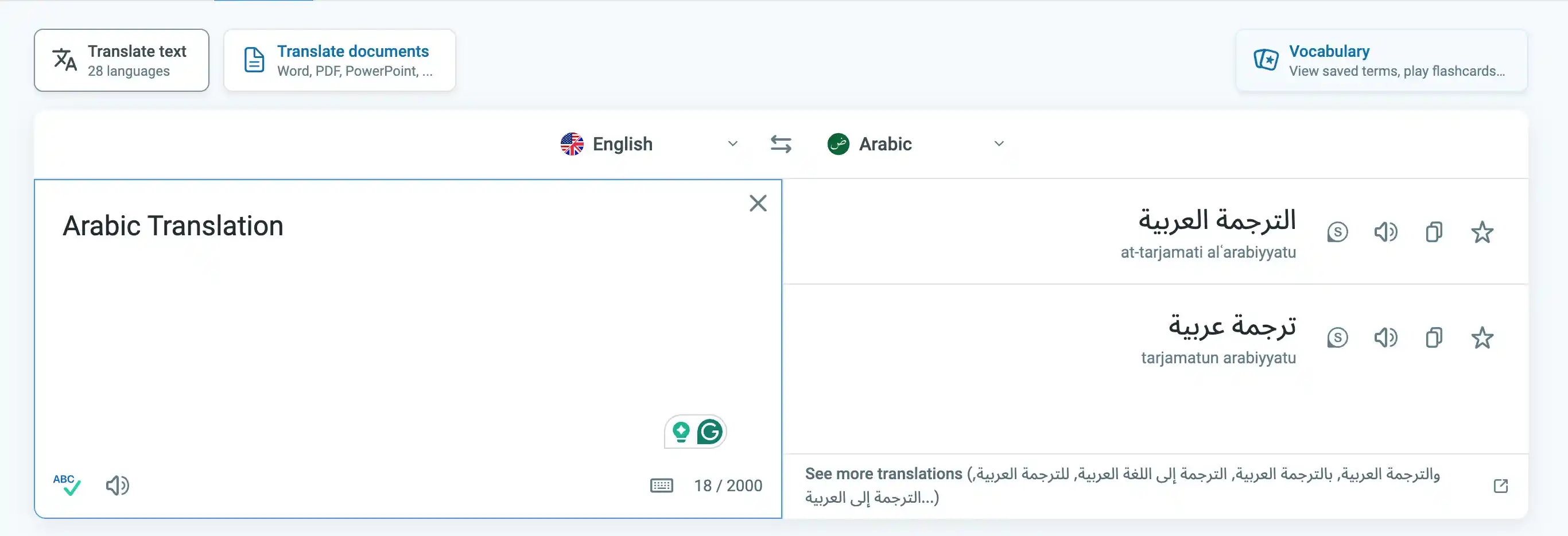
Key features:
- Contextual translation with real bilingual sentence examples
- Arabic verb conjugation and grammar tools
- Voice input and pronunciation playback
- Offline dictionary Web, iOS, Android
Pros
- Fully free
- 2025 Webby Award winner
- Shows real usage examples
Cons
- Not built for live voice or real-time conversation
- Dialect handling defaults to MSA
Pricing:
- Free.
- Reverso Premium from $4.99/month.
7. Apple Translate : Best Offline Arabic Translator for iPhone
Apple Translate was the most frictionless starting point on iPhone.
No setup. No account. Arabic translation runs fully offline on-device, which is a real advantage in low-connectivity environments. Dialect defaults to MSA, but for privacy and offline reliability, it stands out.
The face-to-face view is a nice touch too. Both speakers read from their own side of the screen.
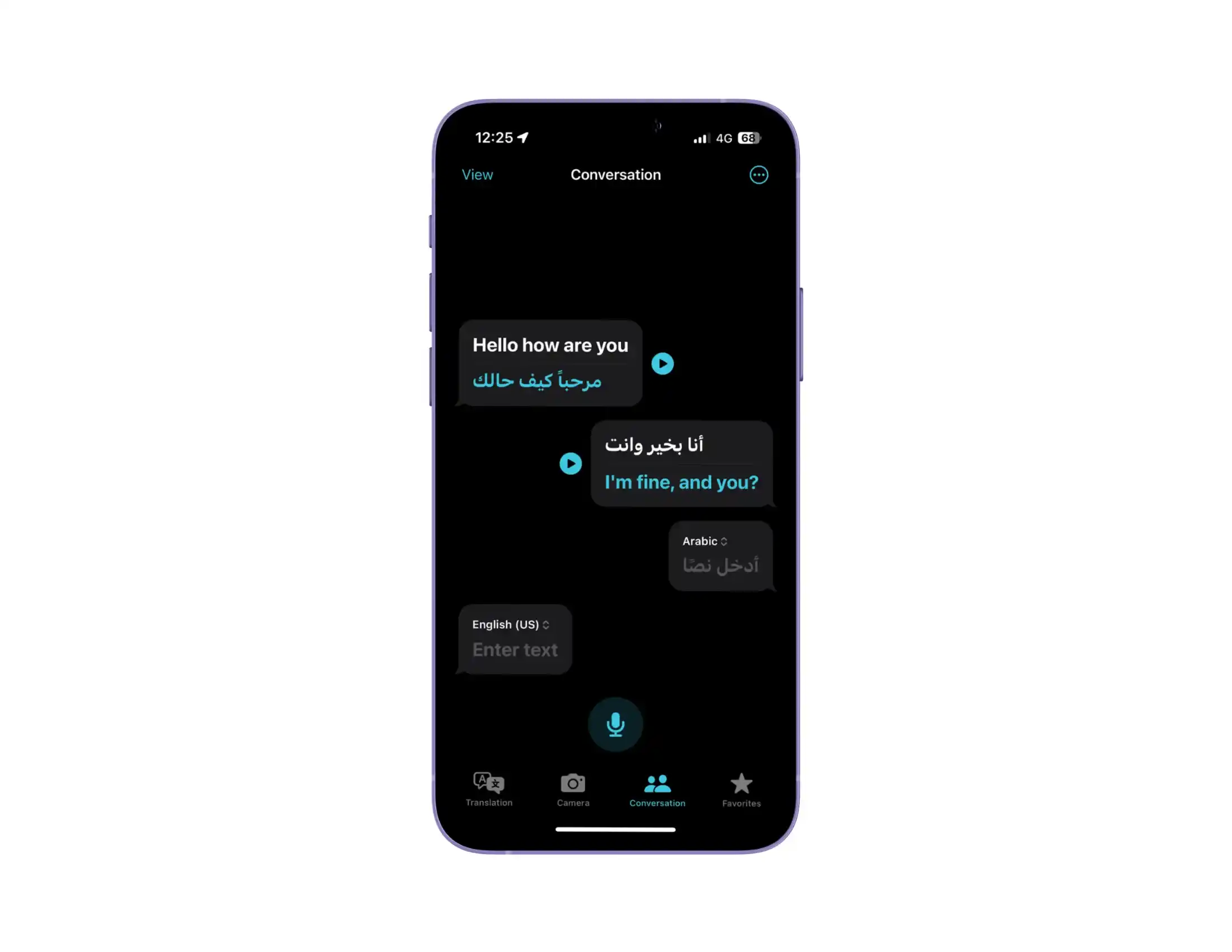
Key features:
- Built into iOS. No download needed
- Full on-device offline processing
- Face-to-face conversation view
- Siri integration
Pros
- Zero setup
- Best offline privacy of any app I tested
- Face-to-face mode works well for quick exchanges
Cons
- iOS and macOS only
- Dialect handling limited to MSA
Pricing: Completely free.
8. Speak & Translate : Best Arabic Translator App for iOS Voice
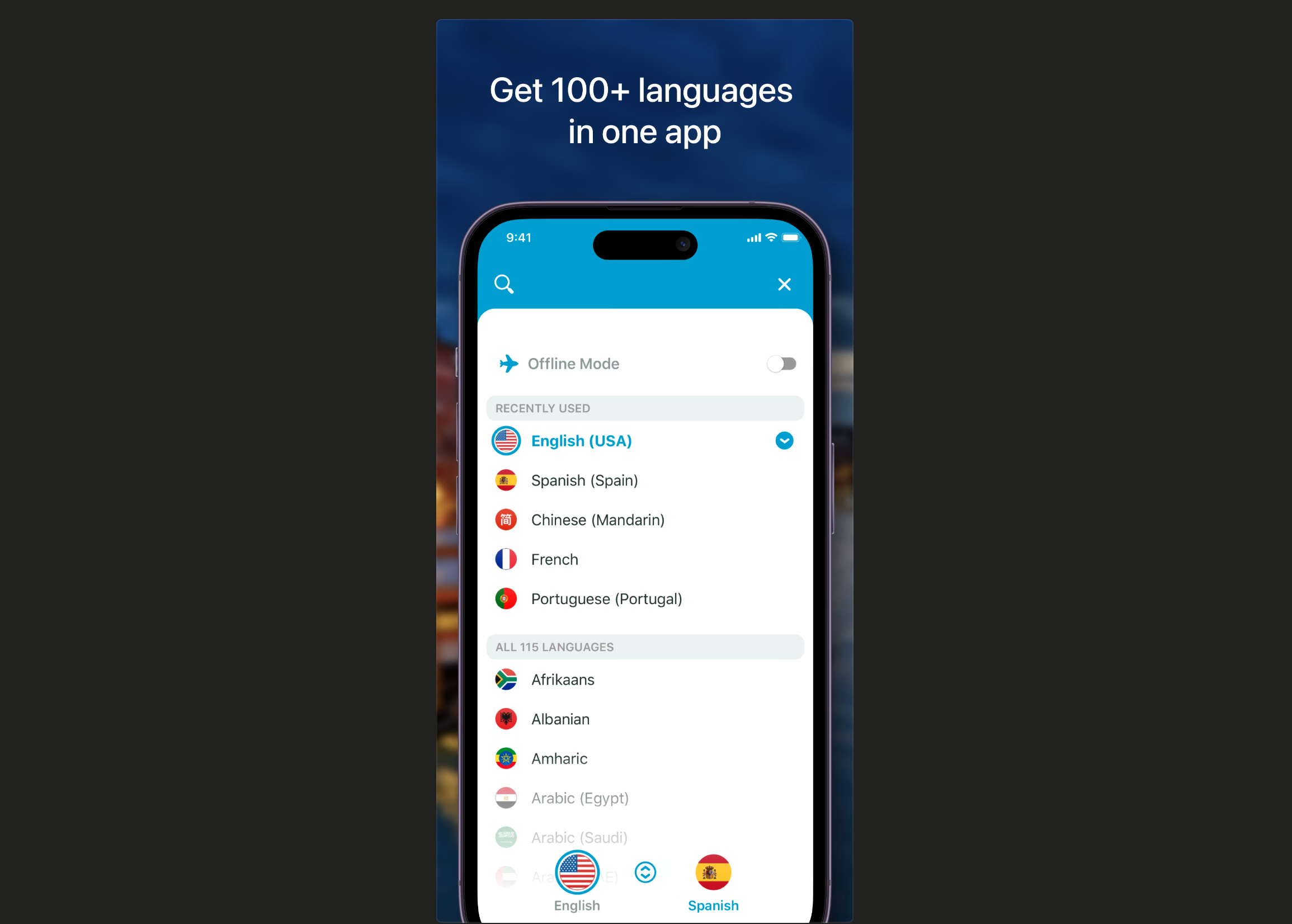
Speak & Translate feels native to iOS, and that gives it an edge. Voice and text translation handled basic Arabic phrases reliably in my testing. Clean interface, predictable performance.
It’s clearly designed for travel and everyday use rather than complex discussions.
Key features:
- Voice and text Arabic translation in 100+ languages
- Unlimited translations (paid)
- Ad-free experience (paid)
- iPhone, iPad, Apple Vision Pro
Pros
- Smooth iOS experience
- Ad-free paid tier keeps conversation uninterrupted
- Reliable for short spoken Arabic exchanges
Cons
- Performance drops on extended dialogue
- iOS only
Pricing: Free version available. Premium available.
9. Yandex Translate : Best for Free Arabic Camera Translation
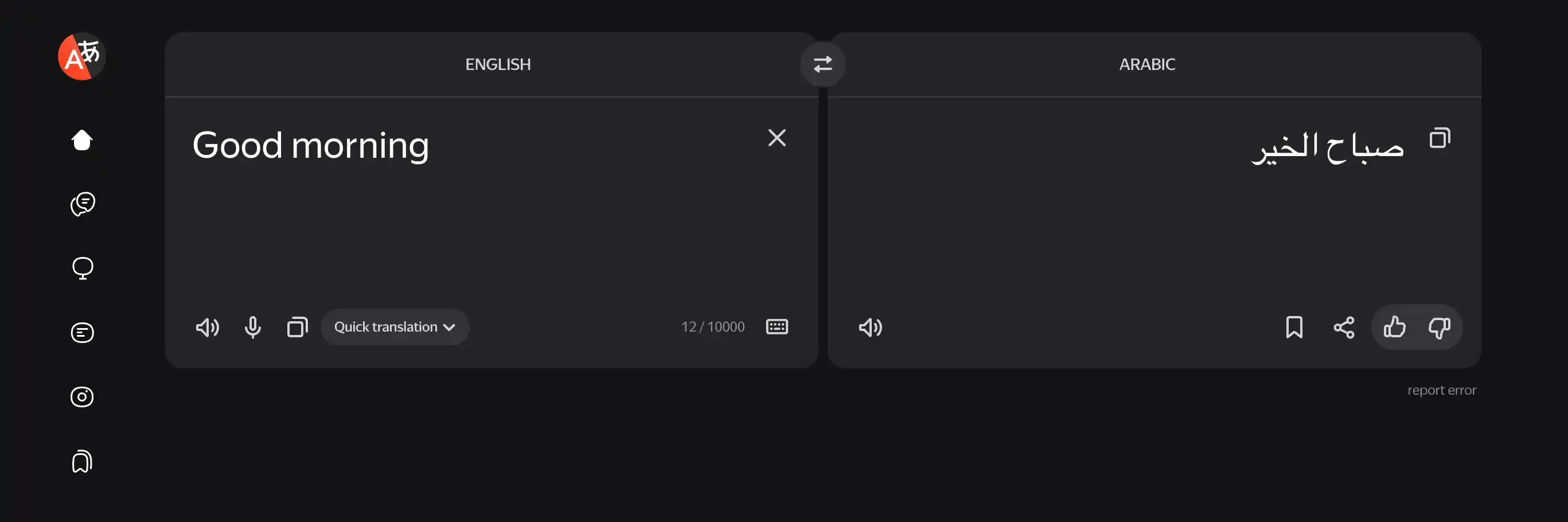
For pure feature coverage at zero cost, it's great. Camera translation on printed Arabic was accurate. Offline works with a downloaded pack. MSA text quality was good as well.
For contextual Arabic examples, Reverso is the stronger option.
Key features:
- 102 languages including Arabic
- Offline Arabic via downloadable pack
- Camera translation for signs and menus
- Voice and text translation Web, iOS, Android
Pros
- Fully free
- Camera translation reliable on printed Arabic
- Free offline Arabic
Cons
- Data privacy consideration for some users
- Dialect handling defaults to MSA as well
PS: Yandex is Russian-owned. If you're in the Gulf or MENA region and data privacy matters to you, factor that in before using it for sensitive conversations.
Pricing: Free to use, $2.99 if you want to go ad-free on Android.
10. Papago : Best for Multilingual Arabic Workflows
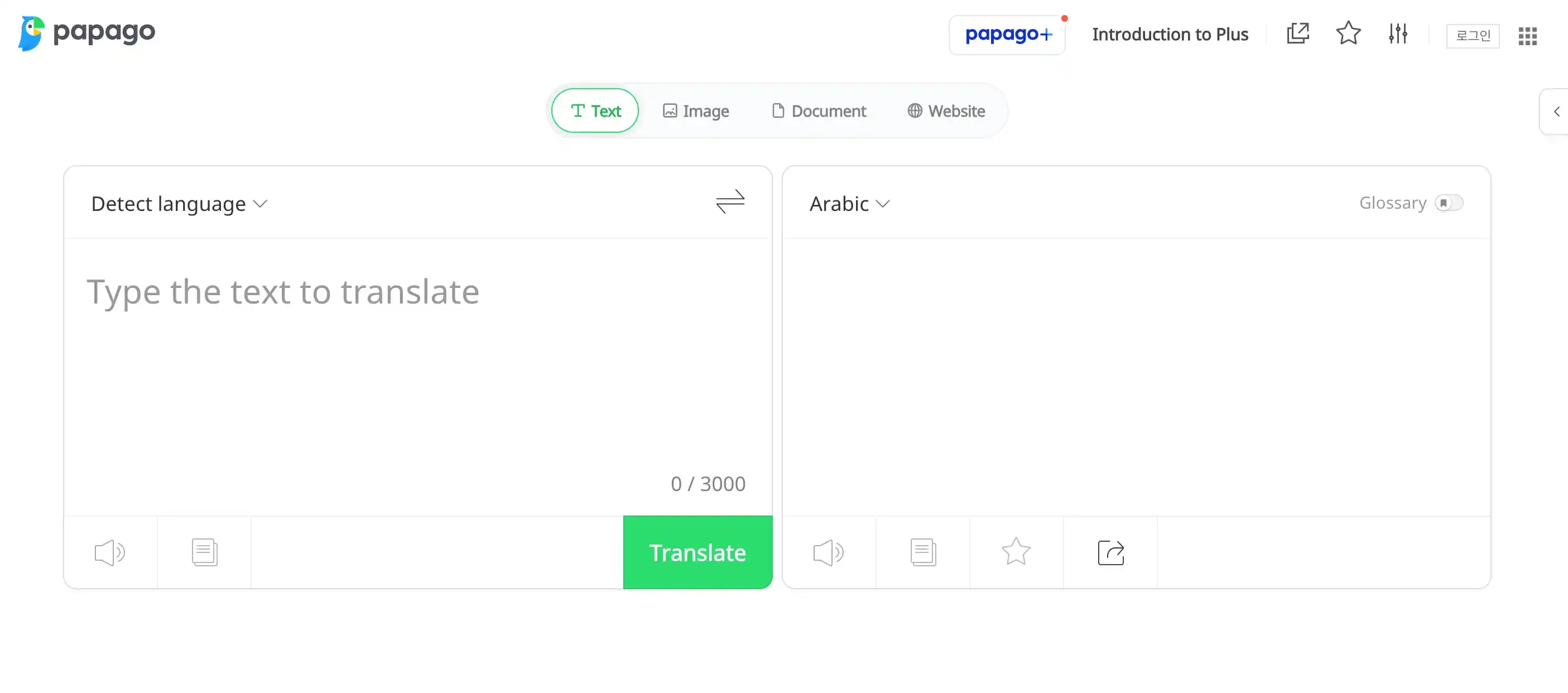
Papago isn’t built specifically for Arabic, and that shows. MSA text translation was stable in my testing, and voice input worked for short phrases. Dialect support stayed basic. Personally, I’d use it if I needed one app across multiple language pairs - not as a dedicated Arabic translator.
Key features:
- Text, voice, camera, and handwriting translation
- Offline language packs
- Conversation mode iOS and Android
Pros
- Focuses entirely on English–Spanish translation without distractions
- Easier to navigate than more feature-heavy translators
- Extremely lightweight and quick to launch
Cons
- Typically includes ads or locked features in the free version
- May not handle complex sentences or professional writing accurately
Pricing: Free to use - Subscription & free trial available.
How to Get the Best Results from an Arabic Translator App
After testing 10 tools, I picked up a few habits that made a real difference across all of them.
1. Test it in your dialect first
Run a few seconds of dialectal Arabic speech through the app - not five words, but enough to see what to expect.
2. Lower your expectations
A 2025 study confirmed that commercial Arabic speech recognition systems show performance drops with dialectal input. Most apps on this list handle MSA well. Fewer handle the dialects naturally. My advice: don't waste time translating dialects if the app hasn't shown accuracy after 30 seconds of speech.
3. Use full sentences
Every app I tried performed better with a complete input. For example, you can say "How much does this cost?" instead of "Price?" . The difference is more noticeable in Arabic than in most languages. Context carries a lot here.
4. Just because it's offline, doesn't mean it'll do the work
Every offline mode I tested ran 10-15% below the same app's online performance. Download the pack before you travel. But don't rely on it when accuracy is critical.
5. Match the tool to the task
No single app on this list does everything well. I'd use Maestra for meetings, Google Translate for travel, DeepL for documents, and Reverso for anything where context matters. Mixing tools based on the situation consistently gave better results than committing to one.
PS: North African Arabic (Darija and beyond) was the weakest result across every tool I tested without exception. So if this is the dialectal variety you need, manage your expectations regardless of which app you choose.
Final Verdict
After testing these best Arabic translator apps under the same conditions, here's how I'd assign them
✅ Best for live Arabic translation and meetings: Maestra
🌍 Best free all-purpose Arabic translator: Google Translate
💼 Best for structured business Arabic conversations: Microsoft Translator
🧳 Best for travel and casual mobile use: iTranslate
✍️ Best for formal written Arabic: DeepL
📖 Best for contextual Arabic translation: Reverso
🍏 Best Arabic translator app for iPhone: Speak & Translate
📴 Best offline Arabic translator for iPhone: Apple Translate
📷 Best free Arabic camera translator: Yandex Translate
🌐 Best multilingual app with Arabic support: Papago
Frequently Asked Questions
What is the best Arabic translator app in 2026?
Google Translate is the strongest option for everyday use and travel. For live Arabic translation, Maestra performed best. For formal written Arabic, DeepL is the right call.
What is the best free Arabic translator app?
Google Translate is the strongest free option I tested. But Apple Translate is the best free choice for iPhone users.
Which Arabic translator app works best for travel?
Google Translate is the most practical travel option for free. But if you are open to paying, iTranslate (Pro) is a good alternative.
Is Google Translate accurate for Arabic?
For Modern Standard Arabic, yes. For colloquial dialects, no.
What is the best Arabic translator app for iPhone?
Speak & Translate is the most polished Arabic voice translator for iOS. Apple Translate is the strongest built-in option. For meetings on iPhone, Maestra runs in a browser tab and needs no app at all.
Is there an Arabic dialect translator app?
This is where every app on this list struggles to some degree. But If I had to choose, I'd say Maestra showed the strongest colloquial Arabic awareness.
Is there an Arabic translator app that handles dialects?
I found Maestra.ai to be the strongest option for dialectal Arabic speech.
Best Translation Apps in 2026 - A Translator’s Review