Best Translation Apps For Live Conversation (2026 Guide)
- Best Translation Apps for Live Conversation: Quick Comparison
- 7 Best Translation Apps for Live Conversation - Reviews
- What Makes a Good Translation App for Live Conversation?
- Best Free Translation Apps for Live Conversation
- Which Live Translation App Fits Your Use Case?
- Frequently Asked Questions About Live Translation Apps
Living abroad or working across languages means you need translation apps for live conversation.
Many apps integrate a real time translator feature - some work better than others.
We tested seven of them. Here is what we found.


Best Translation Apps for Live Conversation: Quick Comparison
Quick snapshot before the details.
| App | Free / Paid | Languages | Best For | Platform |
| Maestra | Freemium | 125+ | Meetings and live captions | Web |
| Google Translate | Free | 130+ | Travel and everyday use | Web, iOS, Android |
| Microsoft Translator | Free | 100+ | Group conversations | Web, iOS, Android |
| iTranslate | Free | 100+ | Mobile iOS use | iOS, Android |
| Transync AI | Free | 60+ | Professional meetings | Web |
| Notta | Free | 50+ | Meeting transcription | Web, iOS, Android |
| JotMe | Free | 100+ | Live events | Web, Mac, Windows, iOS, Android, Chrome |
7 Best Translation Apps for Live Conversation - Reviews
1. Maestra : Best Translation App for Live Conversation in Meetings
The hybrid engine is what makes Maestra's AI interpreter app stand out in live conversations.
Maestra runs multiple AI translation models in parallel.
Sustained speech held up well too.
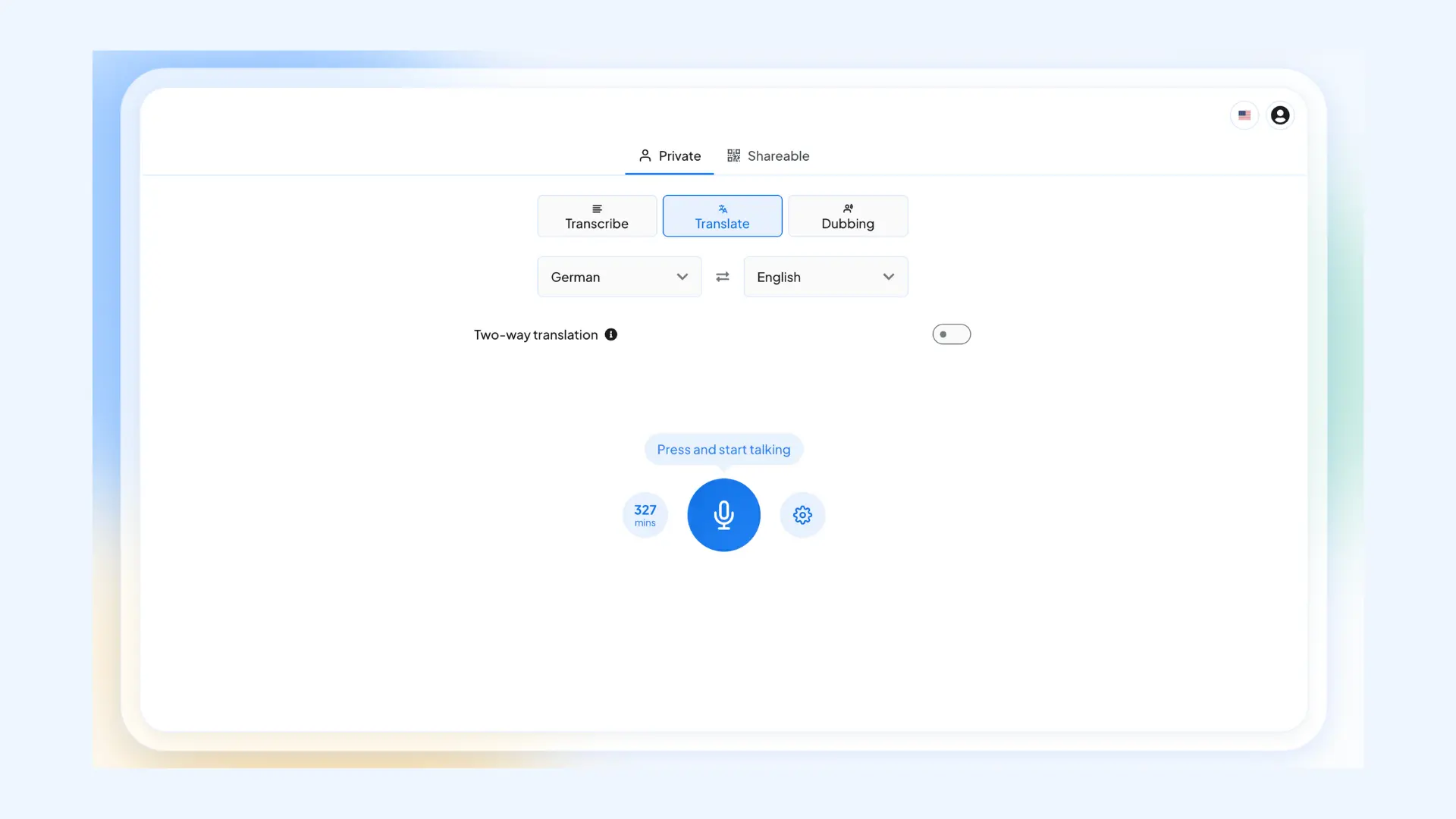
Maestra runs in any mobile browser. Dedicated mobile app coming.
Strength
- Dual-model engine produces the most natural live output tested
Limitation
- No offline mode
Pricing
- Free: unlimited live transcription, no account needed
- Live translation: 10 free minutes, then paid plans from ~$15/month
- See pricing here
2. Google Translate : Best Free Translation App for Live Conversation
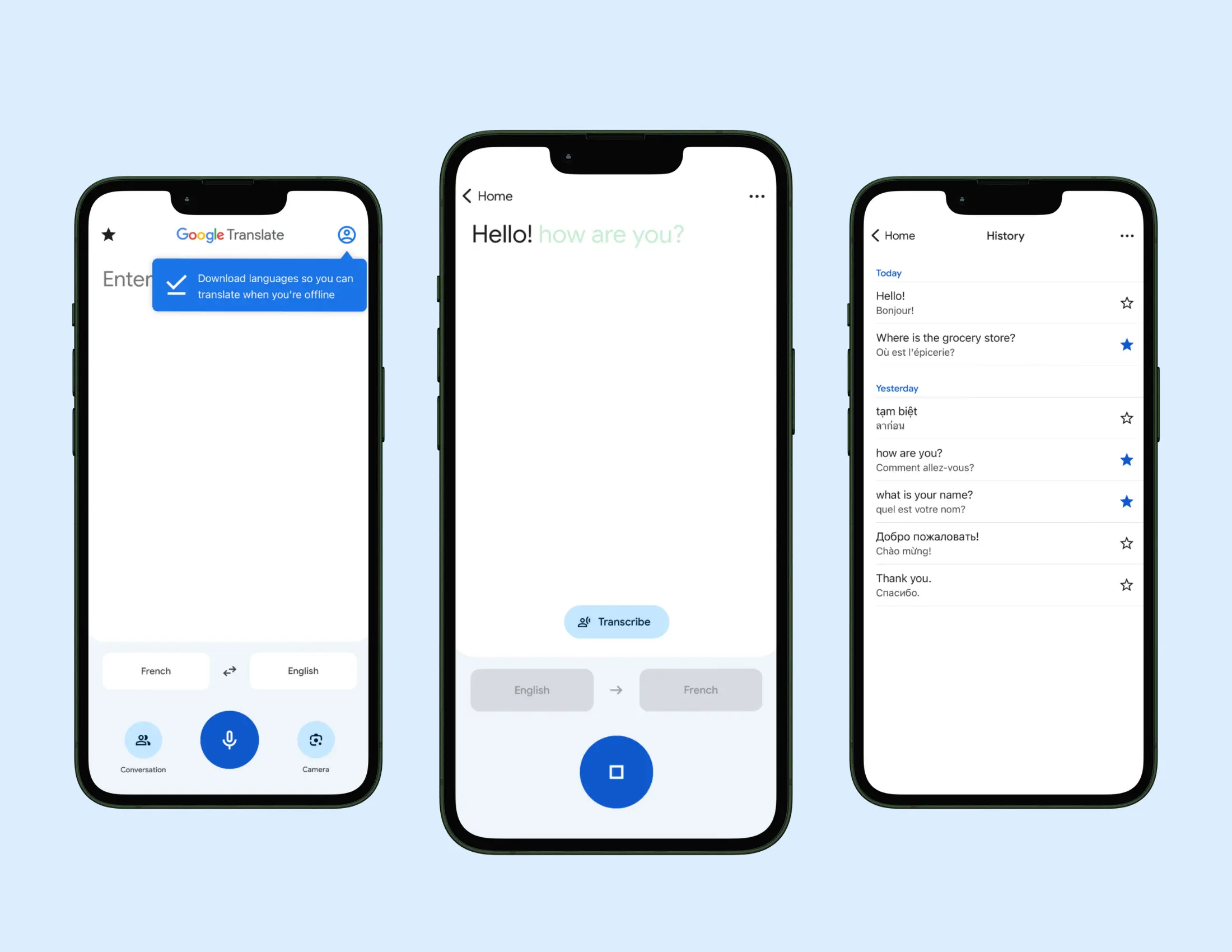
This one most people have. Which makes sense. It's great for short exchanges.
Although, you might notice latency creep in at some point.
For travel and quick back-and-forth, it does the job. For anything longer, not really.
Strength
- Completely free with no limits
Limitation
- Cannot handle a lot of voices and words
Pricing:
- Free. No paid tier.
3. Microsoft Translator : Best for Group Live Conversation
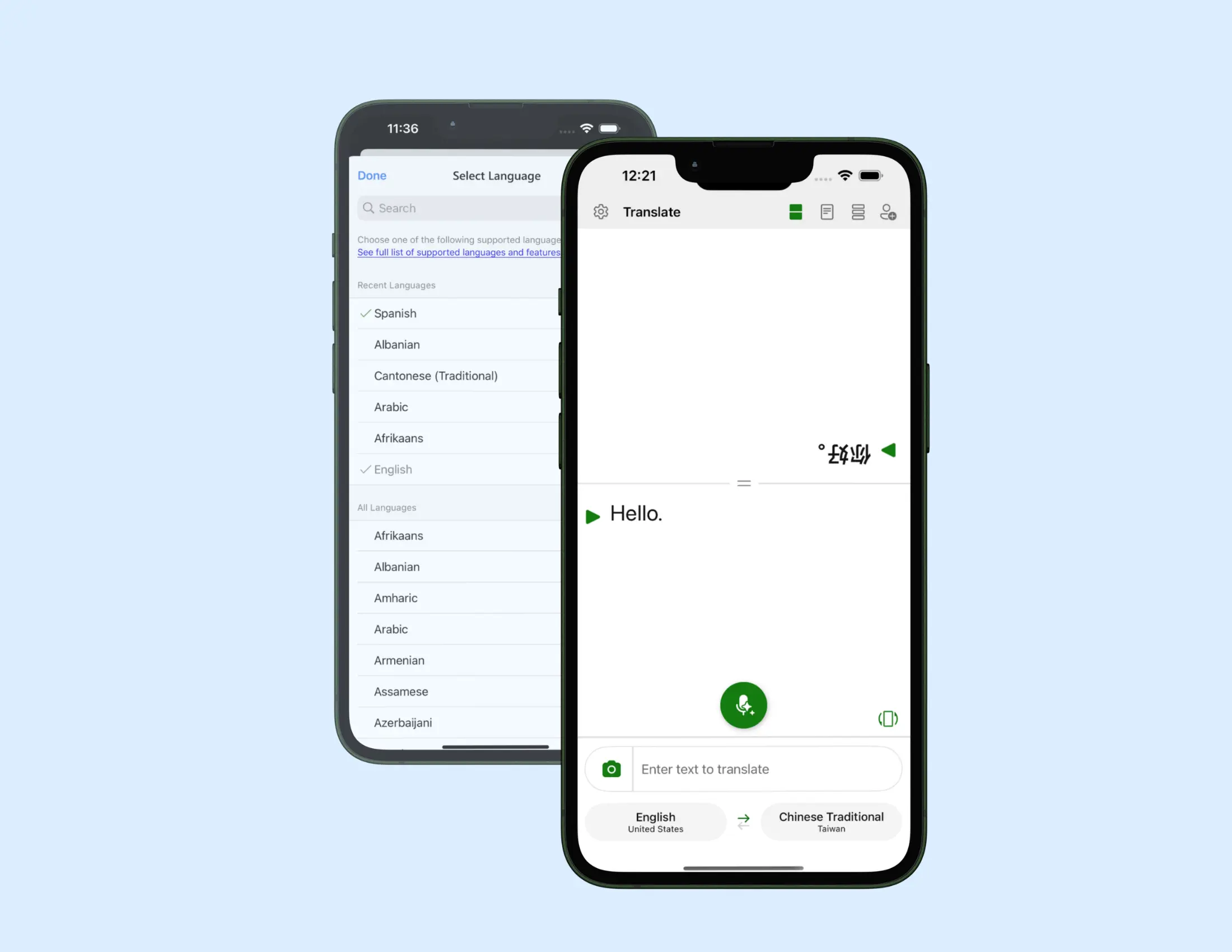
The standout element here is scale. You can have up to 100 people in one session - each reading captions in their own language.
For multilingual team meetings or community gatherings, that removes the need for an interpreter entirely.
Especially if you are using it Inside Microsoft Teams.
Strength
- Group conversation mode for up to 100 participants
Limitation
- Nuance and formality weaker than professional tools
Pricing:
- Free. No paid tier.
4. iTranslate : Best Live Translation App for iPhone
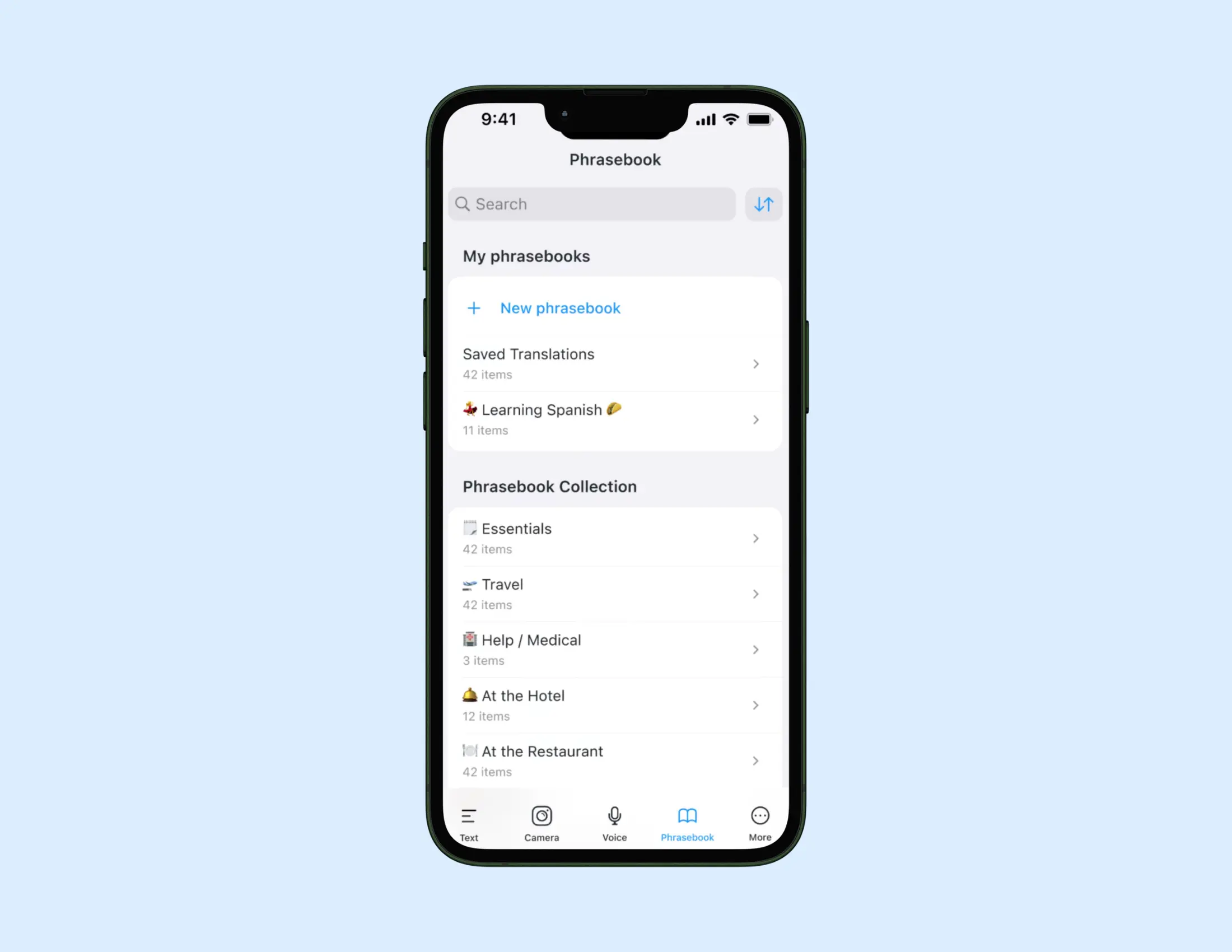
Clean interface, responsive voice input, works across Apple Watch and Safari without switching apps.
Longer exchanges lost some accuracy - but for everyday iPhone use, it is the best option on this list.
Strength
- Best live translation experience on iPhone
Limitation
- Accuracy drops at some point
Pricing:
- Free: basic text translation
- Pro: $5.99/month (adds offline mode, voice conversation, camera translation)
- See pricing here
5. Transync AI : Best for Professional Live Conversation
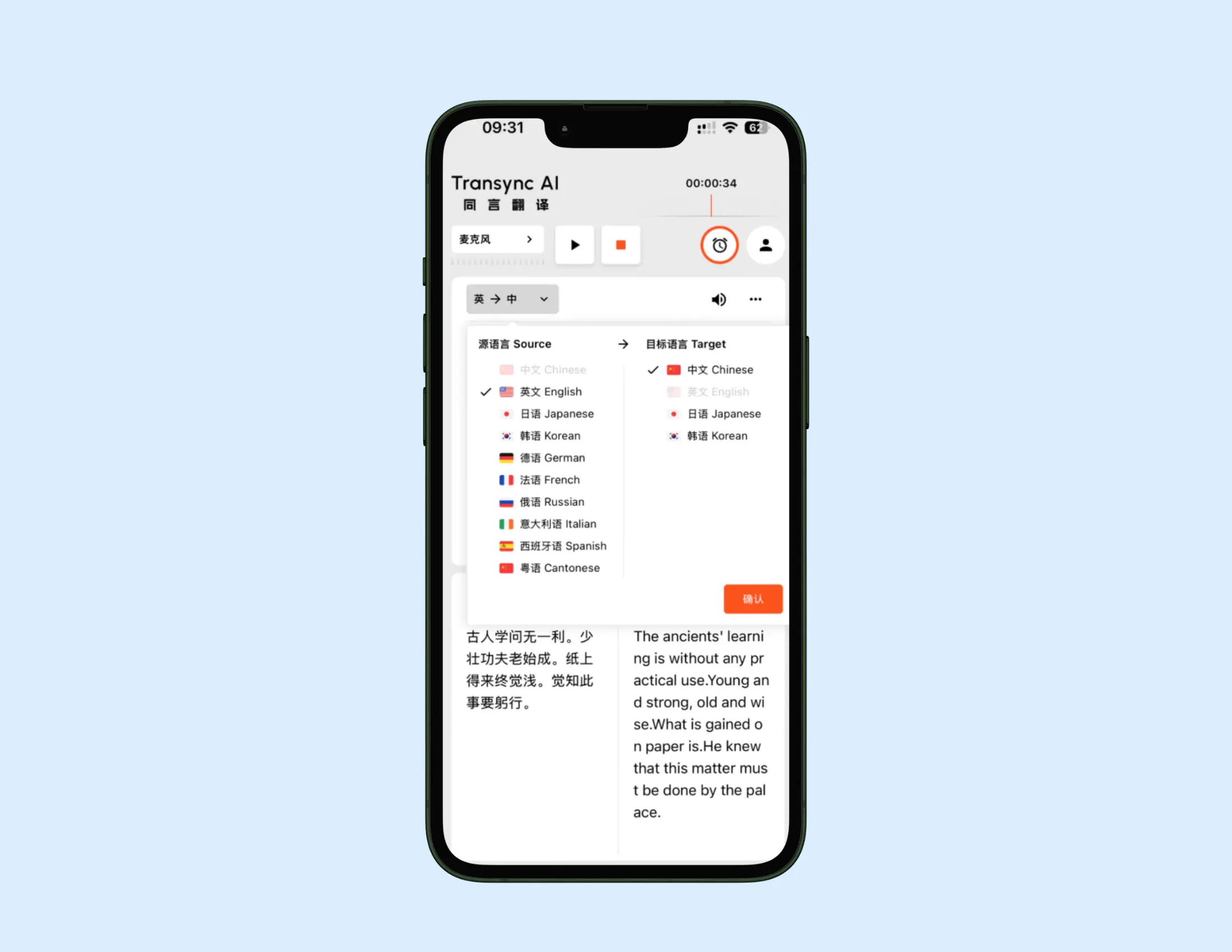
Formal and informal register detection happens automatically - no manual input required.
For business conversations - this app removes the risk of register slip-ups.
The post-meeting summary is a useful bonus as well.
Strength
- Automatic formal and informal register detection
Limitation
- Smaller language coverage - compared to Maestra, Google or Microsoft
Pricing:
- Free tier available
- Paid plans available - see pricing here.
6. Notta : Best for Live Meeting Translation and Documentation
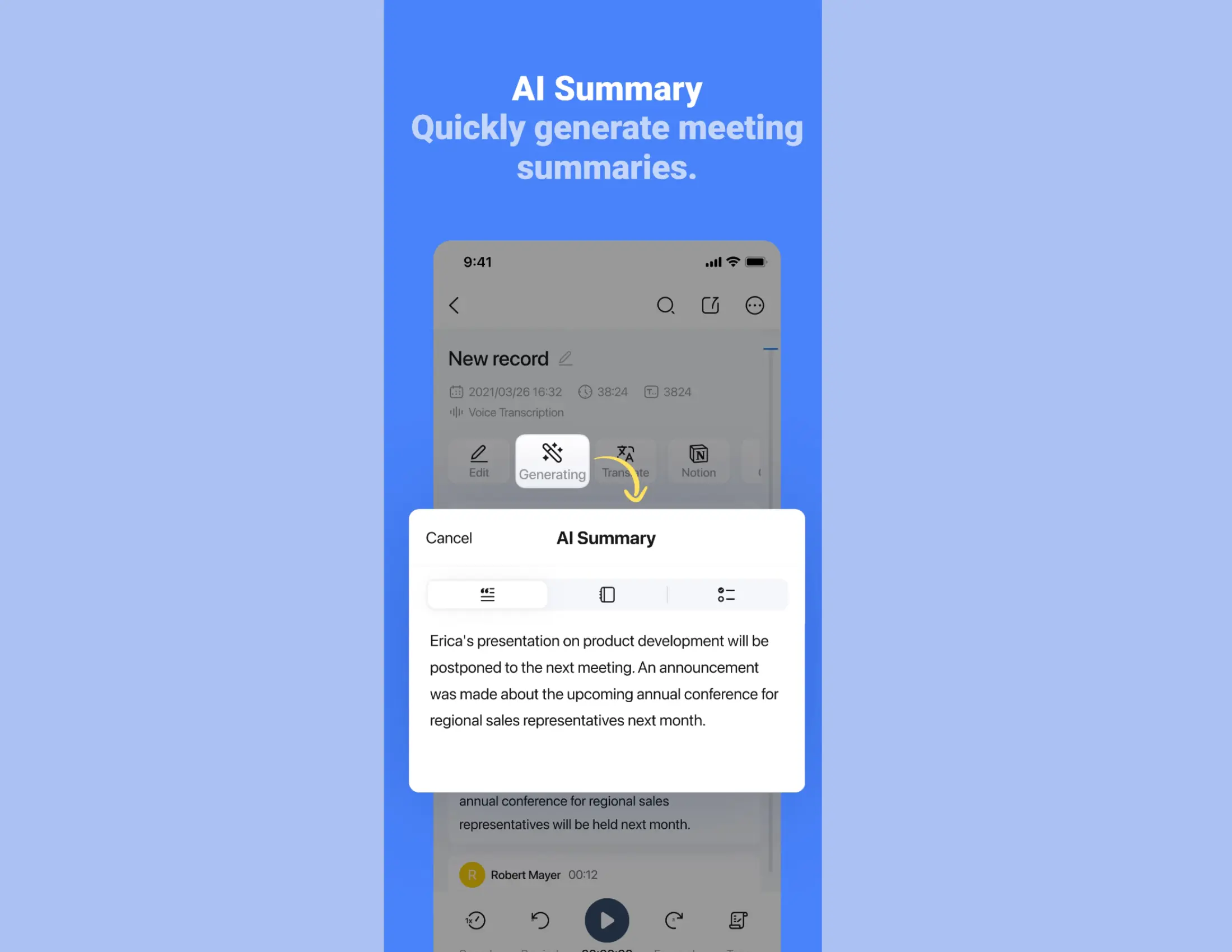
If your team needs both live captions and notes after a meeting - this one's for you.
This app handles the live translation and what comes after (summaries & transcripts are generated automatically).
Strength
- best summary / meeting documentation style on this list
Limitation
- Free tier limited to 120 minutes per month
Pricing:
- Free: 120 min/month, 3 min per recording max
- Pro: $8.17/month (billed annually) or $13.99/month
- Real-time translation add-on: from $6/month
- See pricing here.
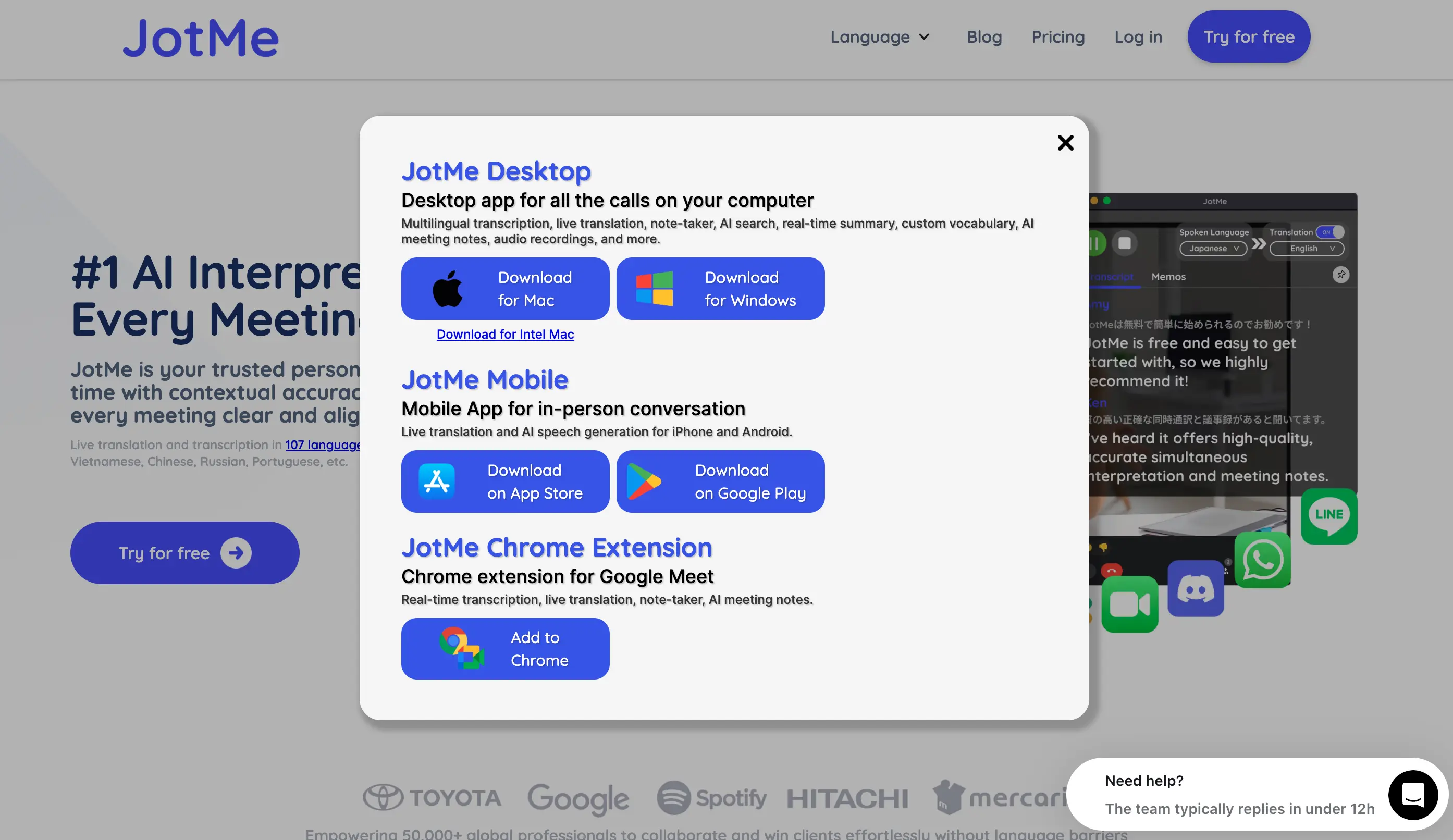
7. JotMe - Best for Churches and Live Events
Built for one speaker to many listeners. Supports 107 languages.
For churches and events with multilingual audiences, it is the most practical option.
Strength
- QR code audience join - no hardware or app download required
Limitation
- Built for one speaker to many - not suited for two-way conversation
Pricing:
- Free: 20 min live translation/month + 50 min transcription
- Pro: $10/month (billed annually) — 200 translation min, 500 transcription min
- Premium: $15/month - 500 translation min, 2,000 transcription min
- See pricing here.
What Makes a Good Translation App for Live Conversation?
These four criteria shaped every review on this list.
1. Low latency.
The output needs to keep pace with natural speech.
2. Continuous voice input.
The best live translator apps handle extended speech without losing accuracy.
3. Formality awareness.
One wrong register in a meeting or formal exchange changes the dynamic entirely.
4. Multi-speaker handling.
The app needs to keep up with more than one voice.
A good live translator must do four things well: respond quickly, listen without stopping, keep the right level of formality, and follow more than one speaker at a time.
Best Free Translation Apps for Live Conversation
The tools that produce the most natural live output usually sit behind a paid plan.
Google Translate and Microsoft Translator are completely free - and for travel and casual conversation, they're more than enough.
For anything more demanding, Maestra is free to start: live transcription is fully free, and you get 10 minutes of live translation before any commitment. It's also the strongest performer on this list.
Real-Time vs. Offline Translation: Which Do You Need?
Real-time translation runs through the cloud. Higher accuracy. More languages. Handles meetings & multi-speaker calls.
But it needs internet.
Offline translation runs on your device through downloaded language packs. Works anywhere - planes, remote travel, dead zones.
The trade-off is accuracy. And fewer languages.
Fast guide:
- If you travel where connectivity drops - Google Translate or Microsoft Translator with offline packs.
- If you're on iPhone & need offline - iTranslate Pro.
- For business meetings, events, multi-speaker calls - Maestra, Transync AI, or JotMe.
- For casual phrases on the go - Google Translate offline mode does the job.
Most users need both. Download an offline pack as a backup. But use cloud when accuracy matters.
Which Live Translation App Fits Your Use Case?
The right live translation app depends on the kind of conversation you're actually having. Here's how the picks shake out by scenario.
1. Best for business meetings
Maestra is the best live translation app for business meetings.
The dual-model engine produces the most natural output of anything I tested. Two-way conversation mode handles multiple speakers, captions update live, and integrations with Zoom, Teams, and Slack mean it slots into existing setups without friction.
The catch is no offline mode. For in-office or remote meetings on a stable connection, that doesn't matter. For meetings in the field, it does.
2. Best for multilingual group conversations
Microsoft Translator is the best app when more than a few people need to follow along.
Group conversation mode supports up to 100 participants, each reading captions in their own language. That removes the need for an interpreter in mixed-language settings. If your team already lives inside Microsoft 365, the Teams integration removes the rest of the friction.
Formality nuance is weaker than what you get from Maestra or Transync AI. For casual or semi-formal team conversations, it's not a blocker.
3. Best for live events and conferences
JotMe is built for one speaker addressing many listeners, which is a different problem than two-way conversation.
Listeners scan a QR code, pick their language, and read live captions on their own phone. No hardware. No app download. 107 languages supported. For churches, conferences, community events, and any setting where one person is speaking to a multilingual audience, JotMe is the cleanest solution on this list.
It's not built for back-and-forth conversation. Use it for the use case it was designed for.
4. Best for meeting notes and documentation
Notta is the pick when you need the meeting captured, not just translated.
Live captions and translation run during the meeting, and summaries and transcripts generate automatically afterward. For teams that need a record of what was said, who said it, and what was decided, Notta does the live and the after in one tool.
Free tier caps at 120 minutes per month. Worth knowing before you commit to it for high-volume meeting weeks.
Final Verdict: Choosing the Right Live Translation App
Maestra is my overall pick when a live conversation matters and accuracy under pressure is the priority. It holds up in meetings, business calls, and any setting where formality and natural output have to land right. For everything else, the right tool depends on the conversation in front of you.
A quick scenario guide:
- Business meetings:Maestra
- Free everyday use:Google Translate
- Multilingual group conversations:Microsoft Translator
- iPhone and Apple Watch:iTranslate
- Professional with formality detection:Transync AI
- Meeting notes and documentation:Notta
- Live events and conferences:JotMe
Live Translate Speech
Frequently Asked Questions About Live Translation Apps
Which live translation app is the most accurate?
For professional meetings and sustained speech, Maestra's produced the most natural output in testing.
Which app is best for voice translation?
Maestra for meetings and sustained speech. Google Translate for free everyday use.
What is the best live translation app for travel?
Google Translate. It is free, works offline with a downloaded language pack, and the conversation mode handles short travel exchanges reliably.
Can I use a live translation app offline?
Yes - but with limits.
Google Translate, Microsoft Translator, and iTranslate Pro support offline language packs. Accuracy drops compared to cloud-based translation. And most offline modes don't support live conversation features. They're built for short text or phrase lookups.
For real-time meetings - you need an internet connection.
Which app handles multiple speakers best?
Maestra and Microsoft Translator.
Microsoft's group conversation mode supports up to 100 participants reading captions in their own language. Maestra handles multi-speaker diarization in meeting environments.
For one-on-one back-and-forth - most apps on this list work fine.