Best 10 Live Transcribe Apps in 2026
Most live transcribe apps promise accuracy that does not align with public reviews.
We tested the top 30 speech-to-text apps and transcription tools from January to March 2026 to see which hold up to their reputation.
Here are the 10 that stood out.
The live transcribe apps at a glance:
Please note: Each tool excels in a different context, so they aren't ranked from best to worst.
How We Tested These Apps:
Now that AI and transcription go hand in hand, expectations are higher.
A 95% accuracy threshold is the bar...
And it is hard to find one tool that has it all.
Our goal was to find the tools that work in real meetings, noisy rooms, and multi-speaker calls.
We measured accuracy, live-output performance, the privacy model, and pricing.
The tools were evaluated across different use cases (live meetings, events, voice-to-voice conversations, etc.).
Each platform in this list excels in at least one area, if not all.
Keep in mind, even the best AI translation tools still depend on clean audio and clear speech, especially in live settings - a limitation also documented by major providers like Microsoft.
Comparison Table: Best Live Transcribe Apps (2026)
| Tool | Best For | Live | Privacy | Price |
| Maestra AI | All-in-one live transcription & translation | Yes (browser-based) | Cloud | Free / from ~$15/mo |
| Otter.ai | Meeting teams & collaboration | Yes (auto-joins) | Cloud | Free / $16.99/mo |
| WisprFlow | Accurate professional dictation | Yes | Cloud | ~$15/mo |
| Granola | Bot-free meeting notes | Yes (invisible) | Local capture | Free / $14/mo |
| Fireflies.ai | Free unlimited minutes | Yes | Cloud | Free / $10/mo annual |
| Descript | Content creators & podcasters | Upload + live | Cloud | Free / $24/mo |
| Rev | Legal & verbatim accuracy | Upload + live | Human-reviewed | $0.25/min AI · $1.50/min human |
| Good Tape | Journalists & confidentiality | Upload | Never trains on data | Free tier / Paid |
| Viska | Mobile privacy (on-device) | No (record + transcribe) | On-device | Free / Paid |
| Google Live Transcribe | Accessibility | Yes | On-device | Free |
10 Best Live Transcribe Apps in 2026 (Reviewed)
1. Maestra: Best all-in-one live transcription app
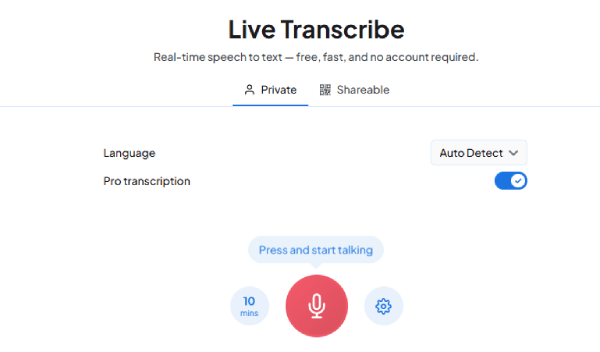
Maestra puts the full stack in one place.
Live transcription, real-time translation, live captioning. No download needed.
But Maestra's strength goes much further than this - It also shows after transcription.
You can edit sessions in a dashboard - generate AI summaries, subtitles, and export voiceover.
Not to mention, integrations with Zoom, OBS, vMix, and Teams...
All these work-life saving tools - in a single interface...
At Expo Osaka, it handled live voice translation between English and Japanese across roughly 30 conferences reliably.
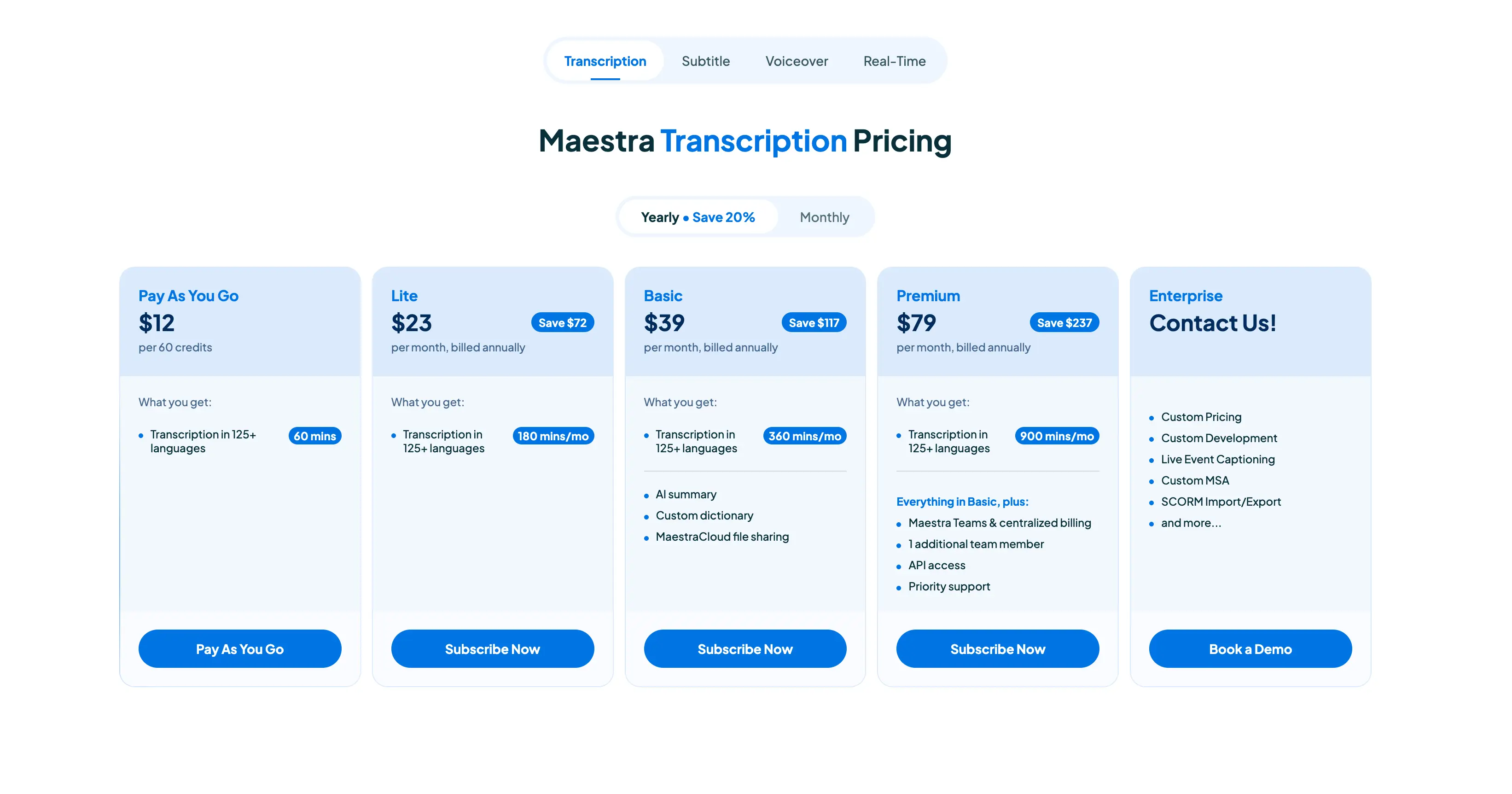
Pricing (2026)
- Free: unlimited live transcription, no account needed
- Paid plans from ~$15/month (billed annually)
- Check pricing here
Pros
- Free live transcription, no account needed · 125+ languages with live translation
- Full post-transcription workflow (subtitles, voiceovers, summaries
Cons
- Advanced features require paid plans
- Cloud-based - not fully offline
Try Maestra Now
2. Otter.ai - Best for meeting teams
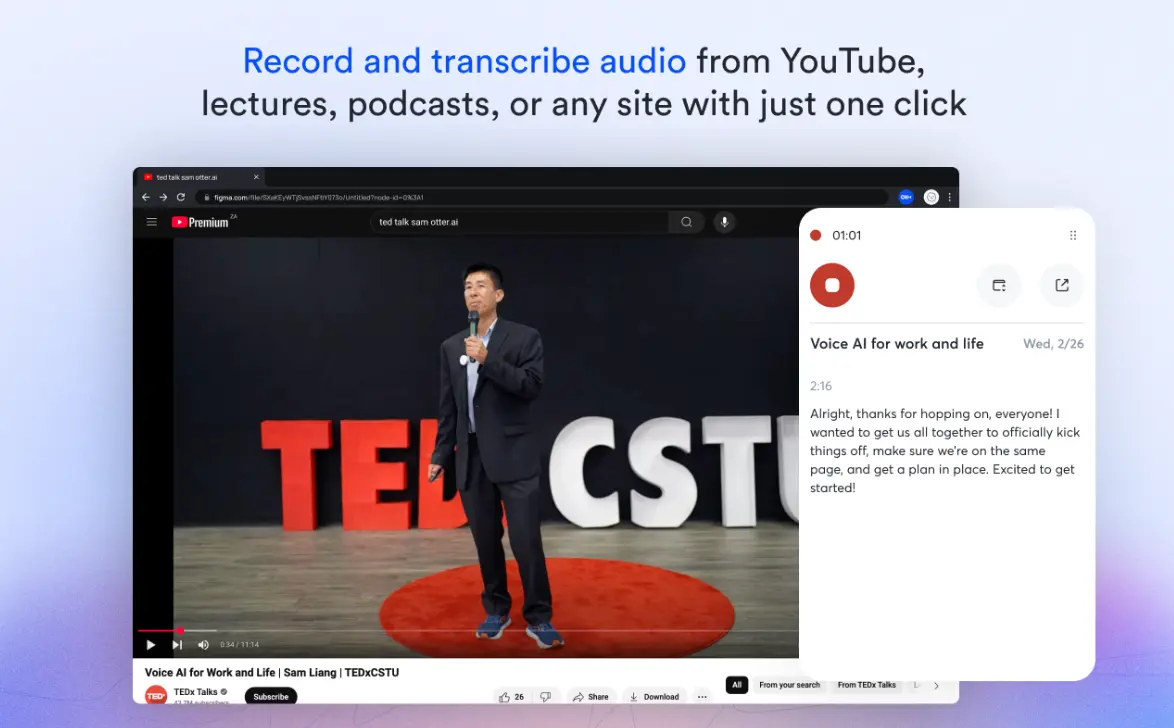
Otter.ai auto-joins your Zoom, Google Meet, and Teams calls as well.
Similar to Maestra - It transcribes in real time, identifies speakers, and generates AI summaries.
It also works on iPhone and Android for on-the-go transcription.
The AI Chat feature stood out in testing & the free tier gives you 300 minutes per month.
Worth noting: Otter uses a visible meeting bot and may use de-identified data for model training.
Pricing (2026):
- Free: 300 min/month
- Pro: $8.33/month (billed annually) or $16.99/month
- Business: $20/month (billed annually) or $30/month
Pros
- Auto-joins all major platforms ·
- AI summaries and cross-meeting search
Cons
- Visible bot can feel awkward
- Cloud-only processing
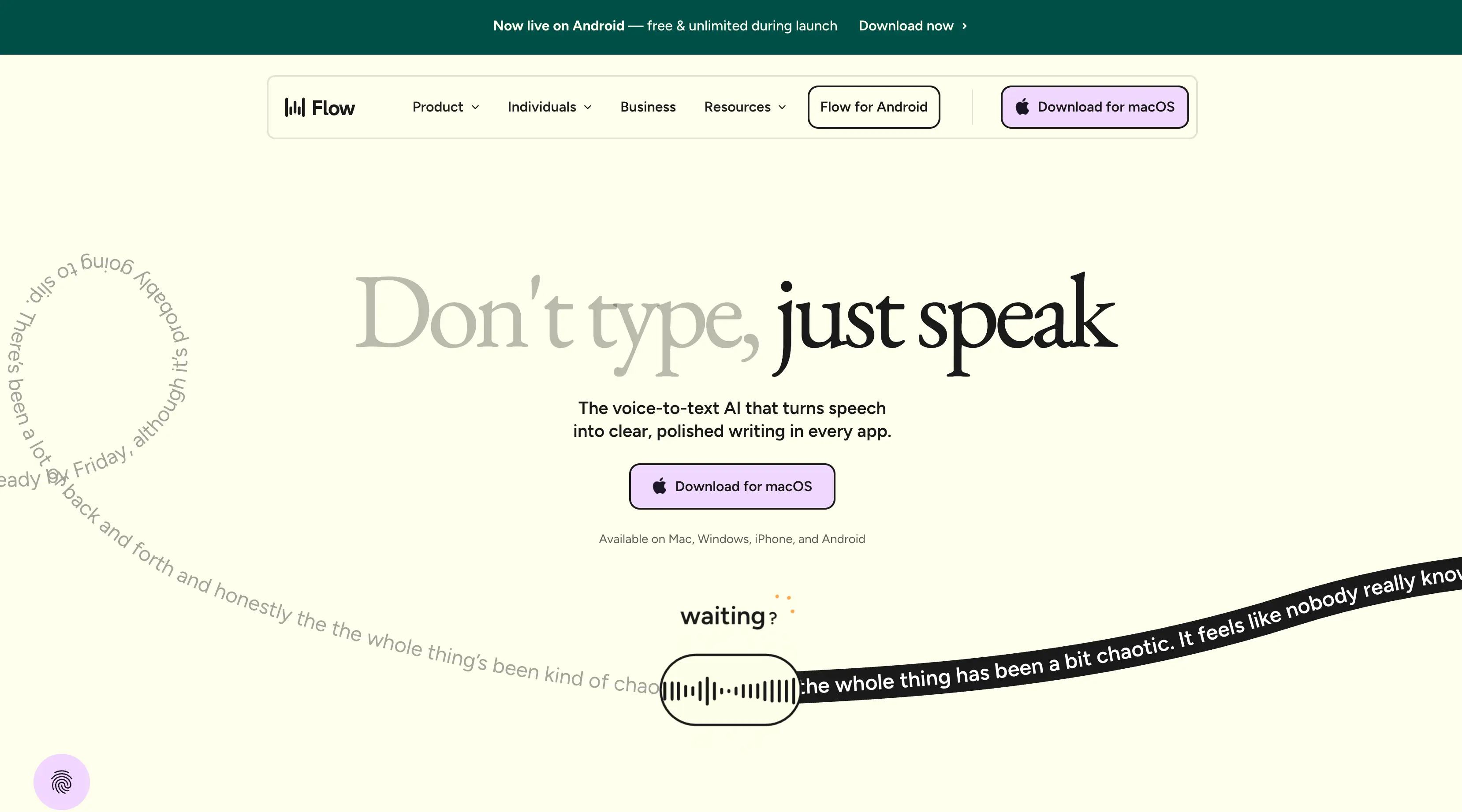
3. WisprFlow: Highest tested accuracy for dictation
Independent reviews place general accuracy at around 97%.
High enough that doctors, lawyers, and engineers report far fewer corrections than with default keyboards.
However, it is NOT a meeting recorder.
Instead, it works as a system-wide voice-to-text layer.
Their AI removes filler words and adjusts formatting based on context
Pricing (2026):
- Free trial: 14 days
- Paid from ~$15/month
- See pricing here.
Pros
- Top-tier accuracy for business vocabulary
- System-wide across all apps
Cons
- Dictation-focused, not a meeting tool
- Cloud-based
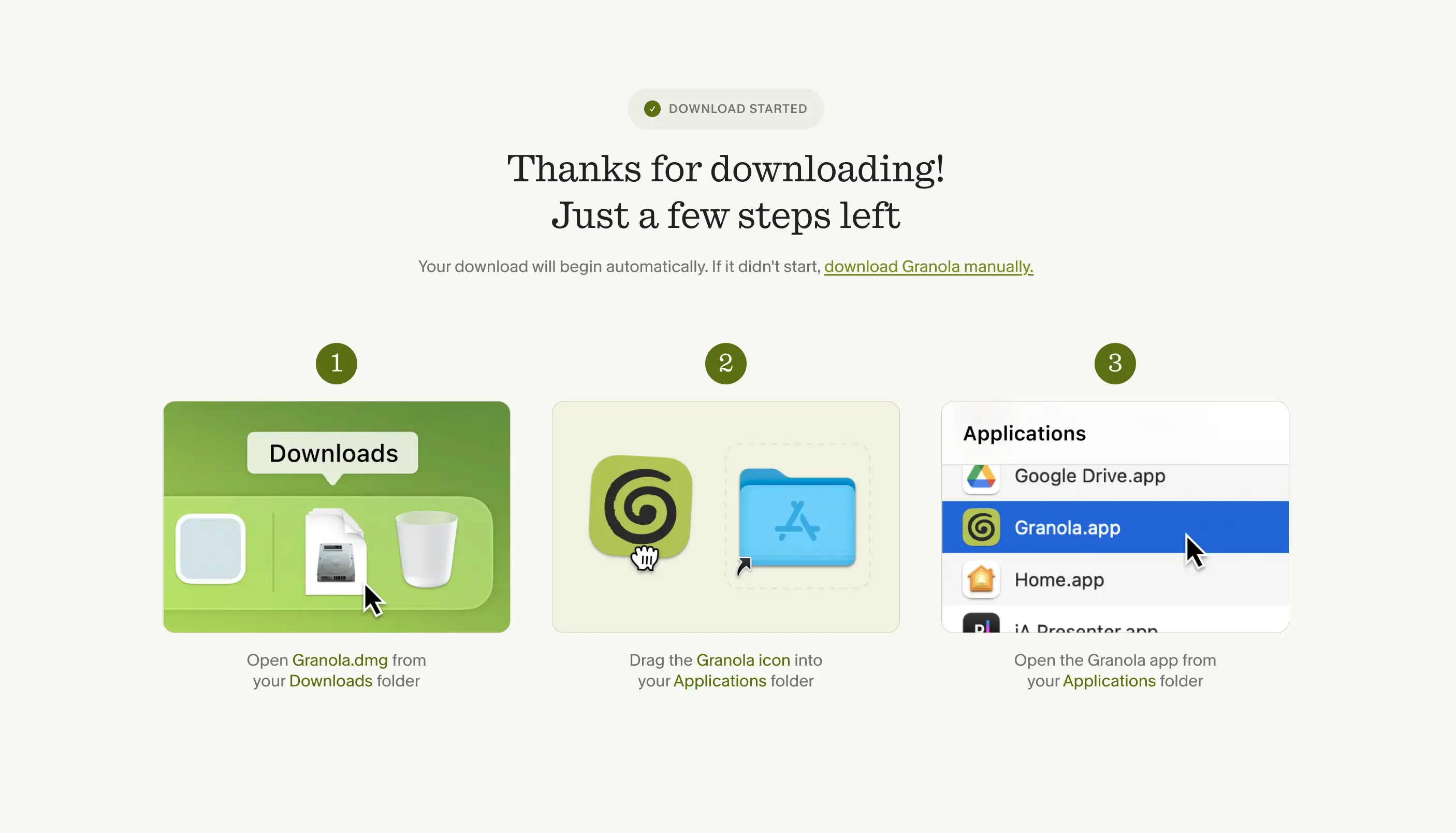
4. Granola: Best bot-free meeting transcription
Granola - which just closed its Series C - captures audio transcripts directly & privately.
No one knows it's running.
In testing, this made a real difference. Participants spoke more openly without a visible recorder.
The AI then produces structured notes.
Accuracy sits around 90 - 95% on clear audio.
You can also create custom templates for recurring meeting types.
One important caveat: Granola generates AI notes, not full verbatim transcripts. There's no audio playback either.
Pricing (2026):
- Free: 14-day meeting history
- Business: $14/user/month
- See pricing here.
Pros
- No visible bot - fully invisible
- Customizable templates
Cons
- No audio playback or full transcript export
- Free tier limited to 14-day history
5. Fireflies.ai: Best free tier for teams
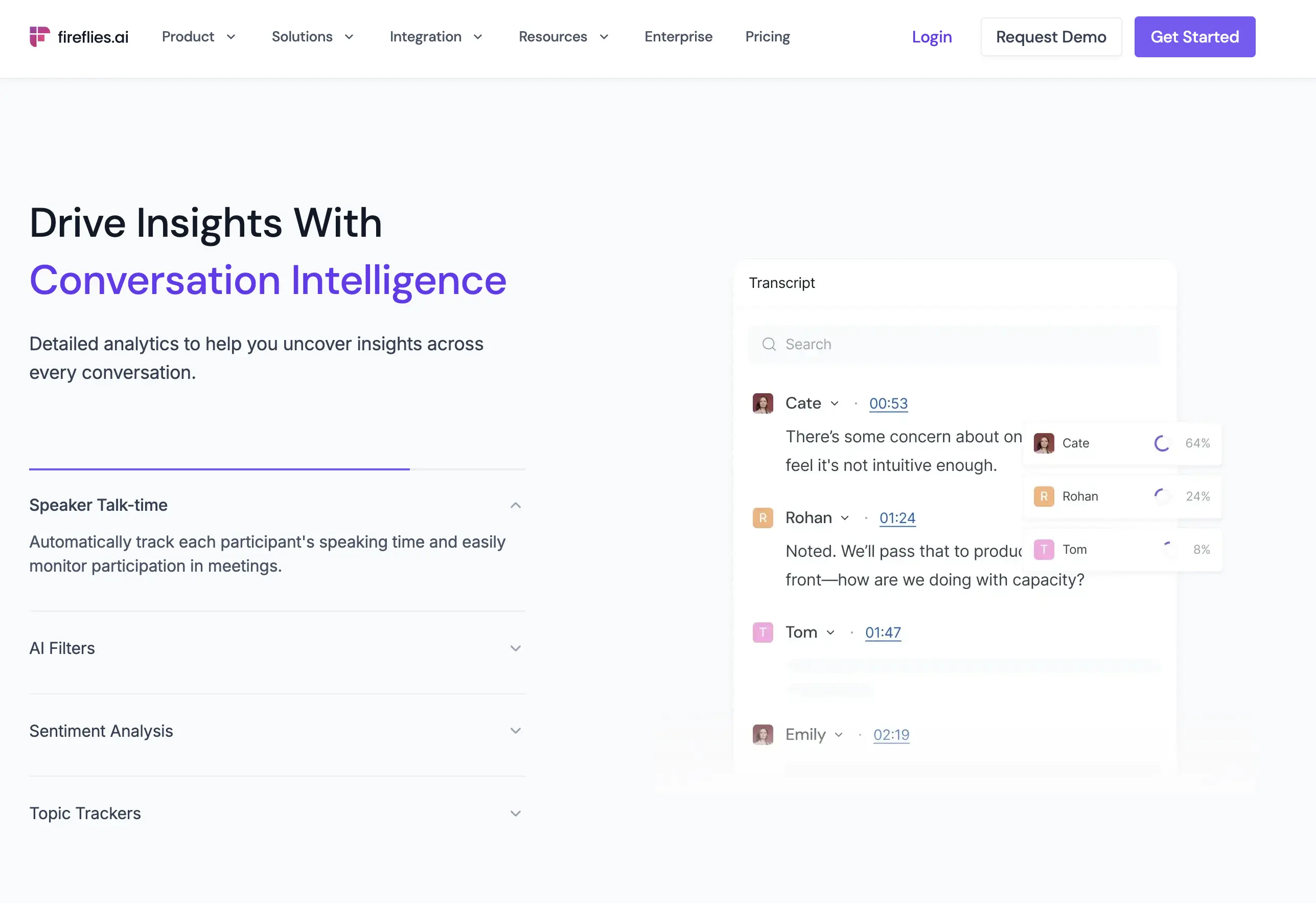
Fireflies.ai offers something rare: unlimited transcription minutes on its free plan.
On top of that, it generates "AI Super Summaries".
Practical for sales teams and project managers.
Accuracy was solid for standard business meetings in testing.
However, note that AI summaries missed nuance in complex topics.
Pricing (2026):
- Free: 800 min storage, unlimited transcription minutes
- Pro: $10/month (billed annually) or $18/month
- Business: $19/month (billed annually) or $29/month
- See pricing here.
Pros
- Unlimited free minutes
- AI summaries beyond raw text
Cons
- Limited storage on free tier
- Visible meeting bot
6. Descript: Best for content creators
While it is primarily upload-based - not built for live meetings, it was included in the list for its editing.
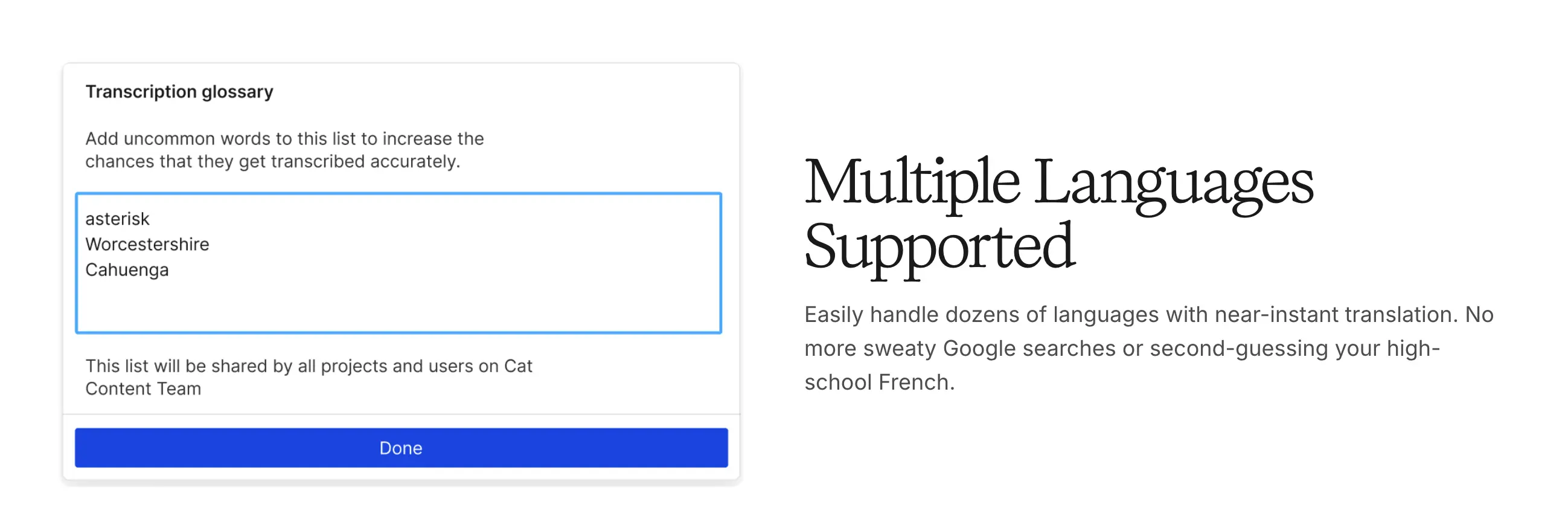
Upload any audio recording, convert it to text, then edit the transcript - and the matching audio or video gets cut automatically.
For podcasters and video creators, this is a game-changer.
If your audio is clean, it should work great.
Worth noting: Descript may use de-identified data for training.
Pricing (2026):
- Free: 1 hr/month transcription
- Hobbyist: $16/month
- Creator: $24/month
- Business: $33/month
- Check pricing here.
Pros
- Edit audio/video by editing text
- Built-in filler word removal
Cons
- Accuracy drops on noisy audio
- Complex UI for transcription-only users
7. Rev: Best for legal & verbatim accuracy
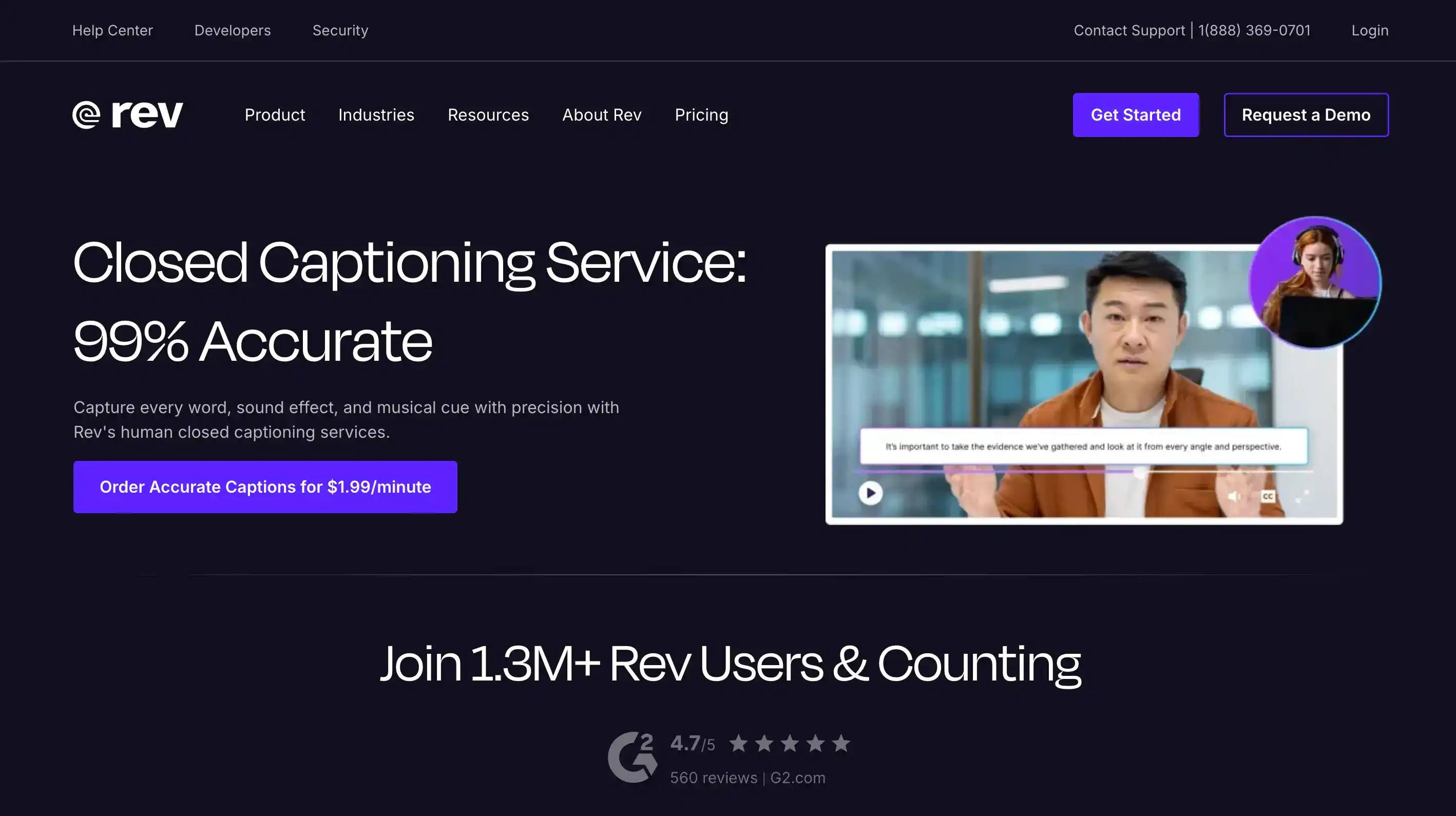
Rev sits in a different category as they offer AI live captions but their reputation rests on the human transcription tier, which guarantees 99% accuracy.
Lawyers, court reporters, and compliance teams rely on it for transcripts that need to hold up under review.
The trade-off: human review takes longer and costs more ($1.50/min vs. $0.25/min for AI).
Pricing (2026):
- AI captions: $0.25/min
- Human review: $1.50/min
- Subscription from $14.99/month
- Check pricing here.
Pros
- 99% accuracy with human review
- Legally defensible transcripts
Cons
- $1.50/min for human tier
- Slower turnaround
8. Good Tape: Best for Journalists
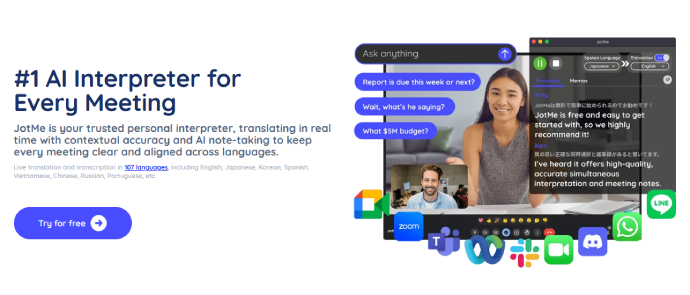
Good Tape was built by journalists at the Danish newsroom Zetland. It's worth noting that it is upload-based, not live - but it earns its spot here for one reason: the AI never trains on your data.
For reporters handling sensitive sources, this matters more than any feature.
Pricing (2026): Free tier available. Paid plans for higher volume (pricing.
Pros
- AI never trains on user data
- Strong interview accuracy
Cons
- Not real-time - upload only
- Fewer advanced multilingual features
9. Viska: Best for Mobile Privacy (100% On-Device)
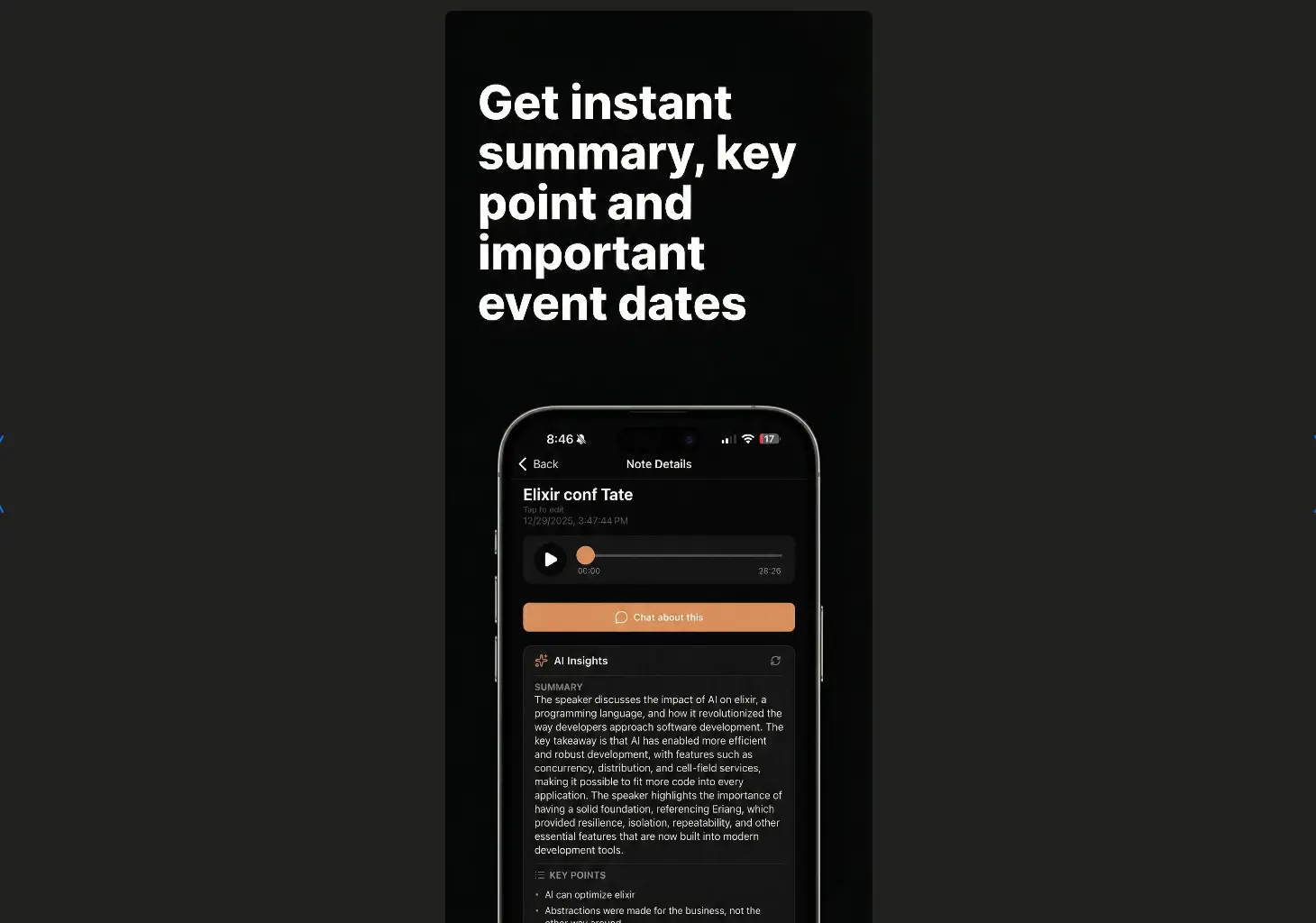
Viska isn't a real-time transcription app. You record your audio, and then it is transcribed on-device afterward.
The trade-off for full privacy.
Accuracy for accents or niche vocabulary may not match cloud tools.
However, for standard conversations, performance was solid.
Pricing (2026):
- Free tier available with basic features.
- Paid plans for extended use.
Pros
- 100% on-device - zero cloud processing
- Works offline
Cons
- Accuracy can lag behind cloud tools
- Limited language support
10. Google Live Transcribe: Best For Android
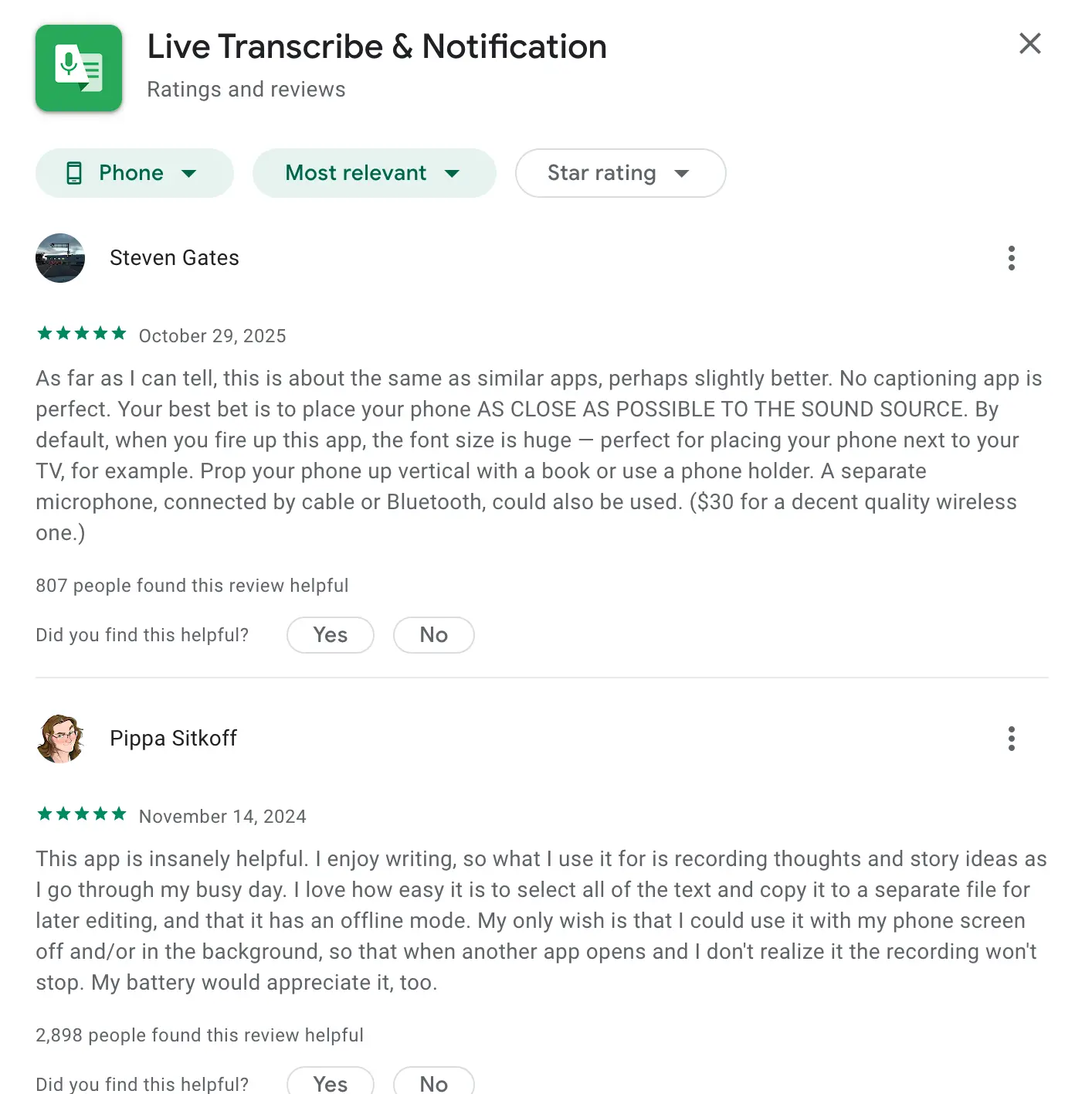
Google built this app with Gallaudet University, the leading deaf and hard-of-hearing institution in the U.S. It has 70+ languages and dialects and is easy to use.
Place your phone between the speakers, and words appear on the screen instantly.
You can optionally save transcriptions for 3 days.
The catch is - no editing, search, or export options.
Pricing (2026): 100% free. No paid tiers.
Pros
- Completely free
- Audio not stored - strong default privacy
Cons
- Android-only
- No meeting features or export ·
Not every speech-to-text app solves the same problem.
The best choice depends on how you plan to use it.
The Right App for Each Use Case
1. Live transcription for meetings & collaboration
If you want a live caption app for Zoom meetings with built-in translation.
Maestra integrates directly and supports 125+ languages in one session.
2. Live transcribe app for professional voice-to-text dictation
WisprFlow works system-wide across every app on your device.
It's the strongest transcription software for doctors, lawyers, and engineers.
3. Live transcribe app for education (students, lectures..)
Maestra's live transcription app works well for lecture captioning. No account, no download, just open the browser.
4. Live transcribe app for podcasters & video creators
Descript lets you convert audio recordings to text and edit the media by editing the transcript.
It's the fastest way to go from raw recording to polished episode.
For multilingual shows, Maestra can transcribe, translate, and generate subtitles from the same file.
5. App dedicated to offline and privacy-first use
If you need an offline transcription app, Viska processes everything on your phone with no internet required.
However, Good Tape is cloud-based but guarantees it never trains on your data.
6. Real-time transcription for legal and compliance work
Rev's human transcription delivers 99% accuracy.
No AI-only transcription software matches this level of reliability for court proceedings or regulatory filings.
7. Live transcribe app for accessibility
Google Live Transcribe was built specifically for deaf and hard-of-hearing users.
For events and webinars, Maestra's web captioner lets audiences join a shared session and follow captions in their own language.
FAQ
How accurate is AI transcription in 2026?
Top tools now hit 94–99% on clean audio. WisprFlow scored 99.1% in professional testing (benchmark report, Q1 2026). Reduct.Video benchmarked 94.92% across mixed audio types. Accuracy drops with noise, accents, or crosstalk.
Can I transcribe a meeting without a recording bot?
Yes. Granola captures system audio invisibly. No bot joins the call. Maestra also works in-browser without a bot - participants join a shared session via link or QR code, and everyone follows along in their preferred language.
What’s the difference between real time translation software and a translation app?
Real time translation software is usually built for meetings, events, and longer sessions with multiple speakers. A real time translation app, on the other hand, is lighter and designed for quick, mobile, voice-to-voice conversations.
What is the best free live transcription app?
Maestra offers unlimited free live transcription in-browser — no account, no credit card, no time limit. Google Live Transcribe gives free captions in 120+ languages. Fireflies.ai provides unlimited free meeting minutes. Fathom is 100% free for Zoom with no limits.
How do I get live subtitles on Zoom?
Several apps add live subtitles to Zoom meetings. Maestra integrates directly with Zoom to display real-time captions in 125+ languages - and attendees can each choose their own language.
Otter.ai auto-joins Zoom calls and provides live transcription with speaker labels. Zoom also has a built-in live caption feature, but it's limited to English and offers no translation or AI summaries.
Try Maestra Now