How Does Text to Speech Help Students Learn? A Guide for Educators
- What is text to speech?
- What are the benefits of using TTS?
- Which students would benefit from text to speech?
- What are the different types of text to speech tools?
- How can text to speech be used in the classroom?
- What are the best practices for using TTS in the classroom?
- Conclusion: What's next for text to speech in education?
- Frequently Asked Questions
Walk into any modern classroom and you'll find students with vastly different learning needs sitting side by side, ranging from reading disabilities to attention difficulties. For decades, teachers have stretched themselves thin trying to meet all of these needs at once, and text to speech (TTS) technology is quietly changing what's possible.
So how does text to speech help students, exactly? By converting written content into spoken audio, TTS turns reading from a single-channel task into a form of multimodal learning. The research backing this approach has grown substantially in recent years, and the tools available to classrooms have become more affordable, more accurate, and more flexible than ever.
This guide walks through everything educators need to know:
- What text to speech is and how it works
- Which students benefit most from this technology
- The different types of TTS tools available
- How teachers can integrate TTS into their classrooms
- Best practices and limitations to keep in mind
- Where TTS is heading next
Let's start with the basics.
What is text to speech?
Text to speech is a type of assistive technology that takes written text (anything from a textbook chapter to a website article) and converts it into spoken audio. Students can listen to content read aloud in real time, often while following along visually, which engages multiple senses at once.

You've probably already used TTS without thinking about it. The voice that reads your GPS directions, the narrator on an audiobook app, the screen reader built into your phone: they're all powered by the same underlying technology.
How does text to speech work?
Modern TTS tools use artificial intelligence and natural language processing to analyze written text the way a human reader would. The system breaks down sentences into phonetic components, applies rules for pronunciation, intonation, and pacing, and then generates audio that sounds increasingly close to a real human voice.

Earlier TTS sounded robotic and unnatural, which limited its usefulness in learning environments as students often tuned out or got frustrated. Today, recent advances in neural networks and AI have transformed what synthetic speech can do. Voices now carry natural rhythm, emotional inflection, and regional accents that make longer listening sessions far more engaging. [1] This shift is one of the main reasons TTS has moved from a niche assistive tool to mainstream classroom technology.
What are the benefits of using TTS?
The benefits of text to speech technology go well beyond simply hearing words read aloud. When students engage with content through both sight and sound, several measurable improvements tend to follow.
Improved Reading Comprehension
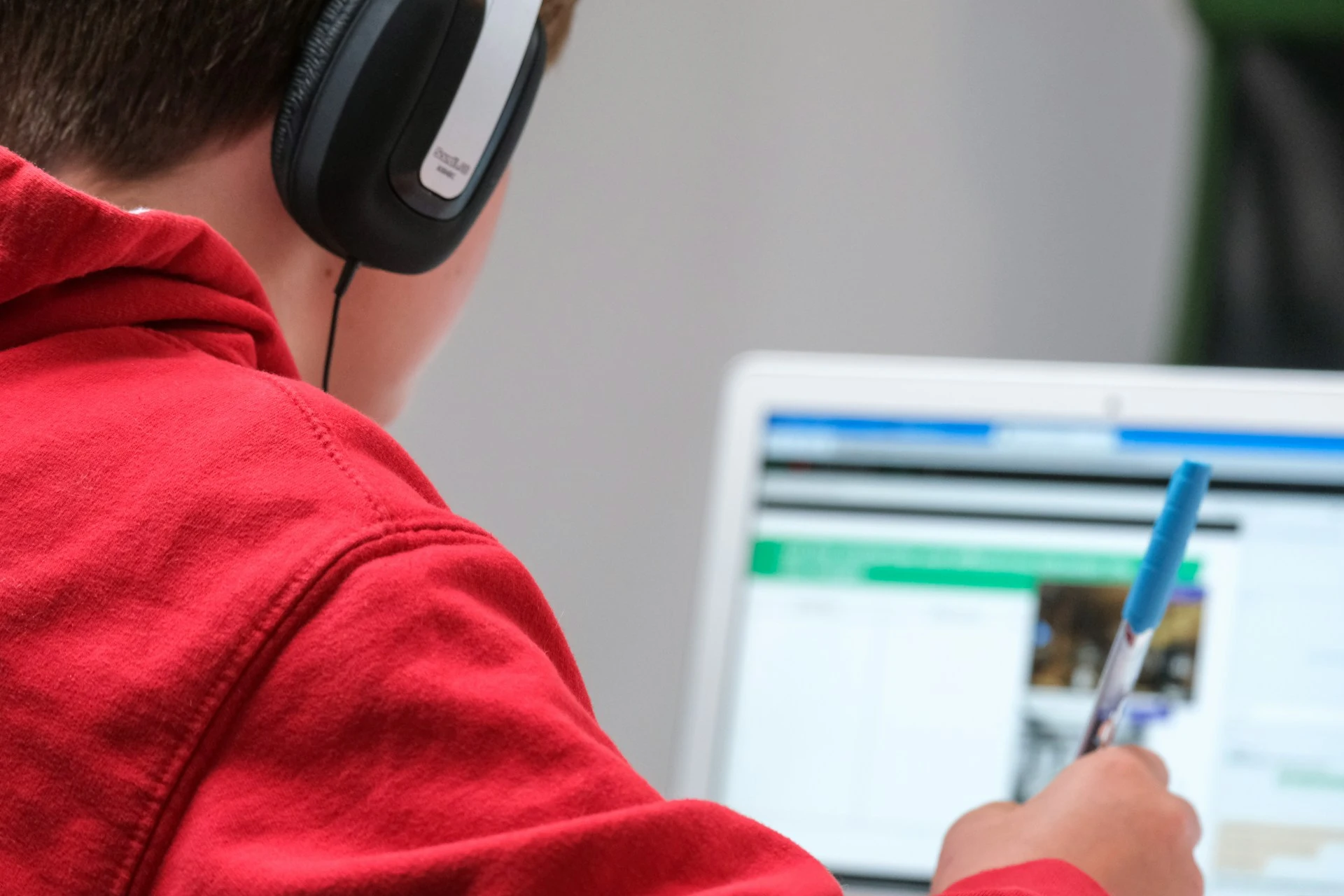
Decoding written words takes mental energy. For students who struggle with reading, that energy gets used up before they reach the meaning of the sentence. TTS removes the decoding burden so students can focus on understanding what's actually being said.
Stronger Retention
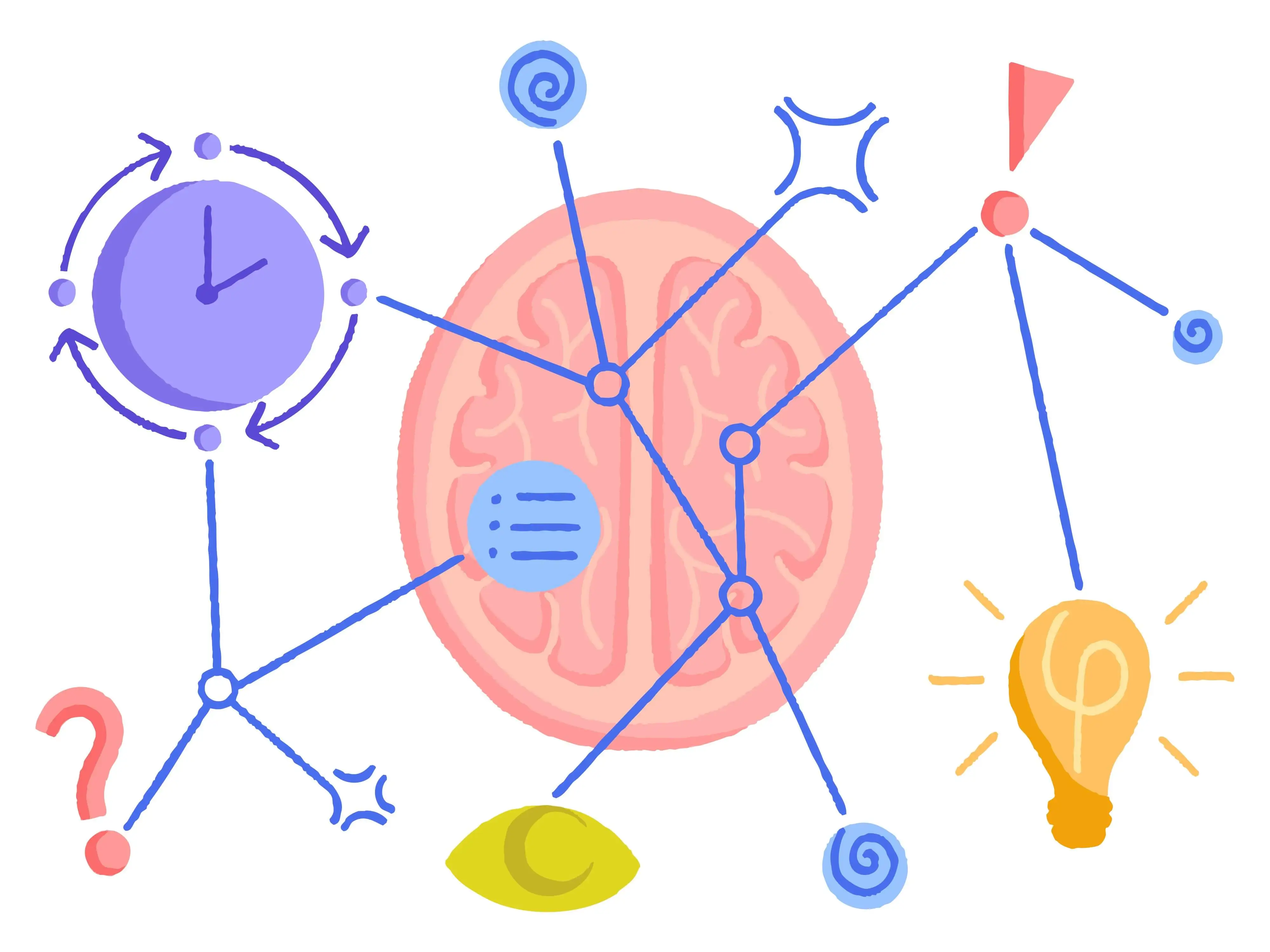
Multisensory learning (engaging more than one sense at once) has been linked to better memory formation. Listening while reading reinforces vocabulary, sentence structure, and concepts in ways that silent reading alone often doesn't.
Vocabulary Growth
Students hear how unfamiliar words are pronounced, which makes them more likely to use those words in their own speech and writing. This is especially valuable for English language learners and younger readers building their lexicon.
Greater Independence
Students who previously needed a parent, tutor, or aide to read material aloud can now access it on their own. That independence builds confidence and reduces the social stigma some students feel when they need extra support.
Reduced Cognitive Fatigue
Long reading sessions are exhausting for everyone, but especially for students with attention or processing differences. Listening allows them to engage with material for longer stretches without burning out. [2]
Better Proofreading and Writing Skills
Hearing one's own writing read aloud reveals awkward phrasing, missing words, and grammatical errors that the eye glosses over. Many students discover their own editing instincts once they start using TTS for revision.
Research demonstrates that using text-to-speech tools increases engagement and allows students to access grade-level content and material, as well as websites and books of interest.
Which students would benefit from text to speech?
While nearly every student can find a use for text to speech, certain groups see particularly strong results. For instance, TTS for students with disabilities has become one of the most widely adopted accommodations in modern classrooms.
Students with Dyslexia (and Other Reading-Based Learning Differences)
TTS technology is one of the most widely recommended methods for students with dyslexia because it bypasses the decoding challenges they face while still giving them access to on-level content. By removing the mental energy that goes into sounding out words, TTS frees students to focus on understanding the actual meaning of the text.
Students with ADHD
Listening to text while following along visually helps maintain focus, especially during long reading assignments where attention tends to drift.
Language Learners
Hearing native or near-native pronunciation alongside written text accelerates language acquisition. Tools that offer multiple languages and accents are particularly valuable in multilingual classrooms.
🌍 Maestra's text to speech tool generates natural-sounding voices in 125+ languages, with multiple accents and different speaking styles. Teachers can paste any text and generate audio for students at different stages of fluency in seconds.
Students with Visual Impairments
For students with low vision or blindness, TTS is an essential tool rather than supplemental. It opens access to digital content that would otherwise require specialized formats.
Auditory Learners
Some students simply absorb information better through sound. TTS software lets them play to that strength without falling behind on text-based assignments.
Struggling or Reluctant Readers
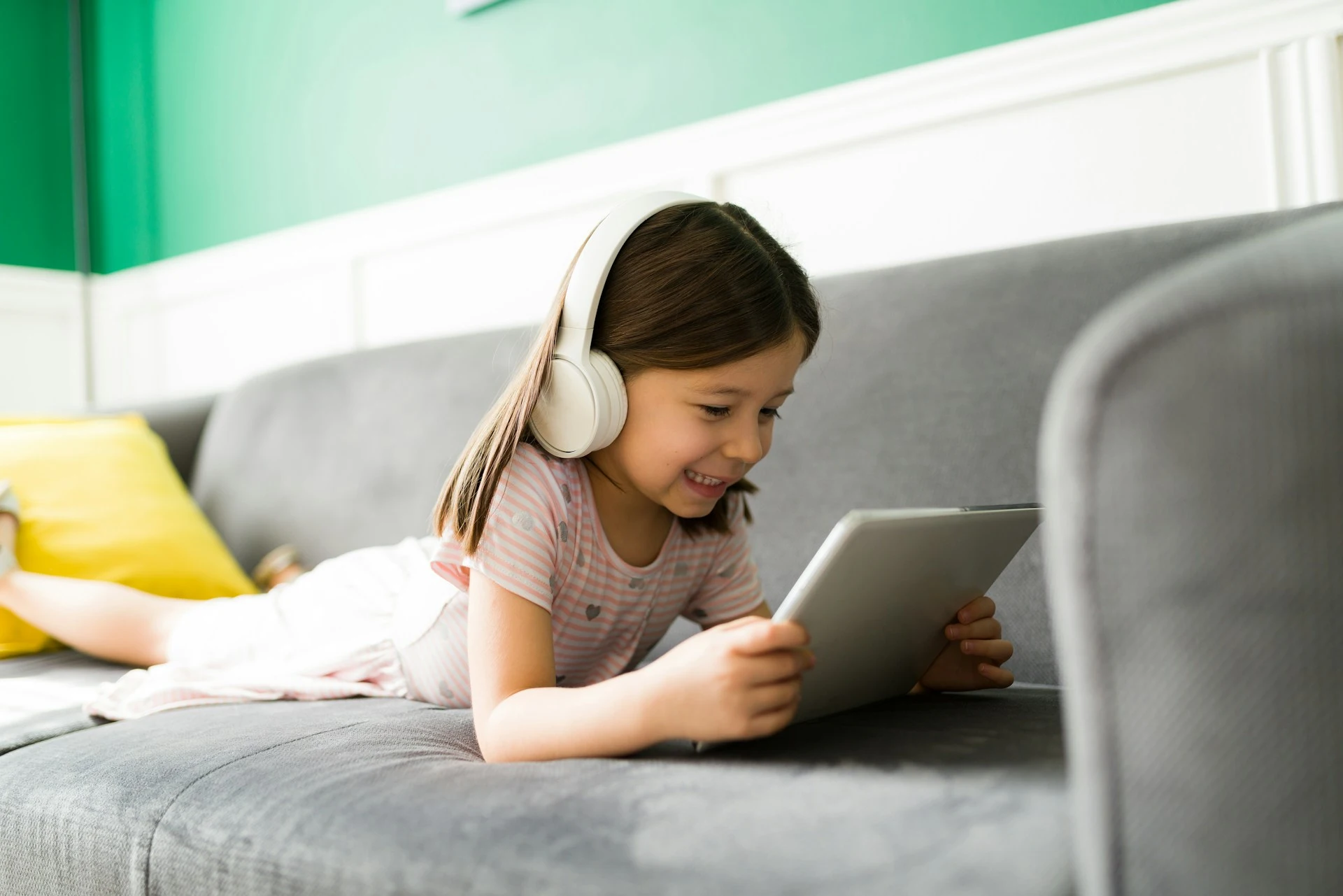
Students who find reading frustrating often disengage entirely. Audio support can re-engage them with content they would otherwise avoid.
What are the different types of text to speech tools?
Of course, the impact TTS has on any student depends partly on the tool you choose. Whether you're looking at TTS for e-learning, classroom instruction, or independent study at home, the right platform varies based on what you need it to do. The categories below cover the most common types you'll come across.
- Built-in operating system tools: Basic TTS features integrated into most computers, tablets, and phones. They're free and easy to access, but voice quality is often limited and customization options are minimal.
- Browser extensions: Tools that read web pages aloud directly from Chrome, Firefox, or Safari. Useful for students consuming content online, though they typically lack advanced features like voice customization or downloadable audio.
- Dedicated educational platforms: Subscription tools designed for classroom use, often bundled with features like reading-level adjustment, vocabulary support, and progress tracking. They come with a fee, but they help teachers manage different students' needs in one place.
- AI-powered multilingual TTS tools: Platforms that combine natural AI voices with support for many languages, voice cloning, and the ability to export audio for offline use. A strong fit for diverse learners or teachers who want to create their own audio resources rather than rely on what's pre-recorded.
- Reader apps with built-in TTS: Apps that pair TTS with other reading supports like dictionaries, highlighters, and note-taking. Some, like Maestra's AI text reader, let students paste text and listen to a generated voiceover, while others read content live as students scroll.
🗣️ Reader apps like Speechify and NaturalReader are among the most popular options in the last category. For a closer look at their key features, you can check out our guide to the best text to speech software.
How can text to speech be used in the classroom?
Picking the right tool matters, but it's how you use it in the classroom that determines whether students actually benefit. The good news is that integrating TTS doesn't require a full rethinking of how you teach. Small, intentional changes often have the biggest impact.
Make It a Regular Part of Independent Reading
Let students choose between reading silently, listening, or doing both at once. Don't position TTS as a "fallback"; frame it as one of several valid ways to engage with text.
Use It for Reviewing Instructions
Multi-step assignments and complex directions are easy to lose track of, especially for students with attention or processing differences. Help them by turning written instructions into audio they can pause, replay, and revisit at their own pace.
Support Writing Revisions
Have students paste their own essays into a TTS tool and listen back. They'll catch errors and awkward phrasings far more quickly than re-reading silently.
Pre-Record Reading Materials
For flipped classrooms, absent students, or TTS for e-learning modules, generating audio versions of assigned readings ensures everyone can keep pace with the curriculum. Tools that let you export audio files (rather than just stream them) are especially useful here.
Convert Text to Speech with AI in 125+ Languages
Build Accessibility Into Lessons by Default
Rather than treating TTS as a special accommodation for individual students, design lessons so audio is available to everyone. This reduces the stigma some students feel about needing extra support, and it also benefits learners who haven't been formally identified as needing help, such as students with mild attention issues, late-developing readers, or anyone having an off day.
What are the best practices for using TTS in the classroom?
Once TTS is part of your classroom routine, a few small habits make a real difference without adding much to your prep time. Here are the ones worth building in early.
- Pair listening with reading, not as a replacement. For developing readers, the goal is still to build decoding skills. TTS should support that process, not bypass it permanently. Encourage students to follow along visually while listening.
- Choose natural-sounding voices. Robotic or monotone voices reduce engagement and can actually harm comprehension. The investment in higher-quality voices pays off in attention and retention.
- Adjust the speed. Most TTS tools let users control playback speed. Slower for unfamiliar content, faster for review. Teach students to use this feature actively rather than sticking with the default.
- Teach students to be active listeners. Listening passively isn't the same as engaging with content. Pair TTS with note-taking, summarization tasks, or questions to keep students mentally involved.
- Watch for over-reliance. Some students may use TTS to avoid reading practice altogether. Build in regular silent reading time and check that decoding skills continue to develop alongside listening comprehension.
- Respect student preference. Some students dislike audio learning, and that's fine. TTS is a tool, not a mandate. Offer it as an option rather than imposing it.

Even with these practices in place, TTS won't be the right tool for every situation.
When isn't text to speech the right fit?
❌ Early readers learning phonics still need direct decoding instruction. TTS can support that, but not replace it. Meanwhile, students with auditory processing disorders may find listening more difficult than reading. And for content that's heavy on visual elements like maps, diagrams, or formatted tables, audio alone won't capture what students need.
Conclusion: What's next for text to speech in education?
TTS is moving from a niche assistive technology to a default layer in how students access content. A few specific developments are shaping where the field is headed.
More Natural and Personalized AI Voices
Voice quality continues to improve at a rapid pace, with newer models producing speech that's increasingly indistinguishable from human narration. AI voices today can adapt accent, emotional register, and narrative style, letting students choose between a lively storyteller, a calm explainer, or a no-nonsense tutor depending on the content and their preferences.
Recent research on emotional speech synthesis has shown that unifying voice cloning with emotional expression produces more consistent and natural outputs, marking what researchers call "an important step toward more expressive and personalized speech synthesis." [3] This kind of personalization turns audio from a static delivery format into something closer to a responsive learning companion.

Wider Multilingual and Accessibility Coverage
The TTS market is expanding quickly: projected to grow to $11 billion by 2035, according to Market Research Future, much of it driven by demand from education and accessibility sectors. [4]
In practice, this means broader language support, more regional accents, and better tools for students whose home language differs from the language of instruction. For multilingual learners, this is one of the most consequential trends to watch.
Integration Into Mainstream Classroom Tools
TTS is increasingly being built directly into the platforms students already use rather than functioning as a separate tool. Microsoft's Immersive Reader, for example, is now used in thousands of classrooms globally to support students with dyslexia and reading difficulties.
As learning management systems, assessment platforms, and digital textbooks add TTS by default, the technology becomes part of the background of education; something students simply expect to be available, like spell-check or autocorrect.
💡 For teachers, the takeaway is straightforward: getting comfortable with TTS now puts you ahead of where the curriculum is heading.
The technology will continue to evolve, but the case for using it in your classroom doesn't depend on what comes next. Even today's tools deliver real, measurable benefits for students across reading levels, languages, and learning differences.
Ready to bring text to speech to your classroom?
Frequently Asked Questions
Is TTS only for students with learning disabilities, or can everyone benefit?
No, TTS works for everyone. While it's especially valuable for students with dyslexia, ADHD, or those who are visually impaired, the same technology helps language learners, auditory learners, and students who simply prefer multitasking with audio. The most effective classrooms treat TTS as something every student can use rather than a support reserved for specific students.
What is the best TTS for students with disabilities?
It depends on the student's needs. Prioritize tools with natural-sounding voices, multilingual support, adjustable speed, and downloadable audio. Popular options include ReadSpeaker, NaturalReader, and Speechify, all offering accessibility features like text highlighting, voice customization, and reading-speed controls.
What is the best TTS for e-learning?
The right tool depends on the type of content you're delivering. For text-heavy courses, prioritize tools with natural voices and downloadable audio: Murf AI and ElevenLabs are commonly used by course creators. For multilingual programs, platforms like Maestra offer broader support across dozens of languages.
Does using TTS hurt students' reading skills?
No, when used thoughtfully, TTS supports reading rather than replacing it. Research generally finds that students who pair audio with on-screen text show better comprehension and stronger vocabulary growth than those reading silently alone. The important point is that TTS shouldn't replace traditional reading practice for early learners still building foundational skills.
Is text to speech the same as a screen reader?
They overlap but aren't identical. Both convert written text into spoken words, but screen readers go further by narrating an entire interface (including menus, buttons, and notifications) to help users with visual impairments navigate their devices. Standard TTS tools, by contrast, focus specifically on reading text content aloud and are used by a much wider audience.
Is text to speech the same as audiobooks?
No. Audiobooks are pre-recorded performances of specific books read by professional narrators, while TTS uses AI to convert any digital text into spoken audio on demand. For students, this means TTS can read everything from textbook passages to web research to their own writing, not just the titles available in audiobook format.
What languages do most TTS tools support?
It depends on the tool. Free or built-in options usually cover the major world languages, while AI-powered platforms like Maestra extend support to 125+ languages with a range of regional accents and speaking styles. For diverse classrooms, choosing a tool with broad multilingual support can make TTS useful across many different student needs in one place.
Are TTS tools free for educational institutions?
Many basic TTS tools are free, including built-in OS features and some browser extensions. More advanced platforms with high-quality voices and multilingual support typically have paid plans. Still, most offer free trials and education discounts, so teachers can test a tool with their class before committing to a subscription. For instance, Maestra offers a 20% discount for students, teachers, and non-profit organizations, and a free trial for everyone.
References