Chaitanya P.
Managing Director"Master the Media with Maestra"
The best side of this product is auto subtitling. And most importantly, it supports multiple languages.
Read full reviewTranscribe Microsoft Teams meetings and get an accurate,
speaker-labeled transcript. Or connect Maestra to Teams to
transcribe live. Available in 125+ languages.
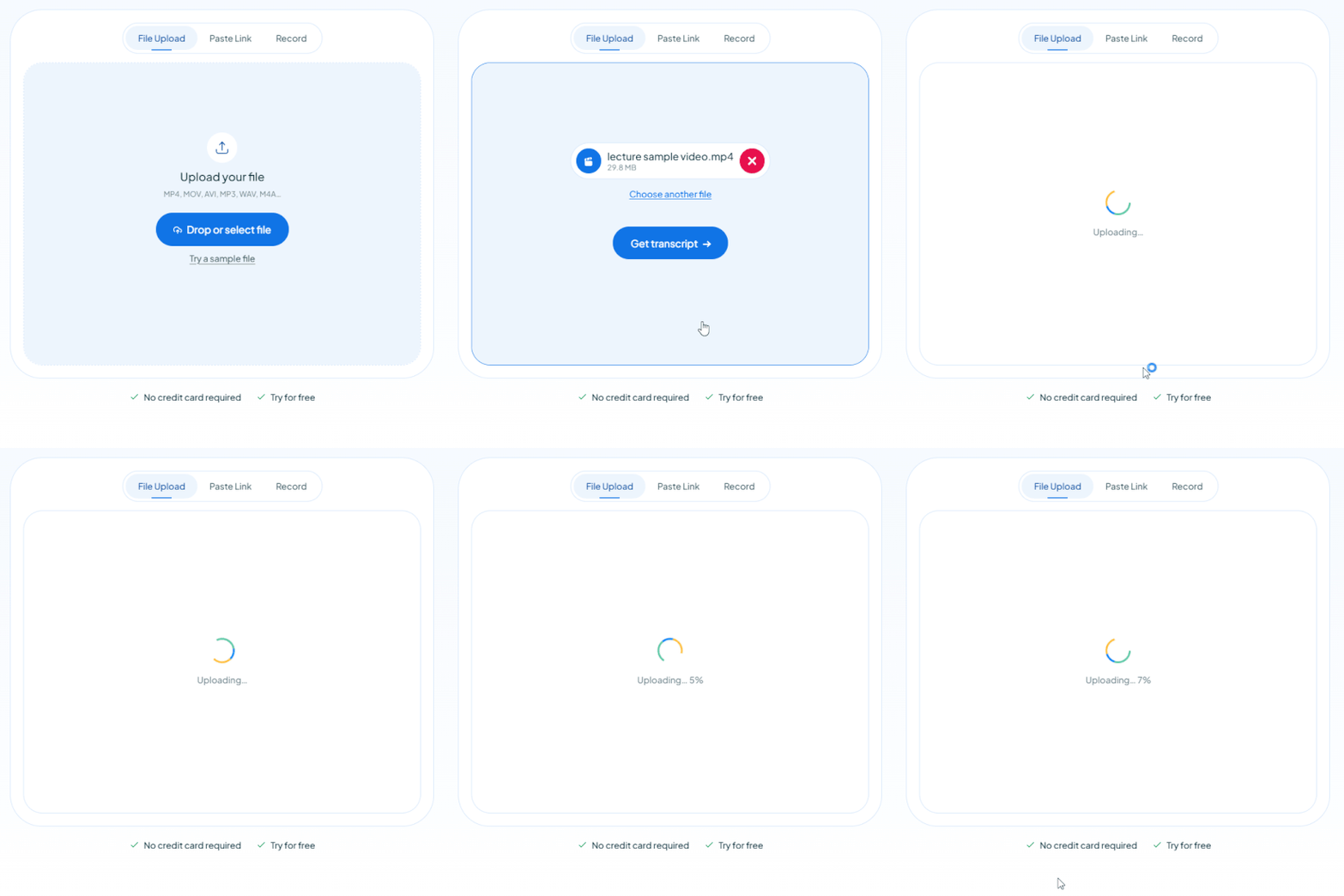
MP4, MOV, AVI, MP3, WAV, M4A…
Your free trial is used — convert your next file in the Maestra app.
Continue in the AppYouTube, Vimeo, Google Drive, or a direct media URL
Your free trial is used — convert your next file in the Maestra app.
Use your microphone
Your free trial is used — convert your next file in the Maestra app.
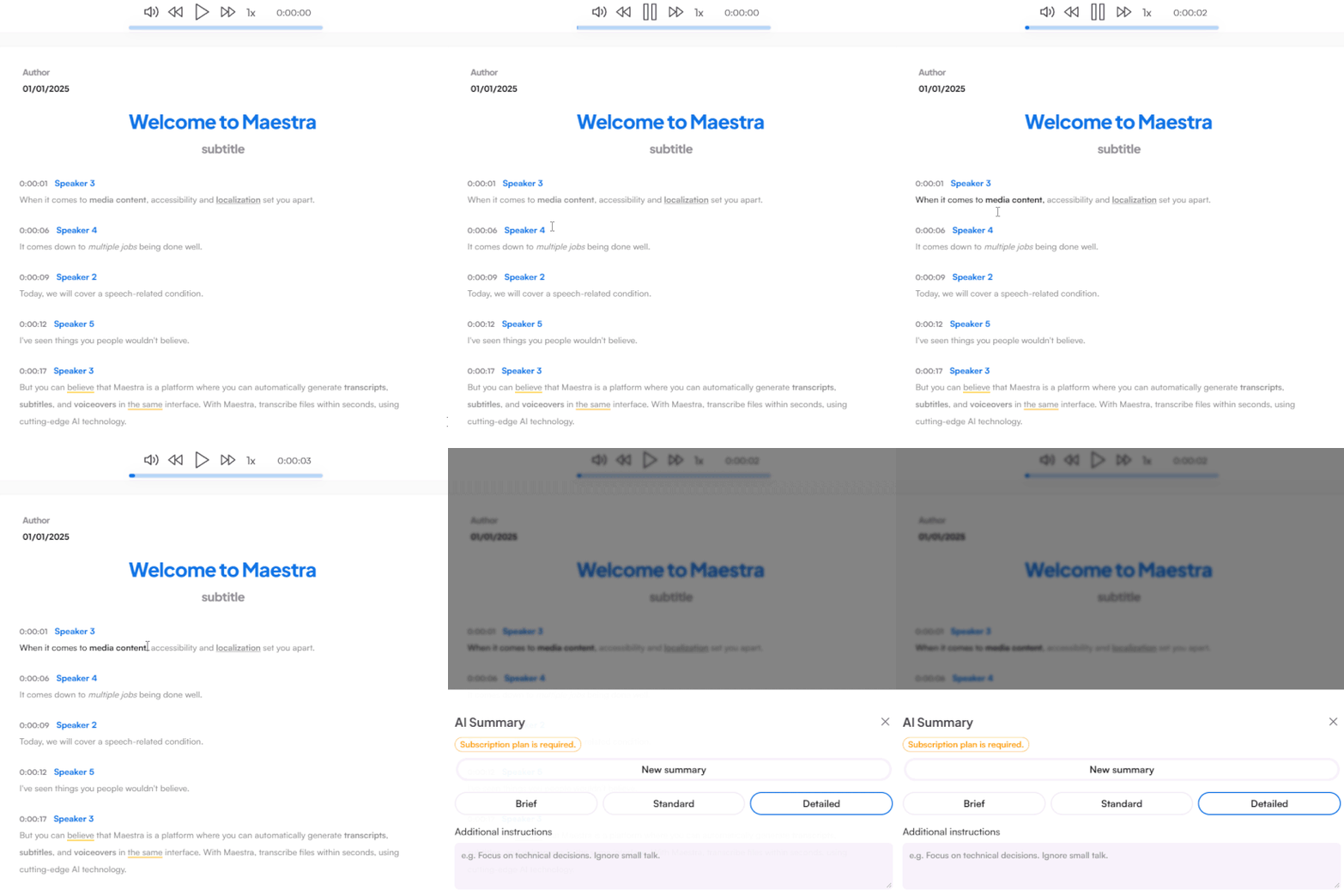
Do this and so much more in the appThis is just a sampleYour file was transcribed successfully.No speech was found in your file.The result came up empty again.
Your transcript is ready to preview.
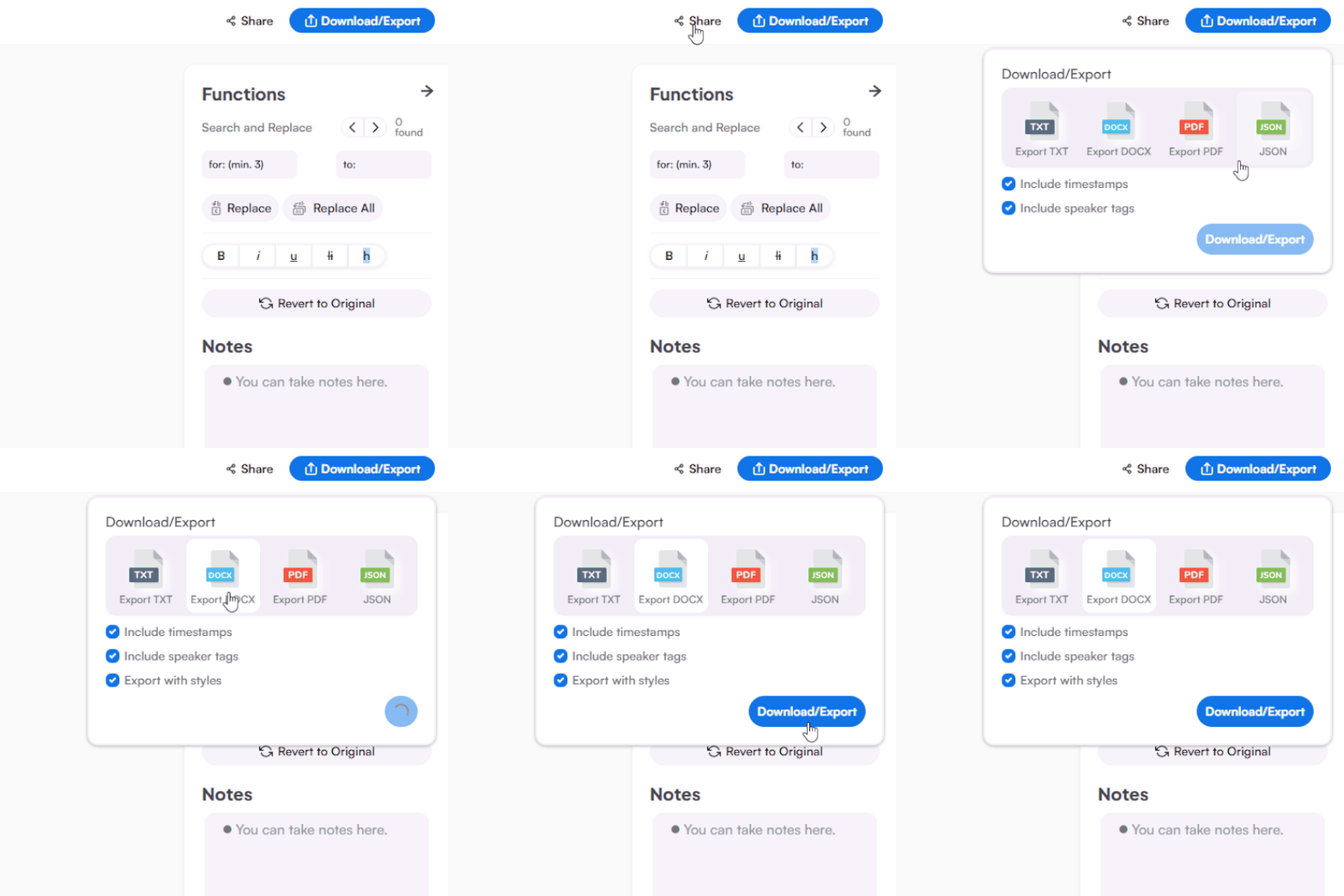
Sign up to download or export your file.
Try it with your own file. Upload one here, or continue in the Maestra app.
This is a 1-minute preview. Sign up to download or export your transcript.







Upload a recording for a polished transcript, or capture the meeting live. Both give you accurate, editable text.
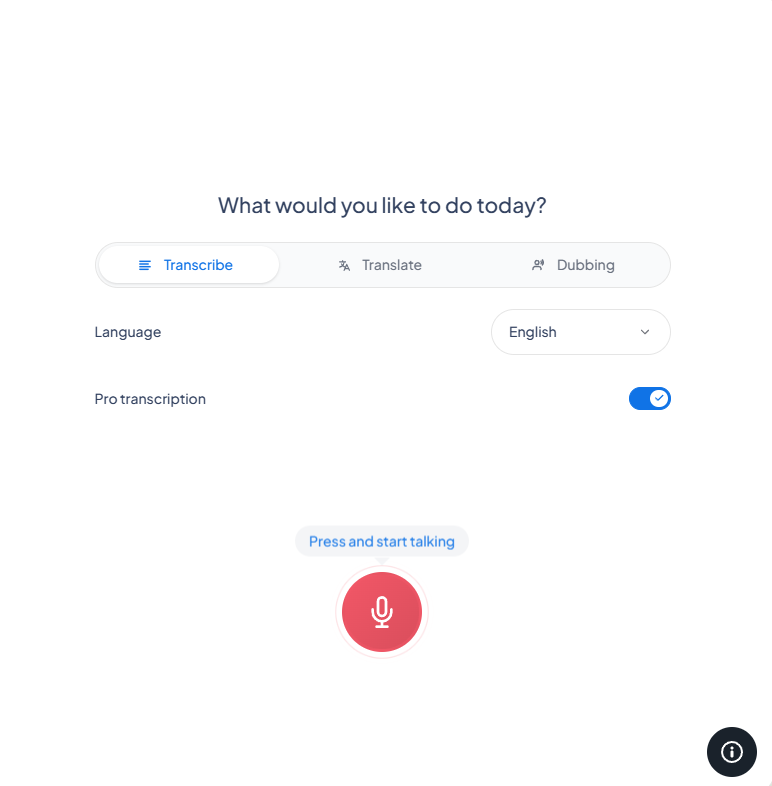
Upload the Teams recording, paste a link, or record the call live. Choose from 125+ languages.
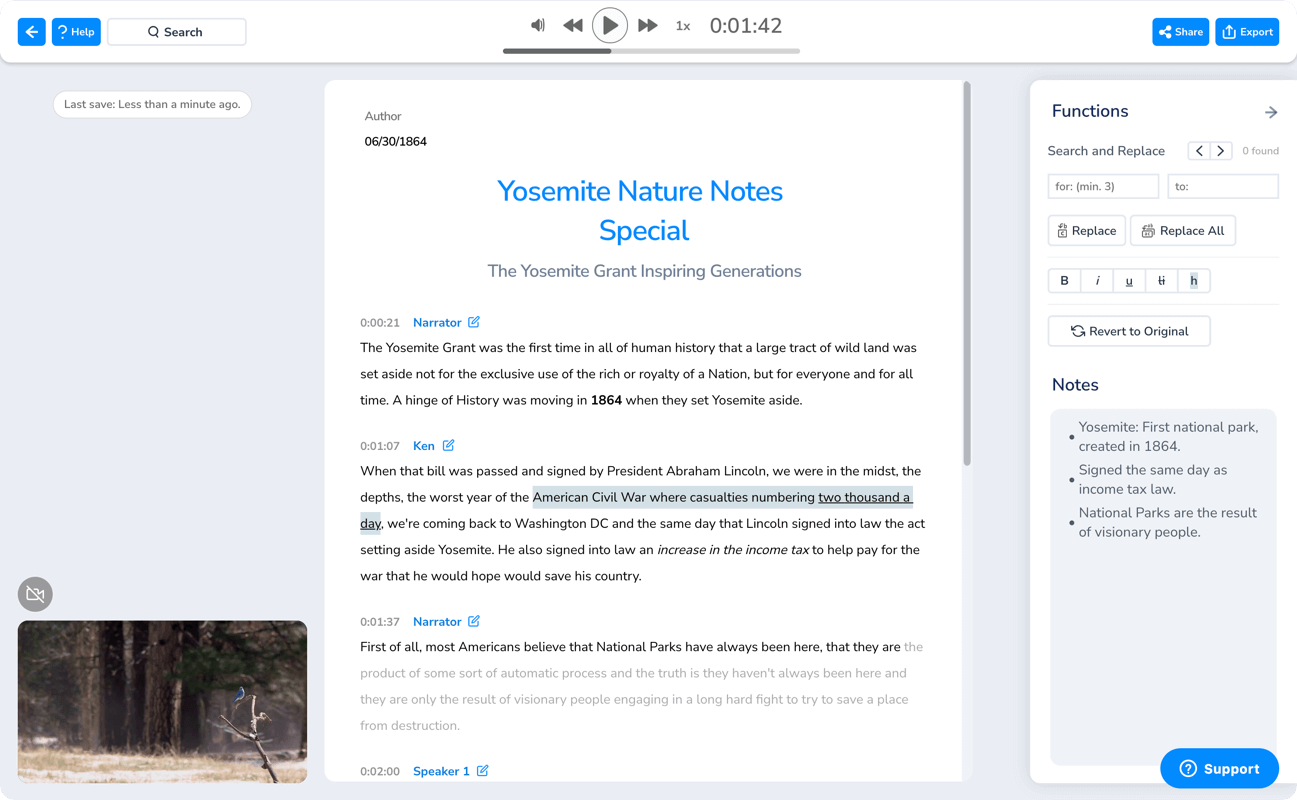
Your transcript is ready in minutes with every speaker labeled and each line timestamped. Review, edit, or summarize it in the editor.
Share it with your team, or export as DOCX, PDF, TXT, or JSON for meeting minutes and records.
Turn any Teams meeting into a clear, searchable record your whole team can use.
Everything you need to know about transcribing Microsoft Teams meetings with Maestra.
Upload the recording to Maestra, pick the language, and the transcript is ready in minuteswith speakers labeled. You can then edit, summarize, or export it. For turning on Teams' own transcription, see our Teams transcription guide.
Yes. Upload any past recording, cloud or local, and get a full Microsoft Teams transcript, even if transcription was never enabled during the call.
It does. Teams' native transcription often depends on admin settings and your license, but Maestra just needs the recording file, so anyone can get a transcript.
Accurate enough for minutes and records, and the editor plus a custom dictionary let you fix names, product terms, and acronyms.
Speakers are separated and labeled automatically, so a Microsoft Teams transcript stays readable even in large calls.
Yes. Connect Maestra to Teams for real-time transcription during the call, see how the Teams integration works.
Upload Teams' standard formats, MP4 video and M4A audio, plus other common files. When you're done, export the transcript as DOCX, PDF, TXT, or JSON for meeting minutes, documentation, or archives.
Your recordings and transcripts stay yours. Files are processed securely, aren't shared, and you can delete them from your account at any time, which matters for confidential or internal meetings.
You can try Maestra's Teams transcription free to test the accuracy and editor, and paid plans cover full-length meetings by the minute. Live transcription is free to use.
No. For recorded meetings you upload the file afterward, and the live integration works through Teams' built-in captions, so nothing joins your call or shows up in the participant list.