Chaitanya P.
Managing Director"Master the Media with Maestra"
The best side of this product is auto subtitling. And most importantly, it supports multiple languages.
Read full reviewDeliver CART captioning with AI: live captions for classes, meetings, and events, available the moment you need them. Completely free.
Start CART Captioning






Communication, Made Accessible
Accessible captions in real time, start to finish.
Select the spoken language(s) or enable Auto-Detect.
Open the captioner and let it pick up the room's audio, it's ready the moment someone speaks.
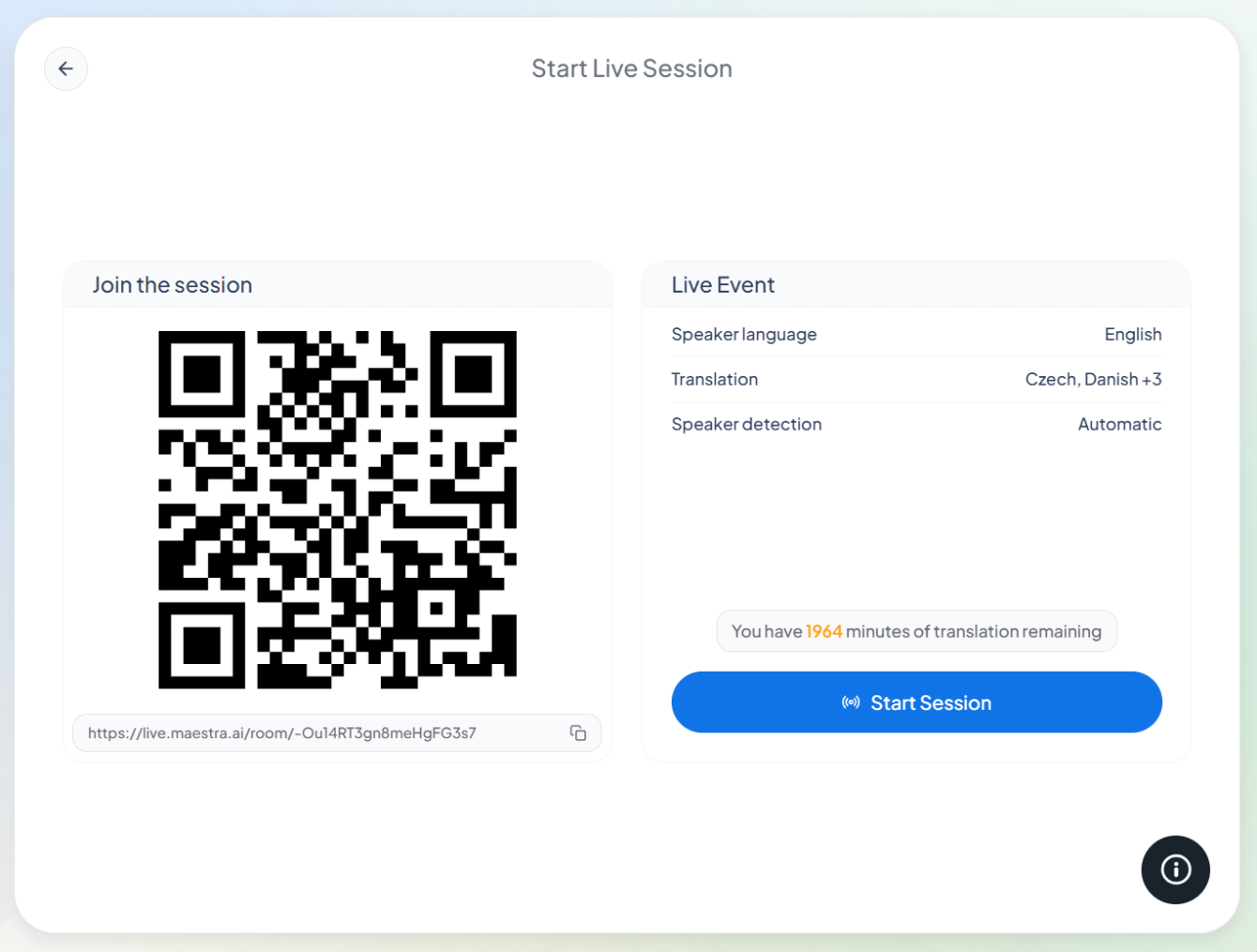
Captions appear as the words are said. Show them on screen, or share a link or QR code so attendees follow on their own devices.
Share the session with a link or QR code, and attendees follow the live captions on their own devices, in their preferred language. No apps, no setup.
Instant availability, saved transcripts, and coverage for any room.
What CART means, how the AI version works, and who can follow along.
CART stands for Communication Access Realtime Translation: speech converted into live, readable text for deaf and hard-of-hearing audiences. It's the standard accommodation for classes, meetings, courts, and events where spoken content must be accessible as it happens.
Closed captions are prepared for recorded video and switched on during playback. CART happens live, the captions are produced in real time while someone is speaking, which is what makes it usable for classrooms, meetings, and live events.
Maestra's CART captioning is AI-generated. That's what makes it instant and unlimited, there's no stenographer to schedule, and a session can start the moment it's needed, at any hour, in 100+ languages.
Many organizations use AI captions to provide access in classrooms, workplaces, and events. Formal requirements vary by institution and jurisdiction, some contexts specify certified human providers, so check what your accommodation policy requires. Where AI captioning is accepted, it's the fastest way to provide access.
Teams has a built-in CART caption channel, and Maestra connects to it directly, so the live captions appear inside the Teams interface itself. The full setup is on the Microsoft Teams live translation page.
Each attendee who joins by link or QR code can pick their language, and the captions translate live. The speaker speaks once; the room reads in whatever languages it needs.
Live captions are free with unlimited use. Live translation and higher accuracy come with Pro, which includes a free trial.
Remote attendees join with the same link as people in the room and see the same live captions. In-person, hybrid, or fully online makes no difference to the setup.