
.webp)
Chaitanya P.
Managing Director"Master the Media with Maestra"
The best side of this product is auto subtitling. And most importantly, it supports multiple languages.
Read full reviewReal-time event translation and live transcription for conferences, webinars, and meetings where attendees listen in their own language on their own device, no hardware required.







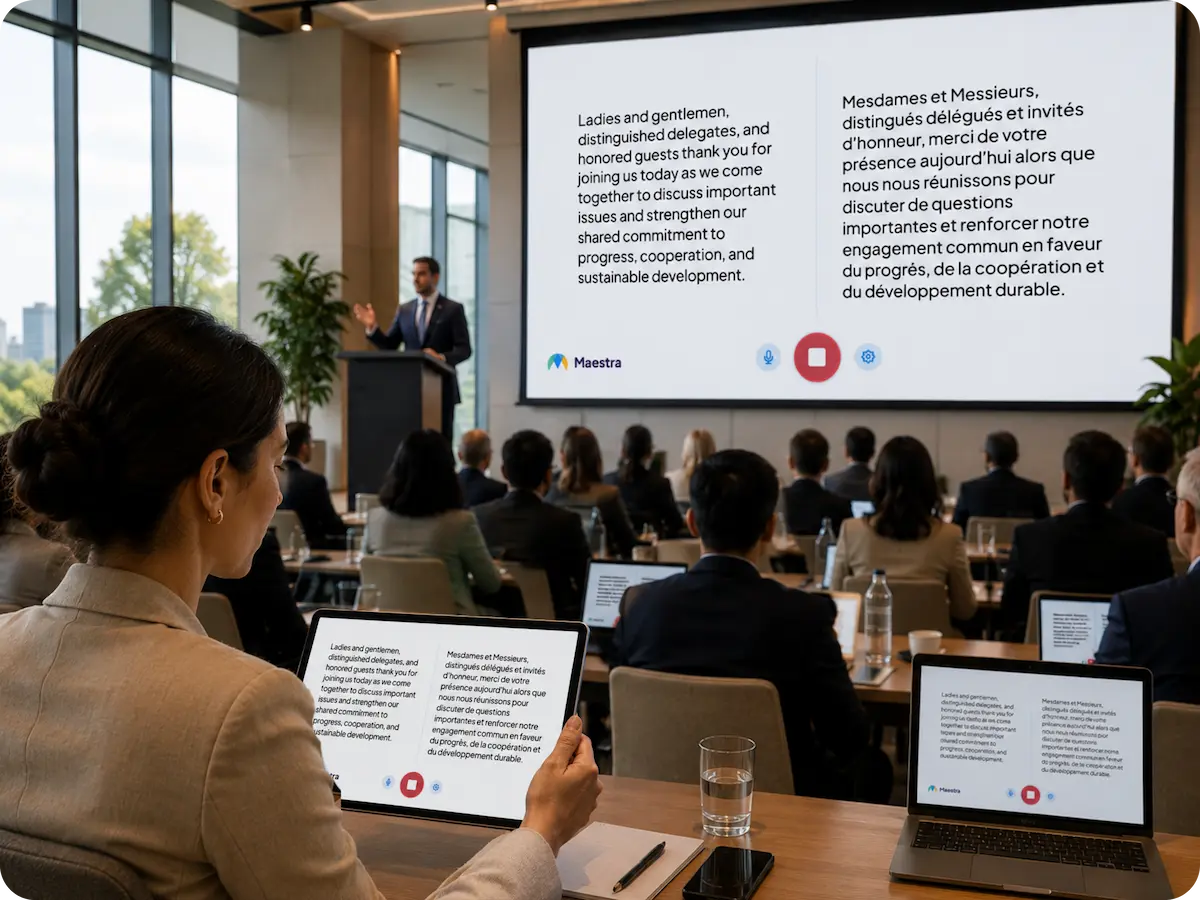
No apps to install, no equipment to hand out. Attendees join the live event and follow along in their own language in seconds.
A QR appears on the event screen or printed card. Attendees scan with their camera, no app download, opens instantly in any browser.
All active channels appear instantly, 125+ languages available. One tap and they're connected to the live audio stream in their language.
Attendees hear the speaker's cloned voice or selected AI voices live in their preferred languages. Simultaneously, they can read live captions on their screens.
Whether your audience is in the room, across the world, or both. Maestra keeps everyone connected, in their language.
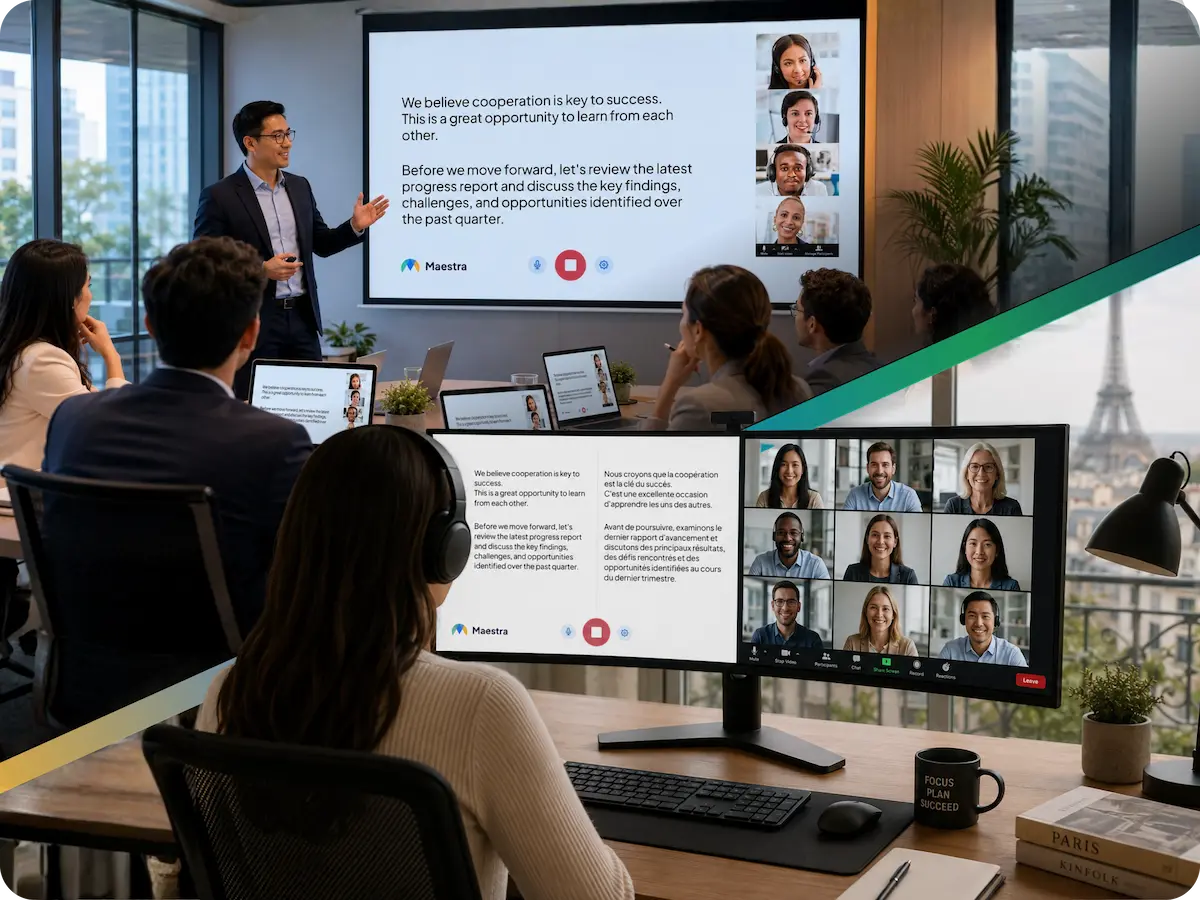
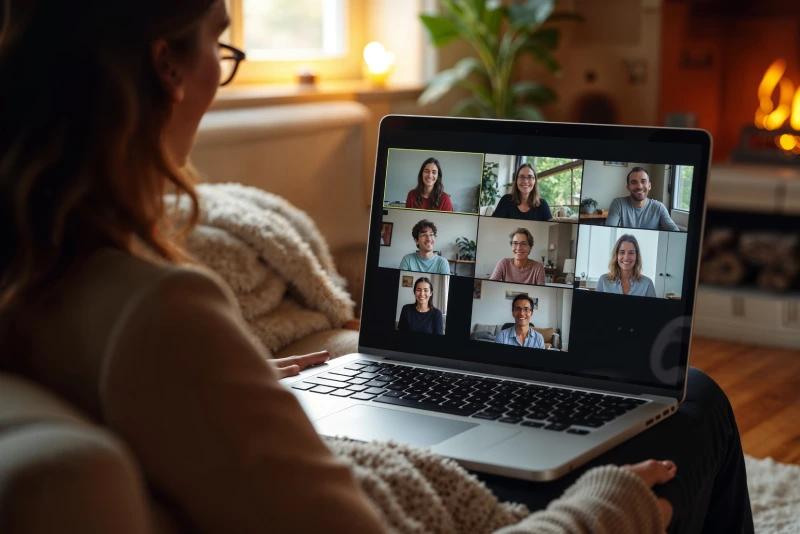
Run live event translation alongside the meeting, livestream, and broadcast tools your team already uses to host events.

.webp)

Built for event professionals who need reliability every time, at any scale.
Everything you need to know about running live event translation with Maestra.
Live event translation converts a speaker's words into another language in real time, delivered as captions, translated audio, or both. Attendees follow along in their preferred language during the event without waiting for a recorded translation or post-event transcript.
Maestra supports 125+ languages for live captions and translations, making it suitable for international conferences and global online events.
Yes. Attendees scan a QR code or open a link in any browser on phone, tablet, or desktop. No app install or account is required.
Accuracy depends on audio quality, speaker clarity, and terminology, but Maestra uses advanced AI speech recognition and translation models to deliver highly reliable results in real time.
AI live event translation removes the need to schedule interpreters, rent booths, or distribute receivers at the venue. It scales to dozens of languages on demand at a fraction of the cost, making it viable for recurring meetings, last-minute sessions, and events with tight budgets.
Yes. You can translate events taking place online, in person, or in hybrid formats by capturing the event audio and streaming the live translation to attendees’ devices.
Yes. Users can switch languages at any time while the event translation is running.
Yes. Maestra offers scalable infrastructure, secure access options, and custom enterprise solutions for large-scale or high-stakes events.
Yes. The system handles continuous speech from multiple speakers and supports panel discussions, as long as audio quality is clear.
Yes. The system processes continuous speech from different speakers, as long as audio quality is clear.
Sessions can be saved, allowing you to review, edit, or repurpose the translated content afterward.
Yes. The live event translation feed can be projected on screens or shared via personal devices.
Absolutely. Secure access and enterprise-grade configurations are available for sensitive or internal events.