Chaitanya P.
Managing Director"Master the Media with Maestra"
The best side of this product is auto subtitling. And most importantly, it supports multiple languages.
Read full reviewAI-powered live translation for schools, universities, and educators in lectures, classes, and parent-teacher meetings where every student listens in their preferred language.
Fill out the form for a personalized demo from our team.







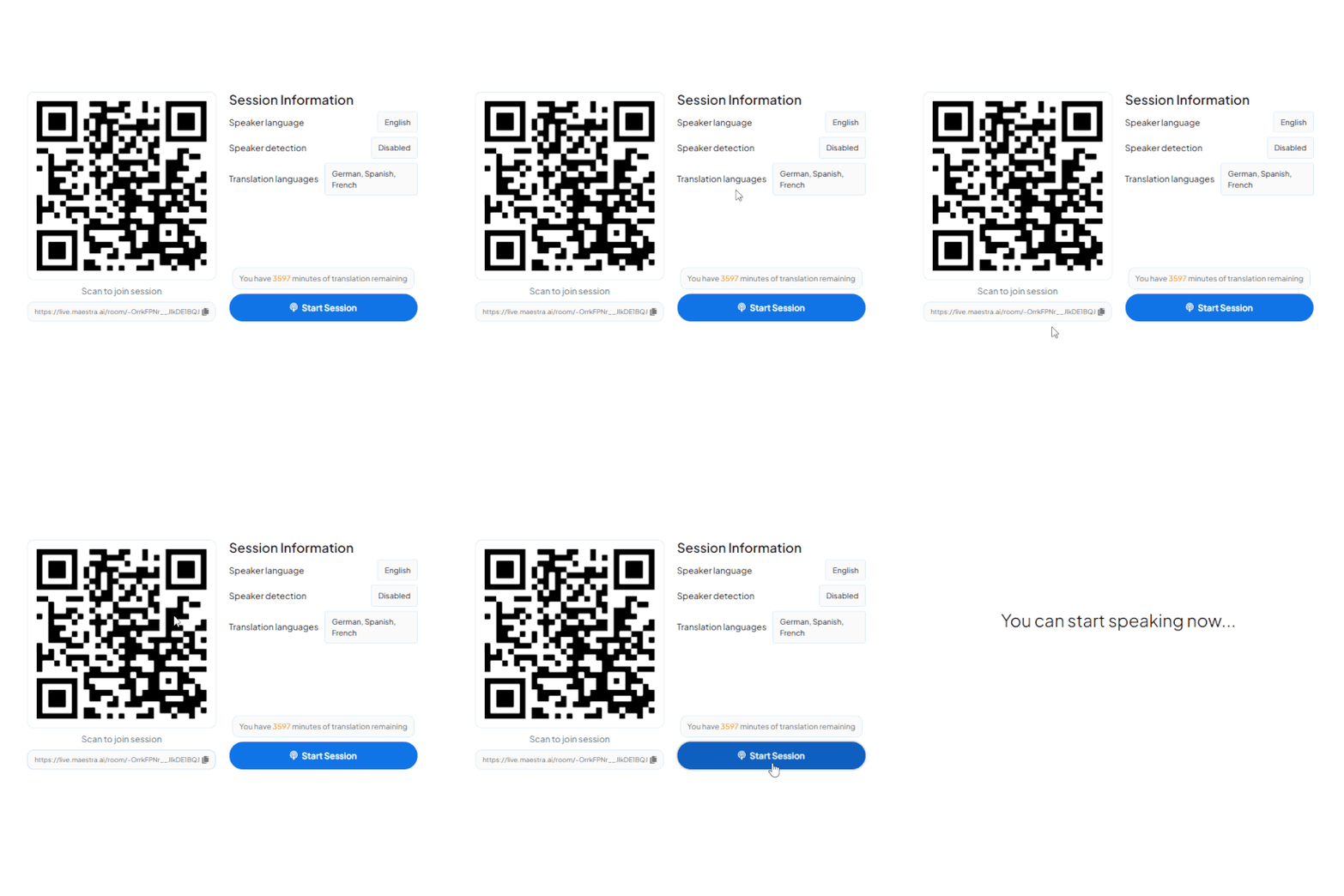
A QR appears on the classroom screen or printed card. Students scan with their camera, no app download, opens instantly in any browser.
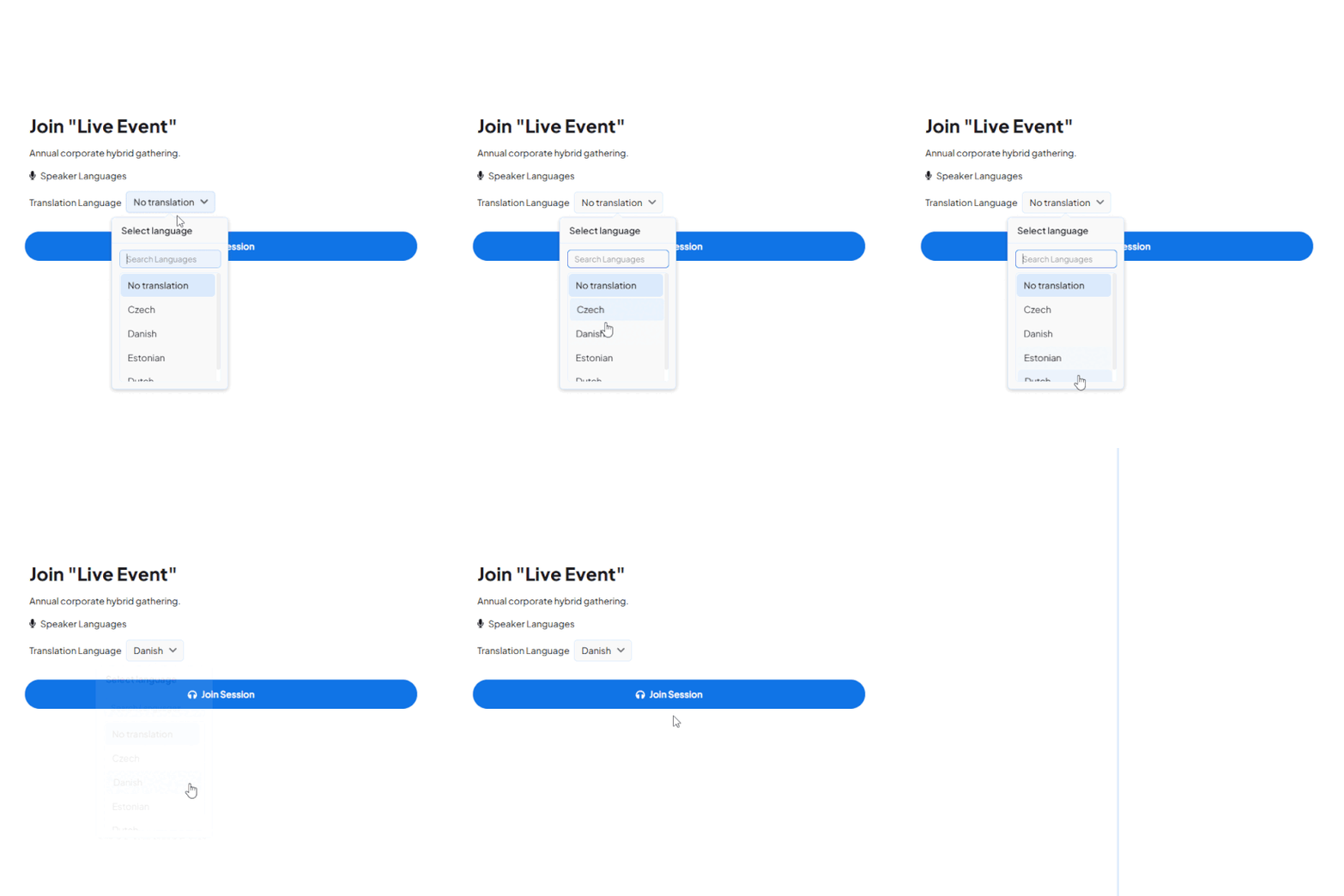
All active channels appear instantly, 125+ languages available. One tap and they're connected to the live audio stream in their language.
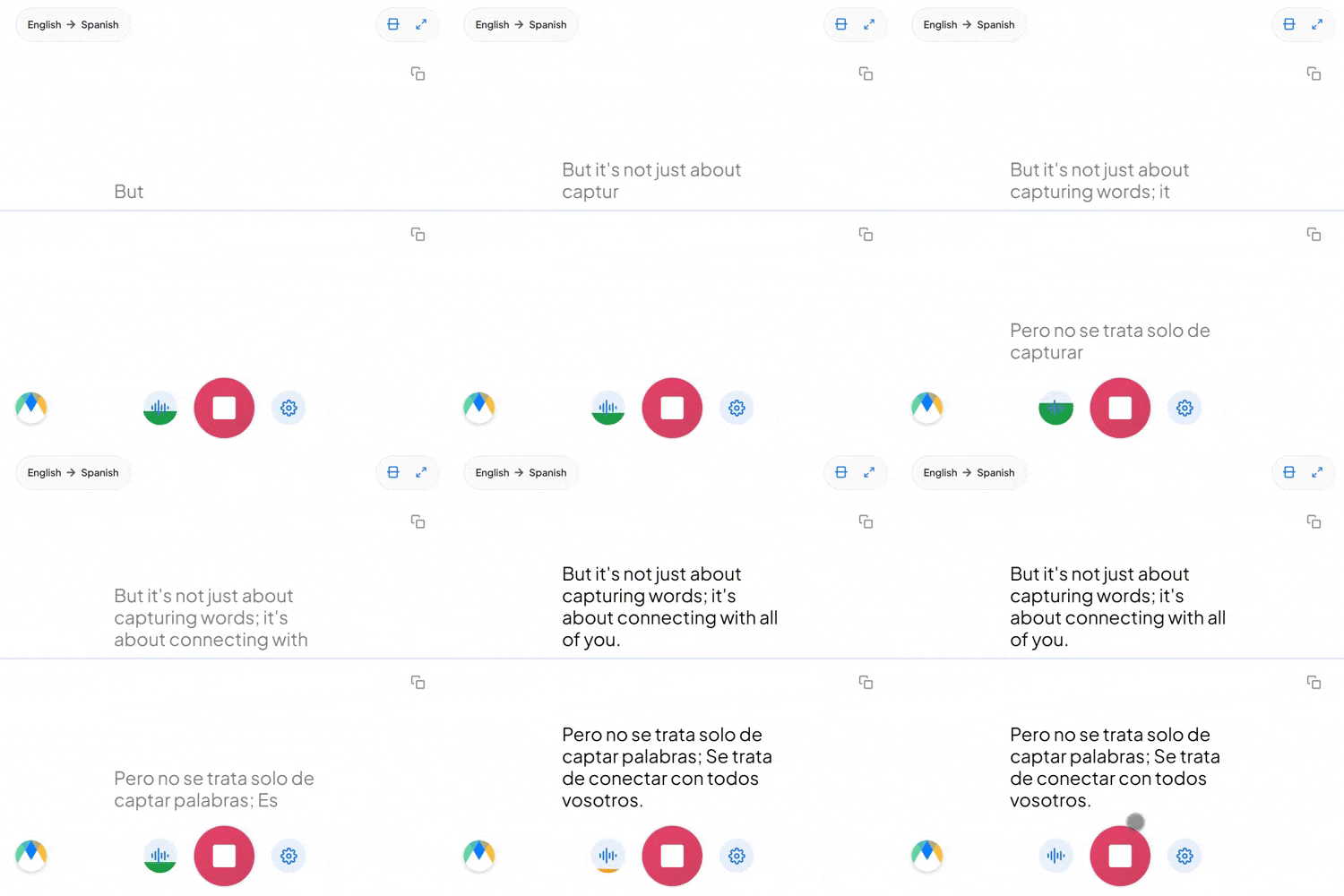
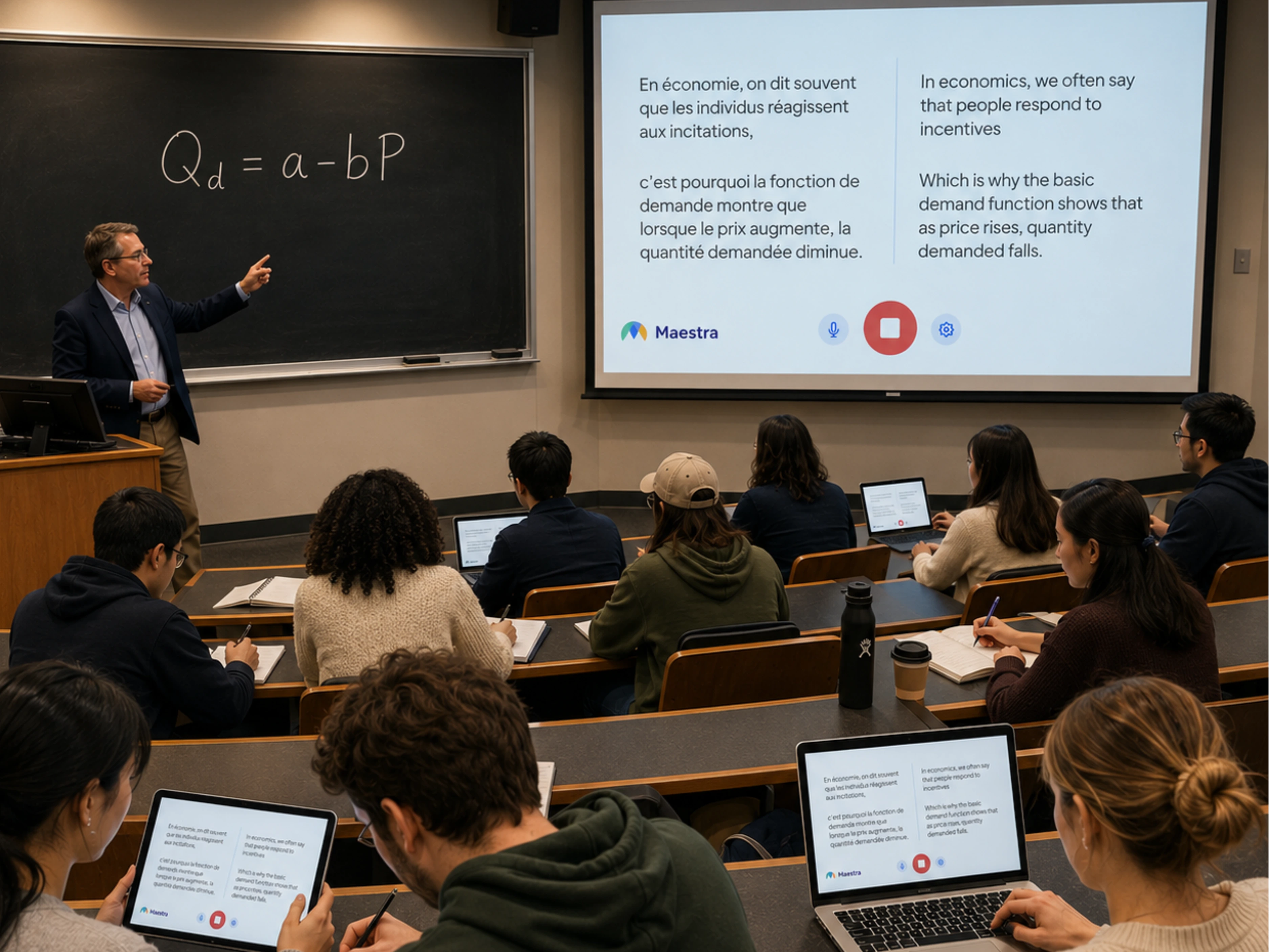
Students hear the speaker's cloned voice or selected AI voices live in their preferred languages. Simultaneously, they can read live captions on their screens.
Whether your students share one lecture hall, log in from another country, or both, Maestra keeps the whole class in the same lesson, in their own language.
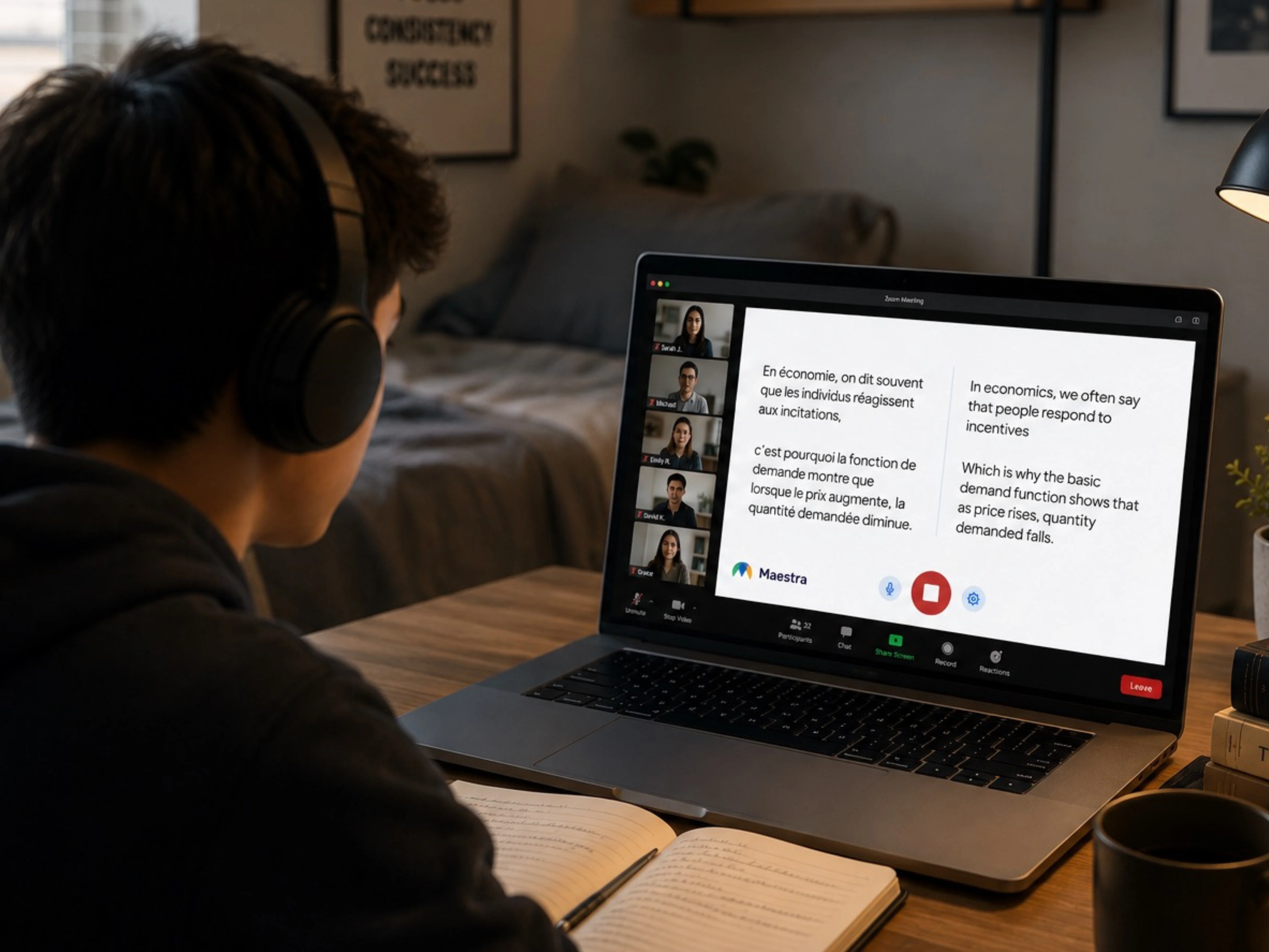
Add live education translation to the conferencing and broadcast tools your school or university already uses for online and hybrid classes.
Add live translation and captions to Zoom classes, lectures, and parent-teacher meetings.
Learn more
Translate Teams classes and meetings for multilingual students and families.
Learn more
Stream live lecture translation as captions and translated audio inside your OBS broadcast.
Learn more.webp)
Mix live translated audio and captions into vMix lecture or event production.
Learn more


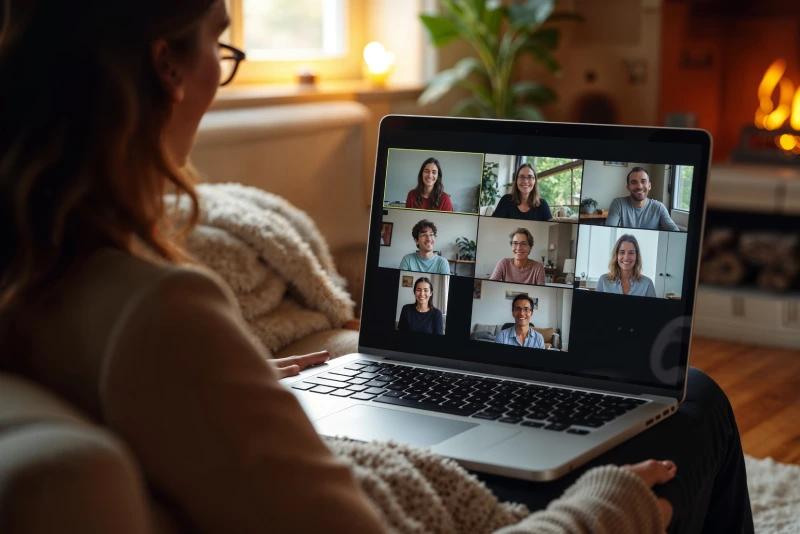
Everything you need to make lessons, lectures, and meetings accessible across 125+ languages.
Education translation converts spoken lessons, lectures, and meetings into other languages in real time, delivered as live captions, translated audio, or both. Students, teachers, and families follow along in their preferred language without separate sessions or recordings.
Connect Maestra to a classroom mic, audio source, or meeting platform, choose the spoken language and the languages to translate into, then start the session. Students join with a QR code or link and select their preferred language.
Yes, almost every feature has a free trial so that users can try them out for themselves before unlocking the full potential of Maestra's pioneering AI solutions.
Maestra provides enterprise-strength security to ensure translated educational content is always safeguarded. Any data that goes through the platform, including live translation, captions, transcripts, and dubbing, is fully encrypted in transit and at rest.
Yes, you can pick multiple source and translation languages. The software can auto-detect the spoken language and translate to multiple languages simultaneously, allowing you to create an accessible & multilingual educational environment.
Yes, you can either use the real-time translator to translate live lessons or use one of our many translators to translate recorded audio. Also, you can save the live educational sessions to your Maestra dashboard to translate and edit further.
No, you only need an internet connection. You can safely save recorded sessions on your Maestra dashboard, where they are encrypted and stored on Maestra's cloud.
Maestra uses the best AI translation technology available to detect and translate speech in real-time. Speech overlaps or audio disruptions can cause minor inaccuracies, but other than that the translations are extremely accurate.
Yes. Students scan a QR code or open a link in any browser on phone, tablet, or desktop. No app install or account is required.
Yes. Maestra detects the spoken language and switches translation automatically, so teachers and students can each communicate in their own language across 125+ options.
Yes. Verified students get 20% off Maestra plans, available on individual subscriptions for translating lectures, study materials, and class recordings.
Yes. Both transcripts and translated audio can be saved when the relevant options are enabled in your session settings before the class starts.