Video Game Translation Services: 10 Agencies and Platforms Compared
- TL;DR
- How We Compared These Video Game Translation Services
- Video Game Translation Services at a Glance
- What Video Game Translation Services Cover
- Best Game Localization Agencies
- Best Game Localization Platforms
- AI Voice Tools for Game Audio
- Agency, Platform, or Both?
- Final Verdict
- FAQs on Video Game Translation Services
Translating games is not one job. It is menus, dialogue, store pages, and voice, and each one can be done a different way. You can hand the whole thing to an agency. You can run it yourself with a platform and bring in your own translators. You can use AI for the parts that suit it and people for the parts that do not.
Which route makes sense depends on your game. A story-heavy RPG with a voiced cast has almost nothing in common with a puzzle game that needs its menus in eight languages. The first needs more human input. The second might not need much beyond a platform and a review pass.
The trouble is that most roundups list agencies and tools together without explaining the difference, so you end up comparing a company against a piece of software as though they answer the same question. They do not.
This post covers five agencies and five platforms, plus a short section on AI voice tools.
TL;DR
- Agencies do the work for you. Best for voice acting, or if nobody in-house can manage translation.
- Platforms are software you run yourself. Best if your text changes often.
- Platform prices are generally published. Free to over $900 a month. Agencies mostly publish nothing.
- AI suits repetitive content. Narrative, humor, and lead voices generally need more human input.
- Start before the game is finished. Retrofitting a finished build for localization can add substantial costs.
How We Compared These Video Game Translation Services
What this list is based on: vendor documentation and pricing pages, checked directly in August 2026. Not other roundups.
What we checked for every vendor: languages, services in scope, current pricing, integrations, and named client work. For agencies, we also looked for a published position on AI, since vendors differ and few state it plainly.
What this list does not tell you: translation quality. That is something you can only really assess on your own project, in your own languages. How a service handles a deadline works the same way.
You can pay a shortlisted agency for a sample translation of around 500 words before committing, and use the free trial on any platform before you subscribe. Both cost little and tell you more than any comparison can.
Video Game Translation Services at a Glance
The table below covers all ten video game translation services at a glance. Find the row that matches your situation, then read that entry in full.
| Service | Type | Best for |
| Keywords Studios | Agency | Multi-platform and live-service games |
| Localsoft | Agency | Console releases needing testing |
| Altagram | Agency | Games with heavy voice acting |
| Allcorrect Games | Agency | Indie and mid-size, plus game art |
| Level Up Translation | Agency | Narrative indies wanting human-only |
| Crowdin | Platform | Frequent text updates, engine integration |
| Lokalise | Platform | Developer teams with an existing pipeline |
| Gridly | Platform | Games specifically, text plus game data |
| POEditor | Platform | Small projects on a tight budget |
| Weblate | Platform | No budget, or self-hosting |
Before comparing any of them, it helps to know what you are actually buying. For this guide, game localization is split into six main kinds of work, and services differ in how many they handle.
What Video Game Translation Services Cover
Below are the six main kinds of work covered by video game localization. Most vendors handle some, but not all of them.
- In-game text: User interface, menus, item descriptions, quest logs. Character limits cause the most trouble here. French and German typically need 20 to 35% more characters than English to say the same thing, so text that fit the button in English often will not fit after translation. [1] This is a common place to use AI, since the strings can be short and repetitive, but a human should still check that nothing overflows the space allowed.
- Narrative and dialogue: This is where most of the words are, usually far more than menus and buttons combined. Branching dialogue adds even more, since each path needs its own lines. AI can help with a first pass, but jokes, character voice, and cultural references generally need more human oversight.
- Voiceover and dubbing: Recording actors in each language. This is typically priced separately from text or included as a separate part of the quote. AI voices are common for temporary tracks, minor characters, and marketing videos, while studios may prefer actors for lead roles and emotional scenes.
- Subtitles and captions: Text for cinematics and cutscenes. These follow timing rules instead of character limits, since the words have to match what is on screen and stay readable at speed. AI can handle a first pass, while an editor checks line breaks and wording.
- Store listings and marketing: Steam pages, patch notes, and trailer copy. Studios often send these to a different vendor than the game itself. AI can help with repetitive updates such as patch notes. Store descriptions often need more human input since they are sales copy.
- Legal and compliance: End user license agreements, age ratings, and regional disclosures. Requirements change from market to market. Keep humans on this one. Mistakes carry legal consequences rather than just bad reviews.
💡 One vendor's localization services might cover only in-game text, while another's covers all six. Vendors also differ in how much AI they use, and some are open about it while others are not. Ask what is included and how the work is done before you compare prices. Two quotes may differ because they cover different things, not just because one vendor charges more.
How to Translate Live Streams with in Real Time
Best Game Localization Agencies
These are the vendors you brief rather than operate yourself. You send files, they assign a team, and the work comes back finished. The five below are listed from largest to smallest, and this is not a ranking: the right one depends on your languages, your budget, and whether you need audio.
Keywords Studios
Ideal if you're: shipping a multi-platform or live-service game that needs text, audio, and LQA from a single vendor.
Keywords Studios is the largest game services company in the list, and the one most likely to already be working on the games you play. Localization is one arm of a business that also covers art, audio, QA, and player support.
Languages: Keywords Studios states 80+ languages for text and 50+ for audio, all managed through a single point of contact.
Services: Translation, editing, proofreading, transcreation, age-rating support, geopolitical assessment, graphic design, audio recording, and localization QA. Their site also lists localization engineering and consultancy for studios setting up a process for the first time.
Technology: They run their own translation management platform, KantanAI, which they say has handled more than 30 million words across 35 languages. XLOC, their content management system for game development, is also in-house.
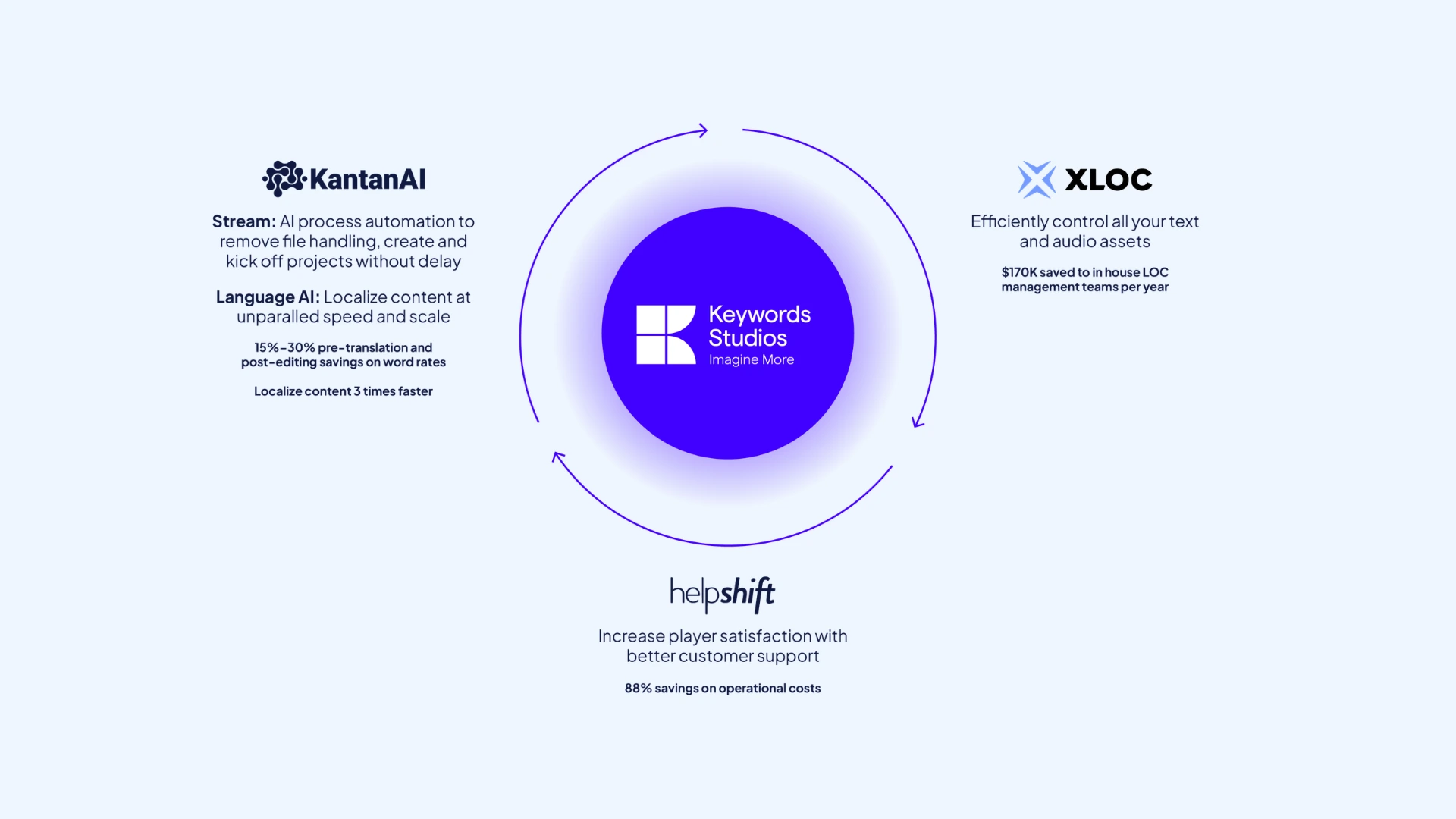
Notable work: They work with Supercell on games like Clash of Clans, translating millions of words a year as new content is released.
Pricing: Quote only. No rates published.
Pros
- Widest language coverage of any agency here (including 50+ languages for audio)
- Text, audio, LQA, and age ratings under one contract
- Proven with live-service games that update constantly
Cons
- Localization is one division among many, not the whole business
- AI-assisted translation is built in, so ask how it is used
- Small projects sit alongside much larger accounts
Localsoft
Ideal if you're: releasing on console and need translation and testing that meets PlayStation, Xbox, and Nintendo requirements.
Localsoft dates its game localization work to 1988, which makes it the longest-running vendor here. The games business runs as a separate brand from their wider translation company.
Languages: Over 50 languages across translation, subtitling, voiceover, and testing.
Services: Translation, proofing, desktop publishing, subtitling, audio, and testing. Audio covers multilingual dubbing plus pre- and post-production. Testing includes both LQA and functionality testing, run in their own secure labs, and covers console requirements alongside the usual text and audio checks. Translators work only into their native language, and every file is proofed by a second linguist before delivery.
Technology: No in-house software. You send files in whatever format you already use.
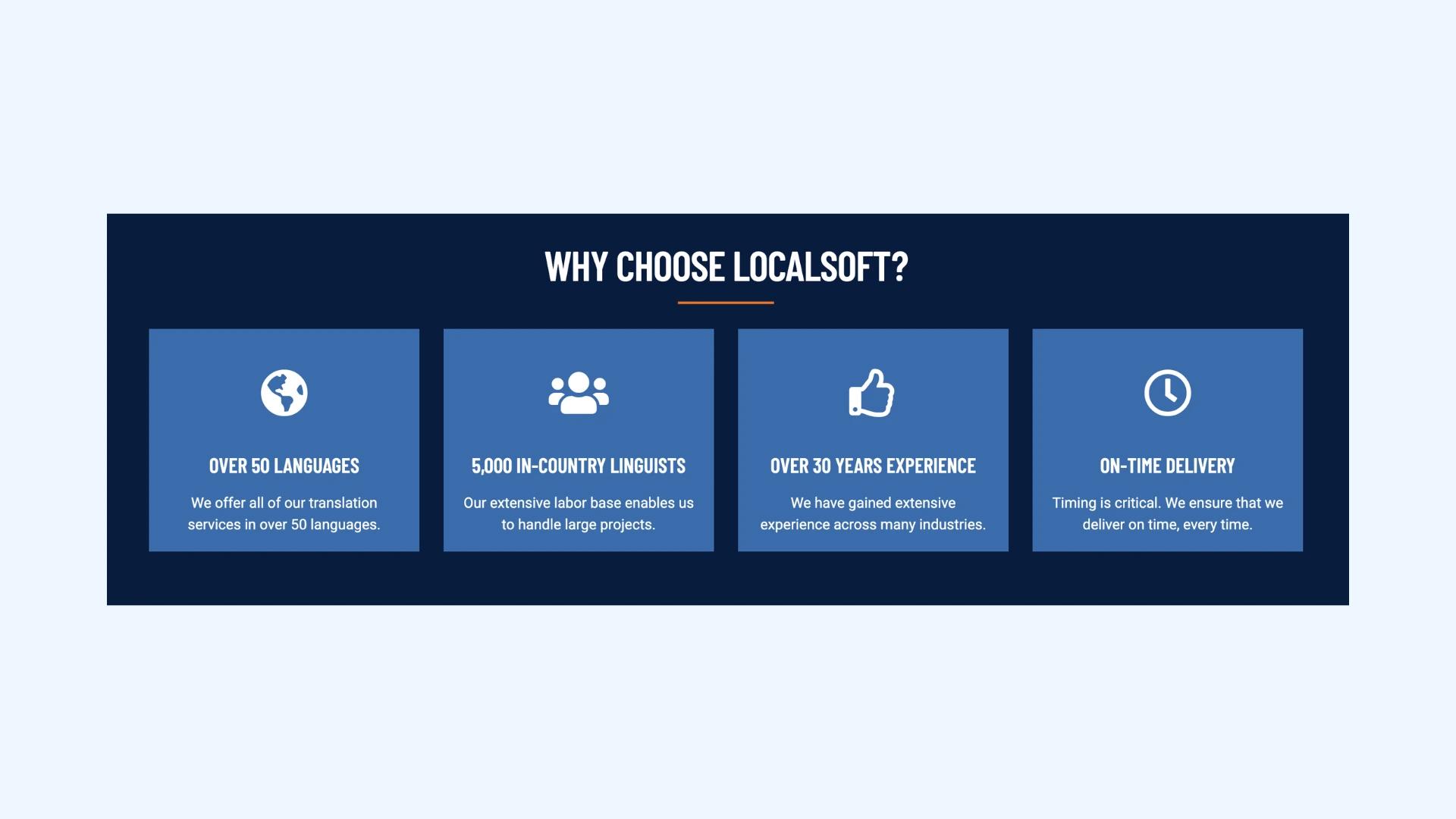
Notable work: Their site carries a Warner Bros. testimonial and covers PlayStation, Nintendo, Xbox, Windows, Android, and iOS. Localized titles are described as running into the thousands, though individual games are not listed publicly.
Pricing: Quote only. No rates published.
Pros
- Longest track record here (localizing games since 1988)
- LQA and functionality testing in their own labs (including console checks)
- Second-linguist proofing on every file as standard
Cons
- States it specializes in mid to large projects (so small titles may fall below range)
- No public position on whether or how AI is used
- No case studies or named titles published (so their recent work is hard to check)
Altagram
Ideal if you're: shipping a game with heavy voice acting and want every language recorded on the same schedule.
Altagram is a Berlin-based agency built around audio as much as text. It is independent and woman-led, with hubs in Berlin, Seoul, and Montreal.
Languages: 60+ for text, with 1,200 native-speaking specialists. Voiceover covers 30+ languages. In-house testers work across 25+ languages.
Services: Game localization, audio and voiceover, localization QA, functionality testing, culturalization, and localization engineering. They report more than 3,500 audio and voiceover productions and access to over 13,000 voice actors.
Technology: Alocai, their own AI-powered localization platform, is available to all clients. Files are brought into memoQ for translation and returned in whatever format you need.
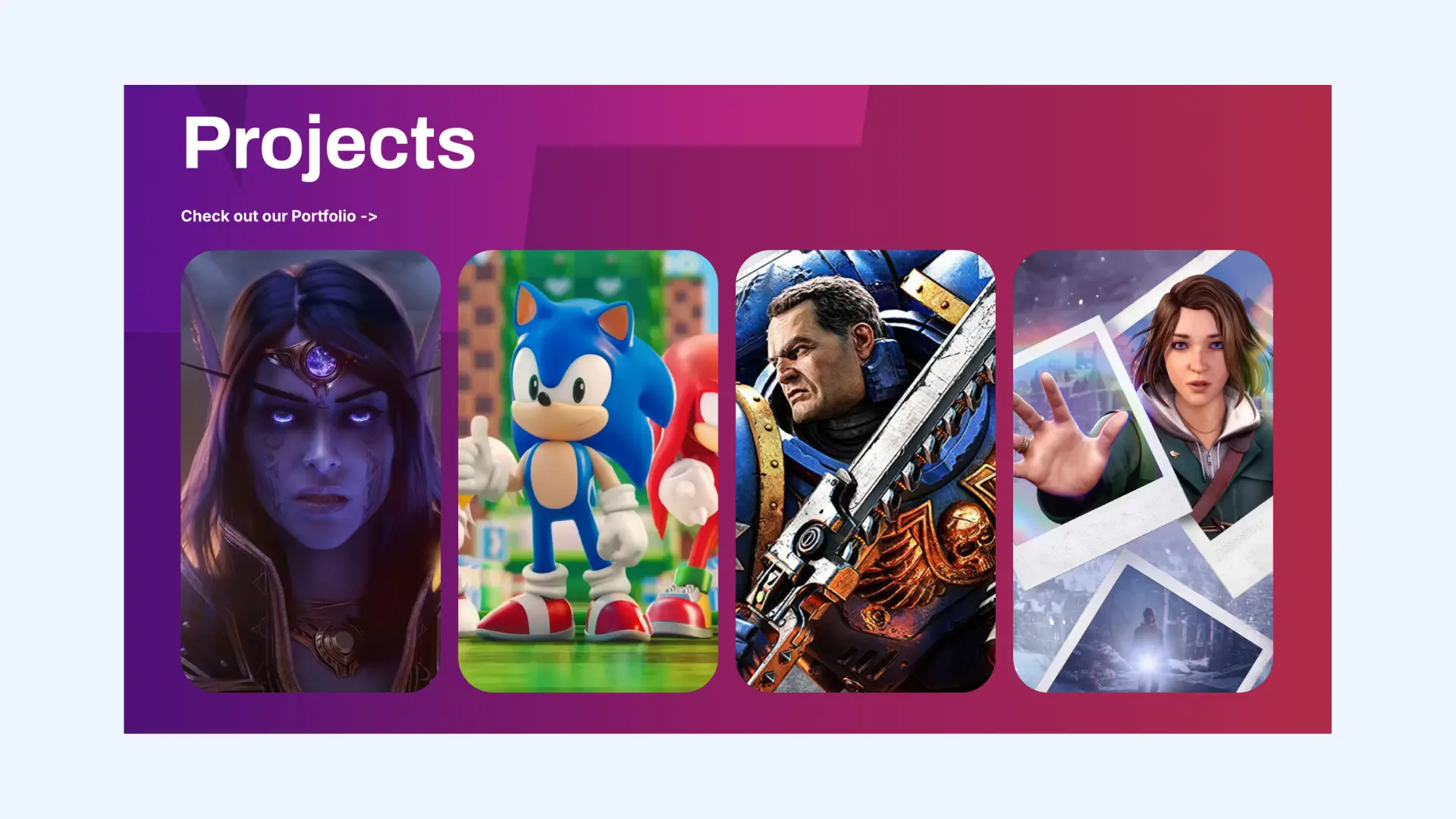
Notable work: Their site references collaboration with Square Enix and Team NINJA. Most client work is not named publicly.
Pricing:Quote only. No rates published.
Pros
- Culturalization and localization engineering alongside translation
- Over 13,000 voice actors on file (so casting stays in house)
- Text, voice, and LQA under one team
Cons
- Smaller than the largest vendors here (1,200 specialists)
- Voiceover covers 30+ languages (half the text coverage)
- No published integrations with Unity, Unreal, or version control
Allcorrect Games
Ideal if you're: an indie or mid-size studio that wants translation, testing, and game art from one games-only vendor.
Allcorrect started as a general translation agency in 2006 and moved into games in the late 2000s. Legal headquarters are in Ireland, with offices in Serbia, Hong Kong, and Canada.
Languages: No headline count published. Their site argues the number matters less than choosing the right markets. The languages listed across their service pages are French, Italian, German, Spanish, Latin American Spanish, Brazilian Portuguese, Polish, Czech, Turkish, Ukrainian, Russian, Thai, Japanese, Korean, Simplified Chinese, and Traditional Chinese.
Services: Game localization, localization testing, voiceover, narrative design, and game art outsourcing. Art is unusual for a localization vendor and covers a different need entirely.
Technology: No software of their own listed. You send files in whatever format you already use.
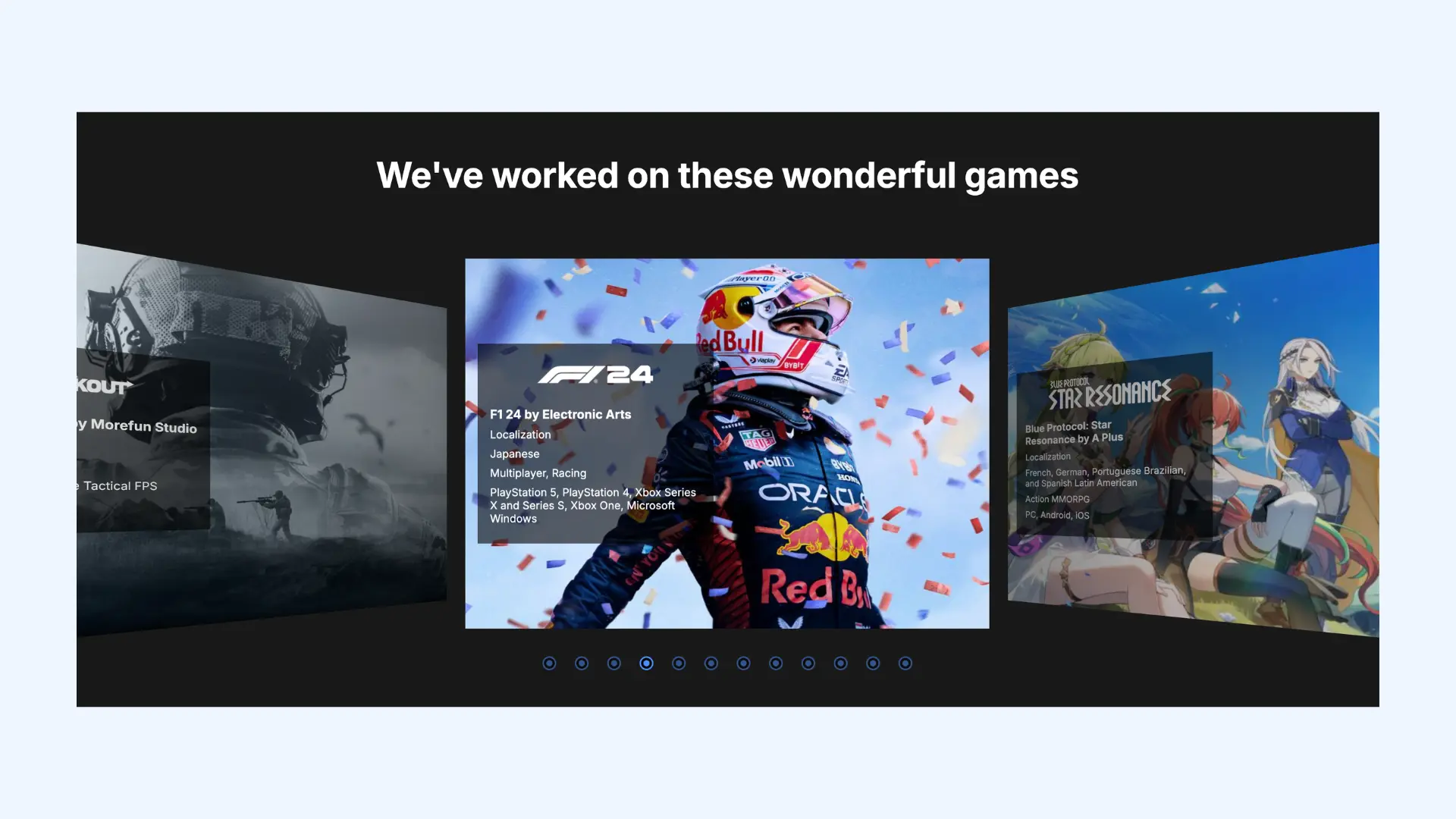
Notable work: Client work is mostly unnamed, though they carry testimonials and a Clutch profile with public reviews.
Pricing: Quote only, but they publish a page explaining how cost is calculated, based on a rate per word with English as the source.
Pros
- Games only (with art and narrative design alongside translation)
- Publishes how pricing is calculated
- Offices in Serbia and Hong Kong cover European and Asian time zones
Cons
- No published language count
- Strong in Europe and East Asia, thin elsewhere
- Little public detail on how they use AI
Level Up Translation
Ideal if you're: shipping a narrative-heavy indie game and want human translators rather than AI.
Level Up Translation is a small French team of translators who work only on games since 2011. Their positioning is the opposite of most vendors here: no AI, no scale, human translators who play games.
Languages: 25+, including French, Italian, German, Spanish, Russian, Brazilian Portuguese, Japanese, Korean, Chinese, Turkish, Polish, Dutch, and Arabic.
Services: Game text, Steam pages, and marketing translation across console, PC, VR, and mobile. For each language they assign at most two translators and one editor, which they say keeps the style consistent.
Technology: No software of their own listed.
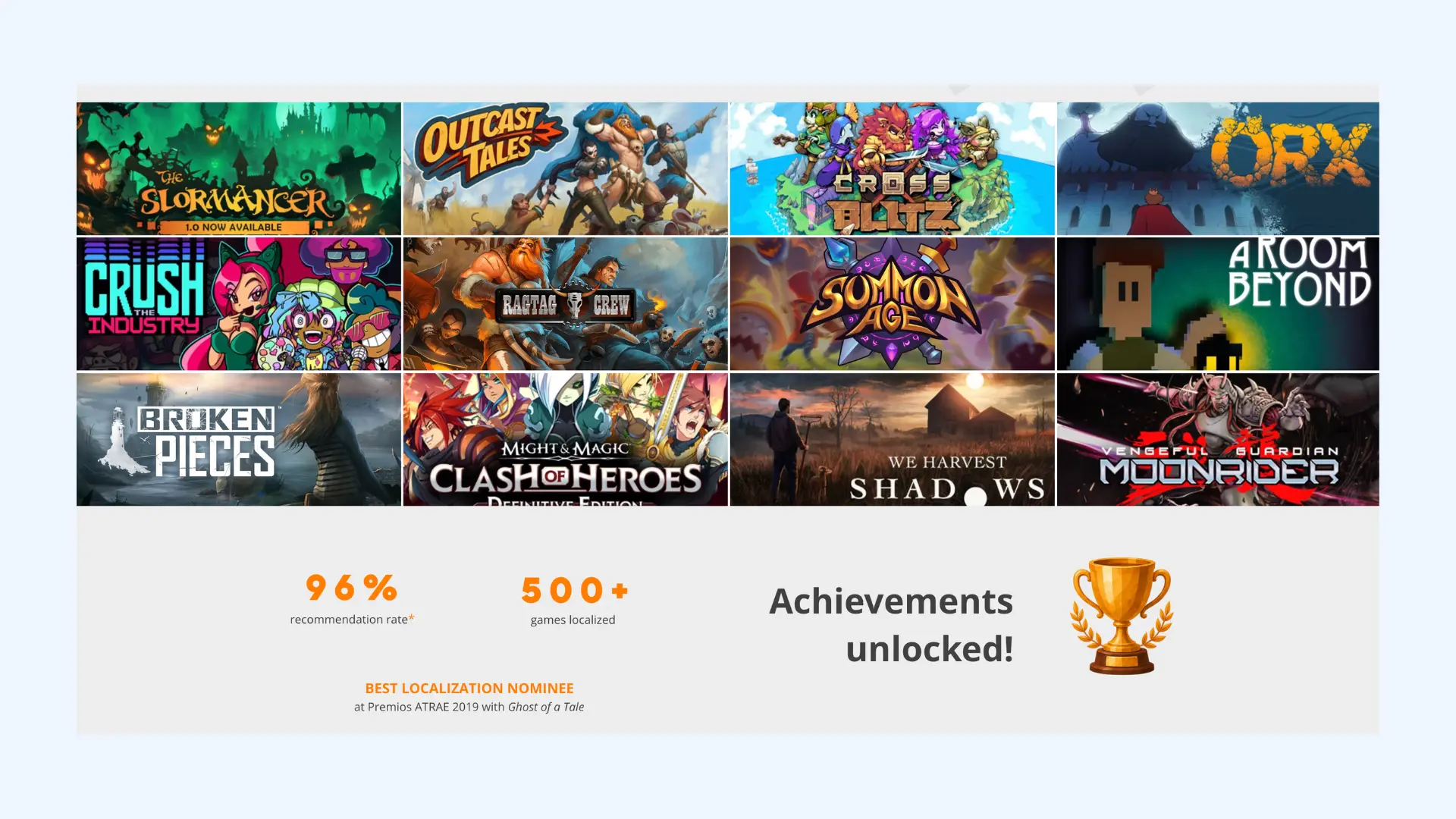
Notable work: More than 500 games, with DREDGE, The Stanley Parable, Streets of Rage 4, and Ghost of a Tale named on their site. Ghost of a Tale was nominated for a Best Localization award in 2019.
Pricing: Quote only. No rates published.
Pros
- 100% human translation
- Same two translators and one editor per language throughout
- Team averages 14 years in game localization services
Cons
- Small team, so large simultaneous releases may not fit
- No voiceover recording, so audio goes to a separate vendor
- No published information on how pricing is calculated
Game localization is an industry that evolves quickly and there’s always new technology or gameplay features that you need to be aware of in order to translate them accurately.
Best Game Localization Platforms
Platforms work the other way round. Instead of handing the job over, you keep it and use software to manage it. You decide who translates, when it happens, and where the text lives.
Crowdin
Ideal if you're: a studio that updates text often and wants translations flowing straight into your build.
Crowdin is a general localization platform with a serious games offering layered on top. It has the widest integration coverage here, at 700+ apps.
How it works: Developers push code as usual. Crowdin detects new text and pulls it in for translation, then syncs the finished text back. Translators can see where each line appears in the game, and you can set character and pixel limits so nothing overflows the UI.
Integrations: Unity and Unreal directly, plus GitHub, GitLab, and Bitbucket. Steam store pages, the Epic Games Storefront, and the Microsoft Store have their own integrations for translating descriptions and update logs. Their iOS and Android SDKs allow translation fixes to be pushed to players without waiting for a store review.
Who does the translating: Your own team, your players through a public project, AI engines including OpenAI, Anthropic, DeepL, and Google Translate, or an agency hired from Crowdin's vendor list.
Pricing: Free up to 60,000 hosted words, then from $50/mo (Pro), $150/mo (Team), and $450/mo (Team+ on Crowdin Enterprise), with a quote-only Business tier. Hosted words mean word count multiplied by target languages, so 500 words into 10 languages counts as 5,000.
Pros
- Direct Unity and Unreal integration
- Character and pixel limits built in
- Store page and update log translation covered in the same place
Cons
- No translators included (so you still have to hire or recruit them)
- Hosted word pricing rises with every language you add
- Setup takes developer time before anyone translates anything
Lokalise
Ideal if you're: a studio with developers who want localization wired into the pipeline you already use.
Lokalise is a developer-first platform covering apps, websites, and games. Games are one use case among many rather than the main focus.
How it works: Text is pulled in through the API, CLI, or a repository connection, translated in the platform, and pushed back. You can upload screenshots, and Lokalise works out which lines of text they show.
Integrations: GitHub, GitLab, and Bitbucket, plus Figma, Jira, Slack, and Contentful. Mobile SDKs for iOS and Android. We found no native Unity or Unreal integration, which is a real gap next to Crowdin, so worth confirming before you consider them.
Who does the translating: Your own team, translators you bring in, machine translation, AI on higher tiers, or professional translation ordered inside the platform.
Pricing: Four plans. Explorer is $169/mo, or $144 with annual billing. Growth is $435/mo, or $375 annually, and this is where unlimited languages, unlimited projects, glossary, and translation memory start. Advanced runs from $999/mo and Enterprise is quote-only, both annual only. All plans include a 14-day trial with no card required, and open source projects are free.
Pros
- Unlimited hosted words on every plan
- Unlimited translator and reviewer seats on all paid plans
- Strong API and CLI to fit into an existing build process
Cons
- Unlimited languages, glossary, and translation memory only start at $435/mo
- No published Unity or Unreal integration
- Built for software teams generally, with games as one use case among many
Gridly
Ideal if you're: a studio that wants text, game data, and localization assets in one place, with plugins that connect straight to Unity or Unreal.
Gridly was founded in Sweden by former game developers and is the only platform here built for games first. It works like a spreadsheet rather than a translation tool, which suits teams already tracking content that way.
How it works: Content sits in a grid, with columns for source and each target language. Change the source and dependent columns are flagged automatically, so you can see what needs retranslating. Content management, translation management, and translation editing all sit in one platform.
Integrations: Free Unity and Unreal plugins, both of which push text and screenshots straight from your project and pull translations back without rebuilding. Also Figma, memoQ, Phrase TMS, Discord, OpenAI, and a developer API with webhooks. They support console-specific file formats including PlayStation 4 and 5, Steam VDF, and Xbox Live XML.
Who does the translating: Your own team, translators you invite, machine translation, or AI. No built-in marketplace for ordering professional translation, so confirm this if you want to buy it in one place.
Pricing: Three modules priced separately in euros. On Basic, content management is €99/mo, translation management €50/mo, and the translation editor €140/mo. Team tiers run €249, €125, and €280. Extra seats cost €29/mo, or €14 on the editor. Enterprise is quote-only. All modules come with a 14-day trial.
Pros
- Free Unity and Unreal plugins that carry screenshots into the platform
- Handles game data and localization assets, not just translatable text
- Console and Steam file formats supported
Cons
- No marketplace for ordering professional translation inside the platform
- Smaller integration library than Crowdin's 700+
- Extra seats cost €29/mo each, and the cheapest tiers include very few
POEditor
Ideal if you're: a small studio with a modest amount of text that wants something cheap and simple.
POEditor is a general translation platform used for apps, websites, and games. It has no game-specific features, which is rather the point: it covers the basics and costs a fraction of the others here.
How it works: Upload your language files or connect a repository, and the text appears in a web editor. Contributors translate, you export. Tags group text by area, and translation memory reuses anything already translated. You can add comments and screenshots so translators know where a line appears.
Integrations: GitHub, GitLab, Bitbucket, and Azure Repos for code, plus Slack, Microsoft Teams, and WordPress. There is a REST API, webhooks, and pull request presets. No Unity or Unreal integration, so text moves through files or other automation rather than a native engine plugin.
Who does the translating: Your own team, contributors you invite, your community, machine translation, AI through Claude, Gemini, OpenAI, or Amazon Bedrock, or professional translation ordered inside the platform.
Pricing: Five plans, priced by string count. Free covers 1,000 strings. With yearly billing, Start is $17/mo for 3,000 strings, Plus $51/mo for 10,000, Premium $136/mo for 30,000, and Enterprise $221/mo for 100,000. Monthly billing costs more. A 10-day trial starts with your first project, no card needed, and open source projects with an OSI-approved licence are free.
Pros
- API, AI translation, and quality evaluation on every plan (including the free one)
- Screenshots, tags, comments, and QA checks on all plans
- Translation memory and Git integrations from the entry paid tier
Cons
- Glossary, webhooks, and custom automation only on the top two tiers
- Strings count terms plus translations (so 1,000 lines into 5 languages uses 6,000)
- No Unity or Unreal integration, and nothing built for games
Weblate
Ideal if you're: working with no localization budget, or you need translations to stay on your own servers.
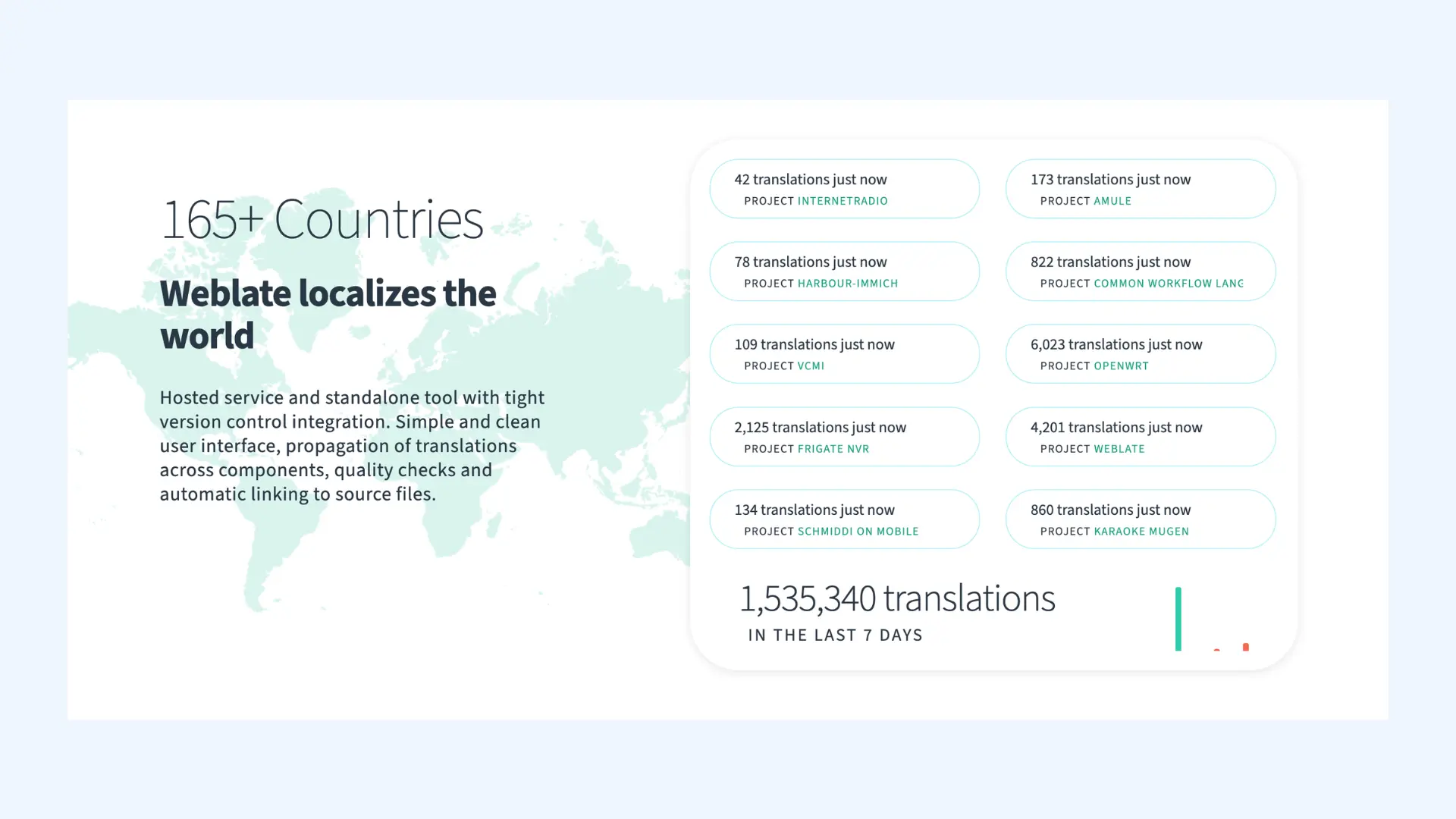
Weblate is open source under the GPL, so you can run it yourself at no licence cost. It's used by LibreOffice, Fedora, and openSUSE, among more than 2,500 projects across 165 countries, and it's the only option here where the cost is your time rather than a subscription.
How it works: Weblate watches your Git repository. When developers push new untranslated text, it pulls it in and shows it to translators. When translations are done, it commits them back. No exporting, no uploading, no emailing files around. Translators are credited in the version history.
Integrations: GitHub, GitLab, Gitea, Bitbucket, Azure DevOps, and self-hosted Git. Pull requests, branches, and commit signing are configurable. It supports 50+ file formats, including Gettext PO, which can be used in Unity and Unreal localization. This lets both engines work with Weblate without a dedicated plugin.
Who does the translating: Your own team, your community, or machine translation. No way to buy professional translation through the platform.
Pricing: Free to self-host, though you handle setup and upgrades. Hosted plans run €47 to €616 a month by string count, with 20% off annual. Every plan includes all features and unlimited translators, and public open source projects get 160,000 strings free.
Pros
- Free to run yourself, with no limits on strings, languages, or projects
- Translations commit straight back to your repository
- Every feature on every plan, including the cheapest
Cons
- Someone on your team has to install it and keep it updated
- Interface is functional rather than polished, and takes longer to learn
- Nothing built for games, and no way to buy translation through it
AI Voice Tools for Game Audio
The platforms above are mainly built to manage localization content and processes. Some can manage audio assets too, but they do not replace a voiceover studio. If your game has recorded dialogue, you may need an agency, studio, or separate AI voice tool. AI voice tools can also fill the gap for temporary lines during development, minor characters, and localized trailers or dev diaries.
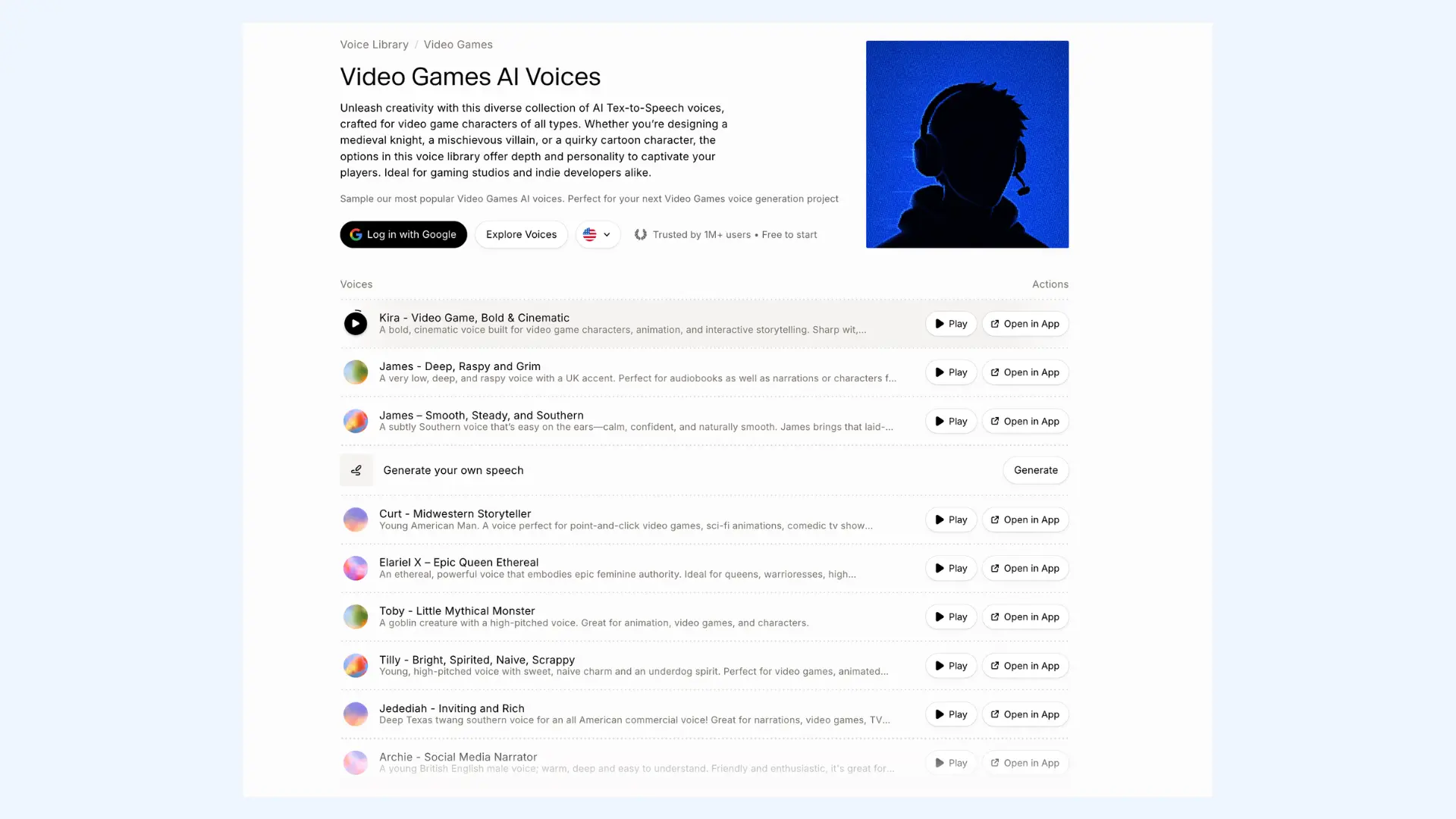
ElevenLabs is the best known. It generates speech from text in 70+ languages, clones a voice from a short sample, and dubs existing audio into another language while keeping the original speaker's sound. Text to speech, cloning, dubbing, and transcription all sit in one platform, though they share a single credit balance, so heavy use of one leaves less for the others.
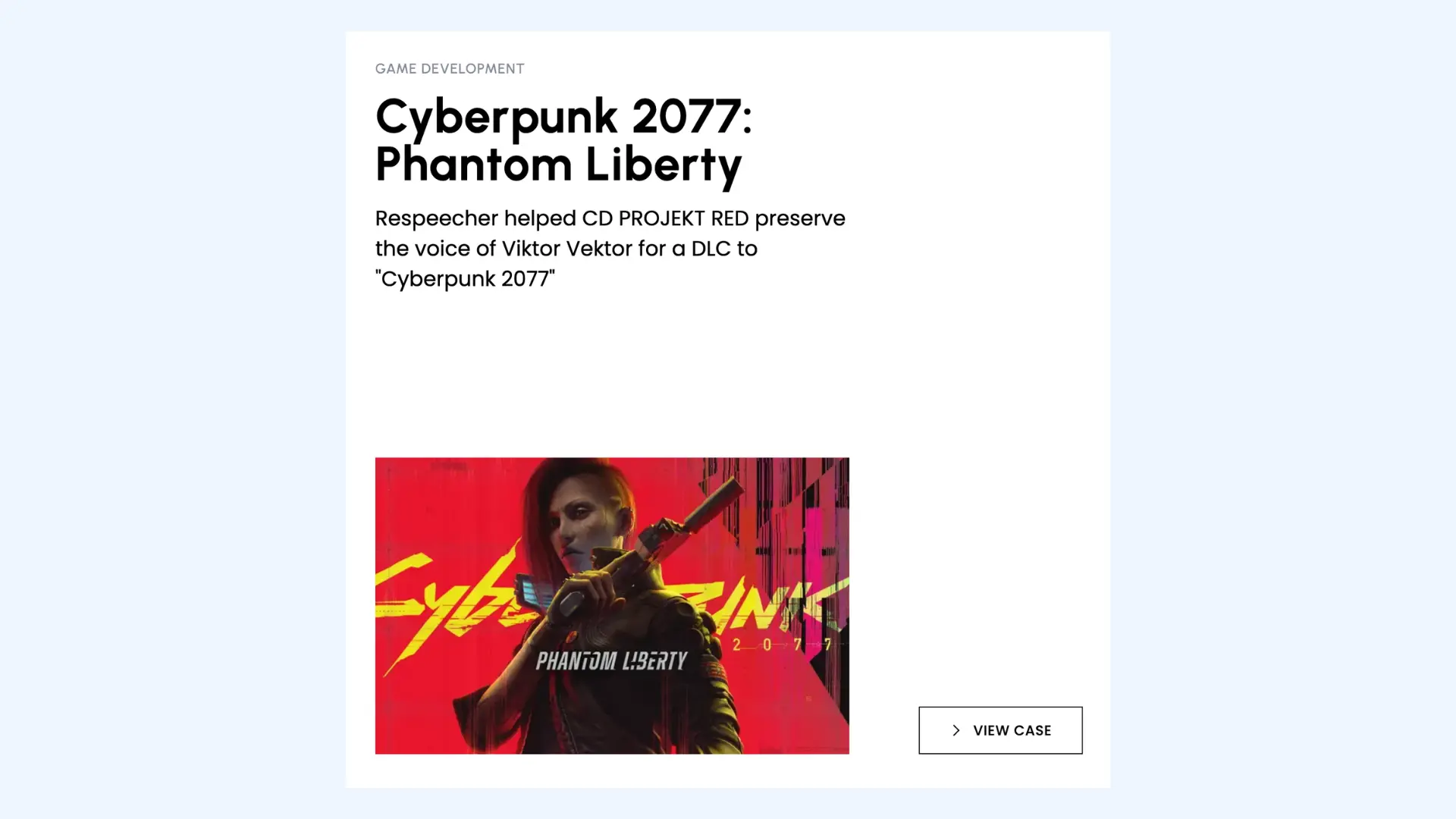
Respeecher works the other way round. Rather than generating speech from text, it takes a recorded performance and swaps the voice, so the acting stays and only the sound changes. That fits games where you have a take you like but need a different voice, and it has been used in film and television production.
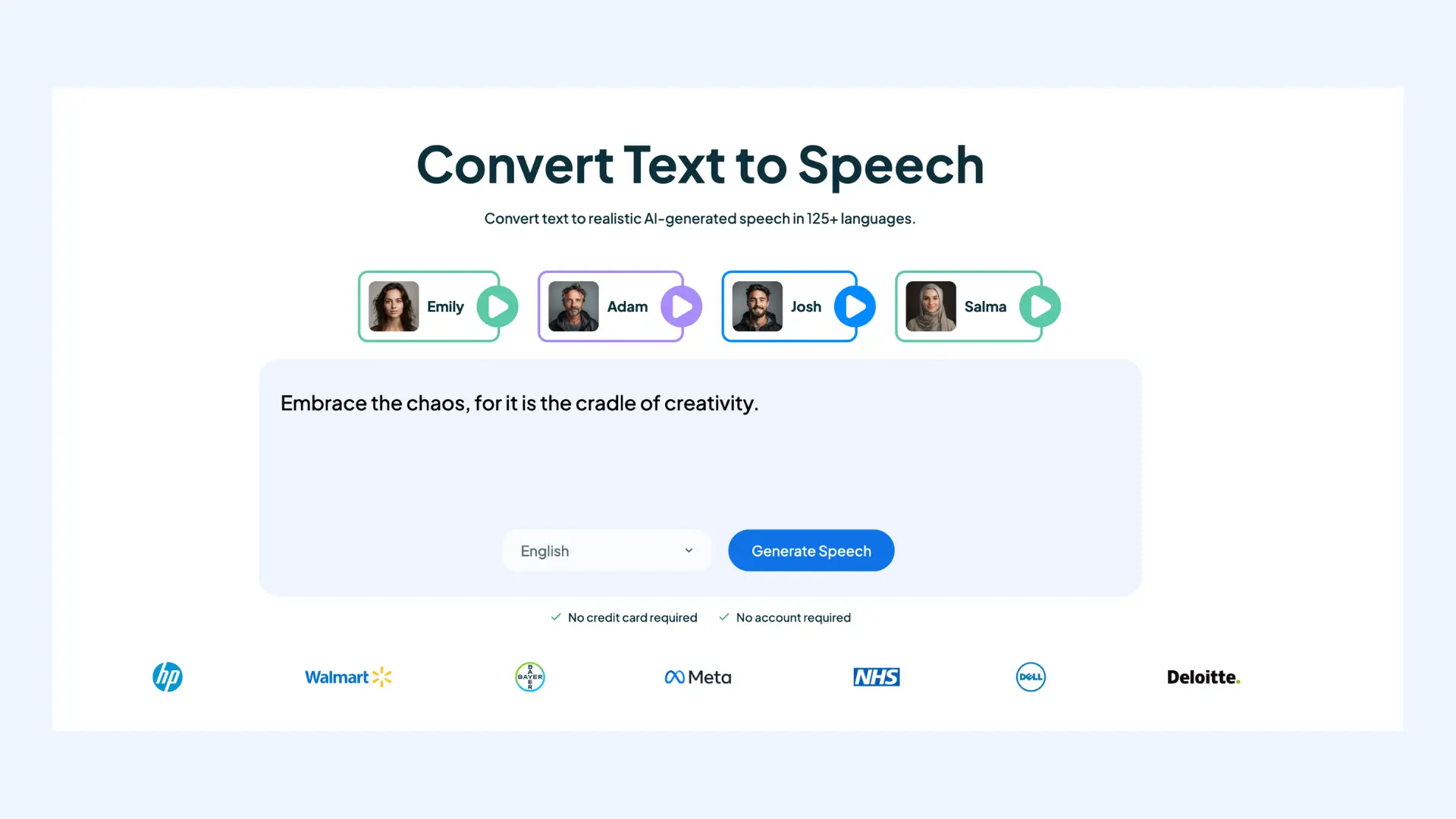
Meanwhile, Maestra (our own product) works on finished audio and video rather than in-game lines. Its AI video translator dubs videos into 125+ languages and keeps the audio lined up with what is on screen, with AI voice cloning and lip syncing. The AI subtitle translator handles the same footage as text, translating subtitles and timing them to the speech. You can also convert text to speech and adjust the delivery, choosing a mood or accent to fit the scene. These tools suit trailers, dev diaries, and marketing cuts rather than in-game dialogue.
💡 These tools do not replace casting or direction. They suit placeholder audio, background characters, and marketing video. Studios may still prefer actors for memorable or emotionally demanding roles.
Agency, Platform, or Both?
Most studios end up with some combination. The questions below narrow it down faster than comparing feature lists.
When are you starting?
Before the game is finished, ideally. If the text is buried in the code, the buttons only fit English, and words are drawn into the images, someone has to fix all that first. Retrofitting a finished build for localization can add substantial engineering and design costs. [2]
Does your game have voice acting?
If your game has lead characters carrying long scenes, an agency with human actors may be the better fit. If it has short lines, background characters, or trailers, AI voice tools can help. Answer this early, since it settles half the decision.

10 Best AI Voice Generator Apps with Realistic Voices
How often does your text change?
A game that ships once and stays put can go to an agency as a single project. A live game adding content every few weeks needs a platform, or you will be emailing spreadsheets forever.
What are you building in?
Some platforms have plugins for Unity and Unreal, and some do not. With a plugin, translations can flow straight into the build. Without one, you need another route in, such as file import/export, an API, CLI, or repository automation.
Do you have a developer who can set it up?
Platforms need someone to connect the repository, configure the files, and keep it running. If nobody on your team can own that work, an agency may be the more practical option.
Who is actually going to translate?
Platforms primarily give you somewhere to manage localization rather than assigning a translation team automatically. Your options include your own team, your community, AI, or professional translation. Some platforms also let you order professional translation directly. AI is often practical for repetitive content such as menus and short strings, but human review is still important before it ships.
How many languages, and how much text?
Count your words and multiply by your target languages. That number helps decide your platform tier, and it also tells you the scale of the project when asking agencies for quotes.
Who owns the terminology?
Character names, item names, and place names should stay consistent across every language and every update. Decide whether you keep that glossary or the vendor does.
Is testing in scope?
Ask whether LQA is included or billed separately. Agencies differ on this, and it is a common gap between a quote and the final invoice.
Final Verdict
There is no single best option here, which is why this list is not ranked. A story-heavy console release and a mobile puzzle game are solved by different services, and often by more than one. What follows is what to do next.
- Pick your target market first. Two or three well-chosen markets beat twelve picked at random.
- Count your game content, then multiply by languages. That number helps decide your platform tier and gives agencies the scale of the project.
- Check what testing covers. Localization QA checks the text. Functional game testing checks the game. These are separate jobs, often separately billed.
- Flag cultural references early. Jokes and local idioms need extra attention. Mark them in the file rather than leaving them to be found.
- Start translation before the build is finished. Retrofitting a finished game for localization can add substantial engineering and design costs.
- Do not forget the video. Trailers, dev diaries, and store videos need translating too, and they follow timing rules rather than character limits. Maestra handles that side.
Whichever route you pick, the gaming industry has more options at every budget than it did five years ago, and the hard part is no longer finding a service but knowing what to ask them.
FAQs on Video Game Translation Services
Translation converts the words. Localization covers everything else needed for the game to work in another market: resizing UI for longer text, adapting cultural references, redrawing artwork with text in it, and meeting regional age rating and legal requirements. Most services use the two words interchangeably in marketing, so check what a quote actually includes rather than relying on the label.
It depends on what your game needs, since modern games can require anything from a few hundred menu strings to a fully voiced script in several languages. Keywords Studios, Localsoft, Altagram, Allcorrect Games, and Level Up Translation cover the agency side, where you hand over the work and get finished translations back. Crowdin, Lokalise, Gridly, POEditor, and Weblate are platforms you run yourself, which suit studios with text that changes often and someone available to manage it.
Agencies offering high-quality translation services quote per project rather than publishing rates, so cost depends on your word count, languages, and whether audio is included. Platforms do publish prices, from free for self-hosted options up to around $900 a month. Voice recording is typically priced separately from text or included as a separate part of the quote.
For some of it. AI is often practical for repetitive content such as menus, UI strings, and item descriptions, especially with human review. Narrative dialogue, humor, wordplay, and cultural references generally need more human oversight. AI voice tools can also generate spoken lines for placeholder audio and minor characters. Studios may prefer professional actors for prominent or emotional roles.
The usual starting set is French, Italian, German, and Spanish, often written as EFIGS with English. Japanese, Korean, and Simplified Chinese come next for many studios, though they cost more and carry extra platform requirements. The better approach is to check where your players already are using your own store and analytics data, rather than working from a standard list.