10 Best Dubverse Alternatives Reviewed & Compared
If you’re producing multilingual content regularly, you already know that tooling choices matter more than feature checklists. A platform can look complete on paper and still reveal limitations when applied to real-world use cases. When it comes to Dubverse, I find it to be a solid starting point, though it doesn’t always cover every scenario individuals and teams eventually run into.
From there, the decision comes down to priorities. I’ve tested a range of alternatives to understand which options make sense for different content types and quality expectations. The list will break down the best options to help you move past “good enough” translations and achieve more consistent, professional localization.
Here is the shortlist of the top Dubverse alternatives, each with a distinct focus:
- Maestra — Best for all-in-one localization and real-time voice dubbing.
- Rask AI — Best for fast, bulk video localization.
- Vozo AI — Best for realistic AI lip sync.
- ElevenLabs — Best for industry-leading AI voice quality.
- Murf AI — Best for studio-quality voiceovers for corporate content.
- VEED — Best for browser-based video editing and simple dubbing.
- CapCut — Best for quick, social-media-ready dubbing.
- HeyGen — Best for video dubbing using AI avatars.
- Fliki — Best for turning text into videos with AI narration.
- Speechify — Best for converting documents into high-quality audio.
To begin, let's take a quick look at Dubverse and why users are looking for alternatives.
What is Dubverse?
Dubverse is an AI-powered video dubbing and localization platform designed to help creators and businesses translate their video content into multiple languages. It automates the key steps in the localization process including dubbing, subtitling, text-to-speech (TTS), and more.
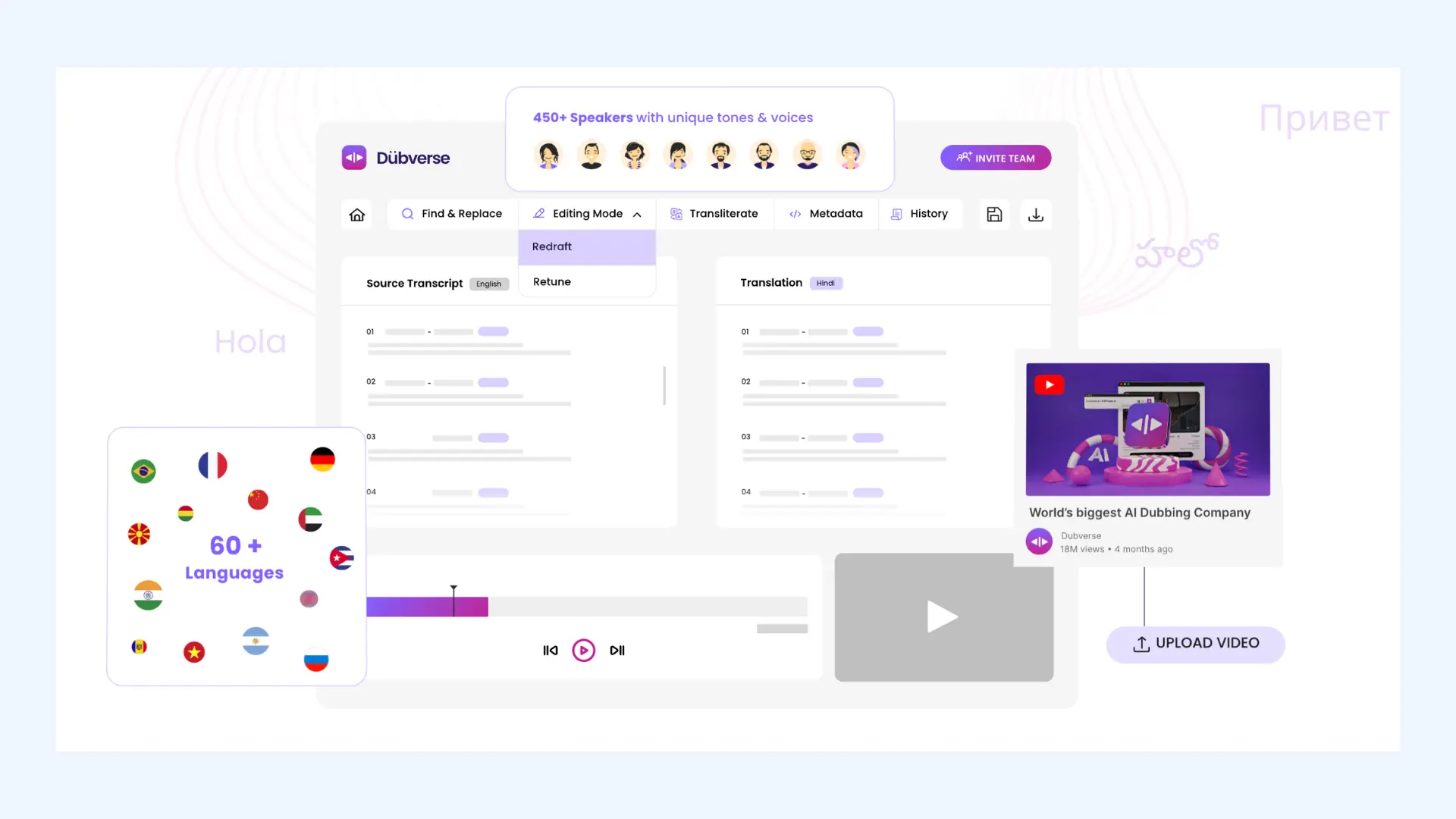
The platform is commonly used for marketing videos, educational content, product explainers, and internal communications. For teams looking to localize content quickly without complex setups, it provides a straightforward entry point into AI dubbing.
Why Users Look for Dubverse Alternatives
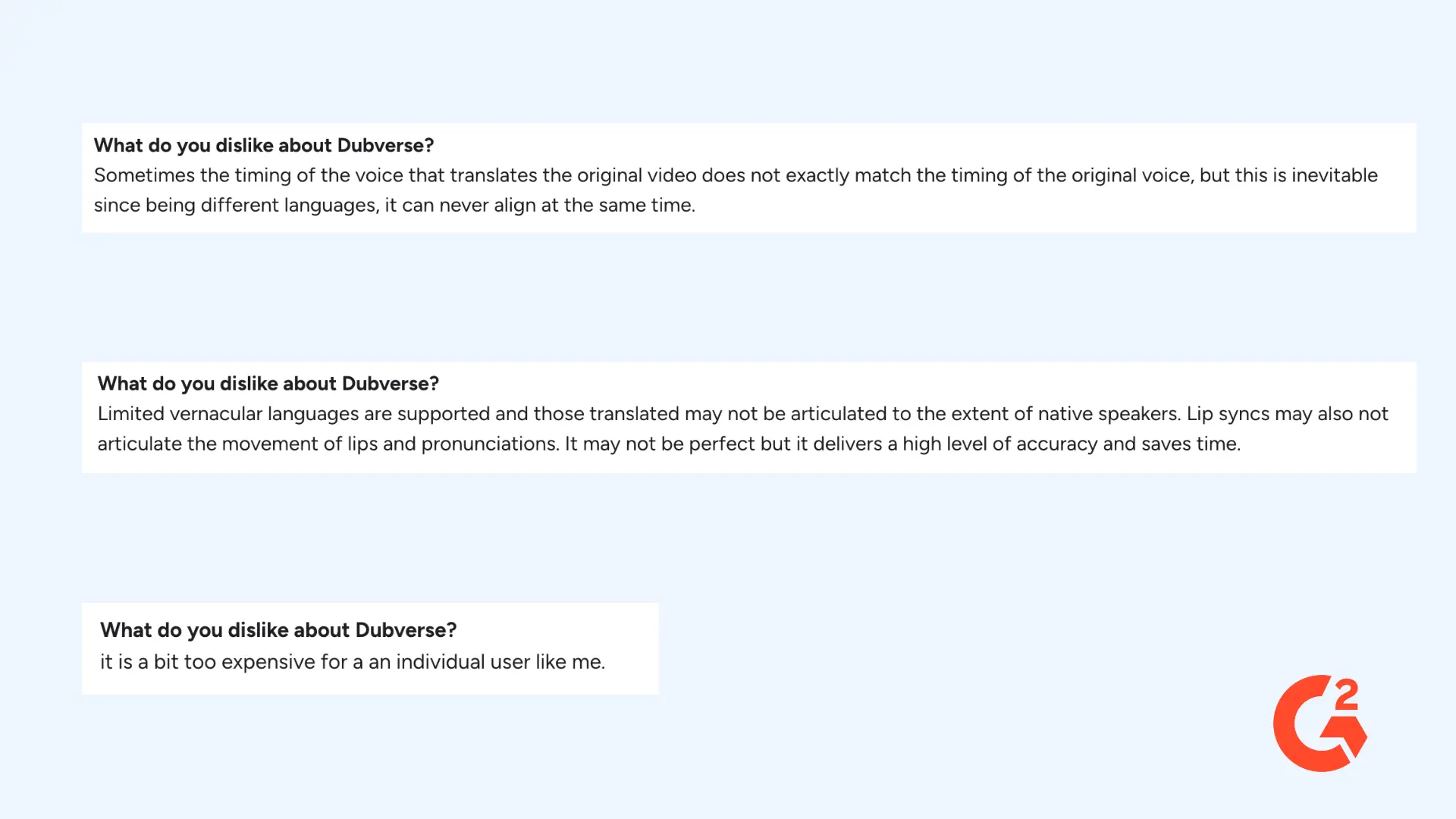
Many users choose to explore alternatives not because Dubverse doesn't work, but because their specific needs don't always fit the platform's current feature set. Verified G2 reviews highlight several recurring themes that explain why some users start looking for other tools.
Inconsistent Output Quality Across Some Languages
Some users report that while basic dubbing and translations work well, output quality can vary depending on the target language. Reviews mention cases where pronunciation, pacing, or translation accuracy requires additional correction, especially when working with less commonly used languages or more nuanced content.
Lip Sync Issues
Another recurring point in user feedback is audio-to-video alignment. Some reviewers mention that the dubbed voice does not always sync perfectly with on-screen speech, which can affect the overall polish of the final video, particularly for content where visual realism matters.
Slow Processing
Some users mention that video processing can take longer than expected, especially for larger files or when exporting multiple versions. This can make revisions harder and slow down high-volume or time-sensitive projects.
Friction During Edits
Several reviews point out that making changes after the initial dub (such as adjusting voices, fixing translations, or reprocessing segments) can introduce friction. For teams handling frequent updates or large volumes of content, this can impact efficiency.
Pricing for Individual Creators
Pricing also comes up in reviews from solo creators and smaller teams. Some users feel the cost is harder to justify when usage is occasional or low-volume, which leads them to explore tools with lighter pricing tiers or more flexible plans.
Top Dubverse Alternatives for Voice Dubbing & TTS
Before moving into each tool in detail, the table below serves as a quick reference point for how these Dubverse alternatives differ in language coverage, access, and cost.
| Dubverse Alternative | Supported Languages | Platform Availability | Pricing |
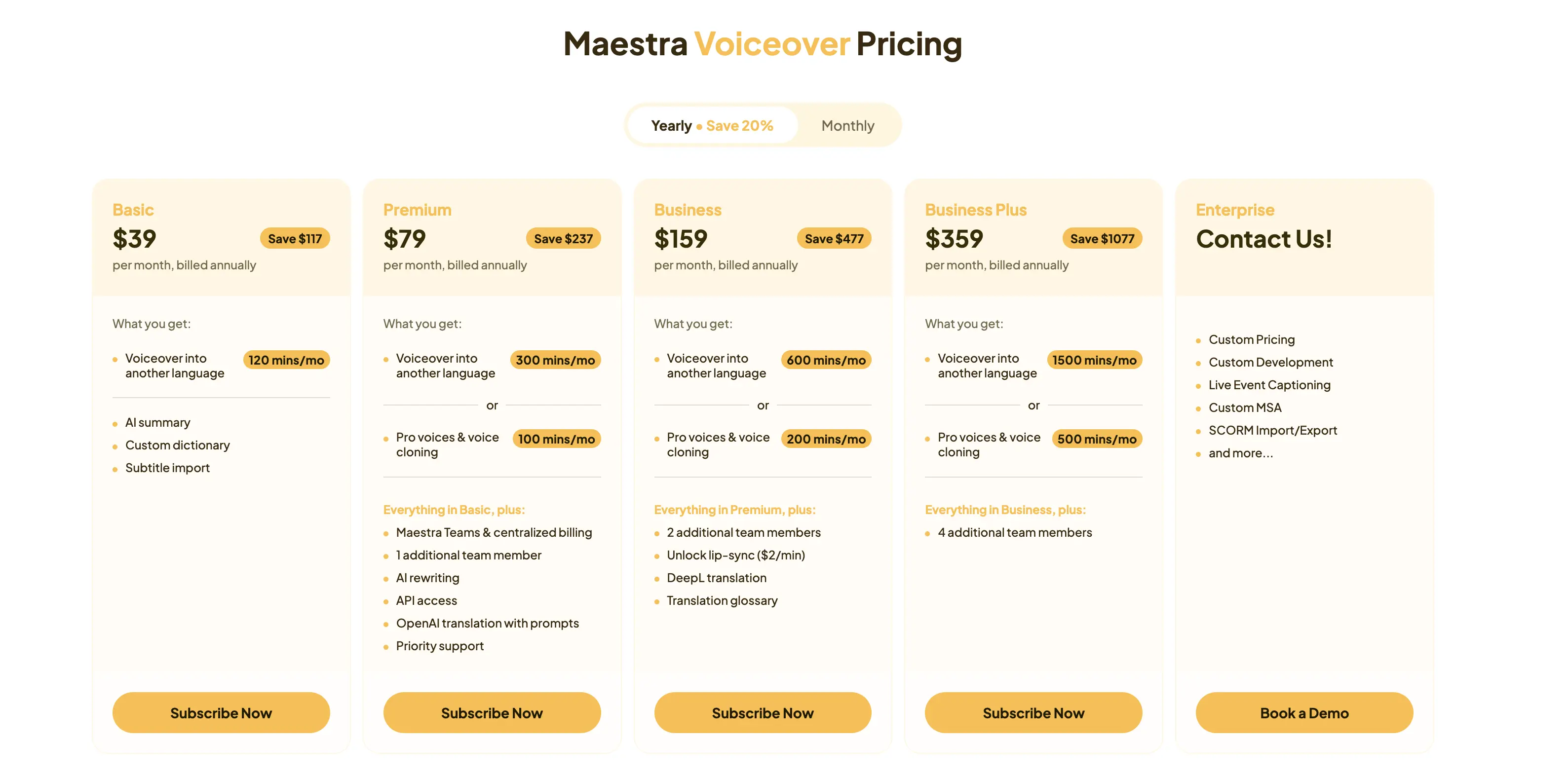
| Maestra | 125+ | Web, Chrome extension | Free trial available; paid plans start at $39/month |
| Rask AI | 130+ | Web | Free trial available; paid plans start at $33/month |
| Vozo AI | 110+ | Web, iOS (Beta), Android (Beta) | Free trial available; paid plans start at $6/month |
| ElevenLabs | 30+ | Web, iOS, Android, Chrome extension | Free trial available; paid plans start at $4.17/month |
| Murf AI | 40+ | Web | Free trial and pay-as-you-go model available; subscription plans start at $19/month |
| VEED | 100+ | Web, iOS | Free trial available; paid plans start at $9/month |
| CapCut | 20+ | Web, iOS, Android, desktop (Mac & PC) | Free trial available; paid plans start at $19.99/month |
| HeyGen | 175+ | Web | Free trial available; paid plans start at $24/month |
| Fliki | 80+ | Web | Free trial available; paid plans start at $21/month |
| Speechify | 60+ | Web, iOS, Android, Mac, Chrome extension | Free trial available; paid plans start at $29/month |
1. Maestra
Best for: End-to-end localization with video dubbing, audio dubbing, and real-time translation.
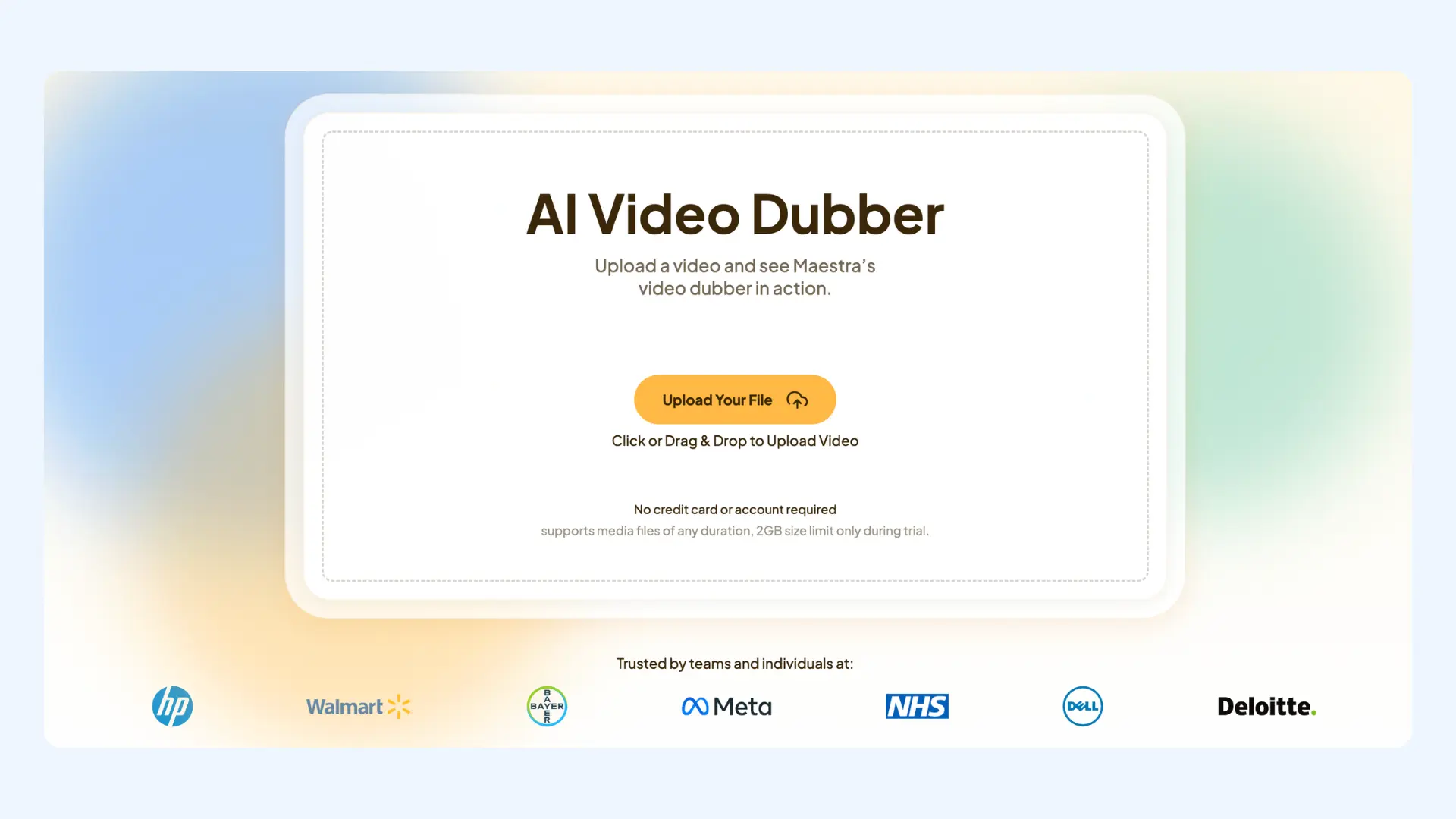
Maestra is an all-in-one localization platform built to meet both on-demand and real-time multilingual needs. Unlike tools that focus on just voice, video, or avatars, Maestra brings together transcription, translation, dubbing, subtitles, and live voice translation in a single environment. It’s one of the strongest Dubverse alternatives for individuals and teams that need flexibility, from video translation and dubbing to live meetings, events, and more. That range extends to film: a dedicated movie dubbing tool assigns each character their own AI voice, with cloning and lip sync included.
Key features:
- Large AI voice library in 125+ languages, including a wide range of accents and expressions
- AI voice cloning with realistic lip syncing
- Real-time voice dubbing with shareable live sessions supporting multiple source and target languages
Pros
- Advanced translation engines powered by models like OpenAI, DeepL, and Gemini
- Strong balance between automation and fine-grained editing control
- Text-based editing with AI rewriting to refine translations
Cons
- Limited free trial compared to some alternatives
- Advanced features are available on higher-tier plans
Dub Videos into 125+ Languages
2. Rask AI
Best for: Fast, bulk video localization at scale.
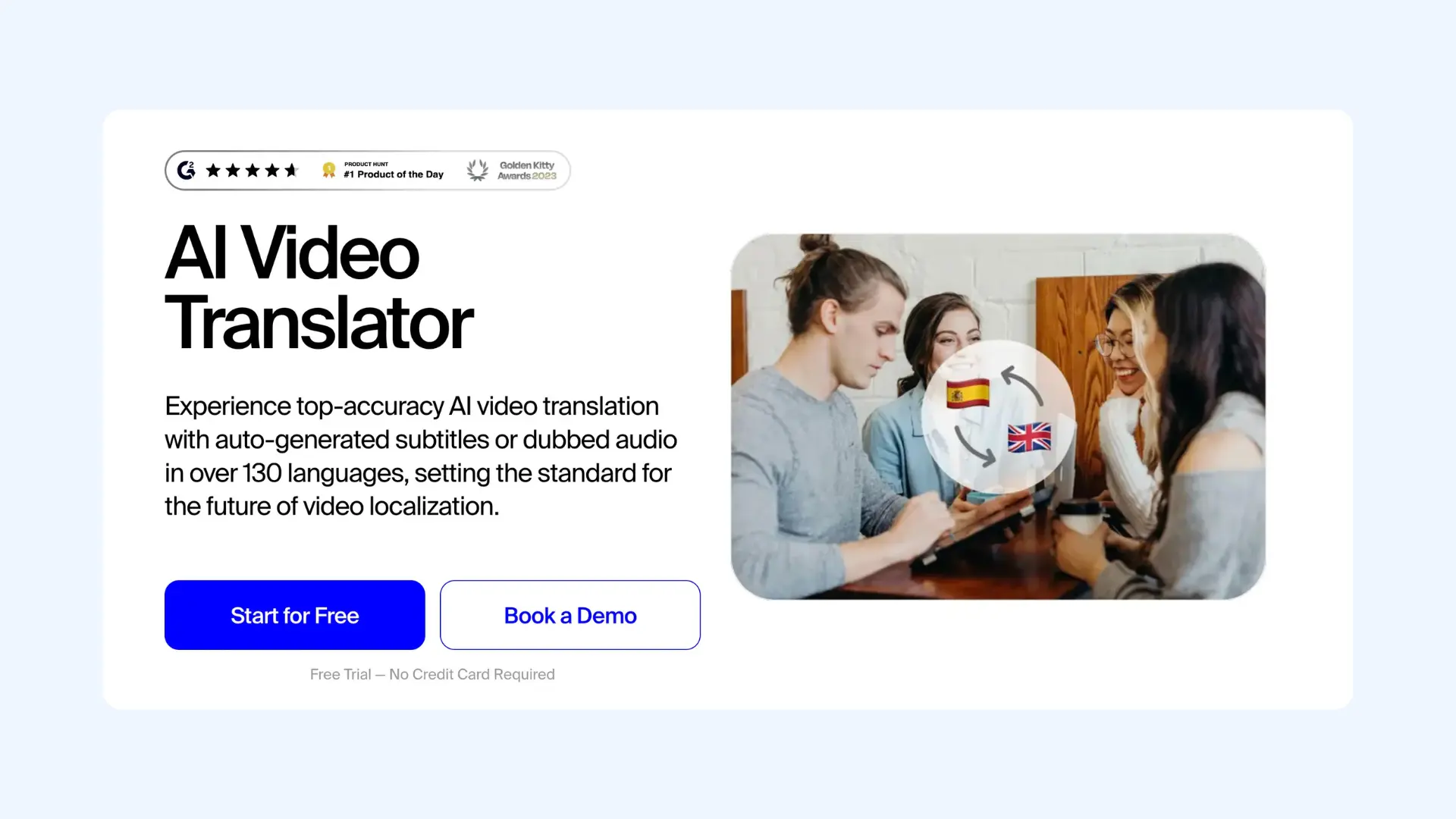
Rask AI is an AI-powered solution for creators and companies looking to go global quickly. Unlike tools that focus only on audio, it provides a centralized space for transcribing, translating, and dubbing videos into over 130 languages. It is especially useful when working with high volumes of content where manual coordination would be impractical.
Key features:
- Bulk processing for large-scale localization
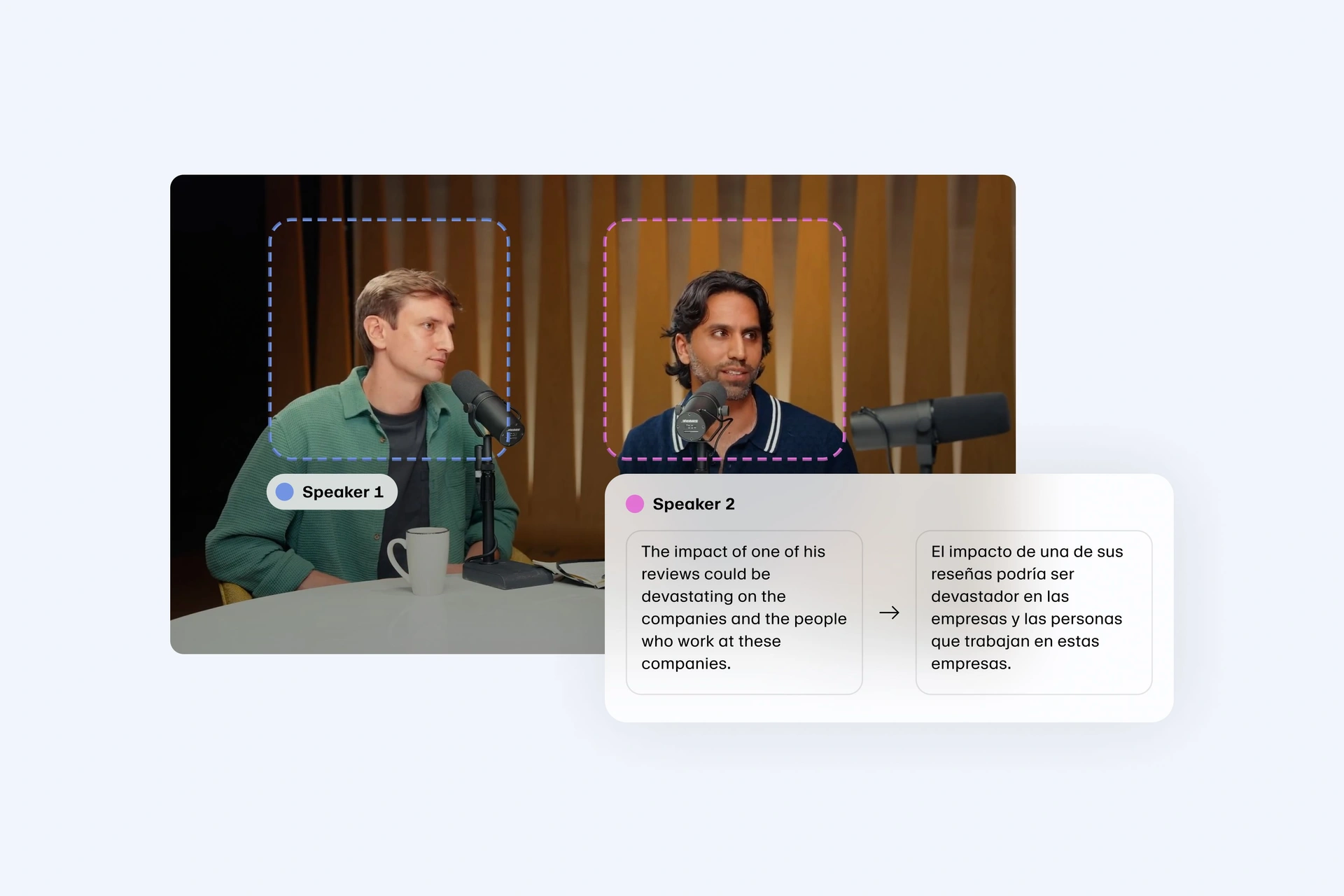
- Multi-speaker detection for complex videos
- Cloud-based workflow with no local setup required
Pros
- Broad language coverage suitable for global rollouts
- Robust API for enterprises automating video localization at scale
- AI voice cloning to maintain speaker consistency across languages
Cons
- Lip sync requires additional credits and increases processing time
- Less flexible for creative or highly polished dubbing projects
- Free trial available
- Creator plan: Starts from $33/month (billed annually)
- Creator Pro plan: Starts from $78/month (billed annually)
- Business plan: Starts from $600/month (billed annually)
- Custom enterprise pricing
🌍 If video localization is your main focus, you can also explore our comparison of Rask AI alternatives.
3. Vozo AI
Best for: Lifelike lip sync and realistic video dubbing.
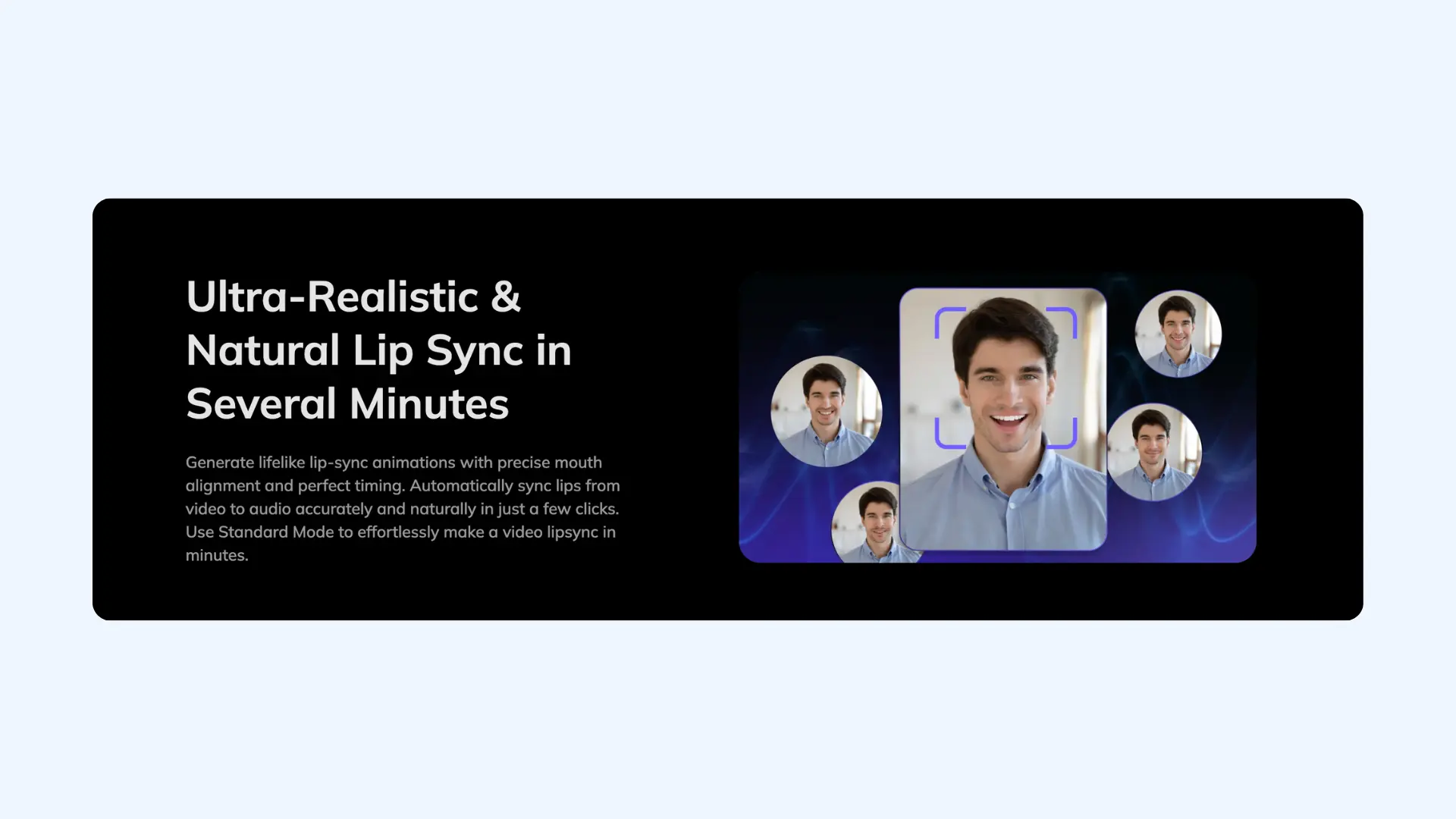
Vozo AI is a video dubbing platform built around one core strength: making dubbed videos look natural on screen. Instead of prioritizing bulk processing or broad automation, it focuses on syncing translated speech closely with the speaker’s mouth movements. From what I’ve seen, Vozo AI is most valuable when visual realism matters (especially for talking-head videos, presentations, and marketing content) where poor lip sync would be distracting.
Key features:
- Advanced LipREAL™ and VoiceREAL™ technology to closely align speech with mouth movements
- Video-first dubbing workflow optimized for on-camera speakers
- High-detail processing mode for complex visuals
Pros
- Granular control over specific video segments, allowing lip sync only where needed
- Text-based editing interface to rewrite scripts or fix translations directly
- Multi-speaker support with distinct voices and synchronized lip sync per speaker
Cons
- Advanced features like Precision Mode consume points quickly and increase render times
- Free plan is limited, mainly serving as a demo with watermarks and length restrictions
- Free trial available
- Pro plan: Starts from $6/month (billed annually)
- Premium plan: Starts from $22/month (billed annually)
- Business plan: Starts from $75/month (billed annually)
- Custom enterprise pricing
4. ElevenLabs
Best for: Premium AI voice quality and advanced voice cloning.
ElevenLabs is one of the most respected names in AI voice synthesis, particularly when realistic speech is the priority. For dubbing, creators often turn to ElevenLabs when they want their voiceovers to sound less synthetic and more like a real performance. In my experience, the voices sound noticeably more natural and expressive than standard text-to-speech, which makes a real difference for narration, storytelling, and high-quality video voiceovers.
Key features:
- Dubbing Studio (a professional editor for precise timing and speaker assignment)
- Advanced voice cloning for creating or replicating unique, consistent voices
- Multilingual voice generation with strong audio quality across languages
Pros
- Widely considered the industry leader for natural text-to-speech
- Generates high-fidelity voice clones from minimal reference audio
- Developer-friendly API for custom workflows
Cons
- Limited language support for AI video dubbing compared to tools like Maestra
- Does not offer native lip syncing
- Free plan available
- Starter plan: Starts from $4.17/month (annual billing)
- Creator plan: Starts from $18.33/month (annual billing)
- Pro plan: Starts from $82.5/month (annual billing)
- Custom enterprise pricing
🎙️ If you want a deeper comparison focused specifically on AI voice synthesis, you can check our guide to ElevenLabs alternatives.
5. Murf AI
Best for: Professional voiceovers for corporate training and e-learning.
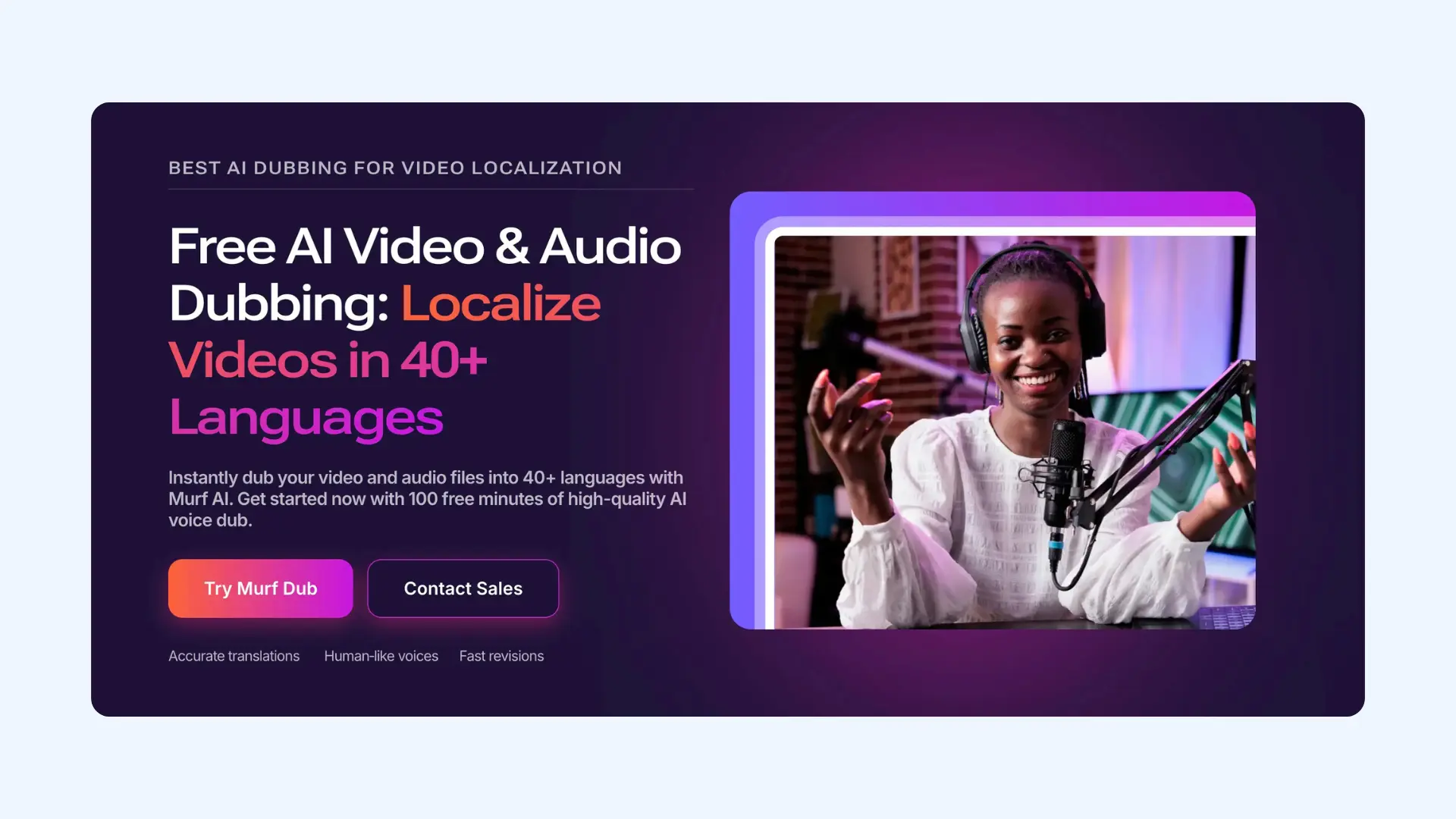
Murf AI is a specialized voice synthesis platform that focuses on high-quality, studio-style sound. It’s designed for creating polished voiceovers for presentations, explainer videos, and e-learning content where clarity and consistency matter more than expressive dubbing. It’s a solid Dubverse alternative for corporate training and HR teams.
Key features:
- Studio-quality AI voices optimized for clear, professional narration
- Multiple voice styles and accents tailored for corporate and educational use
- “Say It My Way,” a feature that helps shape delivery using your own pitch and pacing
Pros
- Consistent voice output across long scripts
- Robust grammar and pronunciation editor for technical terms
- Built-in collaboration suited for teams working on shared scripts
Cons
- Key features like voice cloning and API access are gated behind higher tiers
- Occasional robotic tones in longer scripts may require manual fine-tuning
- Free trial available
- Pay-as-you-go model for dubbing starts from $0.25/credit
- Creator plan: Starts from $19/month (billed annually)
- Business plan: Starts from $66/month (billed annually)
- Custom enterprise pricing
6. VEED
Best for: AI dubbing and video editing for professional videos.
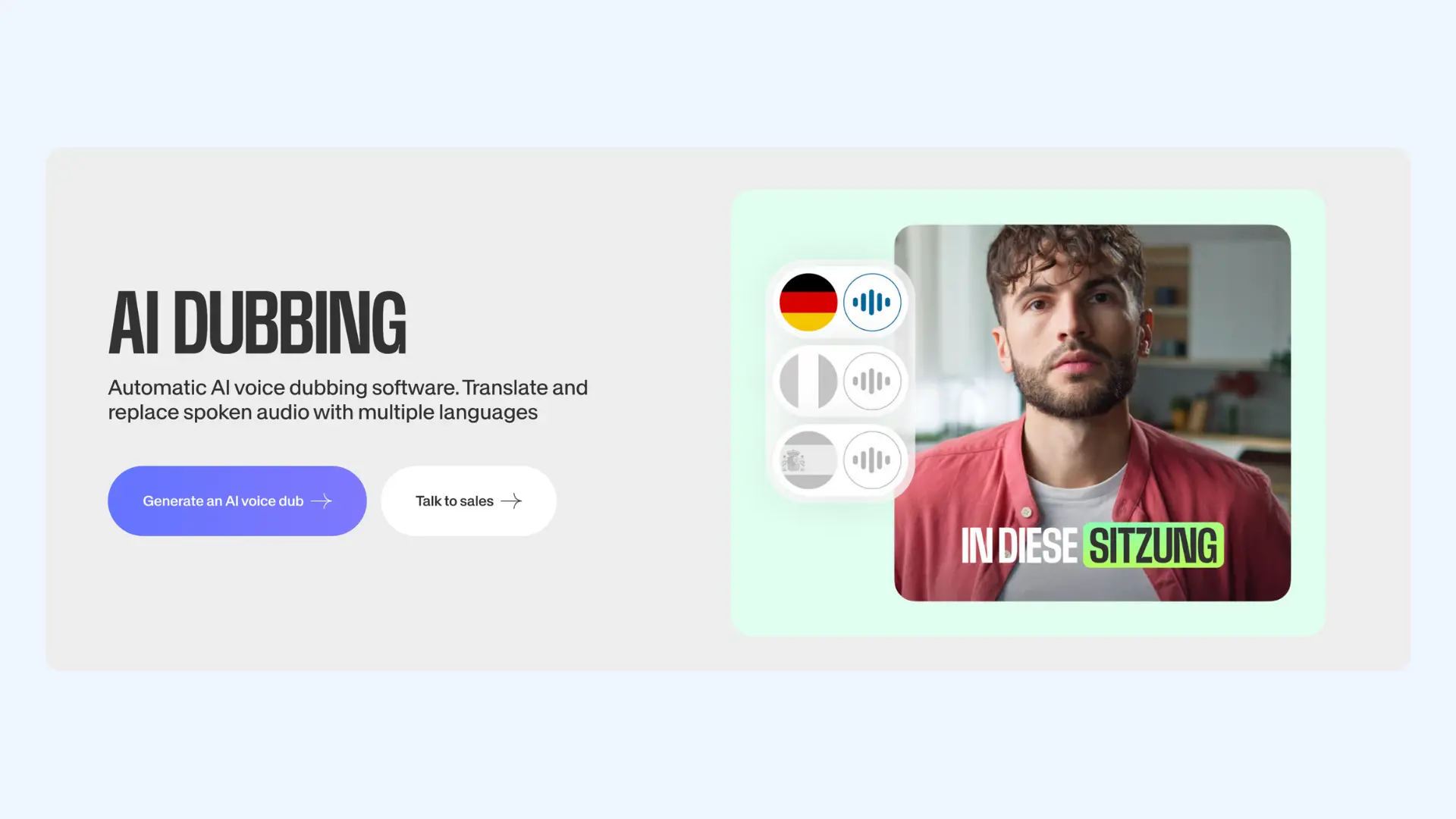
VEED is a browser-based video editing platform that combines basic AI dubbing with a full set of editing tools. Rather than focusing purely on voice quality or localization, VEED is designed for teams that want to create, edit, subtitle, and publish videos in one place. It works best for marketing, internal communications, and client-facing videos where speed and simplicity matter more than advanced dubbing control.
Key features:
- Online video editor with timeline-based editing and visual assets
- AI dubbing and subtitle generation for multilingual videos
- Auto-transcription with text-based editing for faster workflows
Pros
- Basic audio-to-video alignment for voiceovers and subtitles
- Drag-and-drop interface that is easy for beginners to master
- Template library and presets for quick project starts
Cons
- Advanced features like 4K exports and premium AI tools require higher-tier plans
- Lacks the emotional depth and vocal nuance of specialized voice tools like ElevenLabs
- Free plan available
- Lite plan: Starts from $9/month (billed annually)
- Pro plan: Starts from $24/month (billed annually)
- Custom enterprise pricing
7. CapCut
Best for: Quick AI dubbing and video editing for creators.
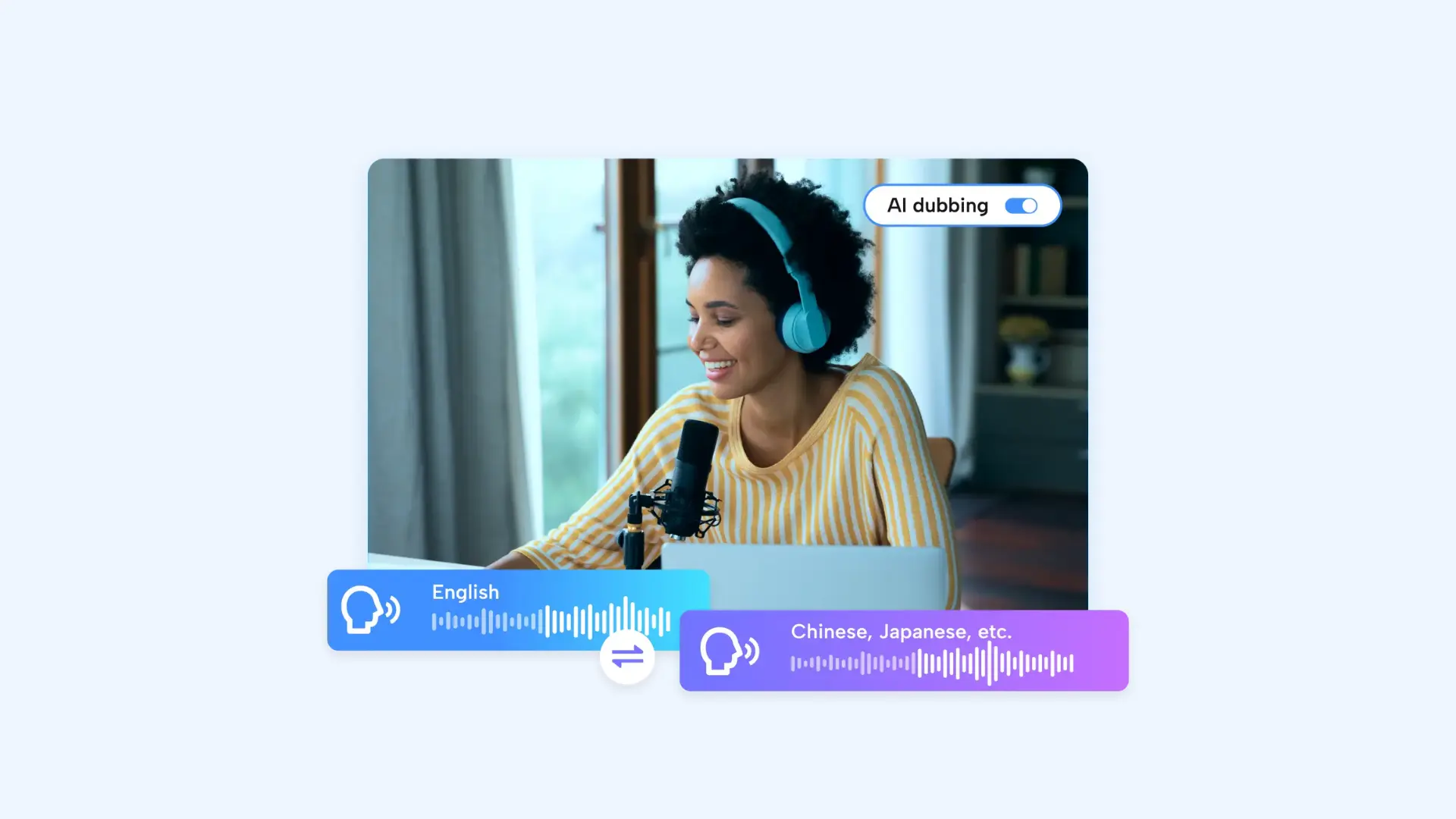
CapCut is a highly popular video editor that has rapidly integrated AI dubbing and translation features directly into its mobile and desktop apps. Developed by ByteDance, it is the go-to tool for social media creators who need to localize content for TikTok, Reels, and Shorts. I rely on it when I need to add basic voiceovers without adding extra tools to the process.
Key features:
- AI voiceovers and auto captions optimized for short-form content
- Social-first video editor with vertical-video focus
- Trend-driven templates, effects, and music tailored for TikTok-style videos
Pros
- Seamless mobile-first editing for on-the-go content creation
- Automatic audio alignment for voiceovers and captions
- Generous free tier with basic AI translation and subtitle generation
Cons
- 4K exports and advanced AI features are limited to the Pro plan
- Lacks granular emotional and pitch control found in dedicated voice platforms
- Free version available
- Monthly plan: $19.99/month
- Team plan: $24.99/month
- Yearly plan: $179.99/year
8. HeyGen
Best for: Scalable video creation with AI avatars.
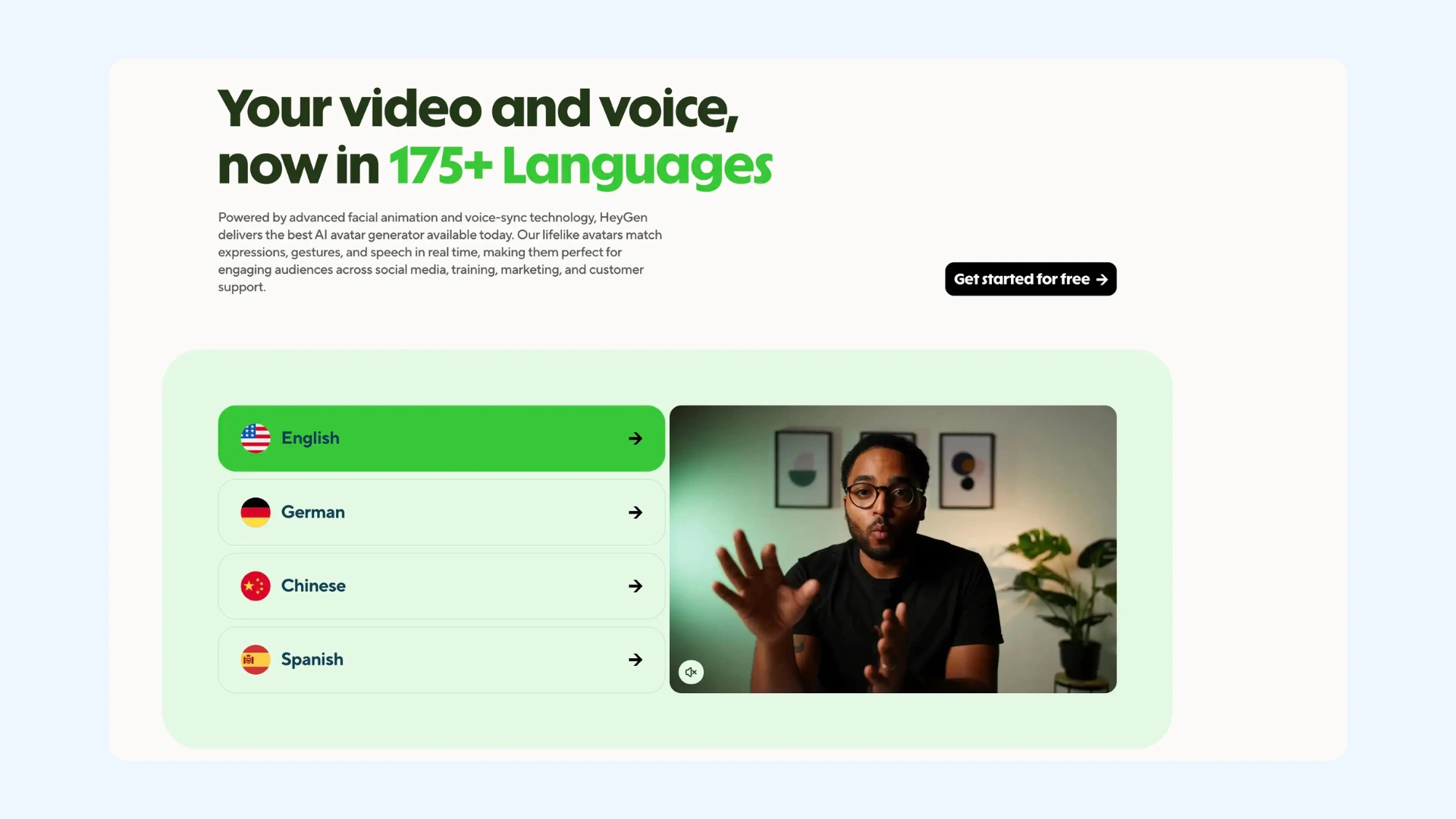
HeyGen is an AI video creation platform built around virtual avatars that can speak multiple languages. While it supports video translation and dubbing, its primary strength lies in its "Digital Twin" technology, which allows you to create a photorealistic version of yourself to narrate videos in over 175 languages. The platform is most useful when the goal is to create scalable, presenter-led videos without needing on-camera talent or reshoots.
Key features:
- AI avatars that can deliver scripts in multiple languages
- Template-driven video creation for marketing, training, and onboarding content
- Script-based editing for fast updates
Pros
- Supports an extensive library of 175+ languages and dialects
- Integrates with tools like Canva, Zapier, and ChatGPT
- Easy to create presenter-led videos across regions and languages
Cons
- Not primarily designed for dubbing existing live-action videos
- Avatar realism may not suit all audiences or content types
- Free plan available
- Creator plan: Starts from $24/month (billed annually)
- Team plan: Starts from $30/month (billed annually)
- Custom enterprise pricing
9. Fliki
Best for: Text-to-video content with AI voiceovers.
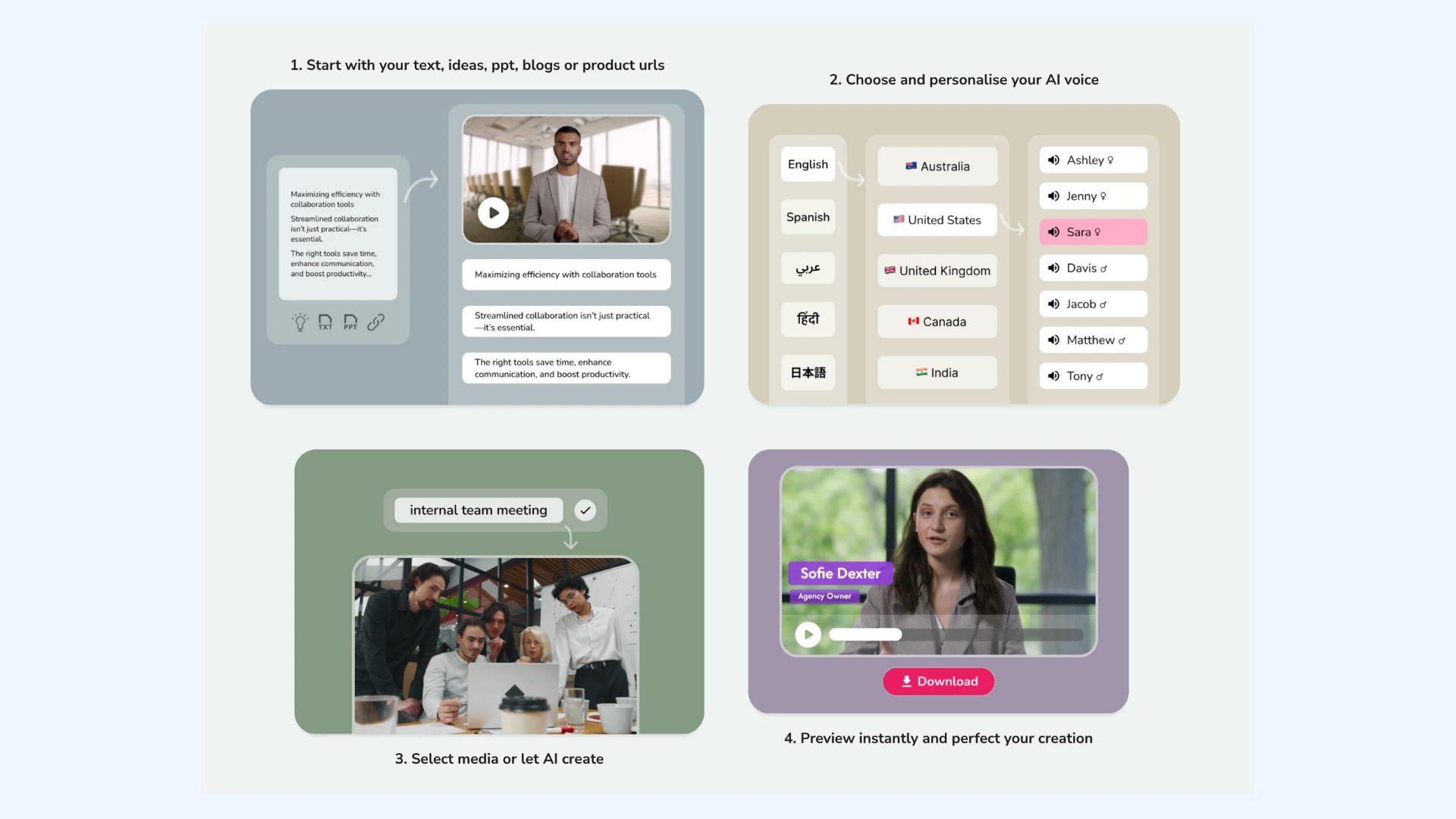
Fliki is an AI-powered tool designed to turn text into short videos using stock visuals and AI-generated voiceovers. Rather than focusing on dubbing existing footage, it offers a different path to localization by letting creators recreate content directly from text in multiple languages. It can be a strong Dubverse alternative when the goal is to produce multilingual videos quickly without original video files.
Key features:
- Text-to-video generation using scripts, blog posts, or prompts
- Multilingual voice output from a single script
- Extensive AI voice library with realistic voices
Pros
- Very fast way to create multilingual videos from text
- No video editing experience required
- Good voice quality for narration and explainer-style content
Cons
- Lacks the deep video dubbing and localization features of dedicated platforms
- Heavy reliance on stock assets can lead to a generic look if scenes aren’t customized
- Free plan available
- Standard plan: Starts from $21/month (billed annually)
- Premium plan: Starts from $66/month (billed annually)
- Custom enterprise pricing
10. Speechify
Best for: High-speed productivity and versatile voiceover content.
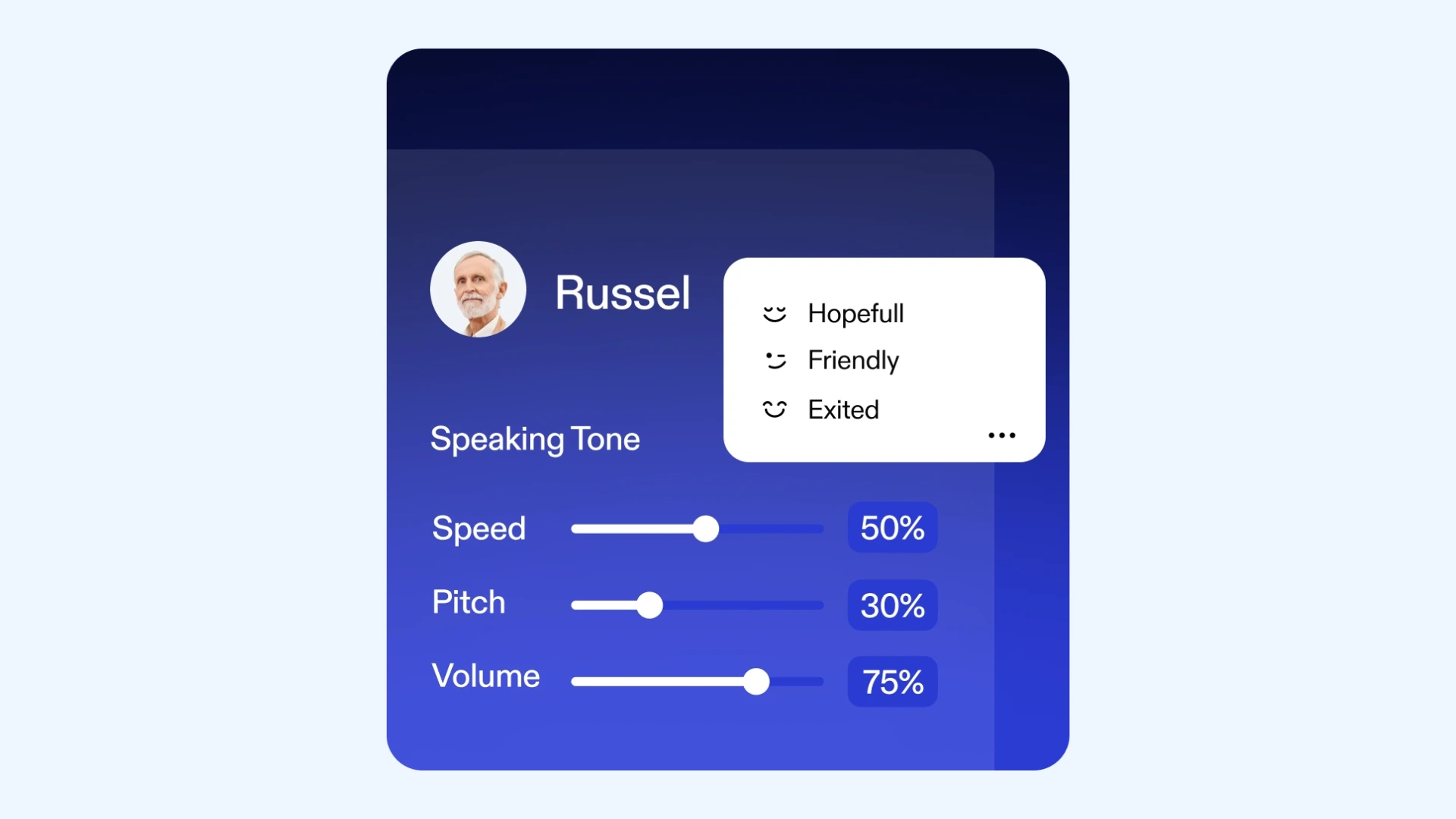
Speechify is widely recognized as a text-to-speech platform, and with Speechify Studio, it has expanded into a more production-oriented environment for voiceovers and localized audio content. Rather than competing directly with video-first dubbing platforms, Speechify Studio focuses on turning scripts, documents, and written content into high-quality spoken audio efficiently. I personally use it for converting long articles and research documents into audio I can review on the go.
Key features:
- Wide selection of natural-sounding voices across multiple languages and accents
- Celebrity voice library for recognizable narration styles
- Automatic filler word removal to clean up spoken audio
Pros
- Extremely fast text-to-speech generation for productivity-focused workflows
- Minimal setup with a very low learning curve
- Strong mobile apps for reviewing and listening to content on the go
Cons
- Lacks dedicated lip syncing technology compared to visual-first tools like HeyGen or Vozo
- Limited control over timing and speaker alignment for video projects
- Free plan available
- Premium plan: $139/year (billed annually)
- Custom enterprise pricing
Best Practices for Using Dubverse Alternatives Effectively
After testing and comparing multiple Dubverse alternatives across different use cases, one pattern is clear: results depend on how the tool is used as much as the platform itself. Even the most advanced dubbing or text-to-speech tool can fall short if you don't align it with the right content type and approach.
Here are some actionable tips that I've found useful when working with both dubbing and text-to-speech platforms.
Tips for Video Dubbing & Localization Tools
The following practices tend to produce the most consistent and high-quality results for platforms like Maestra, Rask AI, Vozo AI, VEED, CapCut, and HeyGen.
- Treat the source script as the localization asset. In practice, poorly structured scripts cause most dubbing issues. These tools generate the transcript early in the process, so once it’s in place, take the time to review and clean it up for the ultimate result. You can use features like filler word removal to improve pacing and clarity upfront.
- Choose scale or realism intentionally. Tools built for scale perform best with consistent, repeatable content such as training videos, educational series, or internal communications. Meanwhile, tools focused on lip sync and realism work better for shorter, face-forward videos. Some platforms like HeyGen offer both approaches, but results are usually strongest when you lean into their primary strength rather than trying to use them for everything.
- Always review translations in context. Even the strongest engines can miss tone or intent. A quick pass, especially for brand language or technical terms, prevents awkward or misleading output. Many tools like Maestra offer a custom dictionary, so you can standardize terminology and avoid fixing the same issues repeatedly.
- Avoid overusing voice cloning for non-critical content. Voice cloning is powerful but it's not always necessary. For internal or low-risk content, you can rely on AI voices that don’t require extra setup or cost.
- Preview on the final delivery platform. Make sure you review dubbed videos in their real context, including website, mobile app, and social feed. Sync, pacing, and audio balance can feel different once embedded or streamed.
Tips for Text-to-Speech Tools
These tips are especially useful when working with text-to-speech platforms like ElevenLabs, Murf AI, Speechify, and Fliki, where audio quality, pacing, and clarity matter more than visual synchronization.
- Write for listening, not reading. Scripts that look fine on a page often sound unnatural when spoken. Shorter sentences, simpler phrasing, and clear transitions improve comprehension and make AI voices sound more natural.
- Choose voice styles based on use case. Expressive voices work best for storytelling and marketing content, while neutral, controlled voices are more effective for training, explainers, and corporate narration. Tools like ElevenLabs and Murf AI are known for their broad library of voice styles suited to different use cases.
- Control pacing intentionally. Small adjustments can significantly improve quality. Faster delivery works for short-form or productivity content, while slower pacing improves clarity for educational or instructional audio.
- Reuse voice profiles for consistency. Sticking with the same voice or cloned profile across related content creates a more professional and recognizable experience, especially for recurring series or branded audio.
- Always listen to the full audio before publishing. Even high-quality TTS can introduce subtle issues with emphasis or pauses that only become obvious when played through completely.
The biggest gains come from using tools with real production needs in mind. Video dubbing platforms work best when visual accuracy matters, while text-to-speech tools are ideal for fast, accessible audio. Consistent results come from pairing the right tool with a process that fits the job.
Convert Text to Speech
Final Verdict
Choosing a Dubverse alternative ultimately comes down to knowing what you really need. If visuals matter, lip sync and presentation quality should drive the decision. If speed and accessibility matter more, voice quality, turnaround time, and language support become the priority.
The tools covered in this guide each solve a different part of the localization problem well. The real win comes from matching those strengths to your content, team, and production reality. When a tool helps you move beyond “acceptable” output and into repeatable, professional localization, that’s when it stops being an alternative and starts being the right choice.
Frequently Asked Questions
Maestra is one of the strongest Dubverse alternatives for full video localization, combining dubbing, subtitles, and real-time translation in one platform. Murf AI is another good choice for high-quality voiceovers used in training and corporate content. Meanwhile, Vozo AI stands out when realistic lip sync and on-screen presentation are the priority.
One of the best Dubverse alternatives for AI-powered video creation is Fliki, which lets you quickly turn written content into engaging visuals with AI voiceovers. Another good option is HeyGen, which uses AI avatars and templates to add a human or branded touch to your videos. These tools are especially effective for social content, tutorials, and marketing videos.
For AI subtitle generation, Maestra is a solid Dubverse alternative, offering accurate transcription and text-based editing that helps refine and localize captions. Rask AI also performs well, with reliable automated subtitles across multiple languages. If you create social media posts, CapCut is a practical option thanks to its fast auto-captions and easy on-platform edits.
ElevenLabs is a top Dubverse alternative for natural-sounding speech, known for its high-quality AI voices and delivery that closely resembles human narration. Speechify is another great app, especially when you need versatile text-to-speech conversion across documents and articles with minimal setup. Both tools deliver voices that sound more natural and engaging than basic TTS, making them ideal for narration, listening, and accessibility.
All of the Dubverse alternatives listed offer either a free trial or a limited free tier, allowing users to test core features before upgrading. This includes tools like Maestra, Rask AI, VEED, and more, which provide varying levels of access without upfront payment. The exact limitations differ by platform, so it’s worth checking each tool’s trial terms based on your intended use.