Top 10+ Voice Translator Apps
Updated for 2026: This article was recently updated to reflect the latest voice translation apps, features, and platform support available in 2026.
Voice translation is a solution that can be described as ground-breaking in the AI translation market. Being able to speak and have it translated in real-time can solve so many problems that many industries and individuals have on a daily basis. Think about it, anyone can talk with anyone at any point and be understood seamlessly.
To make that decision easier, we tested and compared a wide range of voice translator apps. We evaluated each app based on translation accuracy, voice performance, ease of use, platform support, and price vs. value.







What is Voice Translation?
Voice translation is the process of instantly converting spoken language into another language using AI and speech recognition. According to CSA Research, 76% of consumers prefer interacting with content in their native language, which highlights the growing importance of live voice translation technology.
Here’s how it works in action:
- 🎙️ Speech-to-text – Your voice is captured and transcribed.
- 🌐 AI translation – The text is instantly converted into your target language.
- 🔊 Text-to-speech – The translation is spoken back naturally.
- ⚡ Live translation – Modern apps handle conversations in real time, making communication flow smoothly.
How We Tested These Voice Translator Apps
To evaluate these voice translation apps fairly, we tested them using the same criteria:
- Translation accuracy across common language pairs such as English–Spanish, English–German, and English–Japanese
- Speech recognition quality in both quiet and moderately noisy environments
- Response speed between spoken input and translated output
- Conversation usability, including how natural two-way conversations felt
- Platform availability, including mobile apps, web tools, and integrations
Each app was tested using identical phrases and short conversations to simulate travel, meetings, and casual communication scenarios.
Best 12 Voice Translators Apps Comparison Table
In the following table, you’ll find a side-by-side comparison of the 12 best voice translator apps we reviewed, with an emphasis on language coverage, supported platforms, standout key features, and whether they offer a free version or trial.
| Voice Translator App | Languages | Platforms | Key Features | Free Trial |
| Maestra AI | 125+ | Web, integrations (Zoom, Teams, OBS, vMix) | Live and on-demand voice translation with AI voice cloning | ✅ |
| Google Translate | 100+ | Web, iOS, Android | Free, offline, camera mode | 100% free |
| iTranslate Voice | 40+ | iOS (standalone), Android (part of the main iTranslate app) | Conversation mode, offline packs | ✅ |
| Instant Voice Translate | 70+ | Android | One-tap speak-to-translate | ✅ |
| Speak & Translate | 100+ | iOS | Speech-to-speech + text translation | ✅ |
| Vocre | 50+ | iOS | Real-time conversation mode | ✅ |
| Papago | ~13 (mainly Asian) | iOS, Android | Cultural nuance, offline mode | 100% free |
| Yandex Translate | 100+ | Web, iOS, Android | Voice input, offline mode | 100% free |
| Reverso | 17 | iOS, Android | Context examples | ✅ |
| Microsoft Translator | 100+ | Web, iOS, Android | Group conversation mode | Free for personal use, included in Microsoft 365 Business and Enterprise plans |
| DeepL Voice | 30+ | iOS & Android (Conversations), Zoom & Microsoft Teams (Meetings) | Meeting translation, enterprise-grade accuracy | ❌ |
| Lingvanex | 100+ | Web, iOS, Android, Windows, macOS | Voice + text + file translation | ✅ |
Top 12 Voice Translator Apps Reviewed
1. Maestra AI: Best for All-in-One Live Voice Translation
Maestra AI isn’t just a live voice translator, it’s a complete multilingual communication platform with live interpretation built in. Supporting over 125 languages, Maestra allows you to translate voices in real time with live voice cloning feature that you can not find in most apps. What sets Maestra apart is its completeness, allowing users to translate voices in real time with live voice cloning and realistic AI voices, alongside live captions and multilingual session sharing.
Key features:
- Live voice-to-voice translation + on-screen captions
- Speaker detection for clearer group translation
- Supports sessions with several source and target languages
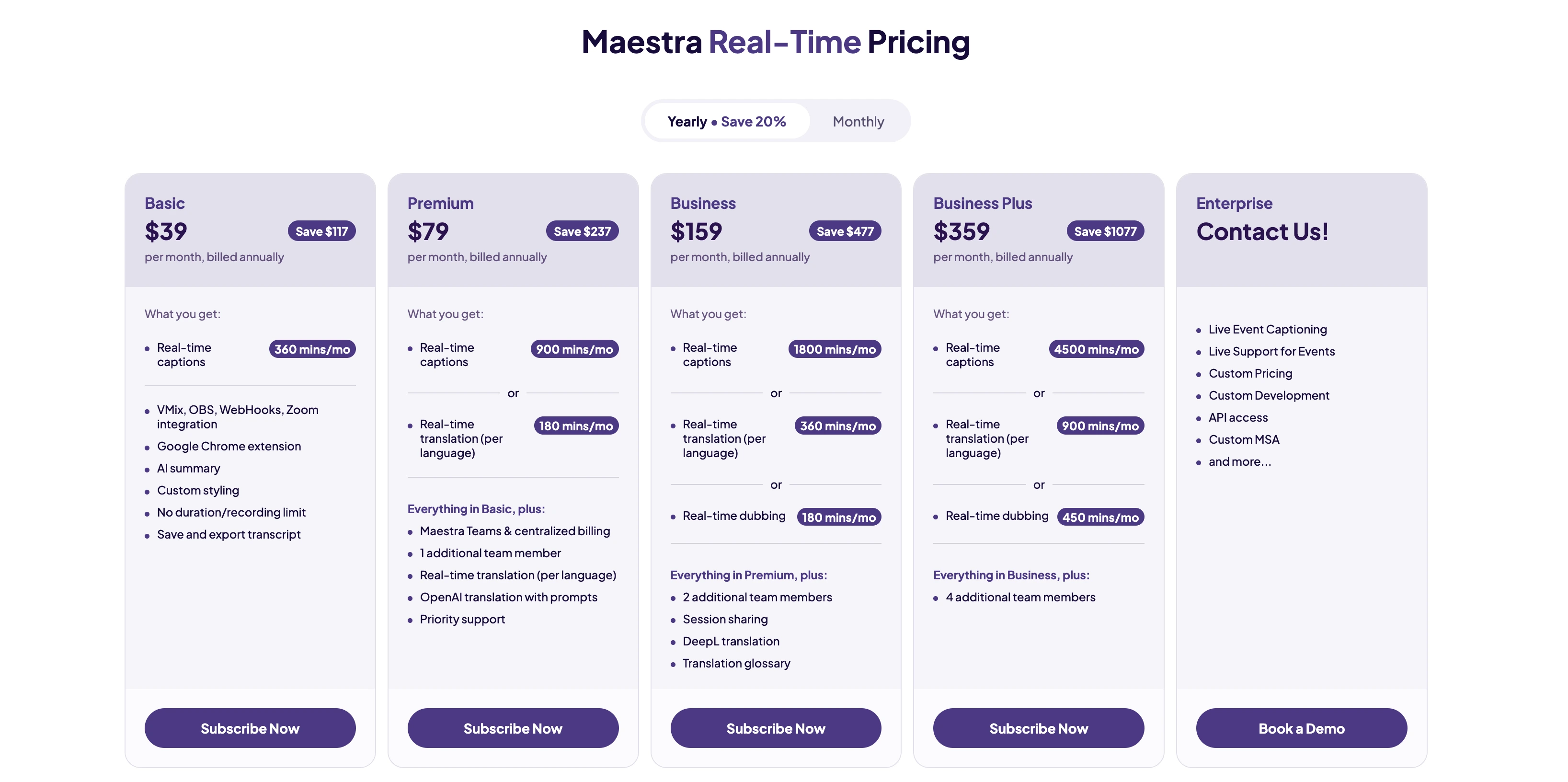
🎯 Bottom line: Maestra Live is one of the most complete voice translation platforms available because it doesn’t stop at real-time translation. Once a session is finished, you can save it, refine it, and scale it using Maestra’s AI audio translator, with realistic AI voices per speaker, optional lip sync, and 125+ language support. If you want a voice translator that goes beyond basic conversations and actually supports full production processes, this is it.
Pros
- Zoom, Teams, OBS, and vMix integrations
- Real-time voice cloning feature
- Live and uploaded voice translation
Cons
- Requires a subscription for most features
- Needs an internet connection
2. Google Translate: Best for Everyday Use and Travel
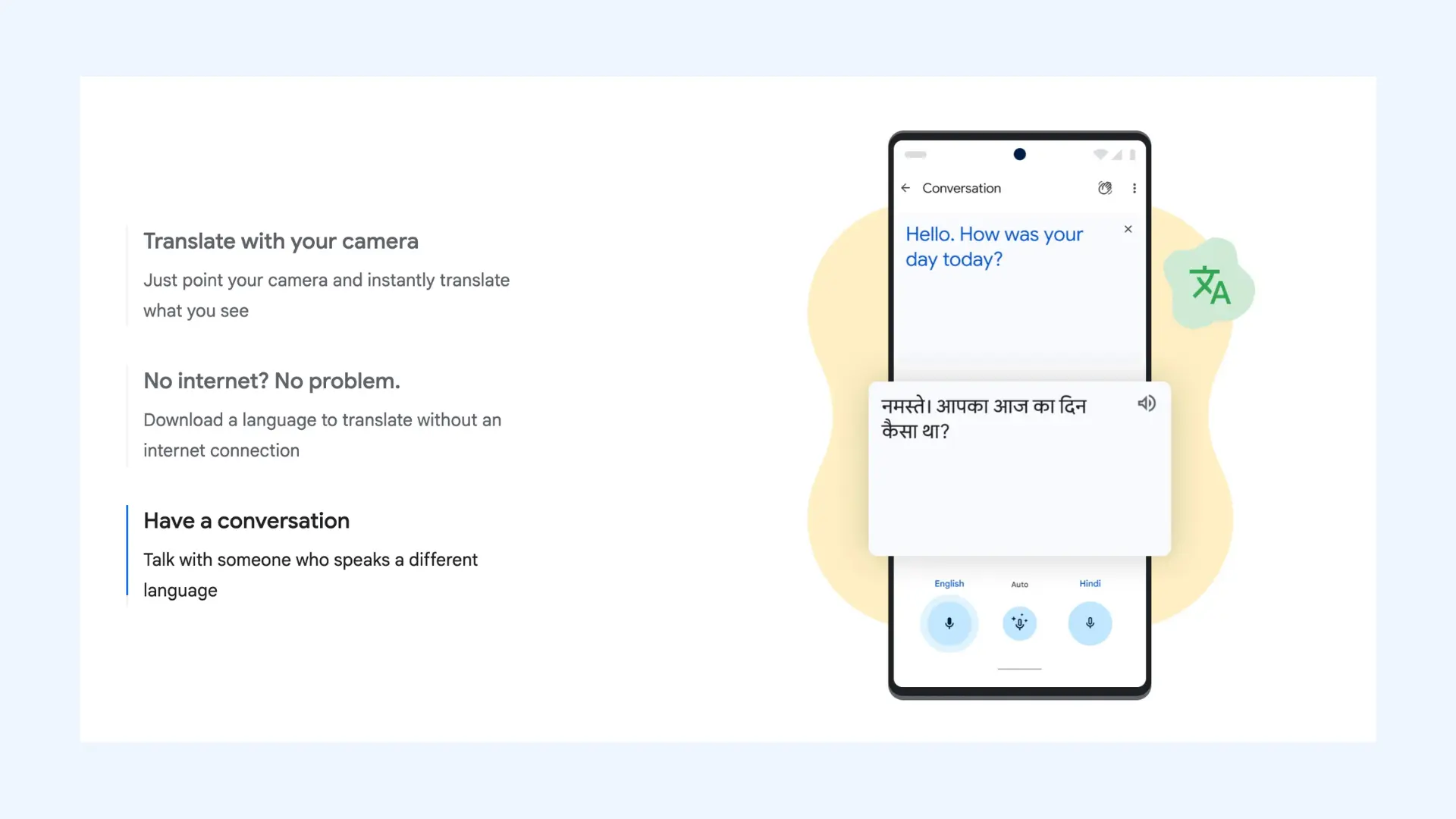
Google Translate is the most recognizable translator app worldwide. Free and easy to use, it supports more than 100 languages across text, voice, and even camera input. Its offline mode is a lifesaver for everyday interactions and travelers, and the conversation feature makes two-way chats much easier.
Key features:
- Voice-to-voice translation for real-time spoken conversations
- Automatic voice recognition for hands-free bilingual communication
- Offline language downloads for voice translation while traveling without data
Pros
- Free with wide language support
- Offline mode and multi-format translation (voice, text, camera)
Cons
- Voice translations can sound robotic
- Accuracy varies with complex sentences or idioms
Pricing: Completely free.
🎯 Bottom line: In our tests, Google Translate responded in under two seconds for most common language pairs, though longer sentences sometimes sounded slightly robotic.
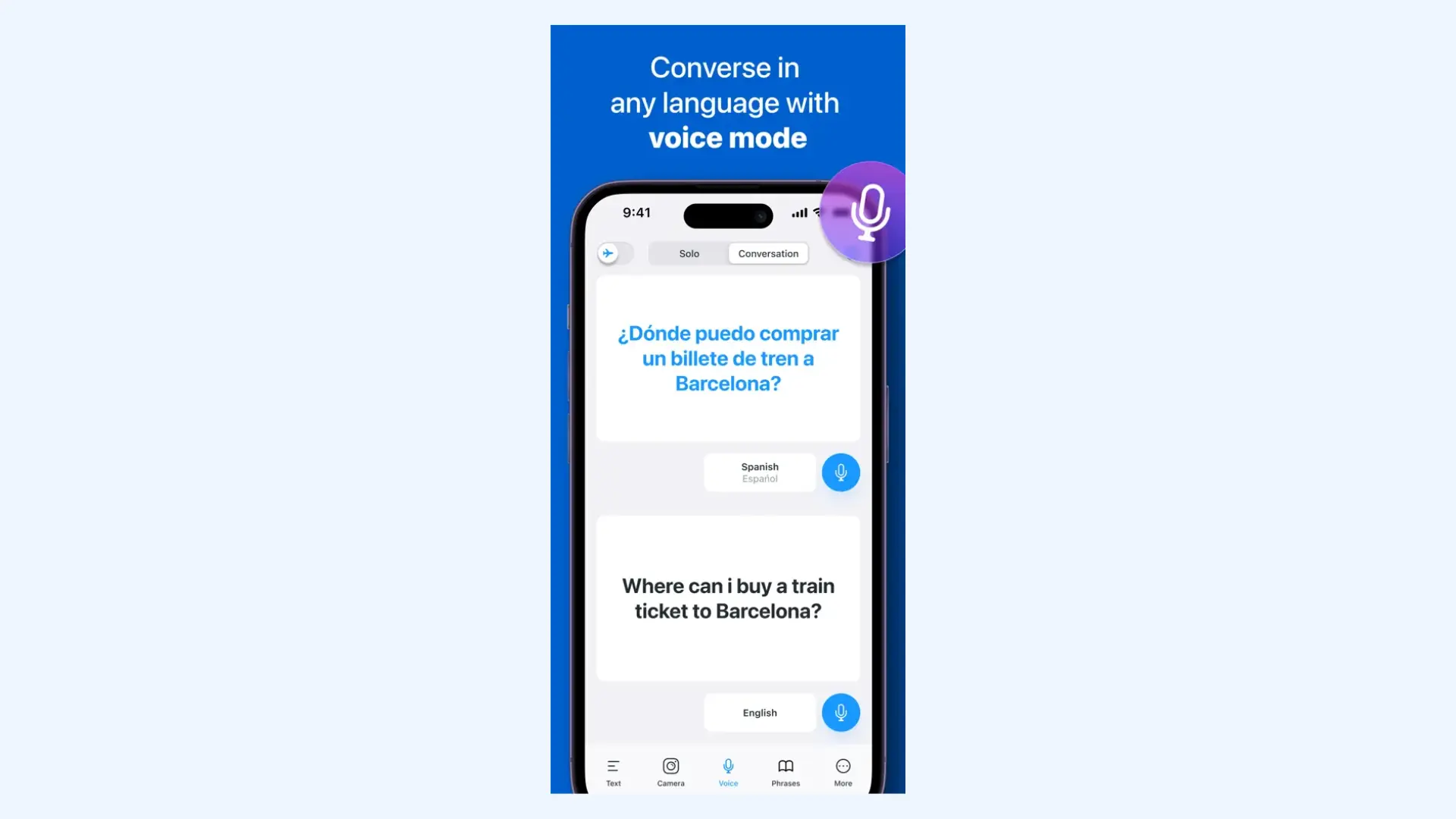
3. iTranslate Voice: Best for iPhone Users
iTranslate Voice is a traveler-friendly app that focuses on simplicity. It supports over 40 languages and comes with a phrasebook and offline packs, so you’re covered even without Wi-Fi.
Key features:
- Voice-to-voice conversation mode for instant two-way translation on one device
- Apple Watch support for quick wrist-based translations
- Customizable phrasebook with 250+ travel phrases (dining, emergencies, etc.)
Pros
- Offline support for travel without roaming data
- Clean, easy-to-use design
Cons
- Requires subscription for full features
- Less accurate for niche or technical vocabulary
Pricing: Free version with limitations. Subscription plans start at $9.99 per month or roughly $69.99 for an annual pass.
🎯 Bottom line: During testing, the app performed well with short travel phrases but struggled slightly with longer or technical sentences.
4. Instant Voice Translate: Best for Android Users
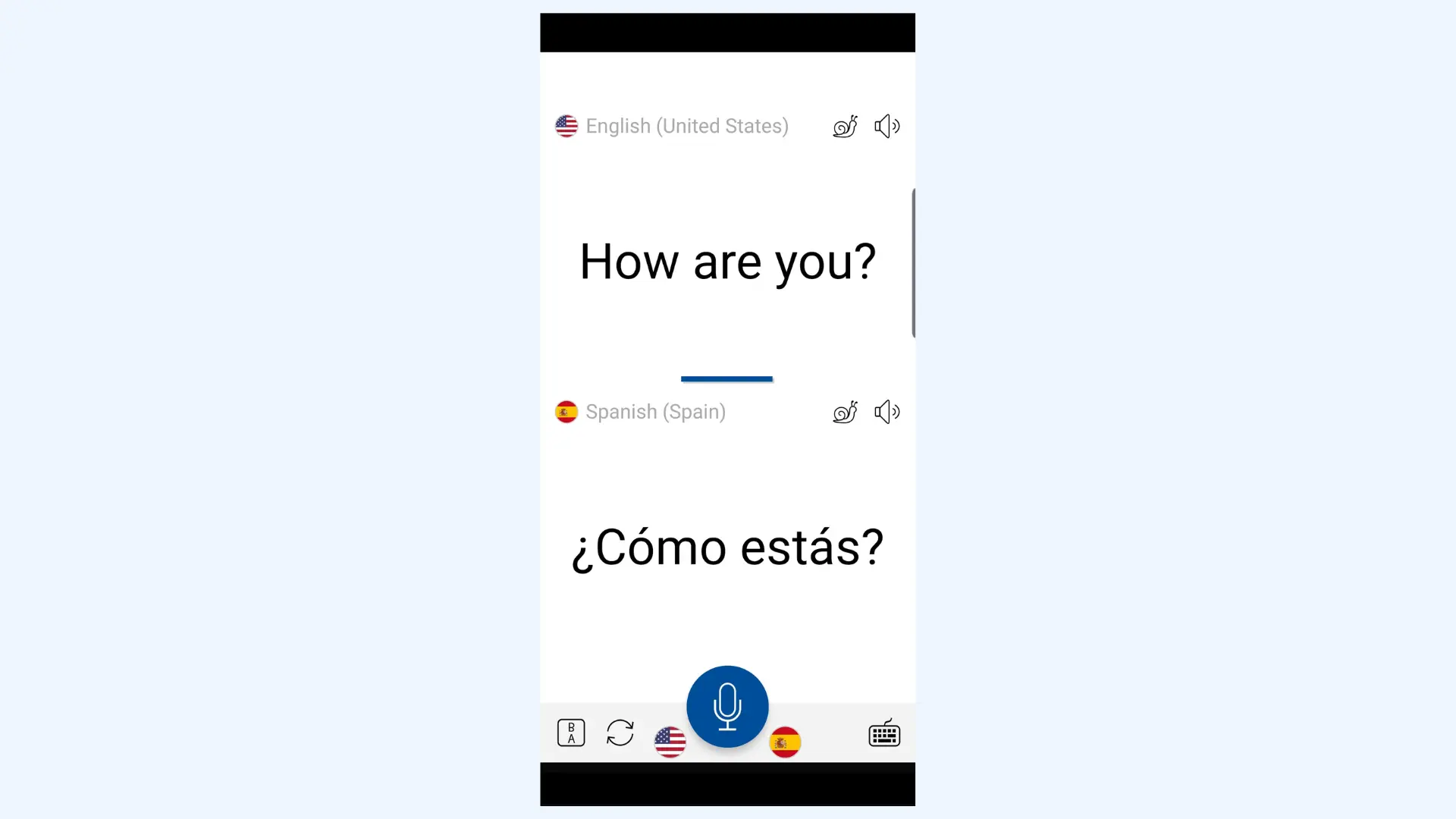
Instant Voice Translate is a lightweight Android-friendly voice translator focused on speed and simplicity. It’s designed for quick conversations where you need fast spoken translation without extra steps, making it a practical pick for daily use, travel, or casual bilingual communication.
Key features:
- One-tap speak-to-translate flow for minimal effort
- Wide language coverage for common travel and daily needs
- Simple interface optimized for quick use on Android
Pros
- Quick to use with a clean learning curve
- Great for casual translation on the go
Cons
- Less reliable for long or complex sentences
- Free version can feel ad-heavy, which interrupts fast conversations
Pricing:Free version with limitations. Subscription plans start at $0.99 per month or $1.99 per year.
🎯 Bottom line: We’d treat Instant Voice Translate as a practical Android pick when you want something fast and straightforward. It’s not a professional tool, but for quick everyday conversations, it gets the job done with minimal effort.
5. Speak & Translate: Best for Voice & Text Translation Combined
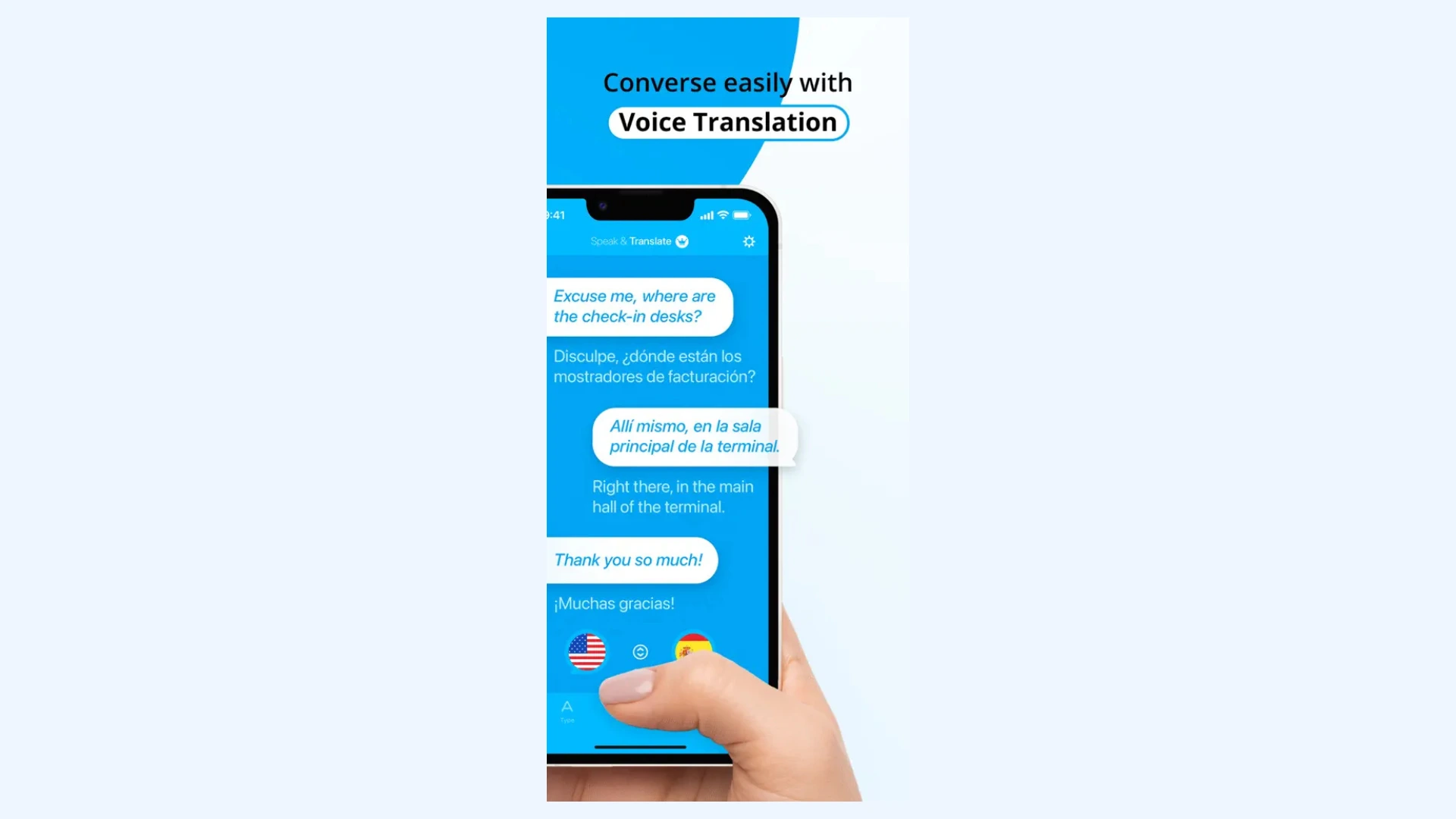
Speak & Translate is designed for everyday users who need both voice and text translations. It works with over 100 languages and offers a subscription model for unlimited access.
Key features:
- Auto language detection for faster conversations
- Custom voice playback including a female voice generator, male voice options, and speed control
- iCloud sync across Apple devices
Pros
- Supports both voice and text translations
- Covers a large number of languages
Cons
- Free version has limits and ads
- Accuracy depends heavily on internet connection
Pricing: Free version with limitations. Premium subscription starts at $7.99/month.
🎯 Bottom line: We see Speak & Translate as a practical choice for frequent everyday translation, especially if you want both voice and text in one app. The free version works for basic needs, but the subscription is where it becomes truly usable for unlimited translations and smoother performance. Just keep in mind it works best with a stable internet connection.
6. Vocre: Best for Quick & Simple Voice Translation
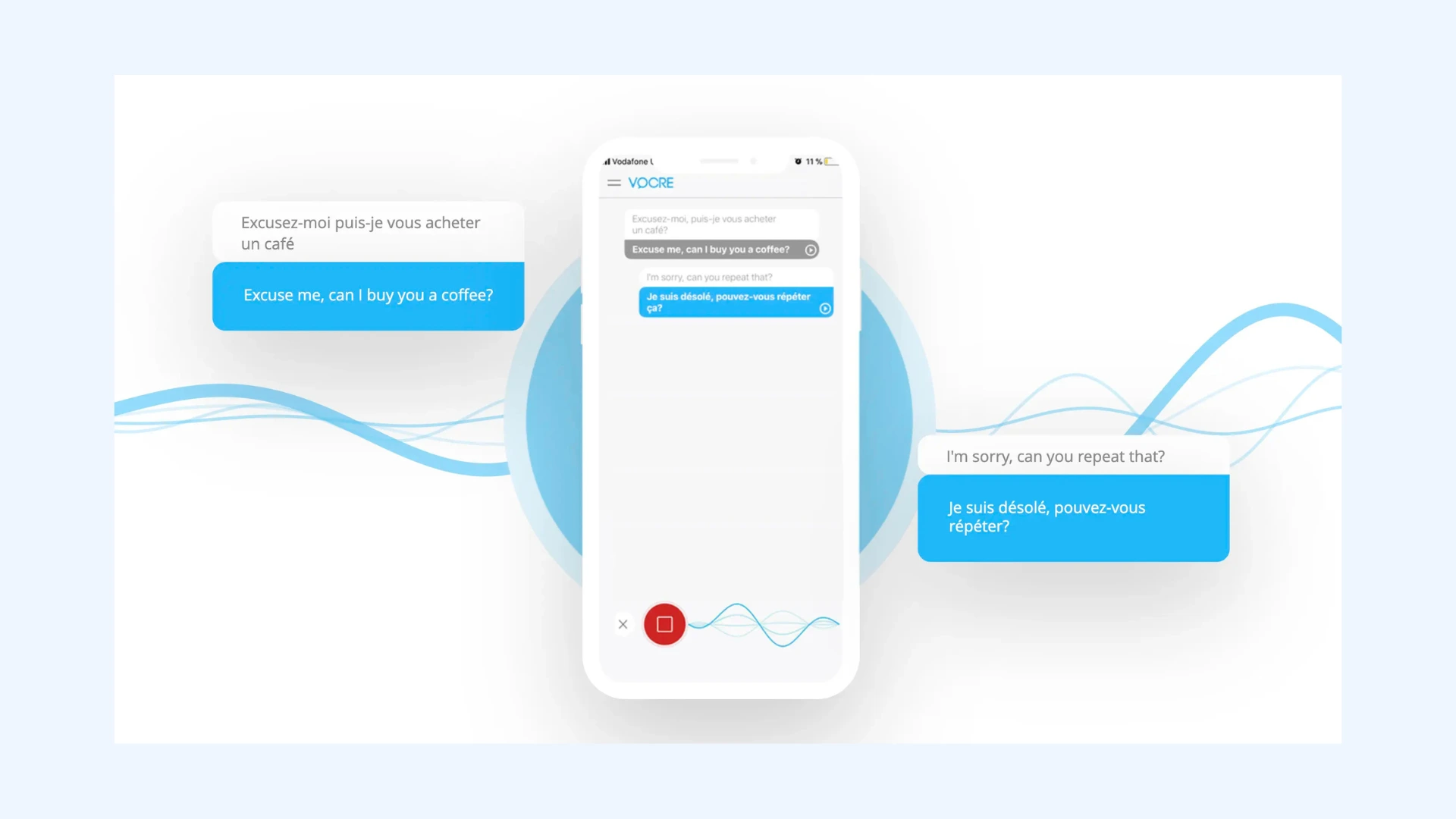
Vocre specializes in fast, real-time voice translation. Its simple interface makes it perfect for travelers who need quick results without digging through menus.
Key features:
- One-tap recording for quick translations on the go
- Simple, minimal interface with low learning curve
- Auto language detection (in supported scenarios)
Pros
- Extremely easy to use
- Instant, real-time results
Cons
- Supports fewer languages than competitors
- Lacks extra features for professionals
Pricing: Free version with ads and limited features. Premium subscription is $8.99/month.
🎯 Bottom line: Vocre is a great pick for travelers who want fast, no-fuss voice translation without extra setup or complicated menus. It’s not built for professional workflows or advanced features, but for quick everyday conversations where speed and simplicity matter most, it delivers.
7. Papago: Best for East Asian Languages
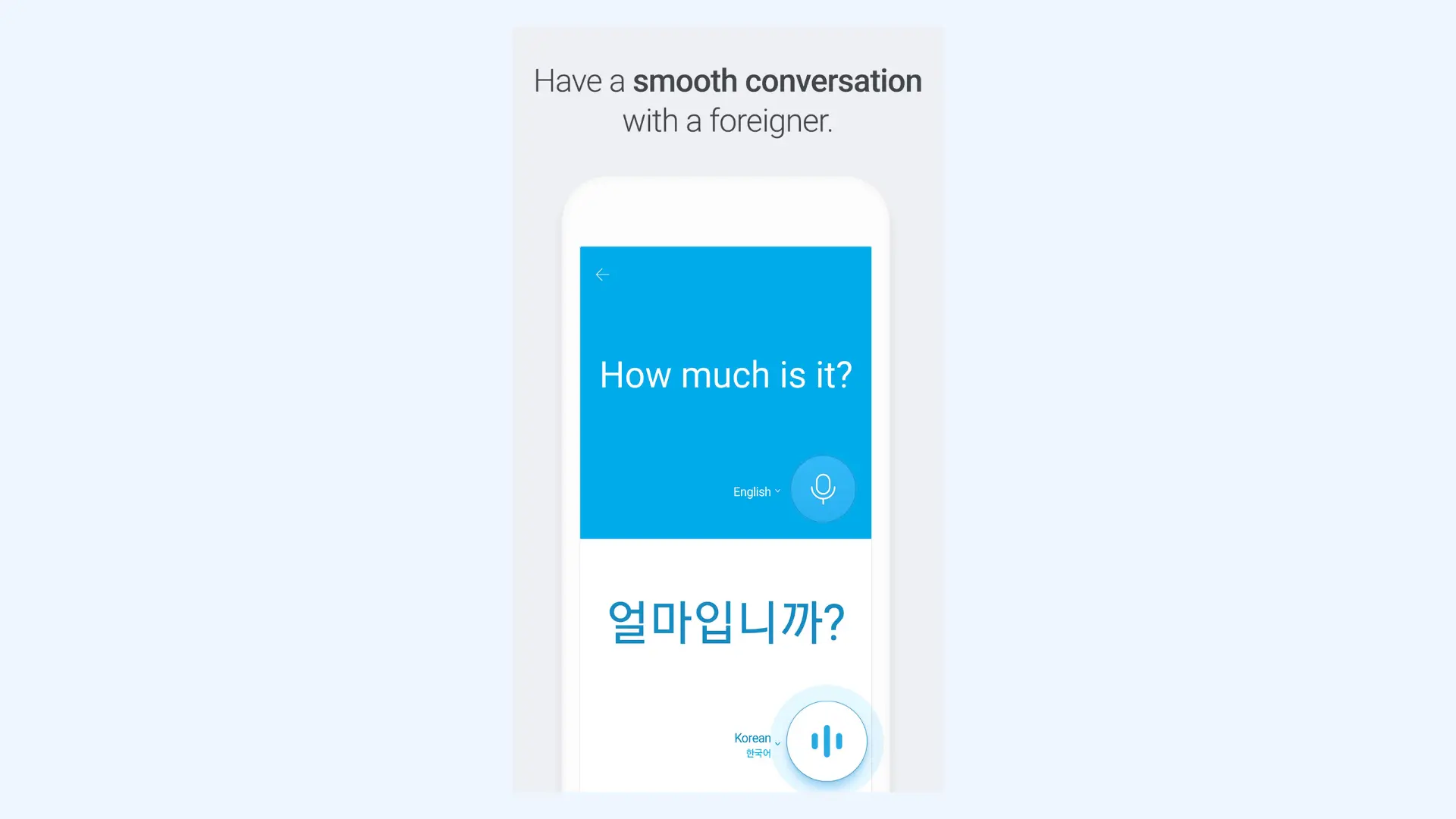
Developed by Naver, Papago is strongest in Asian languages like Korean, Japanese, and Chinese. While it doesn’t have as many languages overall, it shines in cultural nuance and regional accuracy.
Key features:
- Voice translation mode for real-time spoken conversations
- Conversation mode for two-way bilingual chats
- Offline translation support for travel without Wi-Fi
Pros
- Excellent for East Asian languages
- Handles cultural nuance better than many competitors
Cons
- Limited global language selection
- Interface mainly optimized for Asian markets
Pricing: Completely free.
🎯 Bottom line: Papago is especially useful for travelers or expats in East Asia, with offline support and text, voice, and even image translation. Because it was developed with an Asian-first focus, its accuracy in these languages often exceeds that of bigger competitors, making it an invaluable app for regional use.
8. Yandex Translate: Best for Russian & Slavic Languages
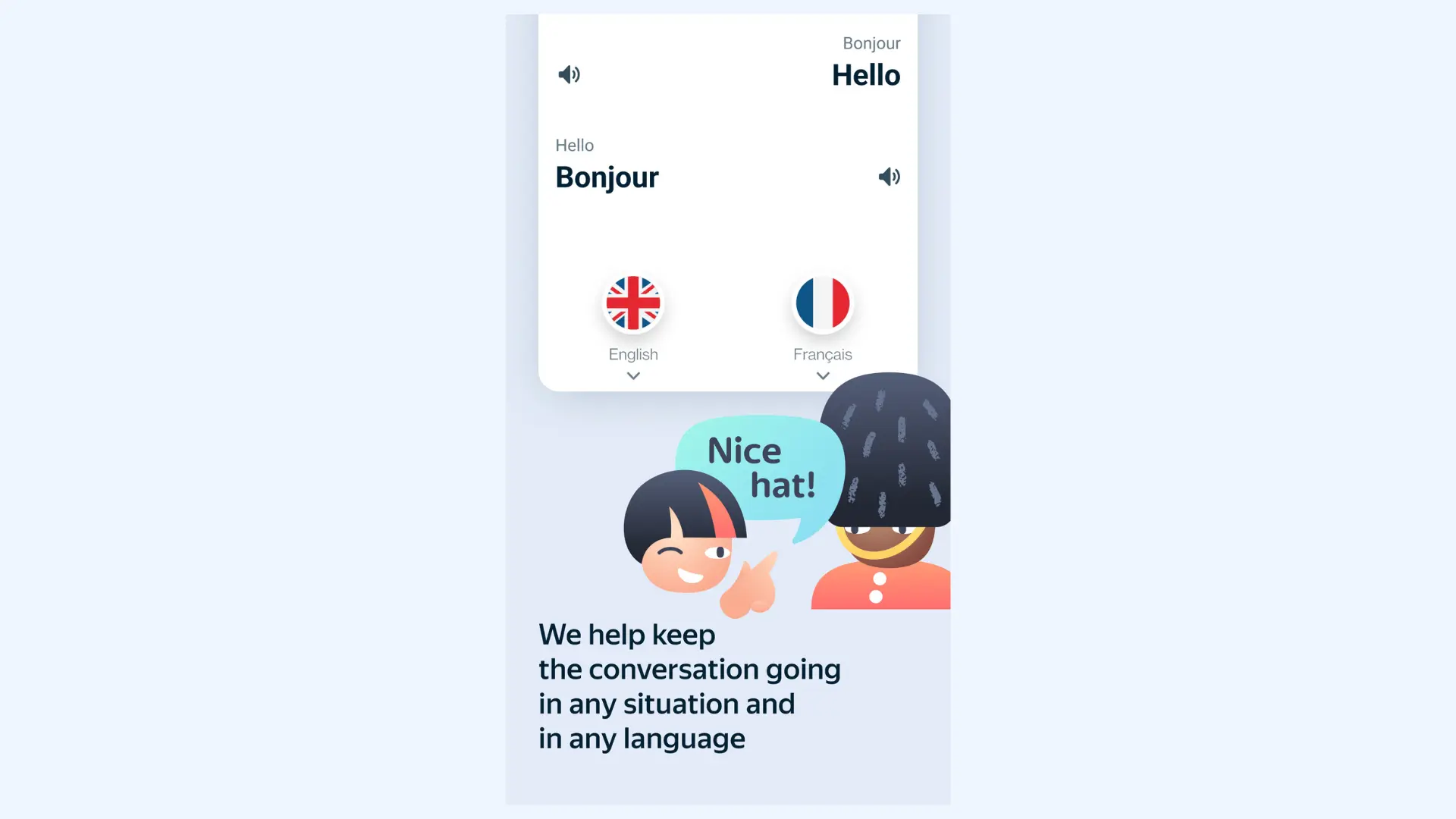
Yandex Translate is a strong option for users working with Russian and other Slavic languages. It supports text and voice translation and is especially useful when you need region-specific language coverage that sometimes performs better than global-first tools in these markets.
Key features:
- Strong Russian language support with regional relevance
- Offline mode for translation without internet access
- Automatic language detection to speed up translation
Pros
- Fast performance for short phrases and everyday translation
- Supports multiple input types (voice, text, camera)
Cons
- Not as consistent for global accuracy as Google or DeepL in some language pairs
- Can struggle with idioms and complex phrasing in longer sentences
Pricing: Completely free.
🎯 Bottom line: We recommend Yandex Translate as a strong regional translator for Russian and nearby language markets, with solid voice and offline support, but it would not be our first pick for nuanced, high-stakes translation.
9. Reverso: Best for Language Learners
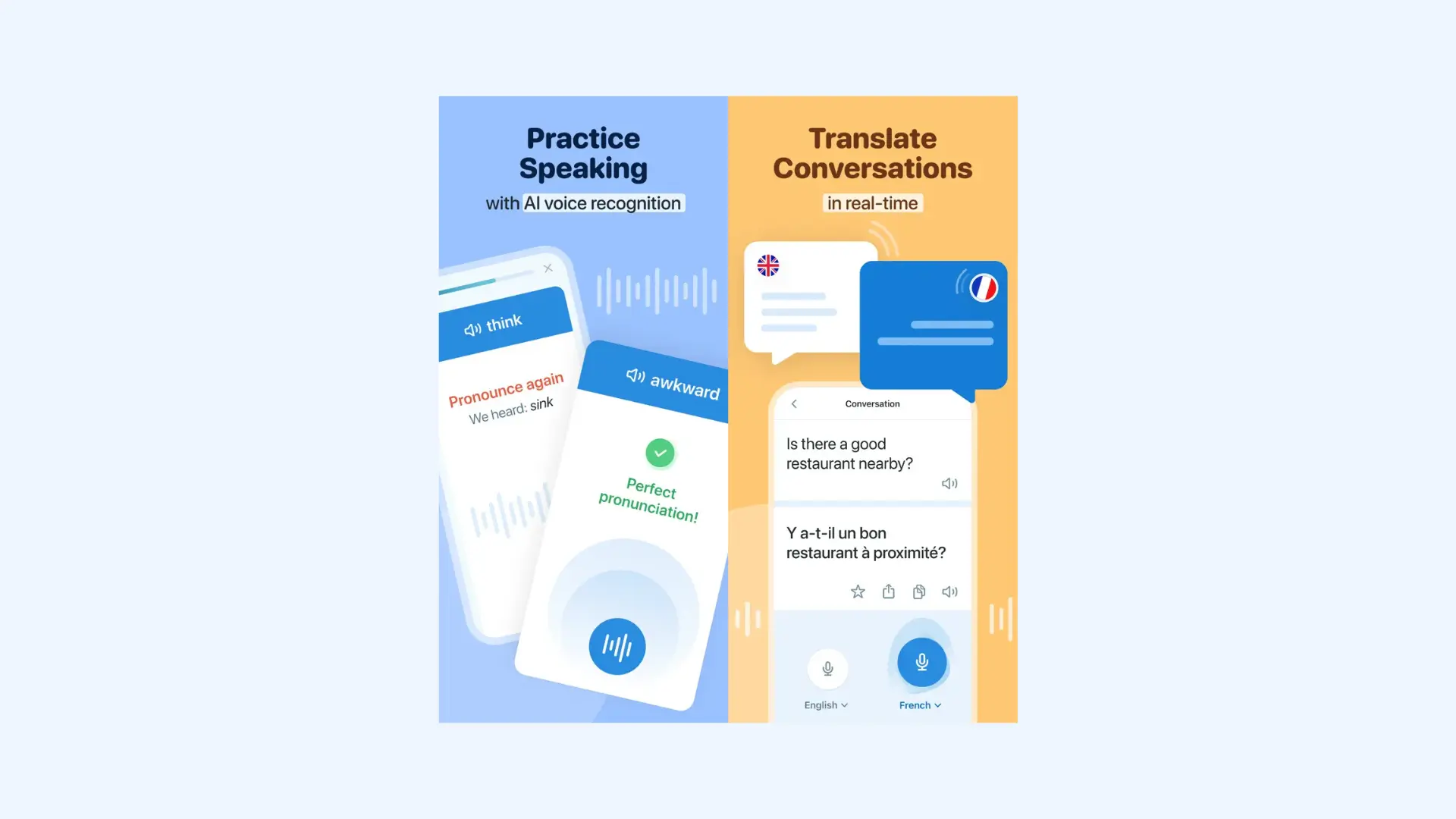
Reverso goes beyond basic translation by focusing on natural language use and real examples. It’s especially useful when you want translations that sound authentic, understand nuance, and learn how words function in real sentences.
Key features:
- Voice input (where supported) for spoken queries
- Context-based translations with real sentence examples
- Pronunciation guides with audio playback
Pros
- Useful pronunciation support for language learners
- Free tier available with substantial features
Cons
- Not as strong for real-time conversations as dedicated voice translator apps
- More focused on learning/contextual depth than quick translation needs
Pricing: Free with limitations; Premium subscription at $6.99/month or $49.99/year unlocks unlimited features.
🎯 Bottom line: Reverso is ideal for learners, writers, and translators who want context and examples, but it’s not the first choice for instant voice conversations on the go.
10. Microsoft Translator: Best for Microsoft 365 Users
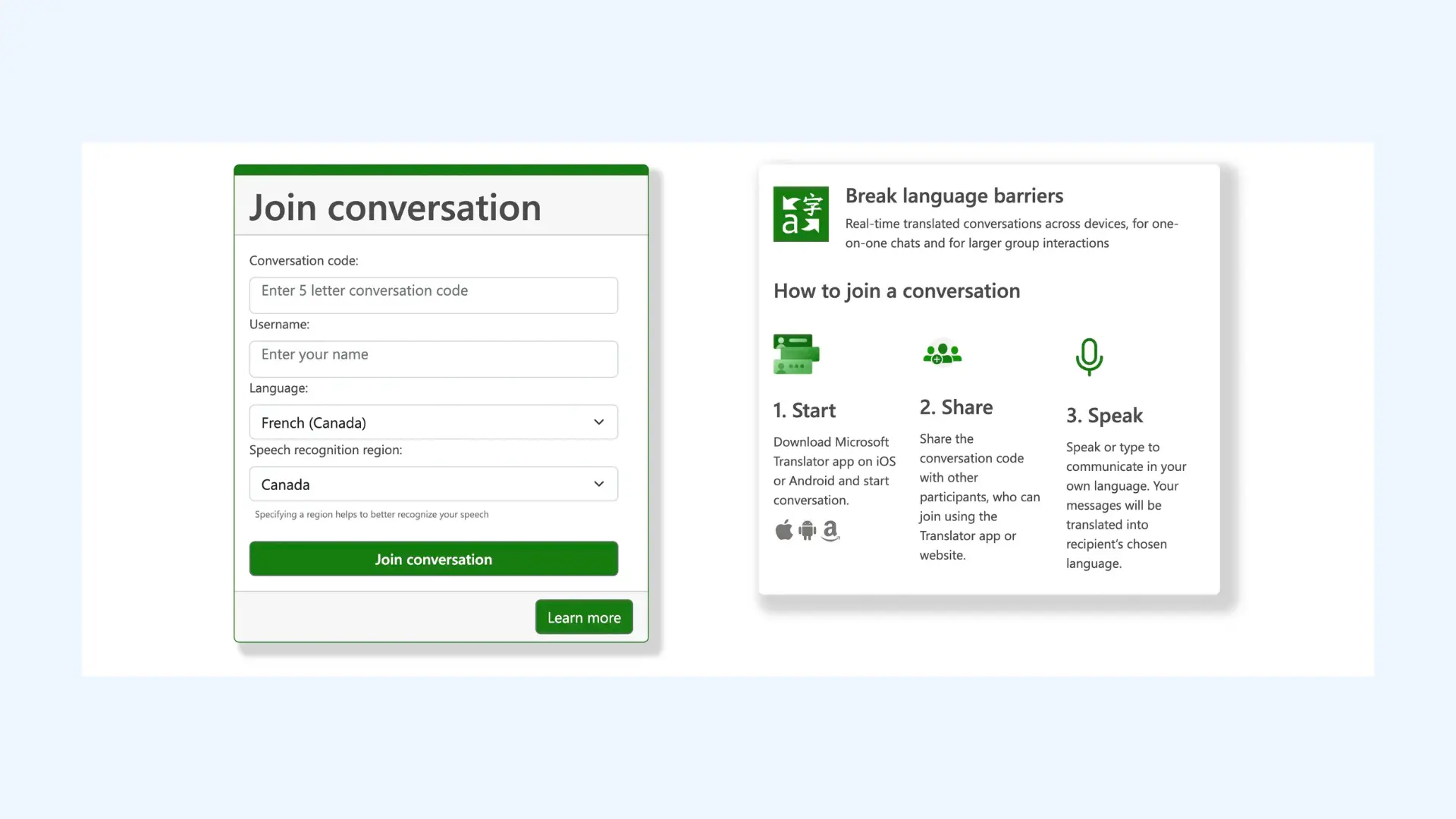
Microsoft Translator integrates seamlessly into Teams and Office, making it a great choice for professionals. With its group conversation feature, multiple people can chat in different languages and receive translations instantly, which is a game-changer for international teams.
Key features:
- Group conversation mode for multilingual meetings with multiple participants
- Split-screen translation for two people to have a face-to-face conversation using a single smartphone
- Offline translation packs to ensure functionality in areas with limited internet access
Pros
- Perfect for business and education use
- Excellent cross-device synchronization for collaborative meetings
Cons
- Smaller language coverage compared to Google Translate
- Interface feels more corporate and less intuitive for casual users
Pricing: Free for personal use with the mobile and web apps. Included with Microsoft 365 Business and Enterprise plans.
🎯 Bottom line: Microsoft Translator's clean integration with Microsoft’s productivity suite makes it especially attractive for enterprise customers already using Office 365. While its language selection is narrower than Google Translate, its strength lies in collaborative, professional contexts where accuracy and stability are critical.
11. DeepL Voice: Best for Enterprise-Level Accuracy
DeepL Voice is designed for high-quality, natural-sounding voice translation in professional settings. It comes in two versions: DeepL Voice for Conversations, which supports real-time translation on mobile for business chats, and DeepL Voice for Meetings, which integrates with tools like Microsoft Teams and Zoom for live multilingual meetings.

Key features:
- Professional-grade translation quality for business use
- High-accuracy output with natural phrasing and tone
- Conversation support for bilingual discussions
Pros
- Strong choice for business and professional communication
- Trusted option for accuracy-focused users
Cons
- Enterprise-first approach limits availability for regular user
- Fewer supported languages than Microsoft Translator
Pricing: Custom enterprise plans. Contact DeepL sales team.
🎯 Bottom line: DeepL Voice is one of the strongest options for business translation, especially if you care about fluency and tone. We’d choose it for meetings and client-facing conversations where “good enough” isn’t good enough.
12. Lingvanex: Best for Cross-Platform Business Translation
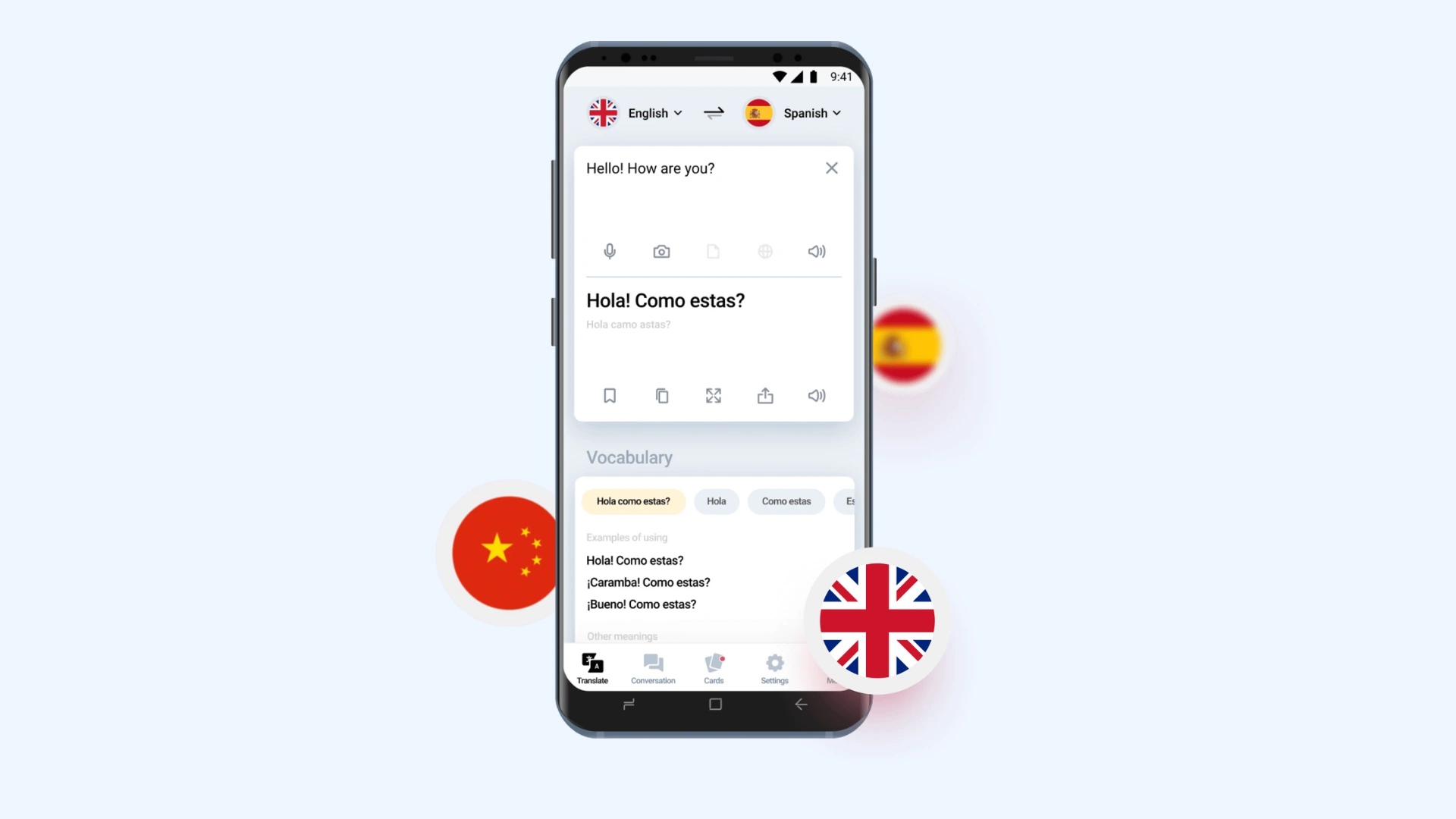
Lingvanex caters to business and professional users. It works across mobile, desktop, and web, supporting voice, text, and even document translations. It’s especially useful for organizations that need multilingual communication across different platforms.
Key features:
- Privacy-focused tools including on-premise/self-hosted options (for enterprise)
- Translation API for product and workflow integration
- Phrasebook support for saved translations and common phrases
Pros
- Cross-platform support, including files and documents
- Strong AI-driven accuracy
Cons
- More complex than casual users need
- Subscription required for advanced features
Pricing:Mobile apps cost $99.99 per year for unlimited translations across devices. For businesses, pricing starts at €200/month for on‑premise solutions.
🎯 Bottom line: With AI-driven accuracy and robust cross-platform support, Lingvanex offers much more than casual conversation translation. It’s a solid choice for enterprises, multilingual customer service, or anyone who needs translation tools built into their workflow.
Best Translation Apps in 2026 - A Translator’s Review
Voice Translator App Use Cases
Voice translator apps aren’t just handy gadgets for tourists, they’ve become essential tools in many parts of everyday life. Here are some of the most common and impactful use cases:
🌍 International Travel
Whether you’re ordering food in Tokyo, asking for directions in Madrid, or checking into a hotel in Paris, a voice translator app helps break down barriers instantly.
💼 Business Meetings
Global companies rely on these tools to communicate with clients, partners, and colleagues across languages. Real-time voice translation ensures nothing gets lost in important discussions.
📚 Education & Learning
Students and teachers use voice translation apps to engage with foreign-language materials, participate in international classrooms, and practice pronunciation.
🎬 Content Creation
Creators and media professionals use advanced platforms like Maestra AI for dubbing, subtitles, and voice cloning — making their videos and podcasts accessible to worldwide audiences.
❤️ Everyday ConnectionsFrom talking with neighbors who speak another language to connecting with new friends abroad, best speech translator apps make genuine communication possible.
Conclusion
From casual travel apps to professional AI-powered platforms, today’s best voice translator apps make it easier than ever to connect across languages.
If you just need a free, quick translator, Google Translate or Instant Voice Translate will do the job. For travel-focused features, iTranslate Voice or Papago shine. But if you’re looking for a professional-grade solution with advanced features like dubbing, voice cloning, and subtitles, Maestra AIstands out as the top choice.
👉 Ready to experience next-level voice translation? Try Maestra'slive voice translator today and break down language barriers for good.
FAQ
What is the best voice language translation app?
Among the top contenders, Maestra AI distinguishes itself with advanced audio and live translation capabilities, offering real-time transcription and translation across multiple languages with real-time voice cloning (a unique feature you can't find on any of the other voice translator apps). Other notable apps include Google Translate, known for its extensive language support and user-friendly interface, and Microsoft Translator, which excels in integrating with other Microsoft services.
Is there an app that can translate while someone is talking?
Yes, several apps provide real-time translation during conversations. Google Translate, Maestra AI and Microsoft Translator offer live voice translation features that transcribe and translate speech as it occurs, making it ideal for meetings, lectures, and live events.
What is the best AI voice translator?
Maestra AI is a leading AI-driven audio & voice translator, delivering accurate and swift translations suitable for both professional and personal use. Its real-time capabilities and support for various languages make it a top choice. Other AI-powered translators like iTranslate Voice also offer robust features, catering to diverse translation needs.
Is there a translator for voice?
Yes, numerous applications specialize in voice translation. Maestra AI provides comprehensive voice translation services, including real-time transcription and translation. Additionally, apps like Google Translate, Microsoft Translator, and iTranslate Voice offer voice translation functionalities, enabling users to communicate across language barriers effectively.
Which is the best free voice translator app?
When evaluating free voice translator apps, Google Translate stands out as a top choice due to its extensive language support and user-friendly interface. It offers real-time voice translation in over 100 languages, making it a versatile tool for various communication needs. Another notable option is Microsoft Translator, which provides real-time conversation translation and integrates seamlessly with other Microsoft services. Both apps are available for free on Android and iOS platforms, catering to a wide range of users.
Can I use a voice translator app offline?
Yes, some of the best voice translator apps offer offline functionality, allowing you to translate without an internet connection — especially useful when traveling abroad.
Which is the most accurate voice translator app?
Apps like DeepL Voice and Maestra AI are often considered among the most accurate voice translator apps thanks to advanced AI models that capture nuance and natural speech.
What is the best voice translator app for travel?
For travelers, lightweight apps like Google Translate, iTranslate, and Papago are excellent options, while Maestra AI is better suited for professionals needing advanced dubbing and subtitles.
