7 Best Read Aloud Book Apps for Kids in 2026
- Why Trust Our Recommendations?
- What to Look for in Read Aloud Book Apps for Kids
- Best Read Aloud Book Apps for Kids: A Quick Comparison
- 7 Best Read Aloud Book Apps for Kids: Reviews
- Best Read Aloud Book Apps for Kids by Use Case
- How to Choose the Right Read Aloud Book App
- Frequently Asked Questions About Read Aloud Book Apps for Kids
If you are searching for the best read aloud book apps for kids in 2026, you have come to the right place.
Whether your kid is just discovering picture books, learning to read, or stuck with homework, the right app can turn screen time into reading time.
Below is a glance at the best free and paid picks in 2026.
Why Trust Our Recommendations?
Our content team tested each app independently. We've spent the last four years covering AI and language tools, so we know what works. No vendor provided access or sponsorship.
What we tested:
- Voice quality
- Word highlighting
- Accessibility settings
- Offline mode
- Current 2026 pricing
What we did not test:
- Ad-supported free tiers buried inside other apps
- Browser-only TTS extensions
- Apps that haven't been updated since 2024
- Paid audiobook services like Audible Kids
Please note: This list is specifically about read aloud book apps that show text alongside narration
What to Look for in Read Aloud Book Apps for Kids
Kids hear way more new words from read-aloud sessions than from everyday talk. Picture book research puts the gap at about 3 to 1.
Below are 7 criteria that helped us curate this list.
- Natural-sounding voices: Robotic narration tends to lose kids' attention.
- Word-by-word highlighting: Linking spoken to written words supports decoding skills.
- Adjustable reading speed: Especially important for first graders and English language learners.
- Accessibility features: Dyslexia-friendly fonts, OCR, and dark mode make a real difference.
- Privacy and safety: Look for ad-free apps and on-device speech processing.
- Offline access: Useful for car rides and classrooms with patchy Wi-Fi.
- Multi-language support: Critical for bilingual households and ELL classrooms.
A 2025 survey found that only 41% of parents read frequently to young children today, down from 64% in 2012.
Best Read Aloud Book Apps for Kids: A Quick Comparison
You can use this table as a quick reference for each tool's strengths, language support, and free access options. Full reviews follow below.
| Text to speech tool | Best For | Pricing |
| Maestra | Parents, teachers, accessibility needs | Free trial; paid plans available |
| Epic! | Families with kids ages 2–12 | Free for educators; paid family plan |
| Google Read Along | Read aloud for first grade, ages 5+ | Free, no ads |
| NaturalReader | Students with dyslexia or ADHD | Free tier; premium plans |
| Speechify | Tweens, teens, struggling readers | Free with limited features; premium available |
| Khan Academy Kids | Ages 2–8, early literacy | Free, no ads |
| Vooks | Reluctant readers ages 3–8 | Free trial; subscription |
7 Best Read Aloud Book Apps for Kids: Reviews
Here's how each app handles narration quality, library size, accessibility, and pricing - based on hands-on testing in 2026.
1. Maestra: Best read aloud book app for school content
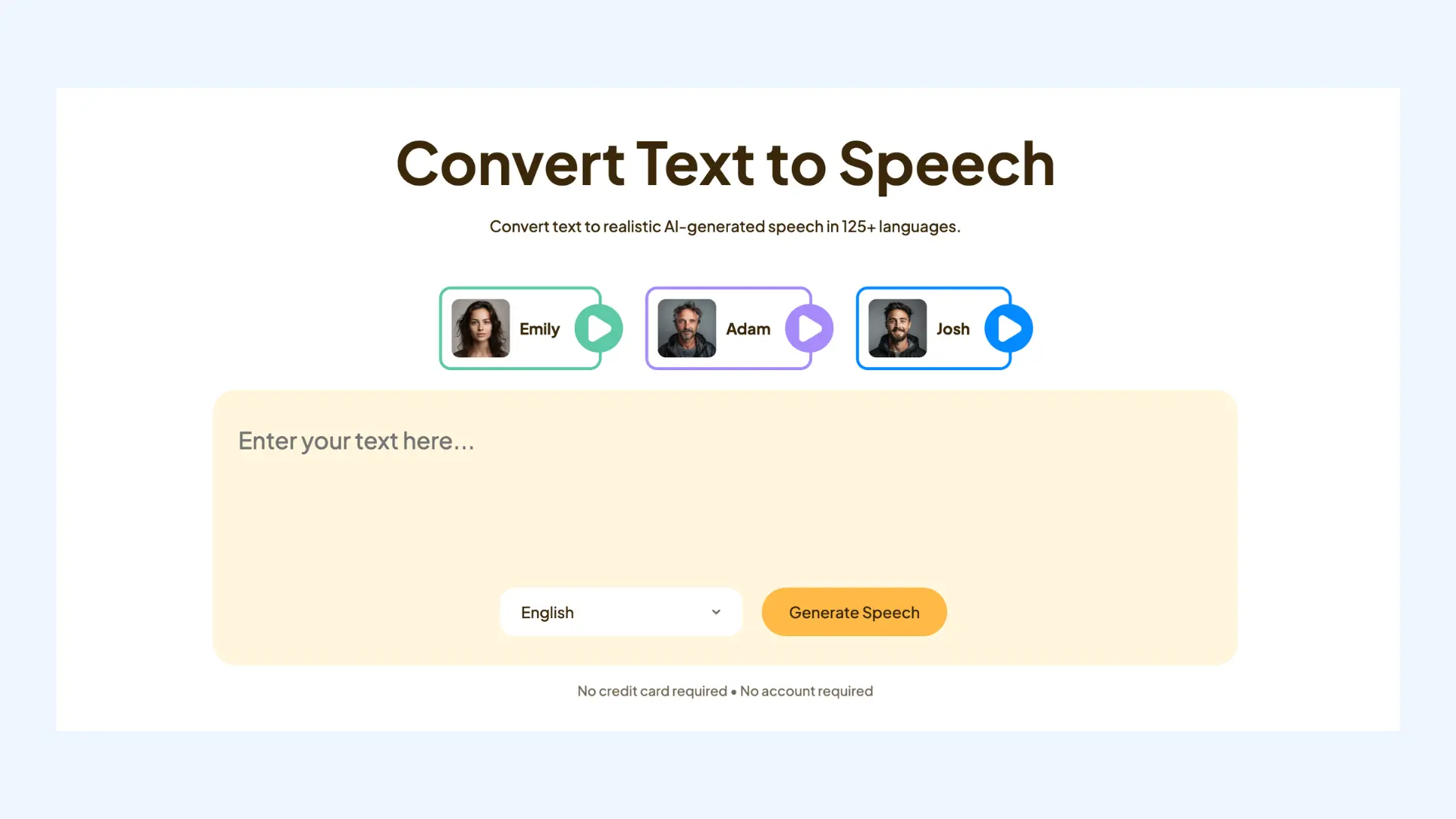
Maestra is an AI platform for transcription, subtitling, translation, and text to speech.
Most apps on this list give you a fixed catalog of children's books.
Maestra works differently.
You bring the content, Maestra reads it out loud in 125+ languages.
That's what makes it work for school content like homework PDFs, a chapter due tomorrow, or a worksheet from class.
That flexibility matters when normal reading isn't working for your kid.
If your kid is an English language learner or has dyslexia, they can listen to the exact same material their classmates are reading, at a pace that works for them.
One more thing parents appreciate: audio downloads as MP3, so once it's converted, you don't need Wi-Fi.
If your child prefers listening over reading, Maestra's AI text reader works for any document you upload - homework, e-books, research, anything.
Pricing:
| Plan | Price | What you get |
| Free trial | $0 | Test before subscribing |
| Voiceover Basic (yearly) | $39/mo ($468/yr) | Full Voiceover features, 20% off |
| Voiceover Basic (monthly) | $49/mo | Full Voiceover features |
| Pay As You Go | $12 per 60 credits | No subscription needed |
Pros
- 125+ languages
- Natural AI voices
- Works on any text (PDFs, docs, web pages)
- MP3 download for offline use
- API support
Cons
- Not a children's book library
- Best paired with a content source
Convert Text to Speech
2. Epic!: Best read aloud book app library for ages 2-12
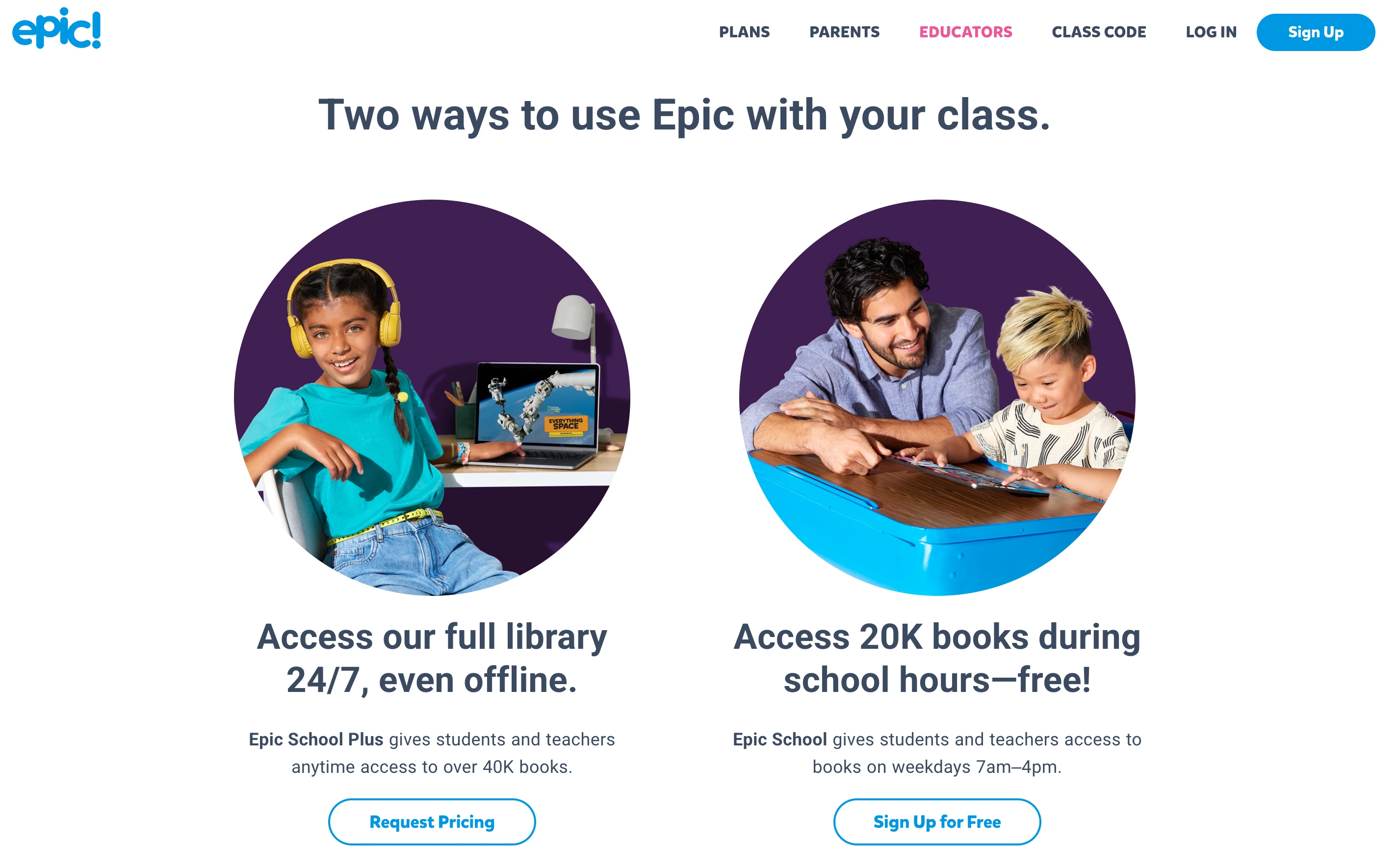
Epic! is basically Netflix for children's books.
The library holds 40,000+ titles for ages 2 to 12, and the read-to-me mode highlights each word as it's spoken.
Most books end with a quick quiz, so parents can see if anything actually stuck.
Pricing:
| Plan | Price | What you get |
| Educators | Free | Verified teachers and educators |
| Annual | $84.99/yr ($7.08/mo) | 7-day trial, 40,000+ books |
| Monthly | $13.99/mo | Same library, monthly billing |
Pros
- Massive book library
- Word-by-word highlighting
- Free for teachers
- Comprehension quizzes
Cons
- Younger kids can find books meant for older readers
- Family plan is paid
Pro tip: Test 2-3 apps with your child for a week before committing to any subscription. Kids vote with their attention faster than adults vote with their wallets. All seven tools offer a free trial or free tier.
3. Google Read Along: Best free read aloud app for first grade
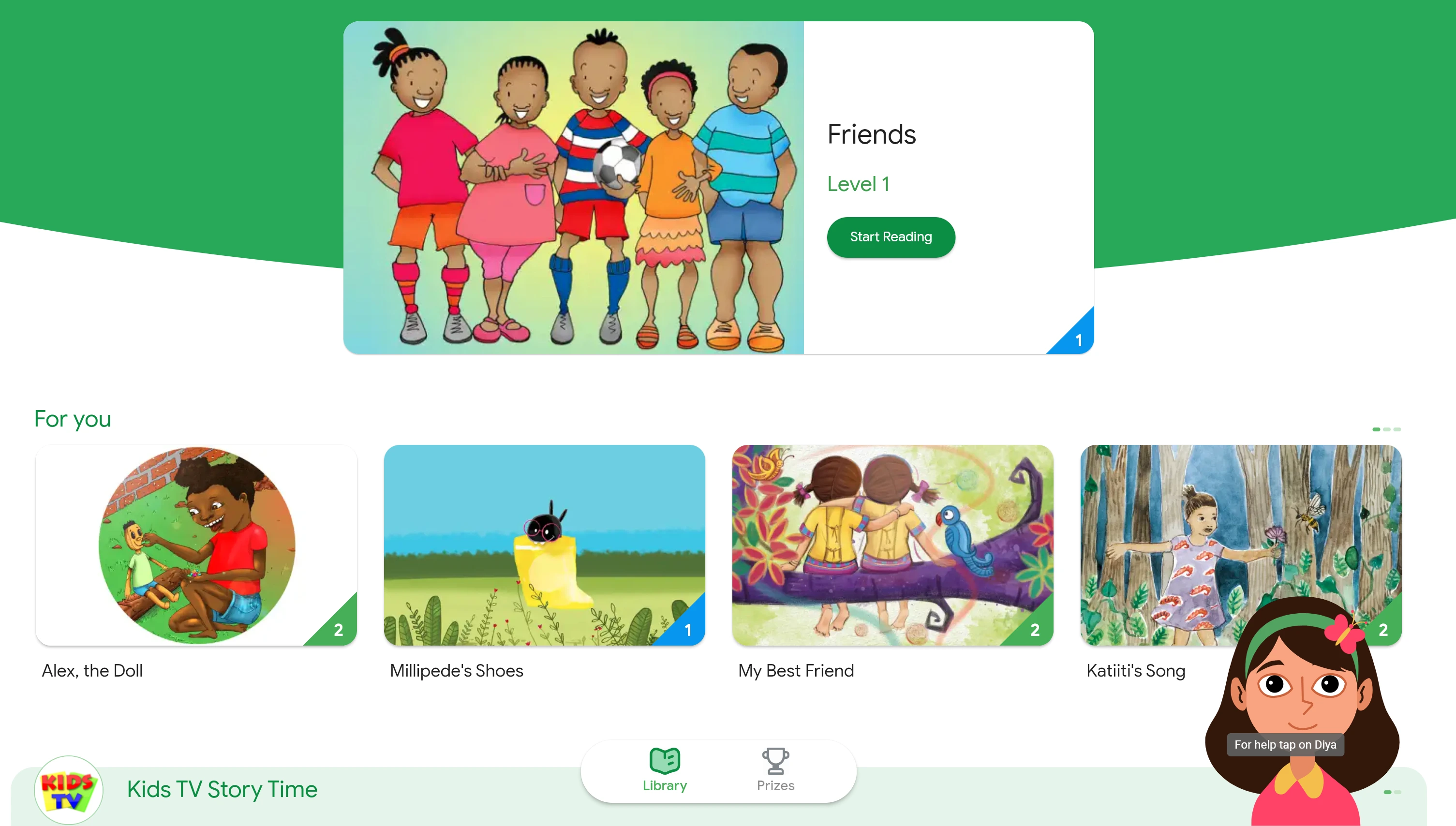
Read Along is one of the few read aloud apps for kids that's completely free with no ads.
The standout here is "Diya", an AI reading buddy - who listens as your child reads.
It also gives gentle feedback.
It feels more like a tutor than a narrator.
Pricing:
| Plan | Price | What you get |
| Free | $0 | No ads, no in-app purchases, offline support |
Pros
- Completely free, no ads
- On-device voice processing (private)
- Works offline
Cons
- Smaller library than paid apps
- iOS support still rolling out
4. NaturalReader: Best read aloud app for dyslexia and accessibility
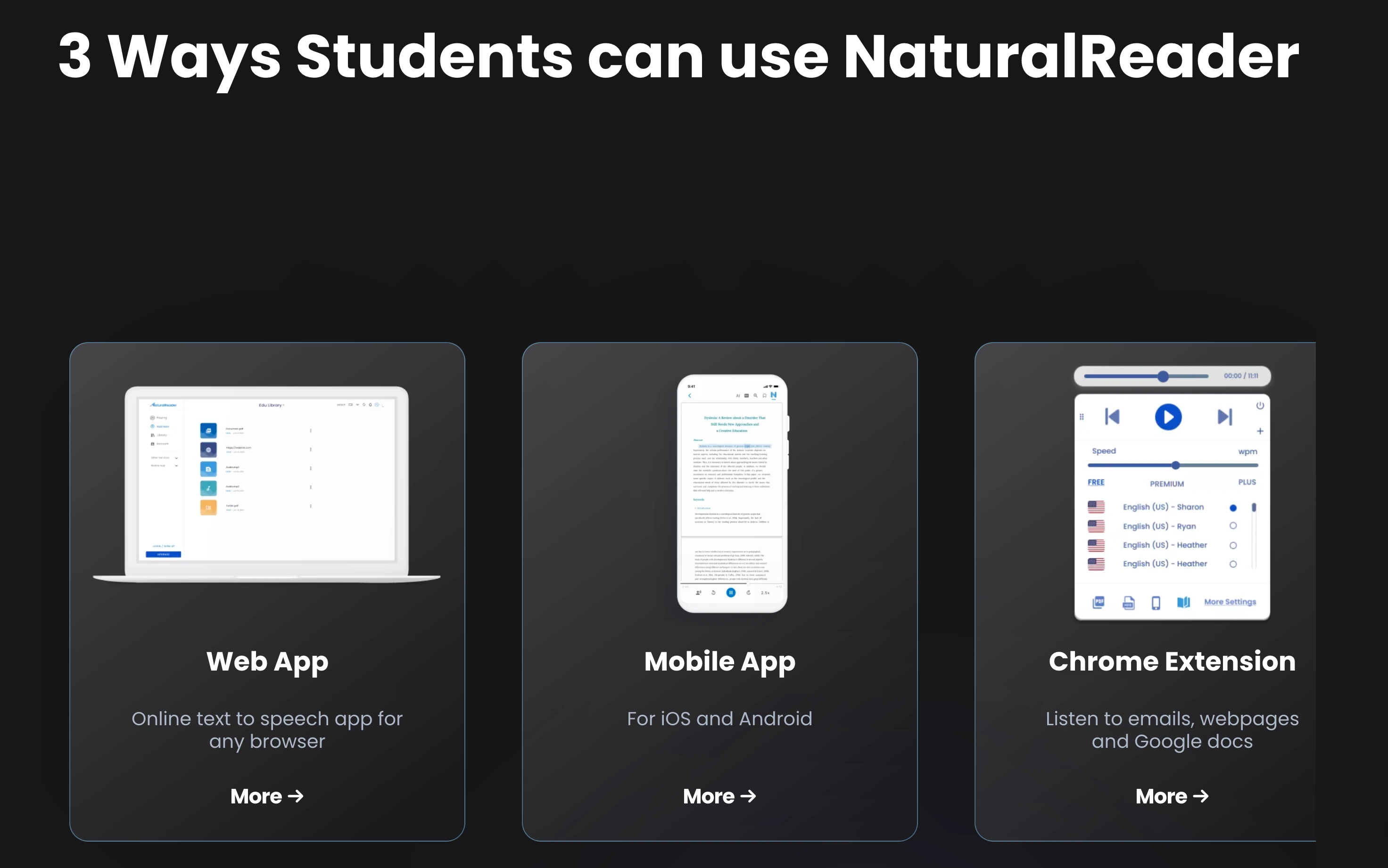
NaturalReader was built with accessibility at its core.
OpenDyslexic font, OCR for scanned worksheets, and adjustable reading speed all come standard.
The free tier gives you 5 minutes of premium voices per day - enough for a chapter or two, but not for a full afternoon of homework.
Parents of kids with dyslexia or ADHD end up here for a reason. Natural voices, accurate highlighting, and PDFs that actually work.
Pricing:
| Plan | Price | What you get |
| Free | $0 | Unlimited basic voices, 5 min/day premium AI |
| Plus (yearly) | $119/yr ($9.92/mo) | Full AI voices, OCR, MP3 download |
| Plus (monthly) | $20.90/mo | Same as yearly, monthly billing |
| Pro (yearly) | $159/yr ($13.25/mo) | Pro HD voices, Gemini & ChatGPT models |
| Pro (monthly) | $25.90/mo | Same as yearly, monthly billing |
Pros
- Dyslexia-friendly font
- OCR camera scanner
- Word-by-word highlighting
Cons
- Free tier is limited
- Premium voices behind paywall
5. Speechify: Best read aloud book app for older kids and homework
Speechify reads almost anything - websites, PDFs, emails, scanned documents.
It's what I'd give a middle schooler or teen drowning in reading homework.
The free tier covers basic reading. Premium unlocks faster voices, higher-quality narration, and unlimited use.
One thing to note: the interface is built for older users. Younger kids will probably prefer Khan Academy Kids or Vooks.
Pricing:
| Plan | Price | What you get |
| Free | $0 | Limited voices and listening time |
| Premium (yearly) | $139/yr ($11.58/mo) | All 200+ voices, OCR, unlimited listening |
| Premium (monthly) | $29/mo | Same as yearly, monthly billing |
| K-12 schools | Free | Premium access via Speechify grants program |
Pros
- 1,000+ AI voices
- OCR for printed text
- Multi-platform sync
Cons
- Premium can be costly
- Best features locked to subscription
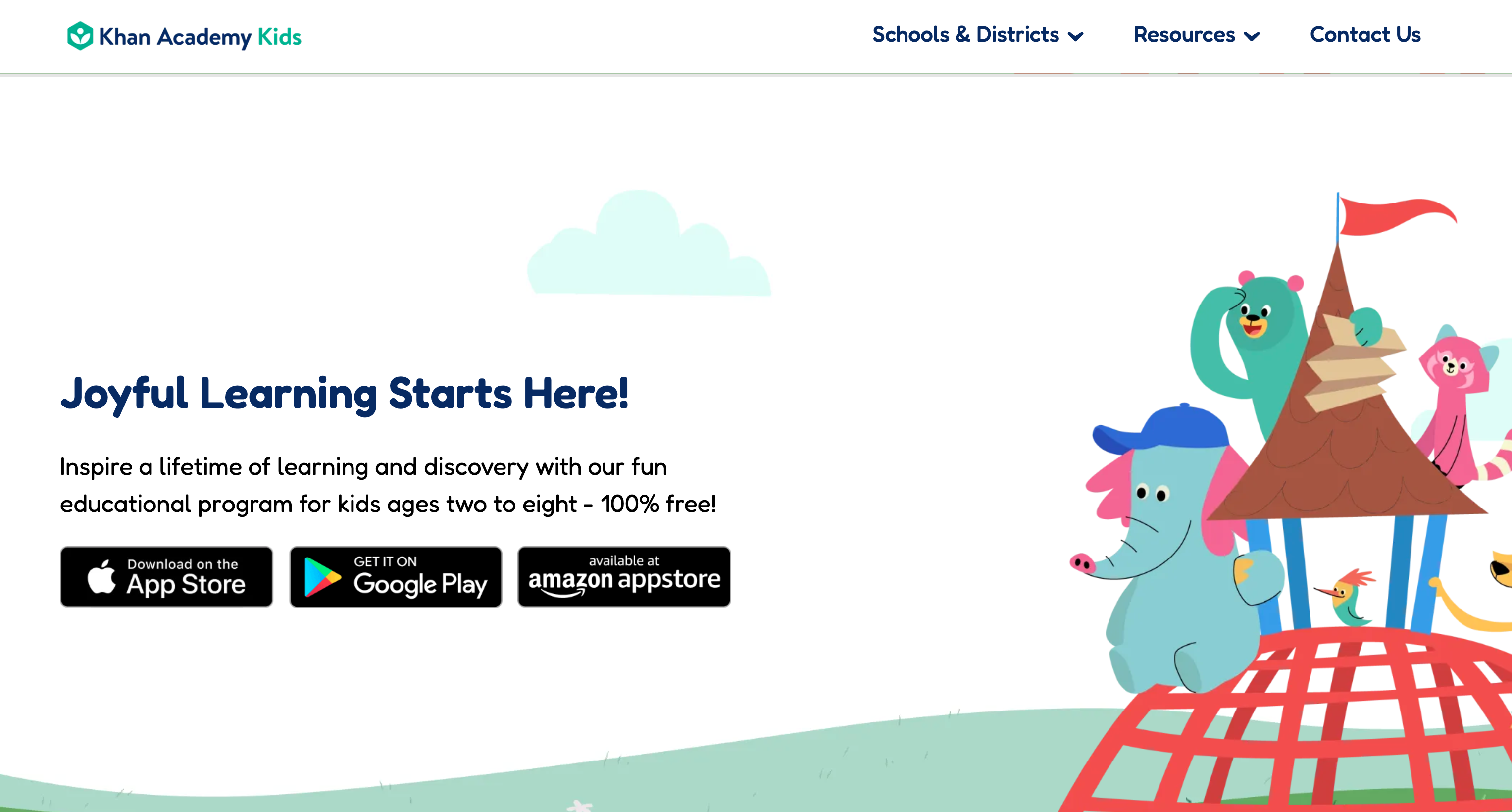
6. Khan Academy Kids: Best free read aloud app for ages 2-8
Khan Academy Kids has a big collection of read-aloud stories.
Plus phonics activities and writing practice - all guided by friendly animal characters.
It works offline once content is downloaded.
Pricing:
| Plan | Price | What you get |
| Free | $0 | Nonprofit-maintained, no ads, works offline |
Pros
- 100% free, no ads
- Covers reading + math + SEL
- Offline mode
- Built by educators
Cons
- Limited content for older kids
- Caps at age 8
7. Vooks: Best animated read aloud book app for kids
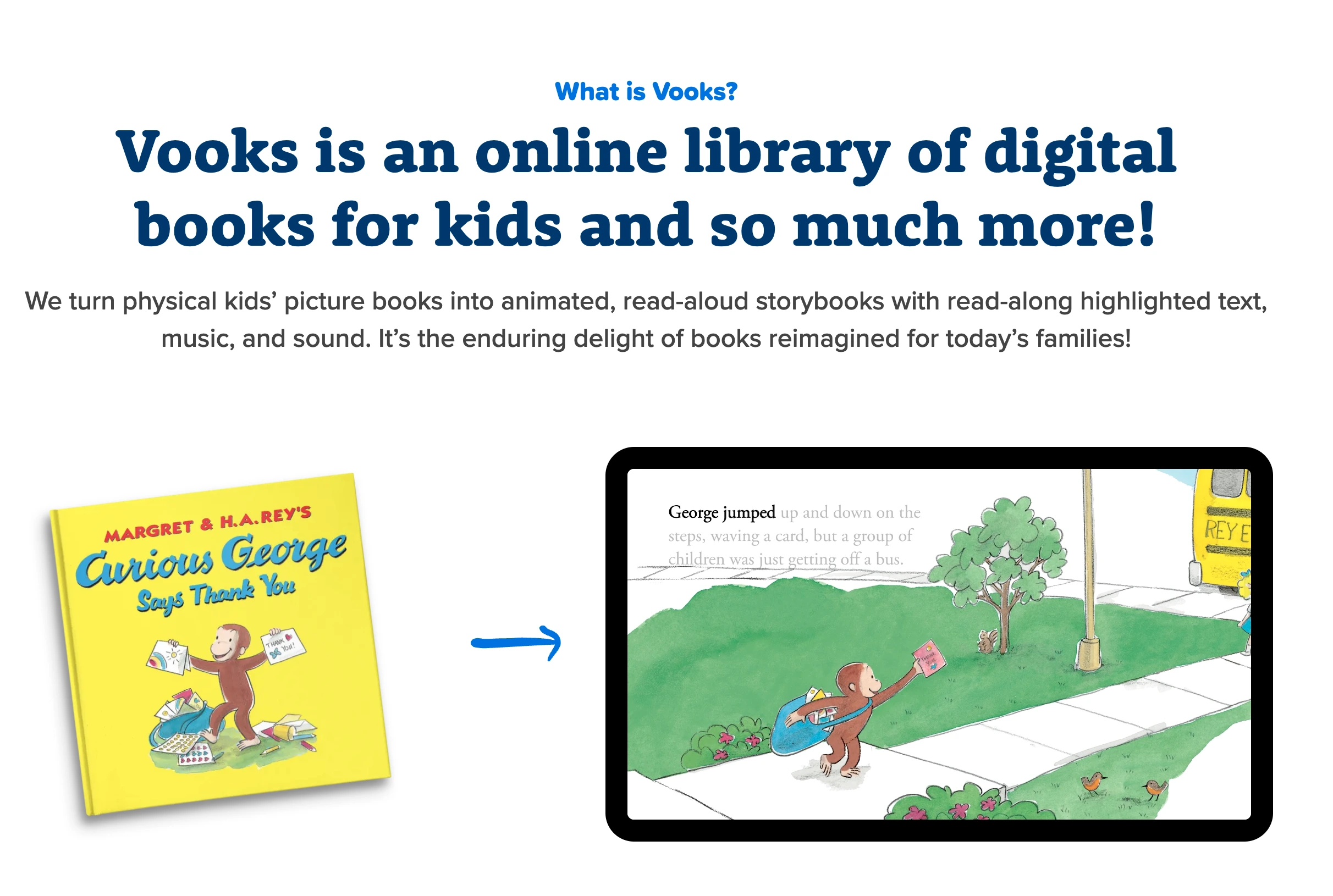
Vooks isn't really TTS. It's animated storybooks read aloud by professional narrators.
For reluctant readers ages 3 to 8, the animation does the heavy lifting. Kids who won't sit through a static page will watch a Vooks story to the end.
The library is curated and ad-free. Parents notice that fast.
The trade-off: no AI narration, no custom content. You're limited to what's in the catalog.
Pricing:
| Plan | Price | What you get |
| Free trial | $0 | 7 days |
| Annual | $69.99/yr ($5.83/mo) | Full library, offline downloads |
| Monthly | $9.99/mo | Same as yearly, monthly billing |
| Teachers | $24.99/yr or $2.99/mo | 65%+ off for verified educators |
Pros
- Calming animation
- Word highlighting
- Works on smart TVs
Cons
- Less interactive than other apps
- Smaller library
Best Read Aloud Book Apps for Kids by Use Case
Different kids, different needs. Below are the best read aloud book apps for kids grouped by what matters most: budget, learning differences, and age.
1. Best Free Picks
Three apps on this list cost nothing - no trial, no upsell, no ads.
- Google Read Along - Diya the AI reading buddy listens as your child reads aloud and gives gentle feedback. Closer to a tutor than a narrator.
- Khan Academy Kids - phonics, writing practice, and a full library of read-aloud stories, all guided by friendly animal characters. Works offline.
- Epic! School - the educator version of Epic! Free for teachers during school hours, with full access to the 40,000-book library.
For parents who want to try TTS without committing to a subscription, these three cover the basics across age groups.
2. Best for Dyslexia and ADHD
A good dyslexia-friendly app should do three things: highlight words as they're spoken, support OpenDyslexic font, and let kids slow down or speed up the reading pace without distortion.
- NaturalReader - OpenDyslexic font built in, OCR for scanned worksheets, precise word highlighting. The strongest dedicated dyslexia tool on this list.
- Speechify - cleaner for older kids and teens. Handles PDFs, websites, and homework documents with the same accessibility features.
- Maestra - if your child's reading material isn't in either app's library (school PDFs, foreign language content), Maestra's AI Character Voice Generator converts any text to natural audio in 125+ languages.
Mix and match based on what's being read. A toddler picking up storybooks needs something different than a teen pushing through a textbook.
3. Best by Age Group
The right read aloud book app for kids depends heavily on age and reading stage.
- Toddlers and pre-readers (ages 2-4): Khan Academy Kids - bright animations, simple phonics, friendly characters.
- Early readers (ages 5-7): Google Read Along listens as your child reads aloud; Vooks for kids who won't sit through static pages.
- Middle grade (ages 8-12): Epic! for its 40,000-book library with quizzes; Speechify for stronger readers who want to move faster.
- Tweens and teens (ages 12+): Speechify for documents, websites and PDFs; Maestra for homework, foreign language content, or any school material.
For bilingual households across all ages, Maestra handles 125+ languages including Spanish, Arabic, Mandarin, and French.
How to Choose the Right Read Aloud Book App
The sections above break things down by use case. Before you pick, think through three questions:
- What's your child reading? A library app like Epic! or Vooks works for storybooks. For school PDFs, homework, or non-English content, a flexible TTS tool like Maestra is the better fit - and you can explore more text-to-speech software options to compare.
- Does your child have a learning difference? Dyslexia and ADHD both benefit from word highlighting, adjustable speed, and OpenDyslexic font.
- What's your budget? Three apps on this list are fully free. Test those before paying.
Pro tip: Combine a library app (like Epic! or Vooks) for everyday stories with a flexible TTS tool (like Maestra) for school content. The two categories complement each other rather than compete. Spend an hour testing two or three tools that match your use case, and the right one usually makes itself obvious.
Final Verdict
The best read aloud book apps for kids in 2026 aren't the ones with the longest feature lists - they're the ones your child actually opens twice.
- If you want a fixed library of children's books: Epic! or Vooks handle storytime beautifully.
- For accessibility and dyslexia support: NaturalReader is purpose-built for that.
- For older kids juggling homework:Speechify earns its place.
- If your child's reading goes beyond storybooks :Maestra is the most flexible starting point.
10 Best AI Voice Generator Apps with Realistic Voices
Frequently Asked Questions About Read Aloud Book Apps for Kids
Quick answers to the most common questions parents and teachers ask about read aloud book apps for kids.
At what age should kids start using read aloud books for kids?
Read aloud books for kids work for ages 2 and up, but the right pick depends on the stage.
Picture-book apps like Vooks and Khan Academy Kids suit toddlers, while text-to-speech tools like Maestra become useful once kids hit grade 1 or 2 and start dealing with homework.
Which read aloud apps are best for kids with dyslexia?
NaturalReader and Speechify are the strongest read aloud apps for kids with dyslexia. NaturalReader includes a dyslexia-friendly font and OCR scanner, and Speechify was founded by a dyslexia advocate with real traction in the dyslexia community. Both also work well for ADHD and English language learners.
Can read aloud book apps replace reading aloud as a parent?
No, and they shouldn't try to. Read aloud stories for kids are a supplement, not a substitute. Research shows kids learn best when an adult is involved, but apps fill the gap when parents are unavailable, when a child needs extra repetition, or when accessibility needs are at play.
Can teachers use read aloud book apps in the classroom?
Yes. Epic School is free for educators during school hours, NaturalReader and Speechify offer EDU site licenses, and Maestra works in browsers without installation. Most read aloud books for kids platforms now include teacher dashboards or bulk pricing for schools.