Chaitanya P.
Managing Director"Master the Media with Maestra"
The best side of this product is auto subtitling. And most importantly, it supports multiple languages.
Read full reviewGive every character a voice: 850+ AI voices across ages, tones, and accents, in 125+ languages.
Try it free.











Trusted for AI Character Voices
Type or paste your character's lines into the text box and choose from 125+ languages, then generate and listen right on the page. For longer scripts and exporting, you'll continue in the editor.
Browse 850+ AI voices by age, tone, accent, and language, and preview them until one fits the role.
Adjust wording and delivery in the editor, listen back, and export your character voiceover.
The generated audio opens in the editor with your script beside it. Rewrite a line, switch the voice, and adjust the delivery until it fits the character, and when a voice needs to stay consistent across projects, clone one from your own recording.
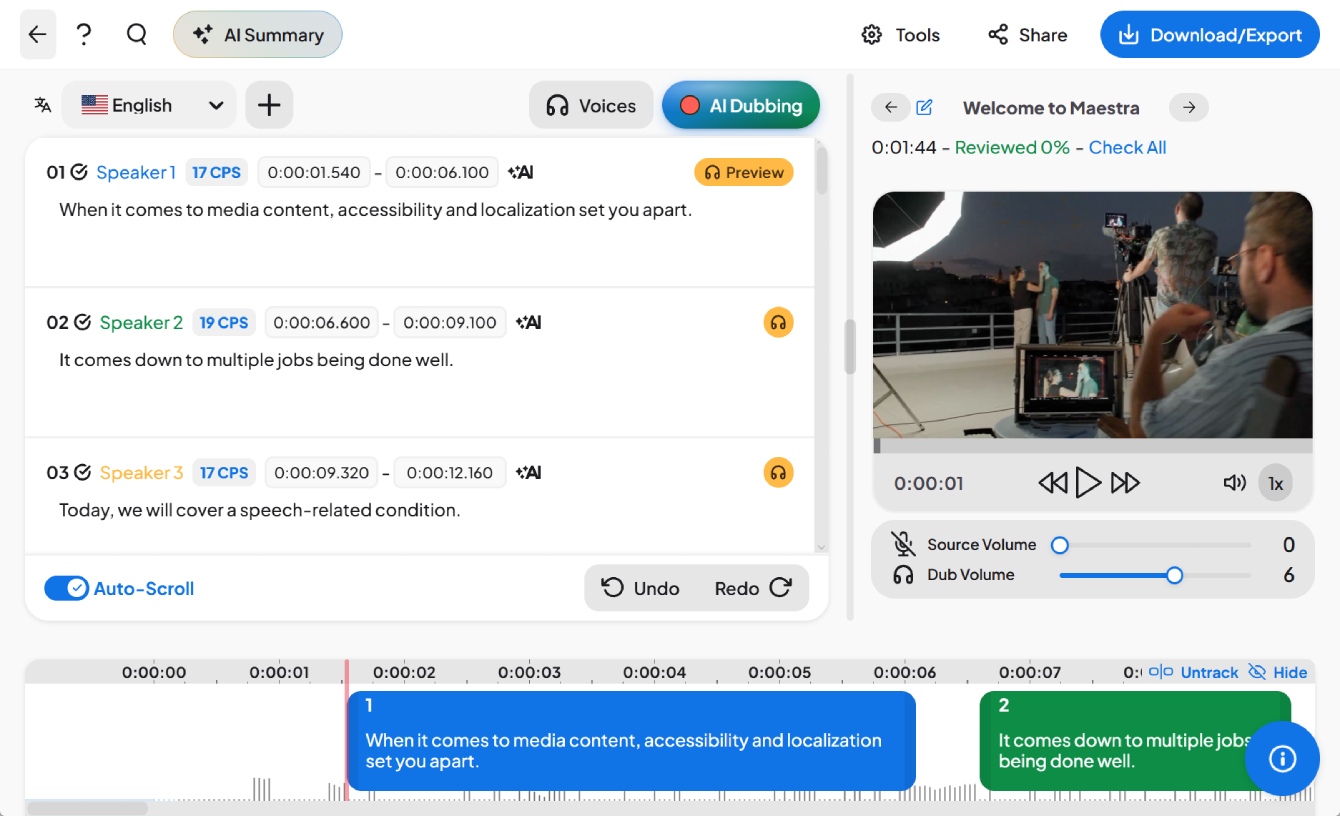
Everything on this page runs in the browser, from the first typed line to the exported audio.
.webp)



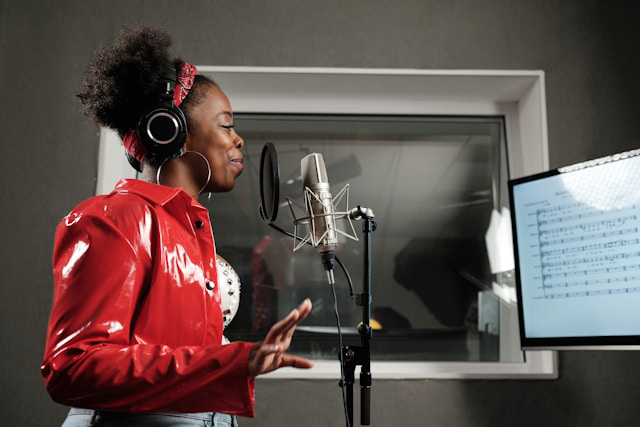
Everything else worth knowing about generating character voices with AI.
It's a tool that turns written lines into spoken audio using AI voices, so you can hear your character speak without recording anyone. Maestra's version draws on a library of 850+ voices across ages, tones, accents, and 125+ languages, and everything runs in the browser.
Type or paste the character's lines into the text box, pick a voice from the library, and generate. You can listen right on the page, and longer scripts continue in the voiceover editor where you can fine-tune every line before exporting.
You can generate and listen to voices right on this page for free. Editing the full script, adjusting delivery, and exporting the finished audio happen in the editor, which comes with a free trial.
No, and that's deliberate. The library contains original AI voices rather than imitations of real people or copyrighted characters, and voice cloning works from your own recording. That keeps everything you generate safe to publish, which imitation tools can't promise.
After generating, you can clone a voice from your own recording in the editor. It's useful when a character needs to stay consistent across episodes or projects, record the voice once, and reuse it whenever that character speaks. More on this at AI voice cloning.
Any of 125+ languages. The same character can deliver the same script in English, Japanese, Spanish, or any other supported language, which is how one project reaches several audiences without recasting.


