Live Voice Translation
Instantly translate speech to speech with Maestra’s live voice translator. Get real-time audio translations and captions in both languages.
Translate Voices Live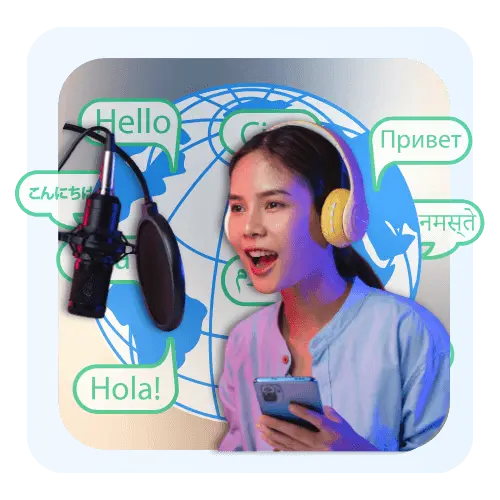
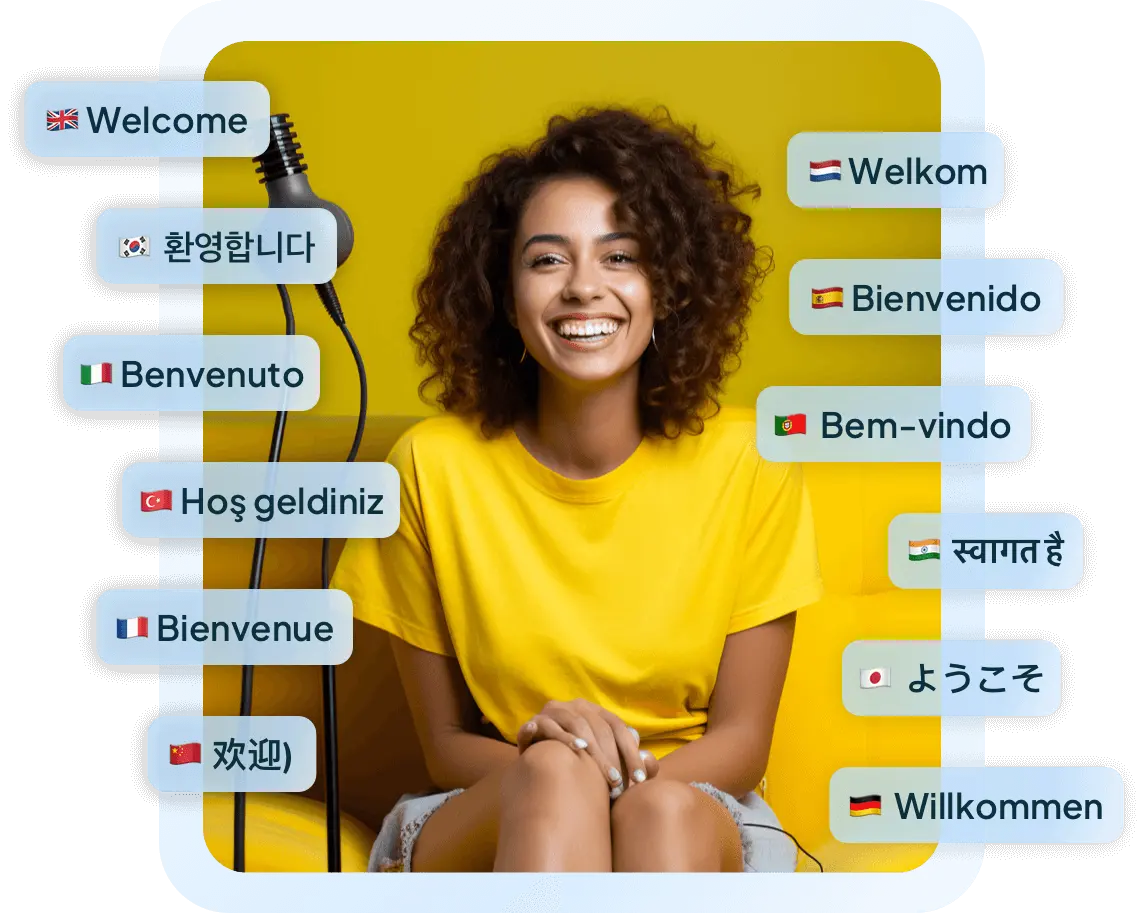
Experience seamless translation and subtitling in 125+ languages with Maestra’s CAT tool.


Upload your video and choose from over 125 languages.
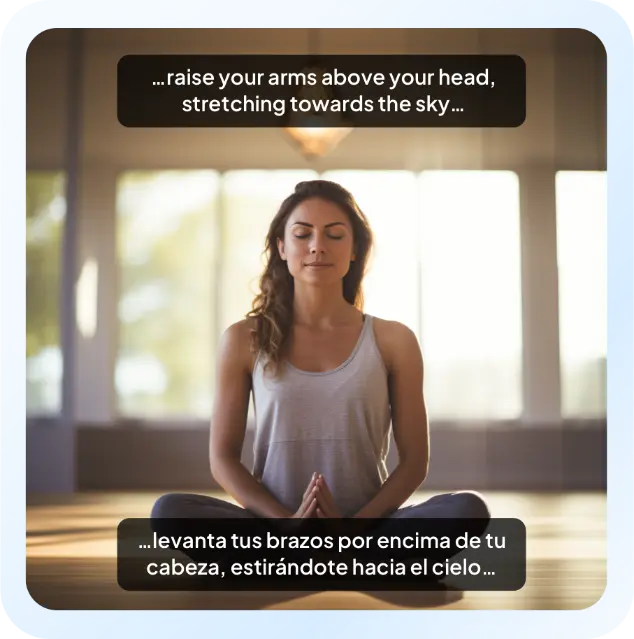
AI will generate voiceovers and subtitles in the target language.
Easily edit and style the translation, and export it in your preferred format.
Cost Savings
Accuracy and Consistency
Multilingual Support





Discover Maestra’s wide range of AI solutions for accessibility and localization.
Instantly translate speech to speech with Maestra’s live voice translator. Get real-time audio translations and captions in both languages.
Translate Voices LiveAdd accurate subtitles to your content and translate them to over 125 languages within seconds.
Generate Subtitles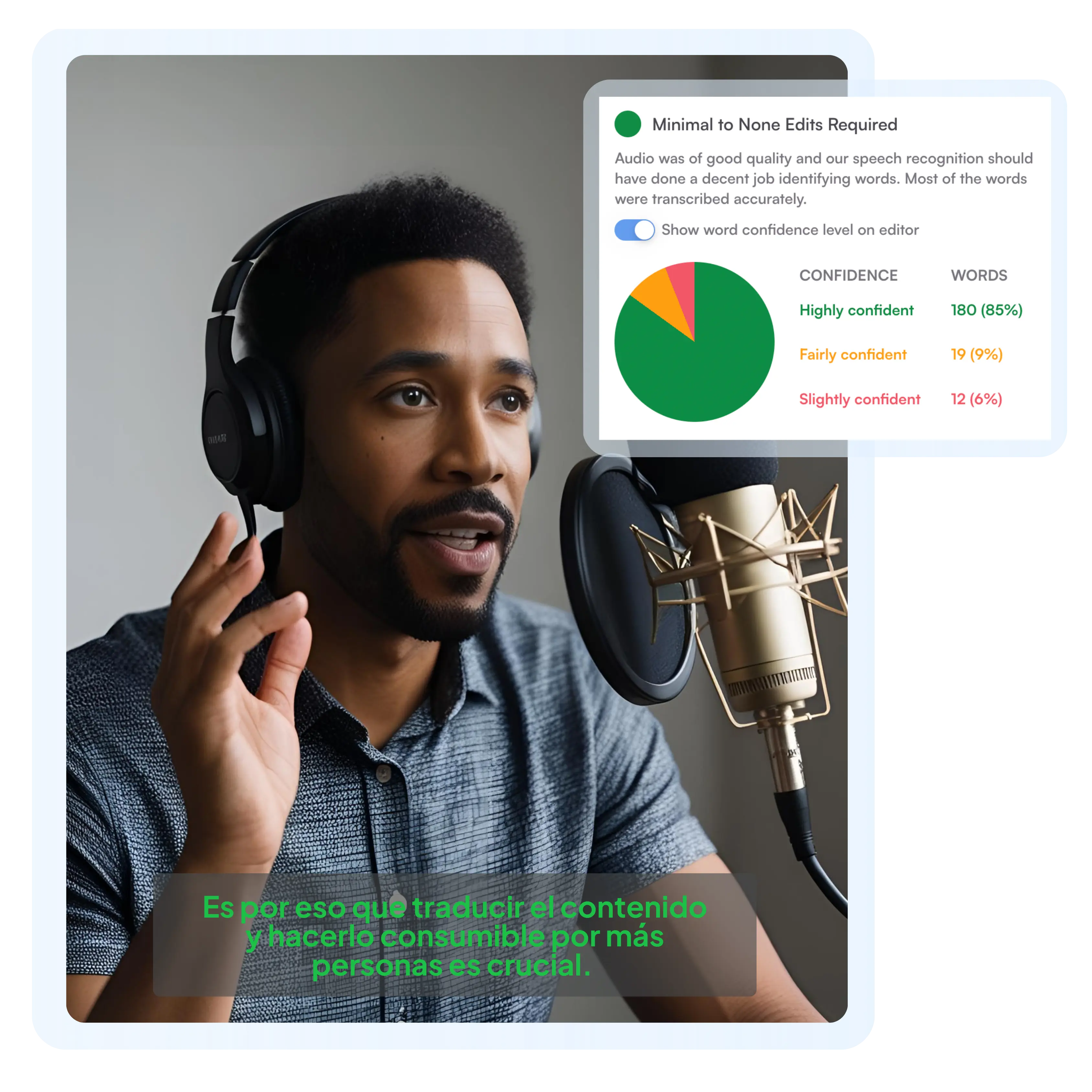
Localize your content with diverse and realistic AI voices or clone your own voice with precise lip sync.
Dub Videos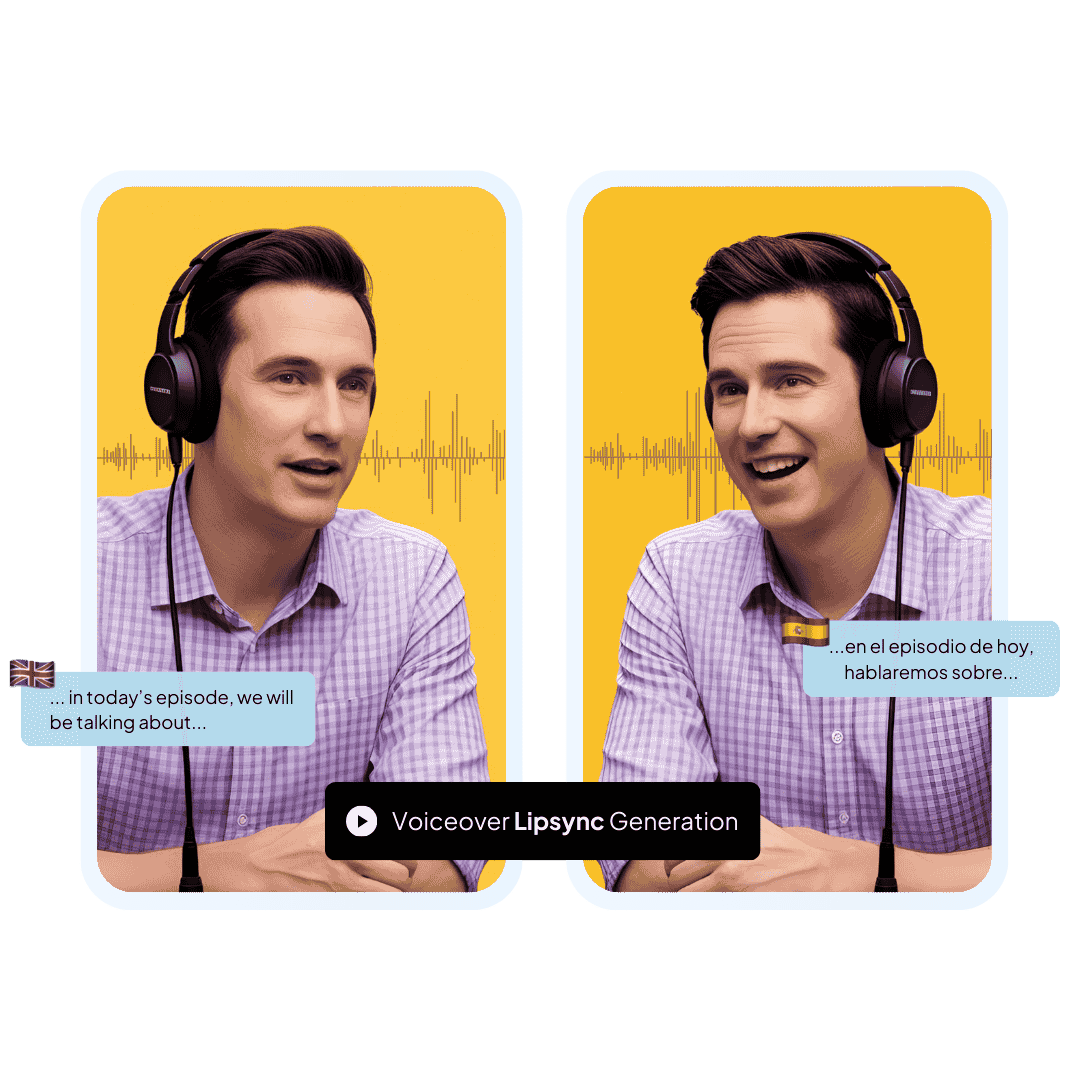
Edit the font, shape, size and positioning of your subtitles with Maestra’s free online subtitle editor.
Edit Subtitles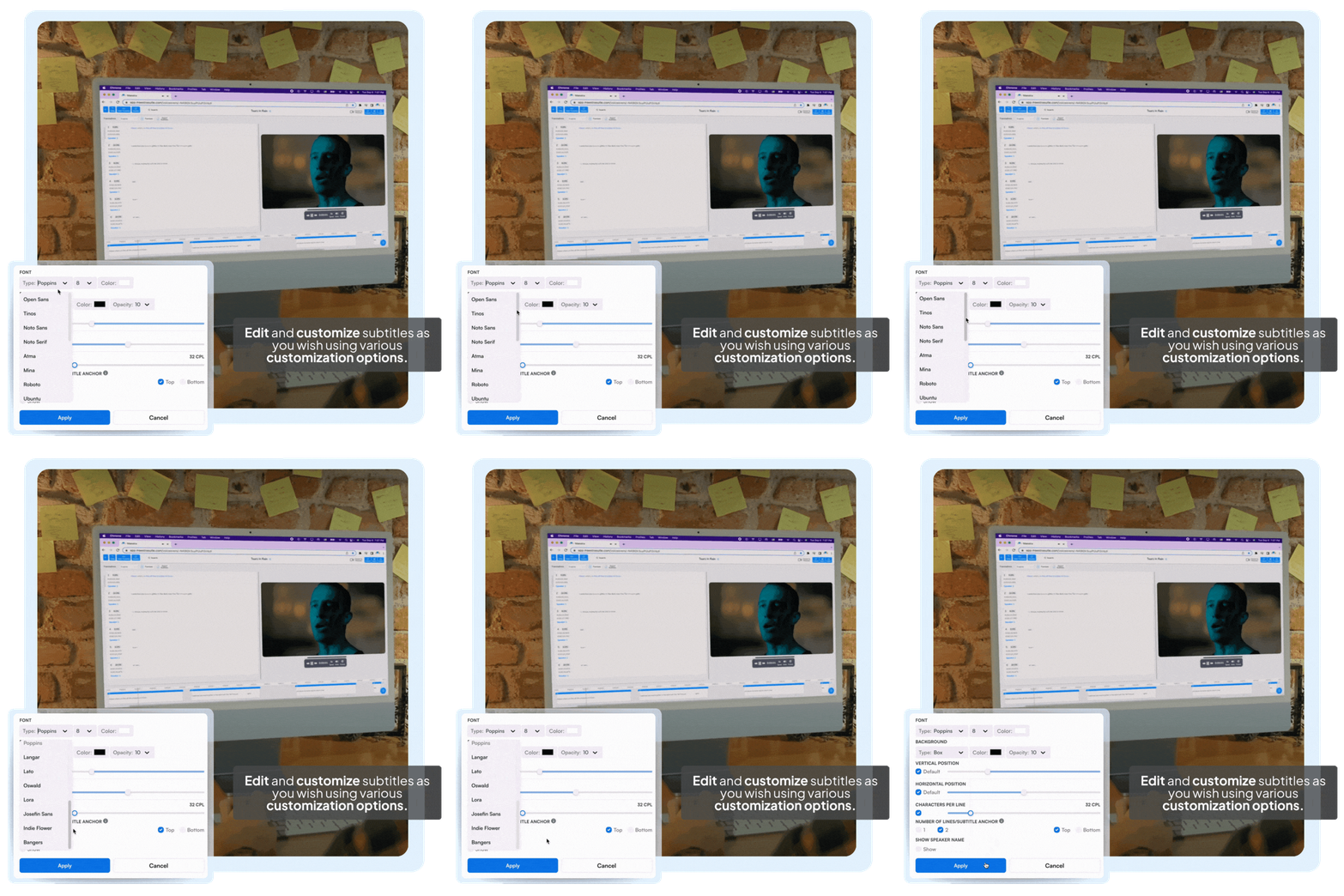
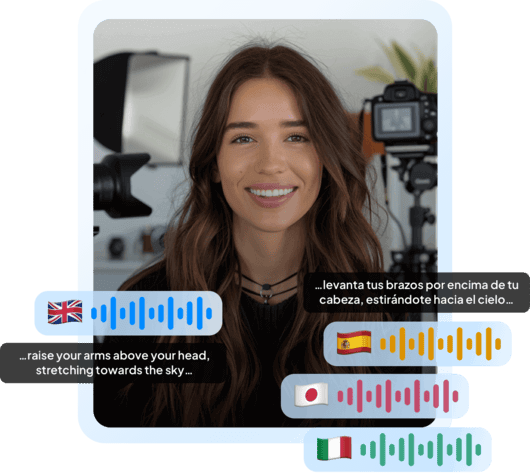

A computer-assisted translation (CAT) tool is a specialized software to streamline the translation process. It typically includes features like translation memory, terminology management, and segment-based editing.
The primary advantage of computer-assisted translation is the ability to store and reuse previous translations, ensuring consistency across projects. This also reduces translation time by automating repetitive tasks and minimizing manual effort. As a result, translators can work more efficiently and deliver higher-quality results in less time.
Yes, Maestra offers a free trial of its computer-assisted translation software. You can translate, subtitle, and dub content in over 125 languages using advanced AI-powered technology. Try the tool for free to see if it fits your needs, or explore our pricing plans for full access.
Maestra’s computer-assisted translation software supports over 125 languages for both text and voice translations. You can translate, subtitle, and dub content across diverse language pairs with high accuracy. Here is the full list of supported languages.
Yes, every subtitle and voiceover translation can be edited directly within Maestra’s interactive text editor. You can easily adjust timing, wording, and style to fit your content perfectly. All changes are saved automatically in the cloud for easy version control.
Yes, Maestra supports real-time collaboration with role-based permissions. Team members can review, edit, and comment on projects simultaneously from the cloud.
Maestra supports a wide range of file types, including MP4, MOV, MP3, WAV, and more. You can upload audio or video files and export translated results in multiple formats. Subtitle exports include SRT, VTT, SCC, STL, CAP, TXT, XML, and SBV, while transcripts can be downloaded in DOCX, PDF, TXT, or JSON formats.
The time it takes to learn computer-assisted translation varies depending on the tool’s features and your familiarity with translation software. Most modern CAT tools are designed to be user-friendly, so beginners can usually get started within a few hours. Maestra, for example, offers an intuitive interface that makes translating and editing projects straightforward, even for first-time users.
While many professional translators use computer-assisted translation, they’re not required for every project. These tools help improve speed, consistency, and accuracy, making them especially valuable for large or repetitive tasks. However, some translators still prefer working entirely manually, depending on the project’s scope and requirements.
Absolutely. Maestra offers features like translation memory, terminology management, and quality assurance for professional-level accuracy. It combines automation with full control, letting translators refine output while saving time.
Yes. Maestra prioritizes user privacy and data protection. The platform is hosted on Amazon Web Services (AWS), which complies with ISO/IEC 27001:2013, 27017:2015, 27018:2019, and ISO/IEC 9001:2015 standards to ensure your data is stored and processed securely. For more details, you can visit Maestra’s Security page.