Get Started Free

Corporate Translation Services

Automatically translate live corporate briefings, meetings and more.

Fill out the form for a personalized demo from our team.

HP
Walmart
Bayer
Meta
NHS
Dell
Deloitte
HP
Walmart
Bayer
Meta
NHS
Dell
Deloitte

How to Join a Multilingual Corporate Meeting

01

Scan the QR Code

A QR appears on the training screen or printed card. Participants scan with their camera, no app download, opens instantly in any browser.

02

Choose a Language

All active channels appear instantly, 125+ languages available. One tap and they're connected to the live audio stream in their language.

03

Hear the Speaker, Read the Transcript

Participants hear the trainer's cloned voice or selected AI voices live in their preferred languages. Simultaneously, they can read live captions on their screens.

In-Person, Hybrid, or Remote.
Multilingual for Every Participant.

Whether your team sits in one room, works across regions, or both, Maestra keeps everyone in the same conversation, in their own language.
Everyone in the room,
following every word.

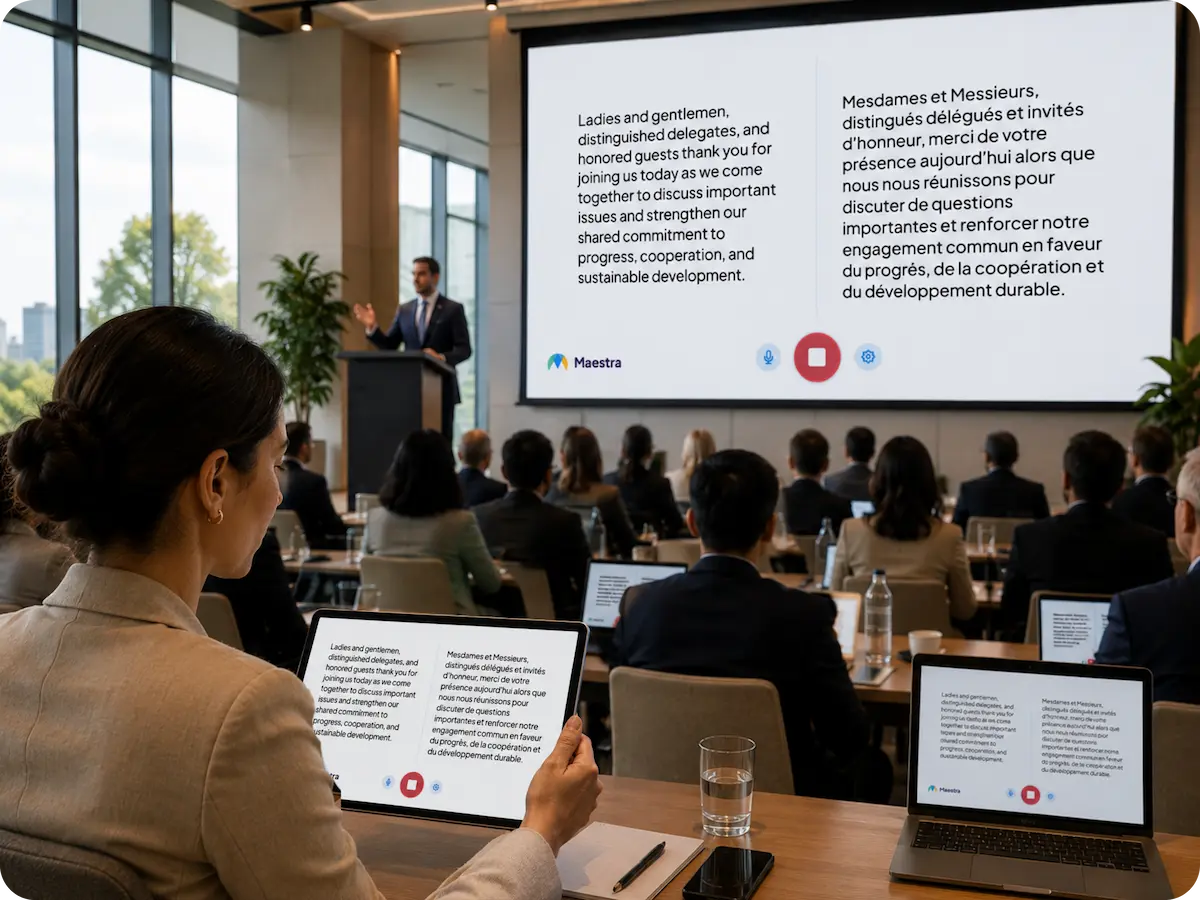
Leadership presents in the auditorium or boardroom. Participants listen to the translated speech or read live captions in their own language, on their own phone. No receivers to hand out, no interpreter booths.
One QR, no download125+ languages liveCaptions on room screensCustom glossary
Live event being translated on-site

One meeting, every office.

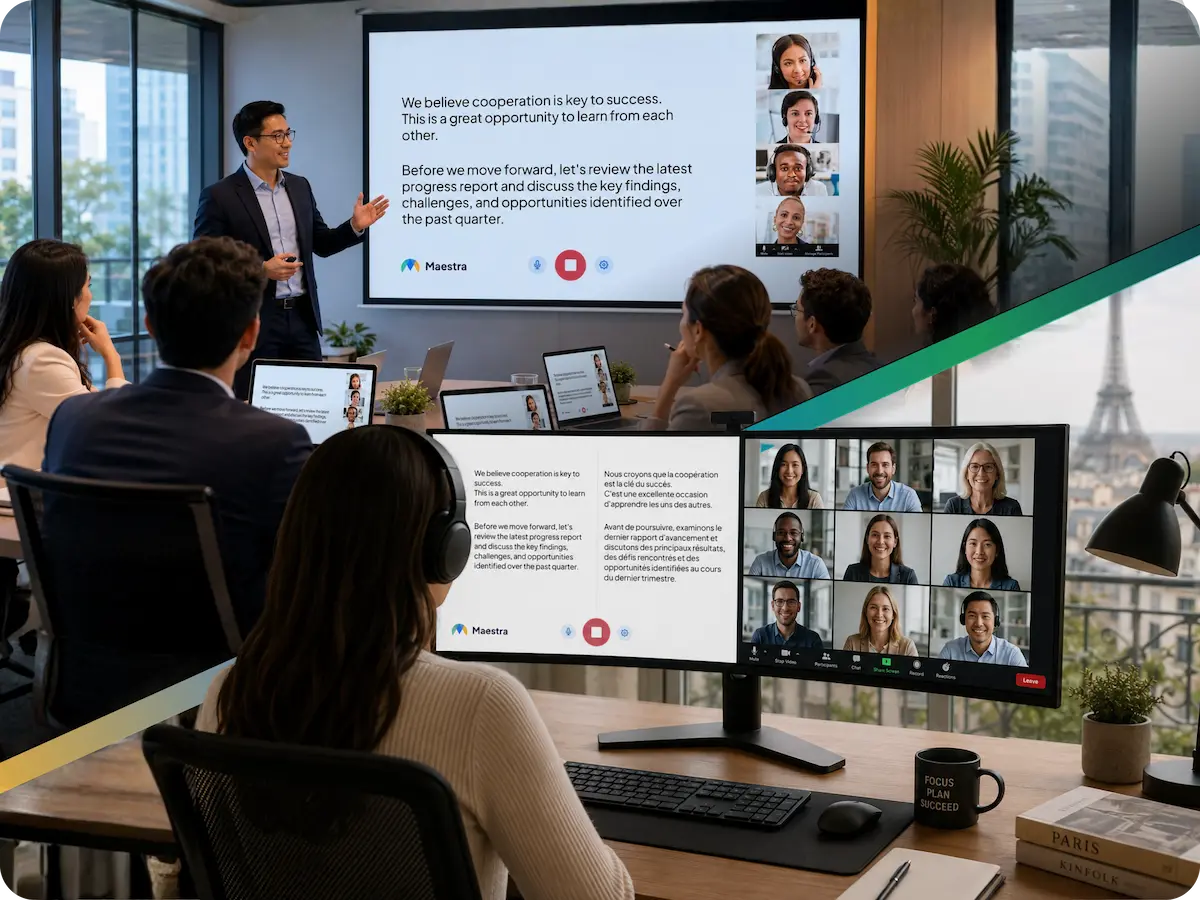
Some people sit in the HQ meeting room. Others join from regional offices or home desks. Everyone joins the same session, picks a language, then listens or reads the captions live. The transcript is saved to your dashboard when the meeting ends.
HQ and regional officesWorks with Zoom and TeamsShared live transcriptEncrypted and archived
Hybrid event translation in real-time

Live Translation Across Every Corporate Setting

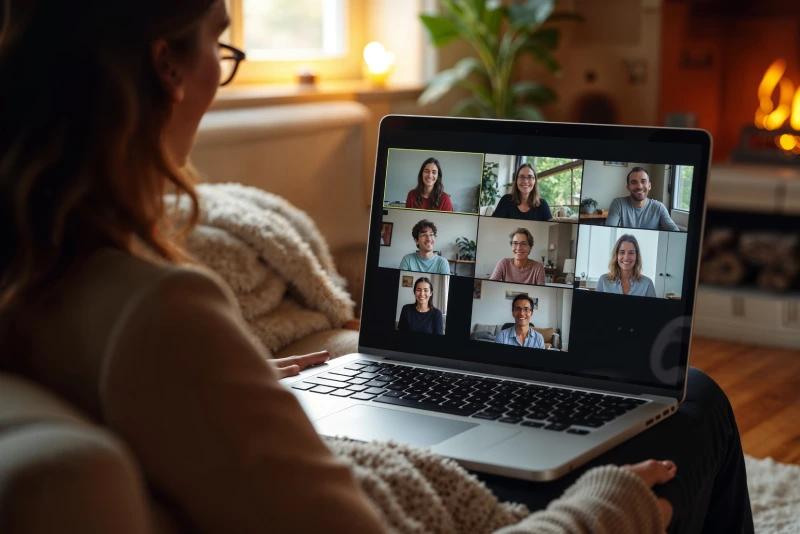
A woman sitting at home looking at a video call with multiple participants on her laptop screen.

Team Meetings

Run standups, partner calls, and customer reviews across time zones with live meeting translation.
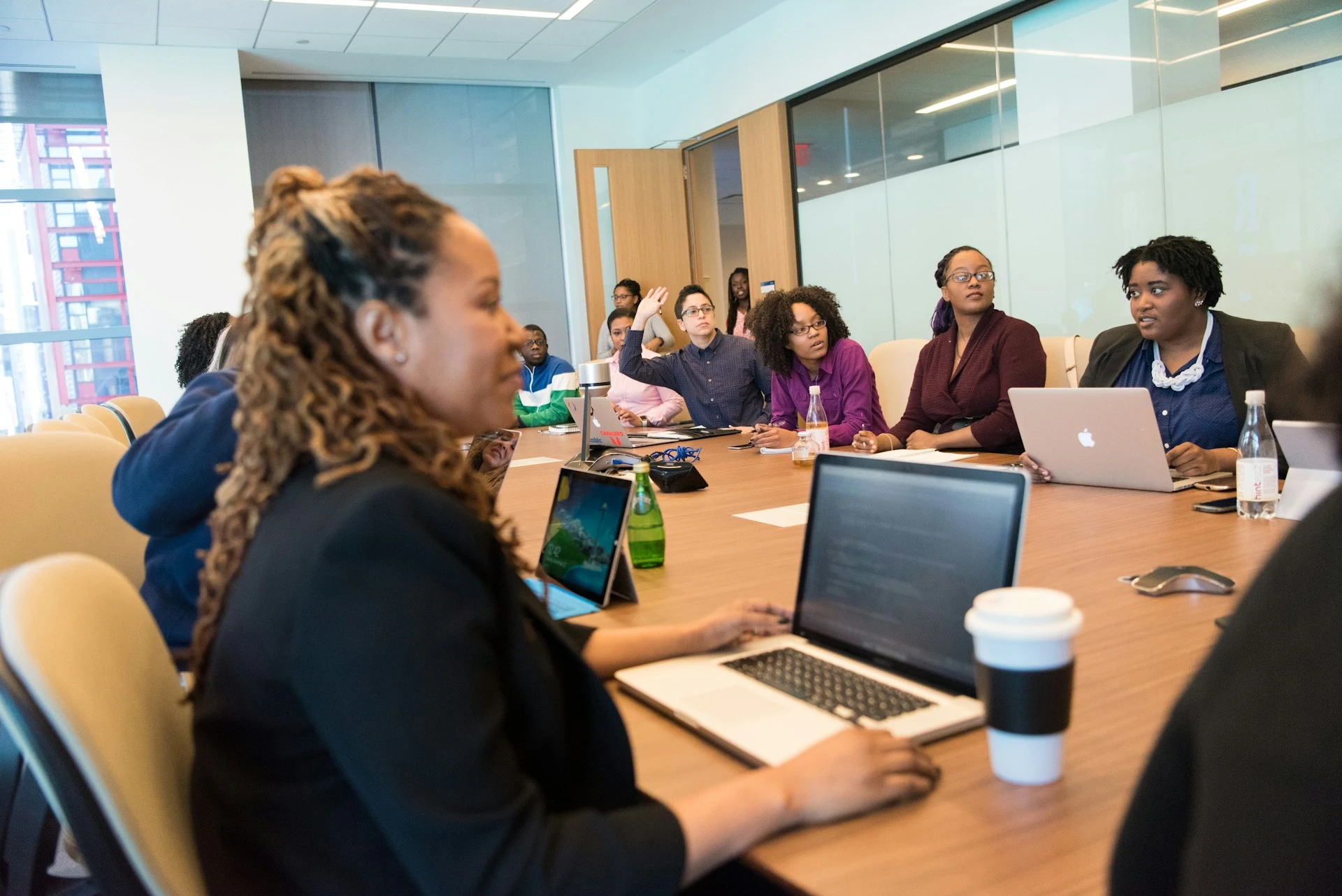
A group of colleagues sitting around a conference table with laptops during a meeting or training session.

Employee Training

Bring new hires up to speed and onboard every region at once with training translation.
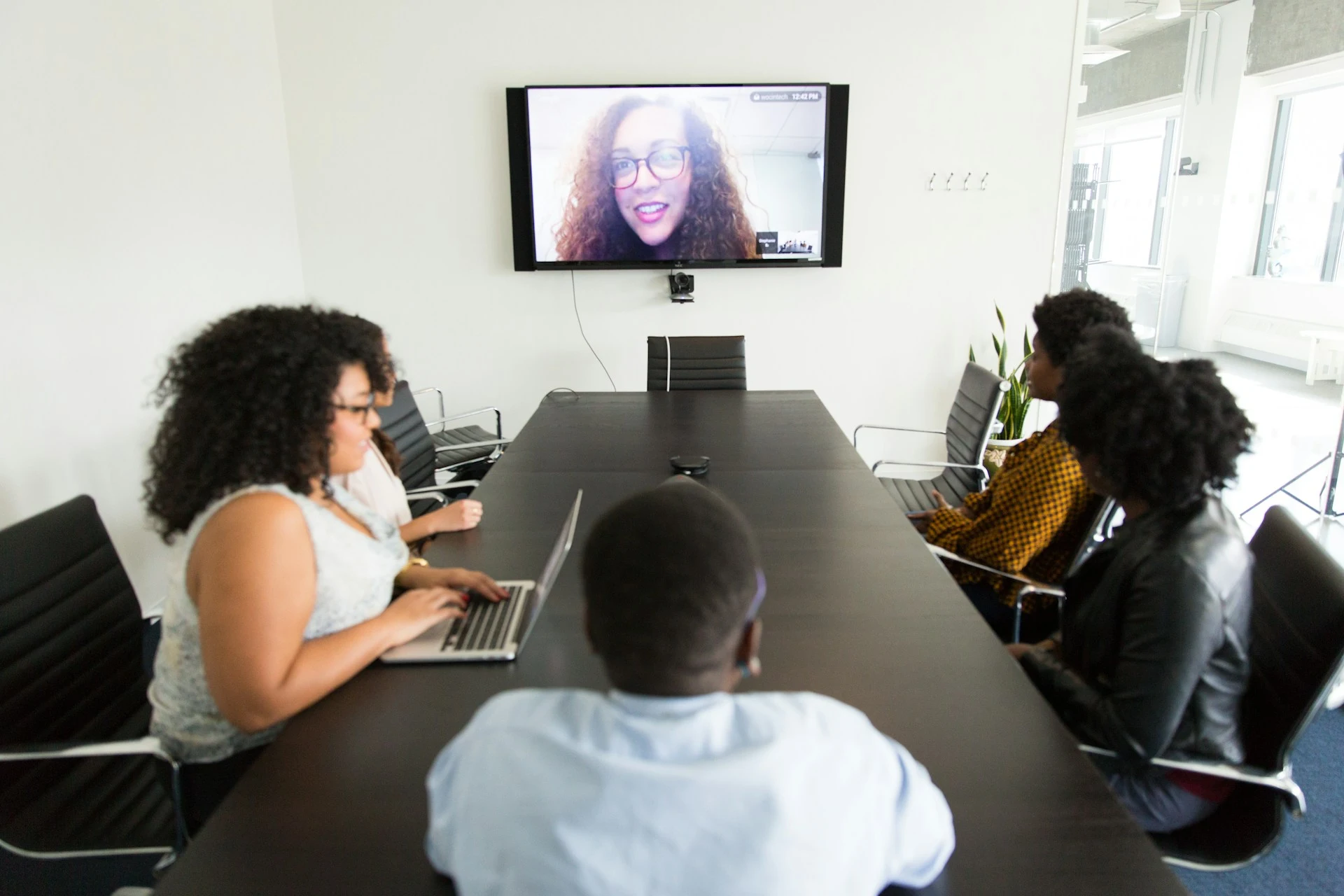
A team in a conference room attending a video call displayed on a large wall screen.

Customer Webinars

Present launches and product demos to a global audience with webinar translation.
An audience seated in a darkened auditorium watching a speaker give a presentation on stage.

Conferences & Summits

Host keynotes, panels, and Q&A for international attendees with live conference translation.

Live Corporate Translation Features

Built for companies that work in more than one language.

Enterprise-Grade Security

Everything processed through Maestra is encrypted in transit and at rest. Sessions stay private unless you choose to share them.

Two-Way Translation

Participants ask questions in their own language, and the speaker hears the answer in theirs. Real dialogue, not one-way announcements.

Company Terminology

Add internal product names and client terms before the session starts. Maestra transcribes and translates them consistently.

Saved and Reusable

Every session can be saved, searched, and edited afterward. Generate summaries or translate the transcript into more languages.
Try Live Corporate Translation

Corporate Translation FAQs

Common questions answered regarding Maestra's live corporate translation services.

Is Maestra a safe corporate translation service?

Maestra is built with enterprise-grade security to protect sensitive information at every stage. All content processed through our platform—whether real-time translations, captions, transcripts, or dubbing—is fully encrypted both in transit and at rest. This ensures that confidential government and corporate communications remain safeguarded at all times.

How to translate corporate meetings?

Access Maestra's real time translator, enable the pro version and adjust the translation settings to your preference. Start the session, start speaking and the speech will be translated instantly to your target languages.

Can I choose multiple source or translation languages?

Yes, you can pick multiple source and translation languages. The software can auto-detect the spoken language and translate to multiple languages simultaneously to ensure your business translation needs are met accurately.

Can I translate both live and recorded meetings?

Absolutely. You can either use the real-time translator to translate live corporate communication or use one of our many translators to translate recorded audio. Also, you can save the live translation session to your Maestra dashboard to translate and edit further.

Do I need to download anything for corporate translation?

No, you only need an internet connection. You can safely save recorded sessions on your Maestra dashboard, where they are encrypted and stored on Maestra's cloud.

How accurate is corporate translation?

Maestra uses the best translation technology available to ensure that the translations are as accurate as possible. Minimal inaccuracies may occur due to speech overlap or audio disruptions, but other than that the corporate translation service is extremely accurate.

Is there a free trial for corporate translation services?

Yes, almost every feature has a free trial so that users can try them out for themselves before unlocking the full potential of Maestra's pioneering AI solutions.

Customer Reviews

4.8 out of 5 starsG2

Chaitanya P.

Managing Director

"Master the Media with Maestra"

The best side of this product is auto subtitling. And most importantly, it supports multiple languages.

Read full review

Ricardo Y.

"The All In One 'over the top' turnkey solution for Automatic Transcripts, Subtitles and Voiceovers"

What comes to mind as Maestra being the go-to solution for our company is that it's such a time and money saver.

Read full review

Matthew S.

CSR

"perfect for anything transcript needs"

The best thing about Maestra is how well it creates transcripts. It's so useful for me. It makes my day a lot easier.

Read full review

Mary M.

Program Development

"Maestra 100% worth the investment in captioning your videos"

Ability to share captioning of our videos with multiple volunteer users is getting our captioning done quickly. Saving time and money with good quality captioning and ease of use.

Read full review

Carolina A. H.

Director

"MAESTRA IS THE GO-TO FOR SUBTITLING. LOVE IT!"

Maestra is just amazing! We were able to produce subtitles in multiple languages assisted by their platform. Multiple users were able to work and collaborate thanks to their super user-friendly interface.

Read full review

Janet S.

Enterprise

"Great product and very easy to use."

Maestra was intuitive to use and created a fairly accurate transcript in the first upload. It is easy to make corrections and ensure accuracy.

Read full review