5 Best KUDO Alternatives for Live Translation
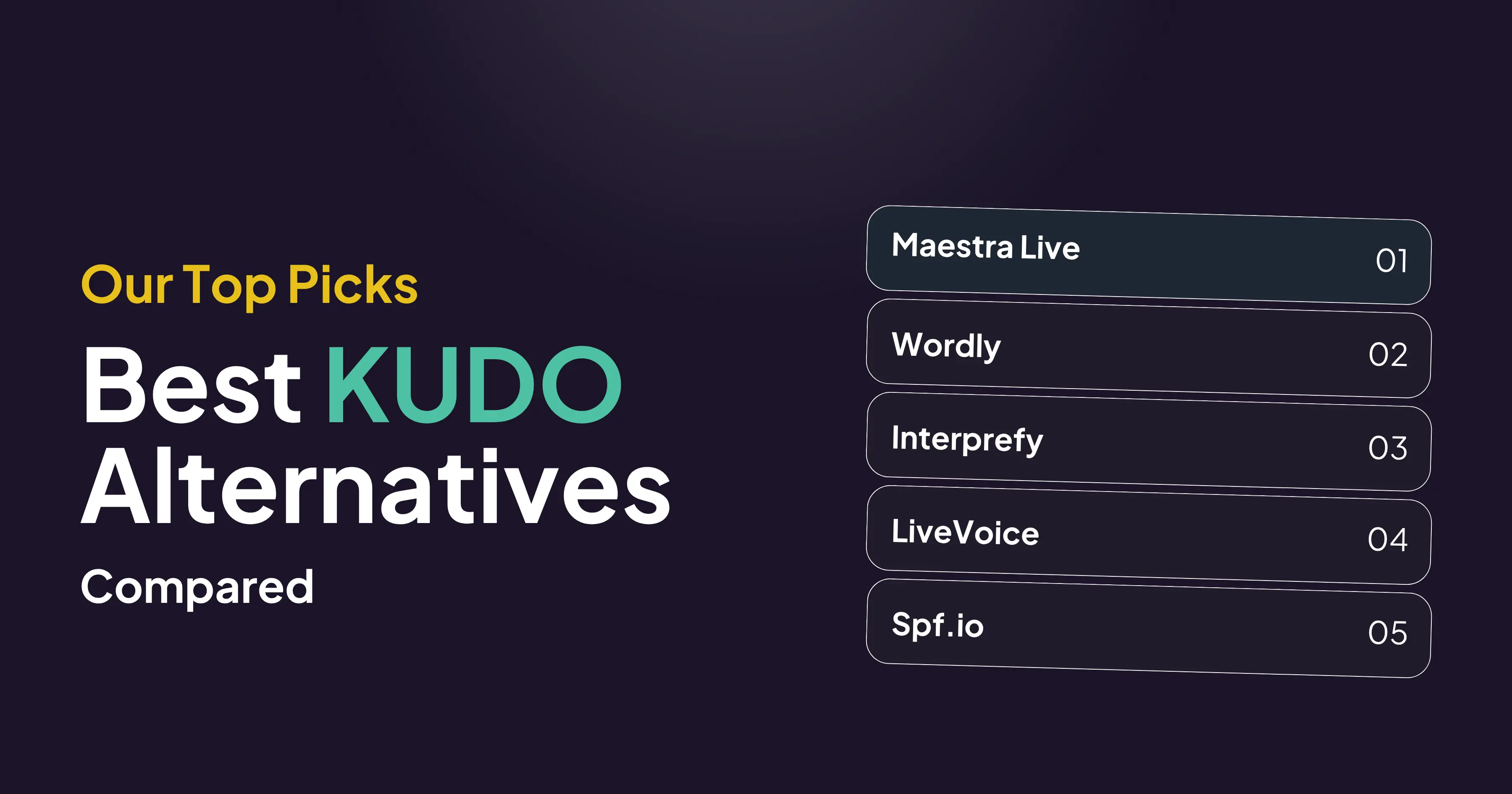
The best KUDO alternatives in 2026 are Maestra Live, Wordly, Interprefy, LiveVoice and Spf.io. Maestra Live offers AI captions or AI voice plus captions in 100+ languages and can be bought online the same day, while KUDO's AI plans go through sales. Interprefy suits events that still need professional human interpreters, and LiveVoice and Spf.io support them too.
KUDO is a live speech translation platform with AI translation in 70+ languages and a marketplace of 12,000+ human interpreters covering 200+ spoken and sign languages. Teams look for a KUDO alternative when they want published prices, a self-serve AI plan, voice cloning, or a tool built for a narrower job such as church services, guided tours or online meetings.
Quick Verdict: Best KUDO Alternative by Use Case
| If you need | Pick | Why |
| Self-serve AI captions or AI voice with published prices | Maestra Live | 100+ languages, AI captions or AI voice plus captions, voice cloning, Zoom, Teams and Google Meet, OBS and vMix, plans from $15/month |
| AI translation inside event platforms such as Cvent | Wordly | 60 speaker languages into 67 attendee languages, Cvent, Bizzabo and Whova, from about $1,500 for 10 hours |
| Managed AI and human interpretation for summits | Interprefy | 80+ AI languages, professional interpreters, 80+ meeting and event platforms, quote-based |
| Tours, churches and on-site events on attendees' phones | LiveVoice | 70+ AI languages, QR code or link access, day plans from €8 |
| Projector captions for churches, schools and nonprofits | Spf.io | 100+ caption languages, projector view in up to 4 languages, manuscript mode, quote-based |
KUDO vs Alternatives Compared
Maestra Live and Spf.io each list 100+ AI languages, while KUDO, Interprefy, LiveVoice and Spf.io also offer human interpreters. Maestra Live, Wordly and LiveVoice can be bought online, while KUDO's AI plans, Interprefy and Spf.io go through sales.
| Tool | AI languages | Human interpreters | Output | Access and integrations | Buy online | Price |
| KUDO | 70+ | ✅ 12,000+ interpreters, 200+ spoken and sign languages | AI voice and captions | Teams native; widget for Zoom, Google Meet and event platforms; browser or app | Human interpreters only | No published prices |
| Maestra Live | 100+ | ❌ No | AI captions, or AI voice plus captions (incl. voice cloning); captions only inside Zoom, Teams and Google Meet | Browser by link or QR code; Zoom, Teams, Google Meet, OBS, vMix | ✅ Yes | From $15/mo billed yearly |
| Wordly | 60 speaker, 67 attendee | ❌ No | AI audio and subtitles | QR code or link; Zoom, Teams, Google Meet, Webex, Cvent, Bizzabo, Whova | ✅ Smaller packages | From about $1,500 per 10 hours |
| Interprefy | 80+ | ✅ Yes | AI audio or captions, or human interpreters | QR code or chat link; 80+ platforms incl. Zoom, Teams, Google Meet, Webex | ❌ No | Quote-based |
| LiveVoice | 70+ | ✅ Your own or booked through LiveVoice | AI voice and text, live captions | Own phone by QR code, link or code; Zoom, Teams, Webex, Cvent, ON24 | ✅ Yes | Day plans from €8; AI from €0.42/min per language |
| Spf.io | 100+ (captions) | ✅ Operators, captioners and interpreters | AI captions and translated audio | QR code or URL; Zoom, Teams, Google Meet, YouTube, OBS, vMix | ❌ No | Quote-based |
Last checked on vendor pages: October 2026.
Why Look for a KUDO Alternative?
KUDO publishes no prices on its pricing page: Pay As You Go and the Annual Plan (from 50 hours per year) both go through sales, and only human interpreters can be booked online. KUDO's AI voices come in male and female options with no mention of voice cloning, and its Zoom integration opens translation through a browser link rather than inside the Zoom app.
At Maestra, we checked each alternative below against the vendor's own website, pricing page and help center in October 2026, and compared them on these points:
- Languages: AI language count, and whether spoken output covers fewer languages than captions.
- Output: translated audio, captions or both.
- Human interpreters: whether the platform also supplies or supports professional interpreters.
- Access: browser link or QR code with nothing to install, or an app.
- Integrations: Zoom, Microsoft Teams, Google Meet, event platforms and streaming tools such as OBS.
- Buying: published prices, free trials, and whether you can start without a sales call.
10 Best Real-Time Translators for Meetings
5 Best KUDO Alternatives for Live Translation
1. Maestra Live: Best Self-Serve KUDO Alternative for AI Voice and Captions
Best for: teams that want AI translation for meetings and events, bought and set up online without a sales call.
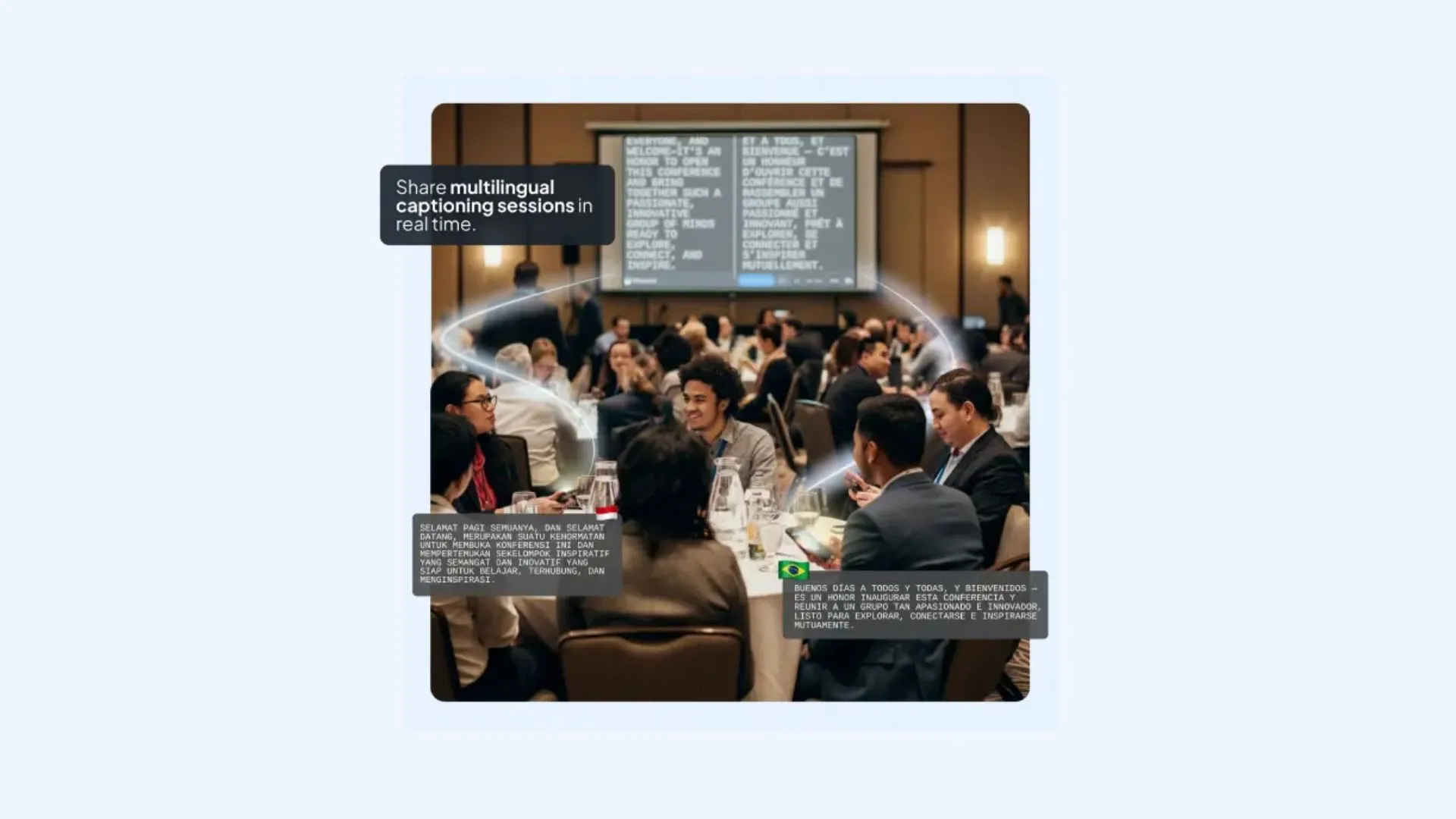
Maestra Live is a live translator for in-person, online and hybrid meetings, webinars, conferences and events. It translates speech in real time into 100+ languages. Every Maestra Live session offers AI captions or AI voice plus captions, and listeners join a shareable session by room link or QR code with no app, then pick their own language.
Compared with KUDO, Maestra Live publishes its prices, can be bought online the same day, and adds AI voice cloning, so listeners hear the translation in a voice modeled on the speaker. It also adds AI captions to the Zoom and Microsoft Teams meeting screen, and to Google Meet through a captions link that its bot posts in the chat.
For live event translation and livestreams, Maestra Live connects to OBS and vMix. Its Events plan covers a one-day event from $799, with setup help, day-of support and up to 100 viewers across 3 rooms.
Key features:
- AI captions, or AI voice plus captions (including voice cloning), in every Maestra Live session, joined by QR code or link
- AI captions in Zoom and Teams calls, and through a captions link in Google Meet
- OBS and vMix for livestreams
- Several source languages per session with automatic language detection, plus two-way translation for captions
- Several target languages in shared sessions, where each listener picks a language; 2 to 5 languages included depending on plan, with more for an added fee
- Custom glossary for names and industry terms
- Transcript export and AI summary after each session
Pricing: Maestra Live has three subscription plans with unlimited use, billed yearly at 20% less than monthly, plus a one-time Events purchase:
- Personal: $15/month for everyday conversations, with sessions up to 15 minutes, AI voice cloning, recordings and transcripts
- Meetings: $39 per seat per month for online meetings and teams, with Zoom, Google Meet and Teams, 2 languages per session, sessions up to 75 minutes and AI meeting summaries
- Organizations: $359/month for recurring sessions and live audiences, with a room link and QR code, up to 50 viewers, 3 languages per session, sessions up to 3 hours, and OBS and vMix
- Events: from $799 a day for one-time events and conferences, with no session limits, setup help, day-of support, unlimited rehearsals, 3 rooms, up to 100 viewers and 5 languages per session
Limitations: Maestra Live is AI only, with no human or sign language interpreters, so certified sessions still need a platform such as KUDO or Interprefy. Two-way translation works with captions only, not AI voice. Inside Zoom, Teams and Google Meet calls, Maestra Live shows captions only, and a shareable room link with QR code starts on the Organizations plan.
Live Translate in 100+ Languages
2. Wordly: Best for AI Translation Inside Event Platforms
Best for: conference and event teams that need AI translation inside event platforms such as Cvent, Bizzabo and Whova.
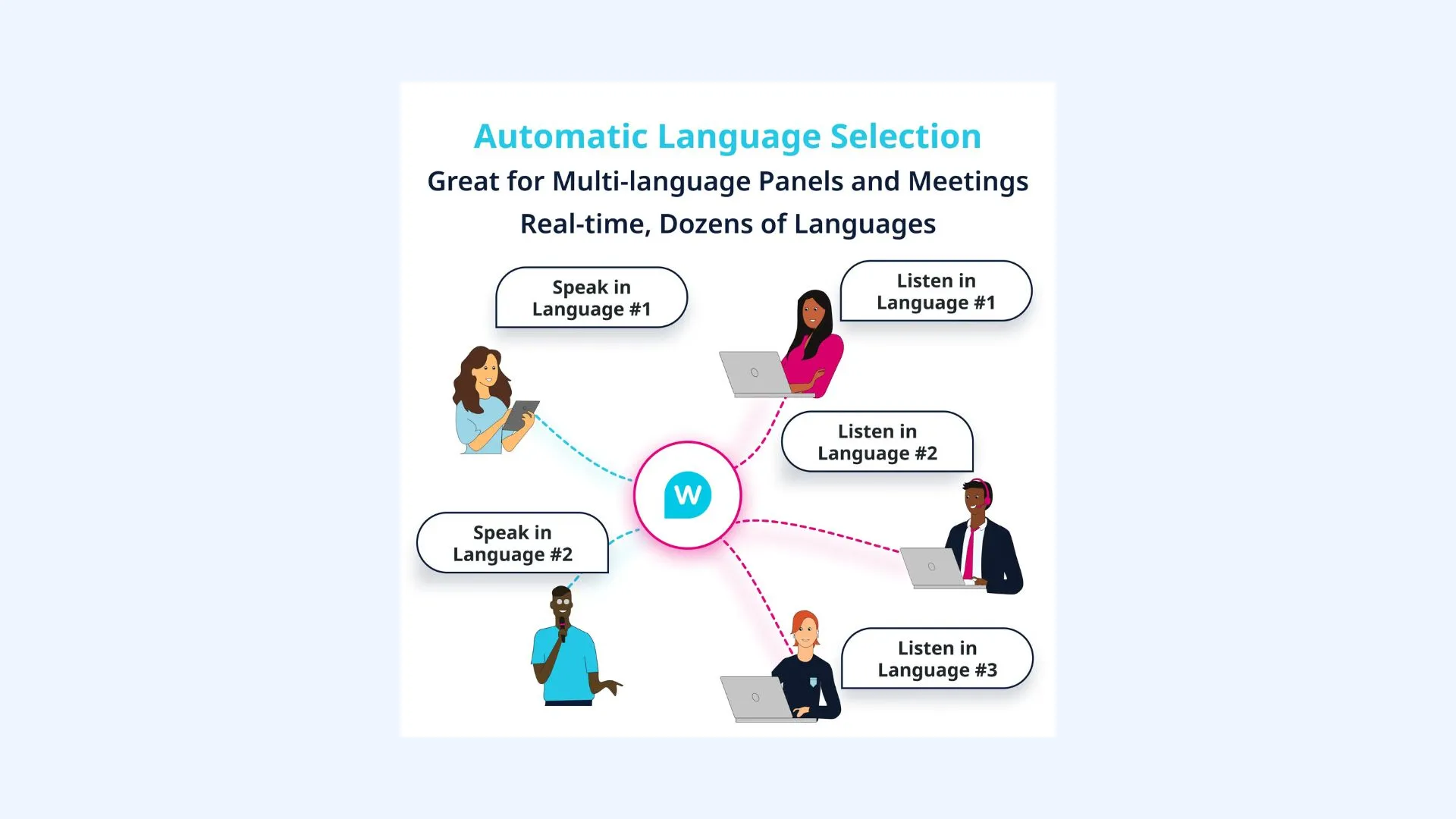
Wordly is an AI translation and captioning platform for meetings and events. It translates 60 speaker languages into 67 attendee languages, delivered as translated audio or live subtitles. Attendees join by QR code or browser link with no app or sign-up, and native iOS and Android apps are also available.
Wordly connects to Zoom, Microsoft Teams, Google Meet and Webex, and to event platforms including Cvent, Bizzabo, RainFocus, Swoogo and Whova. Unlike KUDO's AI plans, Wordly sells smaller packages online by card. The platform detects the input language automatically, supports a custom glossary, and provides transcripts and summaries for every session.
Key features:
- Translated audio or live subtitles, from 60 speaker languages into 67 attendee languages
- QR code or browser link with no app or sign-up
- Zoom, Teams, Google Meet, Webex and event-platform integrations
- Automatic input-language detection
- Custom glossary, transcripts and summaries
Pricing:Wordly pricing starts at about $1,500 for a 10-hour package, with hours valid for 12 months. Smaller purchases can be paid online by card through "Buy Online"; larger packages go through sales. Trials are arranged with a sales rep, and a 10-minute online demo is available.
Limitations: Wordly is AI only, with no human interpreters, and its pages do not mention voice cloning. The smallest published package is 10 hours, which is more than a team needs for one short meeting.
7 Best Wordly AI Alternatives for Live Translation
3. Interprefy: Best for Managed AI and Human Interpretation at Summits
Best for: enterprise events and summits that need managed AI and human interpretation with dedicated support.
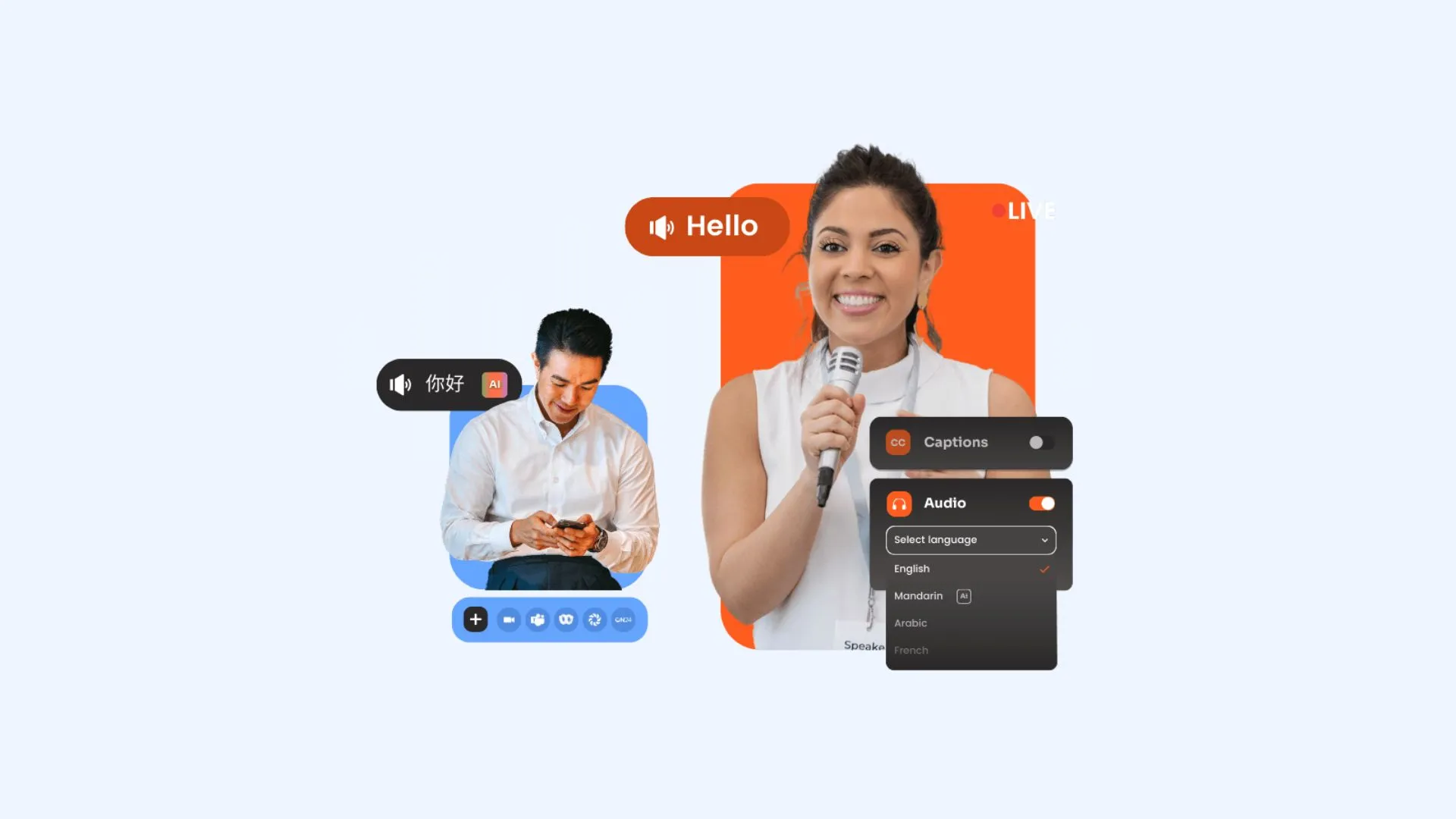
Interprefy is an enterprise platform for interpretation, AI speech translation and captions. Its AI translates 80+ languages as audio or captions, and the company also supplies professional interpreters in almost any language combination. Attendees join through its Agent tool by QR code or chat link with no download, or use the web platform or mobile app.
Like KUDO, Interprefy combines AI and human interpretation. It connects to 80+ meeting and event platforms, including Zoom, Microsoft Teams, Google Meet, Webex and ON24, and joined the Cvent App Marketplace in July 2026. Its Media Hub, launched in August 2026, adds recordings, transcripts and summaries.
Key features:
- AI speech translation in 80+ languages, as audio with selectable voices or as captions
- Professional interpreters, or bring your own
- Interprefy Agent by QR code or chat link, with no download
- Custom vocabulary for the AI speech translator
- Media Hub for recordings, transcripts and summaries
Pricing:Interprefy publishes no prices. Pricing is usage-based and tailored to each event; Interprefy Plans are blocks of hours valid for 12 months with no rollover. Every pricing button reads "Get in touch". A free self-guided browser demo is available, but no trial.
Limitations: Interprefy is sales-led only, so there is no way to buy online and start the same day. Interprefy's pages do not mention voice cloning, and unused plan hours expire after 12 months.
10 Best Interprefy Alternatives
4. LiveVoice: Best for Tours, Churches and On-Site Events
Best for: guided tours, places of worship and on-site events where attendees listen on their own phones.
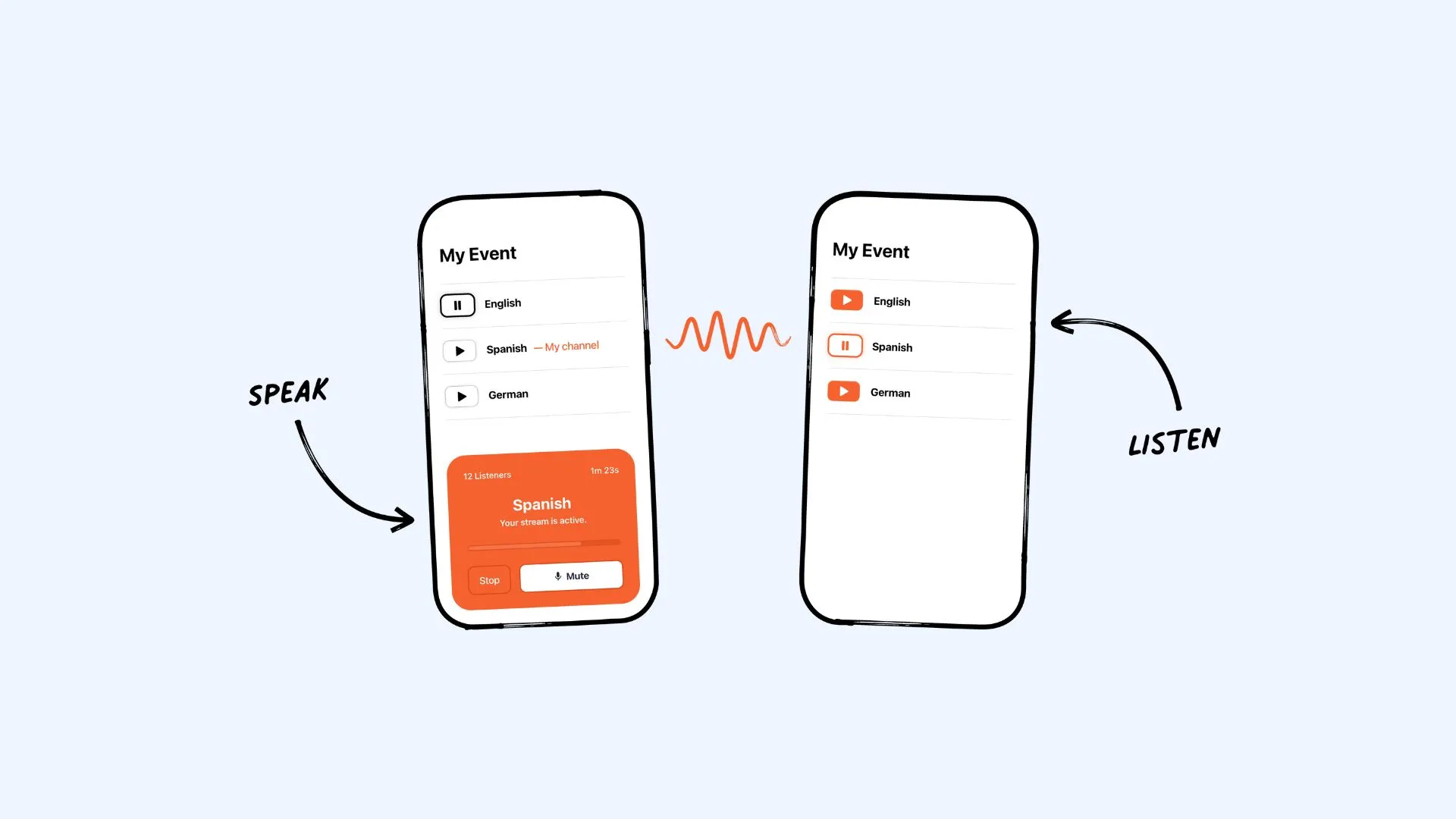
LiveVoice is a live audio and AI translation platform for events, tours and silent conferencing. It offers AI voice and text translation in 70+ languages and supports human interpreters, whether your own or booked through its network. Attendees join on their own phones by QR code, link or a 6-digit code, with no account needed.
LiveVoice works for in-person, hybrid and virtual events and lists integrations with Zoom, Microsoft Teams, Webex, Cvent and ON24. Organizers get a branded event page, recording, interpreter hand-over and real-time statistics, and live captions export as text, CSV, SRT or VTT files. Unlike KUDO's AI plans, the platform is booked online from the account.
Key features:
- AI voice and text translation in 70+ languages, plus AI live captions
- Human interpreters, your own or booked through LiveVoice
- Attendees join by QR code, link or 6-digit code on their own phones
- Branded event page, recording and real-time statistics
- Caption export as text, CSV, SRT or VTT
Pricing:LiveVoice plans are sized by the number of listeners and start at €8 ($10) for a 24-hour day plan, with monthly and yearly subscriptions (yearly saves 25%). AI translation is an add-on at €0.42 ($0.52) per minute per language, and live captions cost €0.16 ($0.21) per minute per language. A free Test Plan covers up to 3 participants. Prices exclude VAT.
Limitations: LiveVoice says human interpretation is faster than AI, because AI waits for a sentence to finish. AI translation is billed per minute on top of a plan, and LiveVoice's pages do not mention a glossary or voice cloning.
5. Spf.io: Best for Projector Captions at Churches, Schools and Nonprofits
Best for: churches, schools, nonprofits and hybrid events that show translated captions on a screen and on attendees' phones.
Spf.io is an AI translation and accessibility platform for events, content and conversations. It translates captions into 100+ languages and offers translated audio in 40+ languages, with optional human operators who correct the AI captions in real time. Attendees follow along on their phones by QR code or URL, and the view can be embedded on a website.
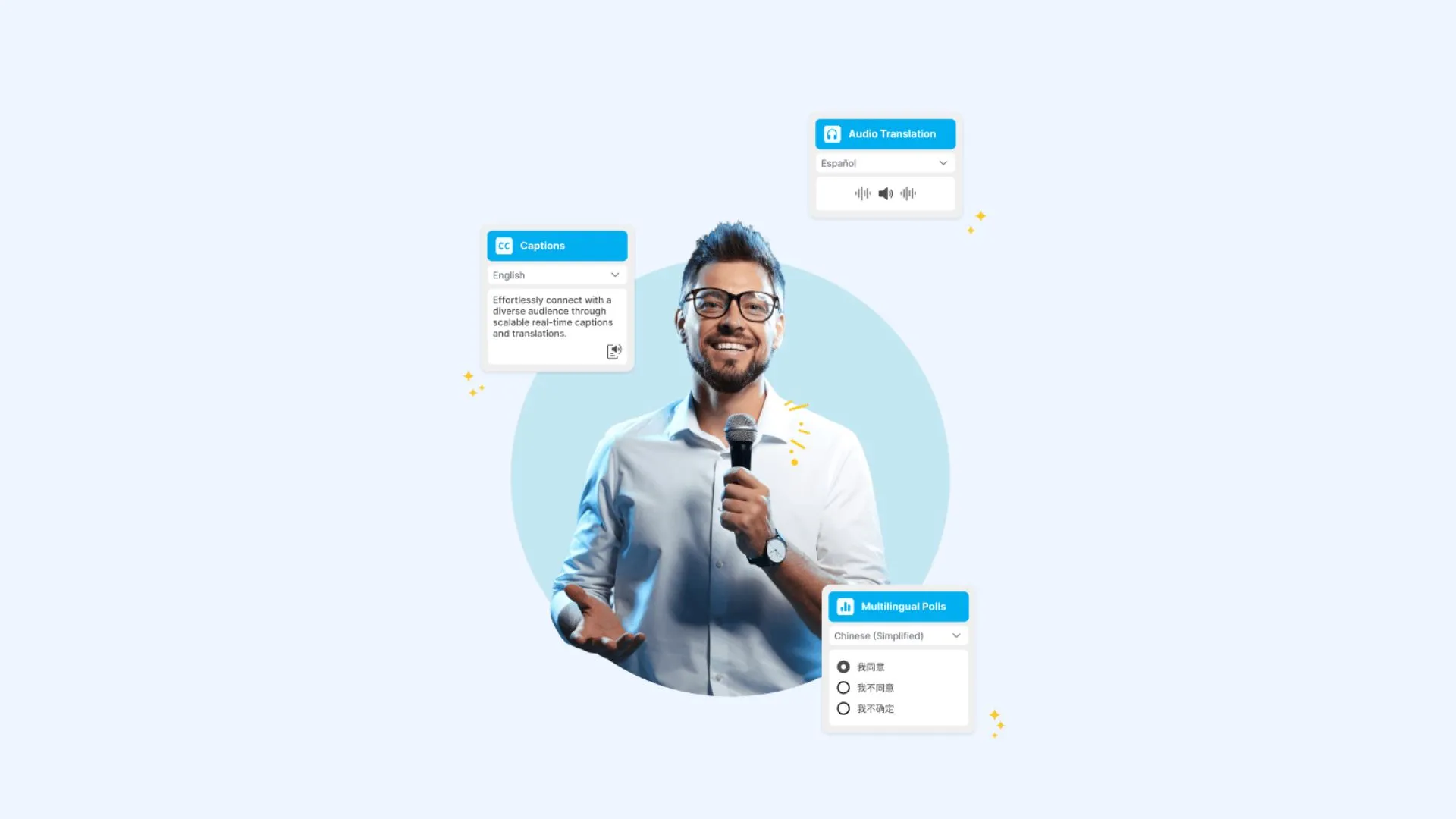
Spf.io works with Zoom, Microsoft Teams, Google Meet, YouTube, OBS, vMix and, since May 2026, ProPresenter. Its projector view shows up to four languages on a TV or screen, manuscript mode releases a pre-written script as captions in real time, and multilingual polls translate questions and motions. Voice cloning for text-to-speech arrived in October 2026.
Key features:
- AI captions in 100+ languages and translated audio in 40+
- Optional human operators, captioners, stenographers and interpreters
- Projector view in up to four languages
- Manuscript mode and multilingual polls
- Custom glossary, "Do Not Translate" terms and keyword boosting
Pricing:Spf.io publishes no prices. Recurring users get a monthly or annual plan with an allotment of minutes, overage billed per minute per language, and a one-time setup fee. One-time events do not need a subscription. No free trial is published.
Limitations: Spf.io is quote-only, with no self-serve checkout, and its FAQ says accuracy varies by language pair. Human translators for manuscript mode need booking at least two weeks ahead, and stenographers at least four weeks.
How to Switch from KUDO to Maestra Live
To move a KUDO meeting or event to Maestra Live, either connect Maestra Live to your Zoom, Microsoft Teams or Google Meet call, or run a standalone session for live webinar translation and in-person events, which listeners join by room link or QR code. Maestra Live needs no sales call: sign up, pick a plan and start the same day.
For a Zoom, Teams or Google Meet call
- Connect Maestra Live: paste the Zoom API token or the Teams meeting invite link into Maestra Live's Integrations tab. For Google Meet, paste the meeting link and admit the Maestra bot when it asks to join.
- In Zoom and Teams, turn on captions first (CART captions in Teams).
- Pick your languages and start the session. In Zoom and Teams, translated captions appear on the meeting screen. In Google Meet, the bot posts a captions link in the chat, and each participant picks a caption language.
For a live event or webinar
- Start a session in Maestra Live and pick the source languages (or turn on auto-detect) and the target languages.
- Share the room link or QR code on screen, in the event app or in the invite (Organizations and Events plans).
- Listeners open it in any browser, with no app or account, pick their language and choose AI captions or AI voice plus captions.
Final Verdict: Which KUDO Alternative Should You Choose?
The right KUDO alternative depends on whether you need human interpreters, which platforms you use and how you want to buy. For teams that want AI translation without a sales call, Maestra Live covers 100+ languages as AI captions or AI voice plus captions, with published prices and voice cloning.
For events that still need professional interpreters, Interprefy offers managed AI and human interpretation, much like KUDO, while LiveVoice and Spf.io also support human interpreters at lower entry points. Wordly suits conference teams that work inside event platforms such as Cvent and Bizzabo.
For specific settings, LiveVoice suits guided tours and on-site events on attendees' phones, with day plans from €8, and Spf.io suits churches and schools that show captions on a projector. Maestra Live's Events plan covers a one-day conference from $799, with setup help and day-of support.
Maestra Live is self-serve: sign up, pay online and start translating a meeting or event in minutes, without talking to a sales team.
FAQ on KUDO Alternatives
Maestra Live is a strong AI alternative to KUDO, with AI captions or AI voice plus captions in 100+ languages, voice cloning and plans you can buy online. Interprefy is the closest match for events that need human interpreters, Wordly suits teams that work inside event platforms, and LiveVoice and Spf.io suit tours, churches and schools.
Yes. Maestra Live is self-serve: you sign up, choose a plan and start translating the same day, with no demo or contract. LiveVoice is also booked online, and Wordly sells smaller packages by card. KUDO's AI plans, Interprefy and Spf.io are sold through their sales teams.
Interprefy supplies professional interpreters in almost any language combination, alongside AI translation in 80+ languages. LiveVoice supports your own interpreters or books them through its network, and Spf.io offers human operators, captioners and interpreters. Maestra Live and Wordly are AI only, while KUDO's marketplace lists 12,000+ interpreters.
KUDO lists 200+ spoken and sign languages through its human interpreters. The AI alternatives in this list, including Maestra Live, Wordly and Spf.io, translate speech into captions and audio, not sign language, so deaf and hard-of-hearing audiences rely on their live captions or on a human sign language interpreter.
No. Maestra Live, Wordly, Interprefy, LiveVoice and Spf.io let attendees join on their own phone or laptop by link or QR code, in a browser. LiveVoice recommends its app on phones so audio keeps playing in the background, and professional microphones improve accuracy for any AI translator.
Choose AI-only tools such as Maestra Live or Wordly for meetings, webinars and live conference translation, where speed, many languages and published prices matter. Choose a platform with human interpreters, such as Interprefy or KUDO, for certified legal, medical or diplomatic sessions and for sign language.
Maestra Live adds AI captions to Zoom and Microsoft Teams calls on the meeting screen, and to Google Meet through a captions link in the chat. Wordly, Interprefy and Spf.io also integrate with all three platforms.
Yes. Maestra Live offers AI voice cloning in its own sessions, so listeners hear the translation in a voice modeled on the speaker. Spf.io added voice cloning for text-to-speech in October 2026. KUDO offers male and female AI voices, and Wordly and Interprefy do not mention voice cloning.