

.webp)
.webp)




Chaitanya P.
Managing Director"Master the Media with Maestra"
The best side of this product is auto subtitling. And most importantly, it supports multiple languages.
Read full reviewAI-powered translation, transcription, dubbing, and subtitling. On demand or in real-time, across







Upload files or translate, transcribe, subtitle & dub in REAL-TIME.








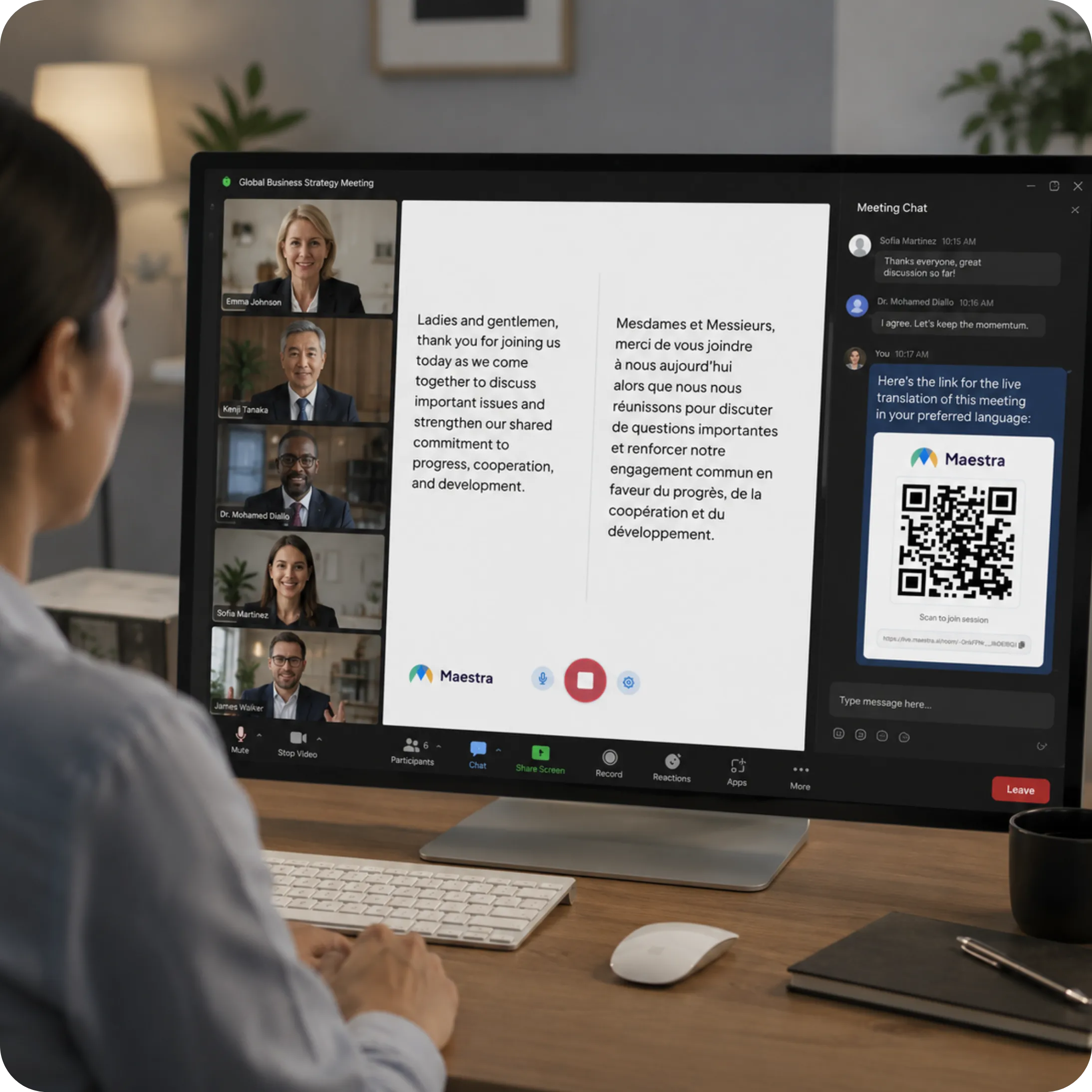
Connect Maestra to your favorite platforms, from meeting apps to broadcast software.
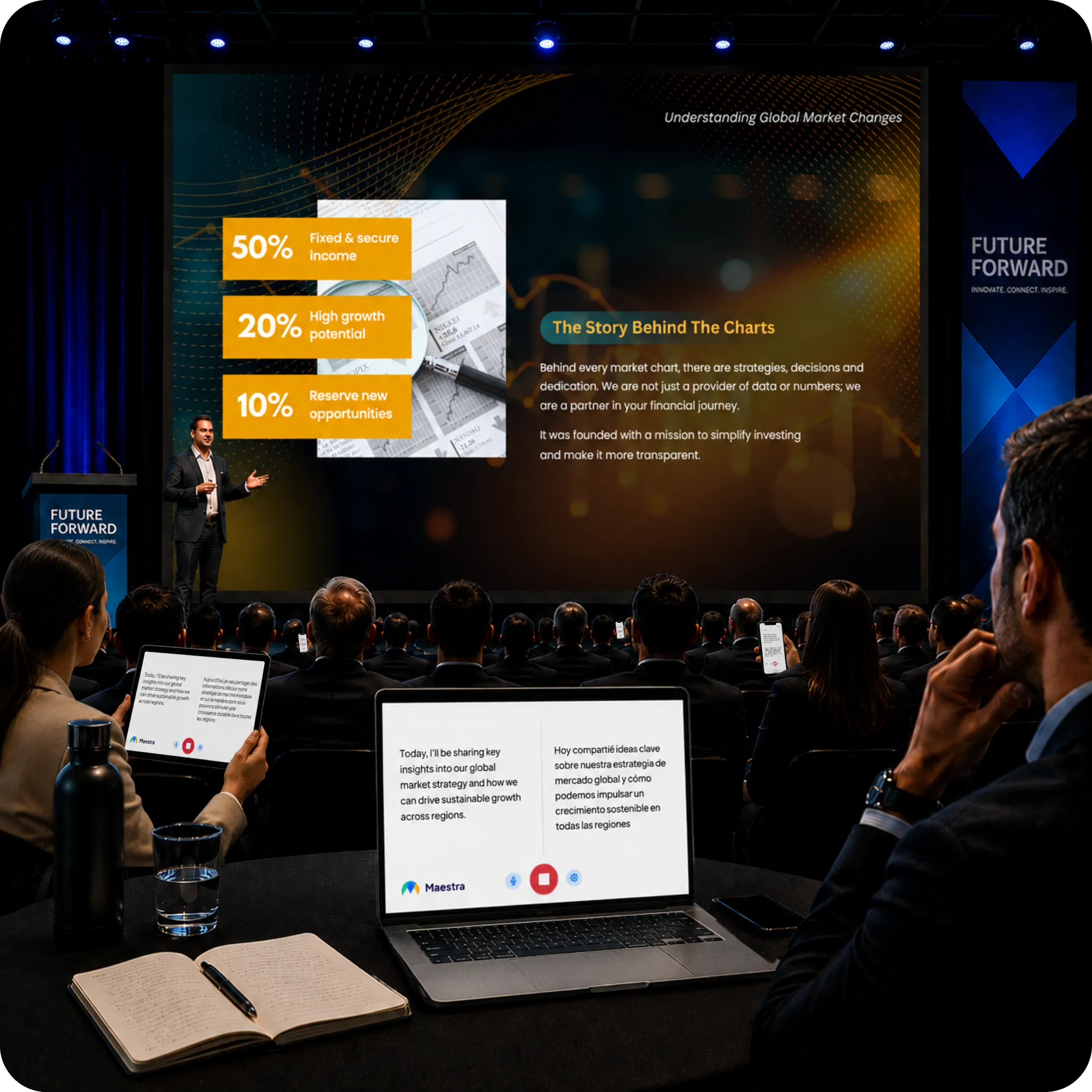
Achieve beyond live transcription & translation using Maestra's cutting-edge live tool.

From solo YouTube creators to global media companies, see how teams use Maestra.
From Arabic to Zulu — we cover the world's most spoken languages and counting.
Join thousands of creators and businesses already using Maestra.
Everything you need to know before getting started.
Maestra is an AI-powered media localization platform. It lets teams transcribe, subtitle, dub, and localize audio and video content across 125+ languages, on uploaded files or in real time, from a single workspace.
Maestra is used by content creators, enterprise teams, broadcasters, and educators who need to make media accessible to global audiences. It scales from a single user to organization-wide workflows with API access and collaborative editing.
Maestra supports 125+ languages for transcription, subtitling, AI dubbing, and real-time speech translation, covering the vast majority of the world's spoken languages.
Yes. In addition to processing uploaded files, Maestra offers live transcription and live speech translation through its real-time extension. useful for meetings, live events, and broadcasts.
Yes. Maestra offers a free trial with no credit card required, giving access to transcription, subtitling, AI dubbing, and voice cloning across all supported languages.
Maestra integrates with YouTube, TikTok, Zoom, Slack, Zapier, and Dropbox. Enterprise customers can automate workflows via the API.
Import popular video and audio formats like MP4, MOV, MKV, AVI, MP3, and WAV, and export your results as SRT, VTT, TXT, DOCX, or MP4 with embedded subtitles or voiceover.