10 Best Translator Apps for Android: Free & Paid Options Compared
I've switched between translator apps more times than I can count. Sometimes I needed quick travel phrases, other times I was translating full paragraphs or documents. The problem is that most Android translators look similar on the surface, but perform very differently once you rely on them in real situations.
So I decided to test them more deliberately instead of relying on first impressions. I compared:
- How natural the translations actually sounded
- How well live speech translation handled real-time conversations
- Whether texts (especially longer paragraphs) required heavy editing
- Language strength for specific pairs (not total language count)
- Offline reliability in areas without internet connection
- Privacy transparency and app permissions
Below is the shortlist of the best translator apps for Android based on those criteria. Each tool stands out for a different reason (e.g., Maestra for live voice translation, DeepL for polished written accuracy, Papago for Asian language pairs) and fills a specific gap depending on the situation.




Let's go through each app individually, with a focus on where it actually performs best.
Best Translator Apps for Android Compared & Reviewed
For a side-by-side comparison, you can use the table to check each app’s main strength, supported languages, and free plan availability.
| App | Best For | Supported Languages | Free Trial/Version |
| Maestra | Real-time speech-to-speech translation | 125+ | ✅ |
| Google Translate | Quick everyday translations and travel | 130+ | ✅ (fully free) |
| Microsoft Translator | Group conversations and meetings | 100+ | ✅ (fully free) |
| Yandex Translate | Russian and Eastern European languages | 100 | ✅ (fully free) |
| DeepL Translate | Text and document accuracy | 100+ | ✅ |
| Reverso | Contextual translation and language learning | 18 | ✅ |
| iTranslate | Travel and phrase-based interaction | 100+ | ✅ |
| Papago | Asian languages | 14 | ✅ (fully free) |
| Talkao | Simple voice and photo translation | 125+ | ✅ |
| Lingvanex | Offline and large document translation | 100+ | ✅ |
1. Maestra: Best for Live Voice Translation
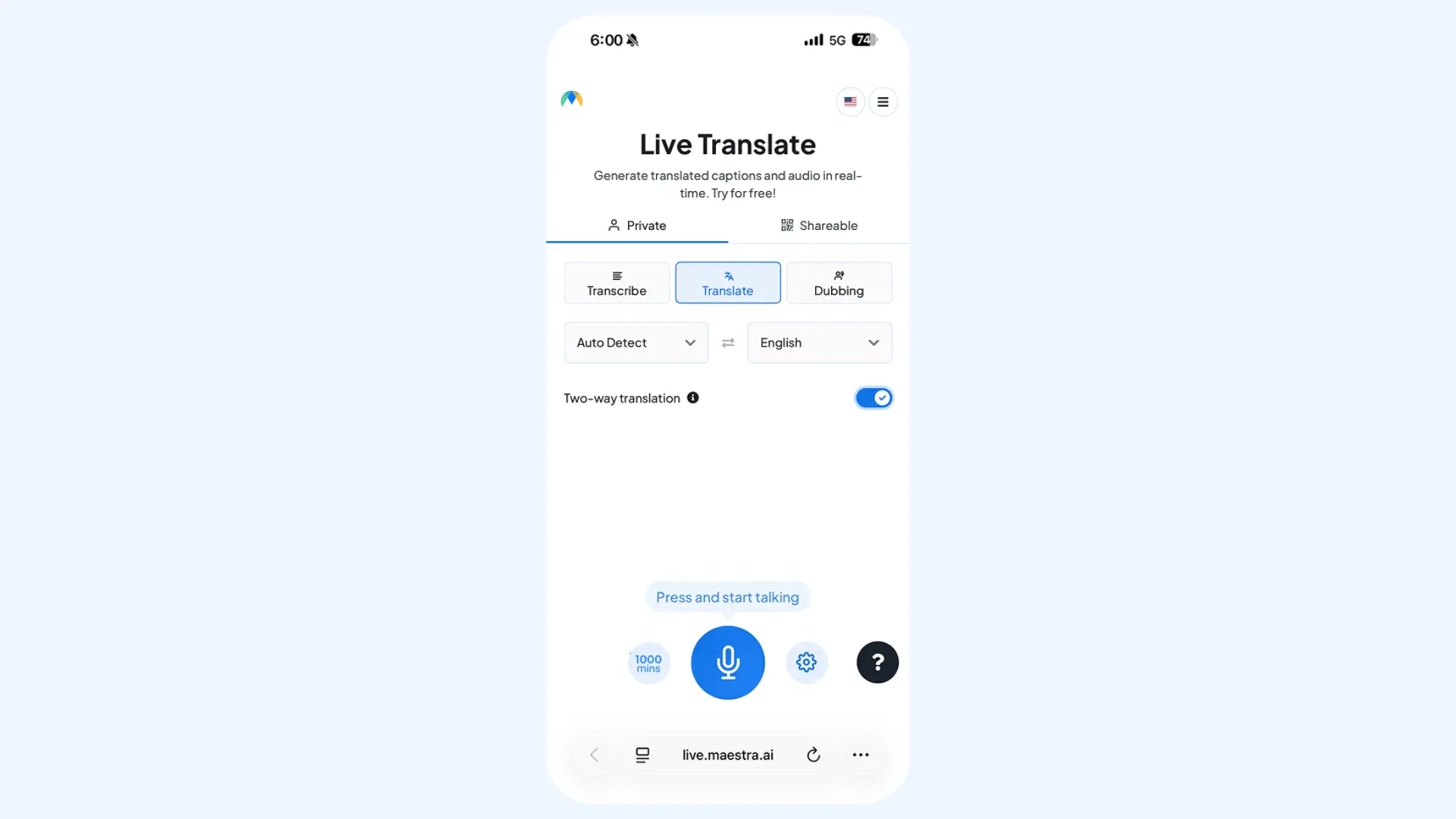
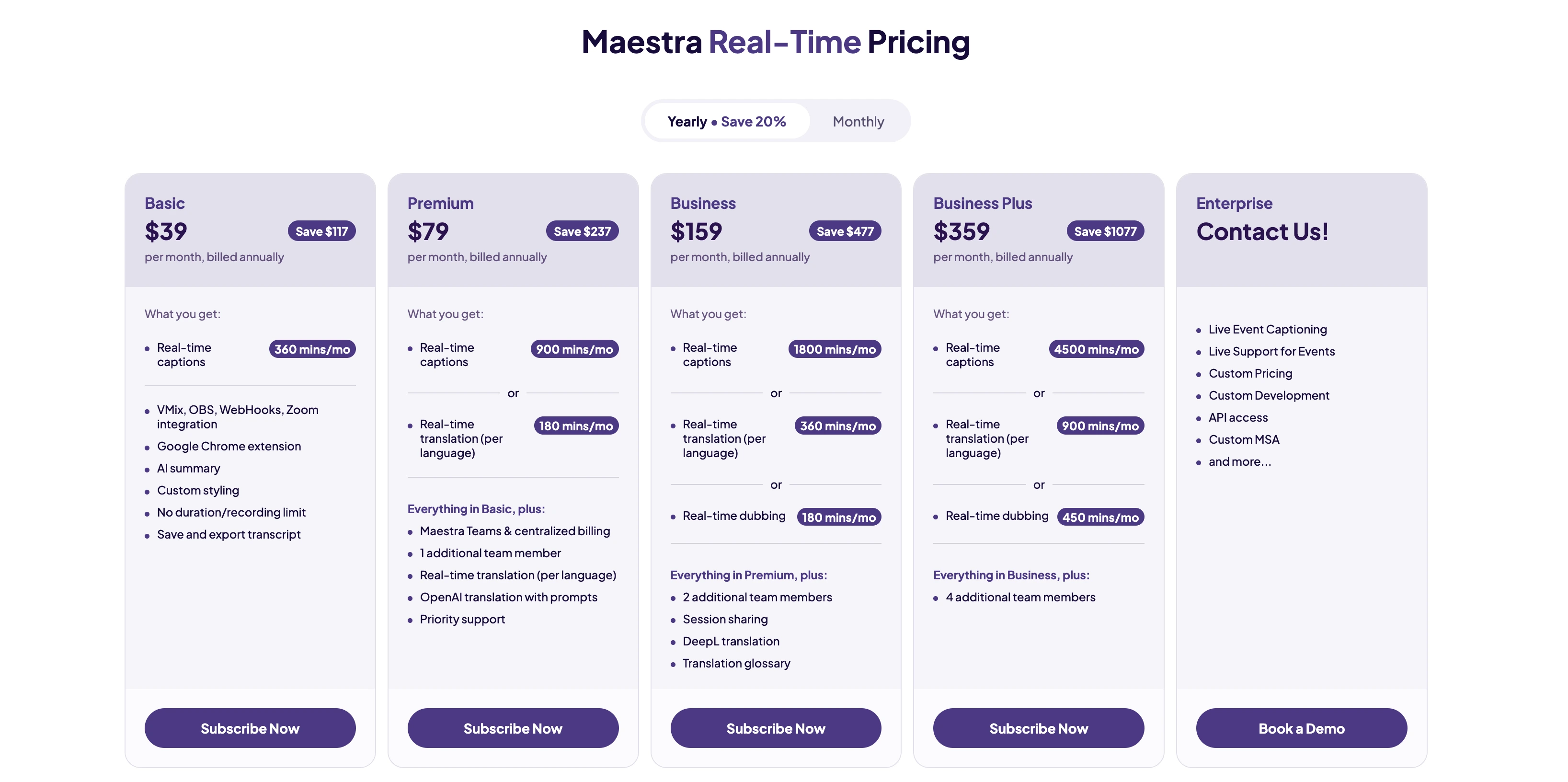
Maestra's talking translator enables real-time speech-to-speech translation, with live captions provided as a complementary layer for additional clarity. Unlike most tools on this list, it does not require a dedicated Android app: it runs directly in your browser, eliminating the need for installation. Just speak, and Maestra will translate your words into the target language, delivering the spoken output instantly. I find it ideal for live conversations, multilingual meetings, and events where accuracy and immediacy are critical.
Key features:
- Two-way translation with split-screen interface for bilingual conversations
- Support for multiple source and target languages within the same session
- Instant session sharing via a link or QR code
Pros
- Integrates advanced engines such as DeepL and OpenAI for accurate translation
- AI voice cloning for more natural, personalized output
- Clean, minimal interface designed for distraction-free live communication
Cons
- Requires a stable internet connection for optimal performance
- Advanced features like voice cloning require higher-tier subscription plans
Translate Voices in Real Time on Android
2. Google Translate: Best for Quick Everyday Translations
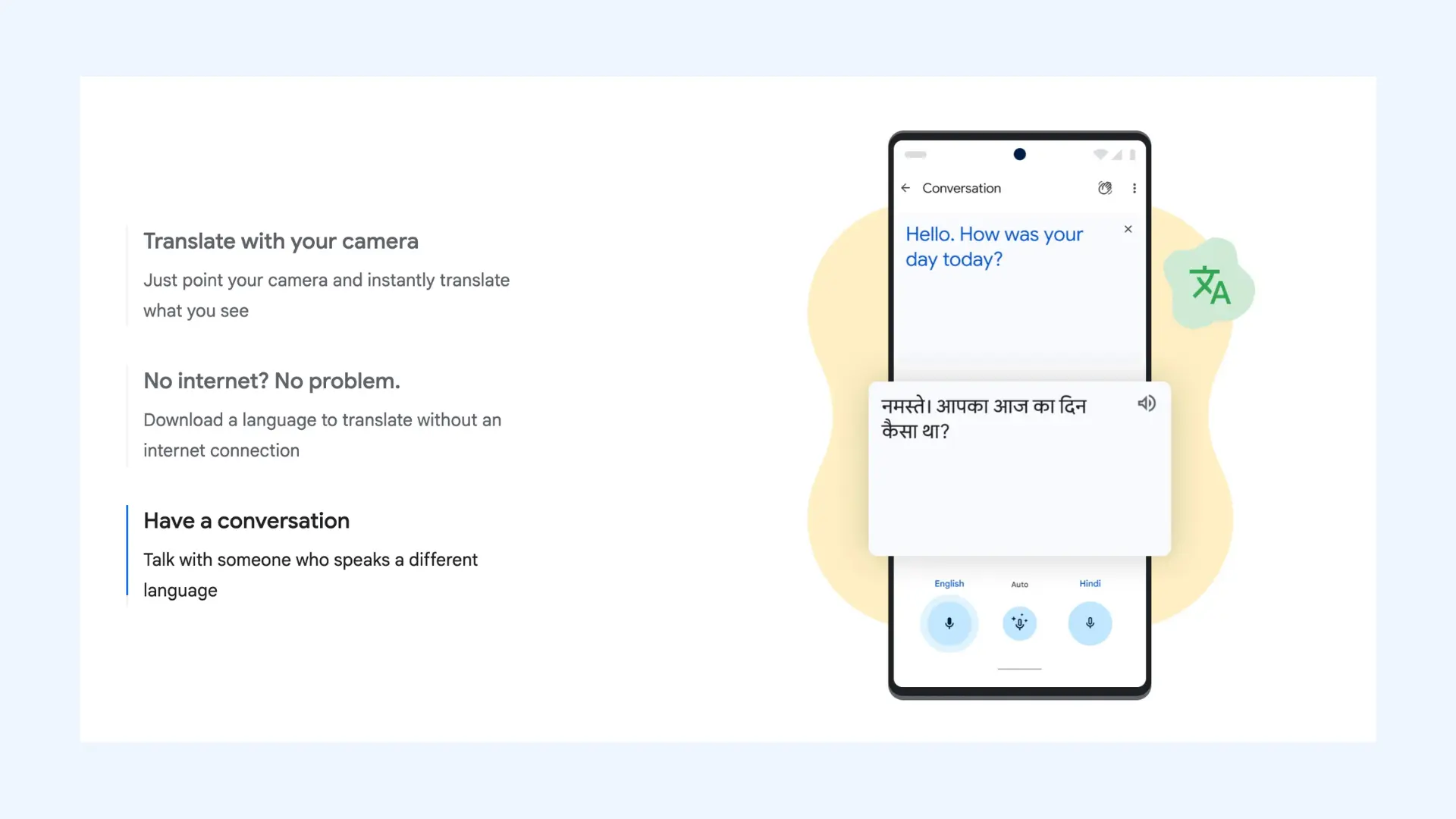
As the most widely used translator, Google Translate provides an effortless experience if you need rapid results without a learning curve. Its interface is immediate and functional: you open the app, paste or speak your text, and receive an answer within seconds. It may not always deliver nuanced phrasing, but for immediate comprehension, it remains highly reliable.
Key features:
- Text, voice, and camera translation
- Conversation mode for bilingual exchanges
- Handwriting input for drawing letters or symbols
Pros
- Extensive language coverage across more than 100 languages
- Completely free with no hidden paywalls or ads
- Near-instant processing with minimal delay
Cons
- May struggle with technical jargon
- Limited contextual explanations compared to learning-focused apps
Pricing: Free.
3. Microsoft Translator: Best for Group Conversations
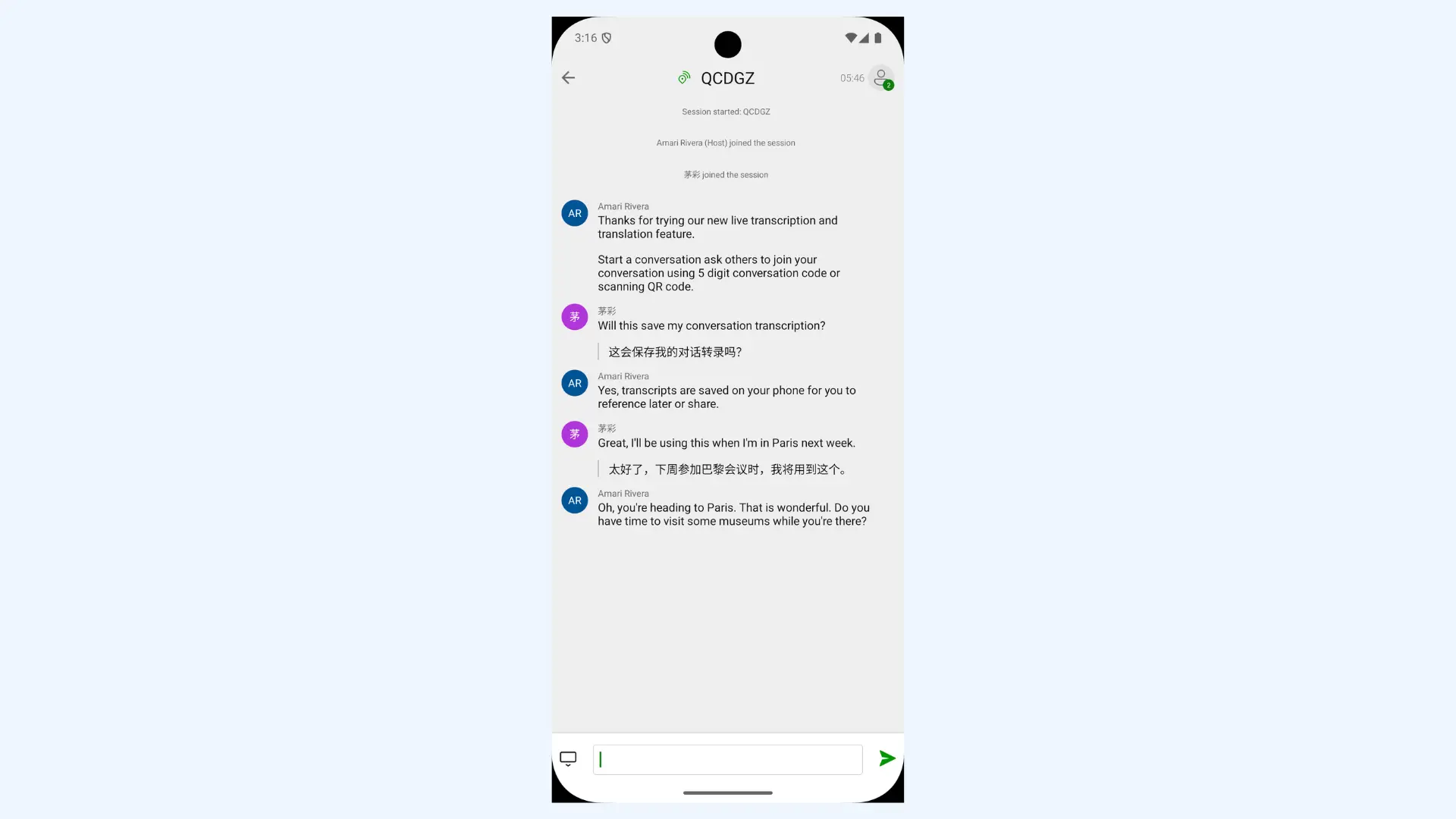
Microsoft Translator is built with productivity and collaboration in mind, specifically for professional and educational settings. Its standout feature is the multi-device conversation mode, where you can join a session via a code to see live translations on your own screen. I find it more suitable for structured environments such as meetings, classrooms, and workshops where multiple participants need simultaneous access to translated speech.
Key features:
- Real-time speech and text translation
- Multilingual conversation sessions with up to 100 participants in a single room
- Split-screen mode for two people sharing a single phone
Pros
- Clean, distraction-free interface
- Stable performance during extended live sessions
- Easy onboarding for participants with minimal technical setup
Cons
- Voice recognition can struggle with regional accents
- Fewer advanced AI features (such as tone toggle)
Pricing:Free.
4. Yandex Translate: Best for Russian and Eastern European Languages
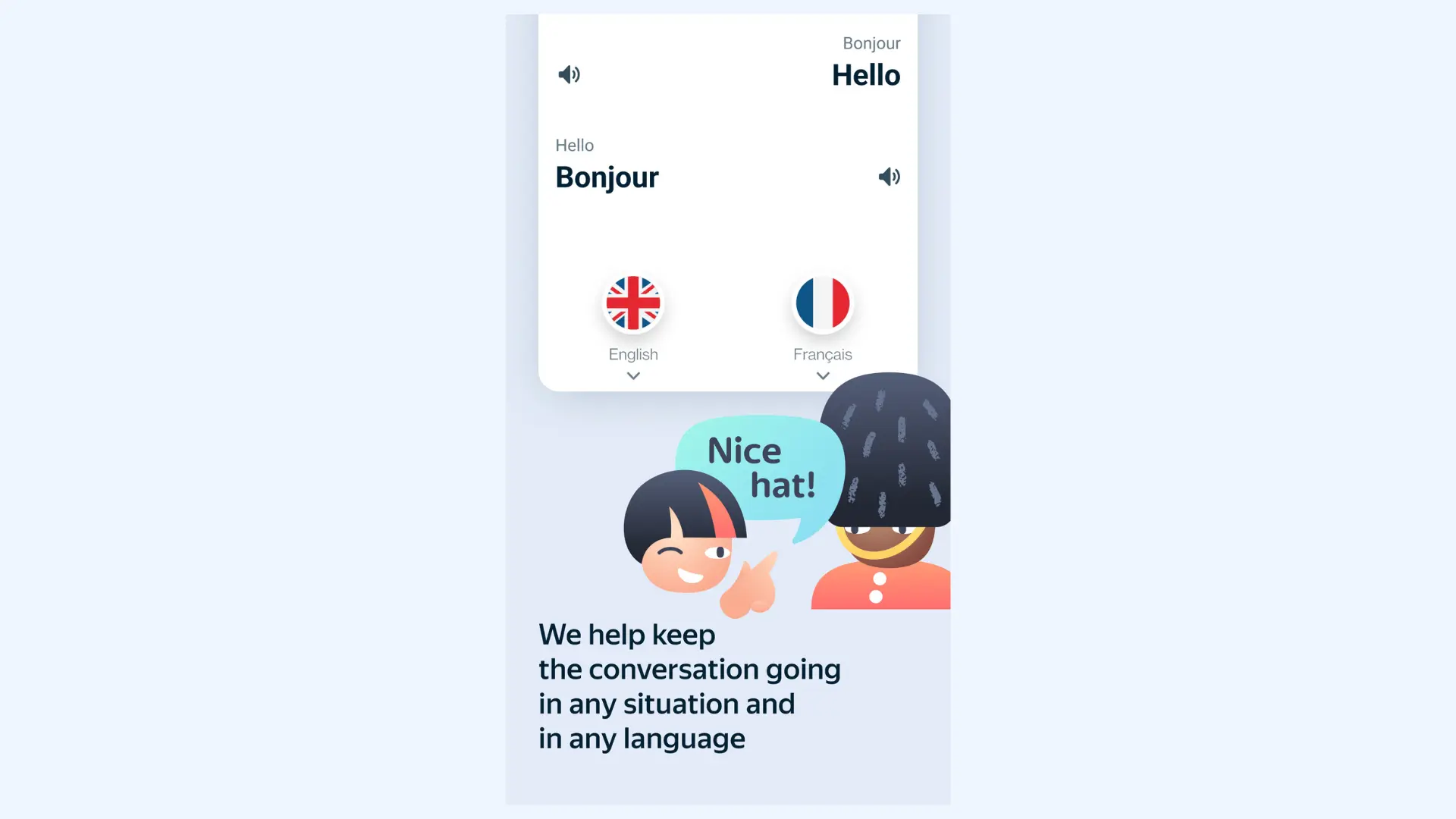
Yandex Translate is the specialized choice for Slavic and Eurasian languages, utilizing a massive regional database to offer high linguistic accuracy. It performs particularly well in Russian-English translation, where phrasing often feels more regionally aligned than broader global platforms. If you're regularly working with Russian content, that contextual precision can make a noticeable difference.
Key features:
- Text and website translation
- Voice input and speech playback
- Built-in dictionary entries with usage examples
Pros
- Superior performance for regional languages like Russian, Ukrainian, and Belarusian
- Lightweight app with fast response time
- Reliable performance even on mid-range Android devices
Cons
- Less consistent outside core regional languages
- Smaller global user base, which can mean slower innovation cycles
Pricing: Free.
5. DeepL Translate: Best for Text and Document Translation
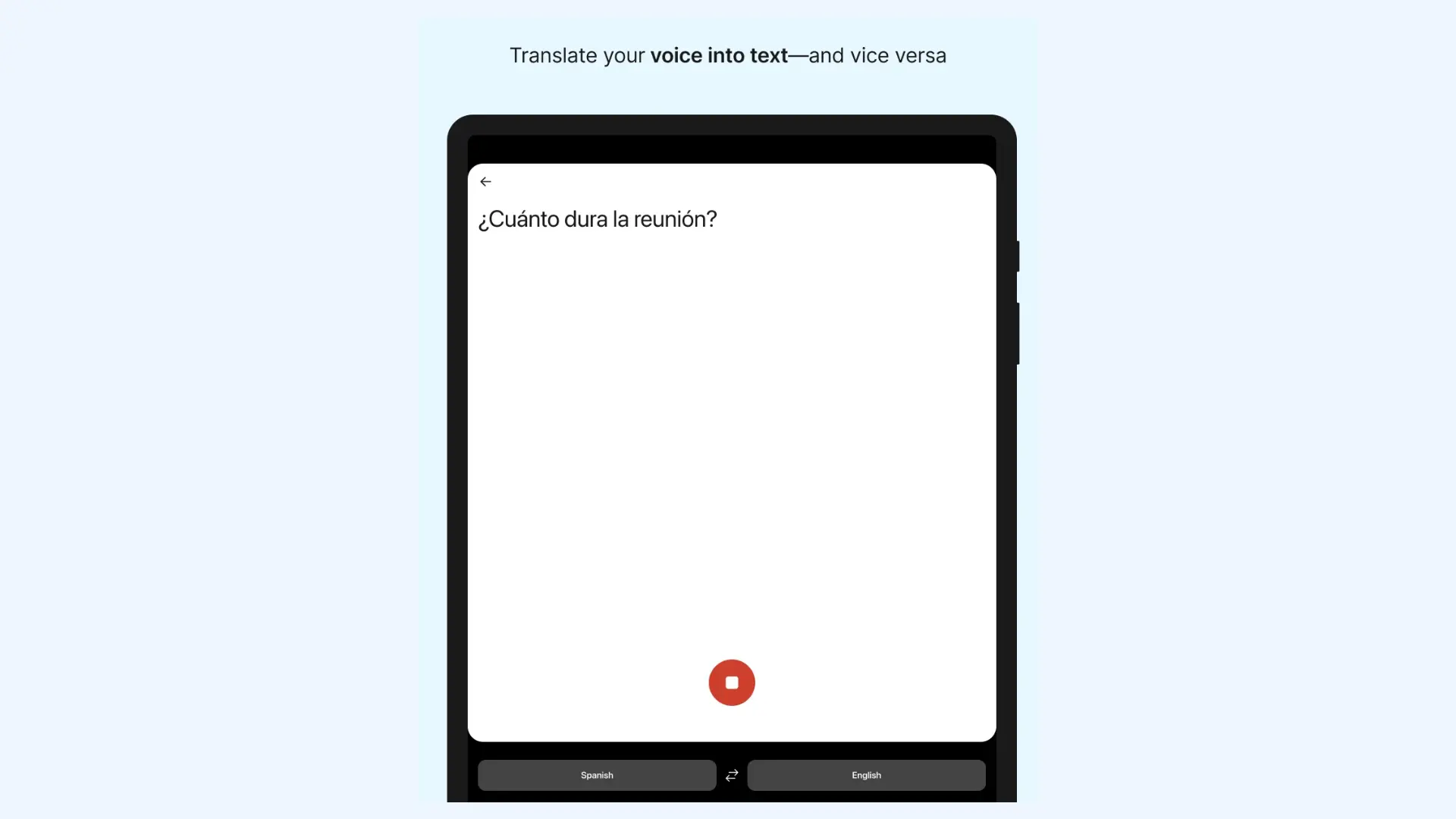
DeepL is widely regarded as the most accurate neural machine translator, prioritizing natural, human-like phrasing over literal word-for-word conversion. Its Android app brings this precision to mobile users, allowing for high-quality translations of text, speech, and documents while on the go. In comparative testing, I consistently find that it preserves tone and sentence flow better than most alternatives, particularly in professional or academic writing.
Key features:
- Real-time voice-to-text dictation and high-quality text-to-speech playback
- Full document translation (PDF, Word, PPTX) that preserves original formatting
- Instant camera and photo translation for menus, signs, and printed text
Pros
- Ability to adjust tone (formal or informal) for more context-appropriate output
- Glossary and alternative word suggestions to fine-tune specific meanings
- Clean interface focused on text quality
Cons
- Supports fewer languages than Google Translate
- Free version has a monthly character limit and restricted file sizes for document uploads
Pricing:Free version available. DeepL Pro subscriptions start at $8.74 per month, with higher tiers for teams and businesses.
6. Reverso: Best for Understanding Context & Language Learning
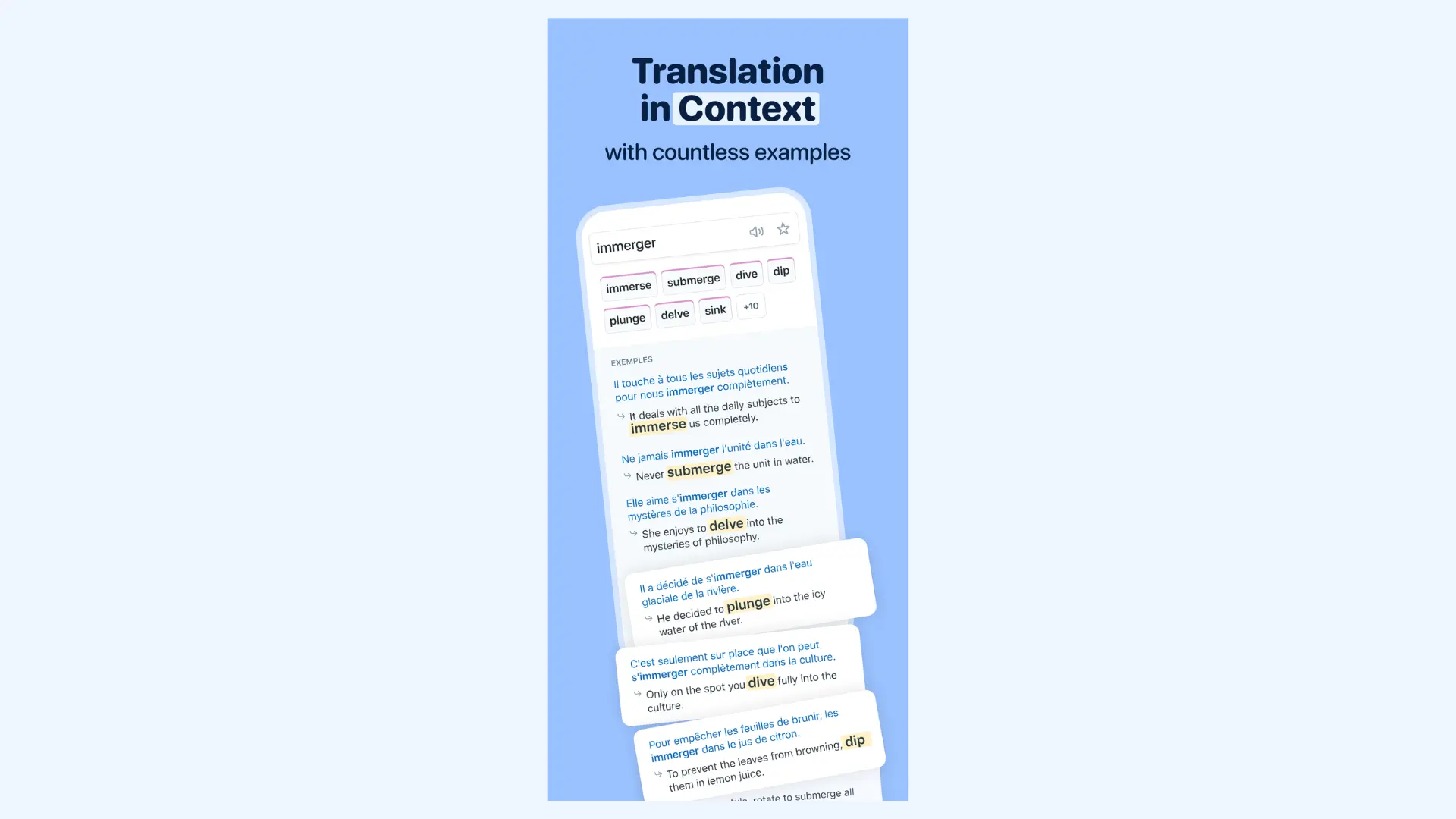
Reverso takes a different approach from most translation apps by focusing on context. Instead of simply converting text, it shows how words and phrases appear in real-world sentences. This makes it an essential tool for language learners who want to avoid awkward literal translations and speak more like a native.
Key features:
- Context-based example sentences drawn from real sources
- Pronunciation playback for translated terms
- Verb conjugation tools across multiple tenses
Pros
- Excellent for identifying nuanced differences between similar words
- Strong grammar support through conjugation tools
- Integrated learning tools like flashcards and quizzes based on your search history
Cons
- Free version is heavily supported by ads that can disrupt the user experience
- Smaller language selection compared to other translator apps
Pricing: Free version available. Premium plans typically start around €6.49/month (may vary by region and billing cycle).
7. iTranslate: Best for Interaction During Travels
iTranslate is a versatile, all-in-one translator designed with a focus on ease of use for international travelers. Its Android app is polished and beginner-friendly, making it accessible even for users who rarely rely on translation apps. I regularly use it during trips when I need quick access to common phrasing without navigating complex menus.
Key features:
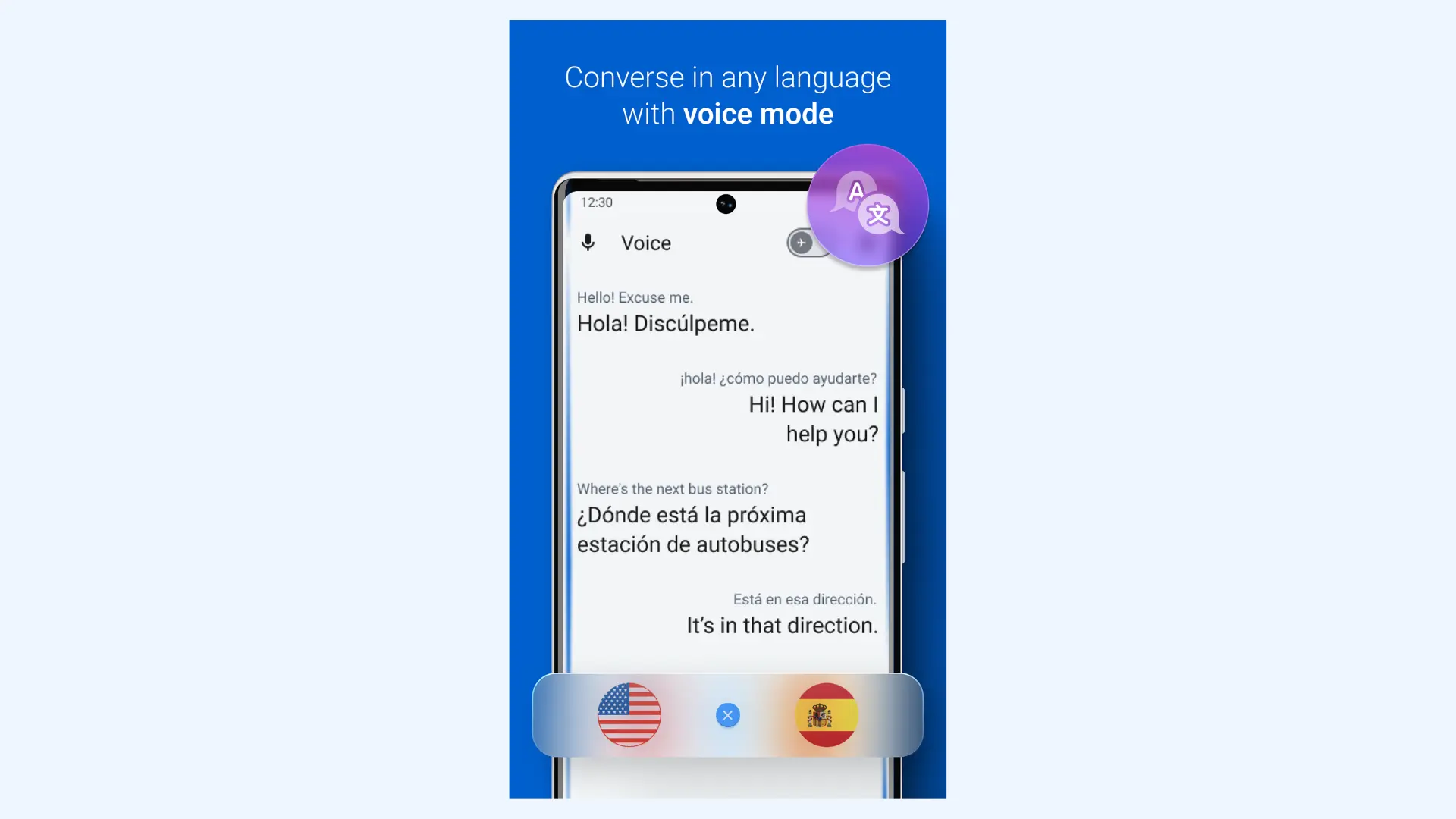
- Voice translation with automatic speech detection
- Lens mode to instantly translate signs, menus, and even objects
- Offline translation mode (premium feature)
Pros
- Reliable pronunciation playback for clearer communication abroad
- Provides multiple dialect options (e.g., Brazilian vs. European Portuguese) for better local accuracy
- Consistent output for everyday, non-technical language
Cons
- Many advanced features locked behind a subscription
- Free version includes frequent ads
Pricing: Free version available. iTranslate PRO starts at $7.99 per month.
8. Papago: Best for Asian Languages
Papago is a specialized translation app with a strong focus on Asian language pairs. Developed by Naver (often called the "Google of South Korea"), it is widely considered the best app for translating Korean, Japanese, and Chinese. The tool handles East Asian grammar, honorifics, and cultural nuances more naturally than many Western-developed apps.
Key features:
- Text, voice, and image (camera) translation
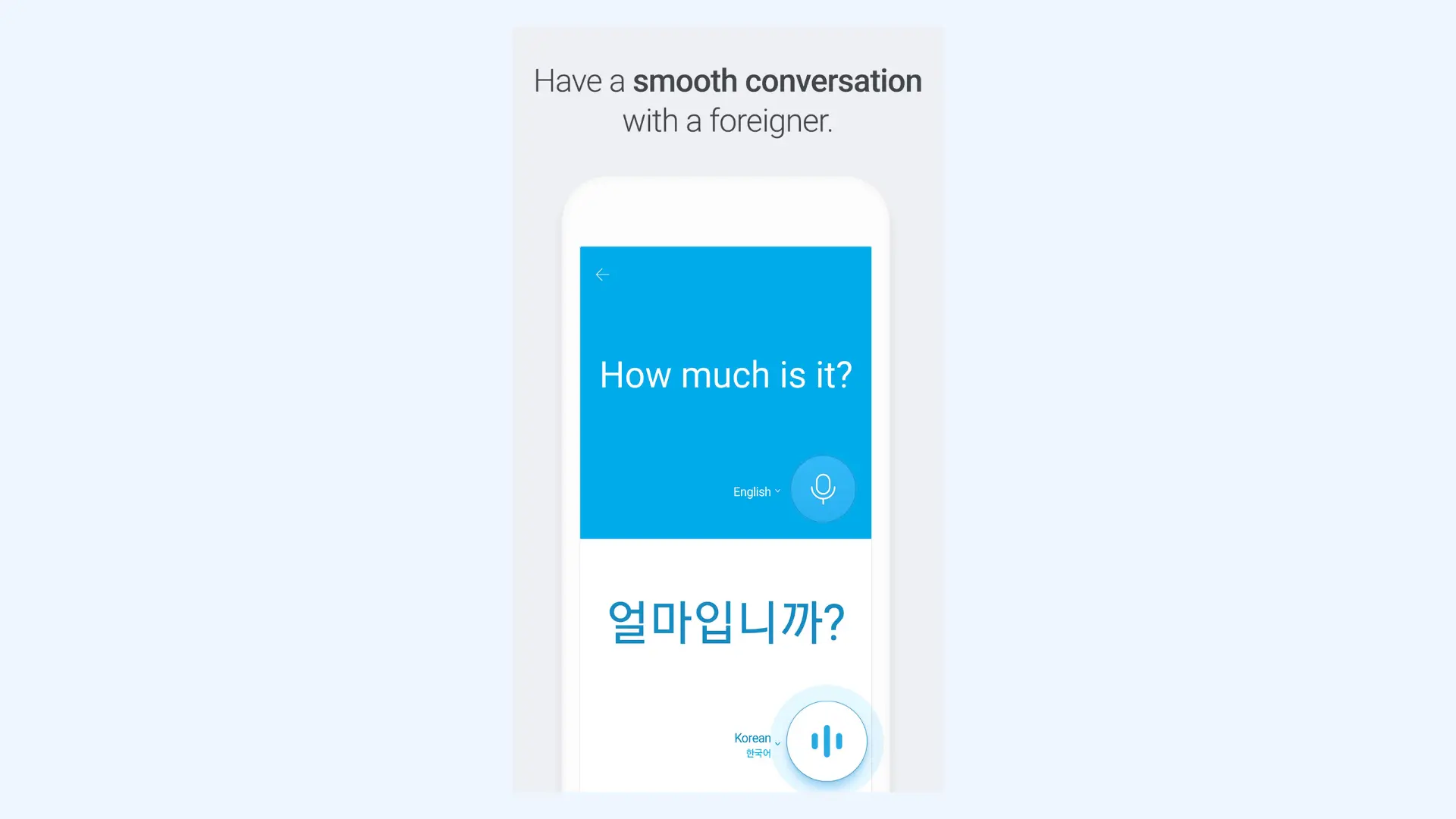
- Real-time conversation mode for live dialogue
- Handwriting recognition for drawing complex characters by hand
Pros
- Supports tone-sensitive translations with formal and casual variations
- Fast processing with minimal delay
- Produces smooth, conversational phrasing in supported languages
Cons
- Limited language coverage compared to global competitors
- Less reliable for highly technical or academic content
Pricing:Free.
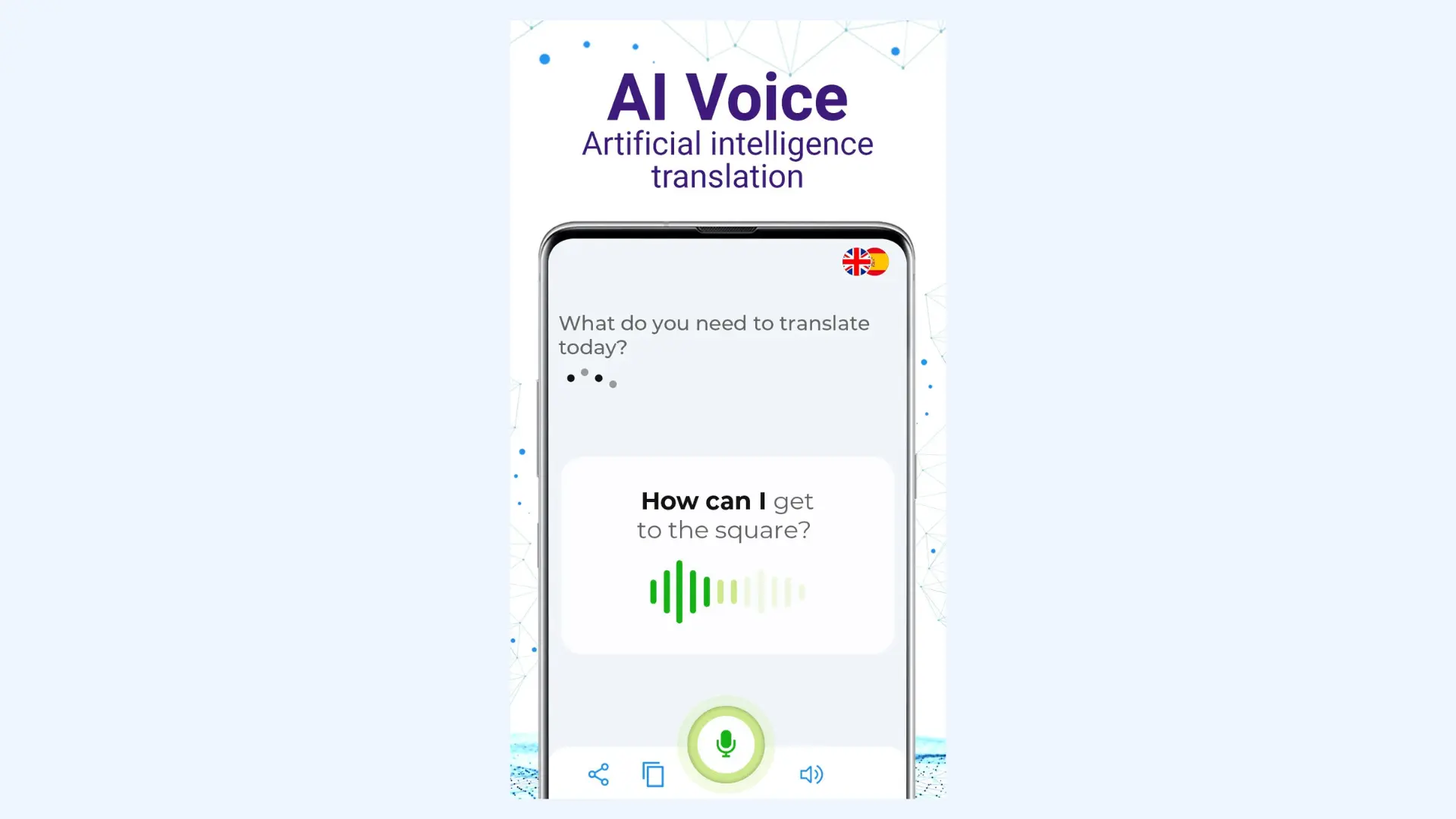
9. Talkao: Best for Simple Voice and Image Translation
Talkao is designed for social and intuitive communication, prioritizing voice-to-voice interaction over complex text processing. Rather than focusing on advanced AI refinement, it emphasizes accessibility and quick spoken exchanges. In practice, it works best for casual conversations, travel interactions, and situations where clarity matters more than perfect linguistic nuance.
Key features:
- Real-time voice translation with speech playback
- Camera-based text translation for signs and printed materials
- Text chat-style interface for conversational exchanges
Pros
- Extremely lightweight and easy to navigate for non-tech-savvy users
- Quick setup with no account required to start translating
- Clear audio playback that makes pronunciation easy to follow
Cons
- Ad-supported interface in the free version can feel intrusive
- Translation accuracy can decline with longer or grammatically complex sentences
Pricing:Free version with limitations. Premium subscription starts around $4.99 – $9.99/month.
10. Lingvanex: Best for Offline Translation and Large Documents
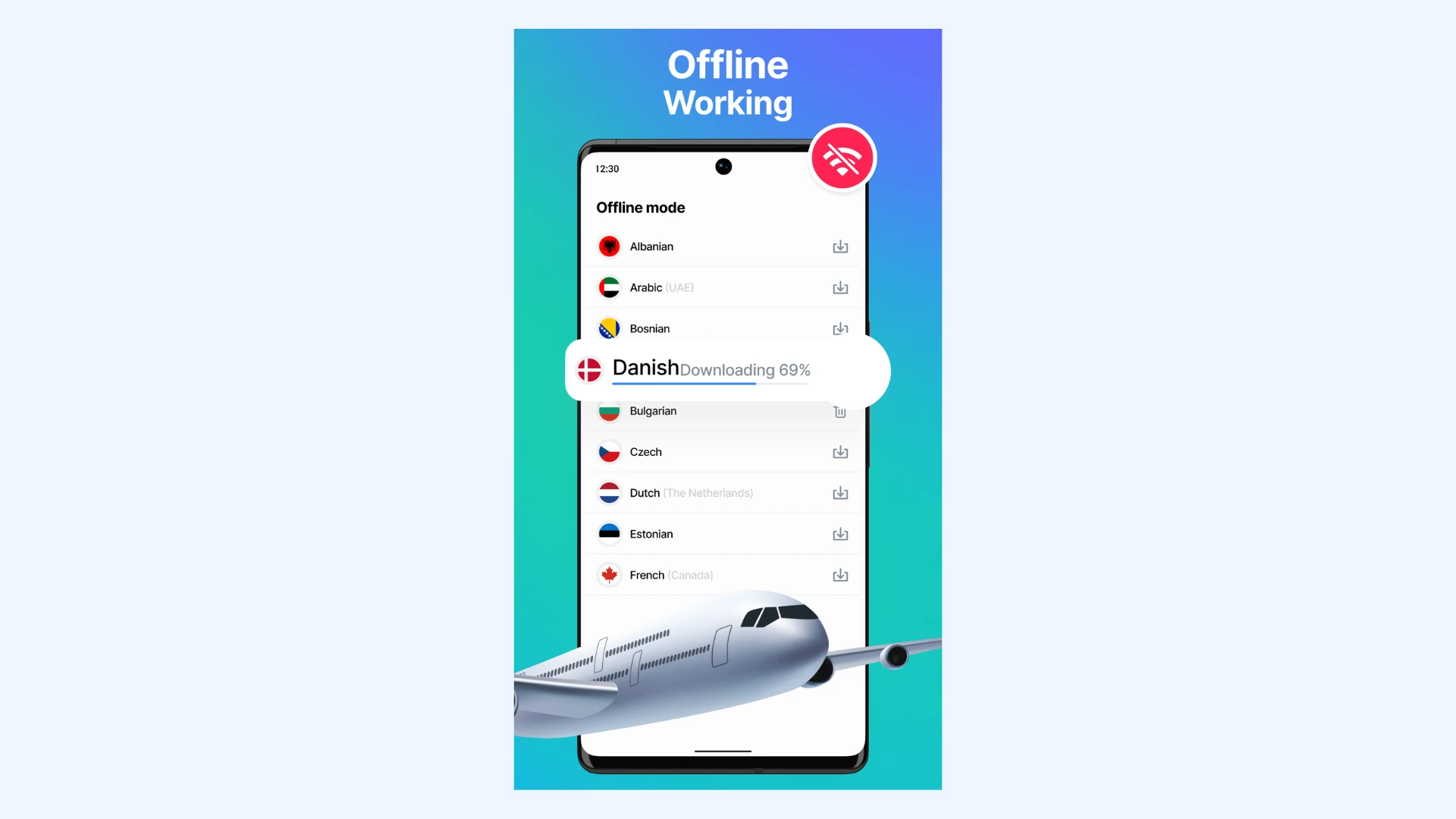
Lingvanex is a high-performance translation tool built for users who need to maintain productivity without a reliable internet connection. It allows you to download massive, high-quality language packs that enable nearly all its features. I recommend it for heavy-duty tasks, such as translating entire PDF documents or large websites while traveling in remote areas.
Key features:
- Text and speech translation across a wide range of language pairs
- Document and file translation support (Word, PDF, and other common formats)
- Custom dictionary support for business terminology
Pros
- Consistent performance even with longer texts
- Suitable for professional environments that require stable, predictable output
- On-device translation for enhanced data privacy
Cons
- Initial language pack downloads can take up significant storage space
- Translation phrasing can sound slightly rigid in conversational contexts
Pricing: Free version available. Subscription plans typically start around $5.99/month on Android (with yearly billing options often around $99.99/year).
How to Choose the Best Translator App for Android
Not every "best" translator is best for you. The right choice depends less on brand recognition and more on how you plan to use it. Below are the core criteria I use to determine whether an app will actually support my needs.
Your Primary Use Case
Start by identifying what you really need the translator for. Casual travel, quick conversations, professional communication, and academic work each demand different strengths. Knowing your core scenario prevents you from over-investing in features you’ll never use.
Tip: If you're regularly organizing or participating in multilingual meetings or events, you can check our guide on best real-time translators for meetings.
Language Strength
Some Android translation apps like Papago or Yandex Translate excel at specific pairs, such as Korean-English or Russian-English. If you frequently work within the same language pair, choose a translator known for precision in that specific combination. For instance, for common European language pairs, DeepL is often considered one of the most accurate options due to its strong handling of grammar and natural phrasing.
Tip: If you're dealing with a rare dialect, Google Translate is usually your best bet because it supports more languages than any other Android app.

Translation Accuracy and Tone
A translation can be technically correct and still feel off. Some apps produce functional but flat output, while others handle nuance, tone, and context in a better way. If you feel the need to rewrite or smooth out the phrasing, that’s usually a sign the engine is prioritizing literal accuracy over real fluency.
Recent evaluations at the 2025 Machine Translation Summit show that despite advances in neural translation quality, professional translators still prefer to post-edit outputs to correct style, word choice, and grammatical issues before accepting them as final. [1]
Voice and Conversation Capabilities
For spoken dialogue, real-time voice translation and conversation modes are essential. The best speech translator apps minimize the delay between speaking and translating, ensuring that the flow of a conversation isn't lost to technical processing. If you plan on using the app in noisy environments, prioritize tools with high-quality noise-canceling voice recognition.
Tip: Before relying on an app for a live conversation, test its auto-detect feature. A good translator should be able to distinguish between the two speakers without you having to manually toggle buttons every time someone speaks.
Offline Functionality
Internet access isn't always guaranteed, especially when you're traveling abroad or working in remote areas. Most top-tier Android apps often allow you to download specific language packs, but the level of functionality may vary. Some apps support full text and voice translation offline, while others restrict offline access to basic text input only.
Tip: Before relying on an app without internet, check exactly which features remain active once you switch to airplane mode.
Privacy and Data Security
Translation apps often process sensitive information, including private conversations, documents, or contracts. Before choosing one, it's worth understanding where your data goes and how it's handled. Some tools process everything in the cloud, while others support partial or full on-device translation, which reduces exposure to third-party servers.
Tip: Always check app permissions carefully. If a translation app requests access to unrelated features (like your contacts or location), that’s a red flag. [2]
If an app’s permissions seem overreaching, it’s worth checking the developer’s privacy policy for clarity on data usage.
Pricing
Pricing should reflect on how often you actually plan to use the app. Many translators offer generous free versions on Android, but advanced capabilities like offline packs, document uploads, higher character limits, or tone controls are often locked behind subscriptions.
If you only need occasional translations, a free tier may be more than enough. However, if translation is part of your daily workflow, paying for a more accurate or fully featured tool can quickly justify itself in long-term efficiency.
Tip: Before committing to a paid subscription, take advantage of 3-day or 7-day free trials common on the Play Store.
Final Verdict
After testing a wide range of tools for Android, from free apps to premium solutions, I can say that each one has its own strengths and weaknesses. Here's how I would narrow it down if I had to pick one for a specific purpose.
🎤 Maestra: Best for real-time speech-to-speech translation in meetings, events, and live conversations.
🌍 Google Translate: Best all-around choice for quick, everyday translations and the widest language coverage.
👥 Microsoft Translator: Best for group conversations, classrooms, and structured multilingual sessions.
✍️ DeepL: Best for polished written translations, longer texts, and professional content.
🇷🇺 Yandex Translate: Best for Russian and Eastern European language pairs.
🇰🇷 Papago: Best for Korean, Japanese, and Chinese with stronger handling of honorifics and tone.
📚 Reverso: Best for contextual examples and improving your language skills.
✈️ iTranslate: Best for travel and quick, phrase-based communication.
🗣️ Talkao: Best for simple voice and camera translations without complexity.
📂 Lingvanex: Best for offline use and translating large documents without relying on internet access.
Because Android is open and flexible, you’re not locked into a single ecosystem. You can use built-in Google features, install specialized apps for specific language pairs, or run browser-based tools like Maestra without installing anything.
The key is simple: match the tool to the job, and you'll get better results without complexity.
Frequently Asked Questions
What are the best translation apps for Android?
The best translation apps for Android depend on what you need them for. Google Translate is the strongest all-around option, DeepL is better for polished writing, and Microsoft Translator works well for group conversations. If you prioritize live voice translation, Maestra provides real-time speech-to-speech capabilities directly in the browser.
What are the best free translation apps for Android?
Among free Android translation apps, Google Translate is the safest all-around pick due to its broad language coverage and offline access. Microsoft Translator is a strong alternative for live multilingual conversations, and Papago performs particularly well for Korean, Japanese, and Chinese. All three offer solid functionality without requiring a paid subscription.
What is the most accurate translation app for Android?
DeepL is widely regarded as the most accurate translation app for Android, especially for European language pairs and longer texts. It tends to preserve tone and sentence flow better than most competitors. Meanwhile, for instant voice translation, Maestra delivers high accuracy in over 125 languages.
Which one is better for Android users, DeepL or Google Translate?
For Android users, Google Translate is better if you want broad language coverage and quick camera or conversation translation. DeepL tends to deliver more natural, polished phrasing for supported languages, especially in longer or professional texts. If you need frequent everyday translation, Google is easier; if you need refined output, DeepL is better.
Which Android apps can translate text?
Several Android apps can translate text, including Google Translate, DeepL, and Reverso. Google Translate offers the broadest language coverage, while DeepL Translate is often preferred for more natural phrasing in supported languages. iTranslate is another popular option, especially for travelers who value a mobile-friendly interface and optional offline access.
How can I translate in real time on Android?
Real-time translation on Android is available through both apps and built-in system features. Google Translate app provides conversation mode and Tap to Translate across most Android phones. For speech translation without installing an app, Maestra allows real-time voice-to-voice translation directly from your mobile browser.
Does Android have a built-in translator?
Android itself supports translation through Google’s ecosystem. The Translate widget can be added to your home screen for quick access. Combined with Tap to Translate and Lens, it covers most everyday translation needs.
Which translation apps work offline on Android?
Several translation apps work offline on Android, including Google Translate and Microsoft Translator. By downloading language packs in advance, you can translate text without an internet connection, though voice and camera features may be limited. Some apps, such as iTranslate, offer expanded offline capabilities through paid subscriptions.