1
Voice Cloning
Clone your voice Maestra’s AI voice cloning feature and instantly start speaking in 29 languages!.
Clone Your Voice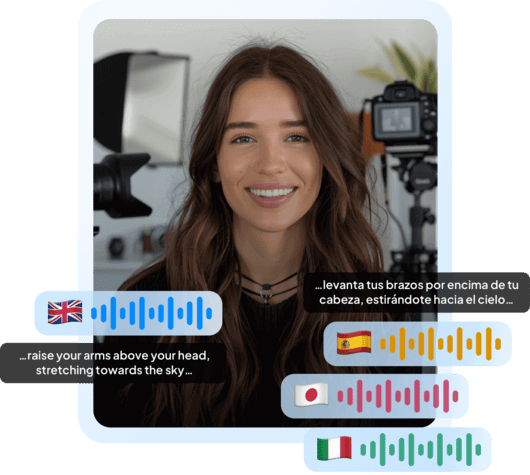
Upload an WMV file and convert it to text in seconds.
WMV, MP4, MOV, WebM, AVI, MKV, MPG…
Sign up to export or edit the transcript with Maestra online editor.
Sign up nowYouTube, Vimeo, Google Drive, or a direct media URL
Sign up to export or edit the transcript with Maestra online editor.
Use your microphone
Sign up to export or edit the transcript with Maestra online editor.
Our Live Transcribe tool captures speech in real time, no upload required.
Your file transcribed successfully. Sign up to download.This is just a sampleYour file was transcribed successfully.No speech was found in your file.The result came up empty again.
Your 1-minute transcription trial has ended. Sign up to export the transcript.
Your transcript is ready to preview.
Sign up to download or export your file.
Try it with your own file. Upload one here, or continue in the Maestra app.
This is a 1-minute preview. Sign up to download or export your transcript.




Upload an WMV file and choose amongst 125+ languages.
Once the upload is done, transcription will begin.
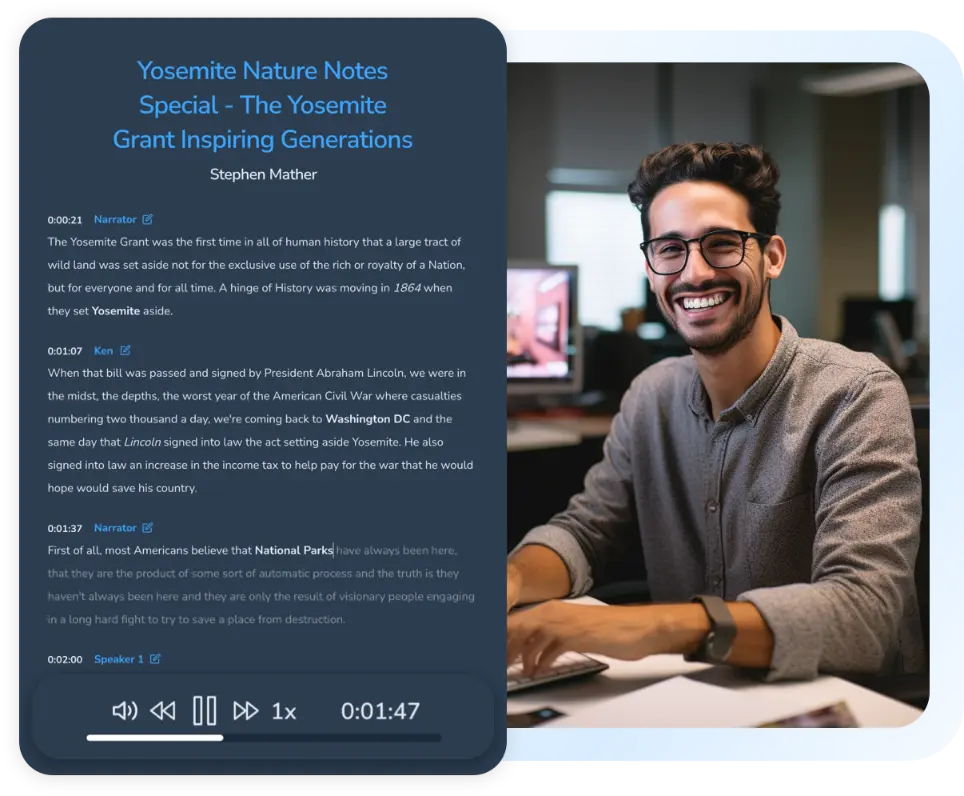
Proofread, edit, and export the transcript in the format you desire. (PDF, DOCX or TXT)

Outreach

Accessibility

Cloud-Based

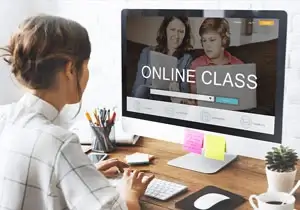
Explore the features that make our tool the ultimate choice for fast and accurate video to text transcription.
Clone your voice Maestra’s AI voice cloning feature and instantly start speaking in 29 languages!.
Clone Your VoiceAuto generate subtitles in 125+ languages with superb accuracy and speed. Edit every aspect of the subtitles such as the font, size, shape, positioning and more.
Auto Generate Subtitles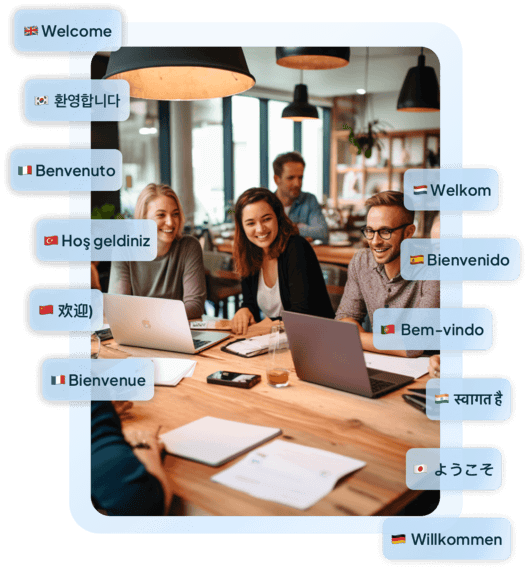
Proofread and edit the text using our friendly and easy to use text editor. Maestra has a very high accuracy rate, but if needed, the video translation can be adjusted through the text editor.
Customize Transcripts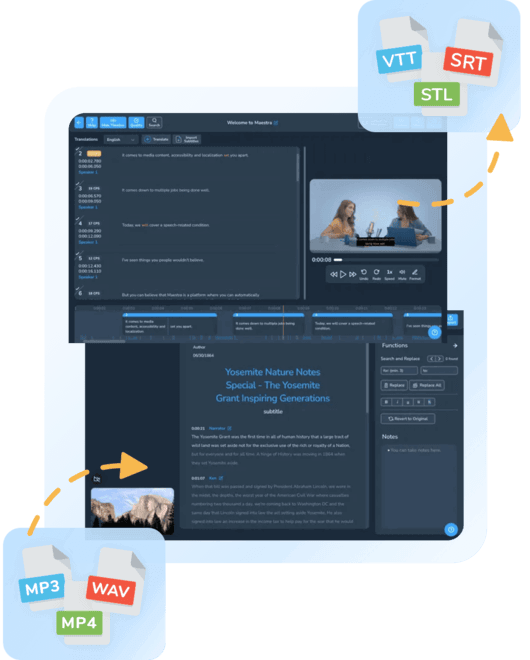
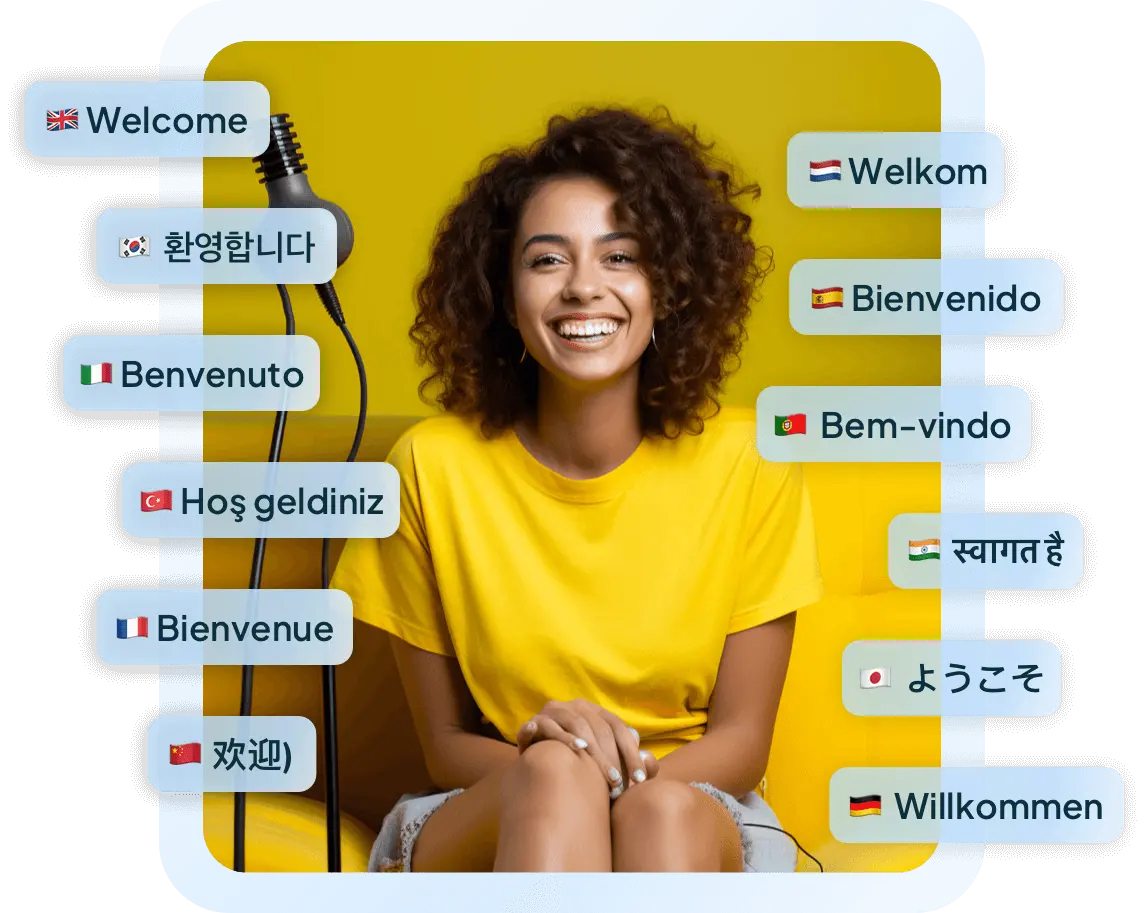
Maestra’s video translator offers AI voice cloning and voiceovers with a diverse portfolio of AI speakers. Voices with different dialects and accents further improve your content game, in addition to promoting accessibility.
Generate AI Voiceovers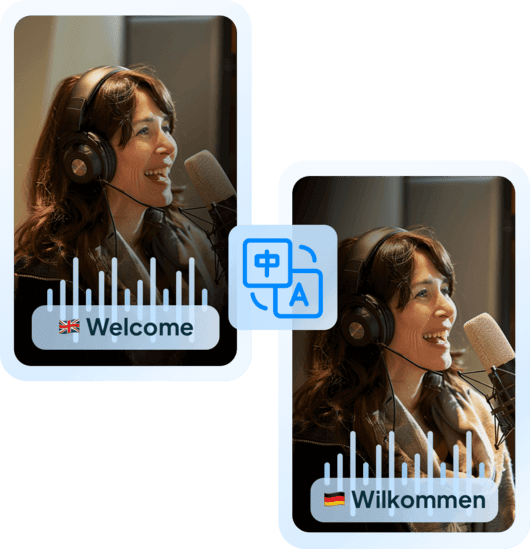
YouTube integration allows Maestra users to fetch content from their YouTube channel to add subtitles & translations directly from the editor. Maestra is a localization station and a YouTube video translator, plus a real-time video translation tool. Streamers can connect their OBS & vMix accounts to the web captioner and start translating live video content to provide translated captions to their audiences.
Localize Content with AI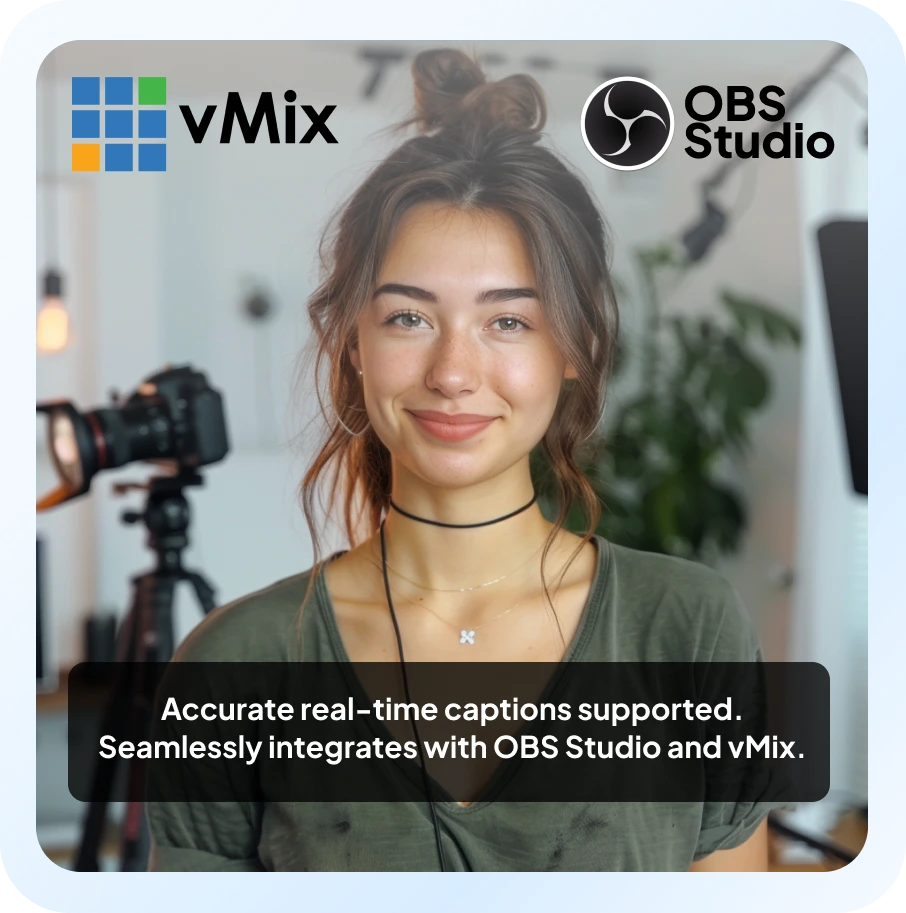
Translate videos in real-time using the live translation extension or the web captioner tool. You can try simultaneous video translation for free through the extension & capitalize on its benefits such as improved accessibility, increased viewership & global outreach.
Translate Video in Real Time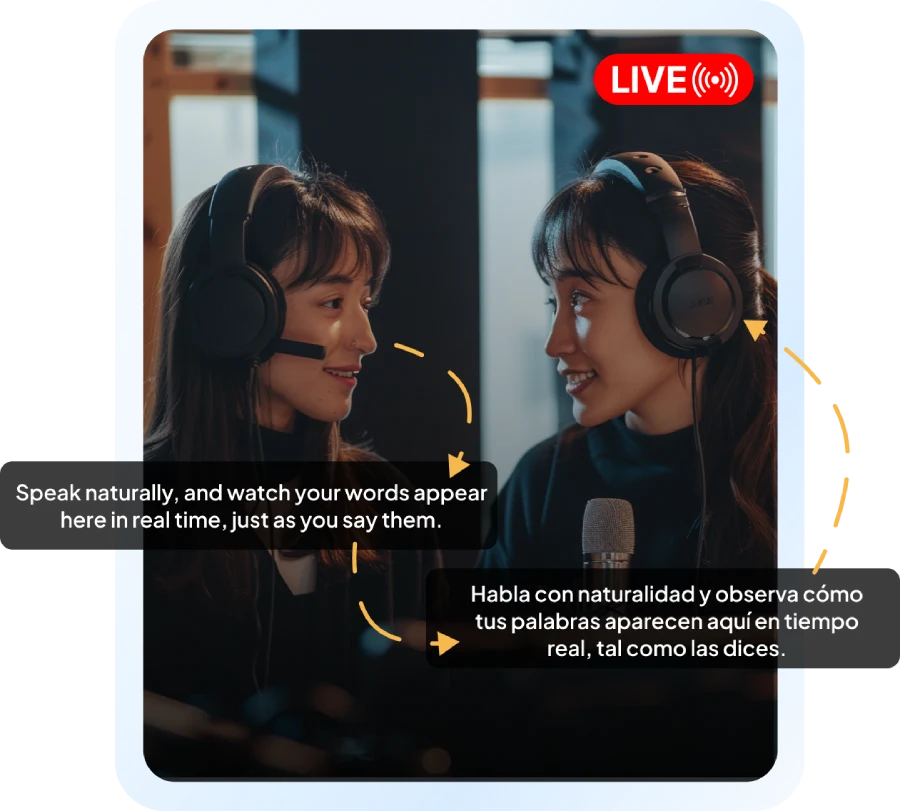
Upload the WMV file to Maestra’s WMV to text converter and receive the transcript within seconds, no credit card or account required.
Upload the WMV file to Maestra and transcribe it in 125+ languages for free, no credit card or account required.
Maestra uses the latest AI technology to provide the best WMV to text converter to its users. Convert WMV to text for free with incredible speed and accuracy by using Maestra.
With the latest AI transcription technology, Maestra’s WMV to text converter is one of the best tools out there for transcribing video content thanks to its impeccable accuracy and speed. Every process is done online, files are secured, encrypted and stored on Maestra’s cloud.