12 Best Rask AI Alternatives for Video Translation & Dubbing
Rask AI is one of the first tools that come to mind for AI-powered video localization, offering high translation accuracy and broad multilingual coverage. With more than 130 languages, along with automated dubbing and voice cloning, it helps creators and businesses localize video content quickly.
That said, after working with several localization tools across different projects, I’ve seen that Rask AI isn’t the right fit for every scenario. In real workflows, pricing scalability, voice control, editing flexibility, and integration start to matter. These factors can become just as important as language coverage itself.
When those considerations come into play, looking at alternatives makes sense. After evaluating a wide range of AI video localization platforms across different use cases, I’ve compared the best Rask AI alternatives based on factors that affect day-to-day production. The goal is to help you identify which option fits your content volume, quality expectations, and overall localization workflow.
Here’s a shortlist of the 12 Rask AI alternatives, each suited to a different need:
- Maestra is best for end-to-end video localization in a single platform.
- VEED is best for short-form and social content creation.
- ElevenLabs is best for projects where voice realism is critical.
- Dubverse is best for simple, cost-effective AI dubbing.
- Sonix is best for transcription-first localization workflows.
- Clipchamp is best for beginners who need basic voiceover tools.
- LOVO AI is best for expressive AI voiceovers.
- Resemble AI is best for advanced voice cloning and voice control.
- HeyGen is best for presenter-style videos using AI avatars.
- Descript is best for text-based video and audio editing.
- Murf AI is best for clean, professional narration and voiceovers.
- Synthesia is best for professional, avatar-led video production.
Before we examine each alternative in detail, it helps to clearly understand what Rask AI does well and where its limitations tend to appear.
What is Rask AI? (And Why Users Look for Alternatives)
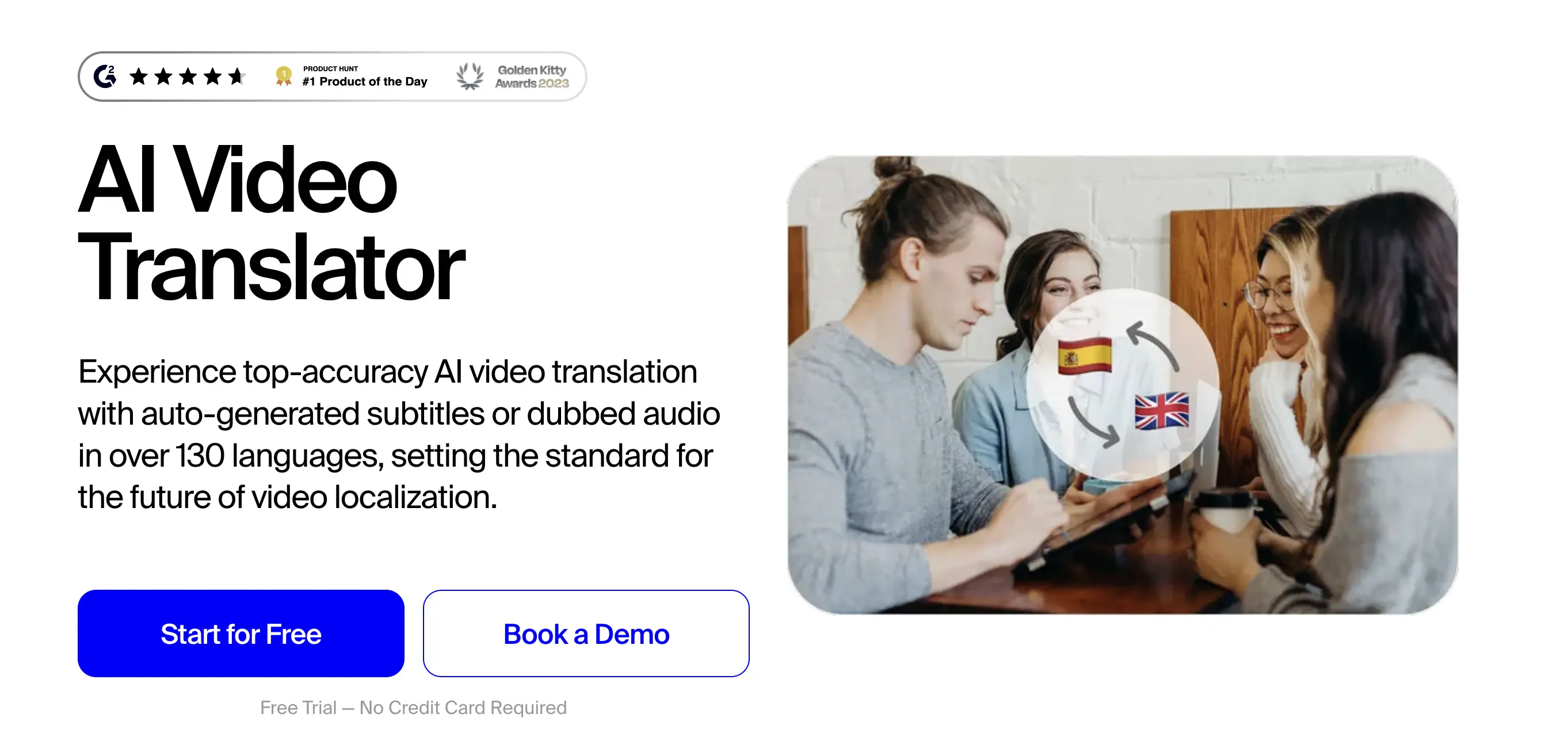
Rask AI is an AI-powered video localization platform that lets users translate, dub, and subtitle videos within a single platform. It supports over 130 languages and includes AI voiceovers and voice cloning, making it a popular choice for fast video localization with minimal manual effort.
However, as localization needs evolve, the same factors that make Rask AI appealing can also shape when users begin evaluating other options. Below are some of the most common reasons individuals and teams look for Rask AI alternatives:
- Pricing scalability:Subscription costs can be difficult to justify for smaller projects, infrequent use, or early-stage experimentation.
- Voice control limitations: Some workflows require more granular control over tone, pacing, or voice consistency than an all-in-one platform offers. (This became clear to me when I needed fine-grained control over delivery for a high-stakes narration.)
- Editing and customization needs: Users may prefer tools with deeper video or audio editing capabilities built in.
- Workflow integration: Rask AI doesn’t always fit smoothly into existing production setups, which can mean extra manual steps or tool switching.
- Specialized use cases: Some projects need very specific features (such as AI avatars or highly accurate transcripts) rather than a single automated solution. (I ran into this limitation when a localization task required AI avatars.)
Taken together, these factors help explain why many users compare multiple tools before choosing a platform. The alternatives below address these needs in different ways, from cost efficiency to voice quality, editing depth, and workflow flexibility.
12 Top Rask AI Alternatives Reviewed & Compared
The table below compares the best Rask AI alternatives based on supported languages, standout features, drawbacks, and pricing to help you find the ideal AI video localization tool.
| Rask AI Alternative | Number of Supported Languages | Standout Feature | Drawback | Pricing |
| Maestra | 125+ | All-in-one AI dubbing, transcription, and subtitling platform | Free trial only translates a small section of the video | Free trial available; paid plans start at $39/month |
| VEED | 125+ | Built-in video editor with AI dubbing and subtitles | Occasional glitches with long videos | Free trial available; paid plans start at $9/month |
| ElevenLabs | 29 (dubbing studio), 70+ (text-to-speech) | Ultra-realistic AI voices and voice cloning | No video editing or transcription features | Free plan available; paid plans start at $4.17/month |
| Dubverse | 30+ | Simple, accurate AI dubbing workflow | Fewer languages than competitors | Free trial available; paid plans start at $9/month |
| Sonix | 54+ | Fast, accurate transcription and dubbing combo | Steep learning curve for new users | Free trial available; subscription plans start at $16.50/month |
| Clipchamp | 80 | Beginner-friendly video editor with fast rendering | Limited language support compared to some other alternatives | Free plan available; paid plans are part of Microsoft 365 subscriptions |
| LOVO AI | 100+ | Customizable voices with emotional depth | Voice quality may vary across languages | Free plan available; paid plans start at $29/month |
| Resemble AI | 100+ | Realistic AI voices with advanced voice cloning | Complex setup for beginners | Free trial available; subscription plans start at $19/month |
| HeyGen | 175+ | AI avatars with video translation and lip sync | Robotic tone in some languages | Free plan available; paid plans start at $24/month |
| Descript | 20+ | Text-based video editing with dubbing | Limited language support | Free plan available; paid plans start at $16/month |
| Murf AI | 35 (text-to-speech), 40+ (dubbing) | Studio-quality narration and script-level emphasis controls | Lacks native video editing and lip-syncing tools | Free plan available; paid plans start at $19/month |
| Synthesia | 130+ | Professional AI avatars with one-click translation | Limited manual timeline control for complex video editing | Free plan available; paid plans start at $18/month |
1. Maestra
Best for: Teams and creators who want video translation, dubbing, subtitles, and transcription in a single platform, particularly for multilingual content and collaborative projects.
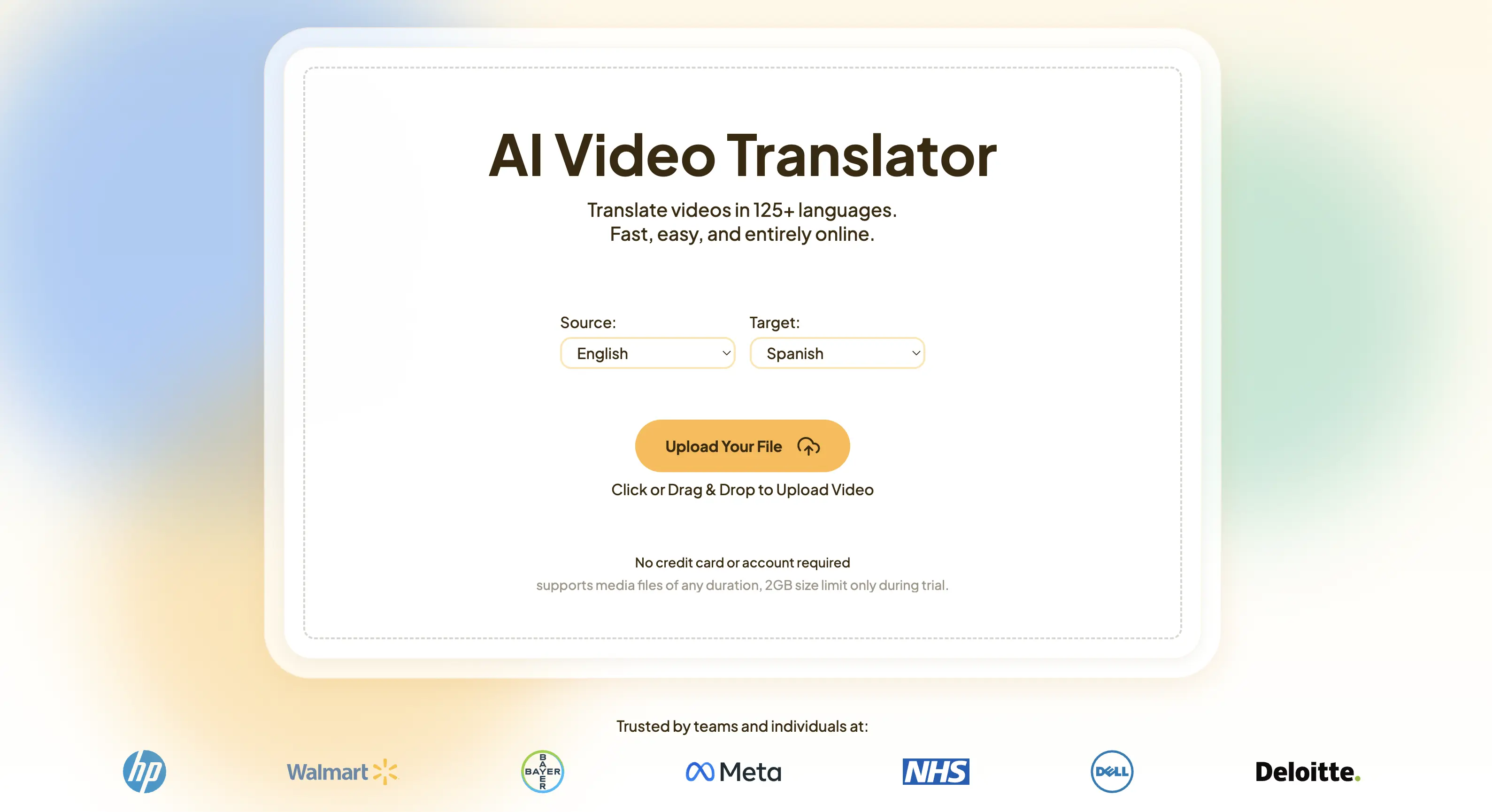
Maestra is an all-in-one platform that offers dubbing, voiceover, subtitling, and transcription in 125+ languages. Its AI video translator leverages established translation engines such as DeepL, OpenAI, and Gemini, helping maintain accuracy across different language pairs. I’ve found this setup reduces the need to switch between tools when working on multilingual projects.
Key Features:
- Extensive AI voice library with a wide range of expressions, accents, and dialects
- Realistic voice cloning and lip syncing
- Collaboration options for teams
Pros
- Easy to use with a clean interface
- Advanced AI features like rewriting, summarization, keyword extraction, and more
- Flexible import and export options
Cons
- Free trial only allows translation of a small section of the video file
- Some advanced features are available on higher-tier plans
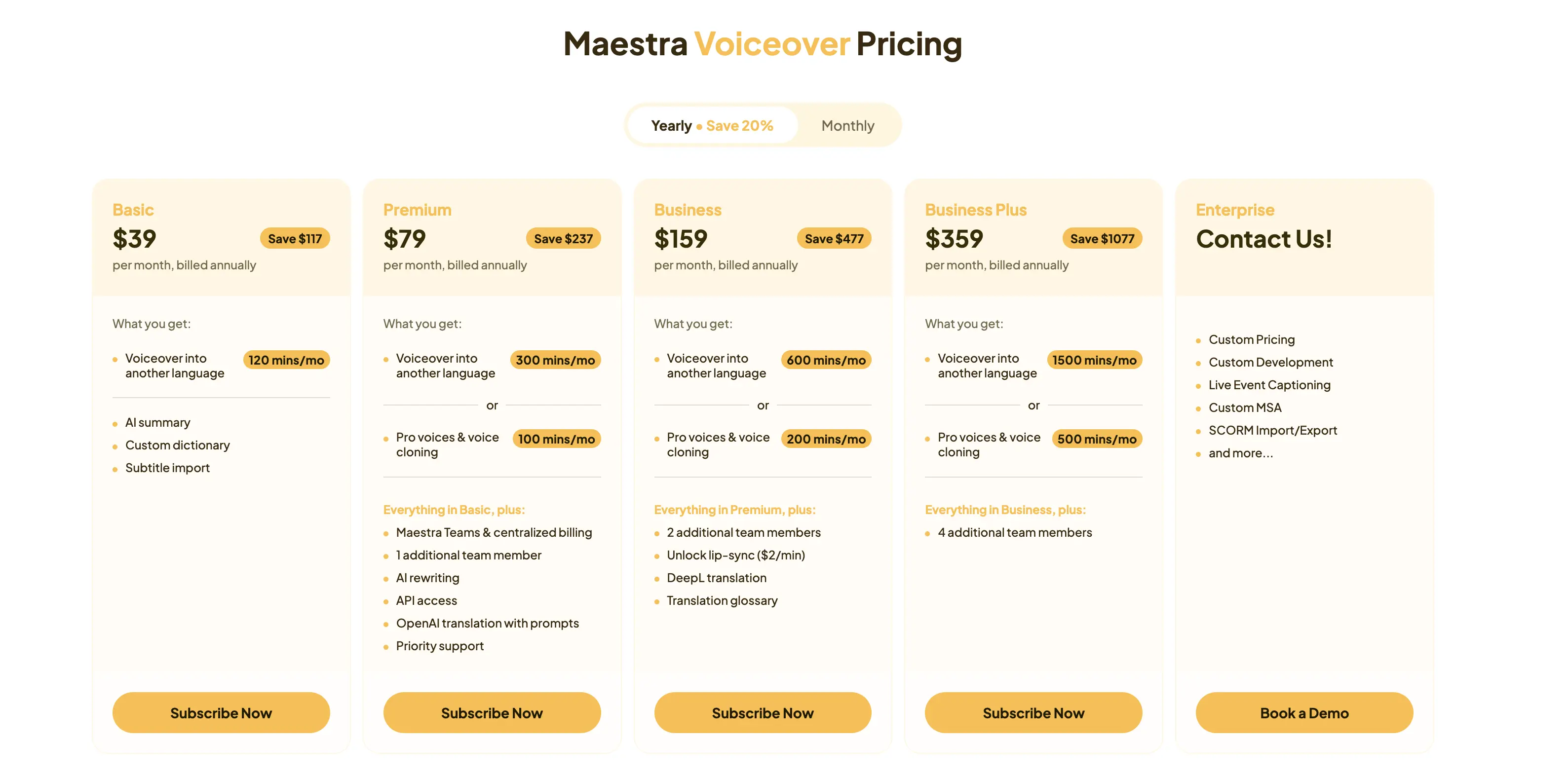
Pricing:
Try Maestra's AI Video Dubber
2. VEED
Best for: Short-form video creators who need simple editing and localization in one place.
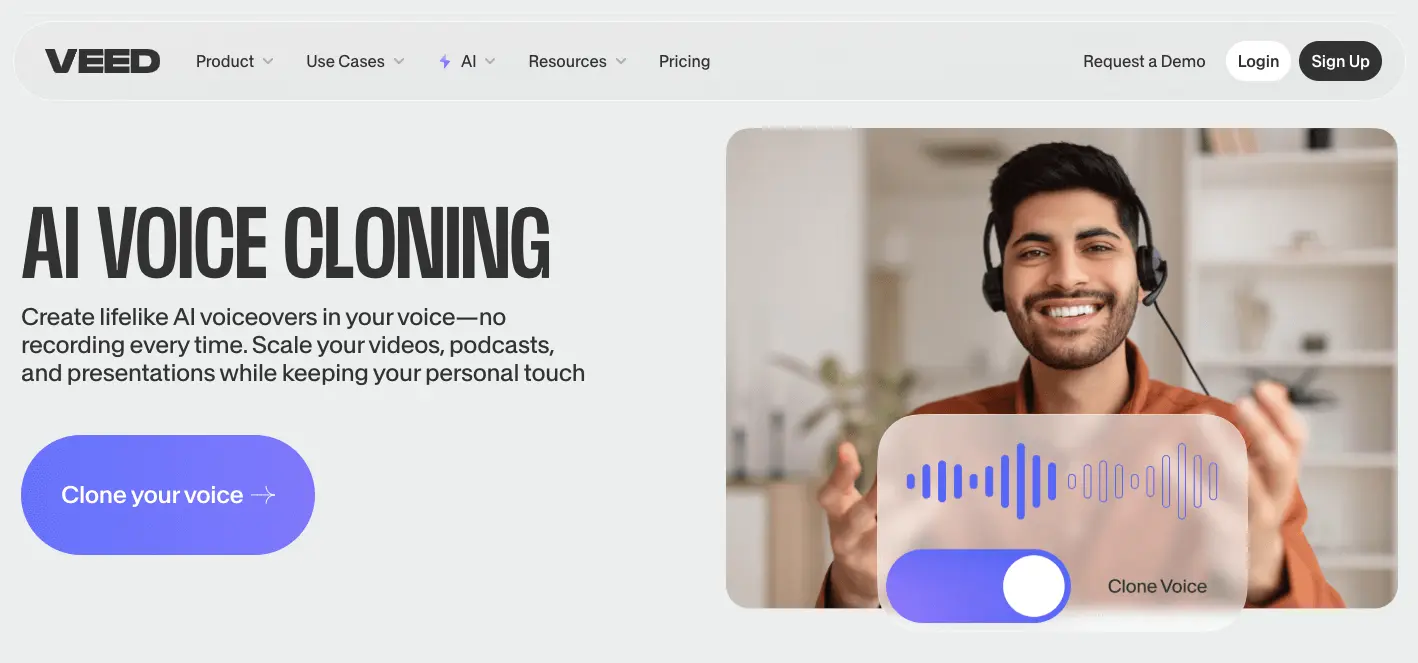
VEED is a browser-based video editing platform that combines standard editing tools with AI-generated subtitles and dubbing. It’s commonly used for social media and short-form video content, where speed and ease of use matter more than advanced localization control.
Key Features:
Pros
- Affordable plans for freelancers and small businesses
- Intuitive interface suitable for non-technical users
- Reliable editing tools for short-form content
Cons
- Limited customization for larger or more complex projects
- Some users report occasional glitches with longer videos
Pricing:
- Free trial available
- Lite plan: Starts from $9/month (billed annually)
- Pro plan: Starts from $24/month (billed annually)
- Custom enterprise pricing
3. ElevenLabs
Best for: Projects where natural-sounding AI voices are a higher priority than video editing features.
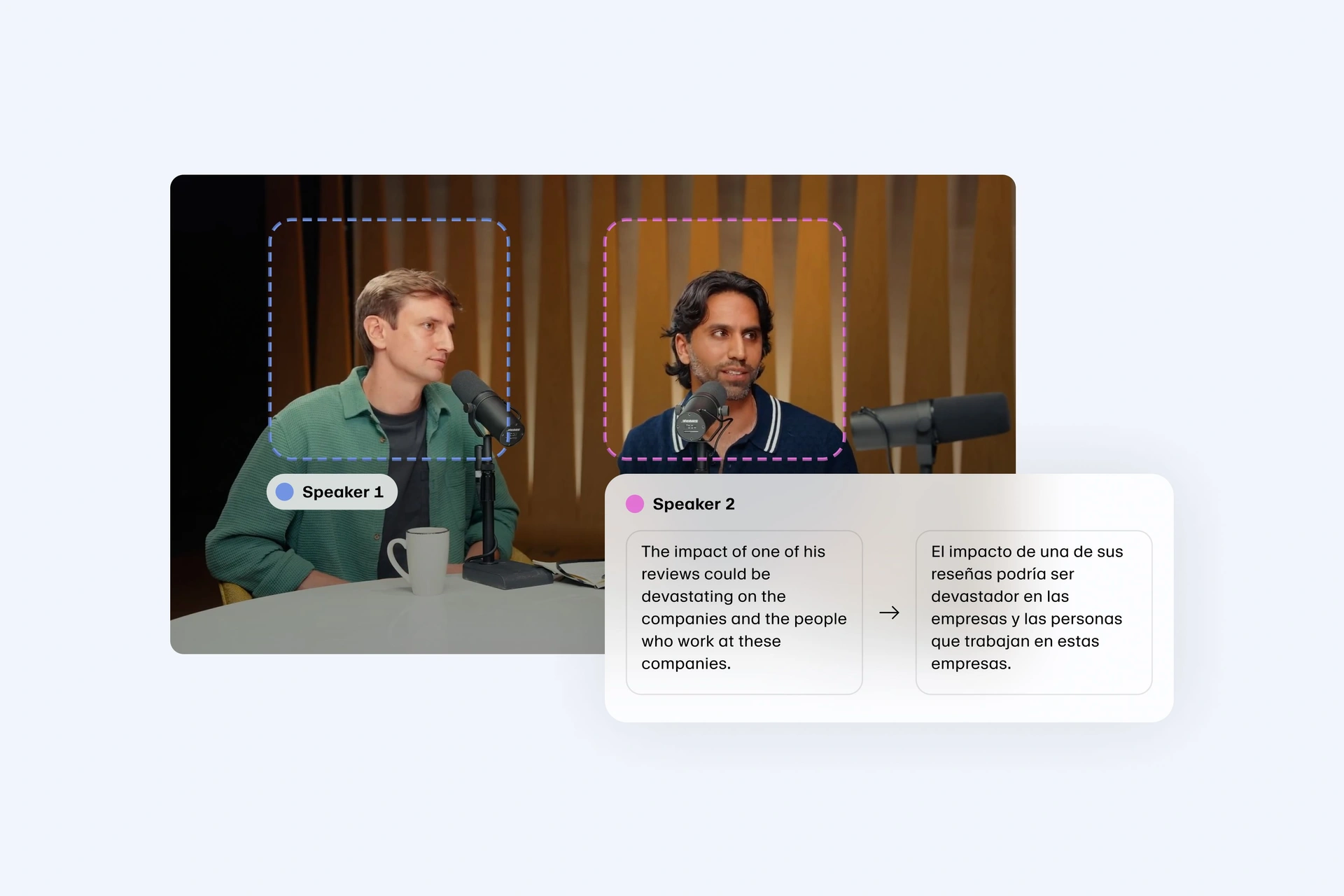
ElevenLabs is an AI voice generation platform focused primarily on text-to-speech and voice cloning. It also offers a dedicated dubbing tool in multiple languages, with an emphasis on natural-sounding speech. If you’re looking for a solution that prioritizes voice output over video editing or subtitle management, it’s a solid option to consider.
Key Features:
- AI voices with a wide emotional and tonal range
- Advanced voice cloning capabilities
- Dubbing studio for multilingual audio output
Pros
- Highly natural-sounding AI voices
- Strong voice cloning technology
- Suitable for audiobooks, podcasts, and professional dubbing
Cons
- No video editing or transcription features
- Costs can increase with heavy usage
Pricing:
- Free plan available
- Starter plan: Starts from $4.17/month (billed annually)
- Creator plan: Starts from $18.33/month (billed annually)
- Pro plan: Starts from $82.5/month (billed annually)
- Custom enterprise pricing
🎙️ If you're particularly interested in voice cloning, you can check our blog on ElevenLabs alternatives.
4. Dubverse
Best for: Educators, YouTubers, and small teams that want a simple tool focused specifically on AI dubbing.
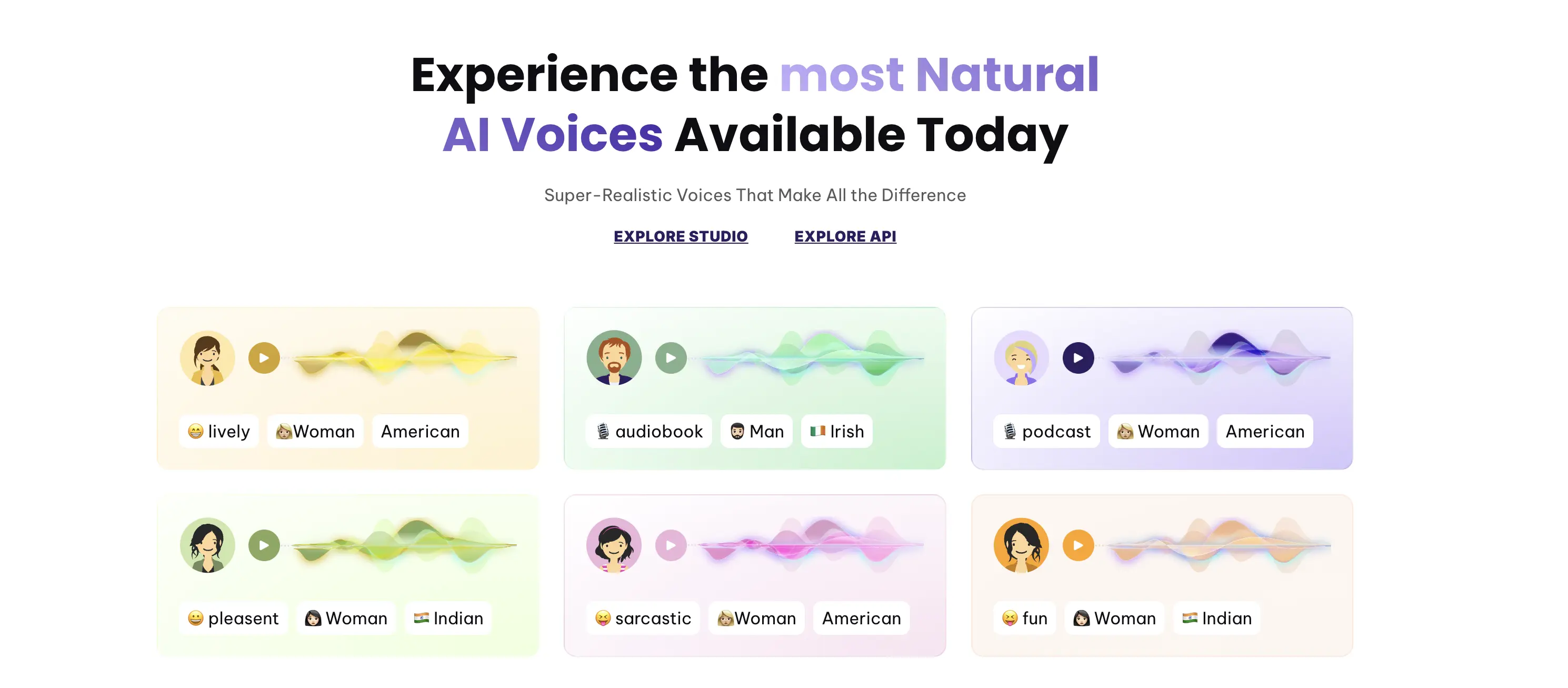
Dubverse focuses on AI dubbing rather than offering a full localization suite. In my experience, that focus makes the tool easier to navigate, especially for creators who want to dub videos quickly without dealing with additional editing or production features. It’s designed to reduce setup time and keep the process simple, which can be useful for straightforward localization needs.
Key features:
- AI-generated voices in 30+ languages
- Regular updates to voice models
- Simple, guided dubbing process
Pros
- Easy to use with a minimal learning curve
- Consistent voice quality for natural-sounding dubbing
- Affordable pricing for focused dubbing needs
Cons
- Limited transcription and subtitle editing features
- Smaller language selection compared to some alternatives
Pricing:
- 2-day free trial available
- Pro plan: Starts from $9/month (billed annually)
- Supreme plan: Starts from $15/month (billed annually)
- Custom enterprise pricing
5. Sonix
Best for: Podcasters, broadcasters, and teams that prioritize accurate transcription and captions, with translation or voiceover as secondary needs.

Sonix is an AI-powered transcription platform that also includes translation and voiceover tools for audio and video files. In practice, it’s often chosen for projects where transcription quality is the foundation of the localization effort. This approach suits users that rely heavily on captions and written content before expanding into other languages.
Key Features:
Pros
- Strong transcription accuracy
- Combines transcription and dubbing in one platform
- Great for podcast creators and audio professionals
Cons
- Steep learning curve for first-time users
- Can be expensive for high-volume usage
Pricing:
- Free trial available
- Standard plan (pay-as-you-go): $10/hour
- Premium plan: Starts from $16.50/month (billed annually)
- Custom enterprise pricing
6. Clipchamp
Best for: Marketers and small businesses who want a simple video editor with basic dubbing features for short-form content.
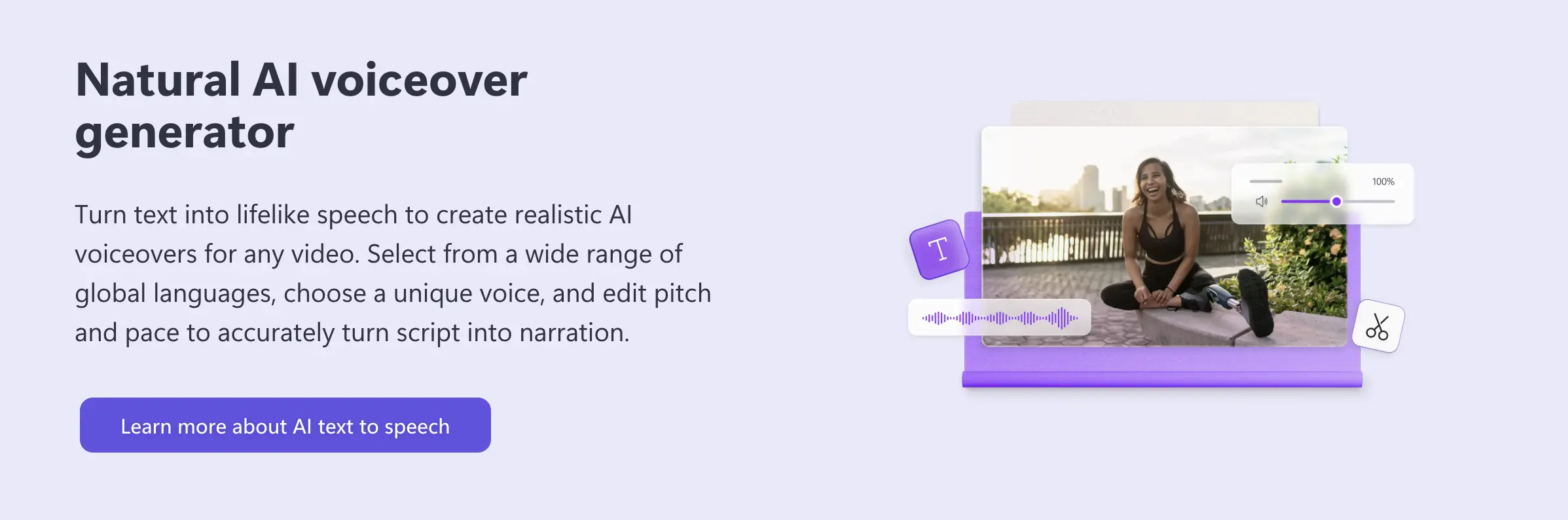
As a built-in tool for Windows users, Clipchamp is often the most accessible starting point I recommend for simple projects. It isn’t a specialized localization platform like Rask AI, but it functions well as a lightweight editor for those already using Microsoft 365. It’s practical when you need to quickly add AI narration to a promotional clip or social media post without learning more complex software.
Key Features:
Pros
- Affordable and beginner-friendly
- Ideal for short-form content
- Fast rendering for social media videos
Cons
- Limited language support compared to other tools
- May not suit professional production needs
Pricing:
- Free plan available with basic features
- Paid access: Included with Microsoft 365 Personal and Family subscriptions
- Higher tiers and additional features depend on the Microsoft 365 plan
7. LOVO AI
Best for: Creators, marketers, and educators who need flexible text-to-speech and voiceover tools, with a focus on expressive AI voices.
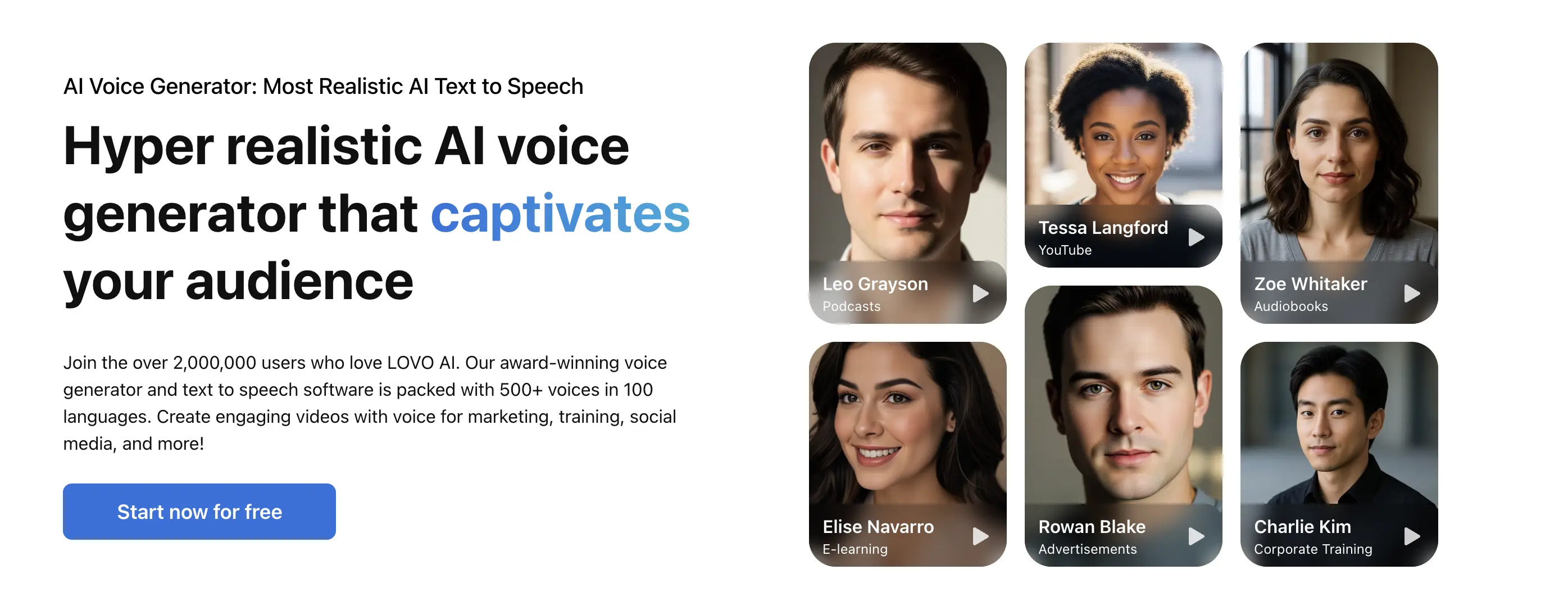
LOVO AI is a specialized choice for projects that require character-driven voices. While many platforms focus on flat narration, LOVO excels at emotional depth, offering voices that can sound excited, hesitant, or authoritative. For localized marketing clips where the vibe is as crucial as the translated words, this is a strong Rask AI alternative.
Key Features:
- Voice customization features (tone, pitch, speed)
- Specialized in e-learning, gaming, and marketing content
- Text-to-speech with emotional depth
Pros
- Affordable and flexible pricing
- Custom voice cloning feature
- High-quality output for narration and dubbing
Cons
- Voice quality may vary across different languages
- Free plan has strict usage limits and fewer premium voices
Pricing:
- Free plan available
- Basic plan: Starts from $29/month (billed annually)
- Pro plan: Starts from $48/month (billed annually)
- Pro+ plan: Starts from $149/month (billed annually)
- Custom enterprise pricing
8. Resemble AI
Best for: Teams and developers who need advanced voice cloning and real-time voice control for interactive or highly customized audio projects.
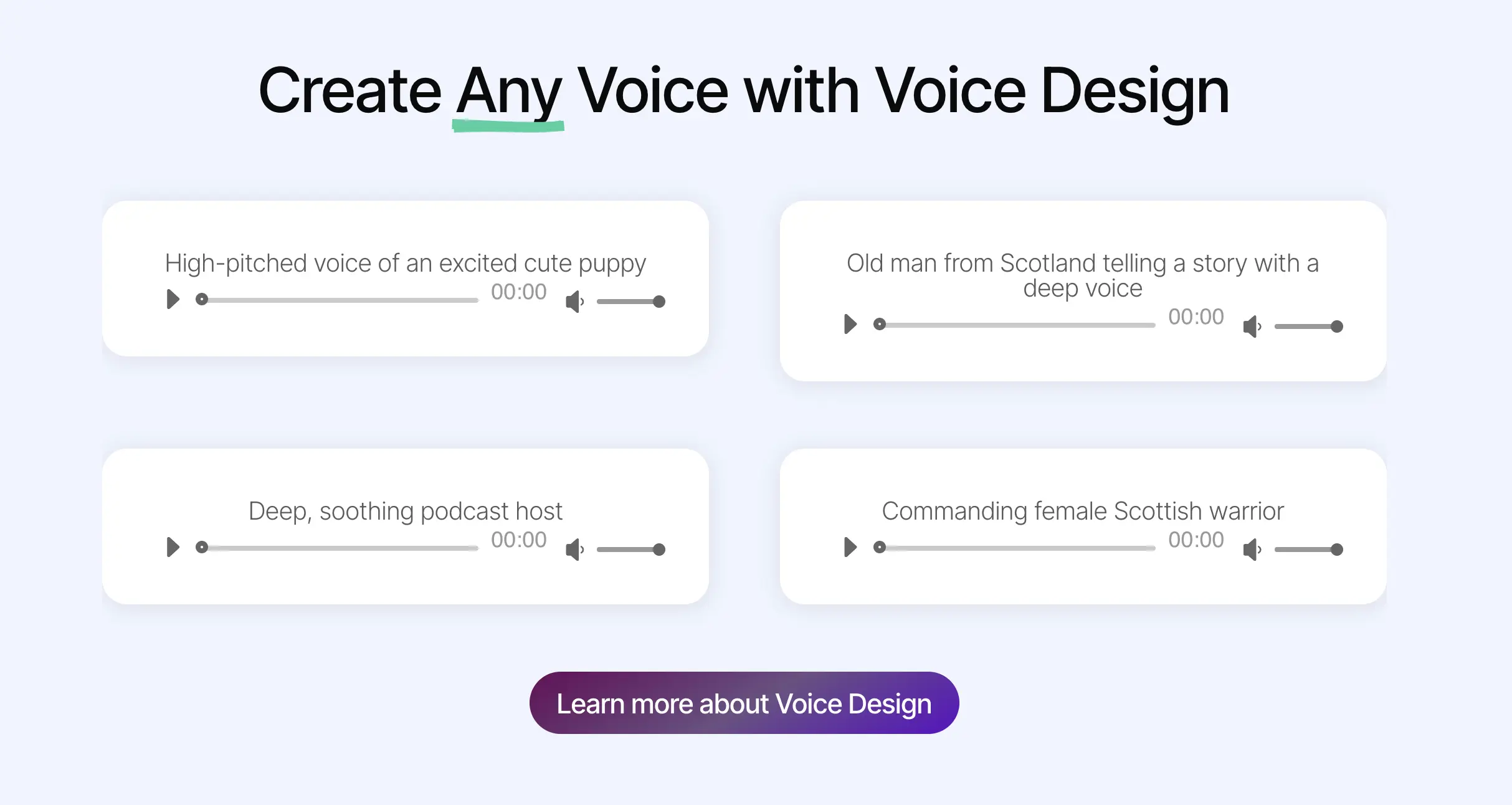
For users who find standard localization tools too restrictive, Resemble AI offers an alternative with a high level of technical control. It provides granular adjustment over phonemes and delivery, moving beyond the automation of simpler tools. The ability to edit recorded speech by typing new words makes it particularly useful for building and refining digital voices.
Key Features:
- Voice cloning with minimal training data
- Real-time voice modulation for interactive content
- Robust customization options
Pros
- High level of voice realism and customization
- Suitable for advanced applications (virtual assistants, IVR)
- Real-time dubbing capabilities
Cons
- More complex setup than simpler platforms
- Lacks video editing capabilities
Pricing:
- Free trial and pay-as-you-go plan available
- Creator plan: Starts from $19/month (billed annually)
- Professional plan: Starts from $99/month (billed annually)
- Business plan: Starts from $699/month (billed annually)
- Custom enterprise pricing
9. HeyGen
Best for: Teams and creators who want video translation combined with AI avatars, especially for presenter-style or talking-head videos.
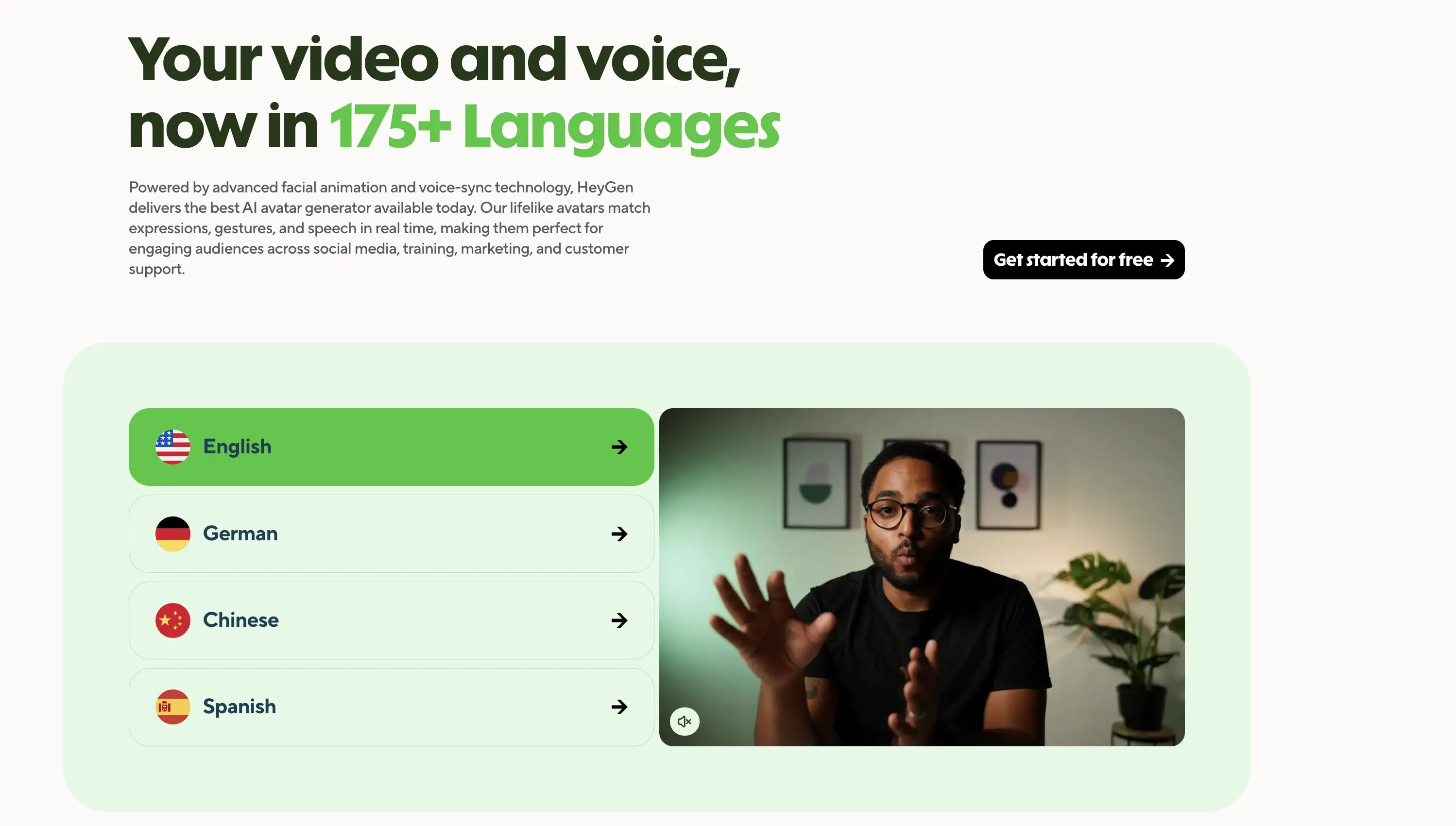
HeyGen is often used for talking-head style videos where the speaker remains visible on screen. Its AI video translation goes beyond a standard audio dubbing tool by adjusting lip movements to match the target language. For training content or executive announcements, this results in a noticeably more polished outcome than a standard voiceover.
Key Features:
- AI avatar creation with realistic movements
- Advanced lip sync technology
- Voice cloning that preserves the original speaker's voice
Pros
- All-in-one platform combining video creation and translation
- Free plan includes up to 3 videos per month
- Interface designed to be accessible for non-technical users
Cons
- Occasional delays in video rendering, especially with longer clips
- Voice output can sound slightly robotic in certain languages
Pricing:
- Free plan available
- Creator plan: Starts from $24/month (billed annually)
- Team plan: Starts from $30/month (billed annually)
- Custom enterprise pricing
10. Descript
Best for: Creators and teams who want to edit audio and video through text, with basic localization features built into the editing process.
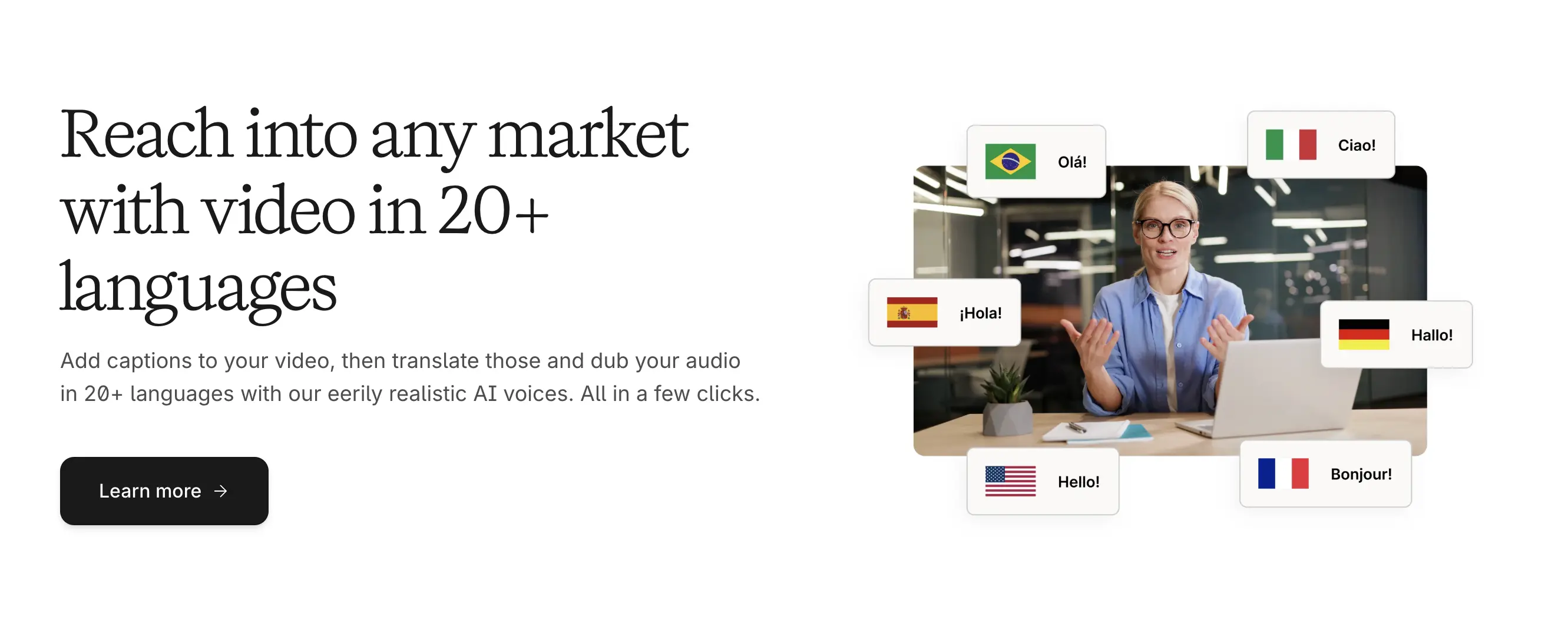
Descript offers a fundamental shift in the editing process by allowing users to modify video and audio directly through a text transcript. For localization projects, this can be as a massive time-saver. It functions as a comprehensive production suite where translation and dubbing are integrated features rather than standalone tools.
Key features:
- Text-based video and audio editing
- Filler word removal and studio sound enhancement
- Real-time collaboration tools for teams
Pros
- Text-based editing model that simplifies revisions
- "Overdub" feature for voice cloning and text-based audio correction
- Well suited for podcasters and video content creators
Cons
- Fewer supported languages than dedicated translation tools
- Dubbing quality may not match dedicated dubbing platforms
Pricing:
- Free plan available
- Hobbyist plan: Starts from $16/month (billed annually)
- Creator plan: Starts from $24/month (billed annually)
- Business plan: Starts from $50/month (billed annually)
- Custom enterprise pricing
🎬 If you're particularly interested in video editing, you can check our blog on Descript alternatives.
11. Murf AI
Best for: Business, training, and marketing teams that need clean, professional voiceovers for scripts, presentations, and explainer content.
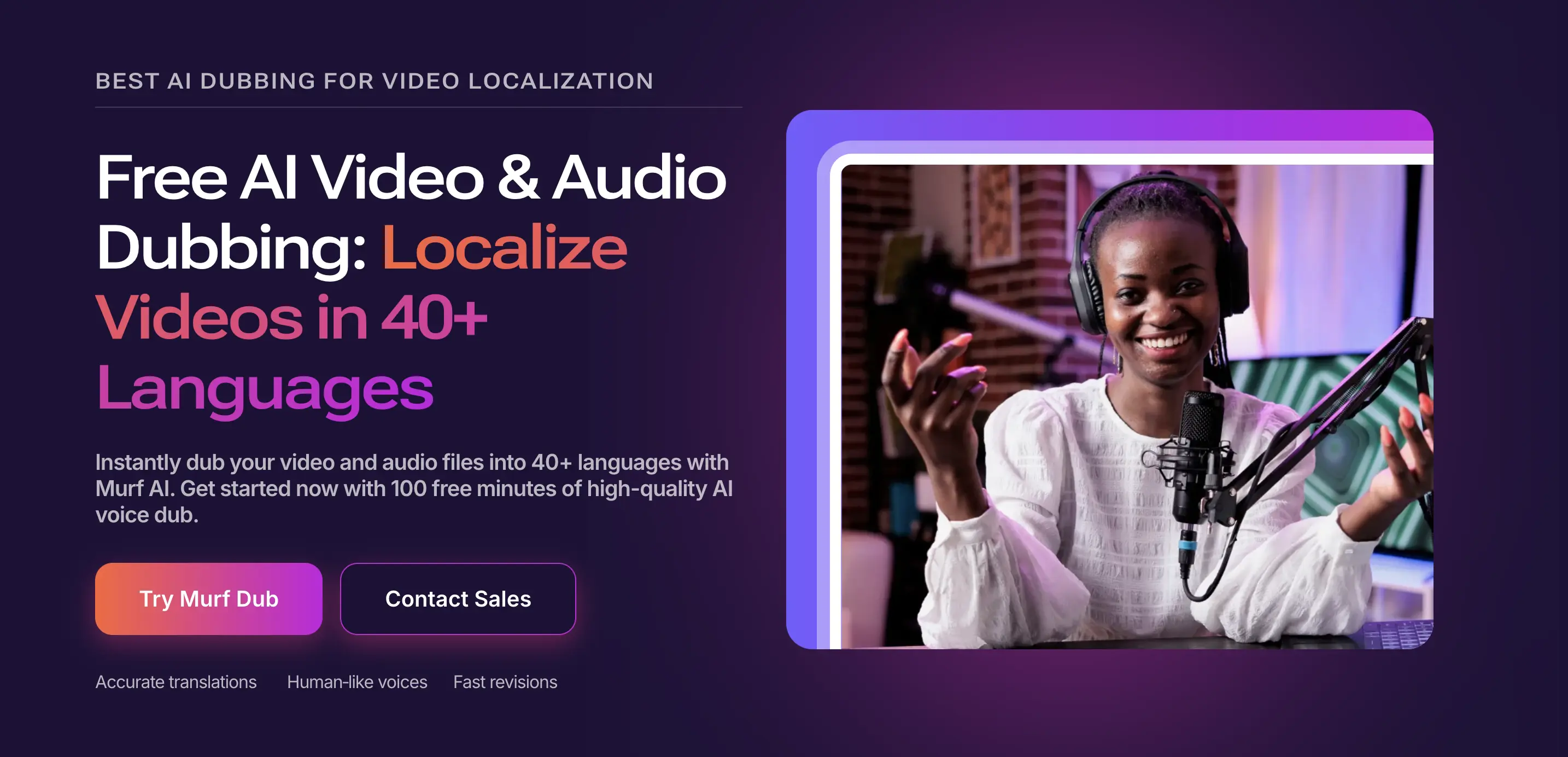
Murf AI is a reliable option for corporate environments where consistency matters. While some Rask AI alternatives emphasize experimental voice features, Murf AI focuses on stable, high-quality narration with predictable tone. I’ve found this reliability particularly useful for long-form training videos and professional presentations.
Key Features:
- Text-to-speech voices optimized for narration and presentations
- Controls for pacing, emphasis, and pronunciation at the script level
- Voice library covering multiple languages and accents
Pros
- Minimal setup compared to more technical voice cloning or dubbing platforms
- Works well for teams producing recurring narrated content with consistent tone
- Predictable output quality across longer scripts and multiple projects
Cons
- No built-in video editing, subtitling, or transcription tools
- Voice cloning and high-end features are often restricted to higher tiers
Pricing:
- Free plan available
- Creator plan: Starts from $19/month (billed annually)
- Business plan: Starts from $66/month (billed annually)
- Custom enterprise pricing
12. Synthesia
Best for: Businesses and teams producing professional, presenter-led videos that require consistent speaker identity and precise lip sync.
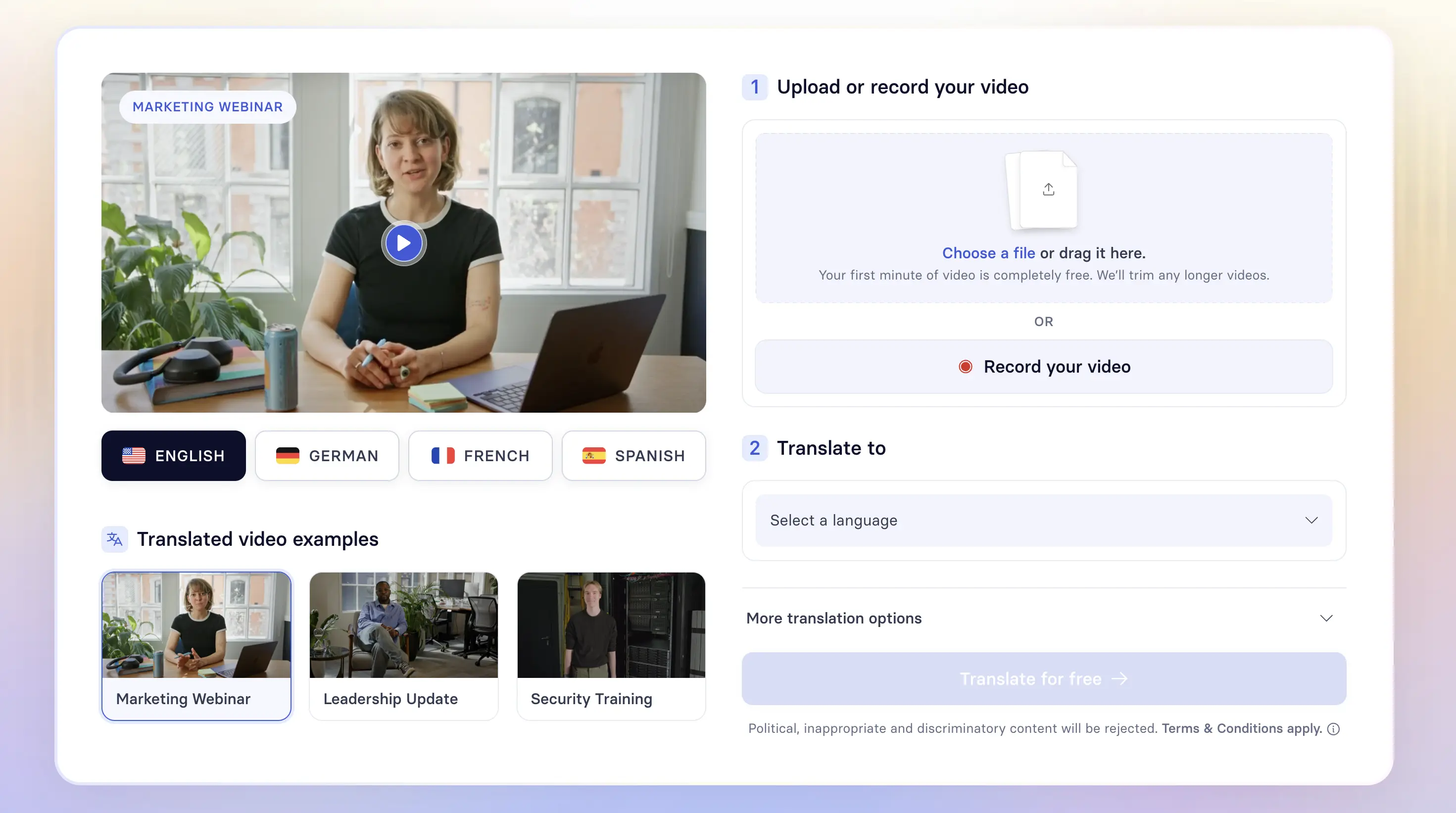
Synthesia is a powerful Rask AI alternative for enterprise-focused AI video production. It’s designed for organizations that need to roll out localized training content across multiple regions while maintaining a consistent digital presenter. This makes it possible to create polished, studio-style videos without the complexity typically associated with in-studio production.
Key features:
- Support for 130+ languages for professional video dubbing
- Library of 230+ AI avatars
- Lip-sync technology designed to maintain speaker voice and tone across languages
Pros
- Produces studio-style videos without requiring on-camera talent
- Well suited for organizations delivering consistent presenter-led training at scale
- Strong alignment between translated audio and on-screen presentation
Cons
- Limited manual editing options for detailed timeline control
- Higher price point compared to simpler dubbing or voiceover tools
Pricing:
- Free plan available
- Starter plan: Starts from $18/month (billed annually)
- Creator plan: Starts from $64/month (billed annually)
- Custom enterprise pricing
How to Choose the Right Rask AI Alternative for You
When deciding on the best Rask AI alternative, focus on your specific goals, content type, and production needs. Each platform has distinct strengths, ranging from professional video localization to more focused dubbing, voice, or editing capabilities.
- For complete localization needs: Tools like Maestra, HeyGen, and Synthesia provide end-to-end solutions for translating, dubbing, and managing multilingual video content, making them well suited for business and enterprise use.
- For creators prioritizing voice quality:ElevenLabs, Resemble AI, LOVO AI, and Murf AI focus on generating lifelike, expressive voices, which works well for voiceovers, audiobooks, and narrated content.
- For quick editing and social media content:VEED, Clipchamp, and Descript are practical options for fast video creation with built-in dubbing and subtitles.
- For transcription-led projects:Sonix stands out for transcription accuracy and speed, with localization features built around text and captions.
- For simple, affordable dubbing:Dubverse is a solid choice for educators and YouTubers who want straightforward dubbing without enterprise-level complexity.
Ultimately, the right Rask AI alternative depends on how you balance budget, creative control, and automation. Focus on the features you’ll actually use and choose the tool that best fits how you produce and localize content.
Final Verdict
AI video translator apps are rapidly evolving, with each platform continually improving its offerings. The key is to assess your priorities:
- Primary use case (dubbing, transcription, editing, avatars, or all combined)
- Budget constraints and pricing model preferences (subscription vs. pay-as-you-go vs. credits)
- Required languages and translation quality standards
- Volume of content you'll be processing monthly
- Technical expertise and learning curve tolerance
- Integration needs with existing processes and tools
- Lip sync requirements for natural-looking videos
- AI voice cloning capabilities for brand consistency
I highly recommend taking advantage of free trials offered by platforms. This hands-on experience will help you determine which tool feels most intuitive and delivers the results you need.
Frequently Asked Questions
What is better than Rask AI?
Alternatives like ElevenLabs (for highly realistic voice cloning) and Maestra (for extensive language support and collaboration features) may be better, depending on the specific needs like voice quality, pricing, and additional features.
Which Rask AI alternative supports the most languages?
When it comes to language support, HeyGen leads the way with over 175 languages and dialects. Maestra, on the other hand, supports 125+ languages for dubbing, transcription, and subtitling, offering versatility for creators targeting international audiences.
What are the best Rask AI alternatives for dubbed videos?
One of the best Rask AI alternatives for dubbed videos is Maestra with its support for 125+ languages, AI voice cloning, and lip syncing features. Other strong options include HeyGen, which offers 175+ languages and avatar-based lip-synced dubbing, and Dubverse, which provides a simpler, more affordable dubbing process.
Which Rask AI alternative is best for YouTubers?
VEED offers complete video editing with auto-subtitles and dubbing in one single platform, perfect for YouTubers. Meanwhile, Descript provides text-based video editing for quick translations. Another excellent tool for YouTubers is LOVO AI with its massive library of 500+ AI voices across 100+ languages.
Which Rask AI alternative is best for businesses?
Companies looking for a professional Rask AI alternative can consider Maestra, which offers secure team collaboration, bulk video processing, and flexible enterprise pricing. Its all-in-one workflow supports global content teams managing large translation projects. HeyGen is another strong option for corporate video marketing and AI-driven training videos.
Can these alternatives clone voices like Rask AI?
Yes, for instance, ElevenLabs offers industry-leading voice cloning with minimal audio samples required. Resemble AI provides advanced customization, letting users fine-tune tone and pacing. Lastly, Maestra's voice cloning is seamlessly integrated into its broader video localization workflow.
Best Translation Apps in 2026 - A Translator’s Review